- Install
dstack - Set up a
dstackgateway (already set up for you if you sign up with dstack Sky)
type: service name: qwen32 image: lmsysorg/sglang:latest env: - HF_TOKEN - MODEL_ID=deepseek-ai/DeepSeek-R1-Distill-Qwen-32B commands: # Launch SGLang server - | python3 -m sglang.launch_server \ --model-path $MODEL_ID \ --host 0.0.0.0 \ --port 8000 port: 8000 model: deepseek-ai/DeepSeek-R1-Distill-Qwen-32B # Uncomment to use allow spot instances #spot_policy: auto resources: gpu: H100 disk: 200GBexport HF_TOKEN=... dstack apply -f qwen32.dstack.ymlOnce the model is deployed, the OpenAI-compatible base URL will be avaiable at https://qwen32.<your gateway domain>/v1.
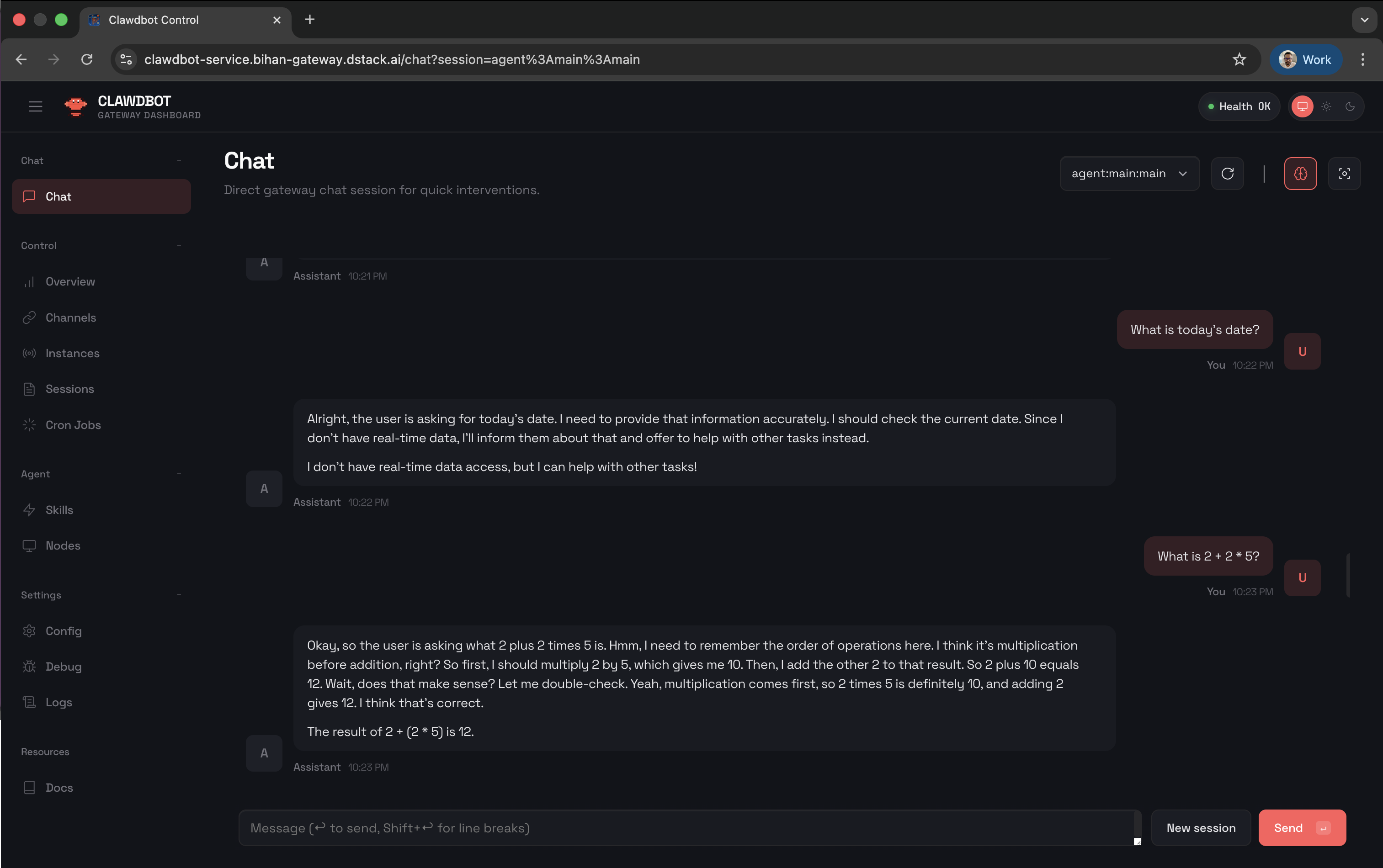
type: service name: openclaw env: - MODEL_BASE_URL - DSTACK_TOKEN commands: # System dependencies - sudo apt update - sudo apt install -y ca-certificates curl gnupg # Node.js & openclaw installation - curl -fsSL https://deb.nodesource.com/setup_24.x | sudo -E bash - - sudo apt install -y nodejs - curl -fsSL https://openclaw.bot/install.sh | bash -s -- --no-onboard # Model configuration - | openclaw config set models.providers.custom '{ "baseUrl": "'"$MODEL_BASE_URL"'", "apiKey": "'"$DSTACK_TOKEN"'", "api": "openai-completions", "models": [ { "id": "deepseek-ai/DeepSeek-R1-Distill-Qwen-32B", "name": "DeepSeek-R1-Distill-Qwen-32B", "reasoning": true, "input": ["text"], "cost": {"input": 0, "output": 0, "cacheRead": 0, "cacheWrite": 0}, "contextWindow": 128000, "maxTokens": 512 } ] }' --json # Set active model & gateway settings - openclaw models set custom/deepseek-ai/DeepSeek-R1-Distill-Qwen-32B - openclaw config set gateway.mode local - openclaw config set gateway.auth.mode token - openclaw config set gateway.auth.token "$DSTACK_TOKEN" - openclaw config set gateway.controlUi.allowInsecureAuth true - openclaw config set gateway.trustedProxies '["127.0.0.1"]' # Start service - openclaw gateway port: 18789 auth: false resources: cpu: 2export MODEL_BASE_URL=<your model endpoint> DSTACK_TOKEN=<your dstack token> dstack apply -f openclaw.dstack.ymlThe Moltbot UI will be available at https://openclaw.<your gateway domain>/chat.