

An Android custom ListView that implements multiple columns and variable sized elements.
Please note that this is currently in a preview state. This basically means that the API is not fixed and you should expect changes between releases.
Try out the sample application on Google Play

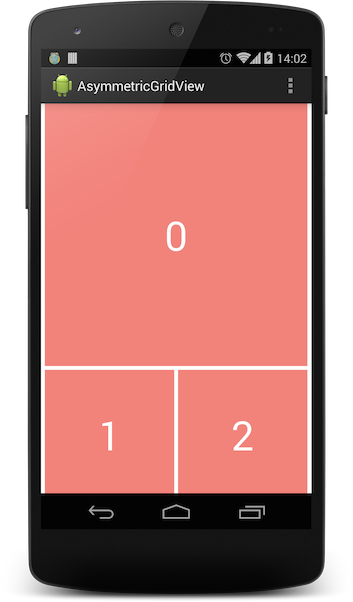
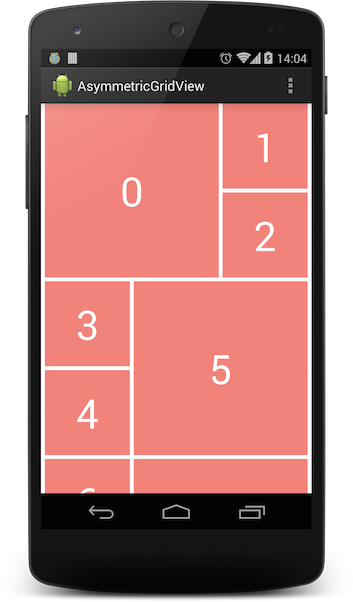
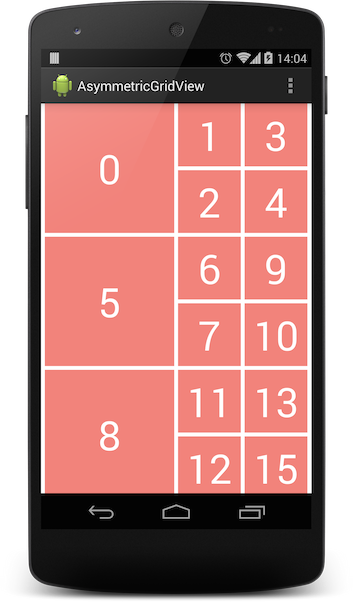
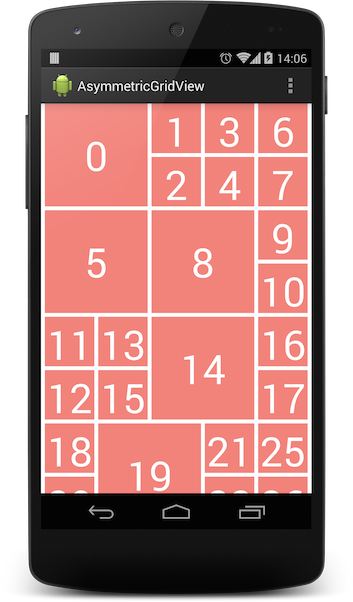
Version 2.0.0 includes a major breaking change to the AsymmetricGridViewAdapter. You now provide your own adapter to the AsymmetricGridViewAdapter constructor instead of extending it.
In your build.gradle file:
dependencies { implementation 'com.felipecsl.asymmetricgridview:library:2.0.1' }In your layout xml:
<com.felipecsl.asymmetricgridview.library.widget.AsymmetricGridView xmlns:android="http://schemas.android.com/apk/res/android" android:id="@+id/listView" android:layout_width="match_parent" android:layout_height="match_parent"/>In your activity class:
@Override protected void onCreate(Bundle savedInstanceState) { super.onCreate(savedInstanceState); setContentView(R.layout.activity_main); listView = (AsymmetricGridView) findViewById(R.id.listView); // Choose your own preferred column width listView.setRequestedColumnWidth(Utils.dpToPx(this, 120)); final List<AsymmetricItem> items = new ArrayList<>(); // initialize your items array adapter = new ListAdapter(this, listView, items); AsymmetricGridViewAdapter asymmetricAdapter = new AsymmetricGridViewAdapter<>(this, listView, adapter); listView.setAdapter(asymmetricAdapter); }Whenever your adapter changes (add or remove items), the grid will automatically reflect those changes by subscribing to your adapter changes.
Toggle to enable/disable reordering of elements to better fill the grid
// Setting to true will move items up and down to better use the space // Defaults to false. listView.setAllowReordering(true); listView.isAllowReordering(); // trueSnapshots of the development version are available in Sonatype's snapshots repository.
Works with Android 2.3.x and above.
-
Currently only has good support for items with rowSpan = 2 and columnSpan = 2. In the near future it will support different layout configurations.
-
It will work best if you don't have too many items with different sizes. Ideally less than 20% of your items are of special sizes, otherwise the library may not find the best way to accommodate all the items without leaving a lot of empty space behind.
-
Row layout is too complex, with many nested LinearLayouts. Move to a more flat layout with a custom ViewGroup possibly.
- Check out the latest master to make sure the feature hasn't been implemented or the bug hasn't been fixed yet
- Check out the issue tracker to make sure someone already hasn't requested it and/or contributed it
- Fork the project
- Start a feature/bugfix branch
- Commit and push until you are happy with your contribution
- Make sure to add tests for it. This is important so I don't break it in a future version unintentionally.
Code and documentation copyright 2011-2015 Felipe Lima. Code released under the MIT license.