Utilities for working with hexagons on a hexagonal grid. Based on magnificent https://www.redblobgames.com/grids/hexagons/ article.
Zero dependencies. Framework agnostic. Use with Flutter, on Web, CLI, or anywhere Dart runs.
Example:
import 'package:hex_toolkit/hex_toolkit.dart'; void main() { var hexA = Hex.zero(); var hexB = Hex(-5, -2, 7); print(hexA.neighbors()); // Prints: [Hex(0, 1, -1), Hex(-1, 1, 0), Hex(-1, 0, 1), Hex(0, -1, 1), Hex(1, -1, 0), Hex(1, 0, -1)] print(hexA.distanceTo(hexB)); // Prints: 7 print(hexA.cheapestPathTo(hexB)); // Prints: [Hex(0, 0, 0), Hex(-1, 0, 1), Hex(-2, 0, 2), Hex(-2, -1, 3), ... print(hexA.ring(3)); // Prints: [Hex(3, -3, 0), Hex(3, -2, -1), Hex(3, -1, -2), Hex(3, 0, -3), ... // hexA.rotateAround(zero, 2); // hexA.interpolate(hexB, 0.5, Easing.quadInOut); // hexA.randomHexInArea(radius) // hexA.randomShape(50); // hexA.randomNeighbor(); // hexA.randomNeighborWhere(filter); // ... and many more methods! }See API reference for the full list of methods.
The library itself doesn't depend on Flutter, however the rendering is pretty straightforward:
class MyApp extends StatelessWidget { const MyApp({super.key}); @override Widget build(BuildContext context) { return CustomPaint( painter: HexPainter(myHexesToPain), child: Container(), ); } } class HexPainter extends CustomPainter { static const hexSize = 20.0; final List<Hex> toPaint; HexPainter(this.toPaint); @override void paint(Canvas canvas, Size size) { canvas.save(); // Zero in the center canvas.translate(size.width / 2, size.height / 2); for (var hex in toPaint) { final paint = Paint()..color = Colors.red; // Just get the vertices ... var vertices = hex.vertices(hexSize).map((e) => Offset(e.x, e.y)).toList(); // ... and draw them canvas.drawVertices(Vertices(VertexMode.triangleFan, vertices), BlendMode.plus, paint); } canvas.restore(); } @override bool shouldRepaint(covariant CustomPainter oldDelegate) => true; }vertices() method returns a list o 6 points, which can be easily passed to drawVertices method. hexSize of the hex is it's "radius", see diagram at https://www.redblobgames.com/grids/hexagons/#basics
In order to get a list of hexagons to paint, just find the corners and then iterate with two for loops:
Iterable<Hex> toDraw() sync* { Offset topLeft = Offset(x, y); Offset bottomRight = Offset(x + size.width, y + size.height); var topLeftHex = Hex.fromPixelPoint(PixelPoint(topLeft.dx, topLeft.dy), hexSize).cube.toGridOffset(); var bottomRightHex = Hex.fromPixelPoint(PixelPoint(bottomRight.dx, bottomRight.dy), hexSize).cube.toGridOffset(); for (int hx = topLeftHex.q; hx <= bottomRightHex.q; ++hx) { for (int hy = topLeftHex.r; hy <= bottomRightHex.r; ++hy) { yield Hex.fromOffset(GridOffset(hx, hy)); } } }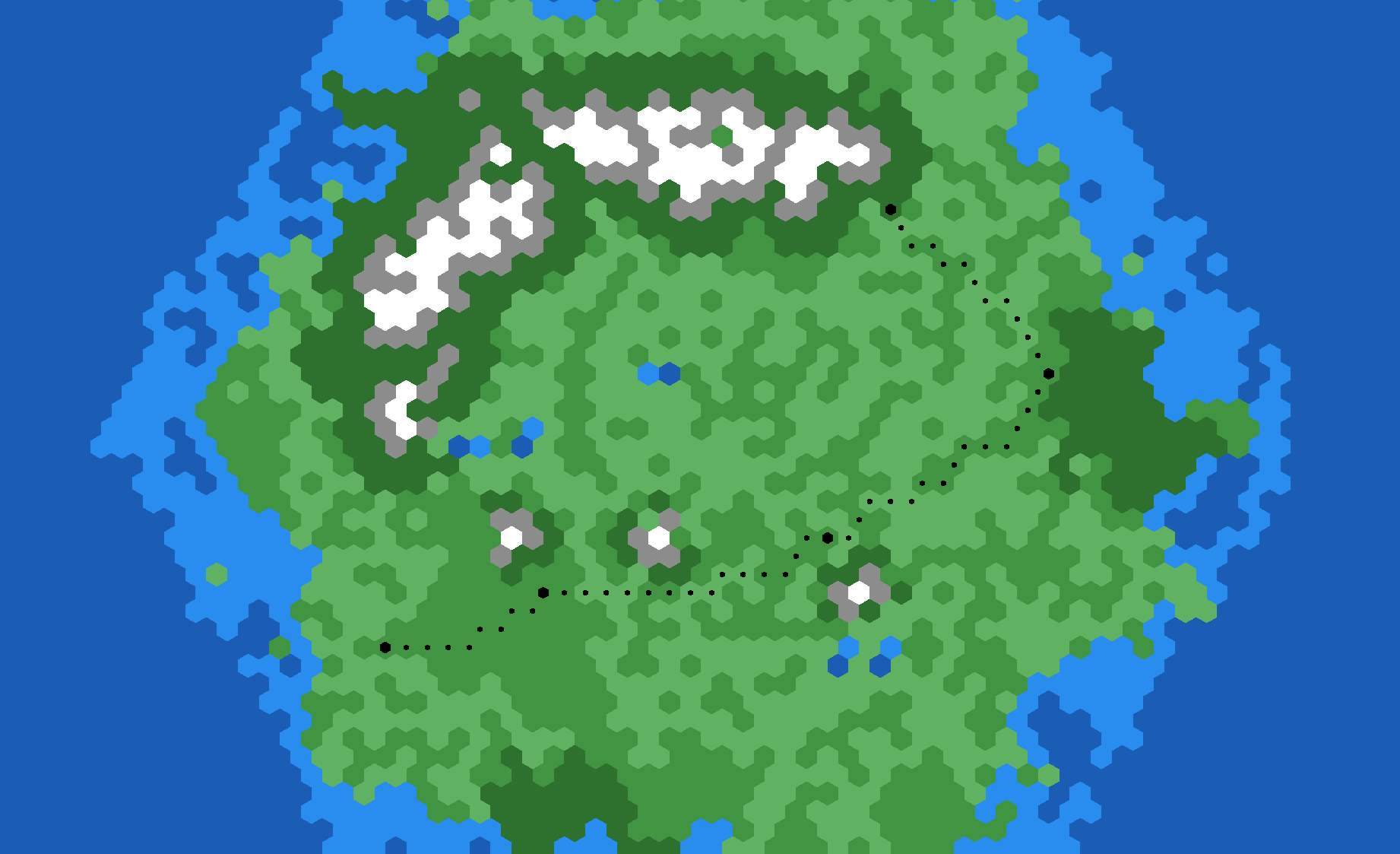
I'm no Flame expert, but it looks pretty straightforward too:
import 'dart:math'; import 'package:flame/components.dart'; import 'package:hex_toolkit/hex_toolkit.dart'; const sprites = ["clay.png", "desert.png", "ore.png", "sheep.png", "wheat.png"]; // Simple component that adds hex to Flame ecosystem. class HexComponent extends SpriteComponent { static const hexRadius = 128.0; final Hex hex; static final Random rnd = Random(); HexComponent(this.hex) : super(anchor: Anchor.center) { position = hex.centerPoint(hexRadius).toVector2(); } @override Future<void> onLoad() async { await super.onLoad(); sprite = await Sprite.load("hex/" + sprites[rnd.nextInt(sprites.length)]); bleed = 1.0; } } // Extension to convert PixelPoint from hex_toolkit to Vector2 from Flame. extension HexToFlame on PixelPoint { Vector2 toVector2() { return Vector2(x.toDouble(), y.toDouble()); } } 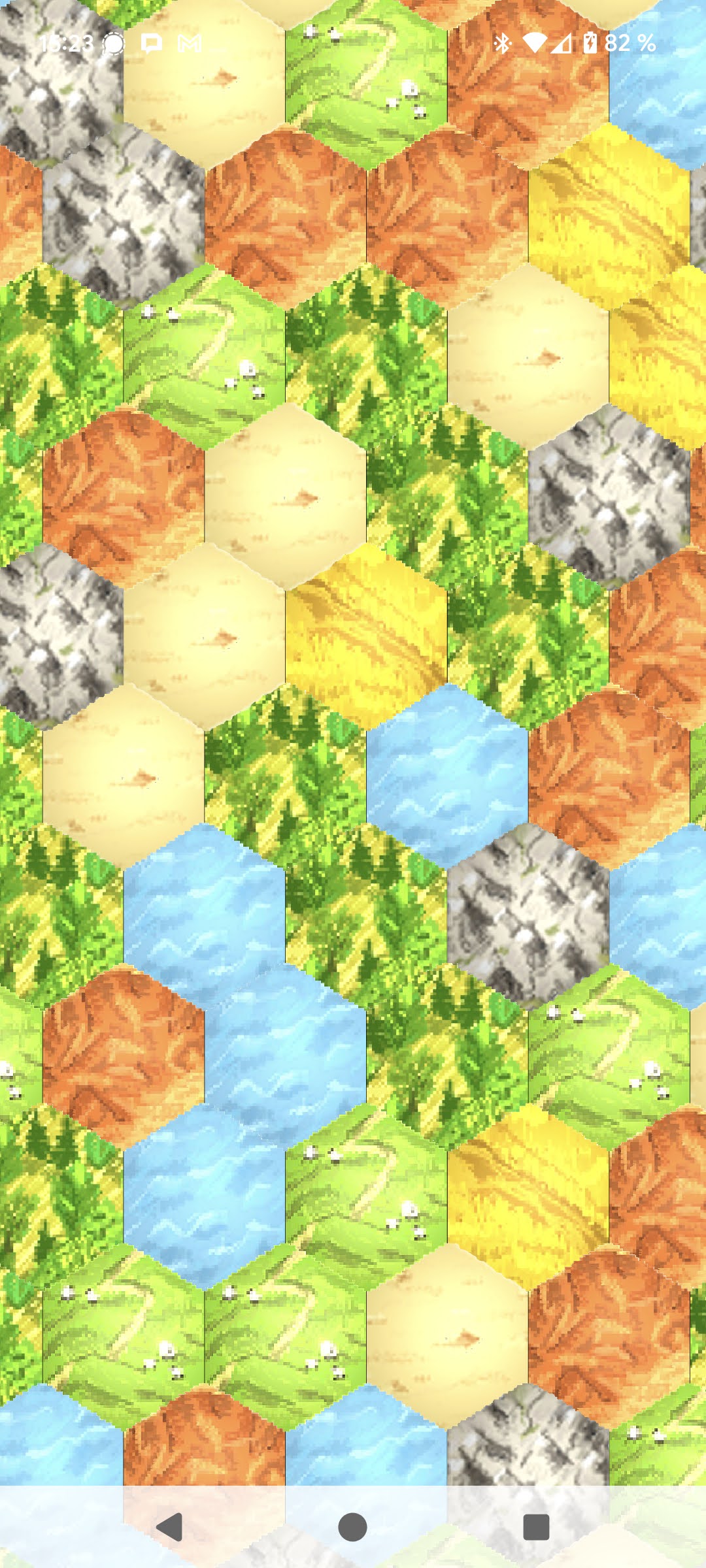
Example hex tiles are taken from https://opengameart.org/content/settlers-kit
Once again, thanks to https://www.redblobgames.com/grids/hexagons/ for the inspiration!