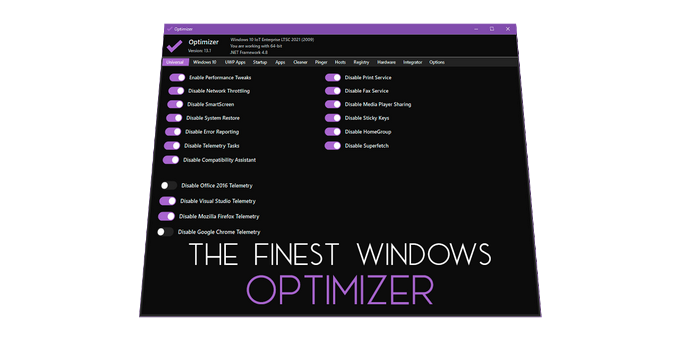


**Optimizer** is a powerful Windows configuration utility focused on improving **privacy, security, and system performance**.
It is highly recommended to run Optimizer after a fresh Windows installation to minimize telemetry, reduce background services, and apply essential system tweaks.
Depending on your Windows version, Optimizer offers deep system customization and administrative tools designed for both casual users and advanced power users.
## 🏗️ Core Features
- Full multilingual support (24 languages)
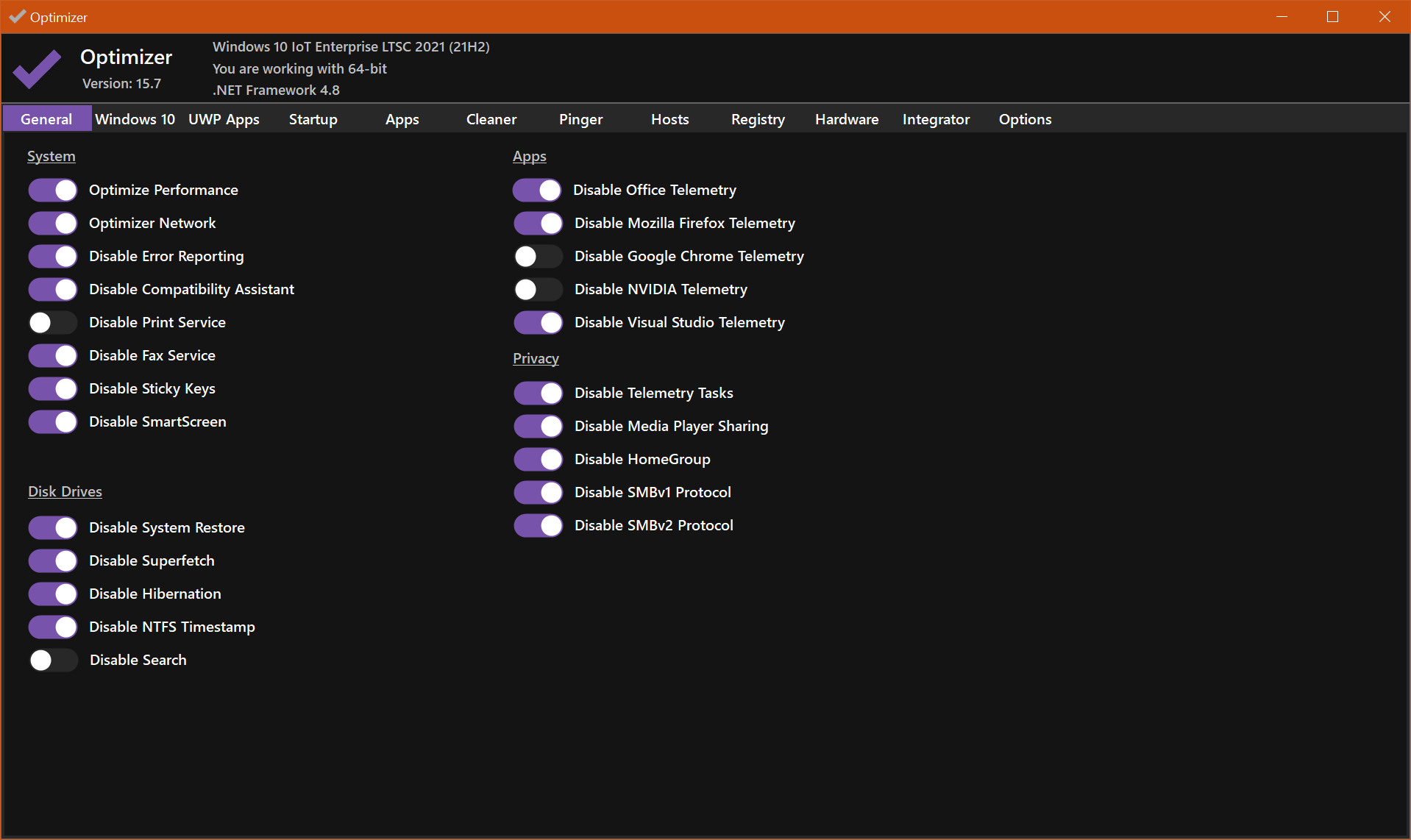
- Improve system responsiveness and network performance
- Disable unnecessary and background Windows services
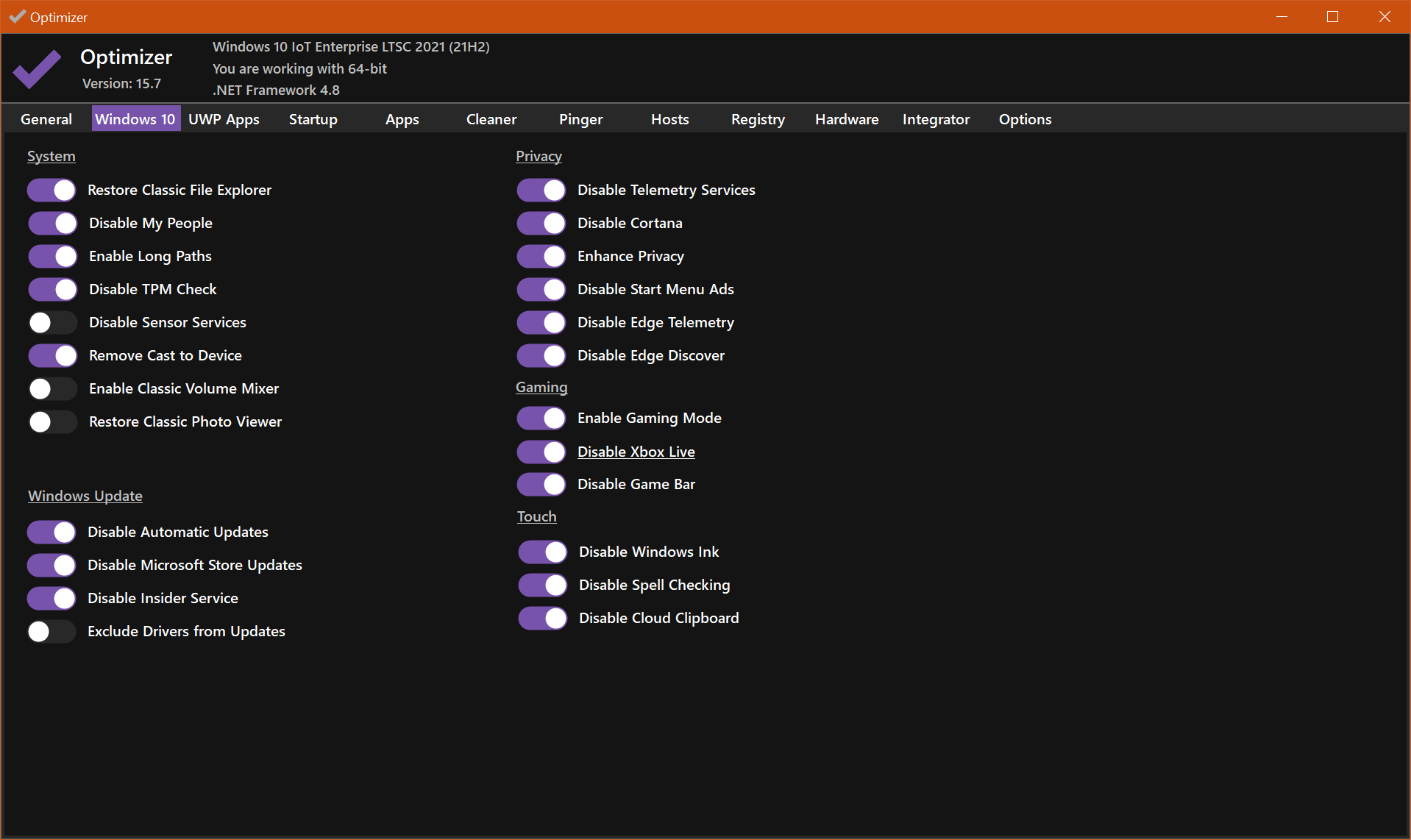
- Turn off Windows telemetry, Cortana, and tracking components
- Disable Microsoft Office telemetry (Office 2016+)
- Control and disable Windows 10/11 automatic updates
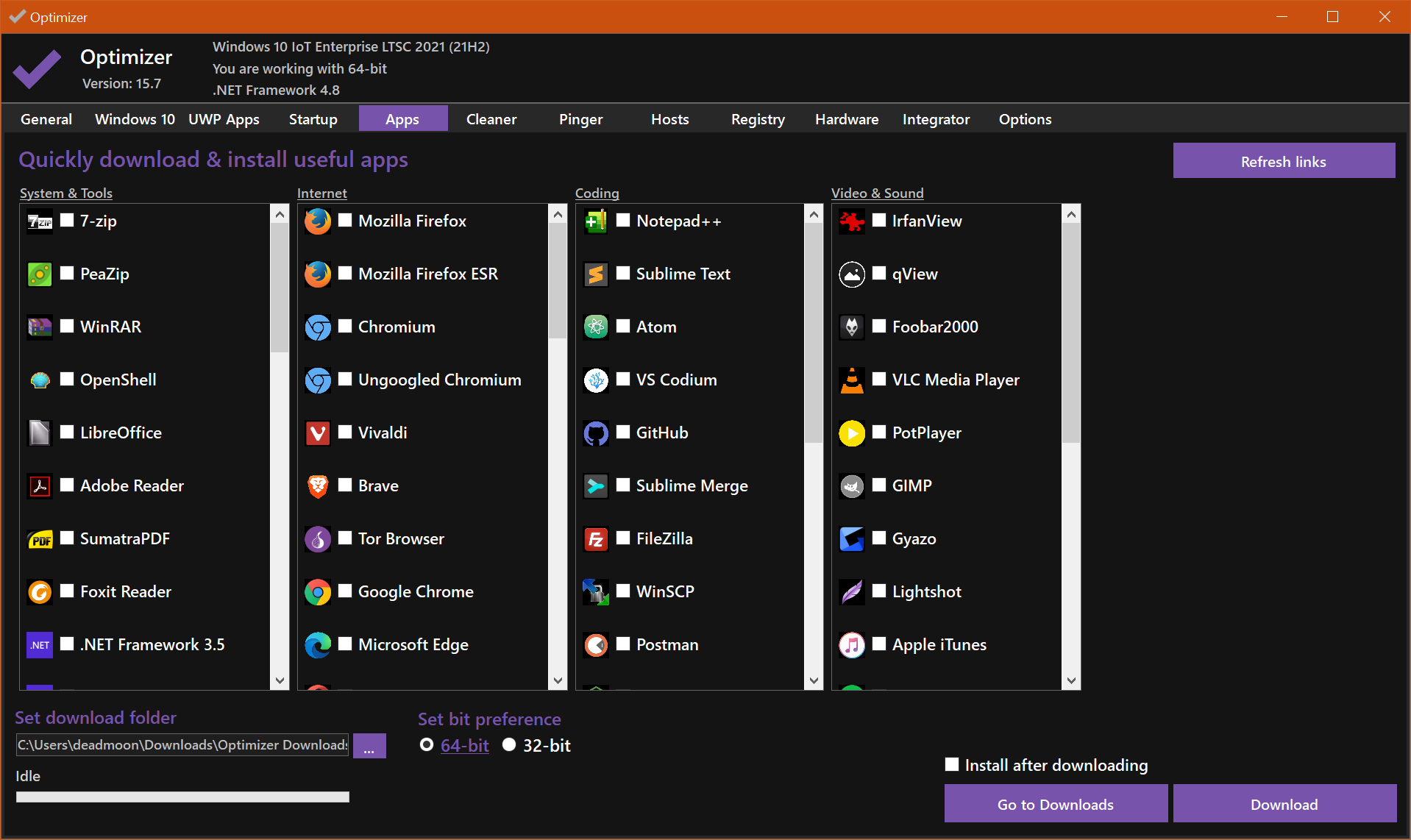
- One-click download of popular third-party applications
- Disable Copilot AI in Windows 11 and Microsoft Edge
- Enable global UTC time support
- Advanced tweaks (HPET, OneDrive, and more)
- Remove built-in UWP applications
- Clean system drive and browser data
- Fix common Windows registry issues
- Ping IP addresses and measure latency
- Perform IP lookups via SHODAN.io
- Quickly switch DNS servers using predefined profiles
- Flush DNS cache
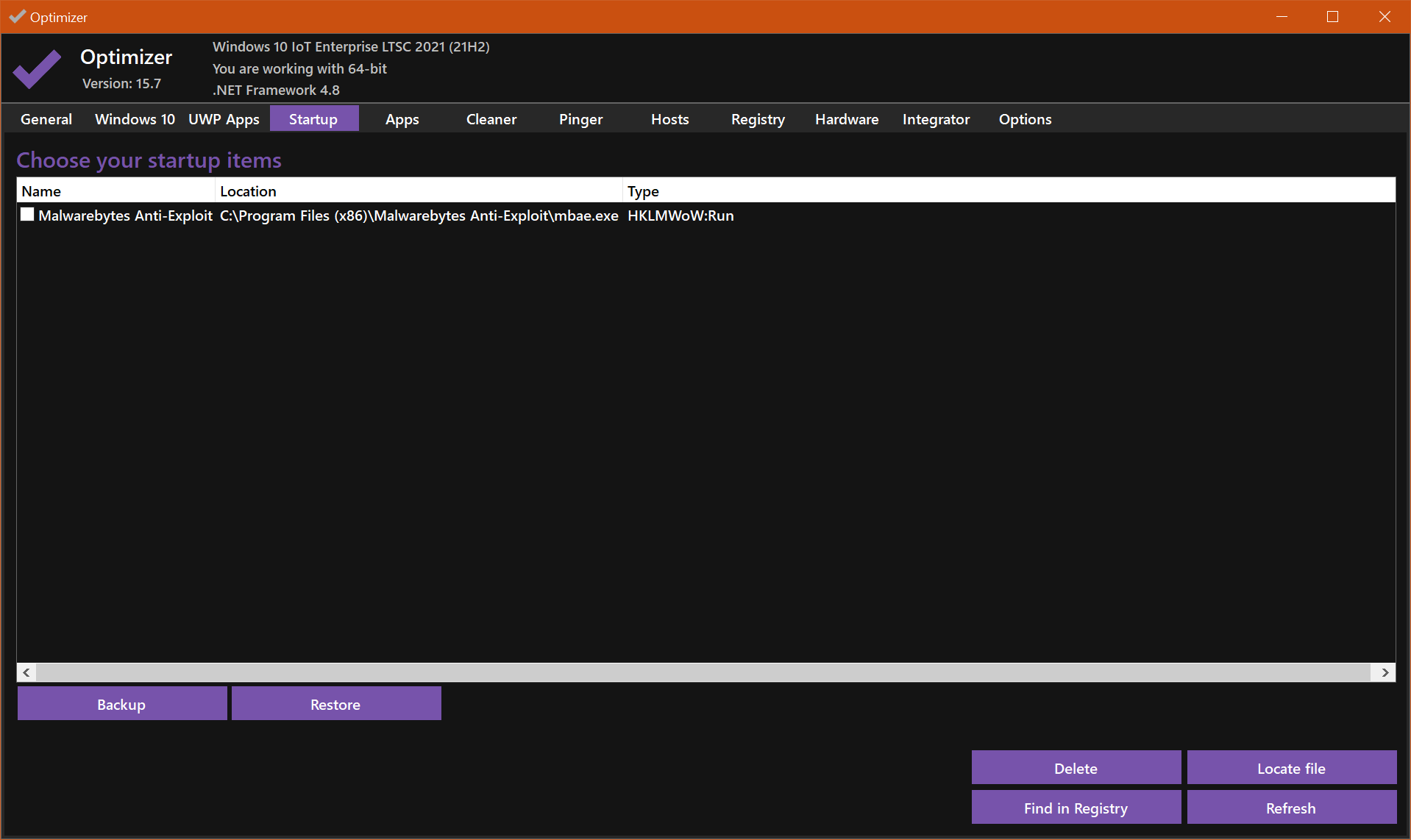
- Manage startup applications
- Edit the HOSTS file
- Modify system environment variables
- Detect and terminate file-locking processes
- Hardware inspection and system information tool
- Extend desktop right-click context menu
- Define custom Run dialog commands
- Support for silent execution via template files
## ⬇️ Download
Get the latest release from the official GitHub page:
👉

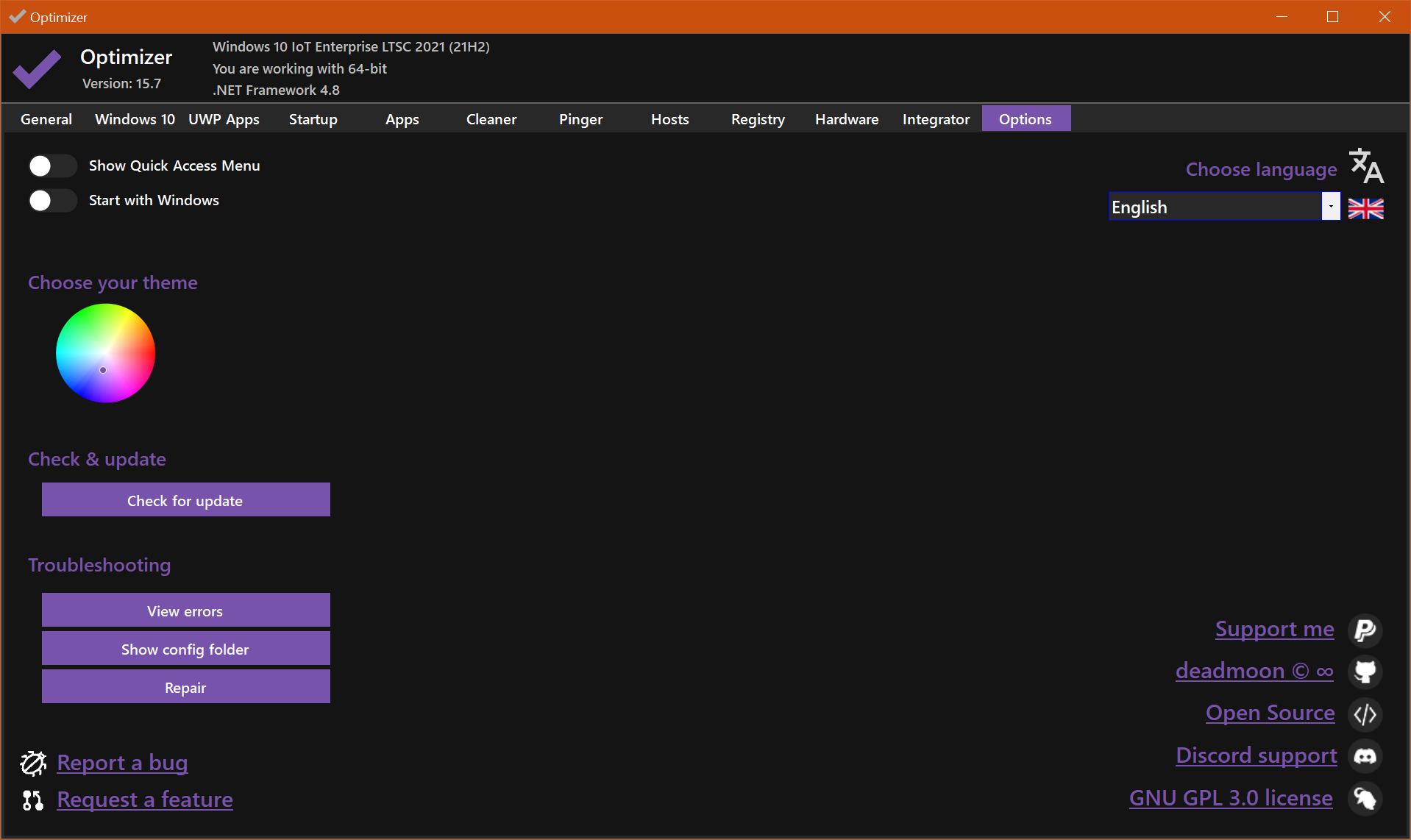
## 🖼️ Screenshots
See Optimizer in action:
📸 
## 🆘 Disabling Windows Defender (Windows 10 1903+)
**Method 1**
- Boot into **Safe Mode**
- Run Optimizer with: