Expansion panels contain creation flows and allow lightweight editing of an element.
Based on Expansion Panels described on Material Design Components https://material.io/archive/guidelines/components/expansion-panels.html#


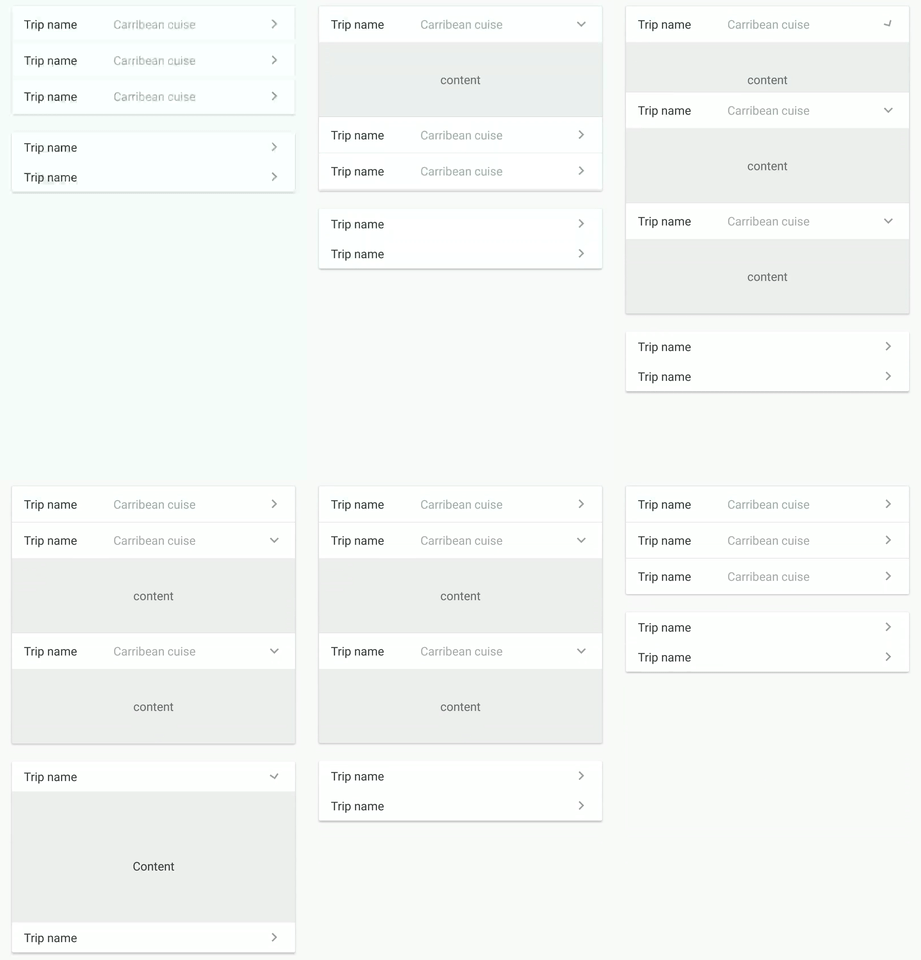


dependencies { compile 'com.github.florent37:expansionpanel:1.1.1' }<LinearLayout android:layout_height="wrap_content" android:layout_width="match_parent" android:orientation="vertical" > <com.github.florent37.expansionpanel.ExpansionHeader android:layout_height="wrap_content" android:layout_width="match_parent" app:expansion_headerIndicator="@id/headerIndicator" app:expansion_layout="@id/expansionLayout" app:expansion_toggleOnClick="true"> <!-- HEADER --> ... <!-- HEADER INDICATOR --> <android.support.v7.widget.AppCompatImageView android:adjustViewBounds="true" android:id="@+id/headerIndicator" android:layout_gravity="center_vertical|right" android:layout_height="wrap_content" android:layout_marginLeft="16dp" android:layout_width="wrap_content" app:srcCompat="@drawable/ic_expansion_header_indicator_grey_24dp" /> </com.github.florent37.expansionpanel.ExpansionHeader> <com.github.florent37.expansionpanel.ExpansionLayout android:id="@+id/expansionLayout" android:layout_height="wrap_content" android:layout_width="match_parent"> <!-- CONTENT --> </com.github.florent37.expansionpanel.ExpansionLayout> </LinearLayout> - Connect with his Expansion Layout :
expansion_layout(they must have the same parent) - Define the indicator view with
expansion_headerIndicator(the id of a view inside the header) - If you want to expand/close when the header is clicked, setup
expansion_toggleOnClick - You can modify the indicator rotation with
expansion_headerIndicatorRotationExpandedandexpansion_headerIndicatorRotationCollapsed
You can modify the default expansion of the label with `app:expansion_expanded="false"
Layout can be toggled programmatically with .toggle()
Use .setEnable(true/false) to enable/disable the expansion
Just add a listener into ExpansionLayout (not the header !) to follow the expansion layout state
ExpansionLayout expansionLayout = findViewById(...); expansionLayout.addListener(new ExpansionLayout.Listener() { @Override public void onExpansionChanged(ExpansionLayout expansionLayout, boolean expanded) { } });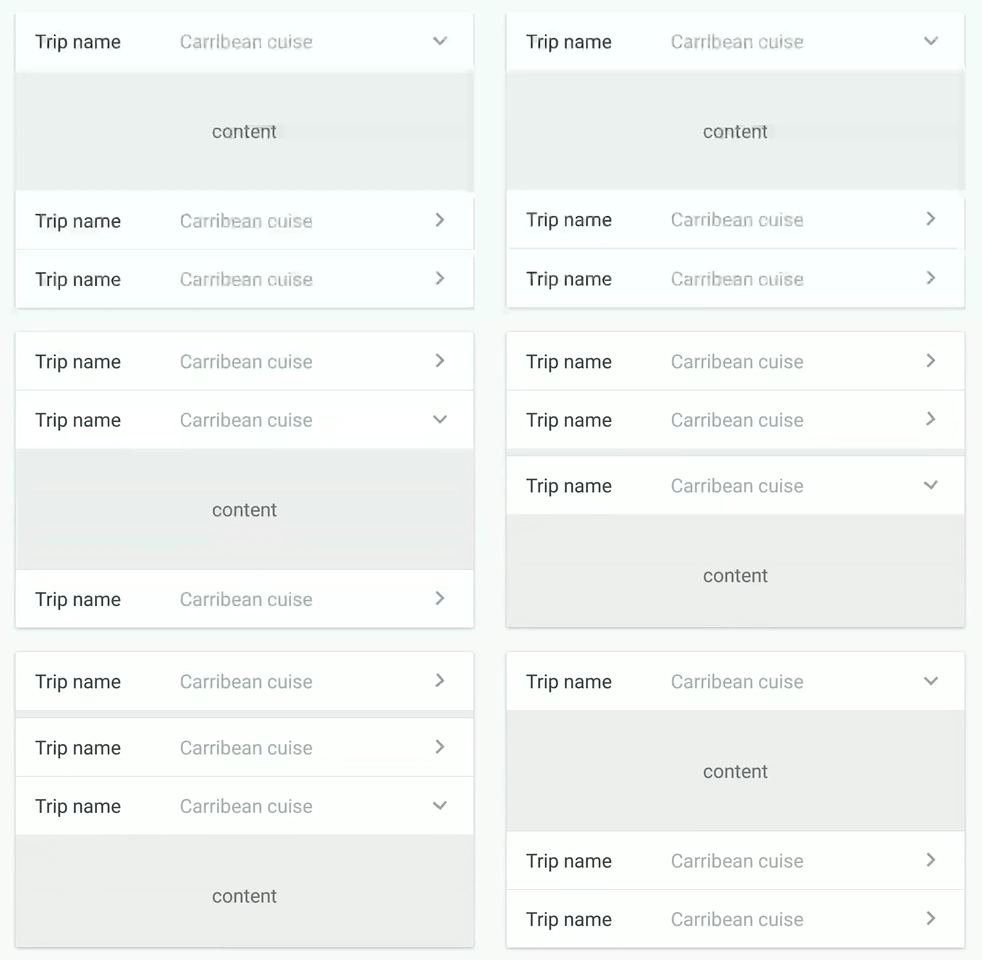
You can setup multiple expansions layout to enable only 1 opened at time
final ExpansionLayoutCollection expansionLayoutCollection = new ExpansionLayoutCollection(); expansionLayoutCollection.add(ex1); expansionLayoutCollection.add(ex2); expansionLayoutCollection.openOnlyOne(true); or direcly in xml with
- ExpansionsViewGroupLinearLayout
- ExpansionsViewGroupFrameLayout
- ExpansionsViewGroupRelativeLayout
- ExpansionsViewGroupConstraintLayout
<com.github.florent37.expansionpanel.viewgroup.ExpansionsViewGroupLinearLayout android:layout_width="match_parent" android:layout_height="wrap_content" app:expansion_openOnlyOne="true" android:orientation="vertical"> <!-- Expansions Header & Layouts --> </com.github.florent37.expansionpanel.viewgroup.ExpansionsViewGroupLinearLayout> Simply use HorizontalExpansionLayout instead of ExpansionLayout
<com.github.florent37.expansionpanel.HorizontalExpansionLayout android:id="@+id/expansionLayout" android:layout_height="wrap_content" android:layout_width="match_parent"> <!-- CONTENT --> </com.github.florent37.expansionpanel.HorizontalExpansionLayout> public class MyRecyclerAdapter extends RecyclerView.Adapter<MyRecyclerHolder> { ... //add an ExpansionLayoutCollection to your recycler adapter private final ExpansionLayoutCollection expansionsCollection = new ExpansionLayoutCollection(); @Override public void onBindViewHolder(MyRecyclerHolder holder, int position) { //bind your elements //just add the ExpansionLayout (with findViewById) to the expansionsCollection expansionsCollection.add(holder.getExpansionLayout()); } }Author: Florent Champigny http://www.florentchampigny.com/
Blog : http://www.tutos-android-france.com/


Copyright 2017 Florent37, Inc. Licensed under the Apache License, Version 2.0 (the "License"); you may not use this file except in compliance with the License. You may obtain a copy of the License at http://www.apache.org/licenses/LICENSE-2.0 Unless required by applicable law or agreed to in writing, software distributed under the License is distributed on an "AS IS" BASIS, WITHOUT WARRANTIES OR CONDITIONS OF ANY KIND, either express or implied. See the License for the specific language governing permissions and limitations under the License.