Run the following commands in the terminal:
-
Clone the repository:
git clone https://github.com/kr1shnasomani/ChessBot.git -
Navigate to the project directory:
cd ChessBot -
Install npm:
npm installIf already installed, check the version:
npm --version -
Start the development server:
npm start -
The code will display two local host links, open any of the links in the browser:
http://127.0.0.1:8080http://192.168.16.194:8080 -
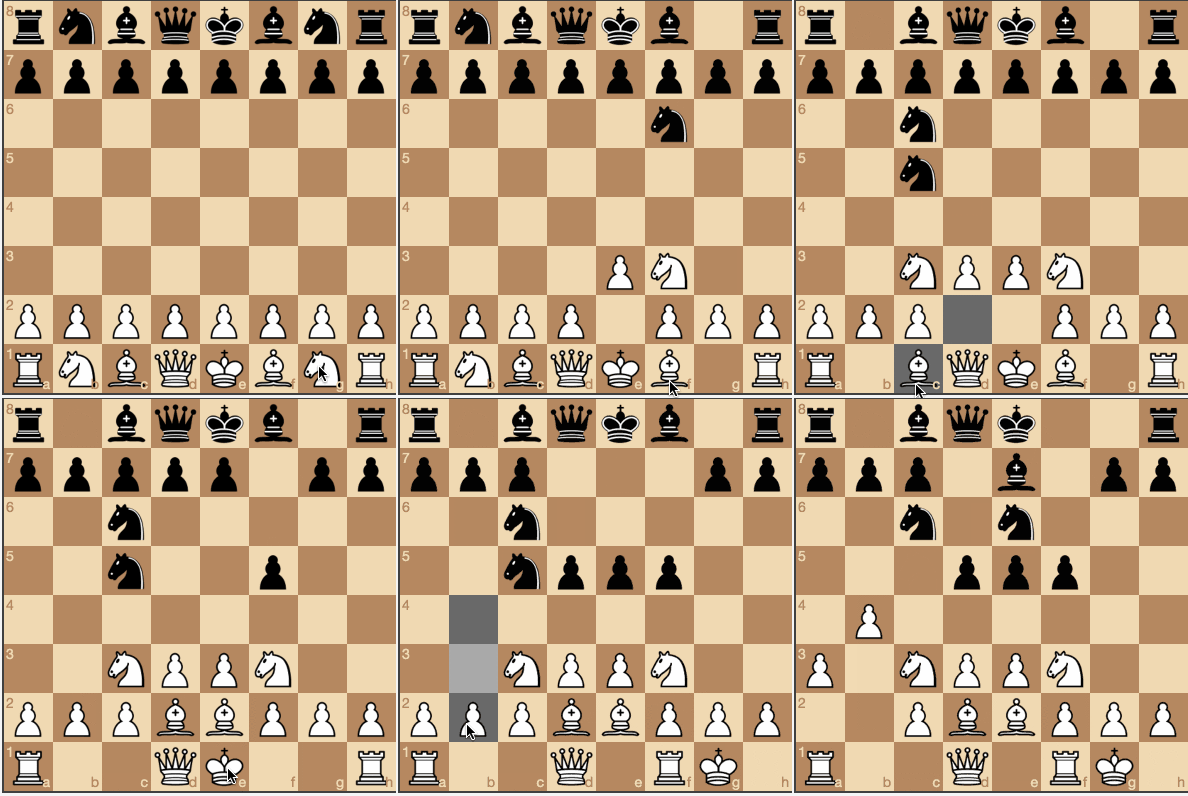
This is how the project will look like upon successfuly execution:

The following is the repository structure:
ChessBot/ │── img/chesspieces/wikipedia/ │ ├── bB.png │ ├── bK.png │ ├── bN.png │ ├── bP.png │ ├── bQ.png │ ├── bR.png │ ├── wB.png │ ├── wK.png │ ├── wN.png │ ├── wP.png │ ├── wQ.png │ └── wR.png │── lib/ │ ├── chessboardjs/ │ │ ├── css/ │ │ │ ├── chessboard-0.3.0.css │ │ │ └── chessboard-0.3.0.min.css │ │ ├── js/ │ │ │ ├── chess.js │ │ │ ├── chessboard-0.3.0.js │ │ │ └── chessboard-0.3.0.min.js │ │ ├── LICENSE.txt │ ├── jquery/ │ │ └── jquery-3.2.1.min.js │── js/ │ └── chess.js │── .gitignore │── LICENSE │── README.md │── index.html │── package.json │── script.js └── style.css