

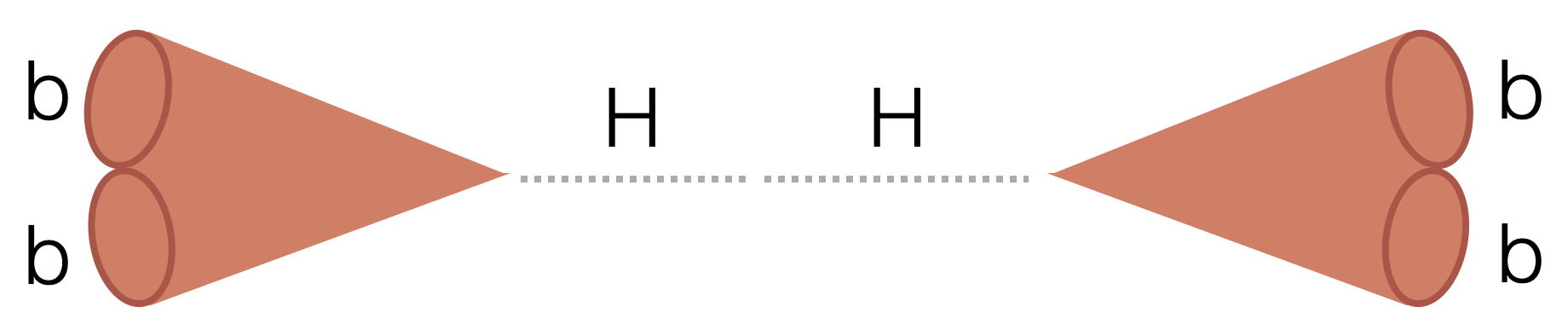
Search for two boosted (high transverse momentum) Higgs bosons (H) decaying to four beauty quarks (b).
- HH4b
First, create a virtual environment (mamba is recommended):
```bash # Download the mamba setup script (change if needed for your machine https://github.com/conda-forge/miniforge#mambaforge) wget https://github.com/conda-forge/miniforge/releases/latest/download/Mambaforge-Linux-x86_64.sh # Install: (the mamba directory can end up taking O(1-10GB) so make sure the directory you're using allows that quota) ./Mambaforge-Linux-x86_64.sh # follow instructions in the installation mamba create -n hh4b python=3.10 mamba activate hh4b# Clone the repository git clone https://github.com/LPC-HH/HH4b.git cd HH4b # Perform an editable installation pip install -e . # for committing to the repository pip install pre-commit pre-commit install-
If your default
pythonin your environment is not Python 3, make sure to usepip3andpython3commands instead. -
You may also need to upgrade
pipto perform the editable installation:
python3 -m pip install -e .For submitting to condor, all you need is python >= 3.7.
For running locally:
# Download the mamba setup script (change if needed for your machine https://github.com/conda-forge/miniforge#mambaforge) wget https://github.com/conda-forge/miniforge/releases/latest/download/Mambaforge-Linux-x86_64.sh # Install: (the mamba directory can end up taking O(1-10GB) so make sure the directory you're using allows that quota) ./Mambaforge-Linux-x86_64.sh # follow instructions in the installation mamba create -n hh4b python=3.10 mamba activate hh4b pip install coffeaClone the repository:
git clone https://github.com/LPC-HH/HH4b/ pip install -e . To test locally first (recommended), can do e.g.:
mkdir outfiles python -W ignore src/run.py --starti 0 --endi 1 --year 2022 --processor skimmer --samples QCD --subsamples "QCD_PT-470to600" python -W ignore src/run.py --processor skimmer --year 2022 --nano-version v11_private --samples HH --subsamples GluGlutoHHto4B_kl-1p00_kt-1p00_c2-0p00_TuneCP5_13p6TeV_TSG --starti 0 --endi 1 python -W ignore src/run.py --year 2022 --processor trigger_boosted --samples Muon --subsamples Run2022C --nano_version v11_private --starti 0 --endi 1Parquet and pickle files will be saved. Pickles are in the format {'nevents': int, 'cutflow': Dict[str, int]}.
Or on a specific file(s):
FILE=/eos/uscms/store/user/rkansal/Hbb/nano/Run3Winter23NanoAOD/QCD_PT-15to7000_TuneCP5_13p6TeV_pythia8/02c29a77-3e0e-40e0-90a1-0562f54144e9.root python -W ignore src/run.py --processor skimmer --year 2023 --files $FILE --files-name QCDThe script src/condor/submit.py manually splits up the files into condor jobs:
On a full dataset: e.g. TAG=23Jul13
python src/condor/submit.py --processor skimmer --tag $TAG --files-per-job 20 --submit On a specific sample:
python src/condor/submit.py --processor skimmer --tag $TAG --nano-version v11_private --samples HH --subsamples GluGlutoHHto4B_kl-1p00_kt-1p00_c2-0p00_TuneCP5_13p6TeV_TSGOver many samples, using a yaml file:
nohup python src/condor/submit_from_yaml.py --tag $TAG --processor skimmer --save-systematics --submit --yaml src/condor/submit_configs/${YAML}.yaml &> tmp/submitout.txt &To Submit (if not using the --submit flag):
nohup bash -c 'for i in condor/'"${TAG}"'/*.jdl; do condor_submit $i; done' &> tmp/submitout.txt &Log in with ssh tunneling:
ssh -L 8787:localhost:8787 cmslpc-sl7.fnal.gov Run the ./shell script as setup above via lpcjobqueue:
./shell coffeateam/coffea-dask:0.7.21-fastjet-3.4.0.1-g6238ea8 Renew your grid certificate:
voms-proxy-init --rfc --voms cms -valid 192:00 Run the job submssion script:
python -u -W ignore src/run.py --year 2022EE --yaml src/condor/submit_configs/skimmer_23_10_02.yaml --processor skimmer --nano-version v11 --region signal --save-array --executor dask > dask.out 2>&1 Check that all jobs completed by going through output files:
for year in 2016APV 2016 2017 2018; do python src/condor/check_jobs.py --tag $TAG --processor trigger (--submit) --year $year; donee.g.
python src/condor/check_jobs.py --year 2018 --tag Oct9 --processor matching --check-running --user cmantill --submit-missing Combine all output pickles into one:
for year in 2016APV 2016 2017 2018; do python src/condor/combine_pickles.py --tag $TAG --processor trigger --r --year $year; doneNeed root==6.22.6, and https://github.com/rkansal47/rhalphalib installed (see below for how to install both).
python3 postprocessing/CreateDatacard.py --templates-dir templates/$TAG --model-name $TAGcmsrel CMSSW_11_3_4 cd CMSSW_11_3_4/src cmsenv # need my fork until regex for float parameters is merged and released git clone -b regex-float-parameters https://github.com/rkansal47/HiggsAnalysis-CombinedLimit.git HiggsAnalysis/CombinedLimit git clone -b v2.0.0 https://github.com/cms-analysis/CombineHarvester.git CombineHarvester # Important: this scram has to be run from src dir scramv1 b clean; scramv1 b # rhalphalib to create the datacards: git clone https://github.com/rkansal47/rhalphalib cd rhalphalib pip install -e . # editable installationI also add the combine folder to my PATH in my .bashrc for convenience:
export PATH="$PATH:/uscms_data/d1/rkansal/hh4b/HH4b/src/HH4b/combine" All via the below script, with a bunch of options (see script):
run_blinded_hh4b.sh --workspace --bfit --limits