I would like to display some basic text, instructions and maybe a change log in HTML would be nice, under the first tab of my Plugin, what methods or techniques are available?
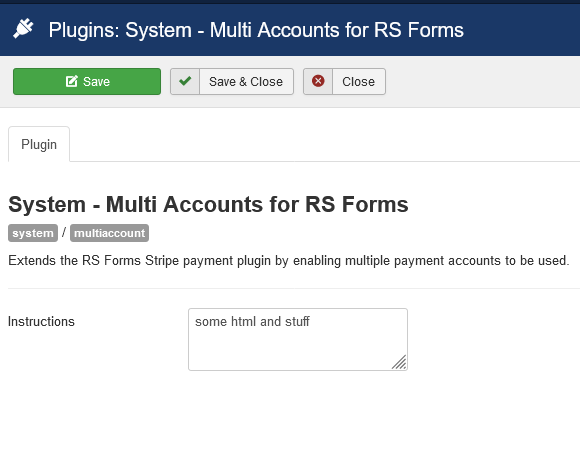
In my sample screen shot below you can see a crude attempt I have tried using a field with a type="textarea" and the default="some html and stuff" but it is very limited.
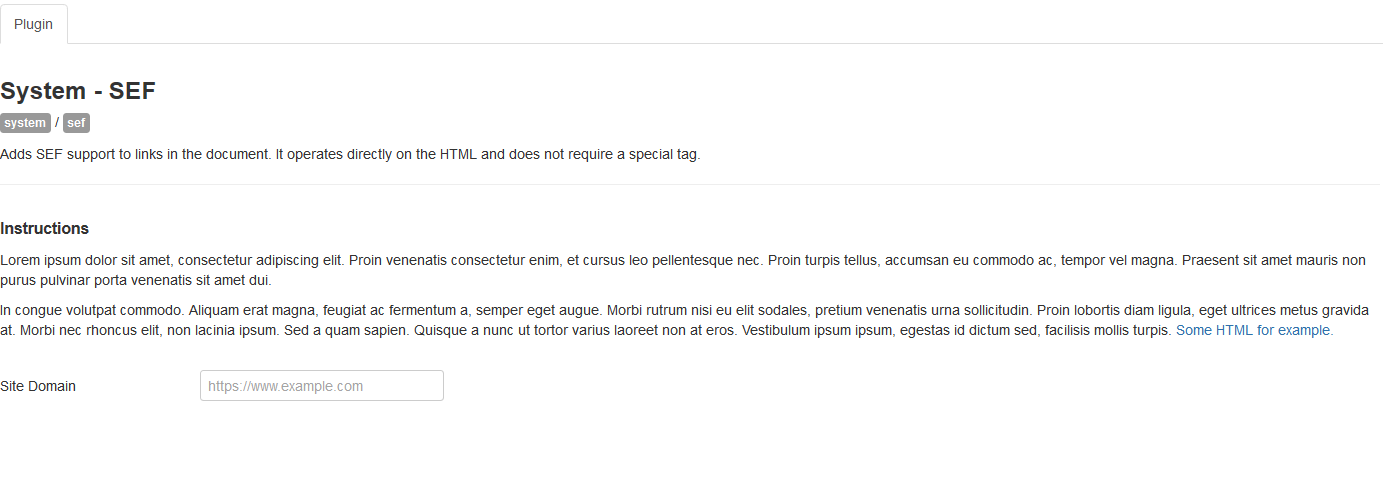
I have looked at RegularLab's plugins and they appear to define fields with a placeholder or tag that I suspect gets replaced with its own information before it is displayed, which is what I would like to do however the RL approach seems to be require a lot of infrastructure behind it which is overkill for my plugins.
I vaguely recall seeing a more static approach to achieve the result I am after but I can't remember where.
I haven't found anything in searching around so I am looking for some pointers on how to create it or even suggestions for other Plugins or Modules that display more than the basic fields that I can go and look at.