docker build -t rossonet/processmaker-apache:latest https://github.com/rossonet/ProcessMaker-apache.git - create the bridge network
docker network create --driver bridge pmos-net - create the Mysql database
mkdir mysql-data docker run -d --rm --name mysql-db -v $(pwd)/mysql-data:/var/lib/mysql -e MYSQL_ROOT_PASSWORD=my-secret-pw --network pmos-net mysql:5 - create the Processmaker instance
mkdir processmaker-data export PMOS_URL=localhost docker run -d --rm --name pmos -p 8080:8080 -v $(pwd)/processmaker-data:/opt -e URL=$PMOS_URL --network pmos-net rossonet/processmaker-apache:latest - configure ProcessMaker
open the link http://localhost:8080 in the browser. Should appear a page with the dependencies check.
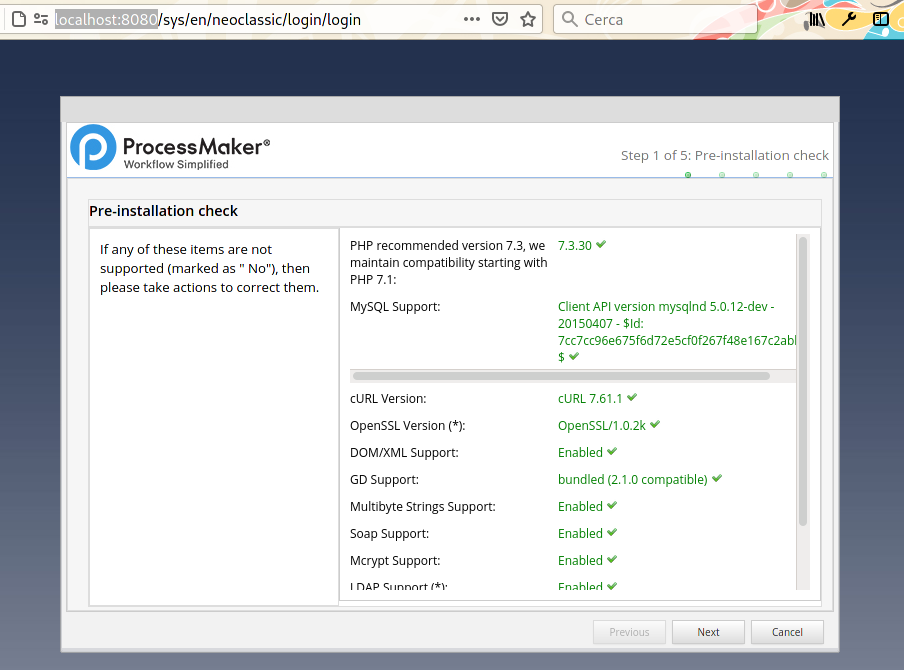
go to the "Next" page.
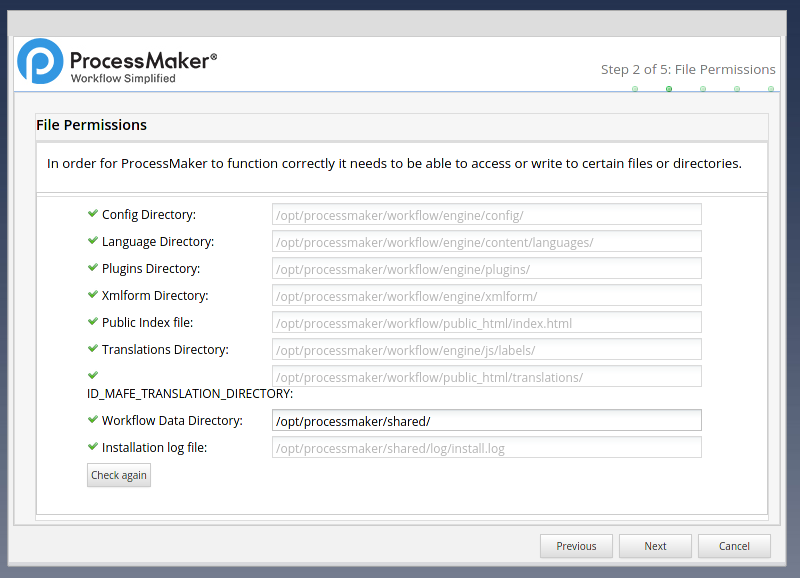
Next
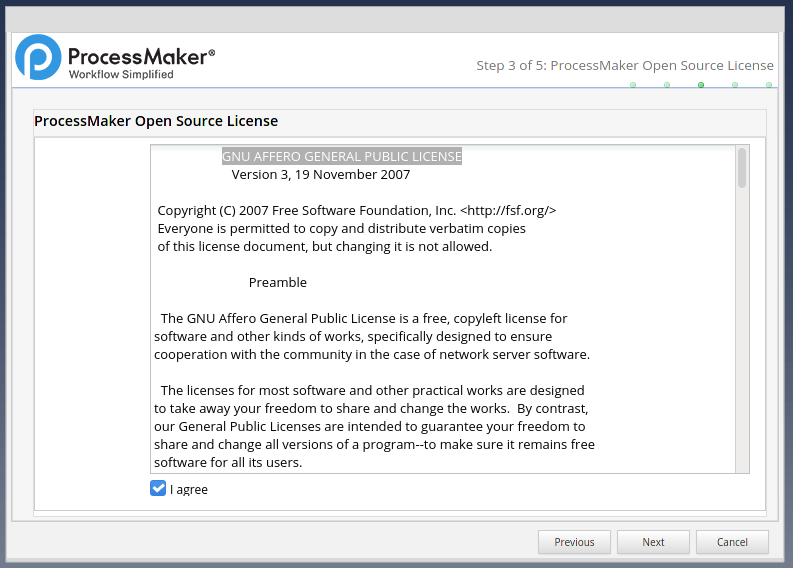
agree to the license of ProcessMaker, rember is a GNU AFFERO GENERAL PUBLIC LICENSE and click Next
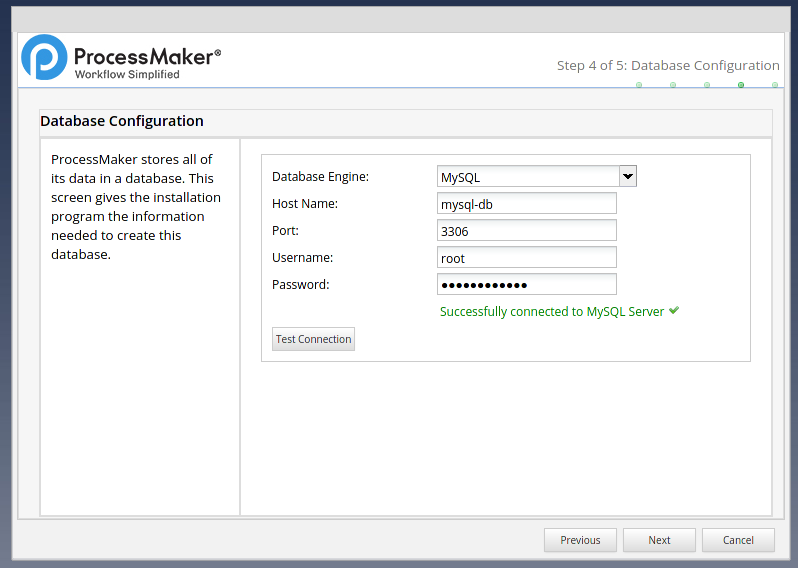
fill the password field, in our case my-secret-pw, and the "Host Name" with mysql-db than click on "Test Connection" and Next
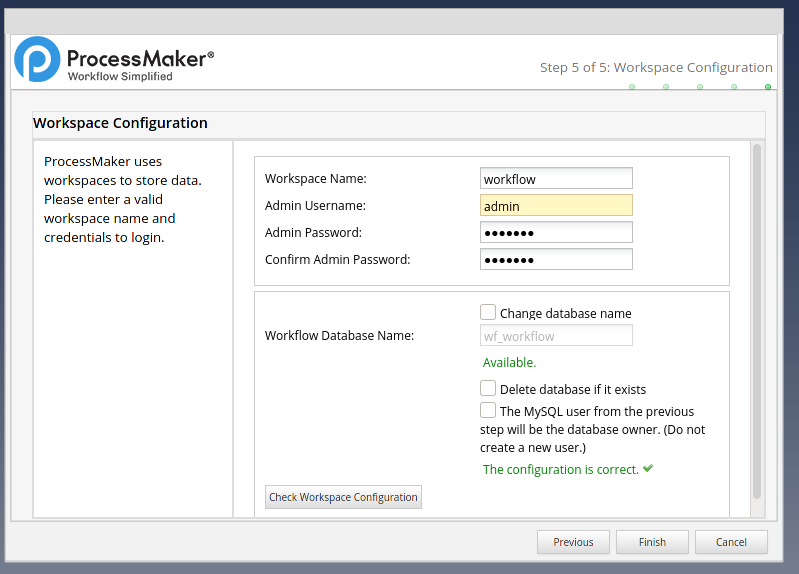
set the admin password, click on "Check Workspace Configuration" and "Finish"
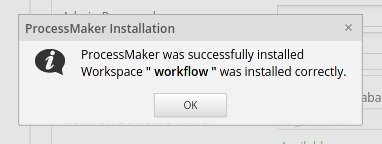
click on "OK"
- login to ProcessMaker
go to http://localhost:8080/sysworkflow/en/neoclassic/login/login
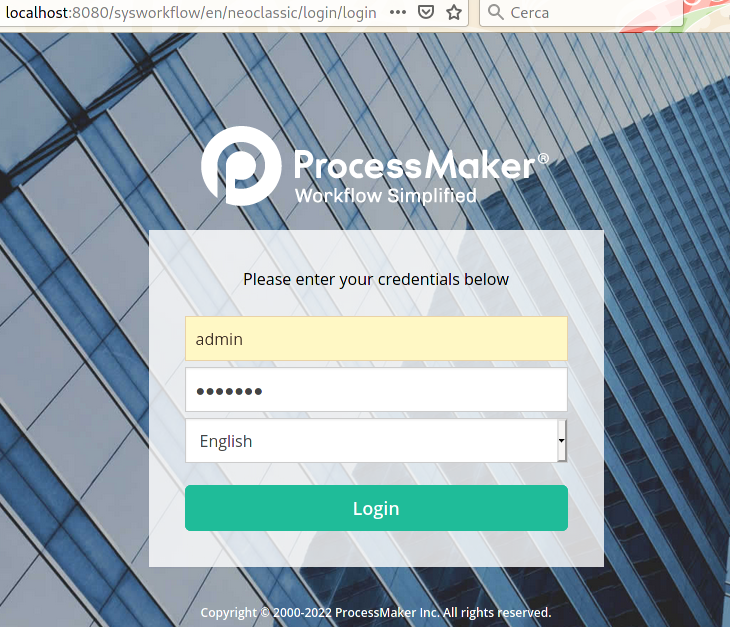
verify the docker network used between the containers
$ docker network ls NAME VERSION PLUGINS pmos-net 0.4.0 bridge,portmap,firewall,tuning,dnsname check the containers
$ docker ps CONTAINER ID IMAGE COMMAND CREATED STATUS PORTS NAMES d4b50ff138e4 localhost/rossonet/processmaker-apache:latest /bin/bash 24 hours ago Up 24 hours ago 0.0.0.0:8080->8080/tcp pmos 0d8e8100be08 docker.io/library/mysql:5 mysqld 24 hours ago Up 24 hours ago mysql-db check the connection between the ProcessMaker container and the database
first of all, install the mysql client package
$ docker exec -it pmos yum install -y mysql Loaded plugins: ovl, priorities amzn-main | 2.1 kB 00:00:00 amzn-updates | 3.8 kB 00:00:00 Resolving Dependencies --> Running transaction check ---> Package mysql.noarch 0:5.5-1.6.amzn1 will be installed --> Finished Dependency Resolution Dependencies Resolved ======================================================================================================================================================================== Package Arch Version Repository Size ======================================================================================================================================================================== Installing: mysql noarch 5.5-1.6.amzn1 amzn-main 2.7 k Transaction Summary ======================================================================================================================================================================== Install 1 Package Total download size: 2.7 k Installed size: 0 Downloading packages: mysql-5.5-1.6.amzn1.noarch.rpm | 2.7 kB 00:00:00 Running transaction check Running transaction test Transaction test succeeded Running transaction Installing : mysql-5.5-1.6.amzn1.noarch 1/1 Verifying : mysql-5.5-1.6.amzn1.noarch 1/1 Installed: mysql.noarch 0:5.5-1.6.amzn1 Complete! than try the connection between the ProcessMaker container and the database ( the password in the example is my-secret-pw )
$ docker exec -it pmos mysql -h mysql-db -p Enter password: Welcome to the MySQL monitor. Commands end with ; or \g. Your MySQL connection id is 18 Server version: 5.7.40 MySQL Community Server (GPL) Copyright (c) 2000, 2021, Oracle and/or its affiliates. Oracle is a registered trademark of Oracle Corporation and/or its affiliates. Other names may be trademarks of their respective owners. Type 'help;' or '\h' for help. Type '\c' to clear the current input statement. mysql> show databases; +--------------------+ | Database | +--------------------+ | information_schema | | mysql | | performance_schema | | sys | | wf_workflow | +--------------------+ 5 rows in set (0.02 sec) stop the containers
$ docker stop pmos mysql-db d4b50ff138e48e4274e0b13c08d89c517a9f2ecdc9ce6b0bcc8af6350782c6cf 0d8e8100be08d4bbaa6add4f0120ab0acb6716bee1358a07f2f54a990cfe5d98 delete the network bridge
$ docker network rm pmos-net pmos-net remove the storage directories (as root user)
$ sudo rm -rf processmaker-data mysql-data source code on GitHub repository