

A simple React Native component that takes an array of data and renders a SectionList with alphabetically sorted data.
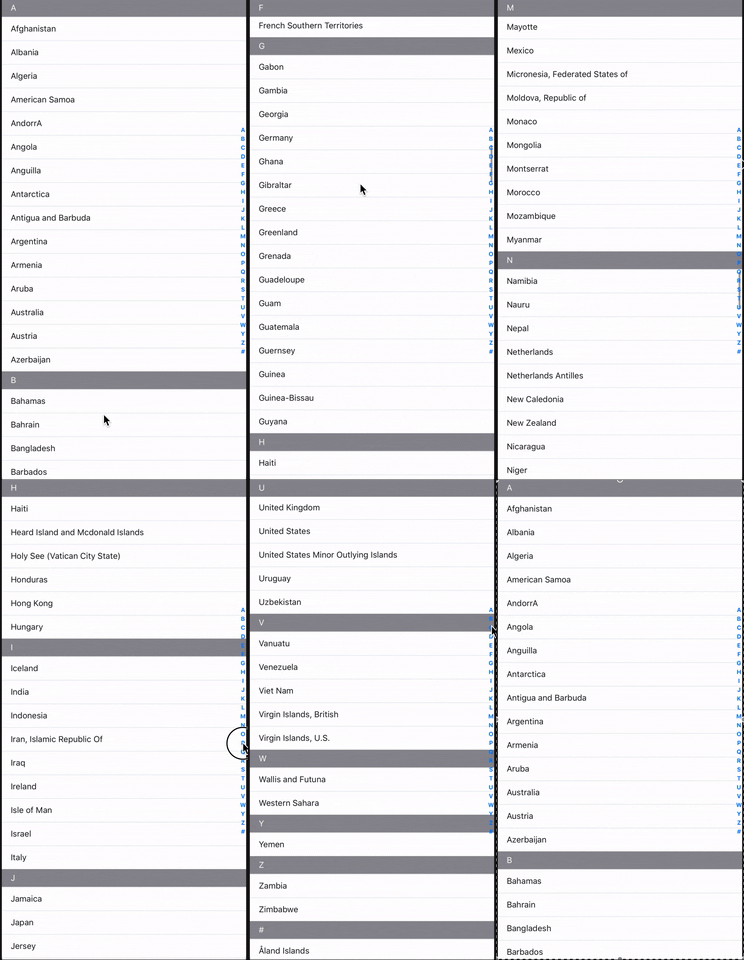
This package_uses the array of objects data-structure.
const data = [{...}, {...}, {...}, ...]For react-native-flatlist-alphabet, the data does not need to be pre-formatted and sorted before use. The component handles all this logic internally.
Using npm:
npm install react-native-flatlist-alphabetor with yarn:
yarn add react-native-flatlist-alphabetimport AlphabetList from "react-native-flatlist-alphabet";<AlphabetList data={YourData} renderItem={YourRenderItemFunction} renderSectionHeader={YourRenderSectionHeaderFunction} getItemHeight={YourItemHeight} sectionHeaderHeight={YourHeaderHeight} indexLetterColor={ColorOfTheIndexSidebarLetters} />YourData should be provided as an Array of objects, with each object item having both a valueand a key.
const YourData = [ { value: string, // determines which alphabet section to place the object in key: string // used as the key in the keyExtractor for SectionList ... // your other properties }, ... ]| Option | Description | Default |
|---|---|---|
sectionData | The array of objects data with value and key. | - |
renderItem | Render the alphabet letter header. | JSX |
renderSectionHeader | Render the alphabet letter header. | JSX |
indexLetterColor | The alphabet letter font-size. | #0B3277 |
indexLetterSize | The alphabet letter font-size. | 16 |
letterIndexWidth | The alphabet letter index width size. | #0B3277 |
sectionHeaderHeight | The section header defines each alphabet title header size. | 40 |
getItemHeight | Returns the each item height position size. | 30 |
letterItemStyle | The container letter item style. | - |
containerStyle | The alphabet wrapper container style. | - |
alphabetContainer | The flatlist alphabet container style. | - |
style | The sectionlist container style. | - |
Pull requests are welcome. For major changes, please open an issue first to discuss what you would like to change.
Please make sure to update the tests as appropriate.