CodeIgniter Developer Toolbar is a third party library based on Profiler Library with additional functionality for debugging and optimization.
- Support CI.2 and CI.3
- Support HMVC.

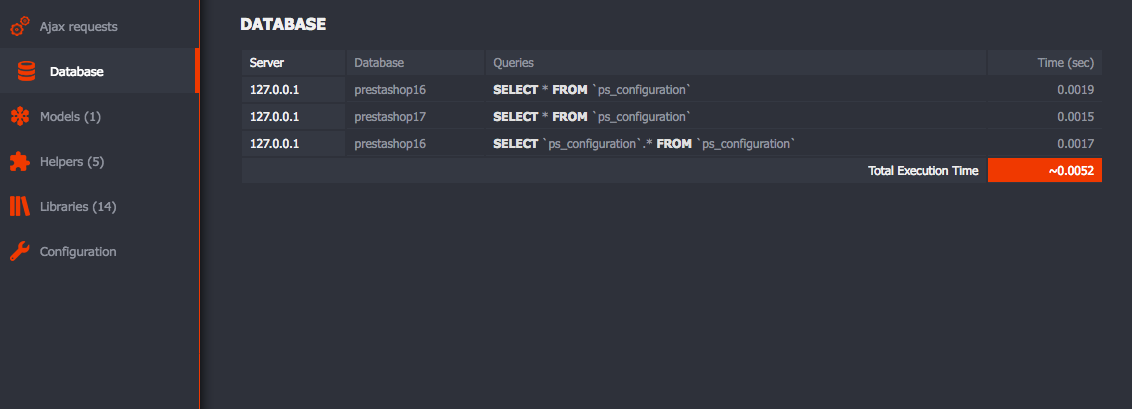
Copy the files to the application/third_party/DevelBar folder.
Copy the file core/MY_Loader.php to the application/core folder.
Copy the file controllers/develbarprofiler.php to the application/controllers folder.
Change permissions for cache folder chmod 777 application/cache
If you are using HMVC third party library, copy MX_Loader.php instead of MY_Loader.php to your core directory, and change the file name to MY_Loader.php instead of MX_Loader.php.
Open application/config/autoload.php :
$autoload['packages'] = array(APPPATH . 'third_party/DevelBar');Open application/config/config.php :
$config['enable_hooks'] = TRUE;Open application/config/hooks.php and add this line :
$hook['display_override'][] = array( 'class' => 'Develbar', 'function' => 'debug', 'filename' => 'Develbar.php', 'filepath' => 'third_party/DevelBar/hooks' );Enable or disable Develbar, open application/third_party/DevelBar/config/config.php :
$config['enable_develbar'] = TRUE;If you want to disable some sections within the developer toolbar,
Open application/third_party/DevelBar/config/config.php, and set the sections value to FALSE :
$config['develbar_sections'] = array( 'Benchmarks' => TRUE, 'Memory Usage' => TRUE, 'Request' => TRUE, 'Database'=> TRUE, 'Hooks'=> FALSE, // Disable Hooks Section 'Libraries'=> TRUE, 'Helpers' => FALSE, // Disable Helpers Section, 'Views' => TRUE, 'Config' => TRUE, 'Session' => TRUE, 'Models' => TRUE, 'Ajax' => TRUE, );To auto check for available new version of CodeIgniter and DeveloperToolbar, you should set check_update option to TRUE, within application/third_party/DevelBar/config/config.php :
$config['check_update'] = TRUE;