



The iOS Dark Mode Theme by @basnijholt and modified from @kalkih's Gist
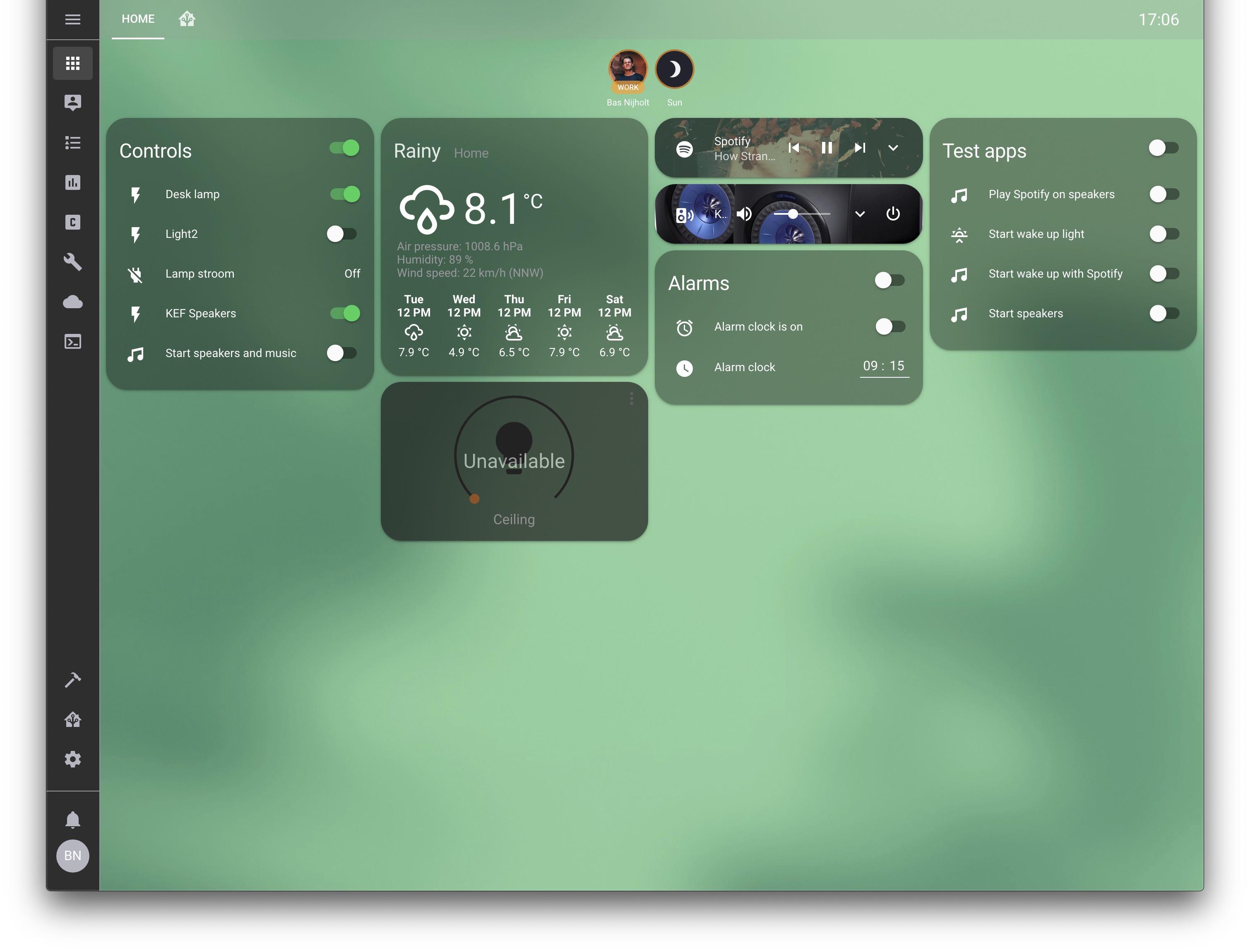
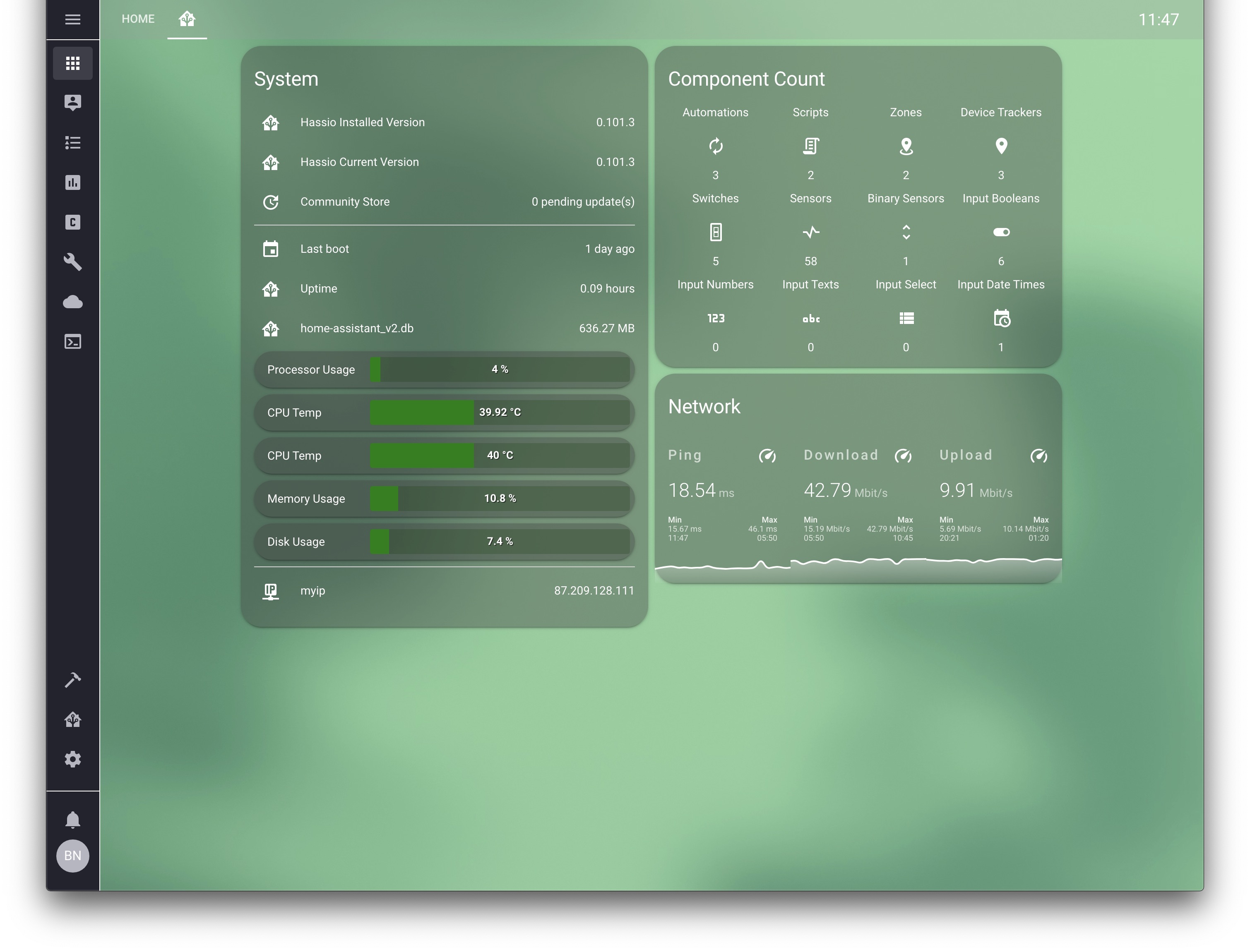
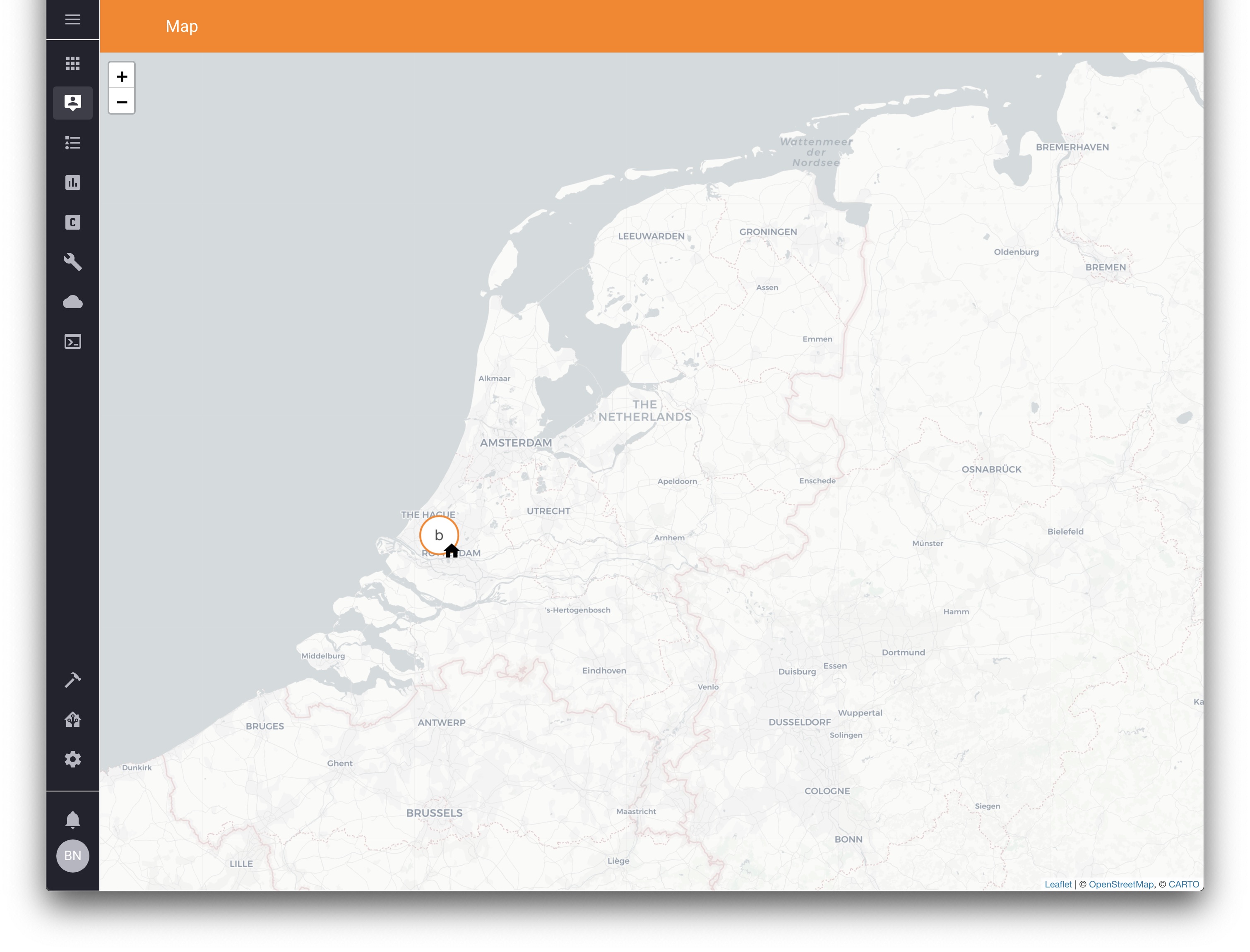
With alternative background (backgrounds/homekit-bg-4.jpeg): 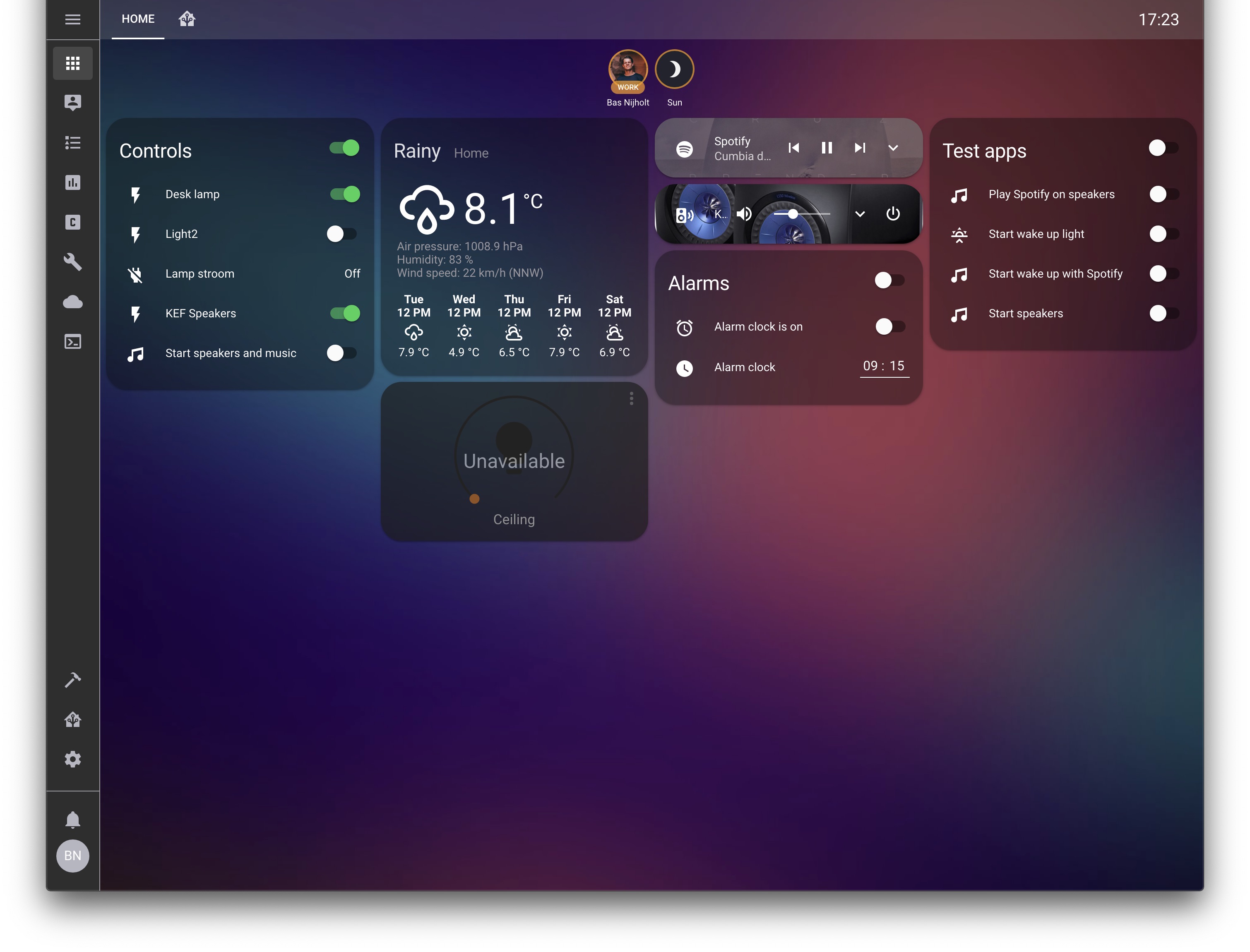
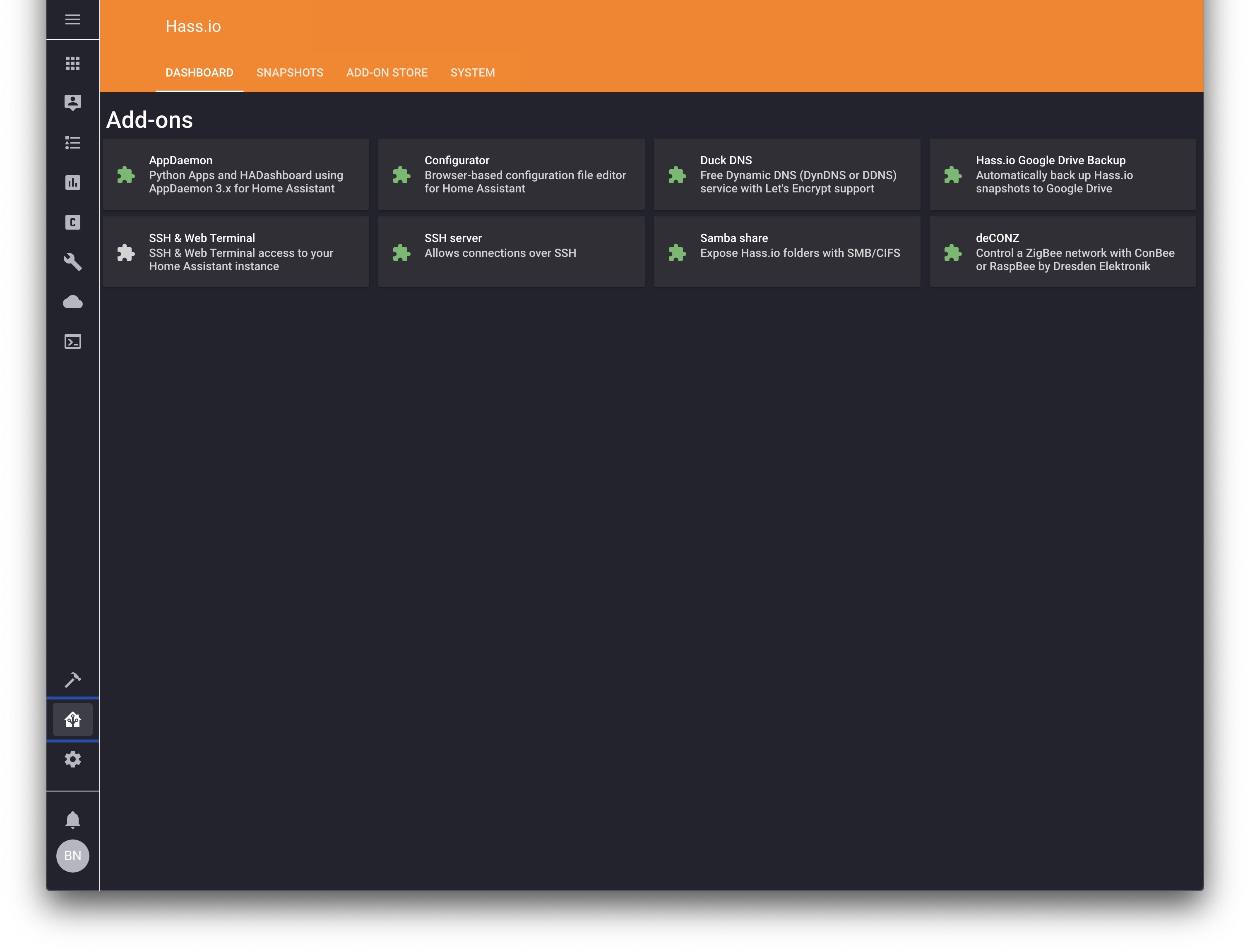
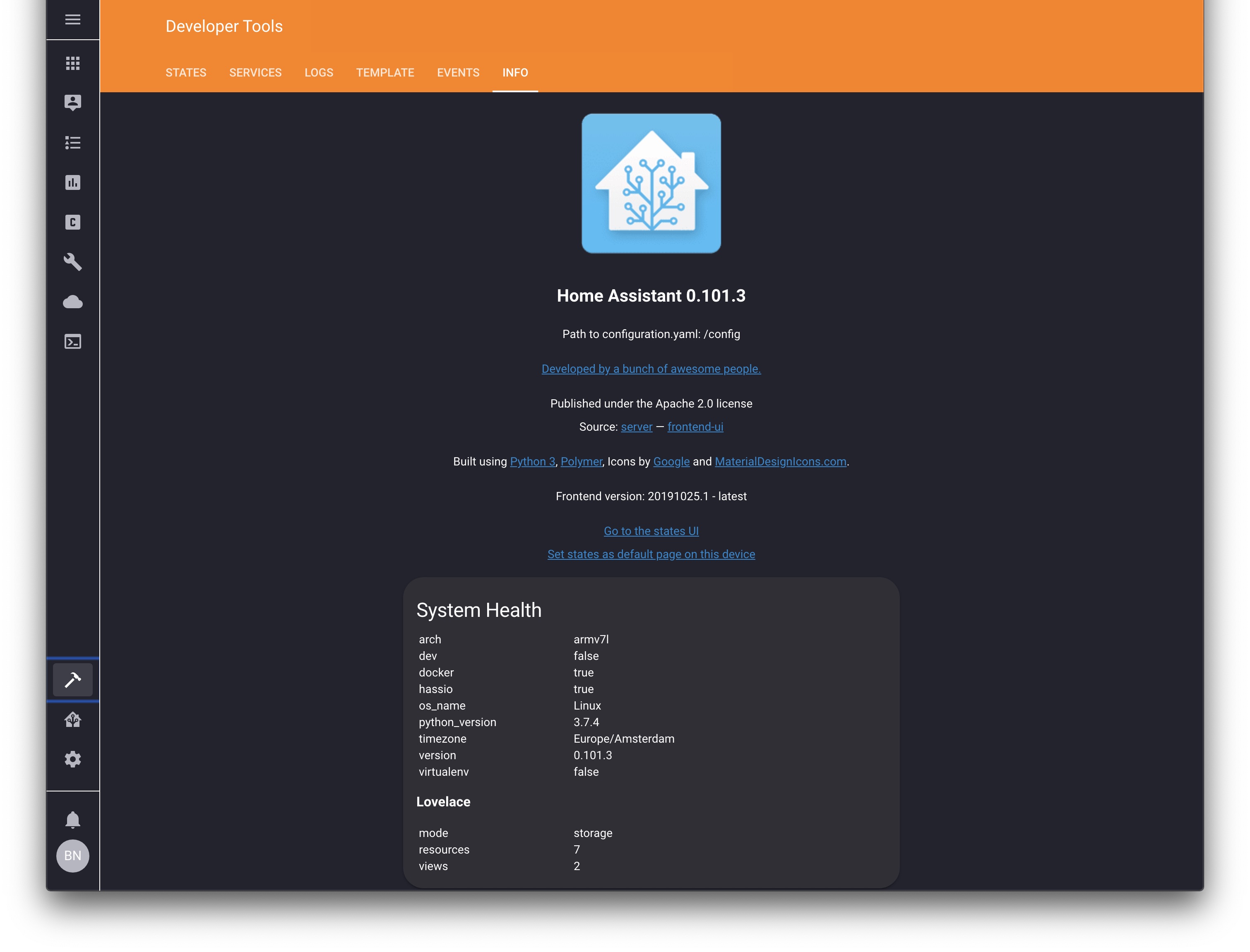
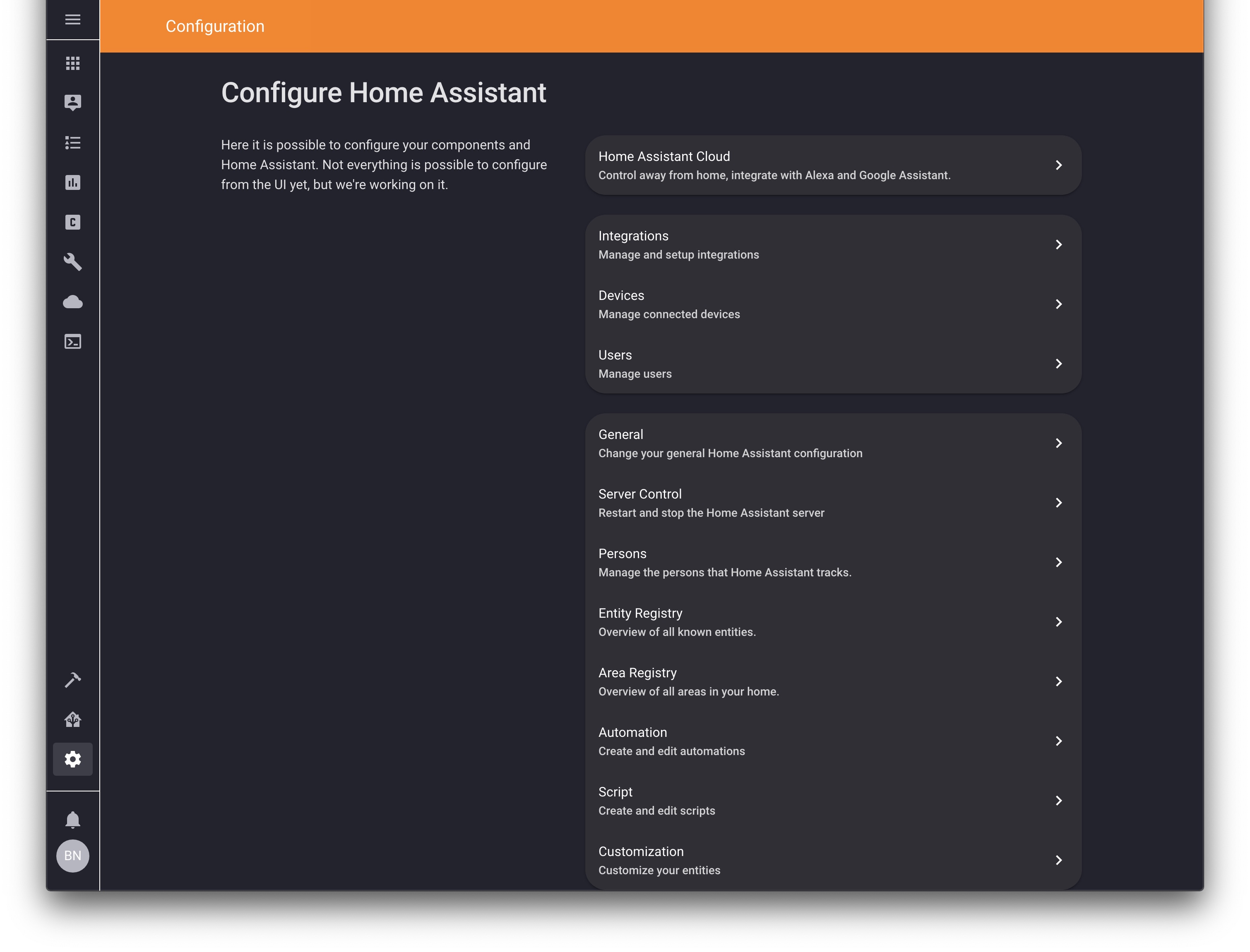
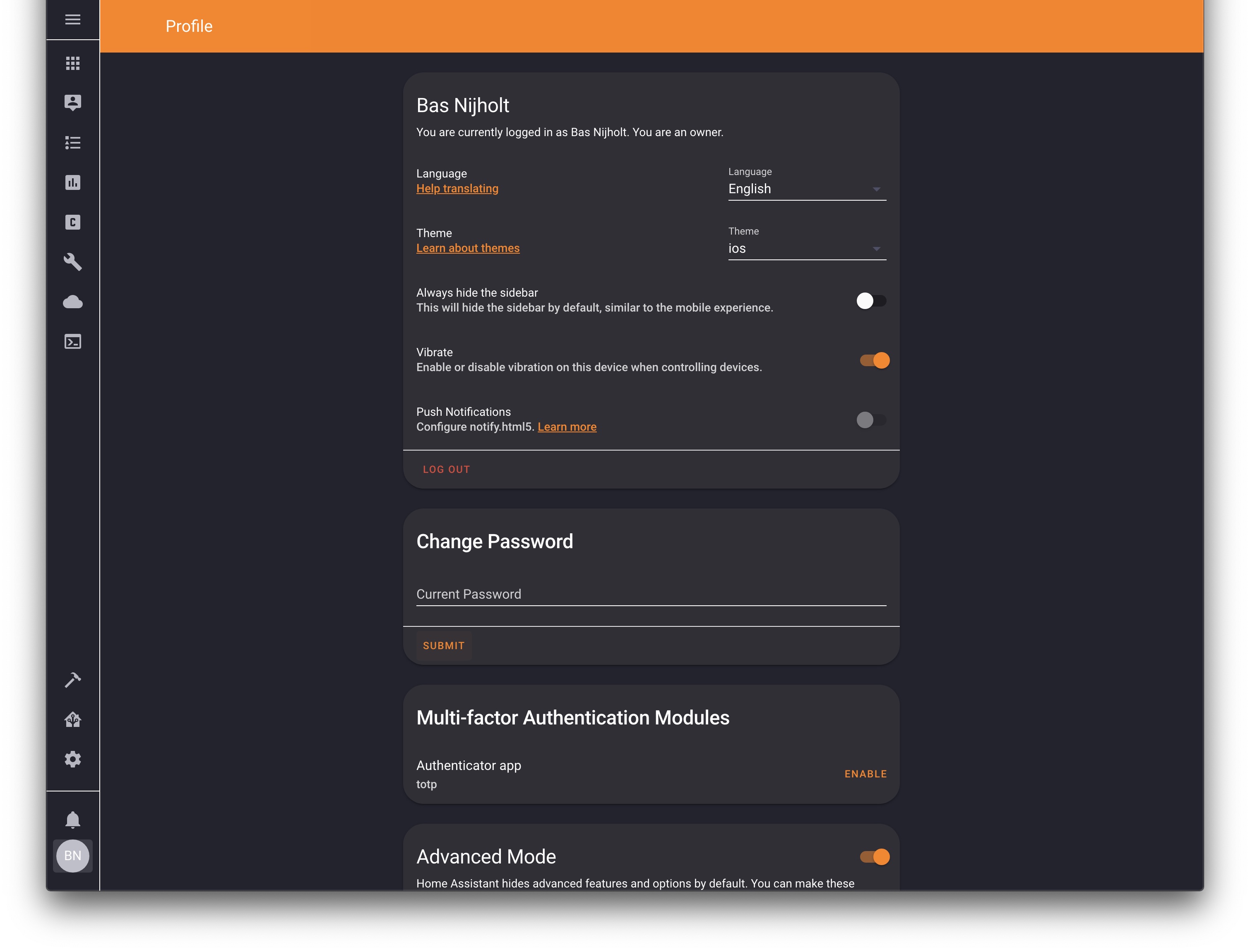
- Add the following code to your
configuration.yamlfile (reboot required).
frontend: ... # your configuration. themes: !include_dir_merge_named themes ... # your configuration.- Add the following line to your
lovelace-ui.yamlor use the RAW editor:
background: var(--background-image)- (Optional) change the background to a different one, see
backgrounds/README.md.
- Go to the Community Store.
- Search for
iOS Dark Mode. - Navigate to
iOS Dark Modetheme. - Press
Install.
Clone this repository in your existing (or create it) themes/ folder.
cd themes/ git clone https://github.com/basnijholt/lovelace-ios-dark-mode-theme.gitOr using submodules:
cd themes/ git submodule add https://github.com/basnijholt/lovelace-ios-dark-mode-theme.git