 |  |  |


Install using VSCode Command Palette
- Go to
View -> Command Paletteor pressCtrl+Shift+P - Then enter
Install Extension - Search for
Dotenv - Select
Official Dotenvand clickInstall
It just works. Open your .env files in VSCode, and they will now be syntax highlighted.
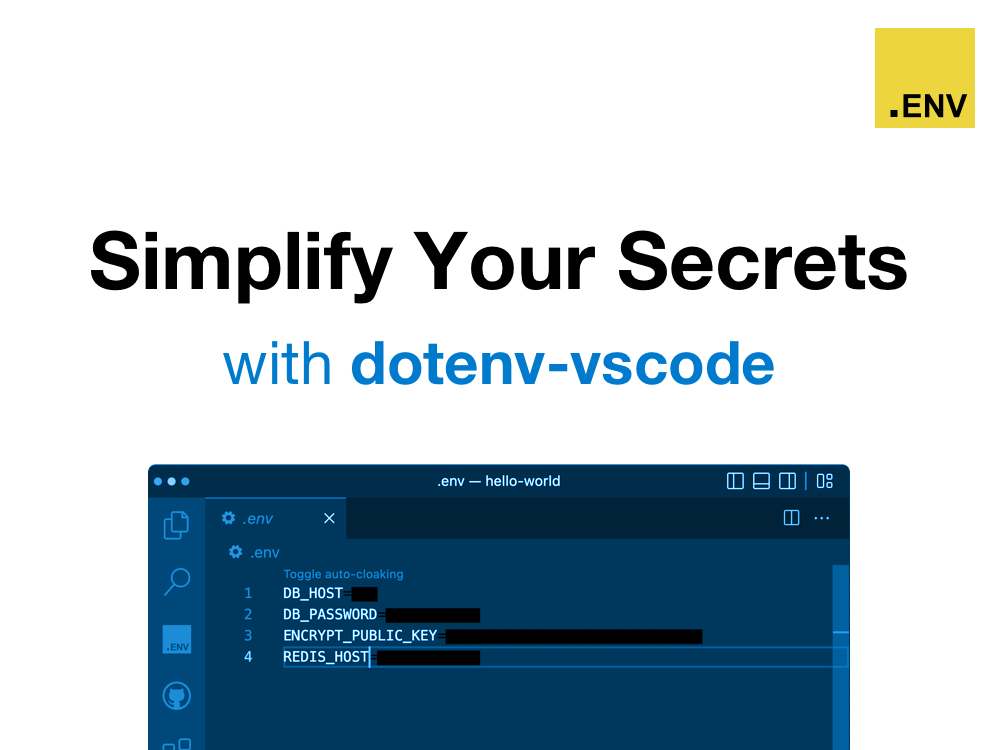
It just works. Open your .env files in VSCode, and they will be auto-cloaked. Click the 'Toggle auto-cloaking' link at the top of your .env file to toggle it off. Feel safer sharing your screen!

Multiple .env file types supported.
- .env
- .env.example
- .env.development
- .env.staging
- .env.production
- .env.vault
- .env.me
- .env.*
- .flaskenv
Start typing process.env. (or language specific env statement) and your cursor will be populated with auto-completion options directly from your .env file. Cool!

Multiple languages supported.
- JavaScript/TypeScript/NodeJS
- Ruby
- Python
- PHP
- Go
- Java
- C#
- Rust
Hover your mouse over a process.env.SECRET_KEY or a ENV["SECRET_KEY"], and you will be able to peek at its value without having to open your .env file. Convenient!

Multiple languages supported.
- JavaScript/TypeScript/NodeJS
- Ruby
- Python
- PHP
- Go
- Java
- C#
- Rust
Manage your secrets using dotenv-vault's all-in-one toolkit. Say goodbye to scattered secrets across multiple platforms and tools.
Read more about dotenv-vault here.
Usage is similar to git. Run CMD+Shift+P (or Ctrl+Shift+P) and start typing dotenv.
dotenv newFollow those instructions and then run:
dotenv loginThen run push and pull
dotenv push dotenv pullSee dotenv-vault in action:

Visit dotenv.org/docs to learn more.
dotenv new Create your project dotenv login Log in to dotenv-vault dotenv logout Log out dotenv open Open project page dotenv push Push .env securely dotenv pull Pull .env securely dotenv versions List version history dotenv whoami Display the current logged in user dotenv status Check dotenv-vault operational status Visit dotenv.org/docs for details per command.
See CHANGELOG
Thank you for using dotenv-vscode.