

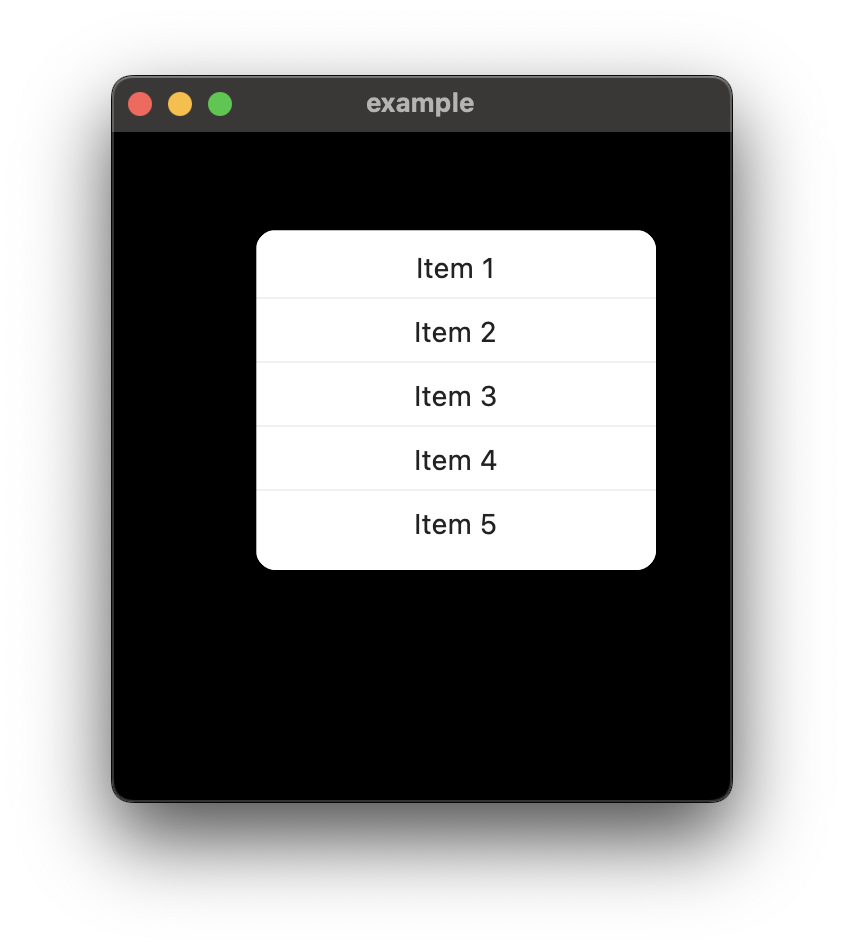
Use AnimatedMenu to create a menu with/without animation. You can use FadeIn or SlideIn animation to show the menu, you can use any Widget inside AnimatedMenu as a menu item(animated_menu comes with animate_do package with multiple default animations).
Add animated_menu: ^1.0.2 in your project's pubspec.yaml:
dependencies: animated_menu: ^1.0.2Import animated_menu in your dart file:
import 'package:animated_menu/animated_menu.dart';Then use showAnimatedMenu in your function:
onTapDown: (details) { showAnimatedMenu( context: context, preferredAnchorPoint: Offset( details.globalPosition.dx, details.globalPosition.dy, ), isDismissable: true, useRootNavigator: true, menu: AnimatedMenu( items: [ FadeIn( child: Material( borderRadius: BorderRadius.circular(10), child: Container( height: 170, width: 200, decoration: BoxDecoration( color: Colors.white, borderRadius: BorderRadius.circular(10), ), child: Column( children: const [ SizedBox(height: 10), Text('Item 1'), Divider(), Text('Item 2'), Divider(), Text('Item 3'), Divider(), Text('Item 4'), Divider(), Text('Item 5'), SizedBox(height: 10), ], ), ), ), ), ], ), ); },To animate your menu you can wrap your menu item with any of the animation widget from animate_do package.
Example:
FadeIn( child: Material( borderRadius: BorderRadius.circular(10), child: Container( height: 170, width: 200, decoration: BoxDecoration( color: Colors.white, borderRadius: BorderRadius.circular(10), ), child: Column( children: const [ SizedBox(height: 10), Text('Item 1'), Divider(), Text('Item 2'), Divider(), Text('Item 3'), Divider(), Text('Item 4'), Divider(), Text('Item 5'), SizedBox(height: 10), ], ), ), ), ),