



Plumber allows you to create a web API by merely decorating your existing R source code with roxygen2-like comments. Take a look at an example.
# plumber.R #* Echo back the input #* @param msg The message to echo #* @get /echo function(msg="") { list(msg = paste0("The message is: '", msg, "'")) } #* Plot a histogram #* @serializer png #* @get /plot function() { rand <- rnorm(100) hist(rand) } #* Return the sum of two numbers #* @param a The first number to add #* @param b The second number to add #* @post /sum function(a, b) { as.numeric(a) + as.numeric(b) }These comments allow plumber to make your R functions available as API endpoints. You can use either #* as the prefix or #', but we recommend the former since #' will collide with roxygen2.
library(plumber) # 'plumber.R' is the location of the file shown above pr("plumber.R") %>% pr_run(port=8000)You can visit this URL using a browser or a terminal to run your R function and get the results. For instance http://localhost:8000/plot will show you a histogram, and http://localhost:8000/echo?msg=hello will echo back the 'hello' message you provided.
Here we're using curl via a Mac/Linux terminal.
$ curl "http://localhost:8000/echo" {"msg":["The message is: ''"]} $ curl "http://localhost:8000/echo?msg=hello" {"msg":["The message is: 'hello'"]} As you might have guessed, the request's query string parameters are forwarded to the R function as arguments (as character strings).
$ curl --data "a=4&b=3" "http://localhost:8000/sum" [7] You can also send your data as JSON:
$ curl -H "Content-Type: application/json" --data '{"a":4, "b":5}' http://localhost:8000/sum [9] You can install the latest stable version from CRAN using the following command:
install.packages("plumber")If you want to try out the latest development version, you can install it from GitHub.
remotes::install_github("rstudio/plumber") library(plumber)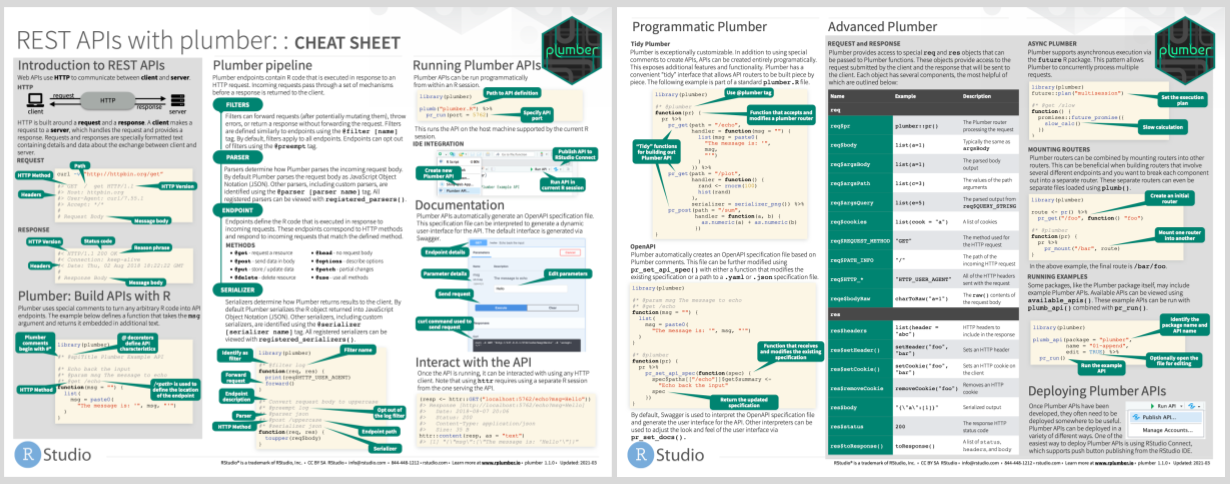
If you're just getting started with hosting cloud servers, the DigitalOcean integration included in plumber will be the best way to get started. You'll be able to get a server hosting your custom API in just two R commands. To deploy to DigitalOcean, check out the plumber companion package plumberDeploy.
Posit Connect is a commercial publishing platform that enables R developers to easily publish a variety of R content types, including Plumber APIs. Additional documentation is available at https://www.rplumber.io/articles/hosting.html#rstudio-connect-1.
A couple of other approaches to hosting plumber are also made available: