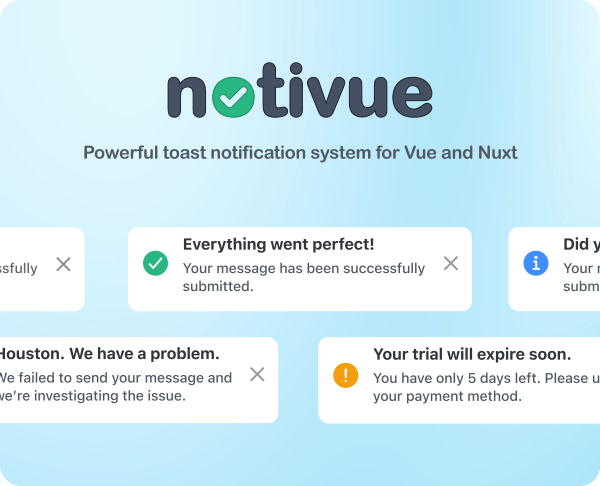
🧬 Fully modular with zero dependencies
Granularly include only the features you need
✅ Beautiful, ready-made notifications included
Themes, icons, progress bar, and native RTL support
🧩 Headless API
Use your own components while Notivue handles the rest
💊 Drop-in components to enhance notifications
NotivueSwipe, NotivueKeyboard, all optional and customizable
🌀 Dynamic Notifications
Update pending notifications with a breeze
🎢 Slick transitions and animations
Customize animations with CSS classes
♿️ Fully accessible
Built-in announcements, reduced-motion and keyboard support
💫 Nuxt and Astro modules
Built-in Nuxt and Astro ad-hoc modules
pnpm add notivue # npm i notivue # yarn add notivue # bun i notivue💡 See ↓ below for Nuxt
main.js/ts
import { createApp } from 'vue' import { createNotivue } from 'notivue' import App from './App.vue' import 'notivue/notification.css' // Only needed if using built-in <Notification /> import 'notivue/animations.css' // Only needed if using default animations const notivue = createNotivue(/* Options */) const app = createApp(App) app.use(notivue) app.mount('#app')App.vue
<script setup> import { Notivue, Notification, push } from 'notivue' </script> <template> <button @click="push.success('Hi! I am your first notification!')">Push</button> <Notivue v-slot="item"> <Notification :item="item" /> </Notivue> <!-- RouterView, etc. --> </template>Headless, with custom components
<script setup> import { Notivue, push } from 'notivue' </script> <template> <button @click="push.success('Hi! I am your first notification!')">Push</button> <Notivue v-slot="item"> <!-- Your notification 👇 --> <div class="rounded-full flex py-2 pl-3 bg-slate-700 text-slate-50 text-sm"> <p :role="item.ariaRole" :aria-live="item.ariaLive" aria-atomic="true"> {{ item.message }} </p> <button @click="item.clear" aria-label="Dismiss" class="pl-3 pr-2 hover:text-red-300 transition-colors" tabindex="-1" > <svg xmlns="http://www.w3.org/2000/svg" viewBox="0 0 20 20" fill="currentColor" class="w-5 h-5" aria-hidden="true" > <path d="M10 18a8 8 0 100-16 8 8 0 000 16zM8.28 7.22a.75.75 0 00-1.06 1.06L8.94 10l-1.72 1.72a.75.75 0 101.06 1.06L10 11.06l1.72 1.72a.75.75 0 101.06-1.06L11.06 10l1.72-1.72a.75.75 0 00-1.06-1.06L10 8.94 8.28 7.22z" /> </svg> </button> </div> </Notivue> <!-- RouterView, etc. --> </template>nuxt.config.ts
export default defineNuxtConfig({ modules: ['notivue/nuxt'], css: [ 'notivue/notification.css', // Only needed if using built-in <Notification /> 'notivue/animations.css' // Only needed if using default animations ], notivue: { // Options } })app.vue
<template> <button @click="push.success('Hi! I am your first notification!')">Push</button> <Notivue v-slot="item"> <Notification :item="item" /> </Notivue> <!-- NuxtLayout, NuxtPage, etc. --> </template>- Ionic Team for the icons
- Uktash Verna for the animated spinner
MIT

