🌐 Website • 💡 Getting Started • 👀 Demos



SVAR Svelte DataGrid is a powerful and flexible Svelte component for building high-performance, feature-rich data grids. Designed to handle large datasets efficiently, it supports virtual scrolling, inline editing, sorting, filtering, and full customization to fit complex project needs.
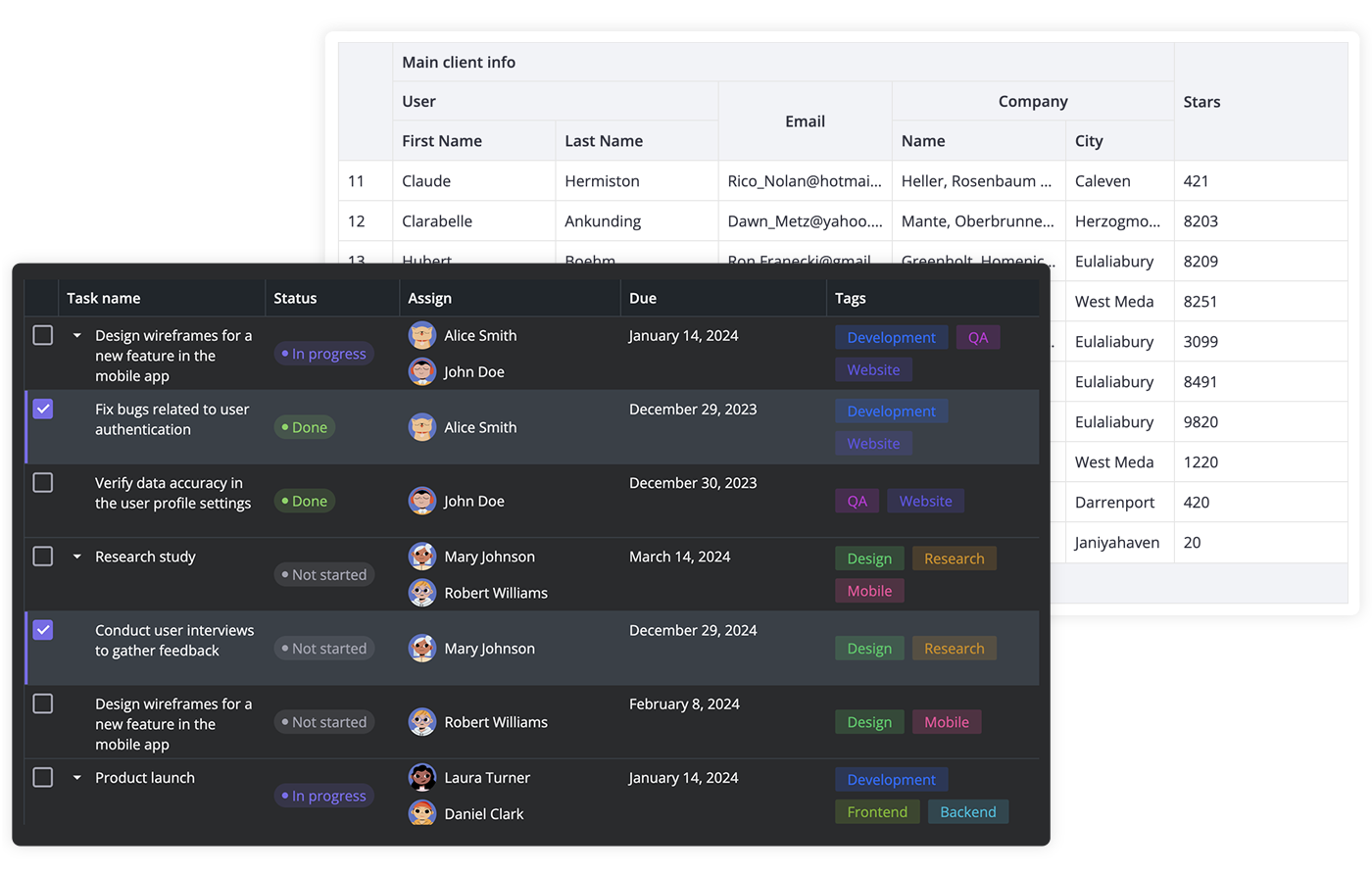
- High performance (virtual scrolling and dynamic loading)
- In-cell editing with different cell editors (datepicker, combo, select, rich select, etc.)
- Custom HTML for cells
- Sorting by multiple columns
- Filtering
- Paging
- Accessibility: compatibility with WAI-ARIA standard
- Frozen columns
- Expandable/collapsible columns
- Row reordering with drag-and-drop
- Customizable tooltips for grid cells
- Context menu
- External editor for grid data
- Tree-like structure
- Print support
- Keyboard navigation
- RestDataProvider for easy backend data binding
- Dark and light skins
- Full TypeScript support
There are two versions of the datagrid library: the 1.x version, designed to work with Svelte 4, and the 2.x version, created for Svelte 5.
To use the SVAR DataGrid for Svelte 5, install it as follows:
npm install @svar-ui/svelte-grid To use the SVAR DataGrid for Svelte 4:
npm install wx-svelte-grid@1.3.3 To use SVAR DataGrid, simply import the package and include the component in your Svelte file:
<script> import { Grid } from "@svar-ui/svelte-grid"; const data = [ { id: 12, name: "Alex Brown", year: 1974, }, ]; const columns = [ { id: "name", header: "Title", flexgrow: 1, sort: true, editor: "text", }, { id: "year", header: "Year", width: 100, sort: true, editor: "text", }, ]; </script> <Grid {data} {columns} />For further instructions, see the detailed how-to-start guide.
Typically, you don't need to modify the code. However, if you wish to do so, follow these steps:
- Run
yarnto install dependencies. Note that this project is a monorepo usingyarnworkspaces, so npm will not work - Start the project in development mode with
yarn start
To run the test:
- Start the test examples with:
yarn start:tests
- In a separate console, run the end-to-end tests with:
yarn test:cypress
Post an Issue or use our community forum.