| title | HTRflow App |
|---|---|
| emoji | 🏢 |
| colorFrom | purple |
| colorTo | green |
| sdk | gradio |
| app_file | app/main.py |
| pinned | true |
| license | apache-2.0 |
| short_description | HTR (Handwritten Text Recognition) demo application |
| header | mini |
| thumbnail | https://cdn-uploads.huggingface.co/production/uploads/60a4e677917119d38f6bbff8/-qMf3PaegicobqW5hXyiA.png |
| sdk_version | 6.5.1 |
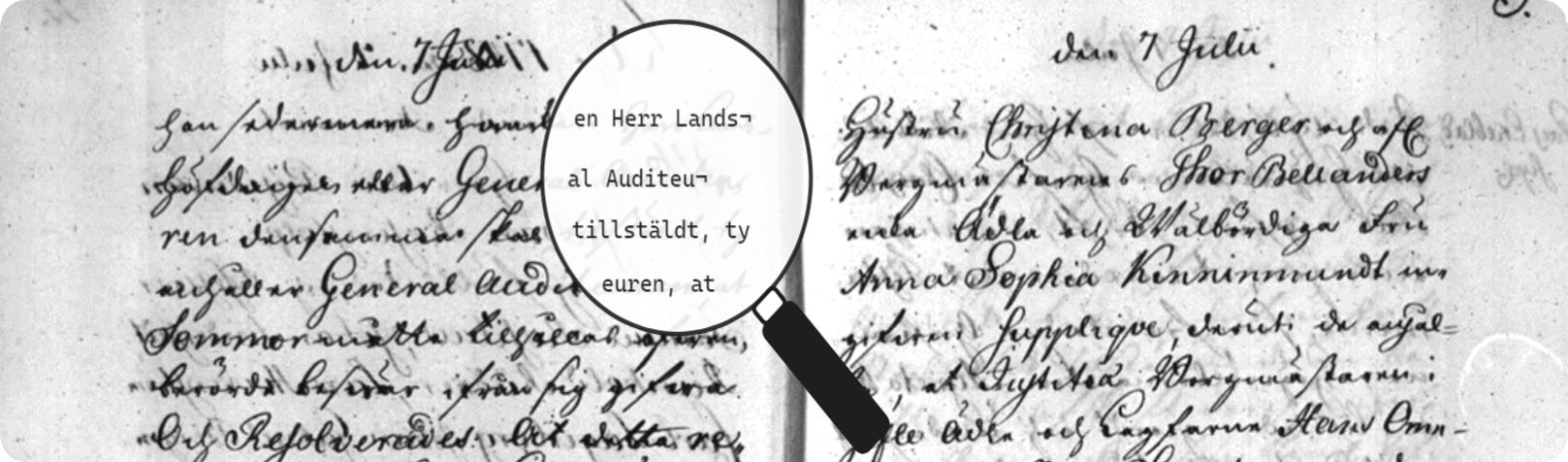
HTRflow App is an interactive demo application by Riksarkivet (the Swedish National Archives) that transcribes historical handwritten documents into digital text using AI. It uses HTRflow as its backend.
This is a demo application, not intended for production use, but it highlights the potential of HTR technology for cultural heritage institutions worldwide.
The app has two tabs: Transcribe and Results.
-
Transcribe Tab:
- Upload one or multiple images, PDFs, or fetch images from a Riksarkivet IIIF server URL.
- Select a pipeline that matches your material (Swedish, Norwegian, English, or Medieval). For spreads (two-page openings), choose the spread variant.
- Optionally edit the pipeline YAML configuration directly.
- Click Submit to start the HTR job. The HTRflow backend segments the document, recognizes text lines, and produces a structured document model.
-
Results Tab:
- View the transcription results with synchronized image and text panels.
- Export the document in multiple formats: TXT, ALTO XML, PAGE XML, or JSON.
| Pipeline | Language | Layout | Model |
|---|---|---|---|
| Swedish - Single page and snippets | Swedish | Single page | Riksarkivet/swelion_libre |
| Swedish - Spreads | Swedish | Two-page spread | Riksarkivet/swelion_libre |
| Norwegian - Single page and snippets | Norwegian | Single page | Språkbanken/TrOCR-norhand-v3 |
| English - Single page and snippets | English | Single page | Microsoft TrOCR |
| Medieval - Single page and snippets | Medieval | Single page | Medieval Data models |
The app exposes an MCP (Model Context Protocol) server, allowing AI agents like Claude to transcribe documents programmatically.
- htr_upload_image - Upload a local image file to the server and get a URL for transcription.
- htr_transcribe - Transcribe handwritten documents and return all results in one call:
image_urls: List of image URLs (supports batch processing)export_format:"alto_xml"|"page_xml"|"json"language:"swedish"|"norwegian"|"english"|"medieval"layout:"single_page"|"spread"
Returns per-line transcription with confidence scores, an interactive gallery viewer URL, and an archival export file URL.
- Python 3.10+
- (Optional) Nvidia GPU for faster inference
git clone https://github.com/Riksarkivet/htrflow_app.git cd htrflow_appInstall uv and set up the environment:
pip install uv uv venv --python 3.10 source .venv/bin/activate uv syncFor development with hot reload:
gradio app/main.pyFor a standard run:
uv run app/main.pyOpen http://localhost:7860 in your browser.
docker build --tag htrflow/htrflow-app . docker run -it -d --name htrflow-app -p 7000:7860 htrflow/htrflow-app:latestVisit http://localhost:7000.
docker run -it -d --name htrflow-app -p 7000:7860 --gpus all htrflow/htrflow-app:latestApache 2.0. See the LICENSE file for details.