A Bash script to import Anilist and MAL data to your Plex Media Server. This is done with a kometa metadata file.
Discord : 
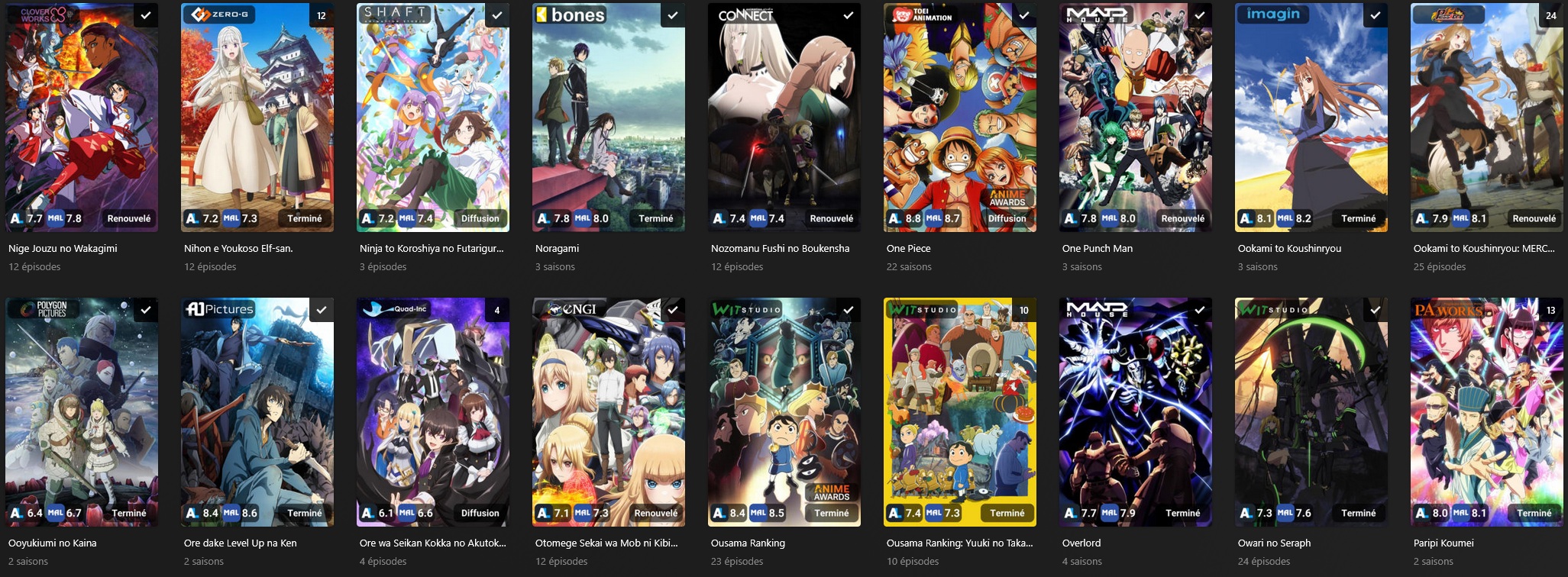
Library view :
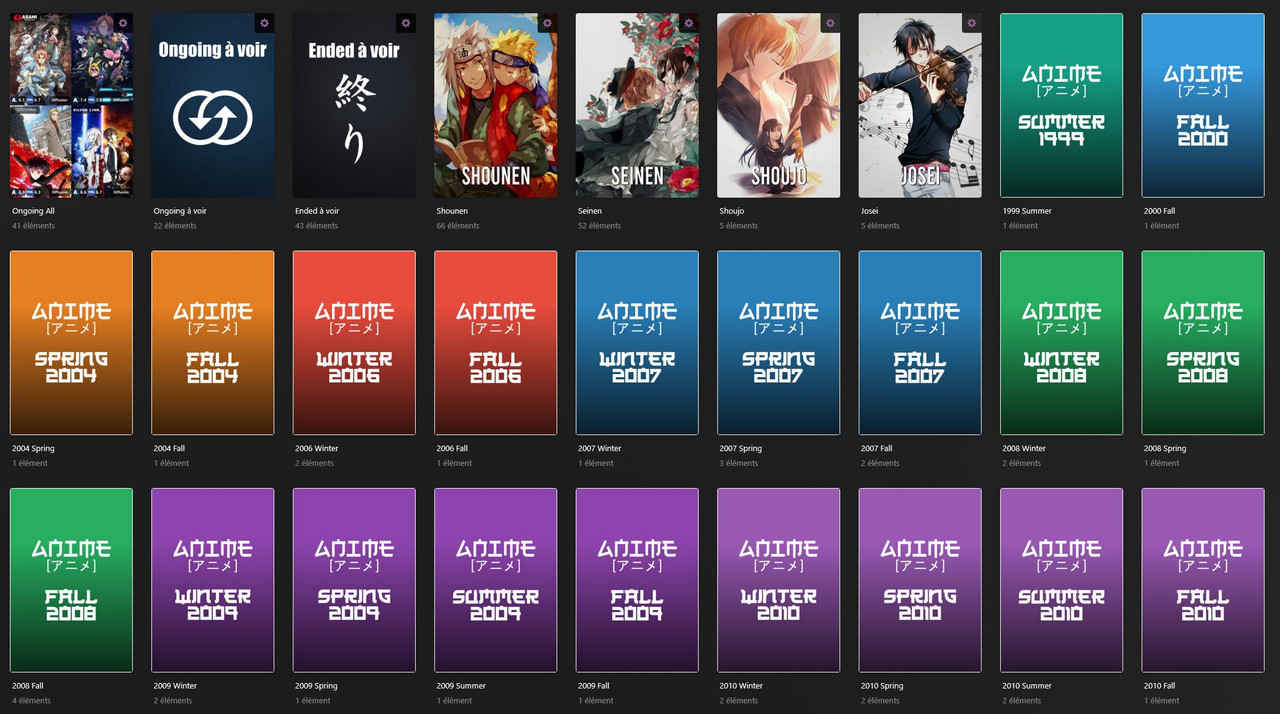
Collection view :
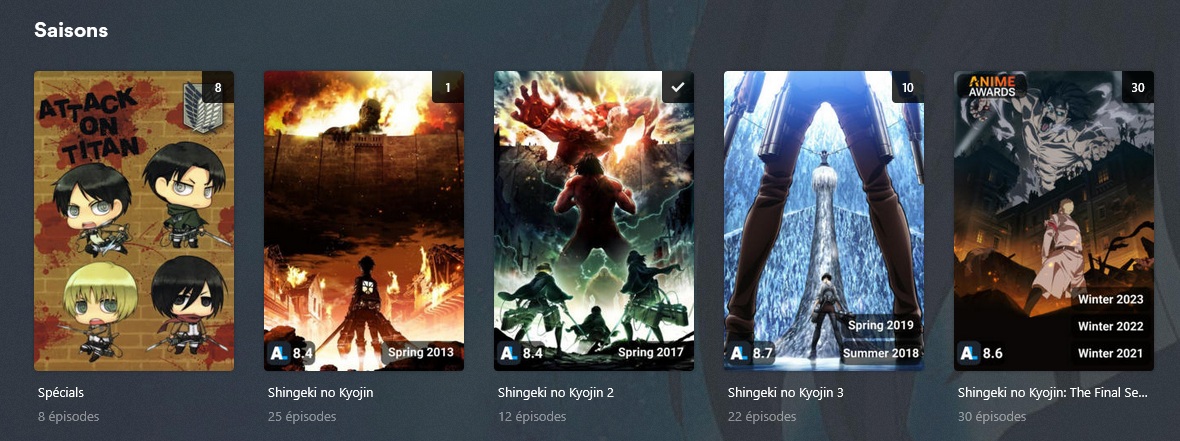
Season view :
# TVDB_ID for Kometa to import 421069: # Title : either Romaji title or English title (in settings) (from Anilist) title: |- [Oshi no Ko] # Sort Title : either Romaji title or English title (in settings) (from Anilist) sort_title: |- [Oshi no Ko] # original_title : English title or Native Title (from Anilist) original_title: |- Oshi No Ko # Anilist genre ands tags (genres, and tag above > 70% can be changed in settings) or from MAL genres, demographics and themes genre.sync: Drama,Mystery,Psychological,Supernatural,Acting,Tragedy,Idol,Revenge,Twins,Male Protagonist,Urban,Reincarnation,Pregnancy,Detective,Seinen,Tsundere,Boys' Love,Female Protagonist,Coming of Age,Anti-Hero,Time Skip,Orphan,Age Regression,Ensemble Cast,Filmmaking # Add label to build collections and overlays Anilist Airing status (Planned, Airing or Ended) Anime Award winner and Anilist userlist status label: AA Winner,Planned,Completed label.remove: Airing,Ended,Watching,Dropped,Paused,Planning # Studio from Anilist studio: Doga Kobo # Season import seasons: # Season 1 import 1: # Title from Anilist (Romaji or English from the title setting) title: |- [Oshi no Ko] # Rating 1 from Anilist or MAL (in settings) user_rating: 8.4 # Add label score to use with kometa overlays and also add the season label (optionnal) label: Score,AA Winner,Completed,2023 Spring label.remove: Watching,Dropped,Paused,Planning # Season 2 import 2: # Title from Anilist (Romaji or English from the title setting) title: |- [Oshi no Ko] 2nd Season # Rating 1 from Anilist or MAL (in settings) user_rating: 8.5 # Add label score to use kometa overlays and also add the season label (optionnal) label: Score,Completed,2024 Summer label.remove: Watching,Dropped,Paused,Planning # Rating 1 : average rating of the seasons (Anilist or MAL) audience_rating: 8.4 # Rating 2 : average rating of the seasons (Anilist or MAL) critic_rating: 8.6 Anilist Posters for animes and seasons can also be downloaded and imported to plex with the Kometa assets folder
The seasonal-animes-download.sh can create a list of the new seasonal animes (New as not a sequel anime) and make a collection yml to add them to sonarr.
Designed for Plex TV agent / Plex Movie Agent, Hama is unsupported
- Romaji-Renamer will export your Animes and TVDB/IMDB IDs from Plex with python plexapi
- Then it will then retrieve their MAL/Anilist IDs from my mapping list https://github.com/Arial-Z/Animes-ID
- Use the Anilist API and Jikan API to get metadata from Anilist and MAL
- Create and update a Kometa metadata file to import everything in to your Plex when Kometa runs.
https://hub.docker.com/r/arialz/romaji-renamer
First you need a GNU/Linux OS to run bash script
Requirements: Plex Media Server, Plex-Meta-Manager, Python and JQ
- Install and configure Plex-Meta-Manager: https://github.com/meisnate12/Plex-Meta-Manager
- Install JQ is a json parser see: https://stedolan.github.io/jq/ (Present by default on unRAID 6.10.0 and later.)
Git clone the main branch or get lastest release : https://github.com/Arial-Z/Romaji-Renamer/releases/latest
- Extract the script on a desired location.
- Navigate to its location.
- install python plexapi and python-dotenv with a virtual environment
cd into the script folder python3 -m venv romaji-renamer-venv source romaji-renamer-venv/bin/activate pip install plexapi python-dotenv - Copy default.env to config/.env
- cd into the config folder and edit .env to fill out the variables.
#Url of the Plex server (Needed) plex_url=http://127.0.0.1:32400 #Plex token (Needed) plex_token=zadazdzadazdazdazdazdazd # Run the animes script (Yes/No) RUN_ANIMES_SCRIPT=Yes # Plex animes library name need to be in a double quote (Needed for the animes script) ANIME_LIBRARY_NAME="Animes" # Path to the created animes metadata file (Needed for the animes script) # On docker don't modifify the path "$SCRIPT_FOLDER/pmm/" only the file name if you want # on python select the path of the kometa install like this : # Kometa_Folder/config/metadata-animes.yml METADATA_ANIMES=$SCRIPT_FOLDER/pmm/metadata-animes.yml # Run the movies script (Yes/No) RUN_MOVIES_SCRIPT=No # Plex movies animes library name need to be in a double quote (Needed for the movies script) MOVIE_LIBRARY_NAME="Animes Movies" # Path to the created movies metadata file (Needed for the movies script) # On docker don't modifify the path "$SCRIPT_FOLDER/pmm/" only the file name if you want # on python select the path of the kometa install like this : # Kometa_Folder/config/metadata-animes-movies.yml METADATA_MOVIES=$SCRIPT_FOLDER/pmm/metadata-animes-movies.yml # Run the seasonal download script (Yes/No) RUN_SEASONAL_SCRIPT=No # Number of animes added to the sesonal animes auto-download collection (Needed for the seasonal-animes-download.sh script) DOWNLOAD_LIMIT=20 # Path to the created seasonal-animes-download file (Needed for the seasonal-animes-download.sh script) DOWNLOAD_ANIMES_COLLECTION=$SCRIPT_FOLDER/pmm/seasonal-animes-download.yml # Kometa Asset Folder to import posters (Needed) ASSET_FOLDER=$SCRIPT_FOLDER/pmm/assets # Folder where the logs of script are kept (Default is okay change if you want) LOG_FOLDER=$SCRIPT_FOLDER/config/logs # Source for RATING 1 (main show and seasons) (MAL / ANILIST) RATING_1_SOURCE=ANILIST # Type of rating used in Plex for RATING 1 (audience, critic, user) RATING_1_TYPE=audience # Source for RATING 2 (main show only) (MAL / ANILIST or leave empty to disable) RATING_2_SOURCE=MAL # Type of rating used in Plex for RATING 2 (audience, critic, user / leave empty to disable) RATING_2_TYPE=critic # Allow renaming animes (Yes/No) ALLOW_RENAMING=Yes # Use the english name as title (and also sort_title) instead of the romaji one, the romaji title will be set as original title (Yes/No) MAIN_TITLE_ENG=No # Use the english name as sort_title instead of the romaji one (Yes/No) SORT_TITLE_ENG=No # Use the native name as original_title instead of the romaji/english one (Yes/No) ORIGINAL_TITLE_NATIVE=Yes # Rename season to the anilist title of that season (use the same setting as MAIN_TITLE) (Yes/No) RENAME_SEASONS=Yes # Anilist have some full uppercase title, this settings will remove them "86 EIGHTY-SIX" > "86 Eighty-Six" (Yes/No) REDUCE_TITLE_CAPS=Yes # Disable tags import (Yes/No) DISABLE_TAGS=No # Source for tags (MAL / ANILIST) TAG_SOURCE=ANILIST # Add a default "Anime" tag to everything (Yes/No) ADD_ANIME_TAG=Yes #Grab anilist tags higher or equal than percentage (0-100) ANILIST_TAGS_P=70 # Download poster (Yes/No) POSTER_DOWNLOAD=Yes # Download seasons poster (Yes/No) POSTER_SEASON_DOWNLOAD=Yes # Source for poster (MAL / ANILIST) POSTER_SOURCE=ANILIST # Ignore seasons title, rating and poster (Yes/No) IGNORE_SEASONS=No # Add the anime season to the season label in plex (Fall 2022, Spring 2021, ...) SEASON_YEAR=No # Ignore season rating for animmes with only 1 season (Yes/No) IGNORE_S1_ONLY_RATING=Yes # Add Anime Awards winner for seasons and shows ANIME_AWARDS=Yes # Ignore non japanese voice actor awards (Yes/No) ANIME_AWARDS_NO_FVA=Yes # Add tags based on userlists from anilist (Completed, wathcing) (Yes/No) ANILIST_LISTS=No # Anilist username ANILIST_USERNAME=Arialz # For Shows the level tags should be added ("show", "season" or "both") ANILIST_LISTS_LEVEL=show # Mal Data cache time (in days min : 1) DATA_CACHE_TIME=5- Within your (Kometa) config.yml add the following metadata_path, it should look like this with the default filepath:
Animes: metadata_files: - file: config/metadata-animes.ymlConfiguration finished.
Run the script with bash:
bash path/to/romaji-renamer.sh You can also add it to CRON and make sure to run it before Kometa (be careful it take a little time to run due to API limit rate)
Some animes won't be matched and the metadata will be missing, you can see them error in the log, in Kometa metadata files or plex directly
Cause are missing MAL ID for the TVDB ID / IMDB ID
to fix animes ID you can create a request at https://github.com/Anime-Lists/anime-lists/
you can also use the override file, in the config folder copy override-ID-animes.tsv.example to override-ID-animes.tsv and add new entries, it look like this, be carreful to use tab as separator even the empty one (title, studio and ignore_seasons are optional and can be used to force corresponding string) you can also ignore an anime so the script will not make any change to it (see the last line)
tvdb-idanilist-idTitleStudioignore_seasonsnotes 1148016702 A-1 Pictures yes Fairy Tail 79685263 Hajime no Ippo 76013627 Major 82099ignorecreate a new line and manually enter the TVDB-ID and MAL-ID, MAL-TITLE
to fix movies ID you can create a request at https://github.com/Anime-Lists/anime-lists/
you can also use the override file, in the config folder copy override-ID-movies.tsv.example to override-ID-movies.tsv and add new entries, it look like this, be carreful to use tab as separator even the empty one (title and studio are optional and can be used to force corresponding string) you can also ignore a movie so the script will not make any change to it (see the last line)
imdb-idanilist-idTitleStudionotes tt01100081030 Studio Ghibli Pompoko tt3666024ignorecreate a new line and manually enter the IMDB-ID and MAL-ID, MAL-TITLE
- To Plex for Plex
- To meisnate12 for Kometa
- To plexapi
- To https://jikan.moe/ for their MAL API
- To MAL for being here
- To Anilist for their API and being here too
- And to a lot of random people from everywhere for all my copy / paste code