⠀

⠀
-
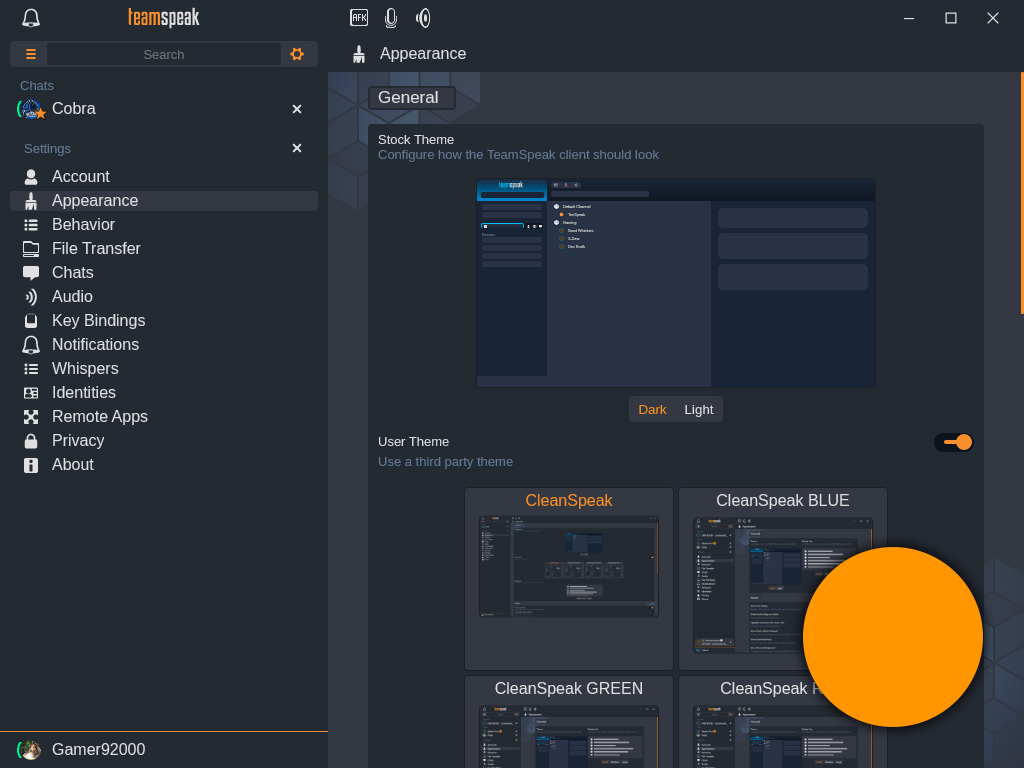
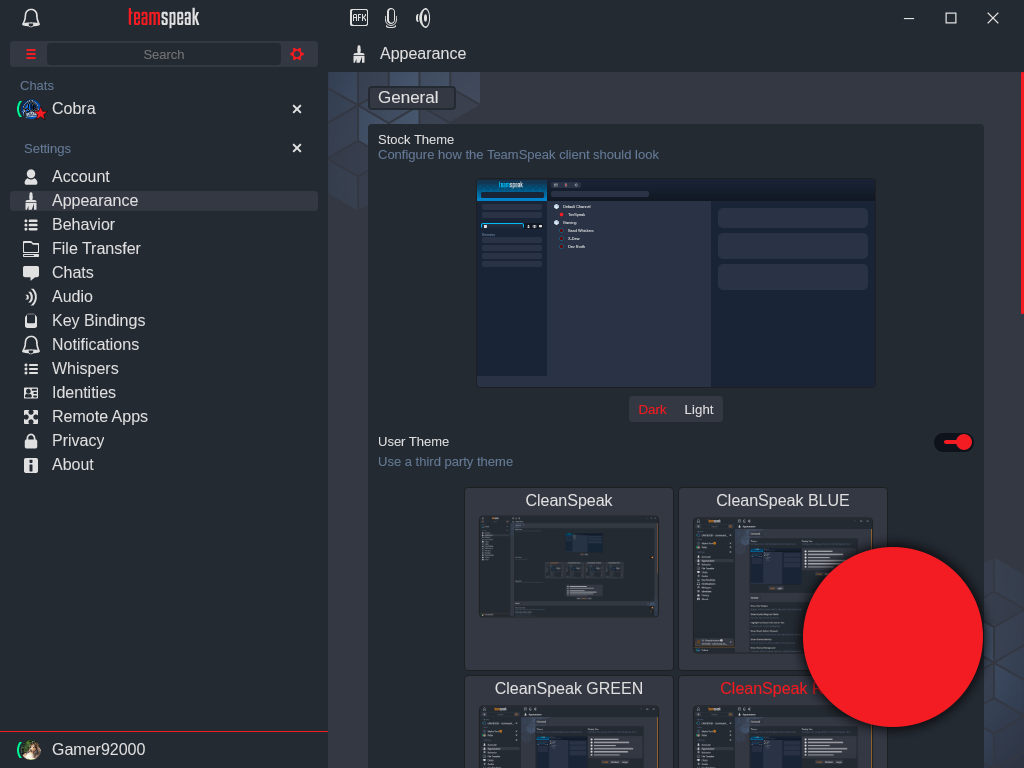
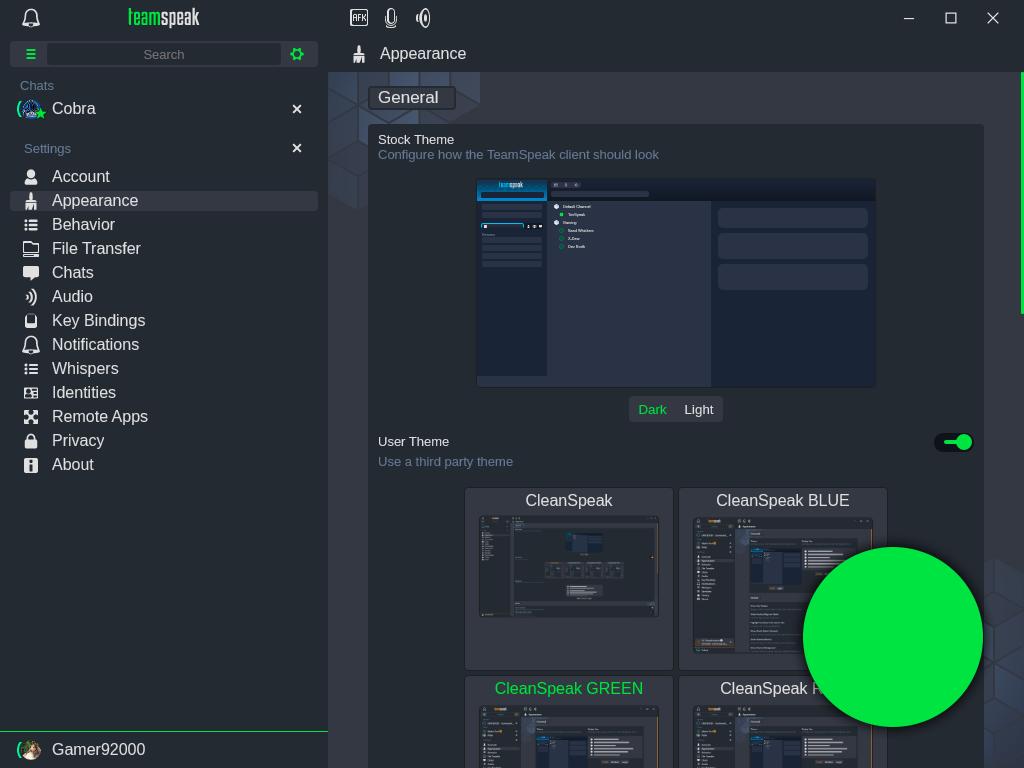
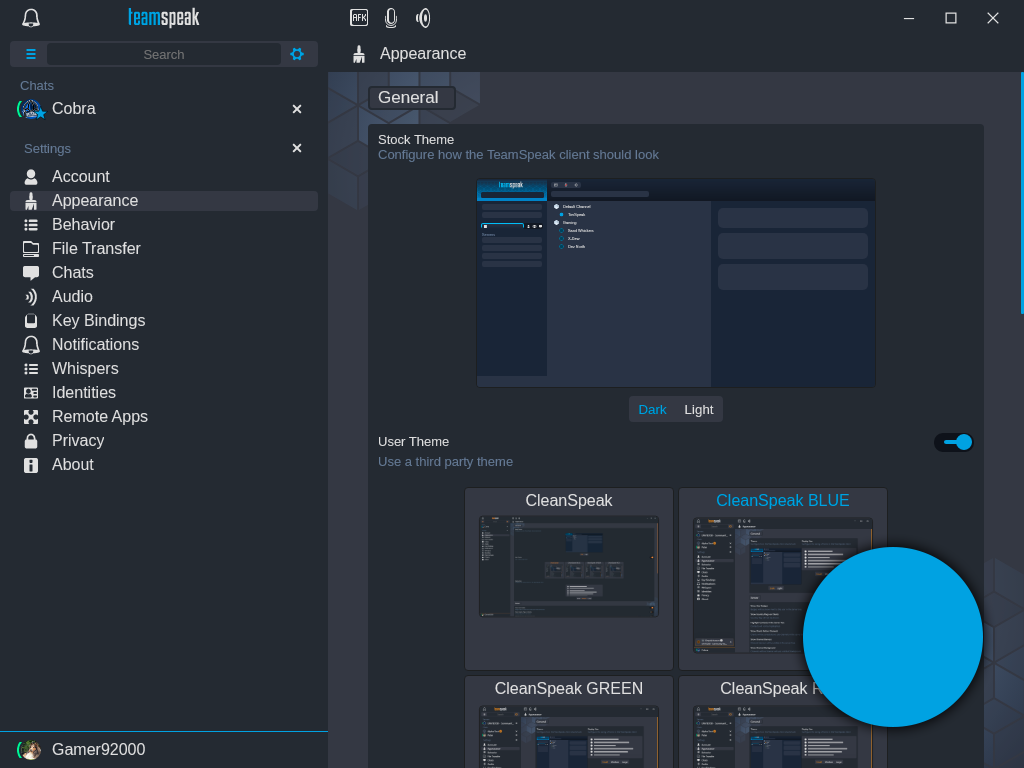
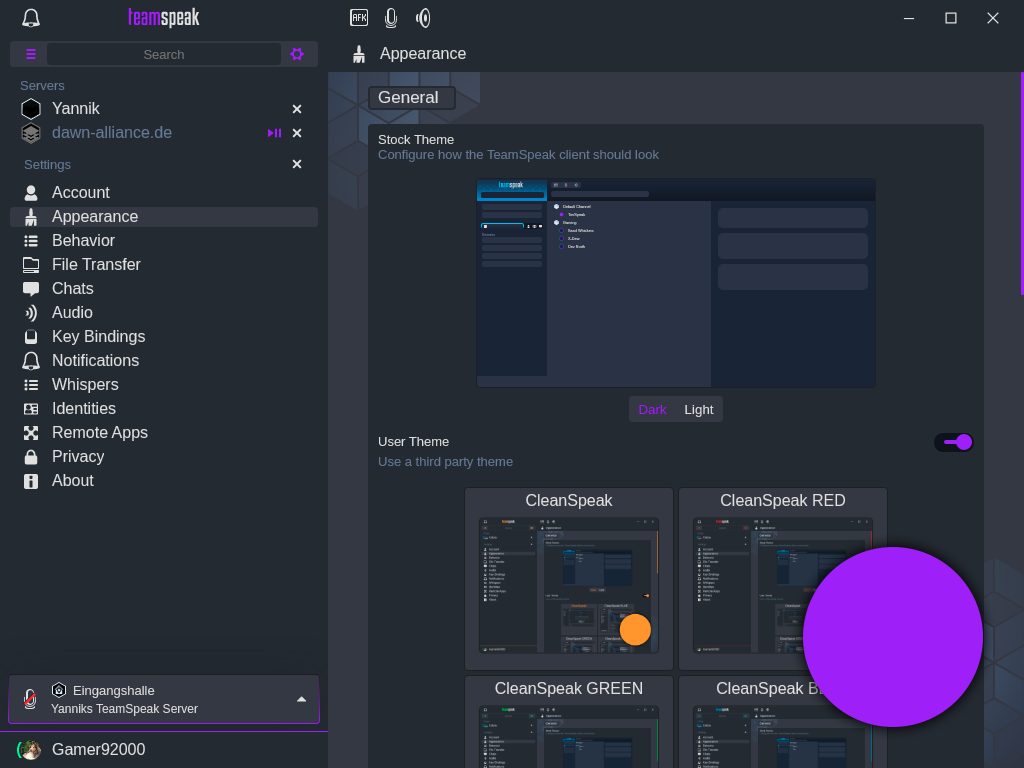
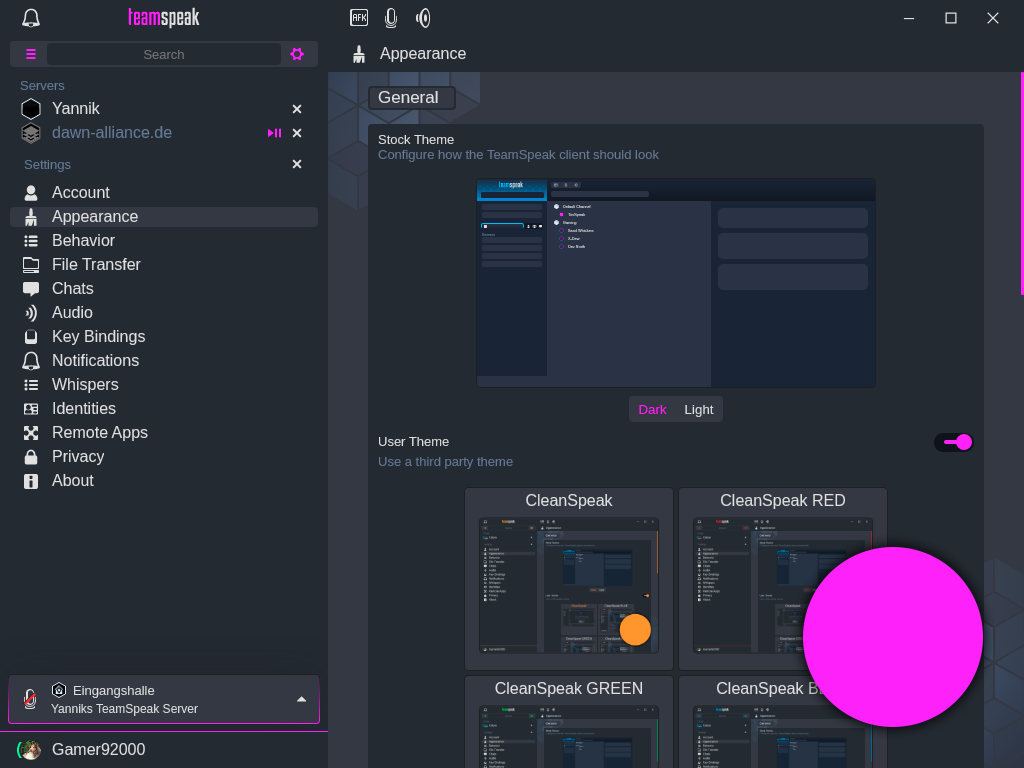
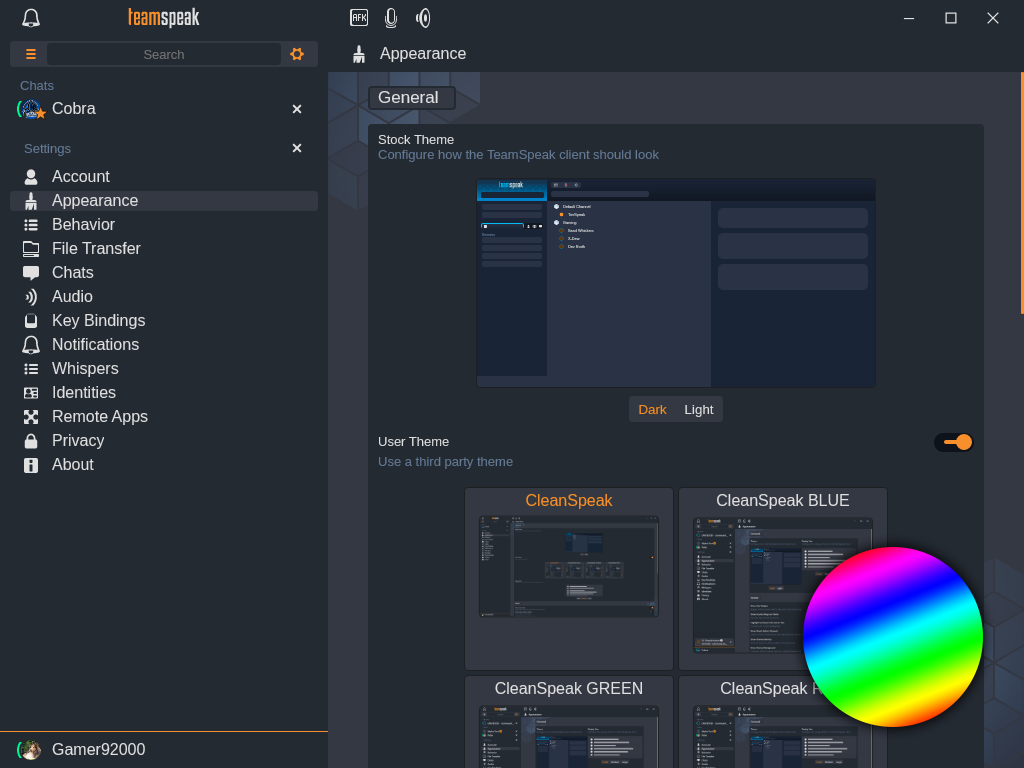
changes the accent color of TeamSpeak to the selected one.
-
disables the chat bubbles of messages.
-
redesigns the favorite contact view

-
centers channel banners

-
and a lot more!







⠀

⠀
| | For Linux it might be necessary to run chomod +x ./CleanSpeak to make it executable. |
-
Go trough the "Installation" process.
-
Restart or open TeamSpeak.
-
Go into the
Settings → Apperance → User Themeand here you can select the theme typ you want to use.
| ℹ️ | If the Installation does not work please try the Manual Installation! |
-
Download the Theme, unzip and move it into the Extentions folder:
Windows |
|
Linux |
|
Mac |
|
-
Restart or open TeamSpeak.
-
Go into the
Settings → Apperance → User Themeand here you can select the theme typ you want to use.
| ℹ️ | Default stands for you Profile and might be different in your TeamSpeak Installation! ⠀ |
⠀

⠀
Special thanks to all my testers @ImScheinox, @DODO.REH, @LeonMarcelHD and @SYOX.
And especially to everyone at TeamSpeak for implementing the official theming engine!