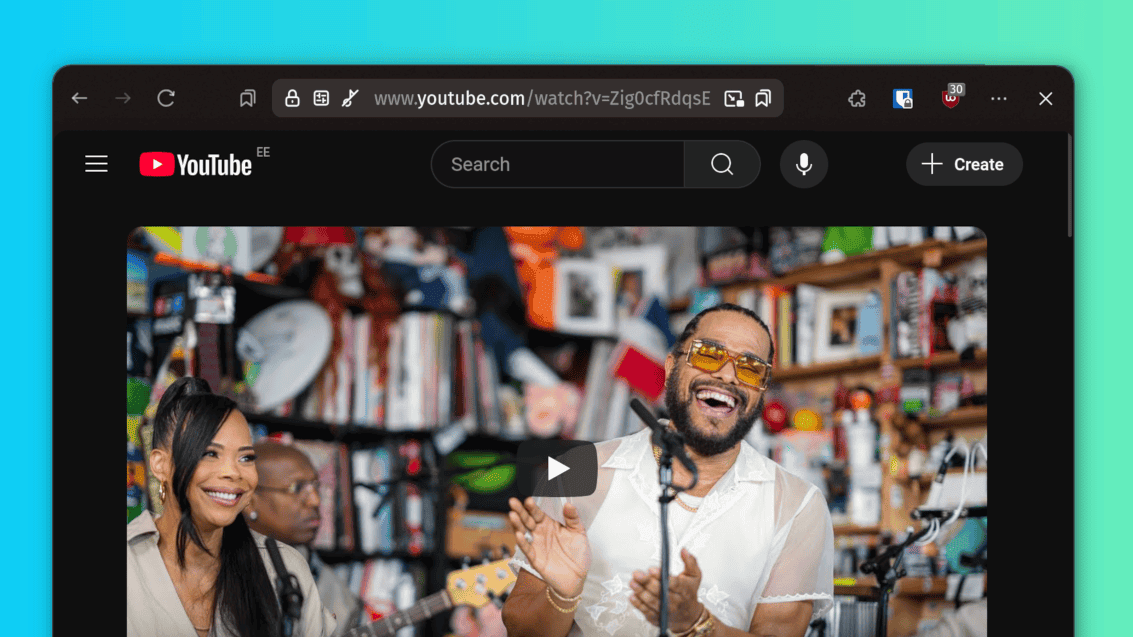
Collection of custom CSS mods for the Zen Browser.
What?
Script that you can use to install these mods into your browser.
Why?
My friends wanted to use my setup and the official mod page workflow is (understandably) slow.
How?
It edits zen-themes.json in your browser profile, making the browser think a new mod was downloaded.
It then creates symbolic links from this repo to chrome/zen-themes/ in your browser profile as if the browser downloaded the mod.
You can now see the newly installed mod inside the browsers Mods settings page.
Usage
- Create a backup of your current Zen profile directory
(Look into the comments at the start of the script for instructions on how to find your Zen profile directory) - Clone the repo and run
./zen_sideload.sh <zen_profile_directory> - Choose what mods you want it to install
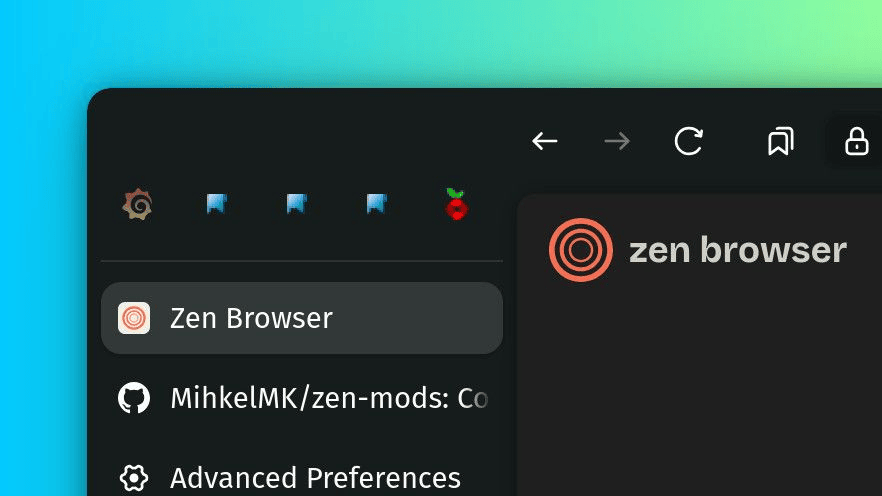
Change pinned tabs to a horizontal list of icons.
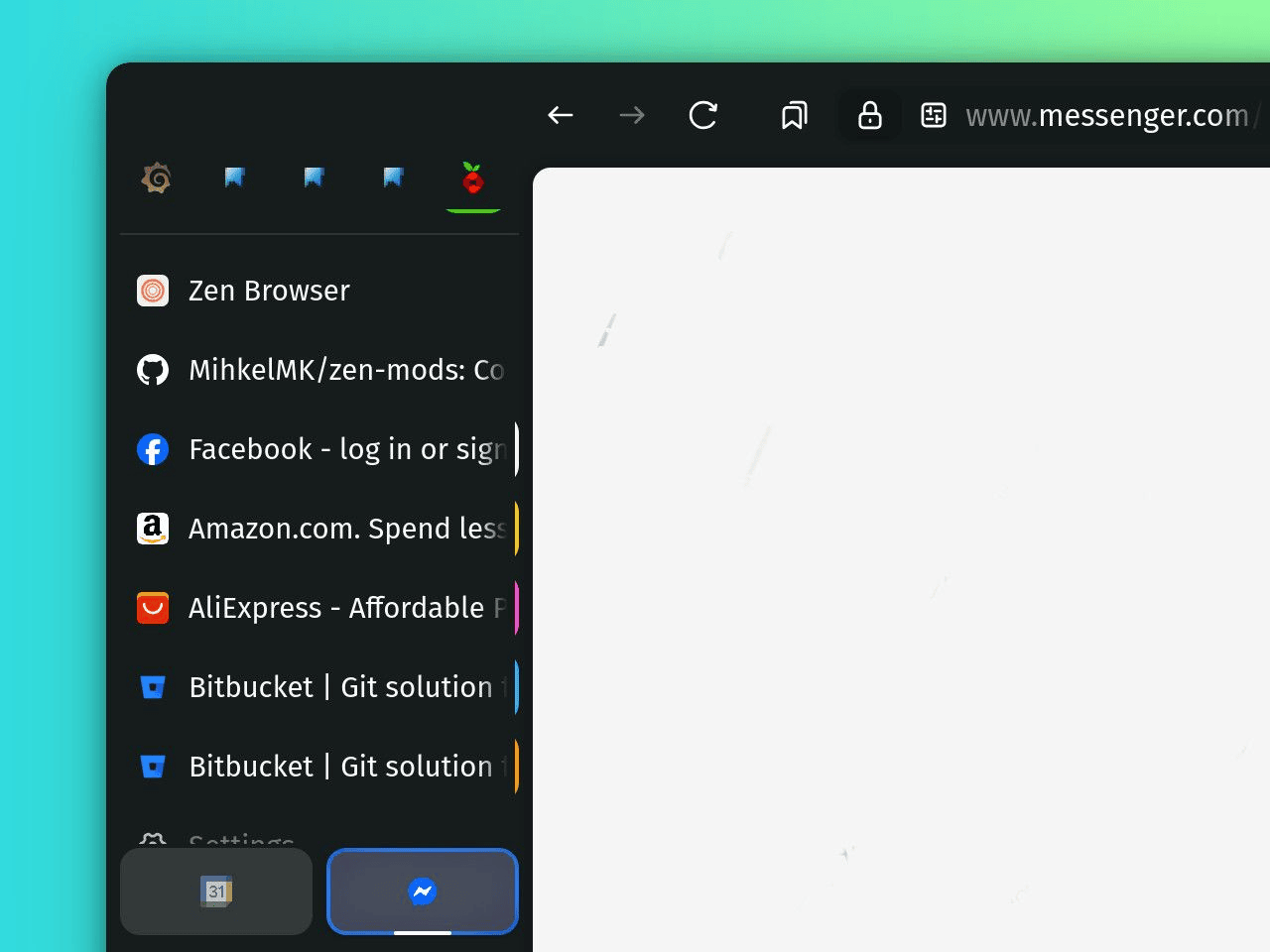
Customize when and where the tab container indicator is displayed.
Toggleable tweaks for the sidebar
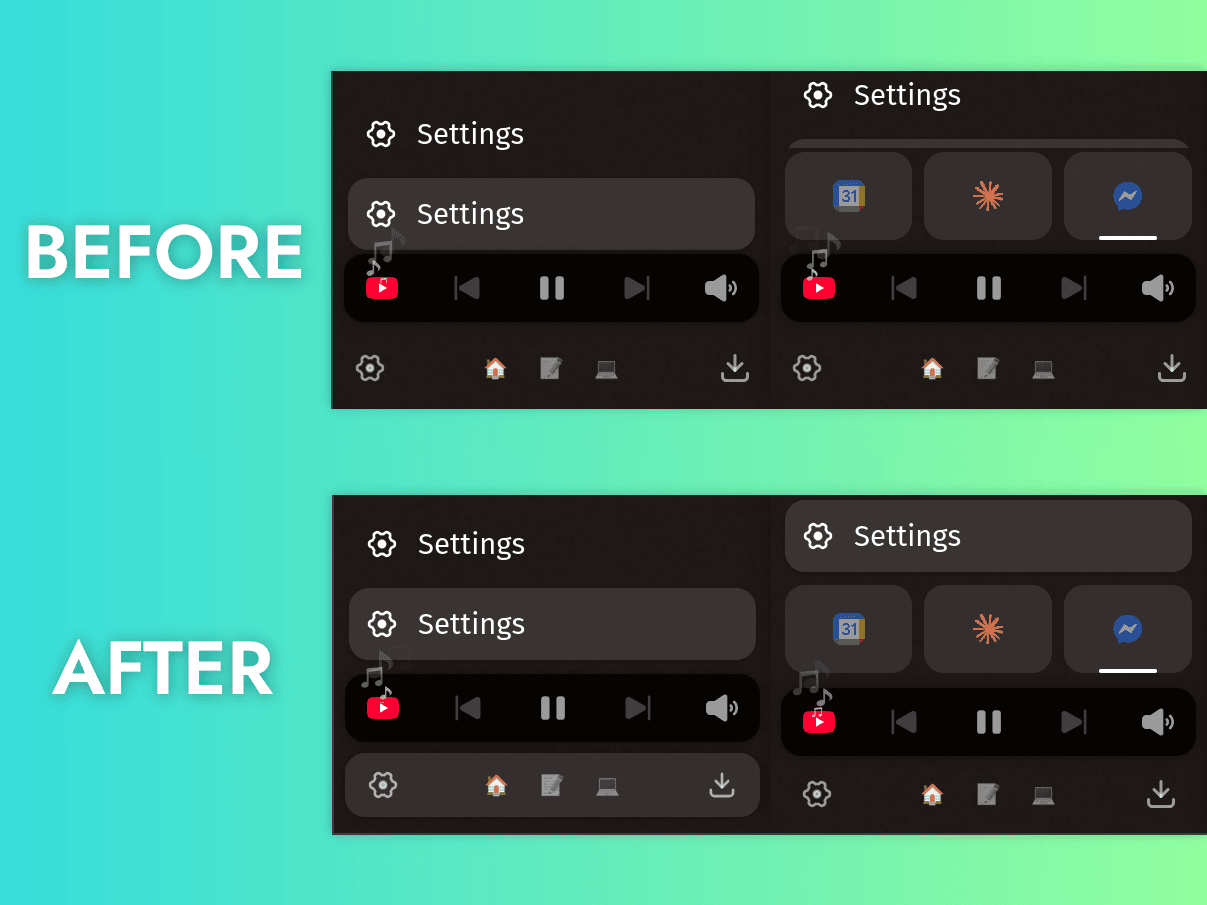
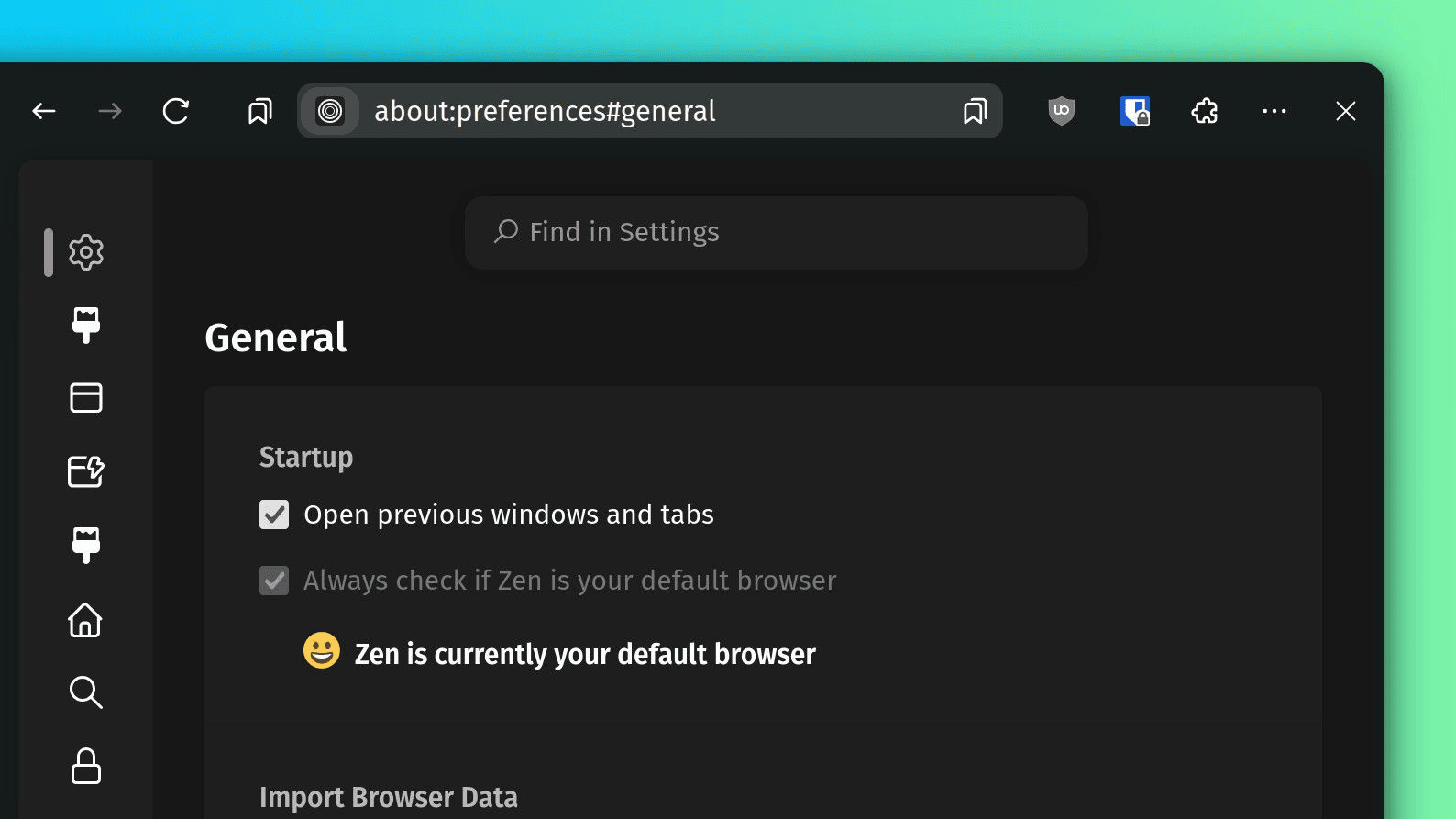
Collapse settings sidebar into icons only with a floating search box on smaller screens.
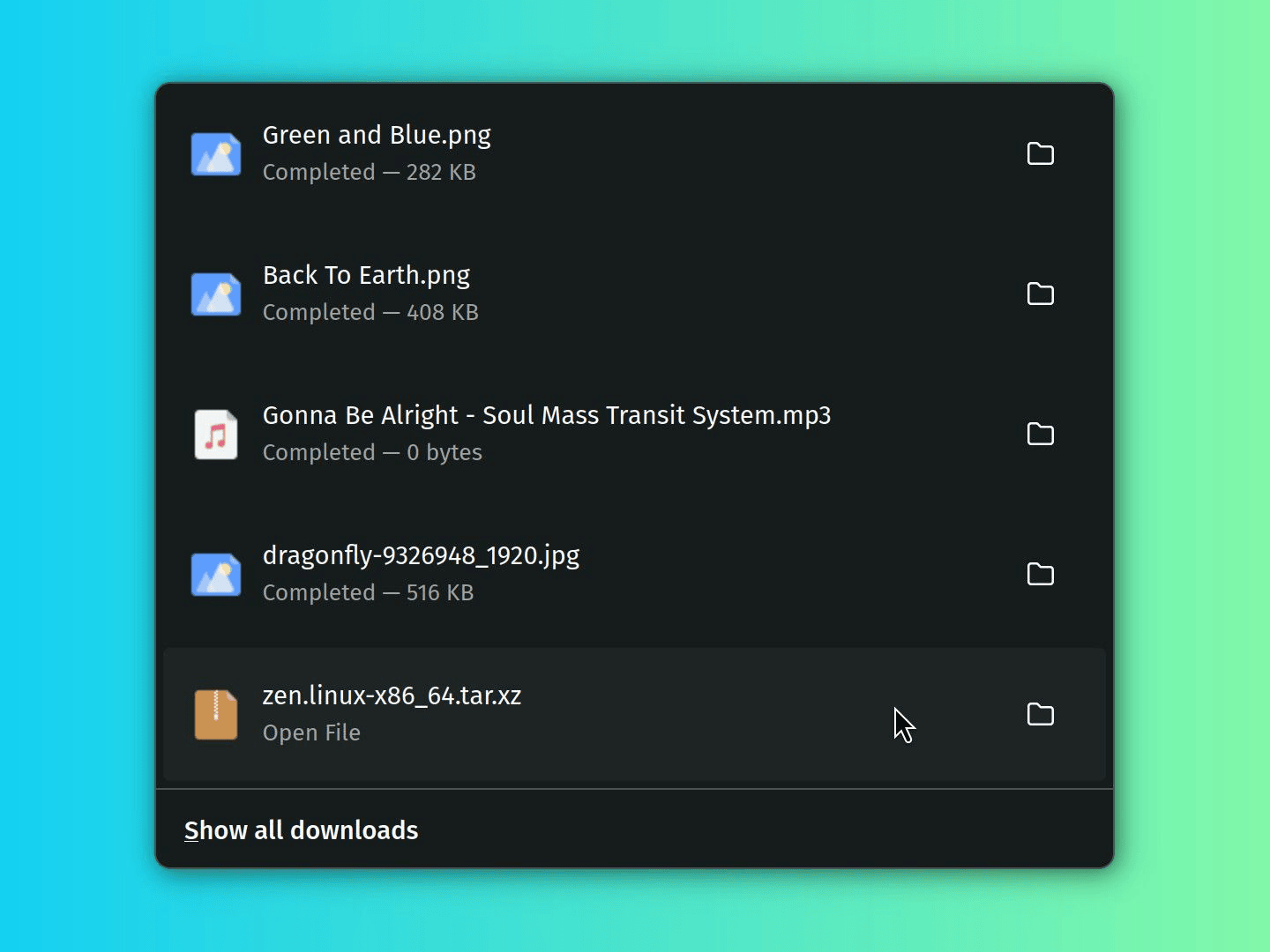
Change spacing and remove borders in the recent downloads menu.
Inspired by Cleaner Extension Menu - Zen Mods by KiKaraage.
Small fixes for the top Nav Bar.