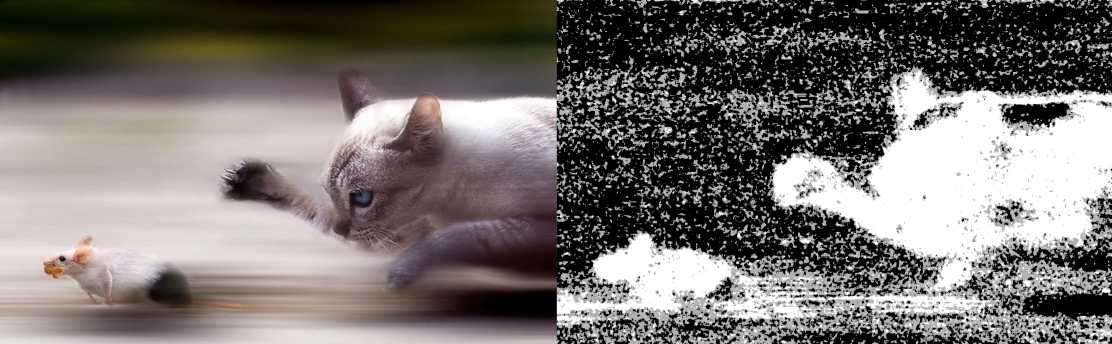
Blur Detection works using the total variance of the laplacian of an image, this provides a quick and accurate method for scoring how blurry an image is.
This package only depends on numpy and opencv, to install them run,
pip install -U -r requirements.txt The repository has a script, process.py which lets us run on single images or directories of images. The blur detection method is highly dependent on the size of the image being processed. To get consistent scores we fix the image size to HD, to disable this use --variable-size. The script has options to,
# run on a single image python process.py -i input_image.png # run on a directory of images python process.py -i input_directory/ # or both! python process.py -i input_directory/ other_directory/ input_image.png. In addition to logging whether an image is blurry or not, we can also,
# save this information to json python process.py -i input_directory/ -s results.json # display blur-map image python process.py -i input_directory/ -dThe saved json file has information on how blurry an image is, the higher the value, the less blurry the image.
{ "images": ["/Users/demo_user/Pictures/Flat/"], "fix_size": true, "results": [ { "blurry": false, "input_path": "/Users/demo_user/Pictures/Flat/IMG_1666.JPG", "score": 6984.8082115095549 }, ], "threshold": 100.0 }This is based upon the blogpost Blur Detection With Opencv by Adrian Rosebrock.