We will be archiving this repo soon. If you would like a shielded-first desktop wallet, we recommend ZecWallet.
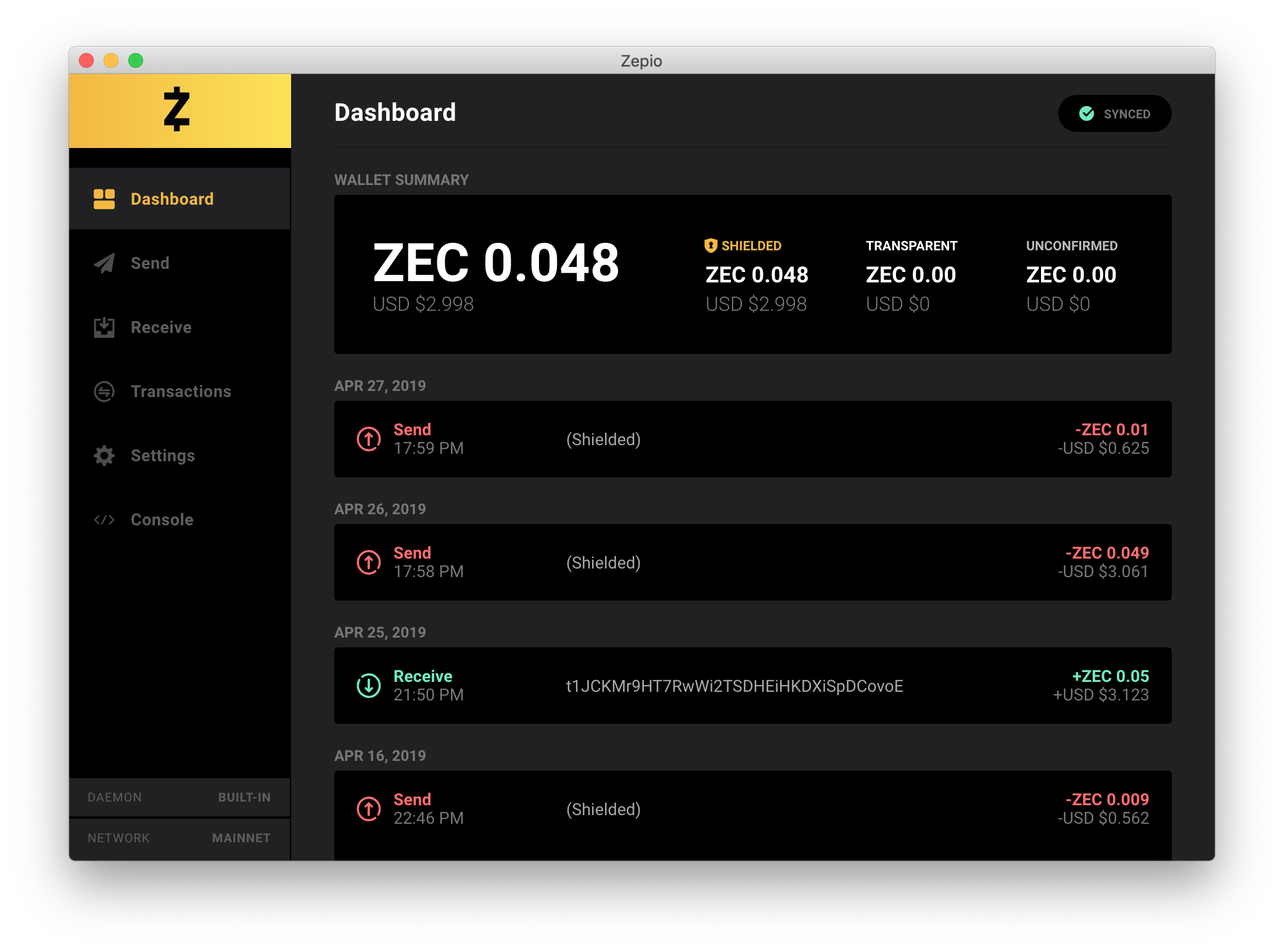
Zepio is a Sapling-enabled shielded-address-first Zcash wallet, featuring cross-platform applications (macOS, Windows and Linux), built-in full node with support for mainnet and testnet, as well as dark and light themes.


List of the main open source libraries and technologies used in building Zepio:
- zcashd: Zcash node daemon
- Electron: Desktop application builder
- React: User interface view layer
- Redux: Predictable application state container
- Styled Components: Visual primitives for theming and styling applications
- webpack: Application module bundler (and more)
- Babel: ES7/JSX transpilling
- ESLint: Code linting rules
- Flow: JavaScript static type checker
- Docz: Documentation builder
- BigNumber.js: Arbitrary-precision decimal and non-decimal arithmetic with safety
To run Zepio from source you'll need to perform the following steps:
# Ensure you have Node LTS v8+ # https://nodejs.org/en/ # Clone Codebase git clone git@github.com:ZcashFoundation/zepio.git # Install Dependencies # inside of the `zepio` folder yarn install # or npm install # Start Application # webpack development server hosts the application on port # 8080 and launches the Electron wrapper, which also hosts # the `zcashd` node daemon process. yarn start # or npm startTo build the application locally follow the instructions below:
# Make sure you are inside of the main `zepio` folder # Run Build Script yarn electron:distall # Executables and binaries available under `/dist` folderFor a deeper look on the static typing coverage of the application, please follow below:
# Make sure you are inside of the main `zepio` folder # Generate Flow Coverage Report # this can take a couple seconds yarn flow:report # Browser should open with the file `index.html` opened # Files are also available at `zepio/flow-coverage/source`To see Zepio's React component library, please visit https://zepio-components.now.sh. We're always looking for folks to help keep the styleguide updated.
To run the component library locally, run the following:
# Make sure you are inside of the main `zepio` folder # Run Docz Development Script yarn docz:dev # Visit http://127.0.0.1:4000/To build the component library locally, run the following:
# Make sure you are inside of the main `zepio` folder # Run Build Script yarn docz:build # Check `/.docz/dist` folder for built static assetsTo run the application's tests, please run the below:
# Make sure you are inside of the main `zepio` folder # For Unit Tests: Run Jest Unit Test Suite yarn test:unit # For E2E (end-to-end) Tests: Run Jest E2E Suite yarn e2e:serve # on another terminal window yarn test e2eIn order to contribute and submit PRs to improve the Zepio codebase, please check our CONTRIBUTING guide.
MIT © Zcash Foundation 2019 zfnd.org