



This is a data visualization plugin for Obsidian, based on Ant Design Charts. Support plots and graphs. @see The document generated by Zread
- Obsidian Charts View Plugin
Use command Insert Template -> Word Count to insert code block.
#-----------------# #- chart type -# #-----------------# type: WordCloud #-----------------# #- chart data -# #-----------------# data: "wordcount:Words" #-----------------# #- chart options -# #-----------------# options: wordField: "word" weightField: "count" colorField: "count" wordStyle: rotation: 30 
data: "wordcount:Words,PARA,@Inbox/" data: "wordcount:/" data: "wordcount:@Inbox/" Use command Charts View: Insert Template -> Pie to insert code block.

Use command Charts View: Insert Template -> WordCloud to insert code block.

Use command Charts View: Insert Template -> Treemap to insert code block.

Use command Charts View: Insert Template -> DualAxes to insert code block.

Use data.<any name> and options.<any name> to set data and options. Keep data and options <any name> same.
Use command Charts View: Insert Template -> Mix to insert code block.

Use command Charts View: Insert Template -> Bar to insert code block.

Use command Charts View: Insert Template -> OrganizationTreeGraph to insert code block.

Use command Charts View: Insert Template -> Radar to insert code block.

Use command Charts View: Insert Template -> TinyLine to insert code block.

Chart data by dataviewjs. Use command Charts View: Insert Template -> Dataviewjs Example (Column) to insert code block.

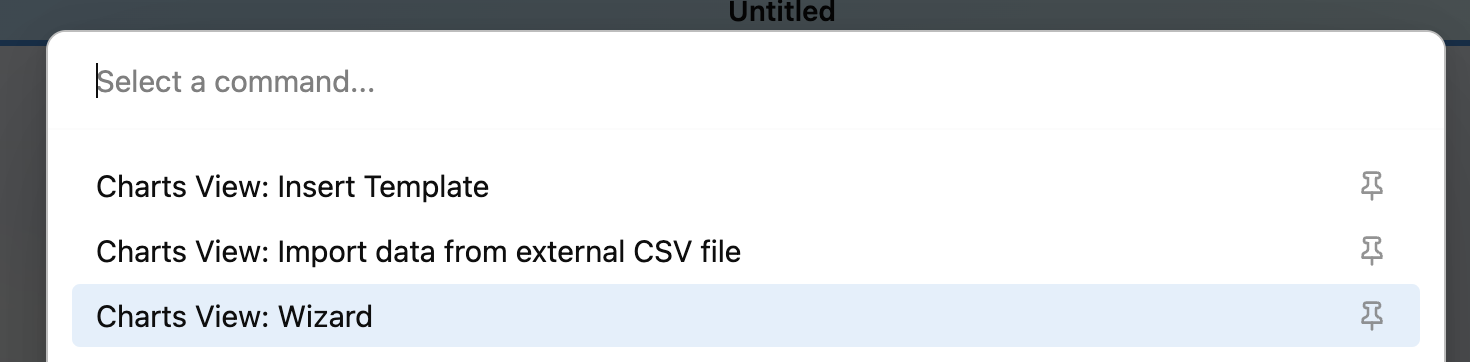
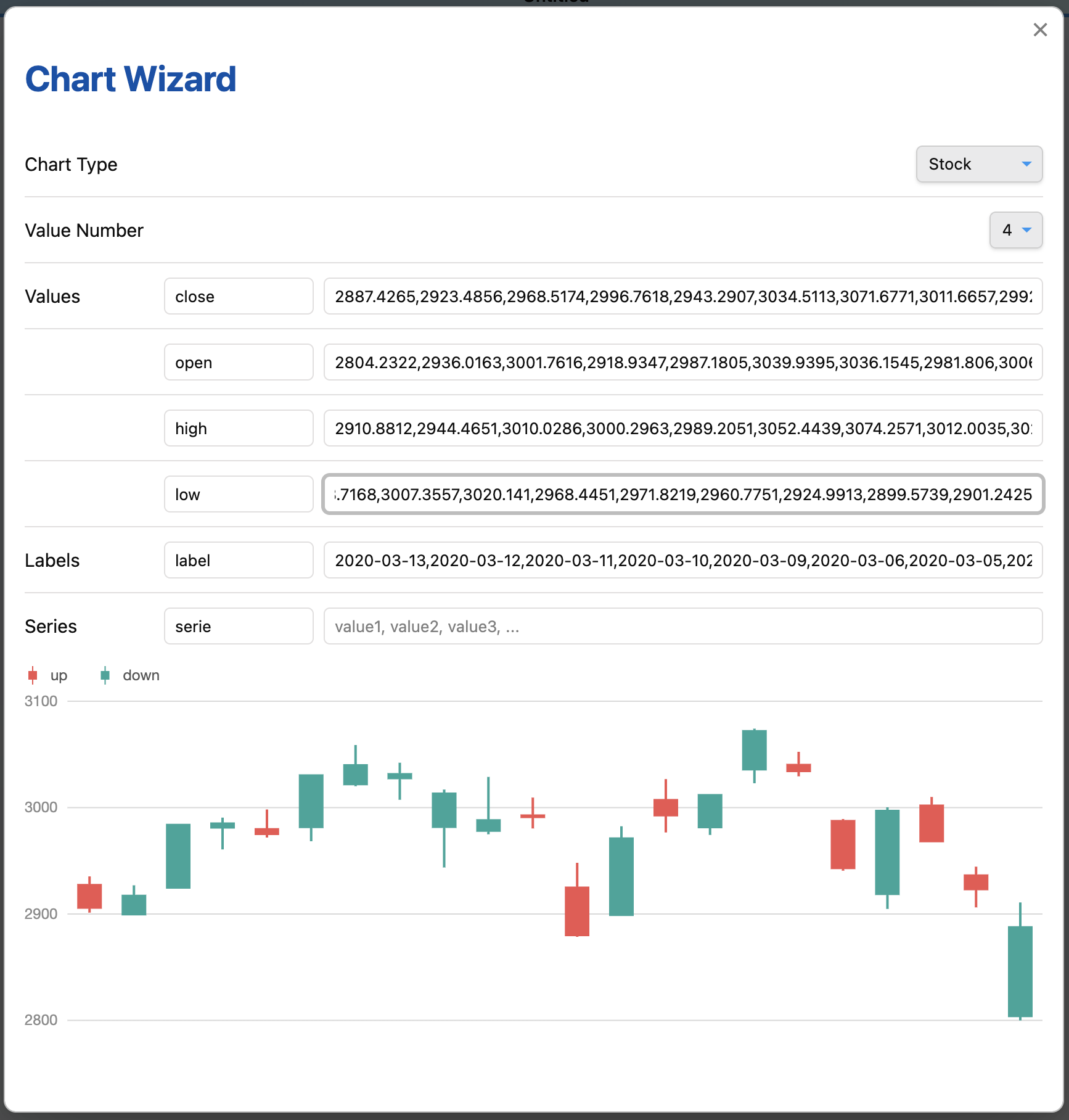
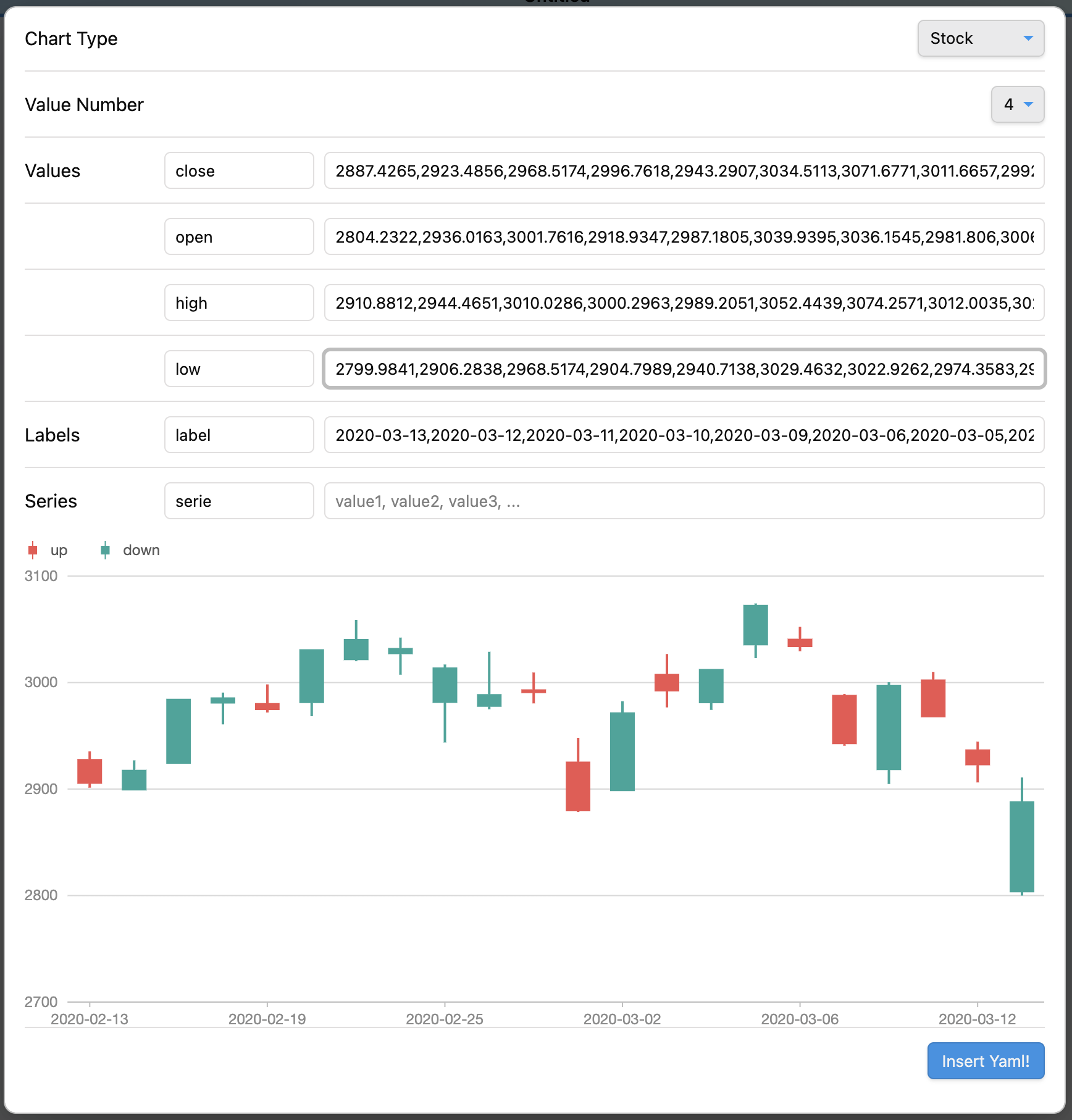
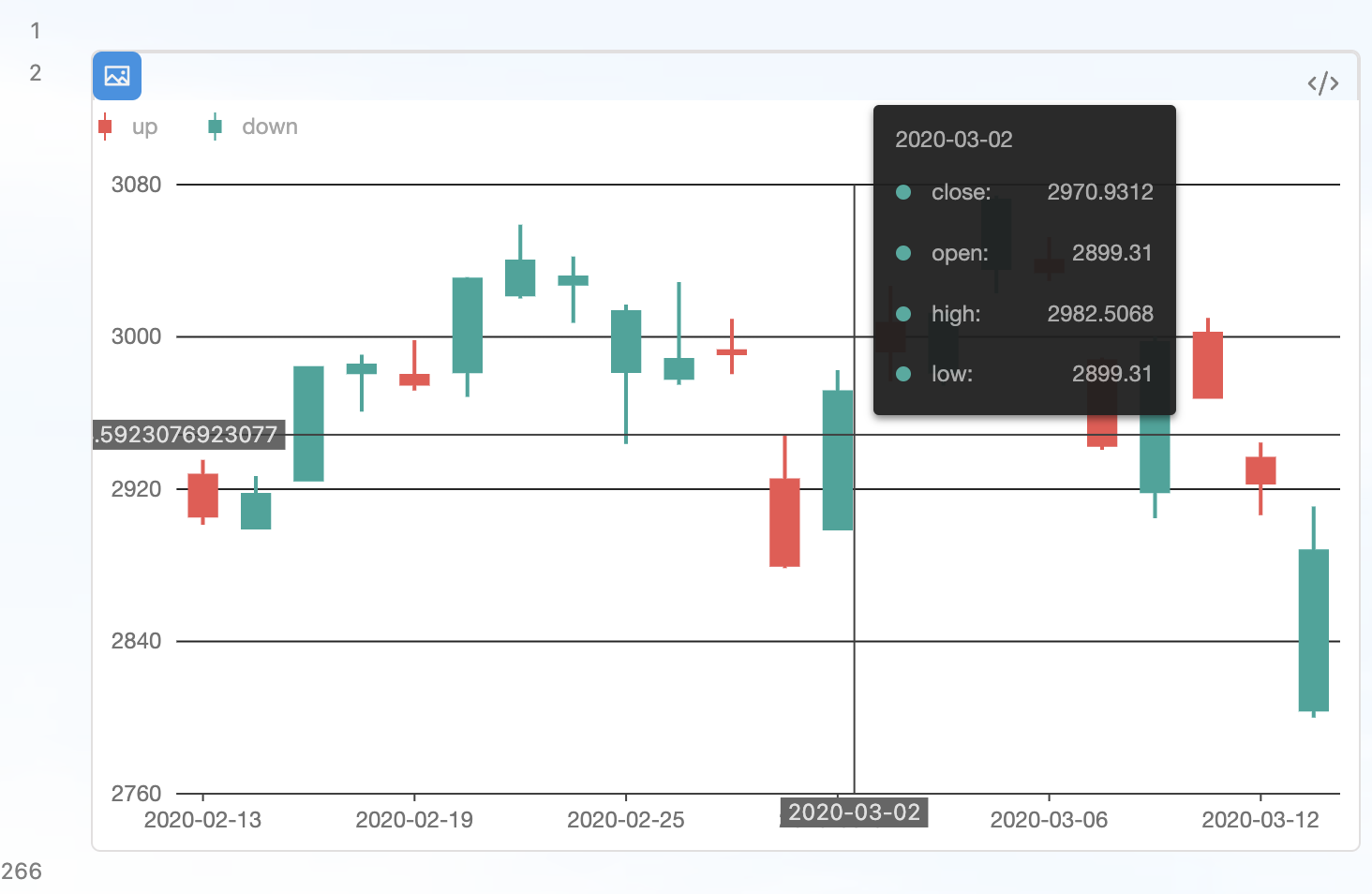
Use command Charts View: Wizard to insert code block.
Use command Charts View: Import data from external CSV file to insert data from CSV file.
Load CSV file from data path. Data path should be specified in settings.
#-----------------# #- chart type -# #-----------------# type: Mix #-----------------# #- chart data -# #-----------------# data.area: - time: 1246406400000 temperature: [14.3, 27.7] - time: 1246492800000 temperature: [14.5, 27.8] - time: 1246579200000 temperature: [15.5, 29.6] - time: 1246665600000 temperature: [16.7, 30.7] - time: 1246752000000 temperature: [16.5, 25.0] - time: 1246838400000 temperature: [17.8, 25.7] data.line: LineData.csv #-----------------# #- chart options -# #-----------------# options: appendPadding: 8 syncViewPadding: true tooltip: shared: true showMarkers: false showCrosshairs: true offsetY: -50 options.area: axes: {} meta: time: type: 'time' mask: 'MM-DD' nice: true tickInterval: 172800000 range: [0, 1] temperature: nice: true sync: true alias: '温度范围' geometries: - type: 'area' xField: 'time' yField: 'temperature' mapping: {} options.line: axes: false meta: time: type: 'time' mask: 'MM-DD' nice: true tickInterval: 172800000 range: [0, 1] temperature: sync: 'temperature' alias: '温度' geometries: - type: 'line' xField: 'time' yField: 'temperature' mapping: {} - type: 'point' xField: 'time' yField: 'temperature' mapping: shape: 'circle' style: fillOpacity: 1 #-----------------# #- chart type -# #-----------------# type: DualAxes #-----------------# #- chart data -# #-----------------# data: DualAxesData.csv, DualAxesData.csv #-----------------# #- chart options -# #-----------------# options: xField: 'time' yField: ['value', 'count'] yAxis: value: min: 0 label: formatter: function formatter(val) { return ''.concat(val, '个'); } geometryOptions: - geometry: 'column' - geometry: 'line' lineStyle: lineWidth: 2 - dv.current()
- dv.pages(source?)
- dv.pagePaths(source?)
- dv.page(path)
- dv.array(value)
- dv.isArray(value)
- dv.date(text)
- dv.fileLink(path, embed?, display-name?)
- dv.date(pathlike)
- dv.query(source, settings?)
- dv.io
See Dataview Codeblock Reference
Enable the Search in Obsidian interaction when click a chart element by add an option enableSearchInteraction. Use default:
#-----------------# #- chart options -# #-----------------# options: ... enableSearchInteraction: true or custom:
#-----------------# #- chart options -# #-----------------# options: ... enableSearchInteraction: field: 'word' operator: 'path' fieldindicate where to get keyword for search.operatorenums from Obsidian search opertaors:
| operator | Obsidian search opertaor |
|---|---|
default | |
tag | tag: |
path | path: |
file | file: |
task | task: |
taskTodo | task-todo: |
taskDone | task-done: |
matchCase | match-case: |
ignoreCase | ignore-case: |
line | line: |
block | block: |
content | content: |
section | section: |
fileopen | Open a file inside Vault |
See https://github.com/caronchen/obsidian-chartsview-plugin/wiki/Chart-examples
- Copy over
main.js,styles.css,manifest.jsonto your vaultVaultFolder/.obsidian/plugins/obsidian-chartsview-plugin/.