A touch event simulation library for iOS 11.0 - 13.6.
Jailbroken device required
Discord: https://discord.gg/acSXfyz
Please give me a star! I will post updates on Github.
The reason that I haven't release the source is that I wrote the code while doing iOS reverse engineering, so the code is like a mess. It is bad structured and unreadable now (and I don't want anyone to see bad code written by me). So I have to rewrite some parts of the source code to make it tidy and readable before releasing it. I don't have enough time for it so I can just post a release version for you guys to get it tested first. And during this time, I have to make sure that no one will make illegal things based on the library.
But I can promise you that this repo is FREE and NOT for my own benefit. I will definitely release the source code shortly. Please star or watch this library to get notified when I post the source code.
Sorry for the inconvenience.
This library enables you to simulate touch events on iOS 11.0 - 13.6 with just one line of code! All the source code will be released later.
- Multitouch supported (no other library you can find supports multi touching).
- Programmable. Control scripts can be programmed with all the programming languages you desire.
- Instant controlling supported. The ios device can be controlled with no latency from other devices/computers.
- System-level touch simulation (will not inject to any process).
- Color picker. Get the color of a specified pixel.
- Touch recording. Record your touch event and play back.
- Script shop for users to download scripts made by others. Just like the App Store.
- Physical buttons Simulations.
- Image matching.
- Activator.
- Jailbreak detection bypass for games. (not sure whether I will release this. But if I do, I will never release source code for this part)
- Open Cydia - Sources - Edit - Add - http://47.114.83.227 ("http" instead of "https"!!! Please double check this.)
- Install "ZJXTouchSimulation" tweak
- Done
Python Version
import socket import time # event types TOUCH_UP = 0 TOUCH_DOWN = 1 TOUCH_MOVE = 2 SET_SCREEN_SIZE = 9 # you can copy and paste this method to your code def formatSocketData(type, index, x, y): return '{}{:02d}{:05d}{:05d}'.format(type, index, int(x*10), int(y*10)) s = socket.socket() s.connect(("127.0.0.1", 6000)) # connect to the tweak s.send(("1"+formatSocketData(SET_SCREEN_SIZE, 0, 2048, 2732)).encode()) # tell the tweak that the screen size is 2732x2048 (your screen size might differ). This should be send to the tweak every time you kill the SpringBoard (just send once) time.sleep(1) # sleep for 1 sec to get setting size process finished s.send(("1"+formatSocketData(TOUCH_DOWN, 7, 300, 400)).encode()) # tell the tweak to touch 300x400 on the screen # IMPORTANT: NOTE the "1" at the head of the data. This indicates the event count and CANNOT BE IGNORED. s.close()Actually the touch is performed by only one line:
s.send(("1"+formatSocketData(TOUCH_DOWN, 7, 300, 400)).encode()) Neat and easy.
Perform Touch Move
s.send(("1"+formatSocketData(TOUCH_MOVE, 7, 800, 400)).encode()) # tell the tweak to move our finger "7" to (800, 400)Perform Touch Up
s.send(("1"+formatSocketData(TOUCH_UP, 7, 800, 400)).encode()) # tell the tweak to touch up our finger "7" at (800, 400)Combining them
s.send(("1"+formatSocketData(TOUCH_DOWN, 7, 300, 400)).encode()) time.sleep(1) s.send(("1"+formatSocketData(TOUCH_MOVE, 7, 800, 400)).encode()) time.sleep(1) s.send(("1"+formatSocketData(TOUCH_UP, 7, 800, 400)).encode())First the finger touches (300, 400), and then it moves to (800, 400), and then "leaves" the screen. All the touch events are performed with no latency.
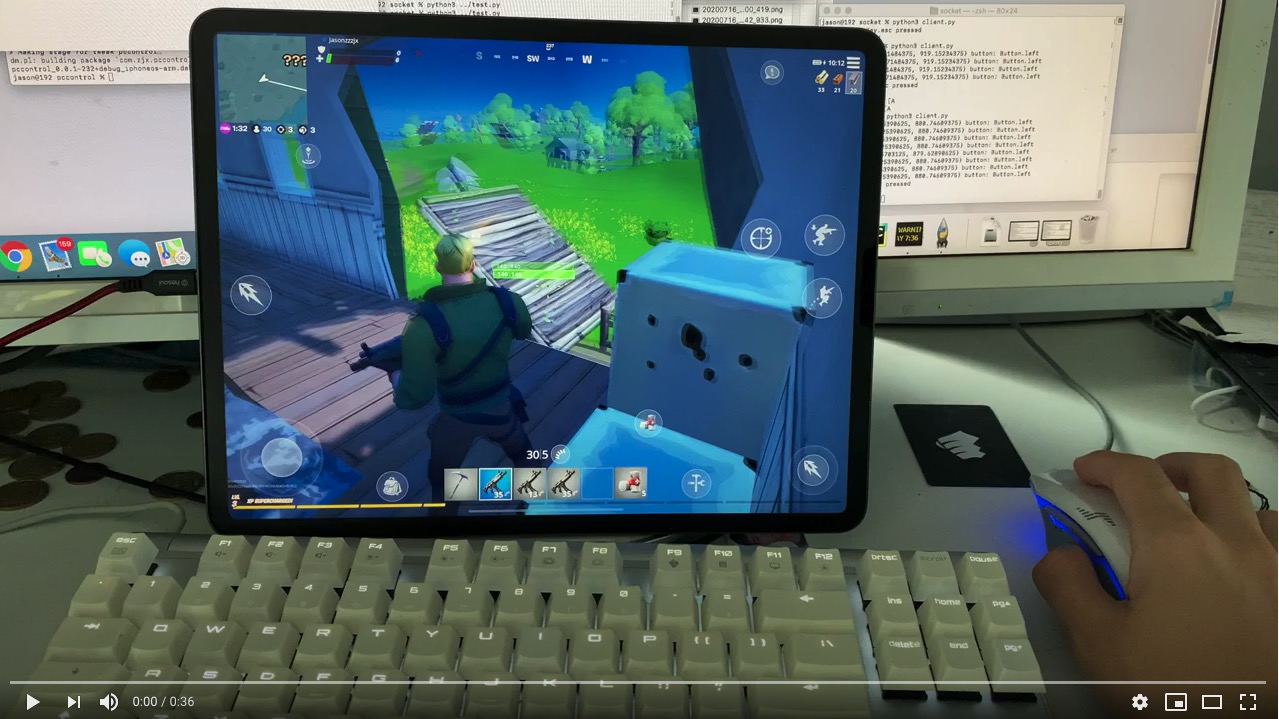
I write scripts using python to let myself play iOS games using the keyboard and mouse of my computer. Here are demos of Fortnite and PUBG Mobile. 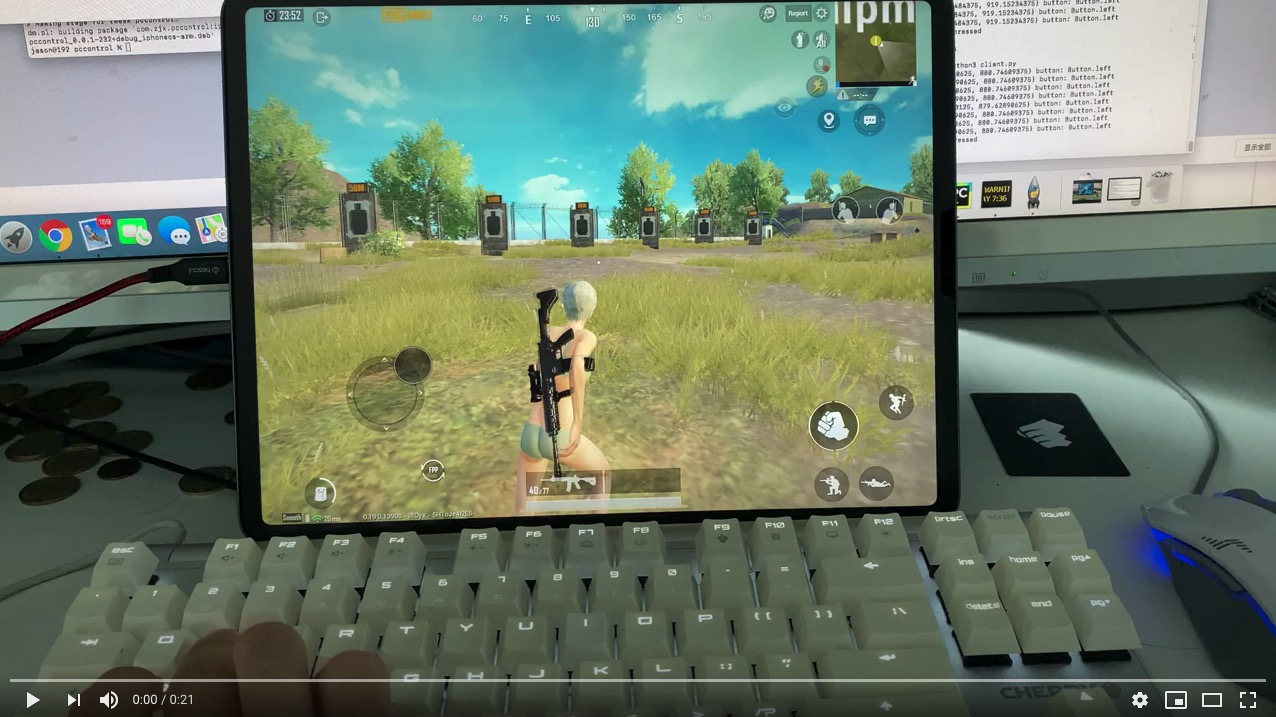
- After installation, the tweak will start listening at port 6000.
- Use socket to send touch data field to the tweak
data field should always be decimal digits, specified below 
Event Count(1 digit): Specify the count of the single events. If you have multiple events to send at the same time, just increase the event count and append events to the data.
Type(1 digit): Specify the type of the single event.
Supported event type:
| Event | Flag | Description |
|---|---|---|
| Touch Up | 0 | Specify the event as a touch-up event |
| Touch Down | 1 | Specify the event as a touch-down event |
| Touch Move | 2 | Specify the event as a touch-move event (move the finger) |
| Set Size | 9 | Set screen size (required!! Will be explained below) |
Touch Index(2 digits): Apple supports multitouch, so you have to specify the finger index when posting touching events. The range of finger index is 1-20 (0 is reserved, don't use 0 as finger index).
x Coordinate(5 digits): The x coordinate of the place you want to touch. The first 4 digit is for integer part while the last one is for the decimal part. For example, if you want to touch (123.4, 2432.1) on the screen, you should fill "01234" for this.
y Coordinate(5 digits): The y coordinate of the place you want to touch. The first 4 digit is for integer part while the last one is for the decimal part. For example, if you want to touch (123.4, 2432.1) on the screen, you should fill "24321" for this.
The touch coordinate does not depend on the orientation of your device. See picture below to get more information. However you place your device, the click point on the screen will not be changed. 
Mail: jiz176@pitt.edu Discord: https://discord.gg/acSXfyz