
 Catppuccin for qutebrowser



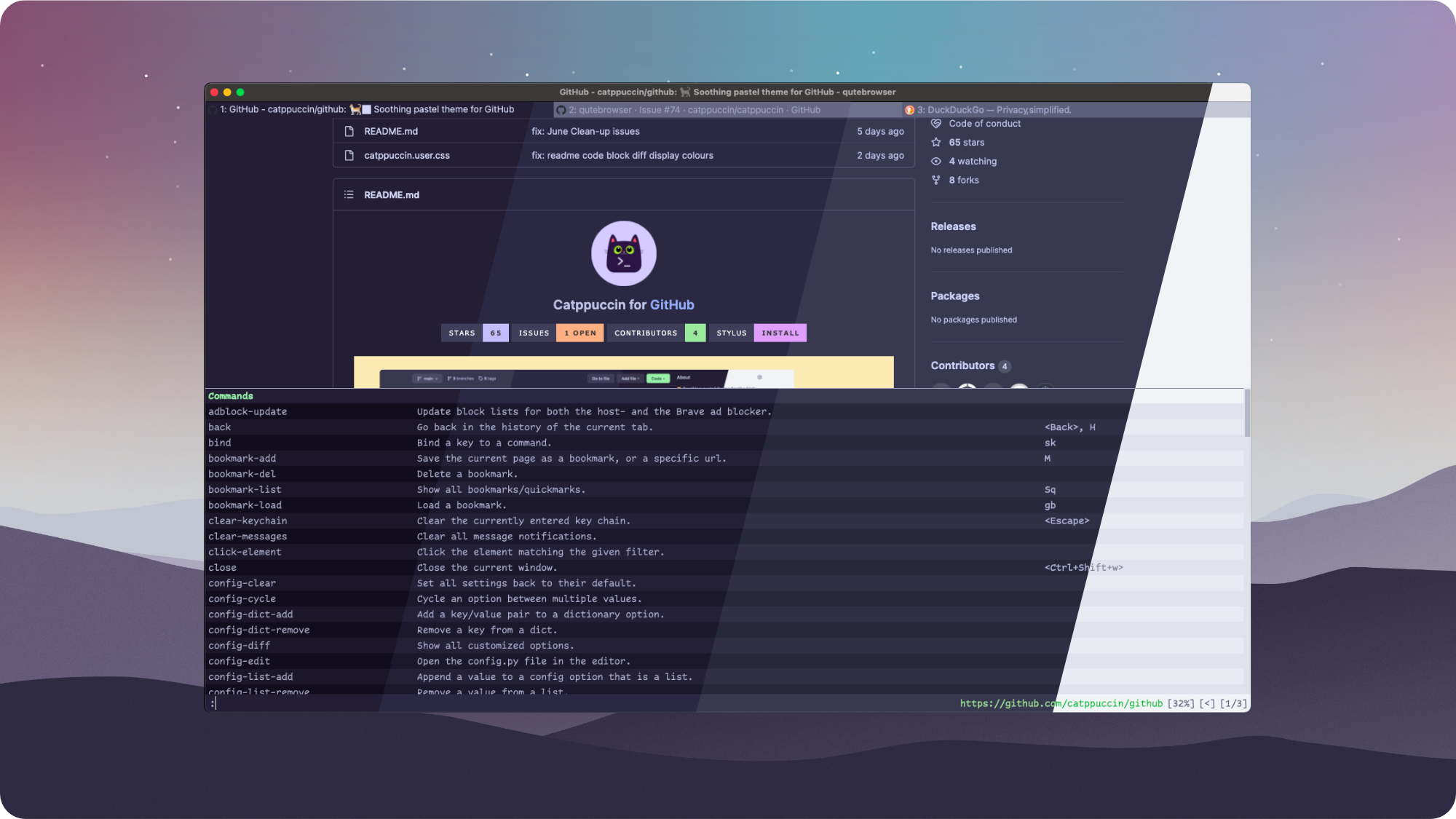
There are two ways to install & manage this theme:
- Find out where the qutebrowser stores its
configdirectory for your OS.
Run:version, and take a look atPaths: configto find out. - Clone this repo into that
configdirectory:
# Linux $ git clone https://github.com/catppuccin/qutebrowser.git ~/.config/qutebrowser/catppuccin # macOS $ git clone https://github.com/catppuccin/qutebrowser.git ~/.qutebrowser/catppuccin # windows $ git clone https://github.com/catppuccin/qutebrowser.git $LOCALAPPDATA/qutebrowser/config/catppuccin- Make sure your
config.pycontains:
import catppuccin # load your autoconfig, use this, if the rest of your config is empty! config.load_autoconfig() # set the flavor you'd like to use # valid options are 'mocha', 'macchiato', 'frappe', and 'latte' # last argument (optional, default is False): enable the plain look for the menu rows catppuccin.setup(c, 'mocha', True)- Done!
- Insert the following code into your
config.py:
import os from urllib.request import urlopen # load your autoconfig, use this, if the rest of your config is empty! config.load_autoconfig() if not os.path.exists(config.configdir / "theme.py"): theme = "https://raw.githubusercontent.com/catppuccin/qutebrowser/main/setup.py" with urlopen(theme) as themehtml: with open(config.configdir / "theme.py", "a") as file: file.writelines(themehtml.read().decode("utf-8")) if os.path.exists(config.configdir / "theme.py"): import theme theme.setup(c, 'mocha', True)- Remove your current theme from your
.qutebrowserdirectory & reloadconfig.py.

Copyright © 2021-present Catppuccin Org

