-
Install font (double click
Monaco%20for%20Powerline.otf) -
Setup terminal for use this font (iTerm or Terminal settings - set as default. Helpfull info for iTerm2 )
-
Copy .git-completion.bash in your ~
# cp .git-completion.bash ~/.git-completion.bash -
Copy and paste lines from powerfull.bash to your ~/.bash_profile
# cat ./powerfull.bash >> ~/.bash_profile -
[ Optional ] You can uncomment some usage git aliases in your ~/.bash_profile file
-
[ Optional ] If you faced issues with Midnight Commander not working highlight :
- If file
.bashrcexists in your home folder you should copy powerfull.bash content in it:# cat ./powerfull.bash >> ~/.bashrc - If not, create symlink:
# ln -s .bash_profile .bashrc - Restart Midnight Commander
- If file
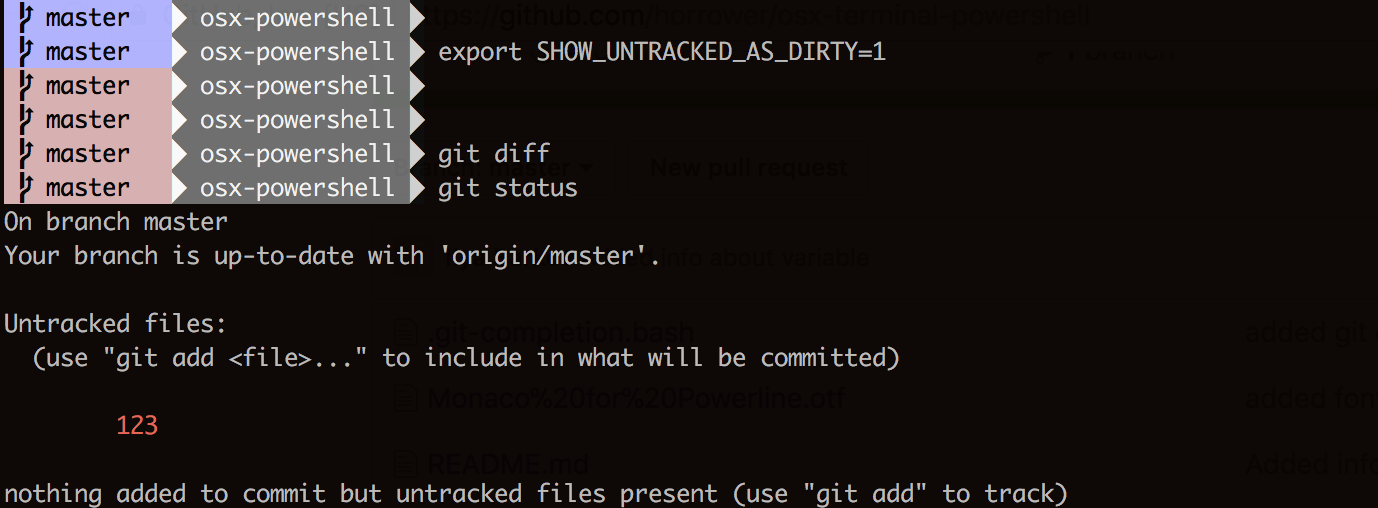
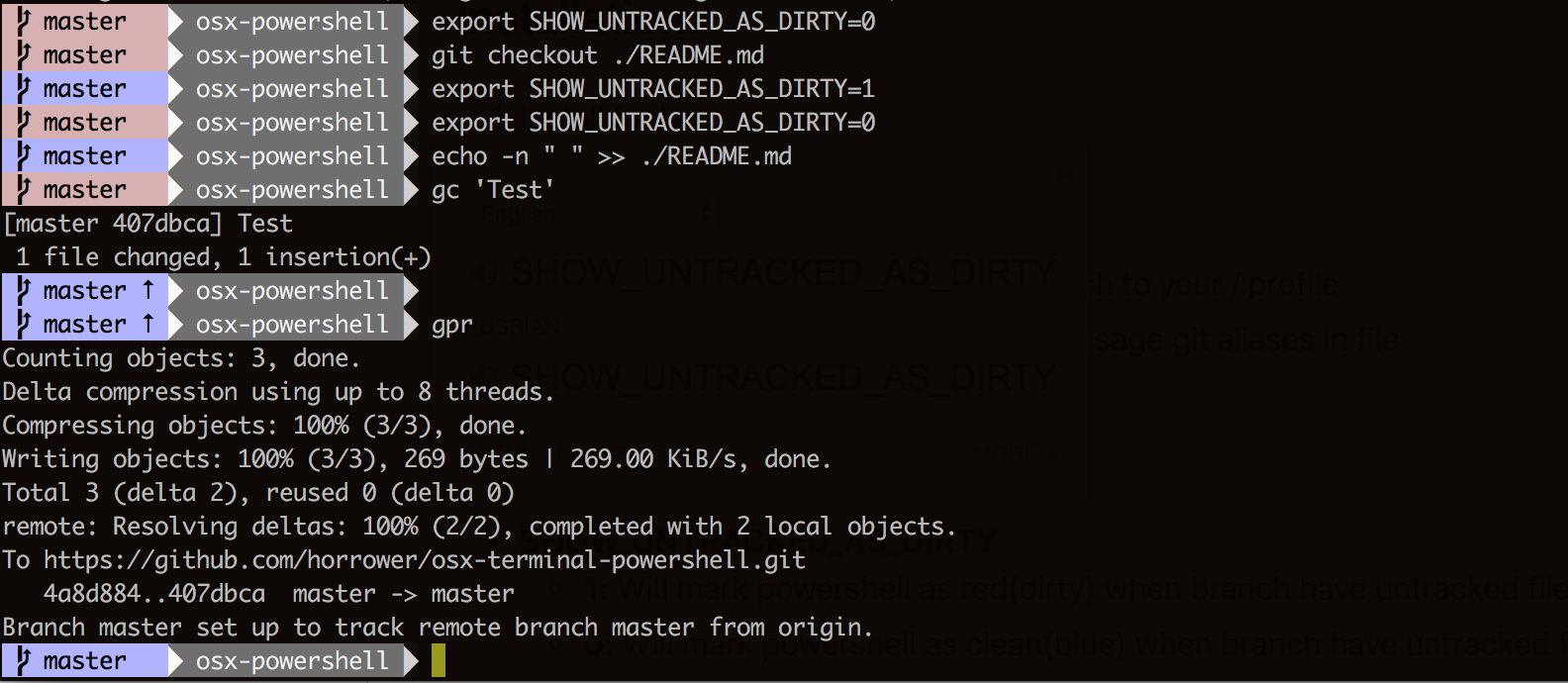
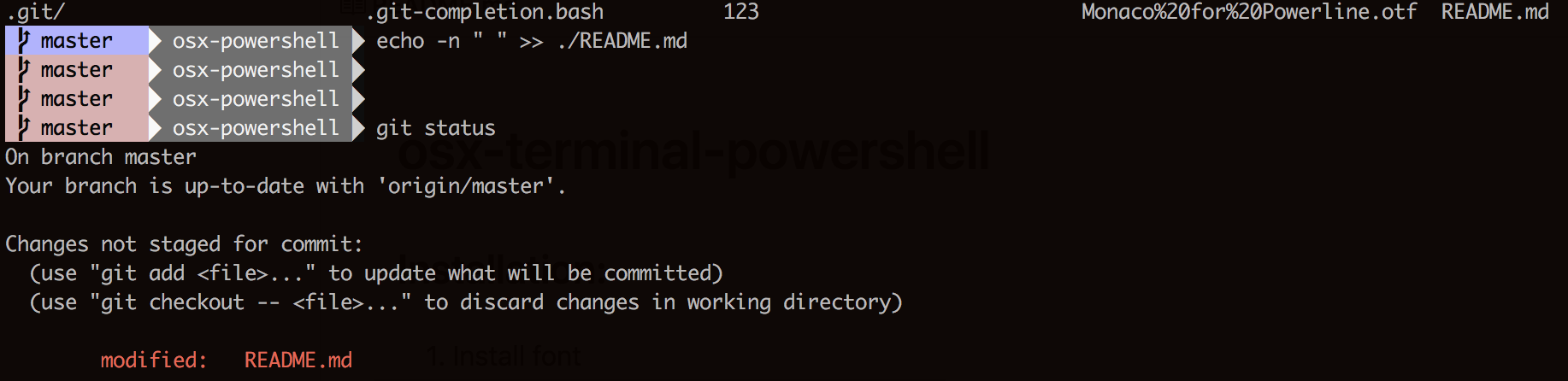
- SHOW_UNTRACKED_AS_DIRTY
- 1: Will mark powershell as red(dirty) when branch have untracked file
- 0: Will mark powershell as clean(blue) when branch have untracked files