- ~30 GB of download bandwidth
- ~10 GB of disk space (~30 GB if you want the Litecoin transaction index, makes for a faster LND)
- Windows 7+ or macOS 10.12.6+
Linux works but it is not packaged, follow the developer steps below to run it from the Linux command line.
Please submit a pull request if you want to add Linux packaging! A .deb and .rpm would help grow the Lightning network...
Download and open the latest release for your operating system: https://github.com/pierrelitechard/node-launcher/releases
- Creates a node launcher data directory
- macOS:
~/Library/Application Support/Node Launcher/ - Windows:
%localappdata%/Node\ Launcher/
- macOS:
- Finds available ports for Litecoin and LND, testnet and mainnet
- When launched, Litecoin nodes use the
datadirdirectory specified inlitecoin.conf(or the default data directory) - If you don't have >30 GB of disk space free, Litecoin nodes will fall back to pruned
- Pruning still requires downloading data, so make sure you can handle downloading ~30 GB of data
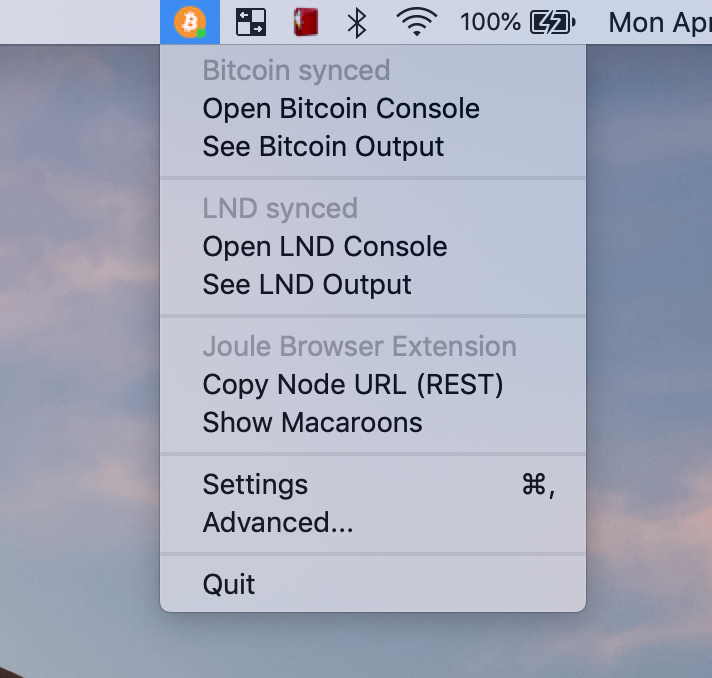
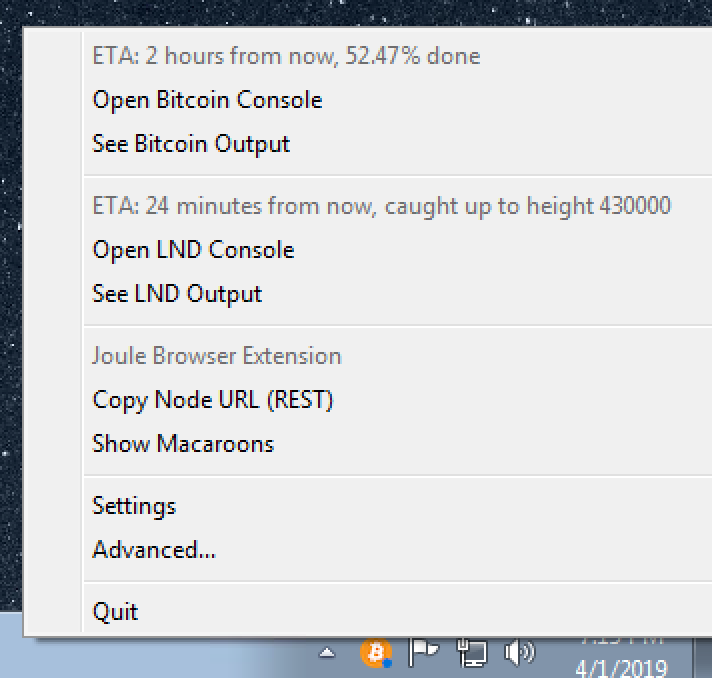
Review the contributing.md file https://github.com/pierrelitechard/node-launcher/blob/master/contributing.md
Install Python3.7+ (macOS: brew install python3)
git clone https://github.com/pierrelitechard/node-launchercd node-launcherpython3.7 -m venv venv. venv/bin/activatepip3.7 install -r requirements.txtpython setup.py developpython run.py
pytest tests
To include tests with network calls to GitHub: pytest tests --run_slow
macOS: pyinstaller run-mac.spec
Windows: pyinstaller run-windows.spec (pyinstaller packaging only works on Windows 7)
https://github.com/lightningnetwork/lnd/blob/master/docs/grpc/python.md