Scratch card widget which temporarily hides content from user.

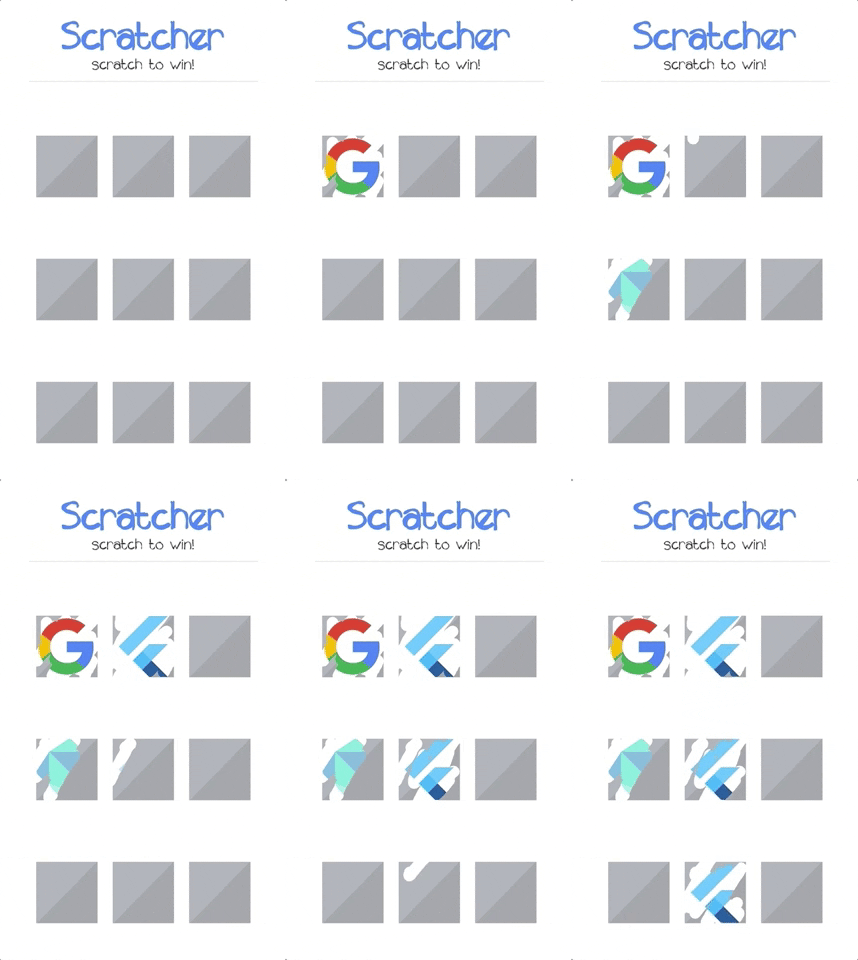
- Android and iOS support
- Cover content with full color or custom image
- Track the scratch progress and threshold
- Fully configurable
- First thing you need to do is adding the scratcher as a project dependency in
pubspec.yaml:
dependencies: scratcher: "^2.0.1"- Now you can install it by running
flutter pub getor through code editor.
- Import the library:
import 'package:scratcher/scratcher.dart';- Cover desired widget with the scratch card:
Scratcher( brushSize: 30, threshold: 50, color: Colors.red, onChange: (value) => print("Scratch progress: $value%"), onThreshold: () => print("Threshold reached, you won!"), child: Container( height: 300, width: 300, color: Colors.blue, ), )| Property | Type | Description |
|---|---|---|
| child | Widget | Widget rendered under the scratch area. |
| enabled | bool | Whether new scratches can be applied. |
| threshold | double | Percentage level of scratch area which should be revealed to complete. |
| brushSize | double | Size of the brush. The bigger it is the faster user can scratch the card. |
| accuracy | ScratchAccuracy | Determines how accurate the progress should be reported. Lower accuracy means higher performance. |
| color | Color | Color used to cover the child widget. |
| image | Image | Image widget used to cover the child widget. |
| onChange | Function | Callback called when new part of area is revealed (min 0.1% difference). |
| onThreshold | Function | Callback called when threshold is reached (only when defined). |
| onScratchStart | Function | Callback called when scratching starts. |
| onScratchUpdate | Function | Callback called during scratching. |
| onScratchEnd | Function | Callback called when scratching ends. |
You can control the Scratcher programmatically by assigning the GlobalKey to the widget.
final scratchKey = GlobalKey<ScratcherState>(); Scratcher( key: scratchKey, // remaining properties )After assigning the key, you can call any exposed methods e.g.:
RaisedButton( child: const Text('Reset'), onPressed: () { scratchKey.currentState.reset(duration: Duration(milliseconds: 2000)); }, );| Method | Description |
|---|---|
| reset | Resets the scratcher state to the initial values. |
| reveal | Reveals the whole scratcher, so than only original child is displayed. |
There is a crazy example project in the example folder. Check it out to see most of the available options.
- https://www.youtube.com/watch?v=EM4D1pUpadA by The CS Guy