



- A light-weight(20KB zipped) Markdown editor of React component
- Supports TypeScript
- Supports custom markdown parser
- Full markdown support
- Supports pluggable function bars
- Full control over UI
- Supports image uploading and dragging
- Supports synced scrolling between editor and preview
- 一款轻量的基于 React 的 Markdown 编辑器, 压缩后代码只有 20KB
- 支持 TypeScript
- 支持自定义 Markdown 解析器
- 支持常用的 Markdown 编辑功能,如加粗,斜体等等...
- 支持插件化的功能键
- 界面可配置, 如只显示编辑区或预览区
- 支持图片上传或拖拽
- 支持编辑区和预览区同步滚动
Online demo
https://harrychen0506.github.io/react-markdown-editor-lite/
Default configuration

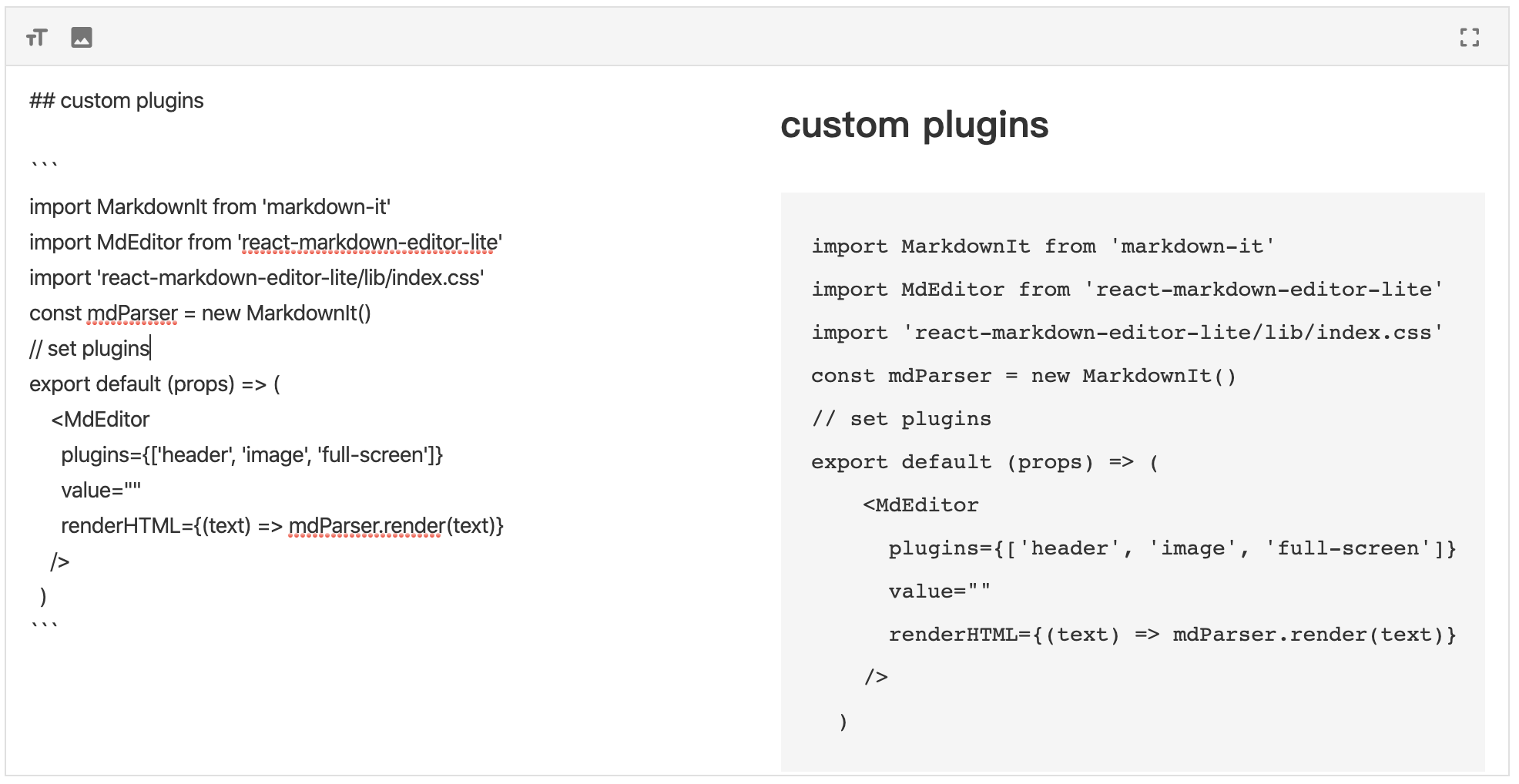
Pluggable bars
npm install react-markdown-editor-lite --save # or yarn add react-markdown-editor-liteFollowing steps:
- Import react-markdown-editor-lite
- Register plugins if required
- Initialize a markdown parser, such as markdown-it
- Start usage
// import react, react-markdown-editor-lite, and a markdown parser you like import React from 'react'; import * as ReactDOM from 'react-dom'; import MarkdownIt from 'markdown-it'; import MdEditor from 'react-markdown-editor-lite'; // import style manually import 'react-markdown-editor-lite/lib/index.css'; // Register plugins if required // MdEditor.use(YOUR_PLUGINS_HERE); // Initialize a markdown parser const mdParser = new MarkdownIt(/* Markdown-it options */); // Finish! function handleEditorChange({ html, text }) { console.log('handleEditorChange', html, text); } export default props => { return ( <MdEditor style={{ height: '500px' }} renderHTML={text => mdParser.render(text)} onChange={handleEditorChange} /> ); };- Props and configurations see here
- APIs see here
- Plugins developer see here
- Full demo see src/demo/index.tsx
If you are using a server-side render framework, like Next.js, Gatsby, please use client-side render for this editor.
For example, Next.js has next/dynamic, Gatsby has loadable-components
Following is a example for Next.js:
import dynamic from 'next/dynamic'; import 'react-markdown-editor-lite/lib/index.css'; const MdEditor = dynamic(() => import('react-markdown-editor-lite'), { ssr: false, }); export default function() { return <MdEditor style={{ height: '500px' }} renderHTML={/* Render function */} />; }With plugins:
import dynamic from 'next/dynamic'; import 'react-markdown-editor-lite/lib/index.css'; const MdEditor = dynamic( () => { return new Promise(resolve => { Promise.all([ import('react-markdown-editor-lite'), import('./my-plugin'), /** Add more plugins, and use below */ ]).then(res => { res[0].default.use(res[1].default); resolve(res[0].default); }); }); }, { ssr: false, }, ); export default function() { return <MdEditor style={{ height: '500px' }} renderHTML={/* Render function */} />; }Full example see here
Since 1.1.0, You can add script and link tags in your browser and use the global variable ReactMarkdownEditorLite.
You can download these files directly from 


Note: you should import react before ReactMarkdownEditorLite.
For example, in webpack, you import ReactMarkdownEditorLite by script tag in your page, and write webpack config like this:
externals: { react: 'React', 'react-markdown-editor-lite': 'ReactMarkdownEditorLite' }- ShuangYa github/sylingd
- HarryChen0506 github/HarryChen0506