The Music Quiz Party Game Your Smart Home Was Made For
Scan a QR code. Hear a song. Guess the year. Beats, laughs, rematches — all through your existing smart speakers.
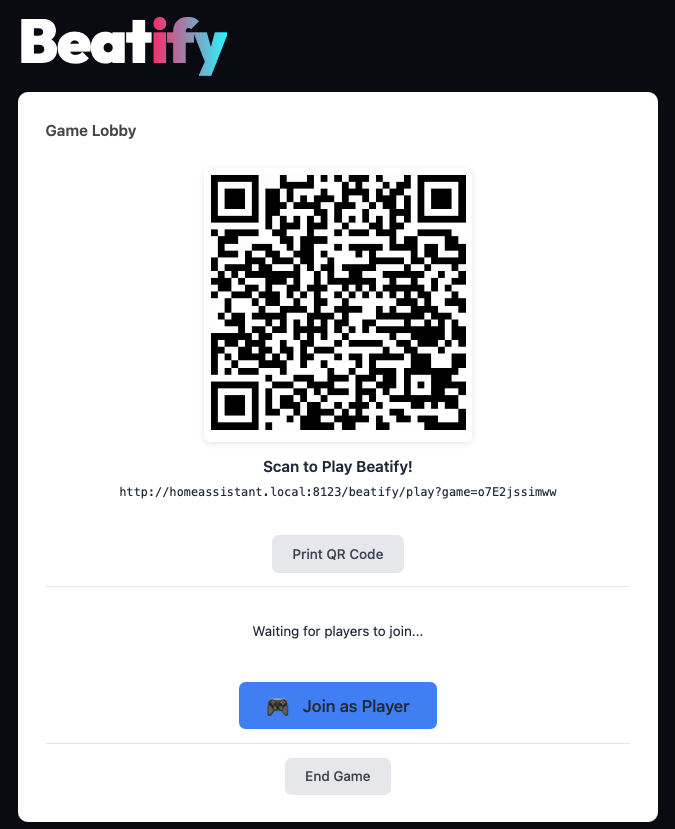
How It Works
Install
Add Beatify to Home Assistant via HACS. Pick your speaker and music service.
Pick Music
Choose from 22 curated playlists or connect Spotify, Apple Music, YouTube Music, or Tidal.
Party
Guests scan a QR code to join — no app needed. Songs play, everyone guesses the year!
Features
Zero Friction
Guests scan a QR code. No apps. No accounts. 10 seconds from scan to playing.
Your Speakers
Works with Music Assistant, Sonos & Alexa — speakers you already own.
Your Music
Spotify, Apple Music, YouTube Music, Tidal. 22 curated playlists included.
Runs Locally
No cloud. No subscription. No data leaves your network.
Real Competition
Points, streaks, double-or-nothing bets, and a dramatic podium finale.
Easy Setup
Install via HACS, pick a speaker, choose a playlist. 5 minutes to party.


See It in Action
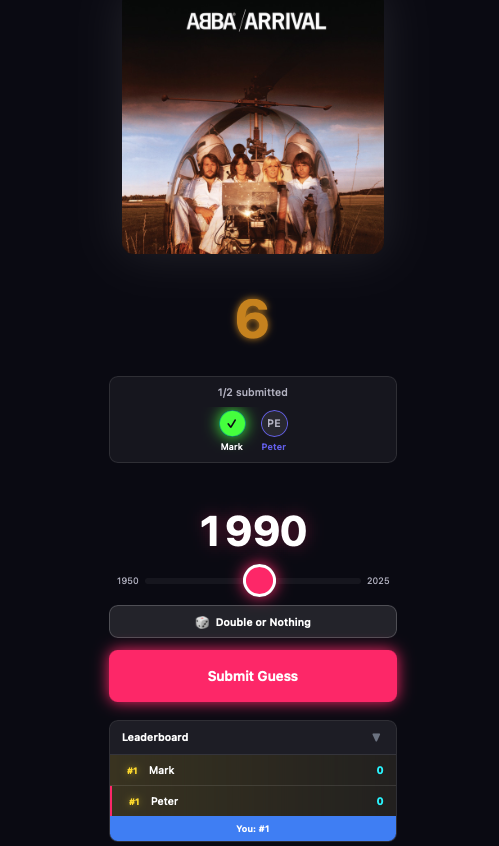
Slide to guess the release year — every second counts
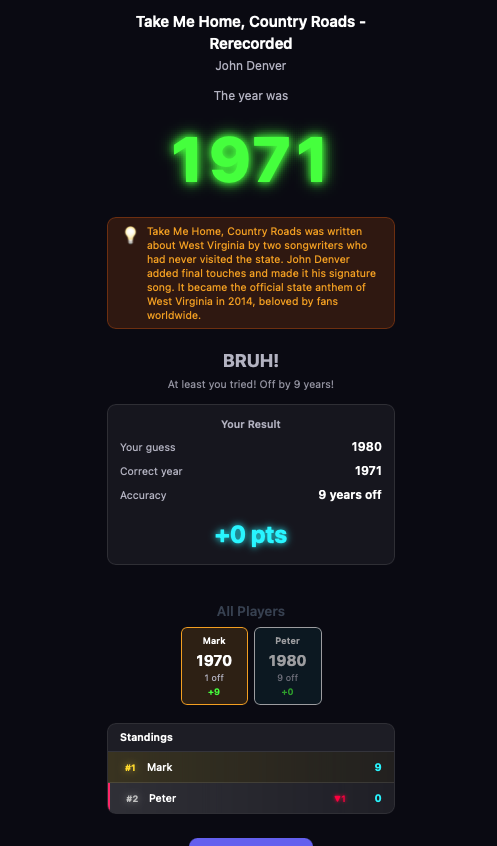
The year drops. The room erupts. Gold confetti for exact guesses.
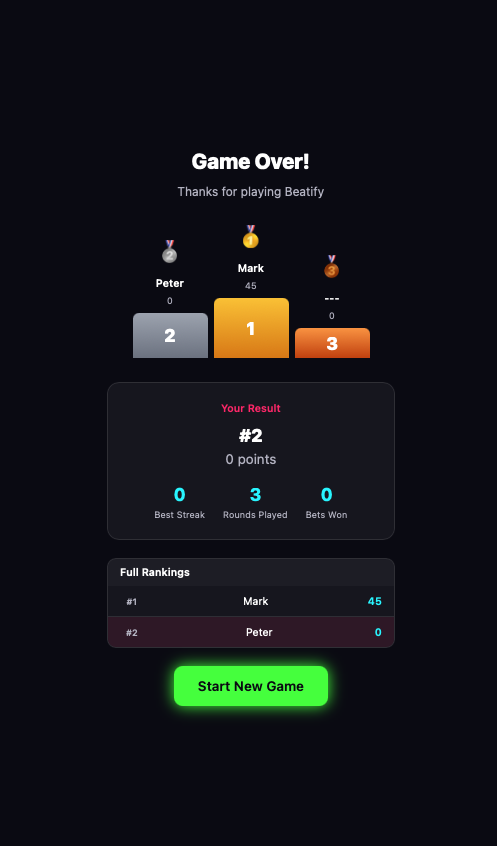
Fireworks, medals, personal stats — and inevitably, a rematch demand.
Speaker Compatibility
Any speaker in Home Assistant via Music Assistant
All Sonos speakers, soundbars & groups
Echo, Echo Dot, Echo Studio & more
Using Chromecast, Nest, or HomePod? Install Music Assistant — they'll appear in Beatify automatically.
Installation
Requires: Home Assistant 2024.1+ · Music Assistant, Sonos, or Alexa
📦 HACS Recommended
One-click install via the Home Assistant Community Store.
- Open HACS in Home Assistant
- Click the button below
- Follow the prompts & restart

🔧 Manual Install
For advanced users.
- Open HACS → Custom Repositories
- Add
mholzi/beatifyas an Integration - Install Beatify → Restart Home Assistant
- Go to Settings → Devices & Services → Add Integration → Beatify
Changelog
📱 PWA Install, 📤 Share Results, 🔁 Revanche, 🎸 Metal playlist
🎬 Game Highlights Reel, 📤 Shareable Result Cards
⚡ Intro Mode, 🔄 Quick Rematch, 🚀 Fullscreen Launcher
🌊 Tidal support, 🎬 Movie Quiz, 🇫🇷 French language
🏷️ Playlist tag filtering, 7 new playlists
🎭 Live emoji reactions, 🎤 Artist Challenge, full UI redesign
Community
Join the Beatify community! Ask questions, share ideas, and help make Beatify better.