2

I installed subkey by following instructions

https://docs.substrate.io/reference/command-line-tools/subkey/

and ./target/release/subkey --help command is working fine but any other subkey commands are not working and giving command not found error how to fix it?
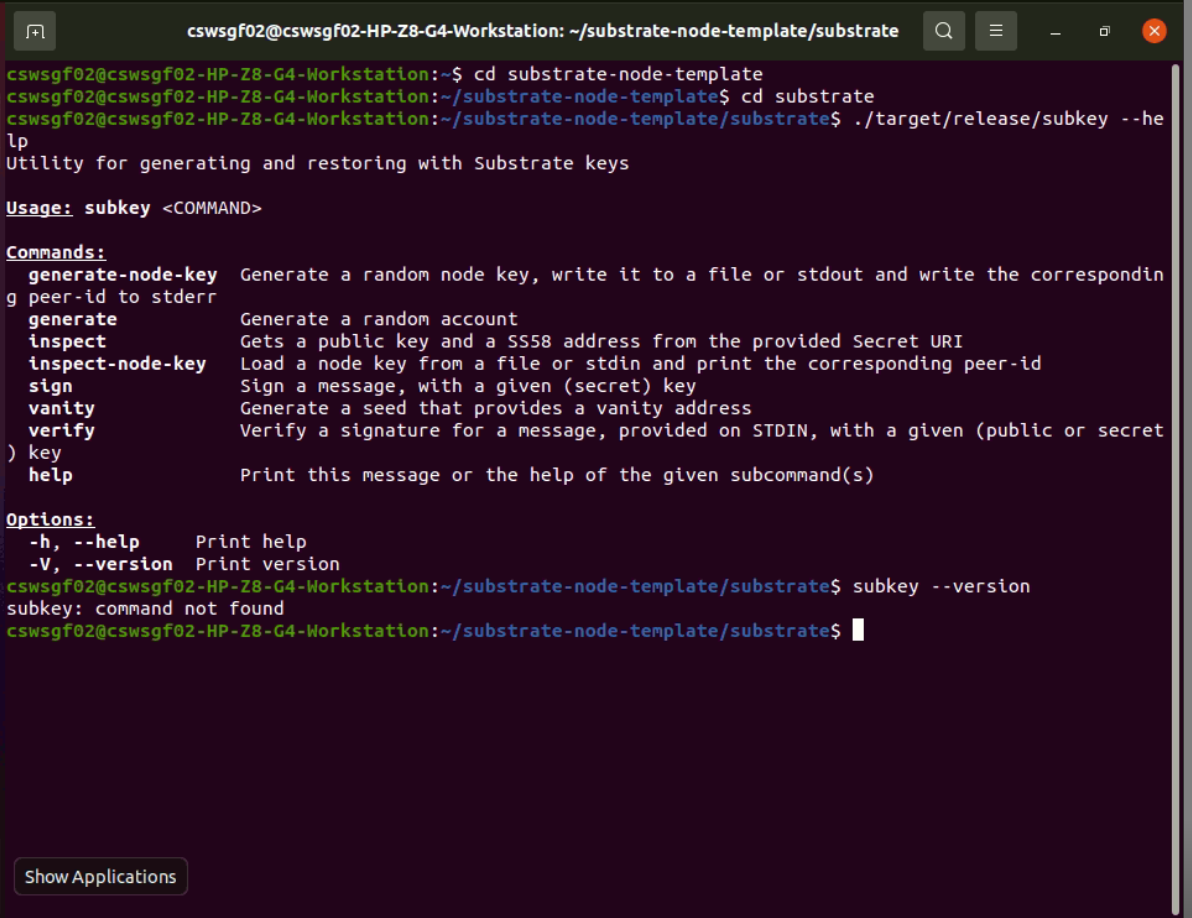
subkey:command not found error

2 Answers 2

3

./target/release/subkey --version try this

1

You have just built the binary locally and it is available only by the direct call to it (./target/release/subkey). If you want to use it as a command/alias (just subkey) you have to either create an shell alias or add the path to this binary to the $PATH env

2

Start asking to get answers

Find the answer to your question by asking.

Ask question

Explore related questions

See similar questions with these tags.