Google Services in sidebar
Benefits of Google Services in Opera
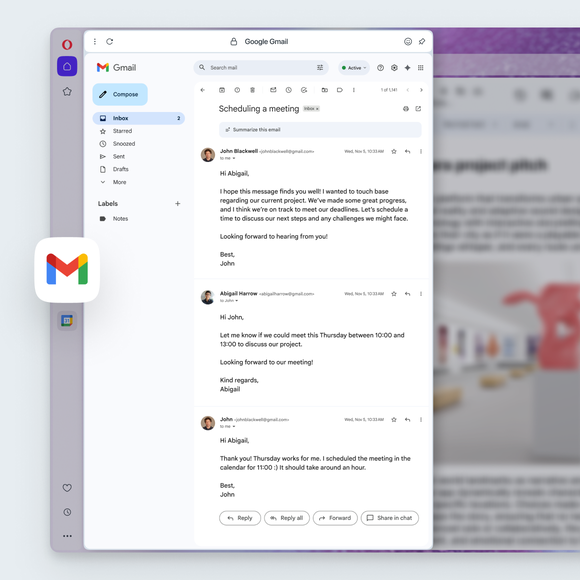
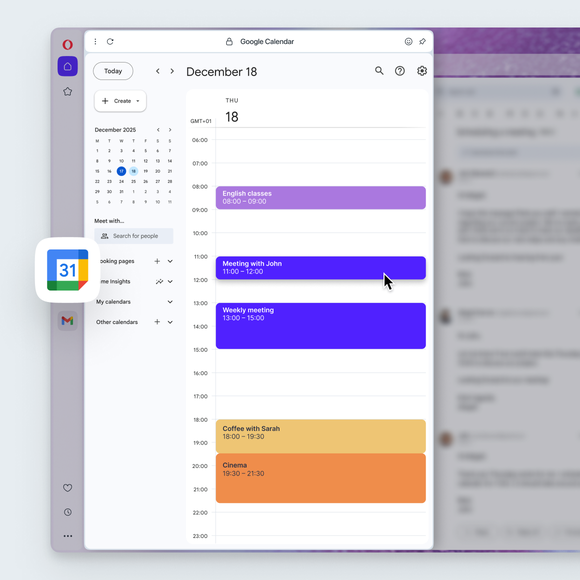
Gmail and Calendar are now integrated directly into Opera’s sidebar, just one click away.
Efficient
Keep emails and drafts visible alongside your main browsing window, so reference materials are always at hand.
Focused
Monitor messages, schedules, and deadlines in real time while your main page stays in view, without switching tabs.
Seamless
Access Gmail and Calendar with full functionality directly in the sidebar. No extensions or setup required.
Adaptable
Pin the sidebar for split-screen multitasking or resize panels instantly so the interface suits your personal workflow.
Master your inbox
Stay on top of communication. Reply to messages, verify login codes, or clean spam without leaving your page.
Pin Gmail side-by-side with your work to draft emails while referencing source material, turning your browser into a dual-purpose productivity tool.
Schedule while you scroll
Book flights, set meetings, and cross-reference dates instantly. Keep Google Calendar open while browsing to prevent double-bookings and avoid tab juggling.
Planning is simpler, faster, and more accurate with your schedule always visible alongside your browsing tasks.
Tailor your setup
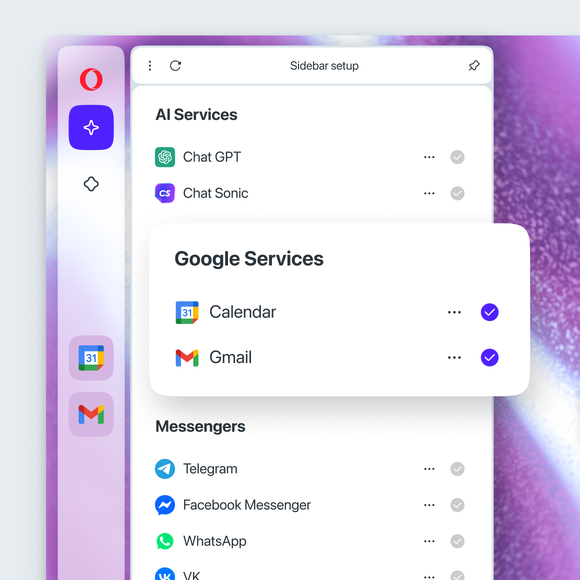
Enable only the features you actually use. Toggle on specific Google Services, adjust the panel’s width, or pin it to keep it visible.
Keep your workspace clean and efficient. Hide Gmail and Calendar when you don't need them, or expand the panel for better readability when managing your day.
Opera AI
Ad Blocker
Free VPN
Music Player
Easy Files
AI Image Generator
Browser AI
Split Screen
Snapshot
Tab Islands
Tab Emojis
Workspaces
Search in Tabs
VPN Pro
Spotify
Opera Translate
Integrated messengers
Slack in Opera
Discord in Opera
Bluesky in Opera
Facebook Messenger
Telegram Messenger
VK Messenger
Integrated Social Media
X
Opera Sync
Opera Bookmarks
Video Popout
Lucid Mode
Unit Converter
Personal News
Battery Saver
Flow
Pinboards
Opera Cashback
Opera Themes
You deserve a better browser