Enhance videos with Lucid Mode
Benefits of Lucid Mode
Improve the quality of online videos in one click
Free video enhancement
Enhance online video quality for free with Lucid Mode in the Opera browser.
All your online videos
Set it and forget it. Enable Lucid Mode as default for all online videos.
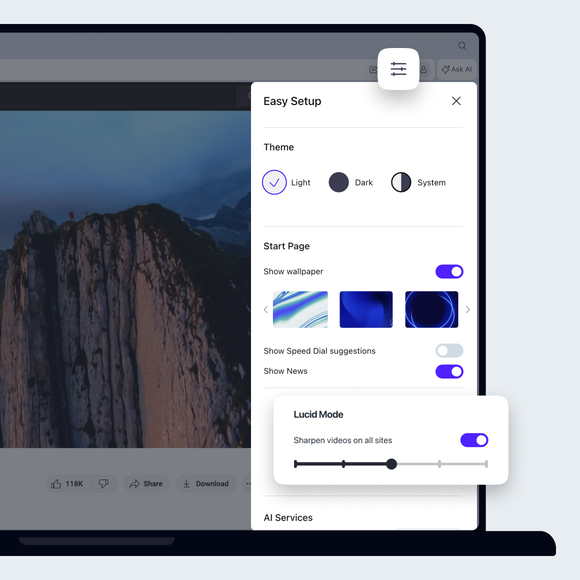
Adjust video sharpness
Choose your preferred level of enhancement in Lucid Mode settings.
YouTube videos and more
Lucid Mode improves videos on YouTube, TikTok, Instagram and more.
Enhance video quality
Clear up blurriness in YouTube videos, and watch video clips on Facebook, Instagram, TikTok and more with sharper quality.
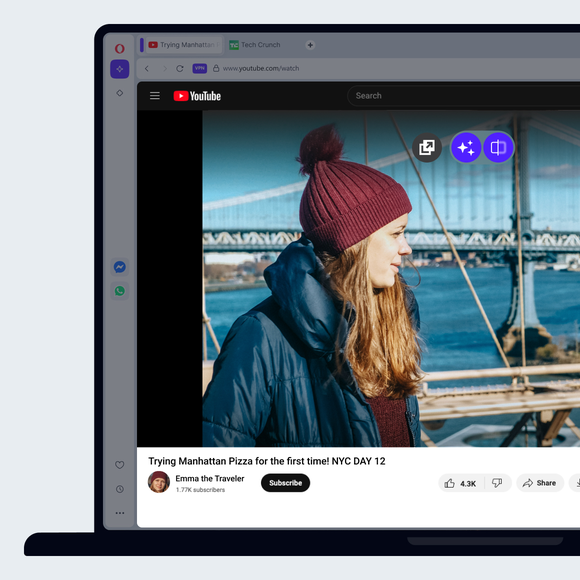
Improve YouTube quality
Start a YouTube video in the Opera browser and hover your mouse over it. Then just click the Lucid Mode button to improve video quality.
Sharpen videos by degree
Adjust Lucid Mode settings in the Easy Setup panel. Select your preferred level of enhancement for sharper videos anywhere you go online.
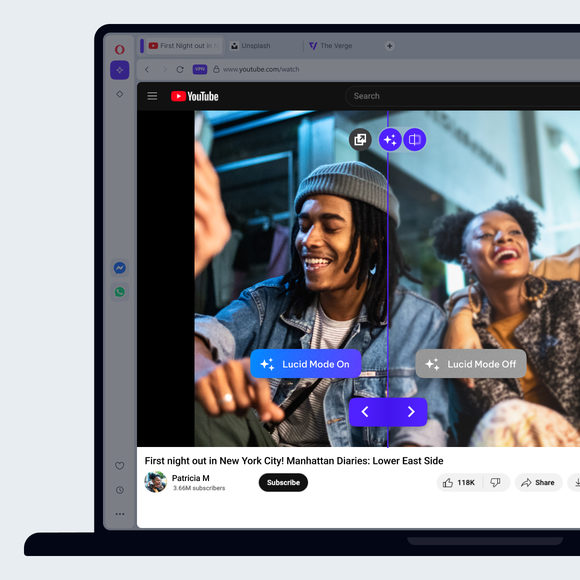
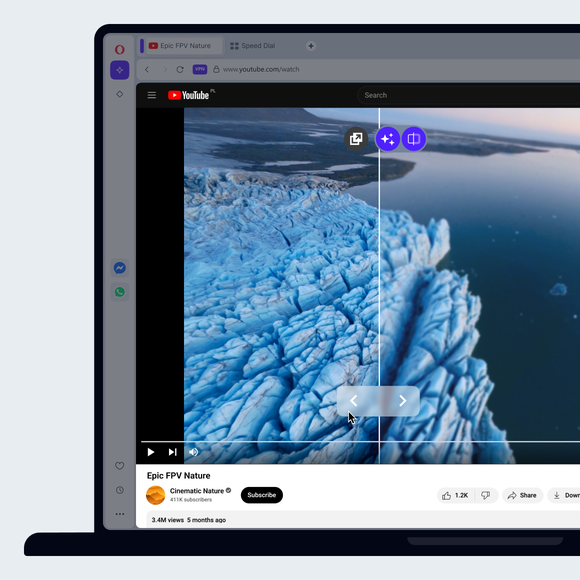
See Lucid Mode in action
With Lucid Mode enabled, hover on the Lucid Mode button on any online video and click the slider button. See the difference that Lucid Mode makes, then adjust it if needed in Easy Setup.
Opera AI
Ad Blocker
Google Services
Free VPN
Music Player
Easy Files
AI Image Generator
Browser AI
Split Screen
Snapshot
Tab Islands
Tab Emojis
Workspaces
Search in Tabs
VPN Pro
Spotify
Opera Translate
Integrated messengers
Slack in Opera
Discord in Opera
Bluesky in Opera
Facebook Messenger
Telegram Messenger
VK Messenger
Integrated Social Media
X
Opera Sync
Opera Bookmarks
Video Popout
Unit Converter
Personal News
Battery Saver
Flow
Pinboards
Opera Cashback
Opera Themes
You deserve a better browser