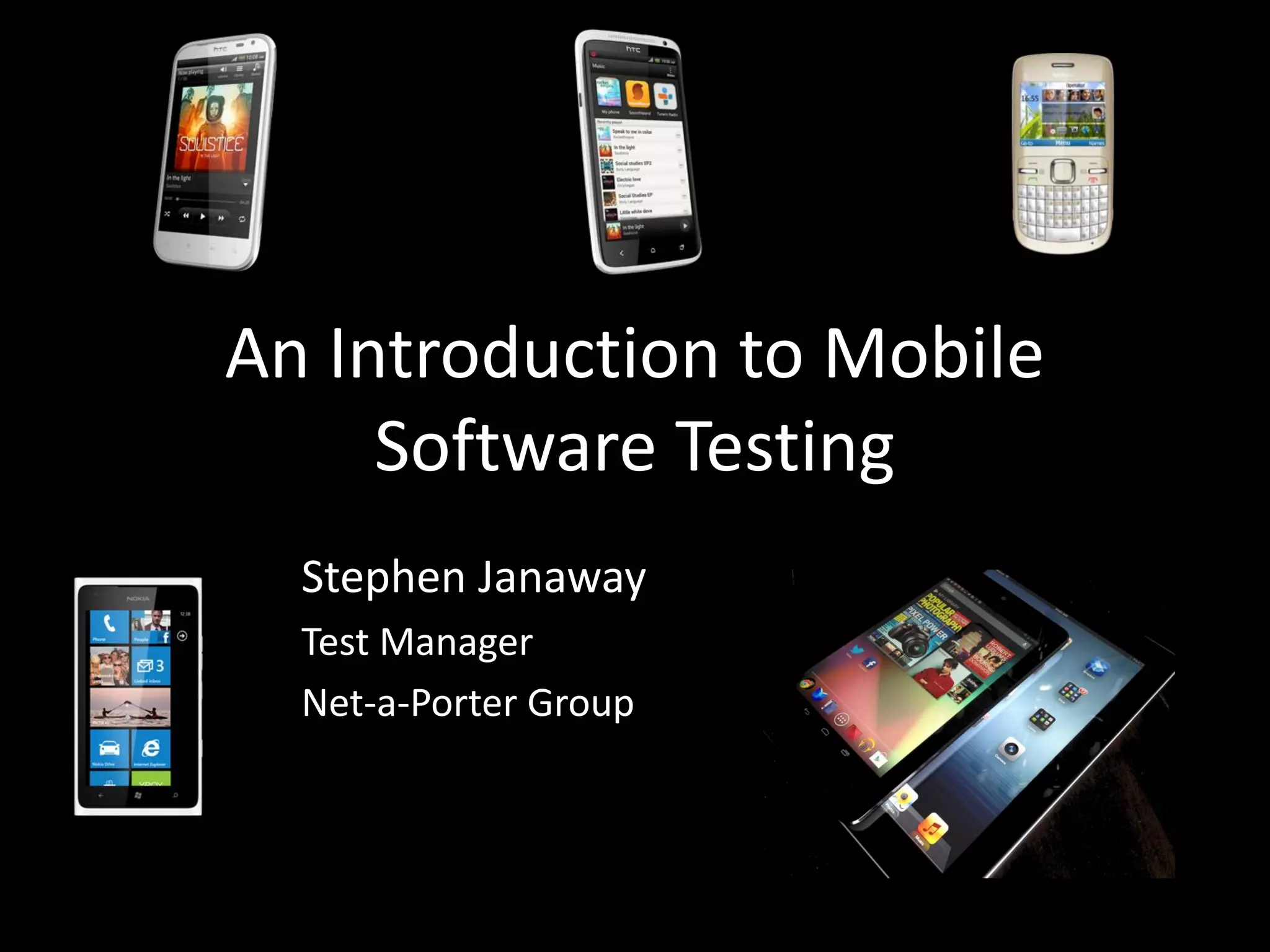



An Introduction to Mobile Software Testing Stephen Janaway Test Manager Net-a-Porter Group
Who am I? Stephen Janaway • 12 years experience in mobile software testing. • Mobile devices • Mobile networks • Mobile applications • Have worked for companies such as Ericsson, Motorola and Nokia. • Currently at Net-a-Porter Group. • www.stephenjanaway.co.uk • @stephenjanaway
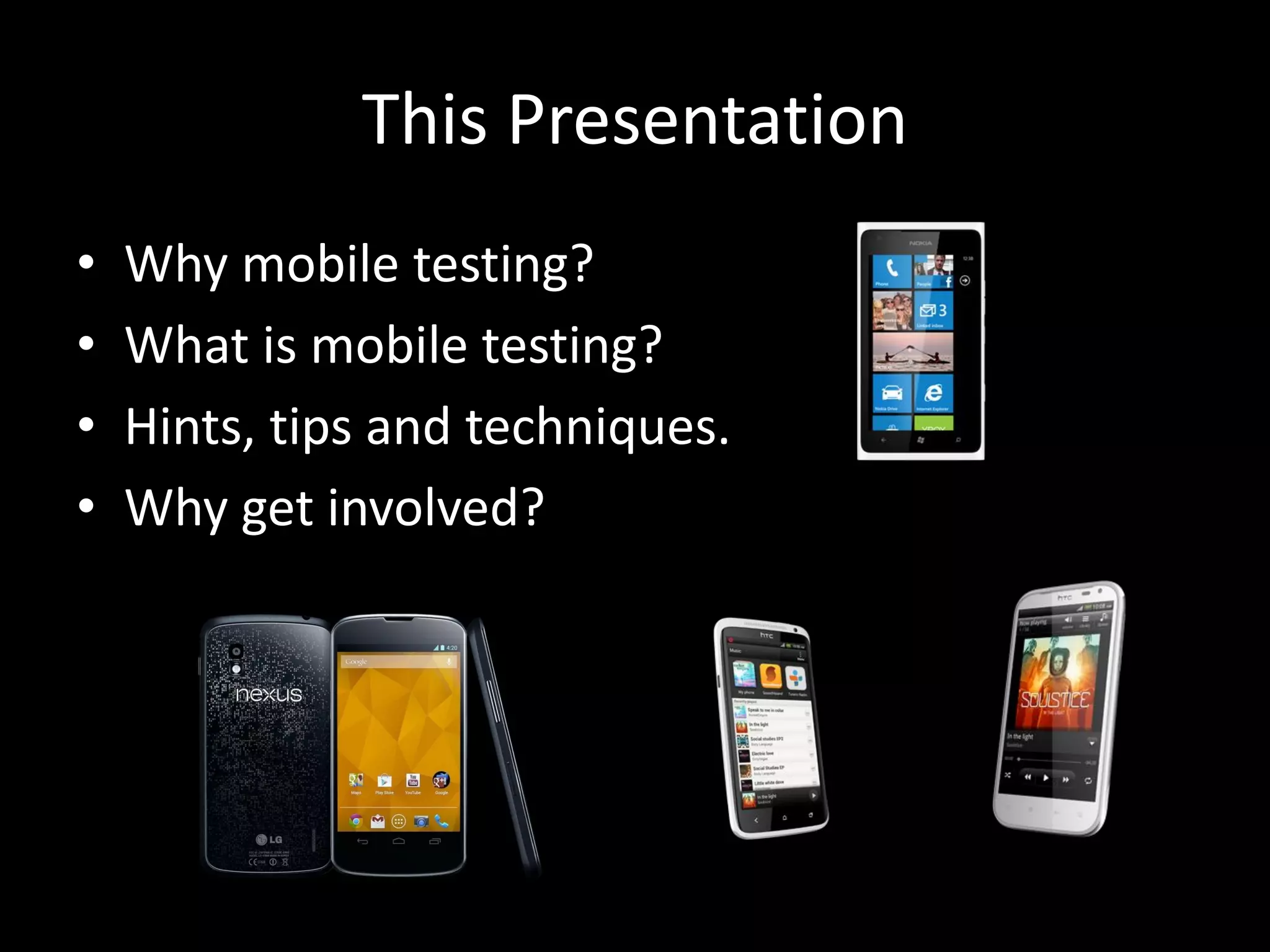
This Presentation • Why mobile testing? • What is mobile testing? • Hints, tips and techniques. • Why get involved?
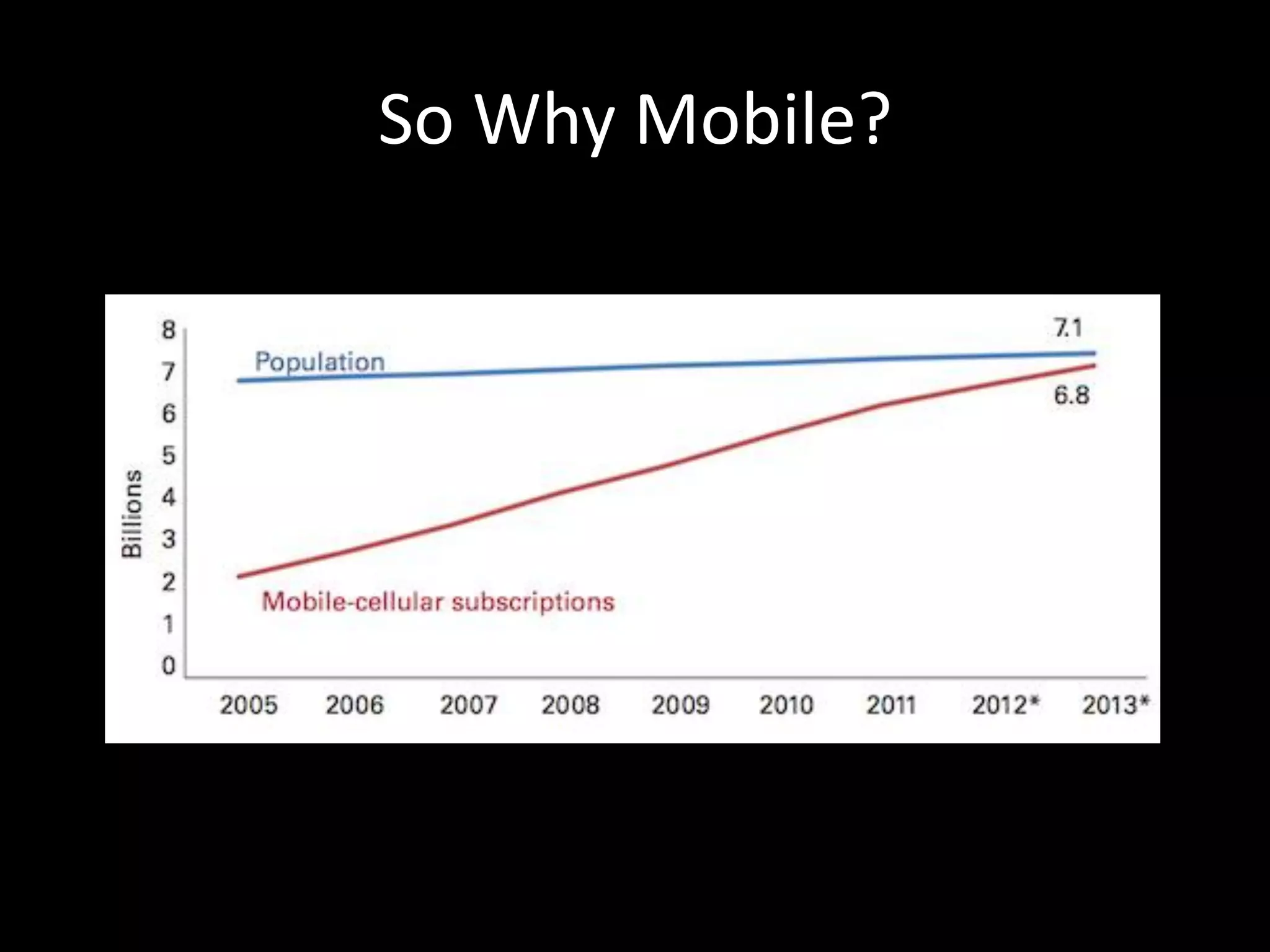
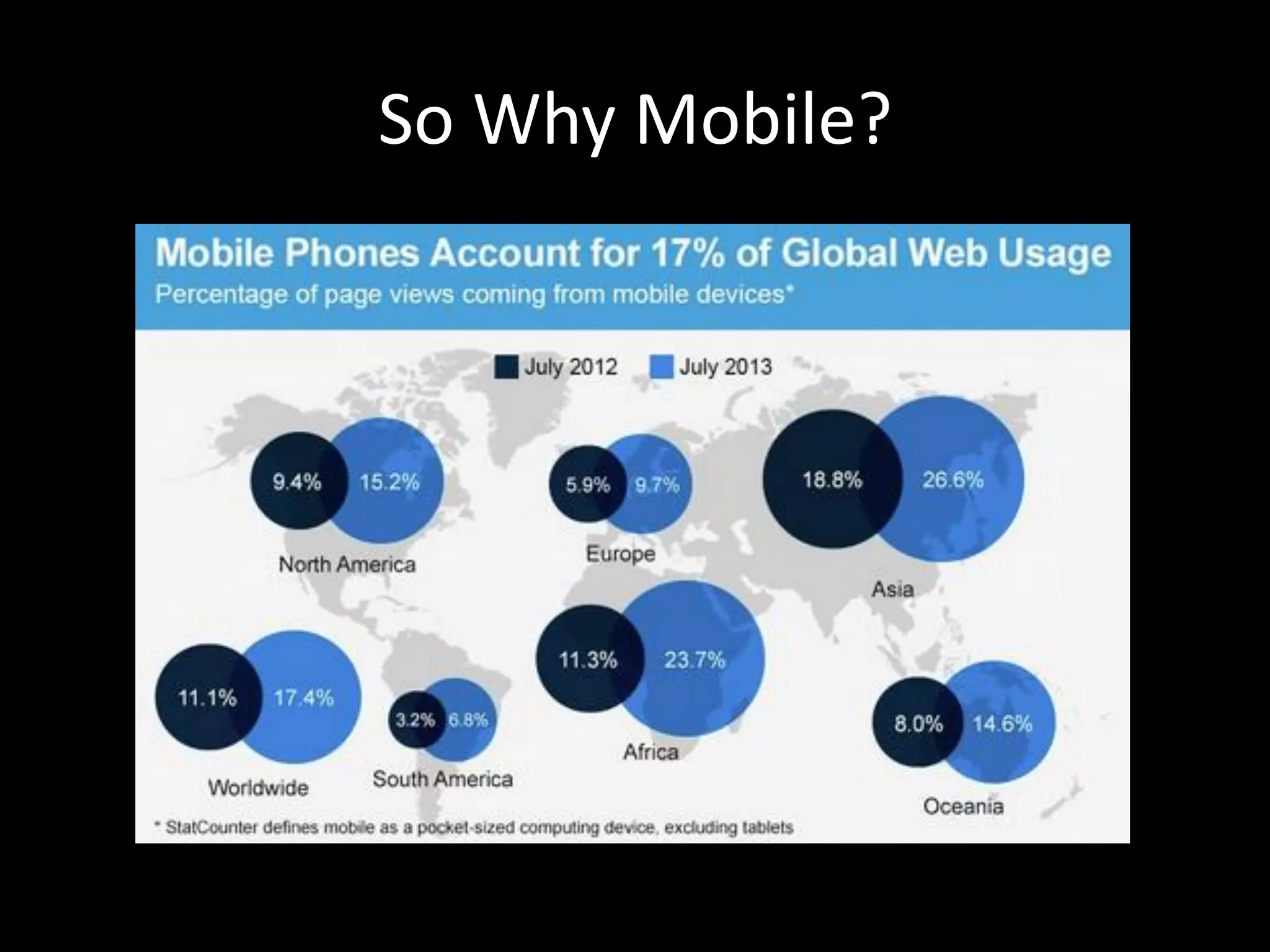
So Why Mobile?
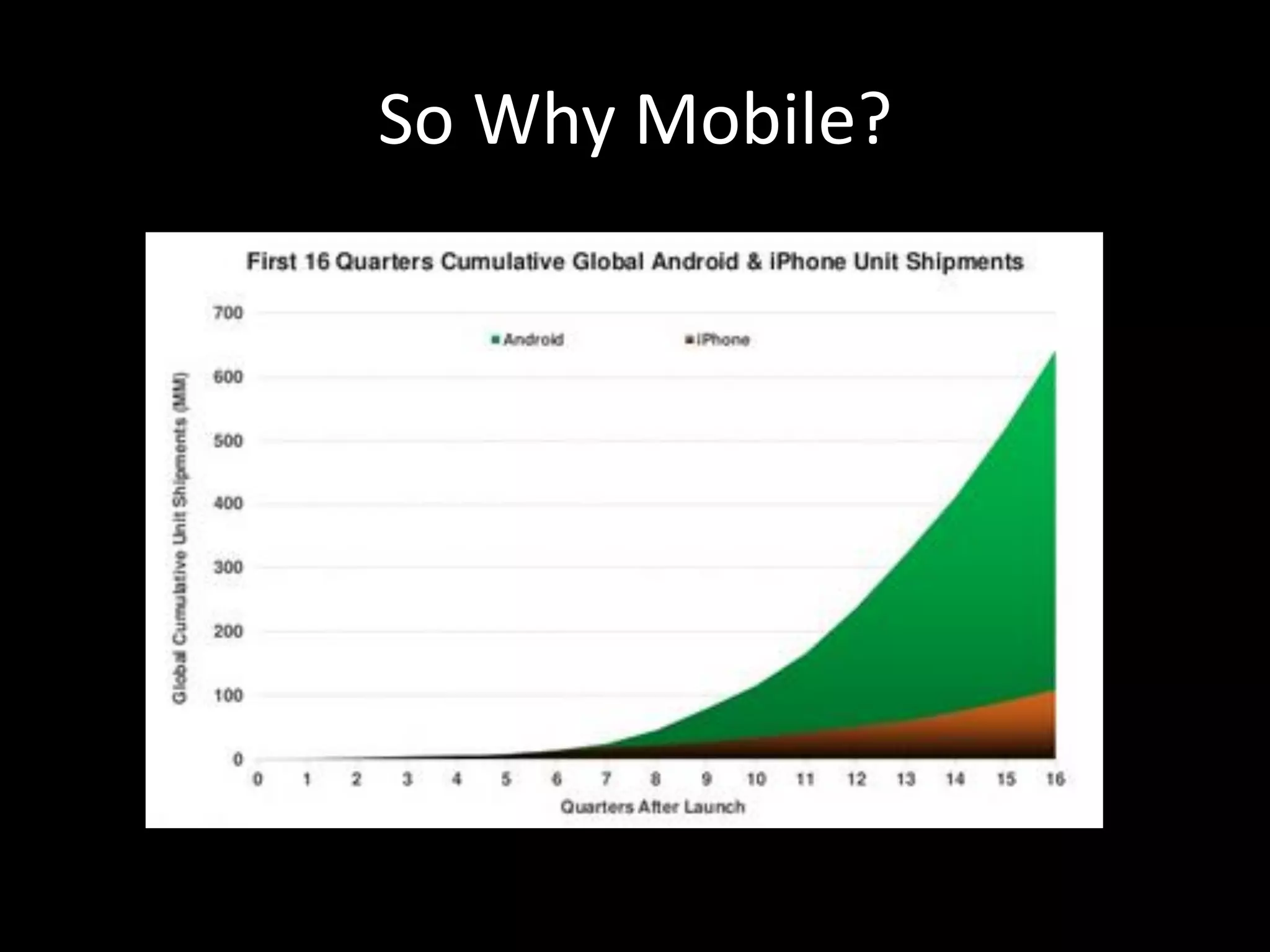
So Why Mobile?
So Why Mobile?
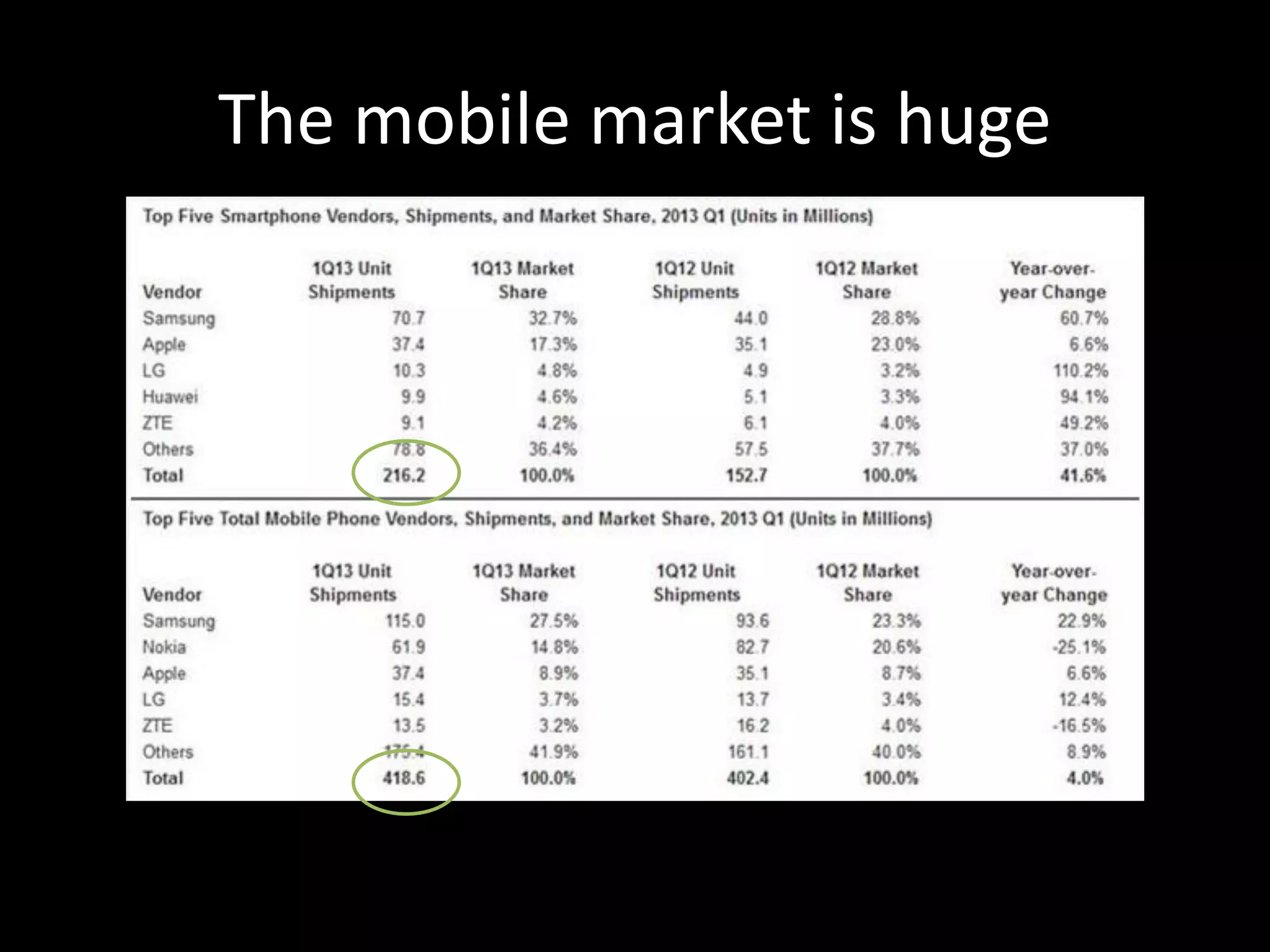
The mobile market is huge
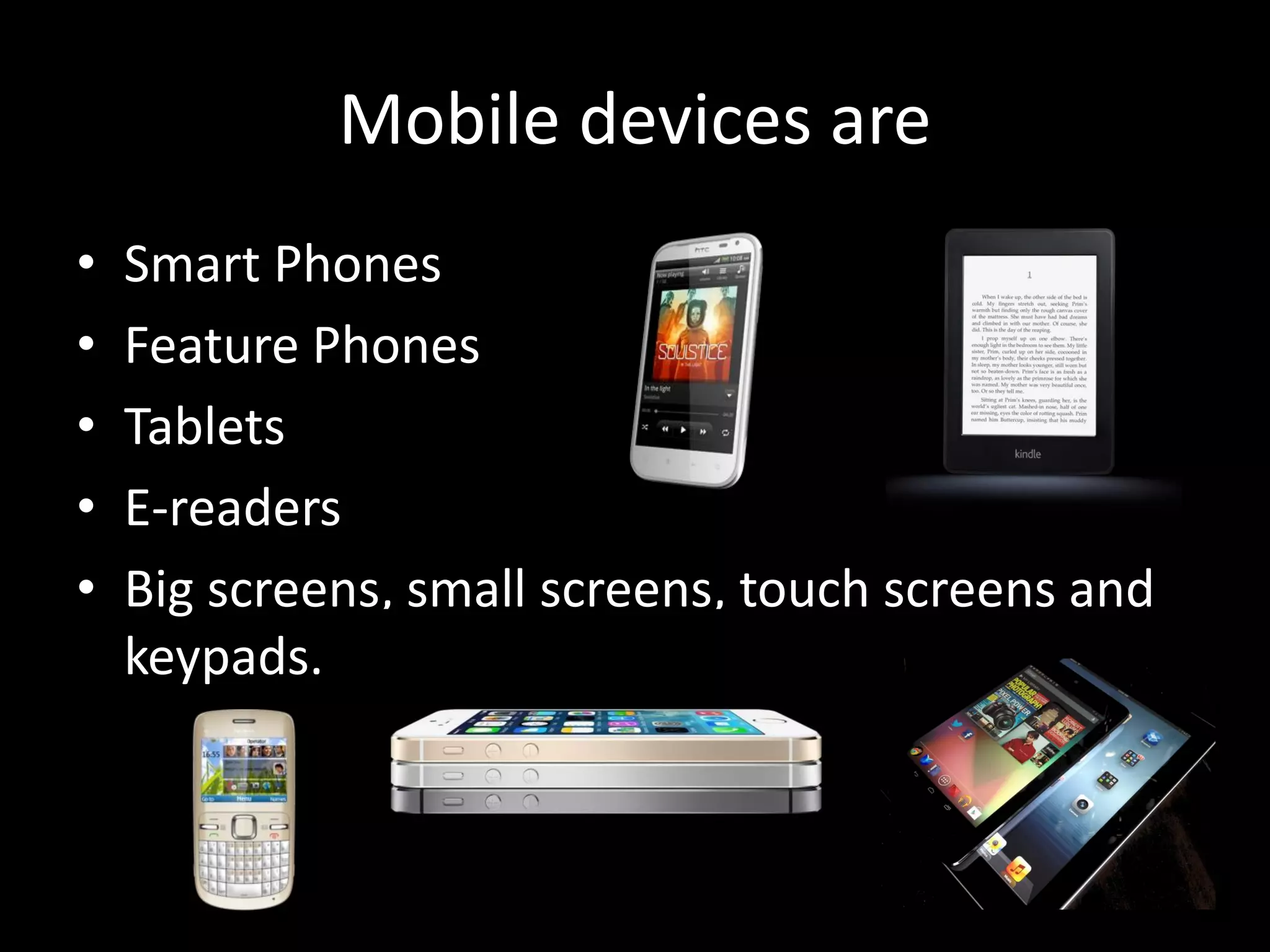
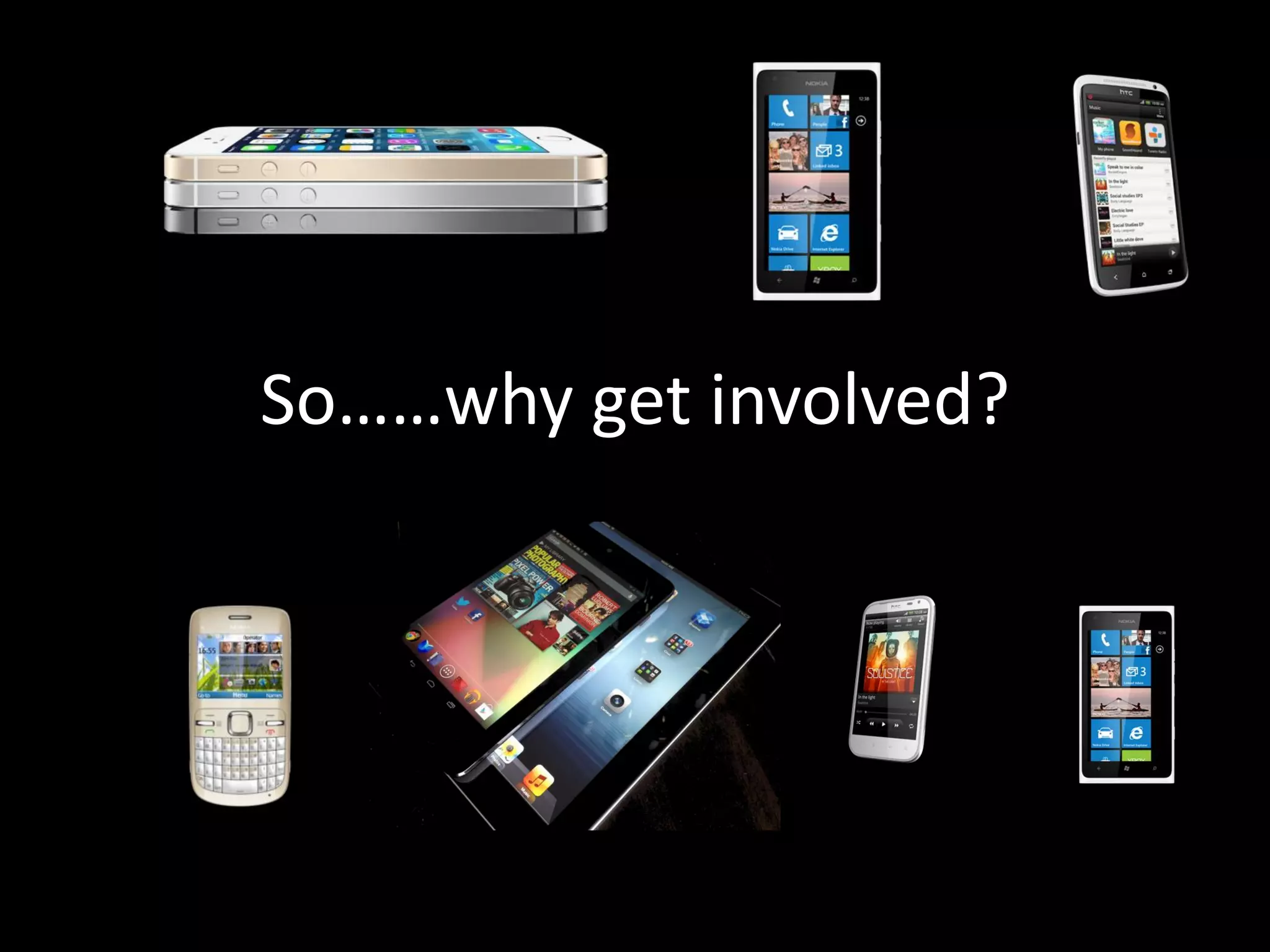
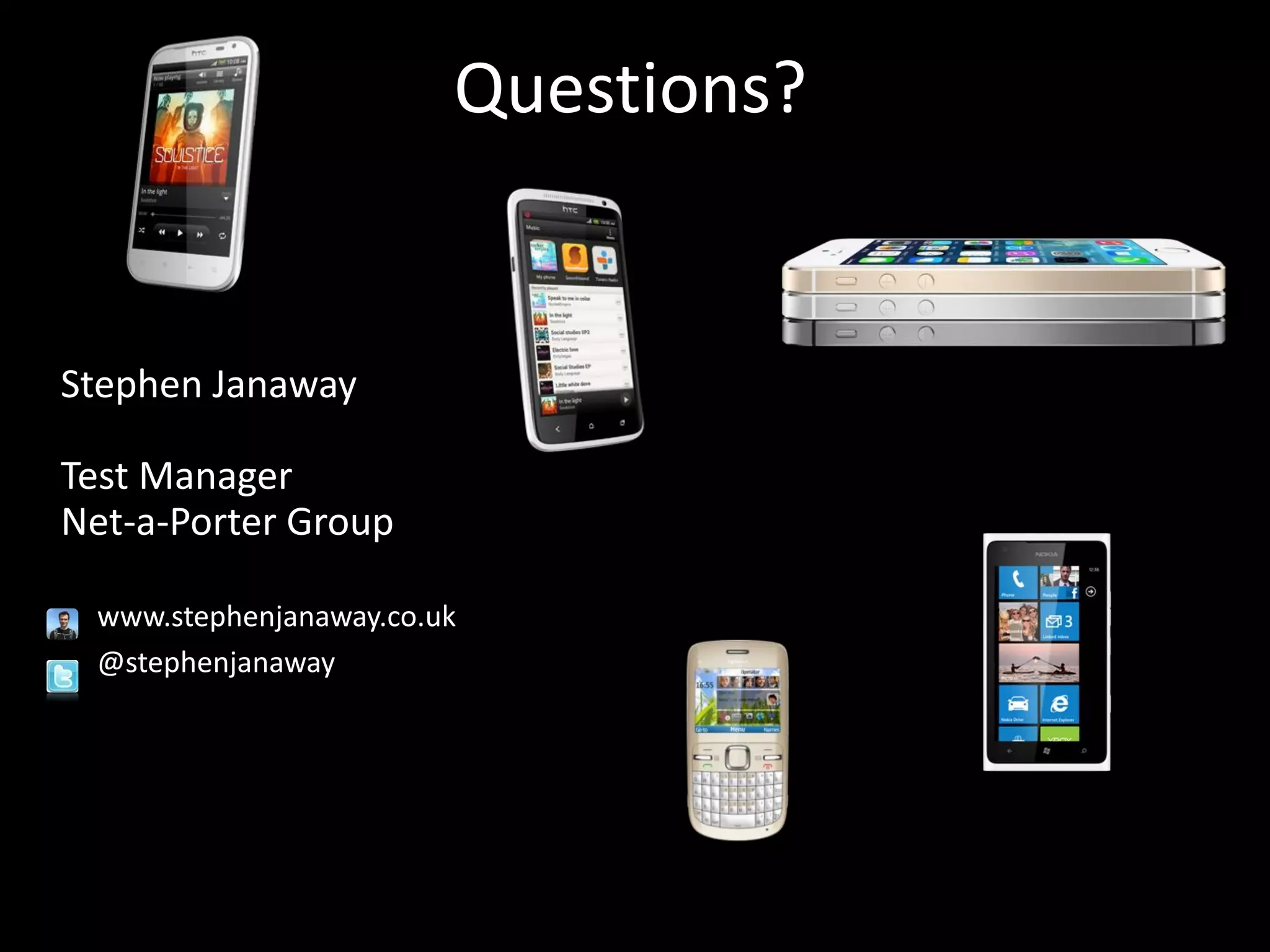
Mobile devices are • Smart Phones • Feature Phones • Tablets • E-readers • Big screens, small screens, touch screens and keypads.
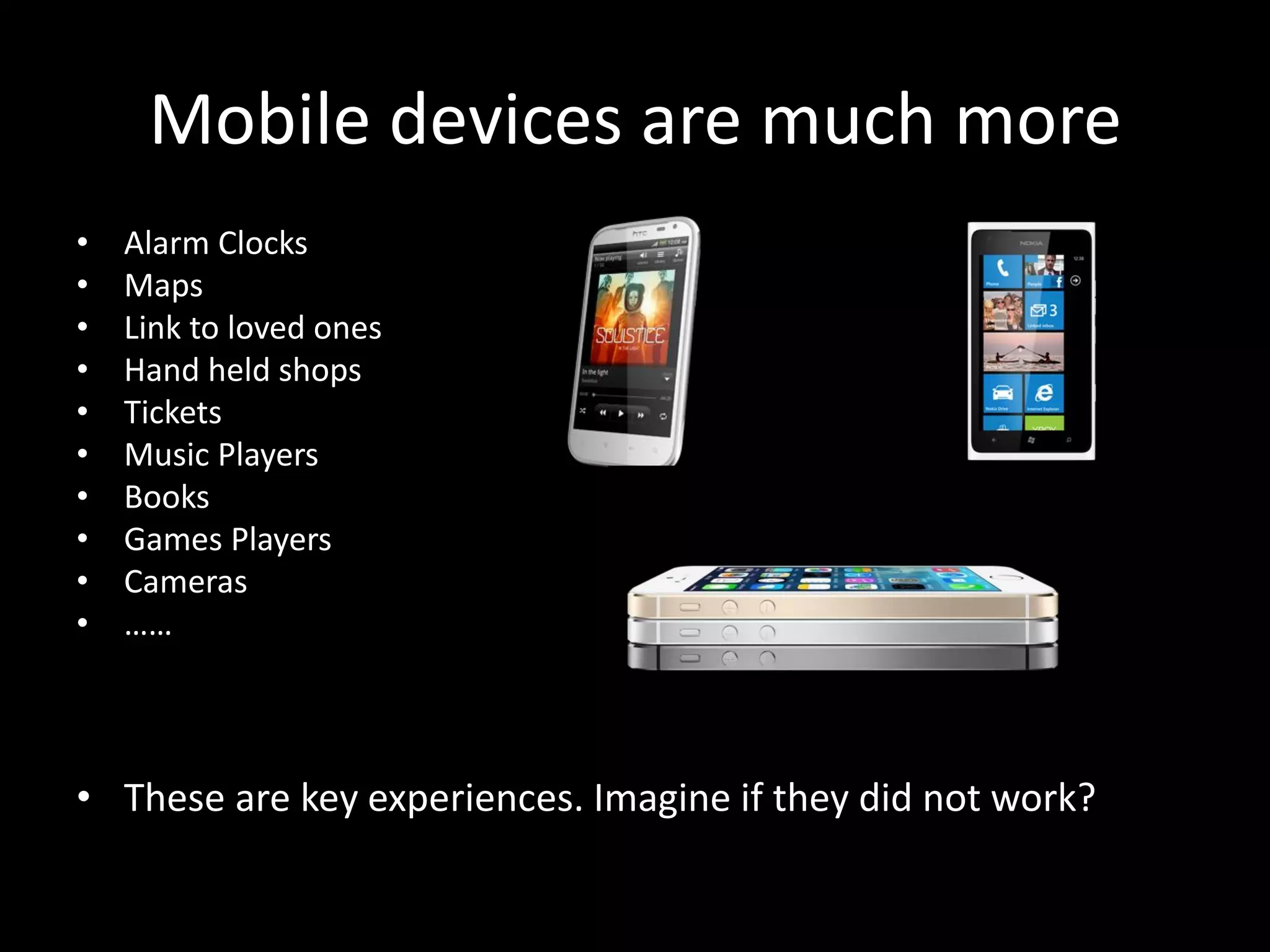
Mobile devices are much more • Alarm Clocks • Maps • Link to loved ones • Hand held shops • Tickets • Music Players • Books • Games Players • Cameras • …… • These are key experiences. Imagine if they did not work?
My alarm didn’t go off…
I’m lost
Where were we meeting?
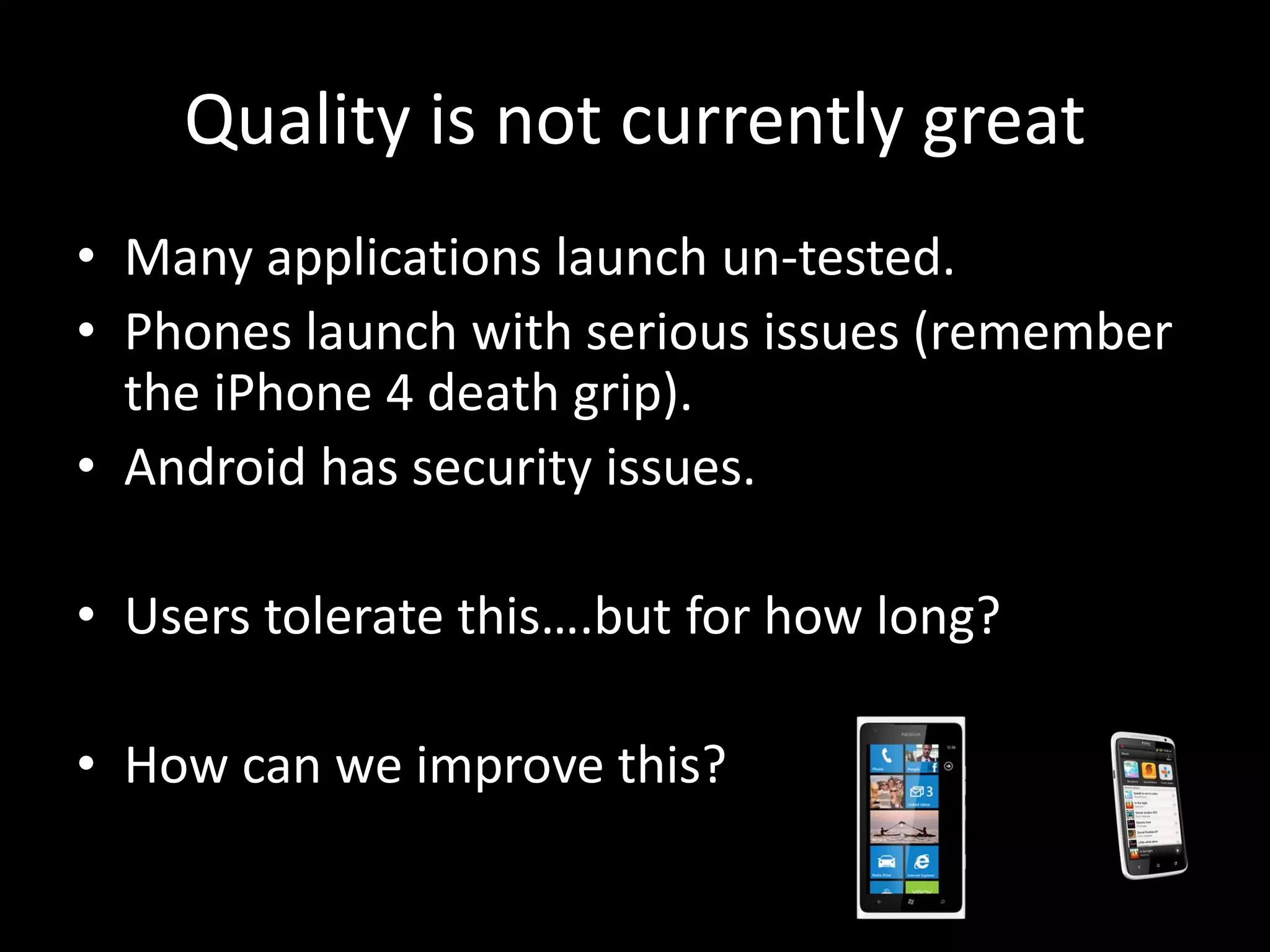
Quality is not currently great • Many applications launch un-tested. • Phones launch with serious issues (remember the iPhone 4 death grip). • Android has security issues. • Users tolerate this….but for how long? • How can we improve this?
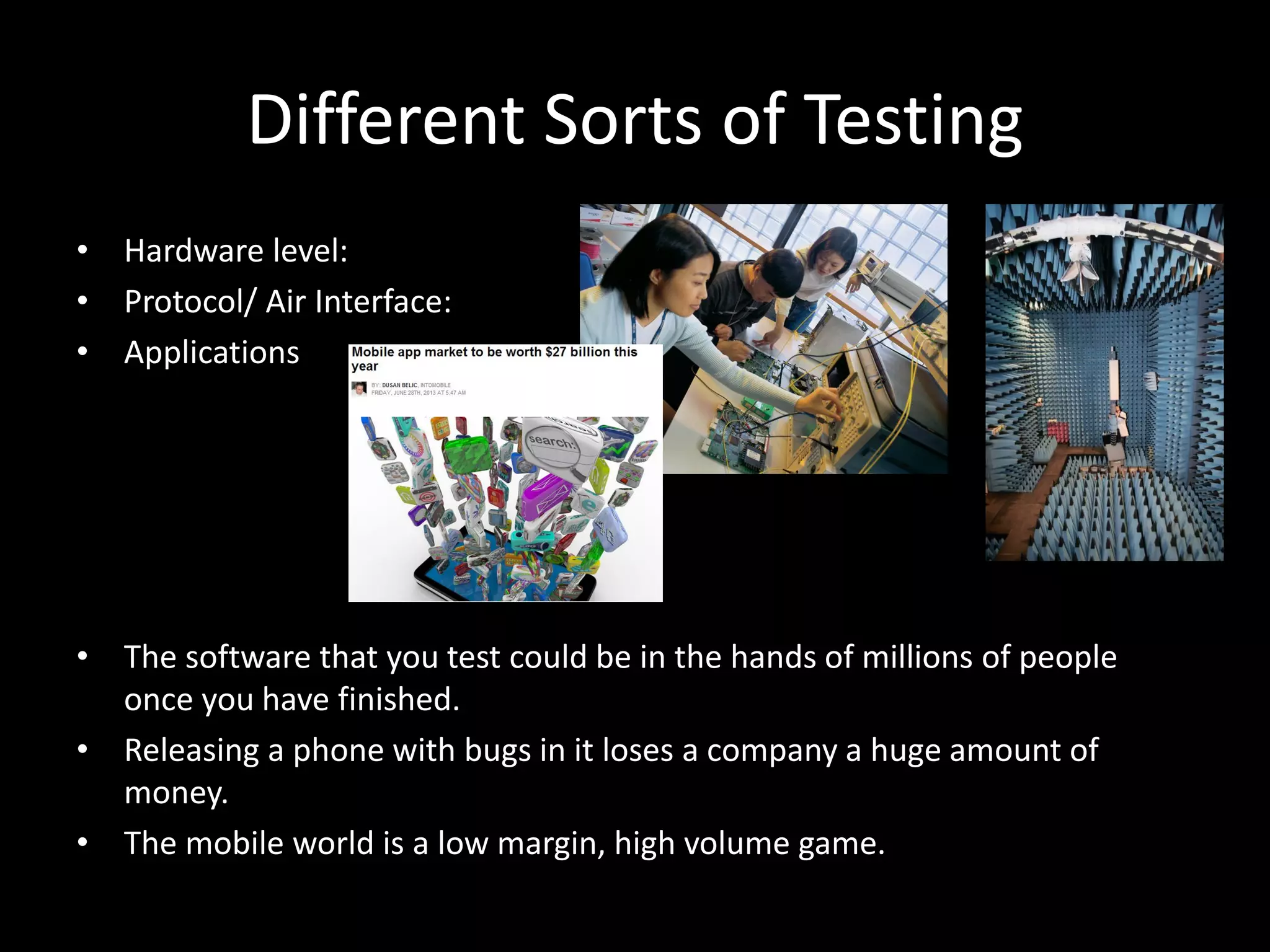
Different Sorts of Testing • Hardware level: • Protocol/ Air Interface: • Applications • The software that you test could be in the hands of millions of people once you have finished. • Releasing a phone with bugs in it loses a company a huge amount of money. • The mobile world is a low margin, high volume game.
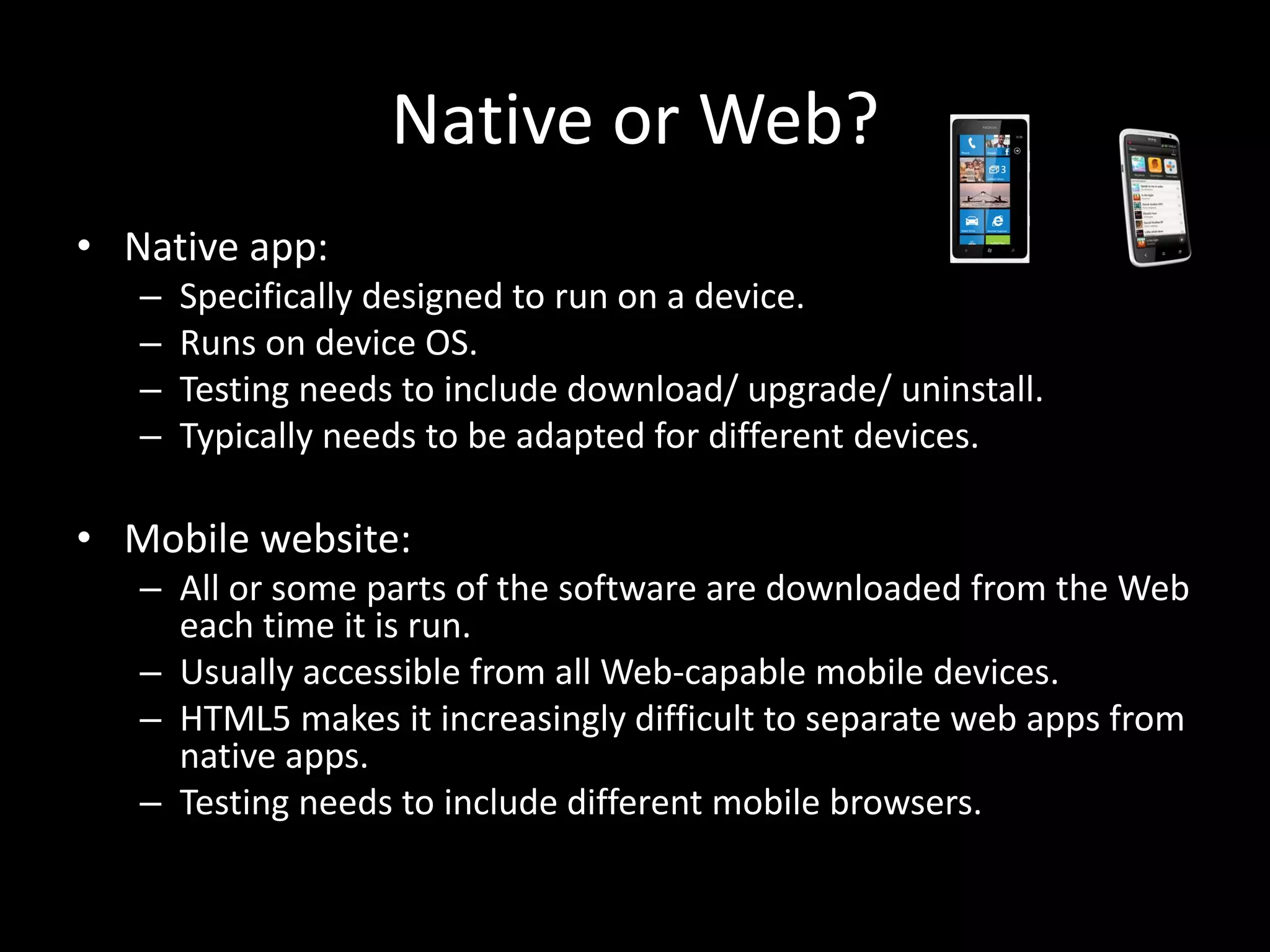
Native or Web? • Native app: – Specifically designed to run on a device. – Runs on device OS. – Testing needs to include download/ upgrade/ uninstall. – Typically needs to be adapted for different devices. • Mobile website: – All or some parts of the software are downloaded from the Web each time it is run. – Usually accessible from all Web-capable mobile devices. – HTML5 makes it increasingly difficult to separate web apps from native apps. – Testing needs to include different mobile browsers.
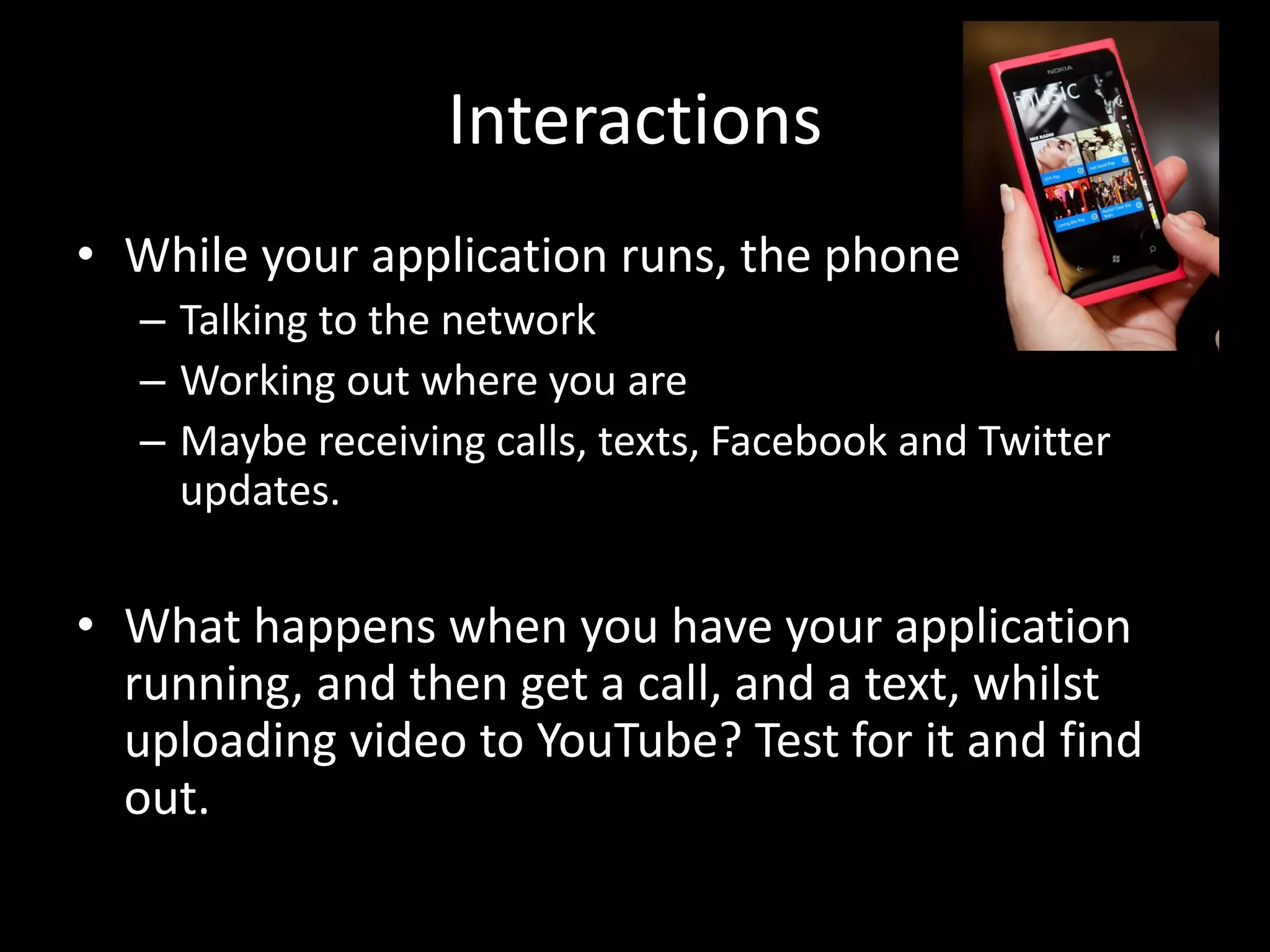
Interactions • While your application runs, the phone is: – Talking to the network – Working out where you are – Maybe receiving calls, texts, Facebook and Twitter updates. • What happens when you have your application running, and then get a call, and a text, whilst uploading video to YouTube? Test for it and find out.
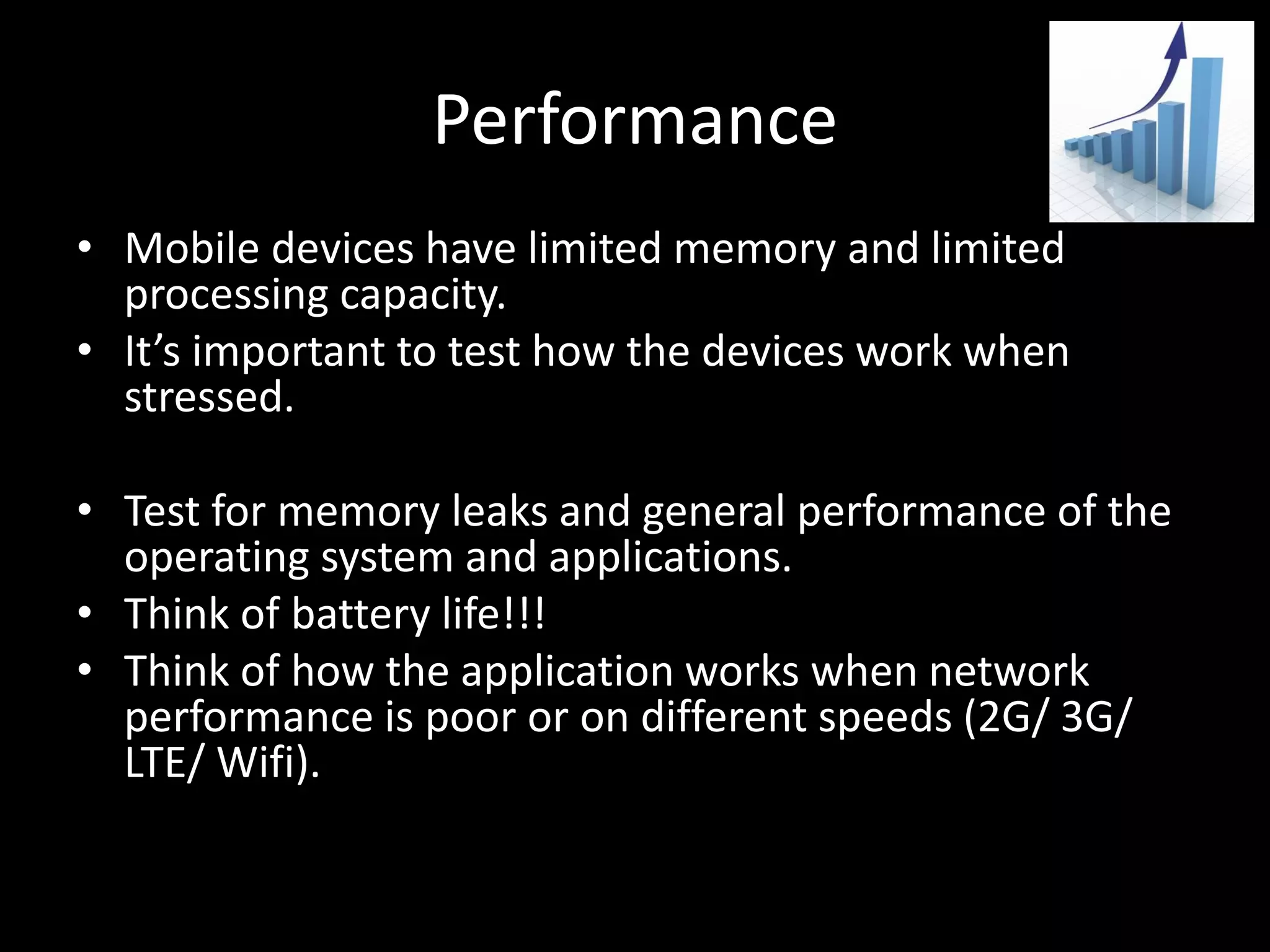
Performance • Mobile devices have limited memory and limited processing capacity. • It’s important to test how the devices work when stressed. • Test for memory leaks and general performance of the operating system and applications. • Think of battery life!!! • Think of how the application works when network performance is poor or on different speeds (2G/ 3G/ LTE/ Wifi).
Apps Stores • Test app store submission and download/ install. • One estimate is that 70% of applications are submitted to apps stores without any formal testing have been conducted.
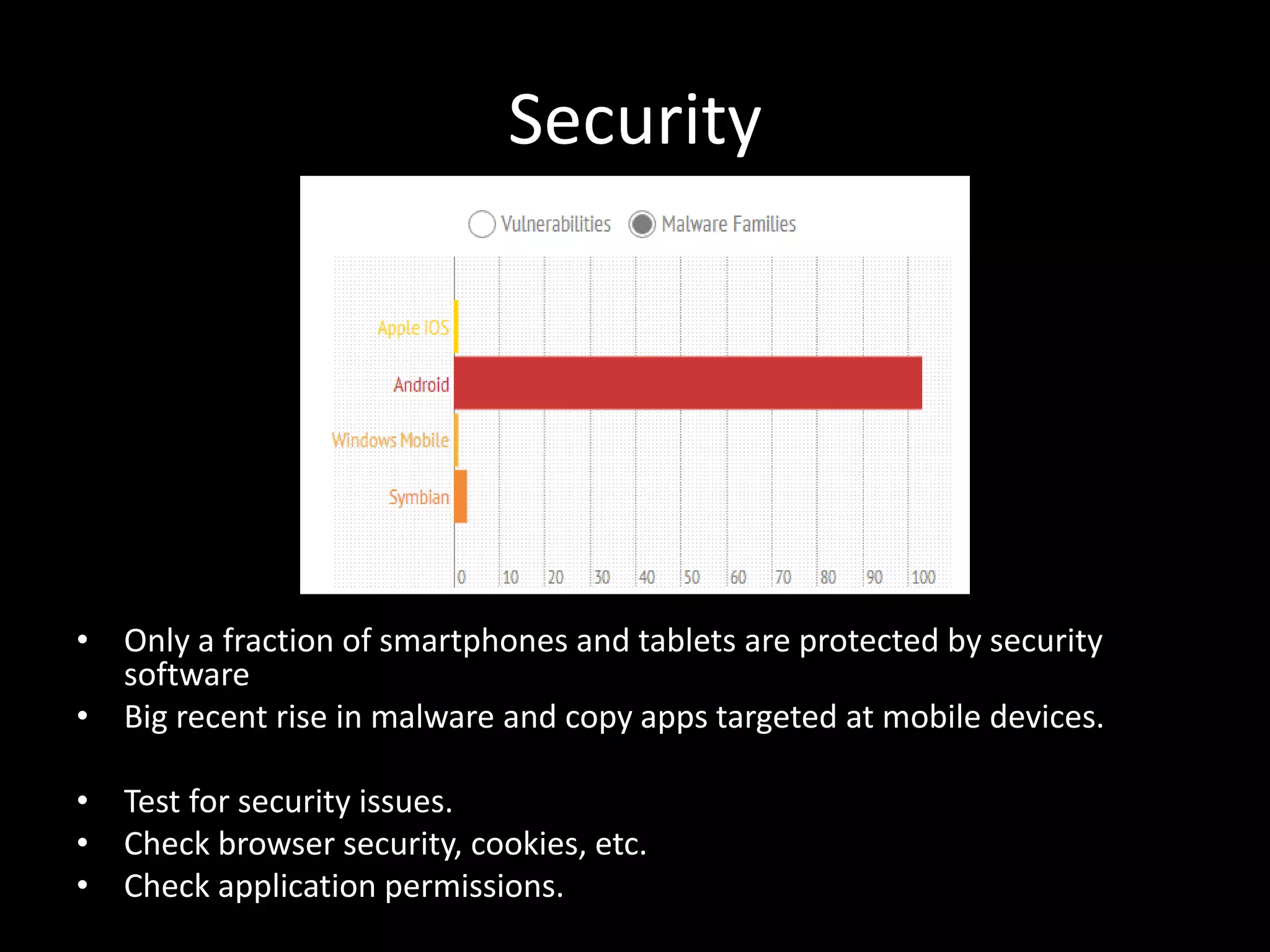
Security • Only a fraction of smartphones and tablets are protected by security software • Big recent rise in malware and copy apps targeted at mobile devices. • Test for security issues. • Check browser security, cookies, etc. • Check application permissions.
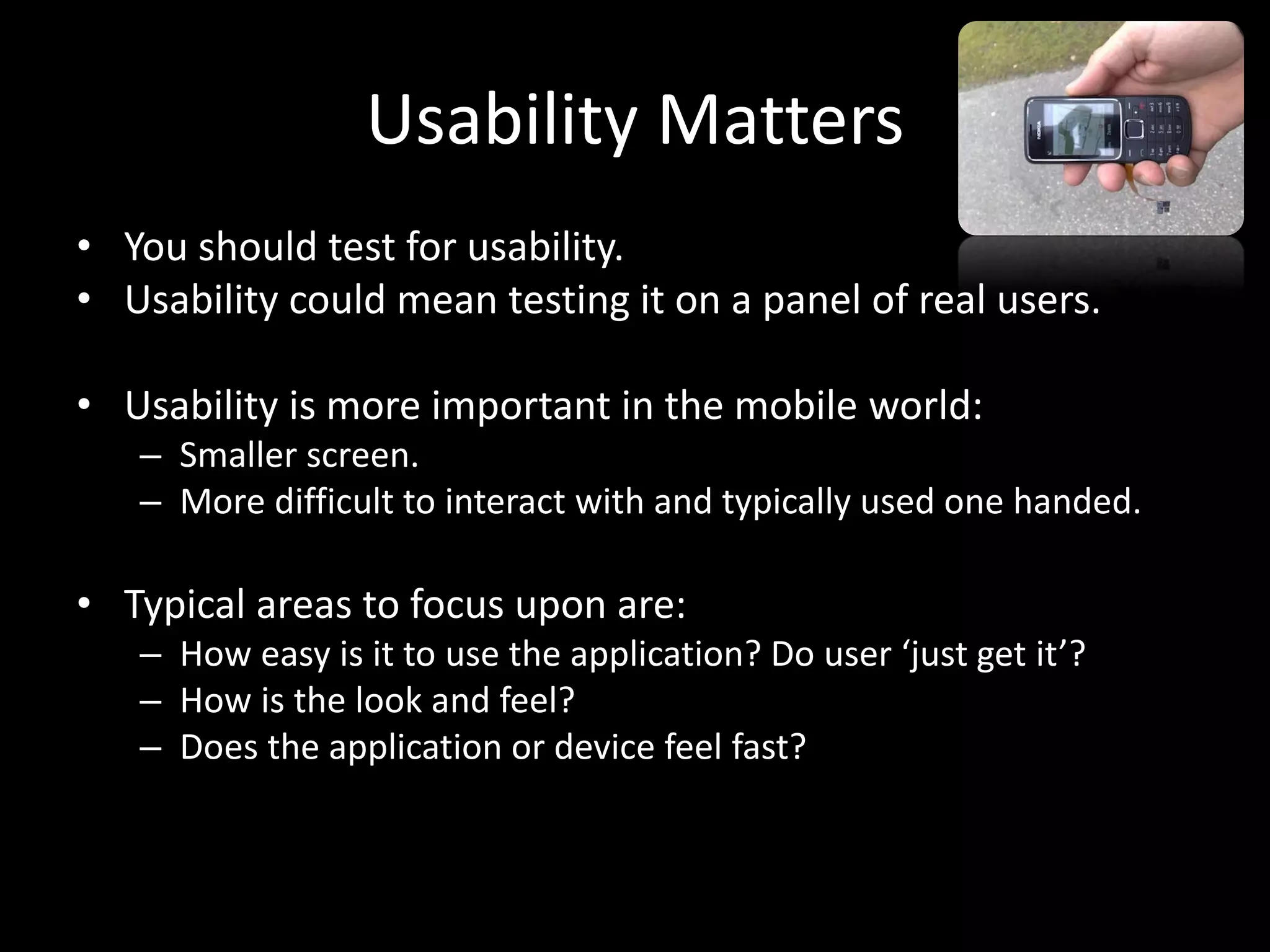
Usability Matters • You should test for usability. • Usability could mean testing it on a panel of real users. • Usability is more important in the mobile world: – Smaller screen. – More difficult to interact with and typically used one handed. • Typical areas to focus upon are: – How easy is it to use the application? Do user ‘just get it’? – How is the look and feel? – Does the application or device feel fast?
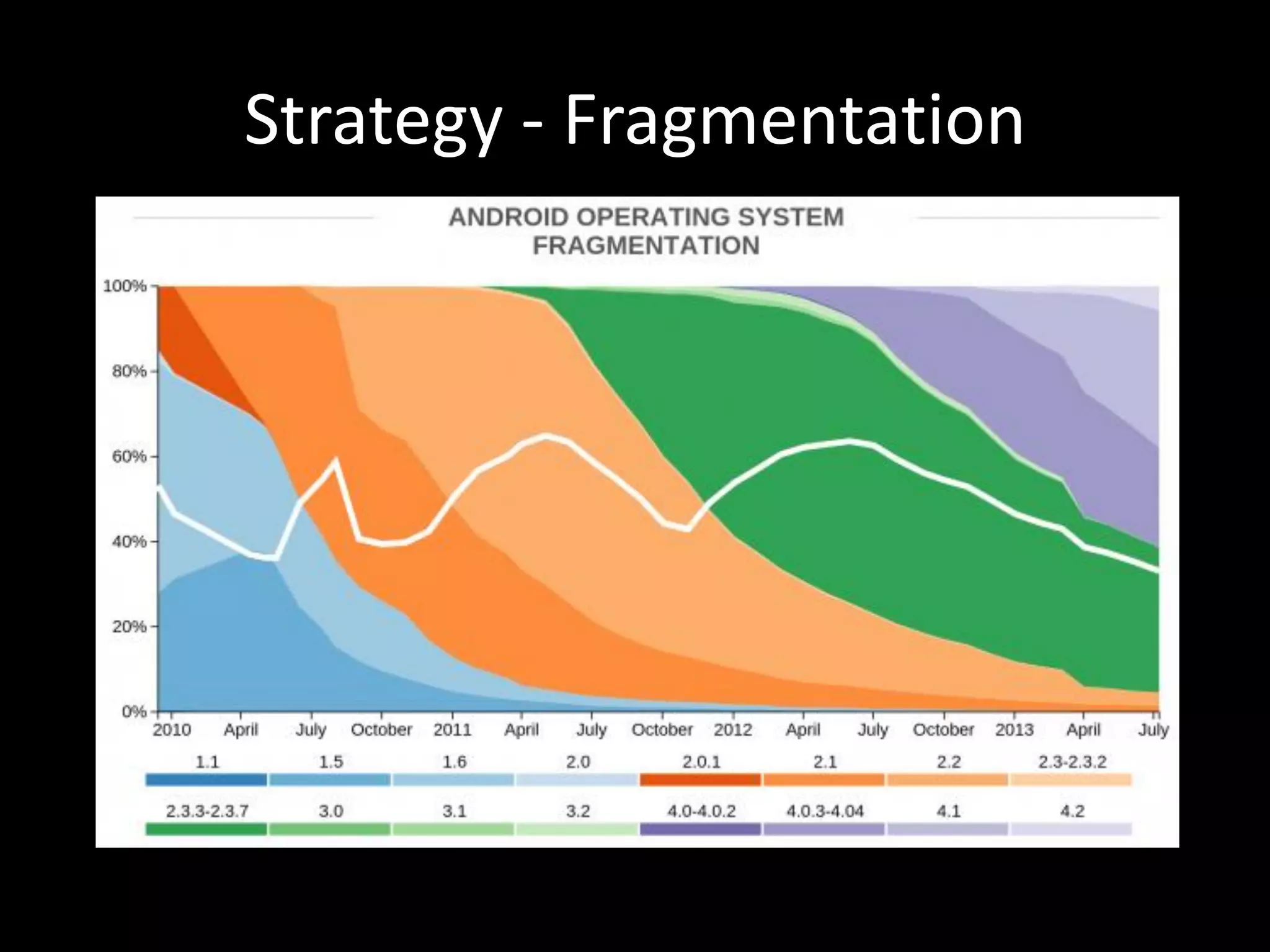
Strategy - Fragmentation
Where do I get all the devices from? • Don’t use them at all – simulators or user agents. • Buy them. • Rent them. • Use a cloud based service (Perfecto Mobile, DeviceAnywhere).
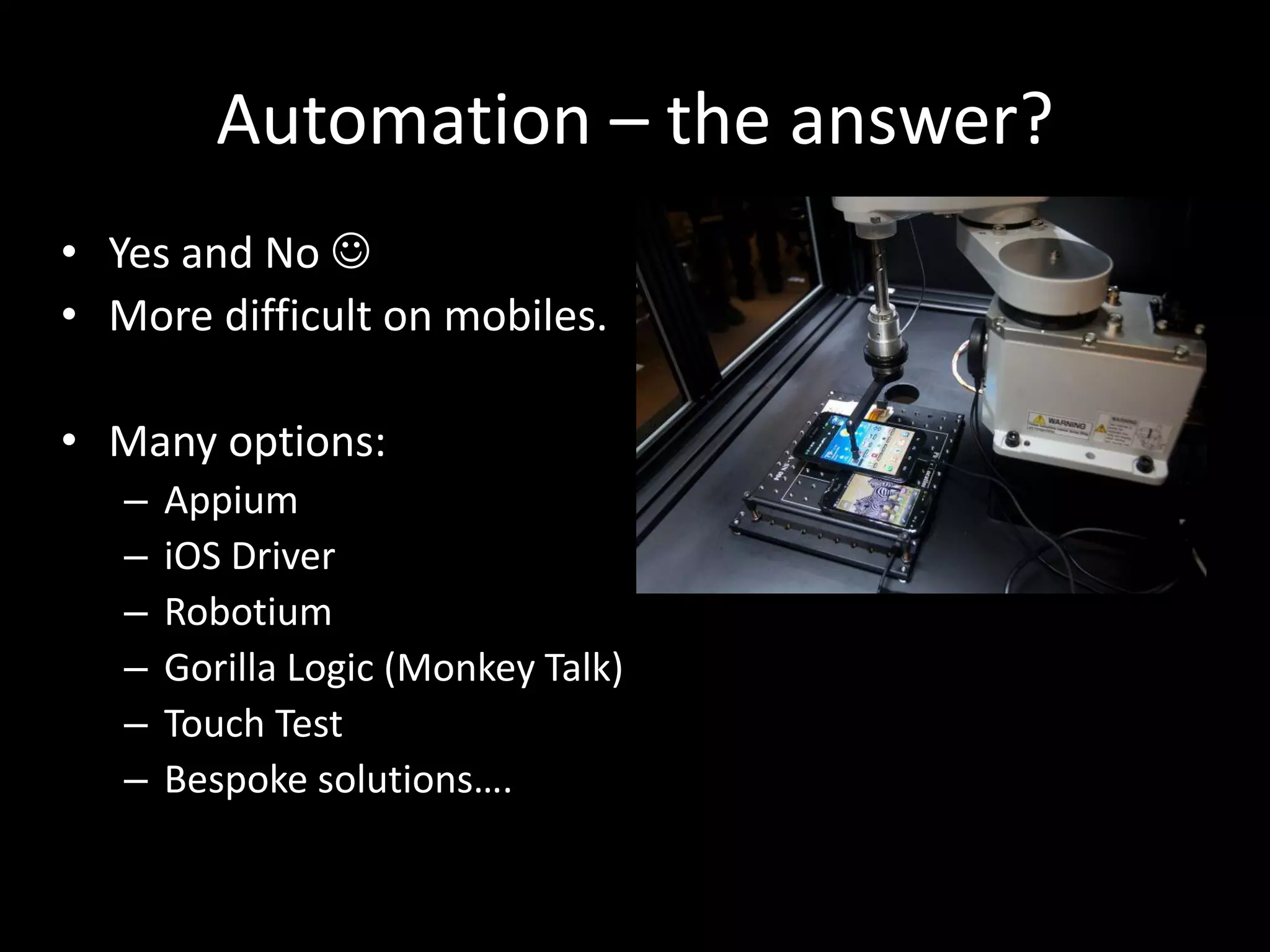
Automation – the answer? • Yes and No  • More difficult on mobiles. • Many options: – Appium – iOS Driver – Robotium – Gorilla Logic (Monkey Talk) – Touch Test – Bespoke solutions….
So……why get involved?
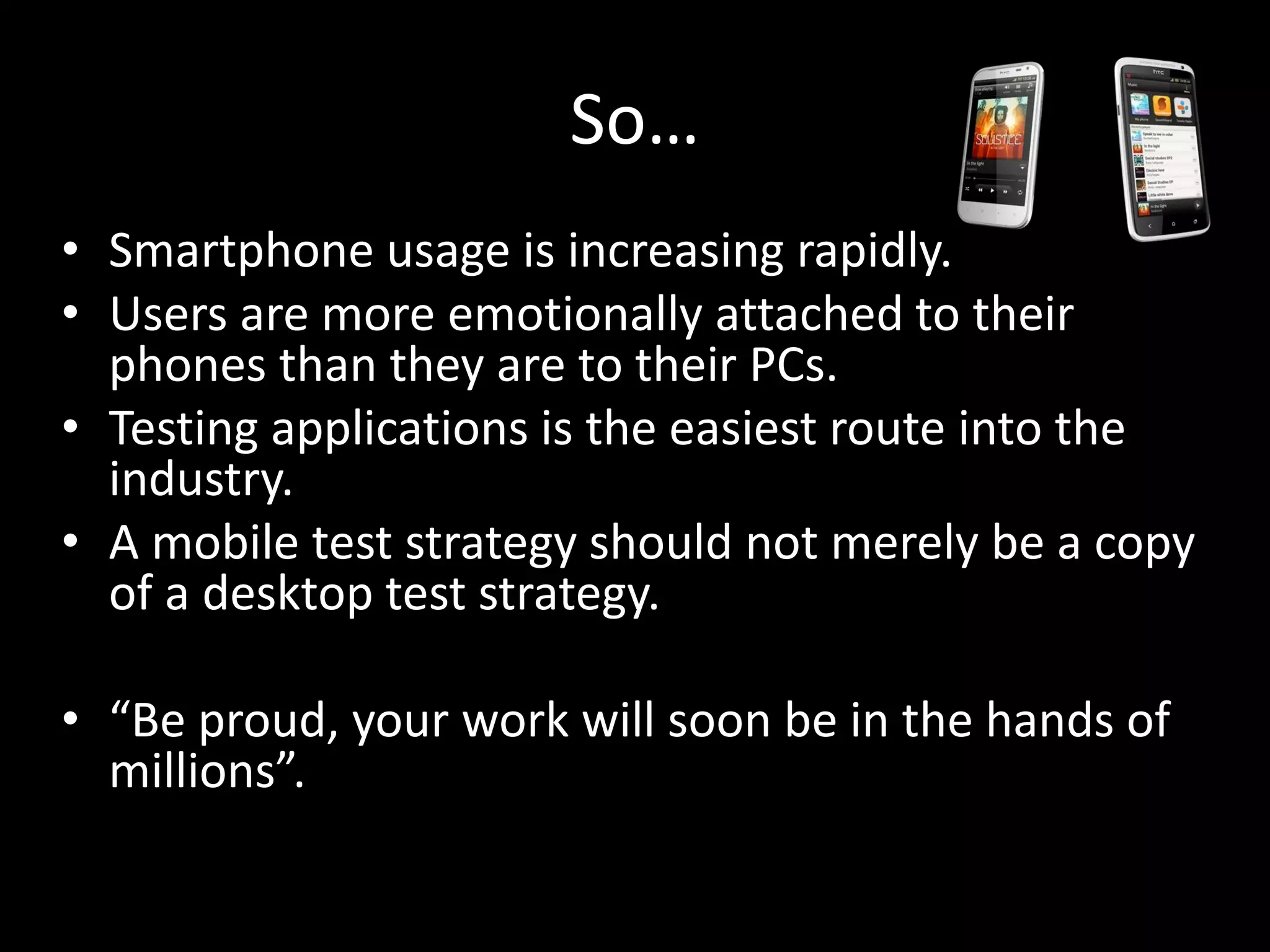
So… • Smartphone usage is increasing rapidly. • Users are more emotionally attached to their phones than they are to their PCs. • Testing applications is the easiest route into the industry. • A mobile test strategy should not merely be a copy of a desktop test strategy. • “Be proud, your work will soon be in the hands of millions”.
And two more things… Net-a-Porter Are Hiring • Dev-in-Test – Java/ Ruby • Test Automation Analyst Mobile Training • Coming in early 2014
Stephen Janaway Test Manager Net-a-Porter Group www.stephenjanaway.co.uk @stephenjanaway Questions?

An Introduction To Mobile Software Testing

  • 1.
    An Introduction toMobile Software Testing Stephen Janaway Test Manager Net-a-Porter Group
  • 2.
    Who am I? StephenJanaway • 12 years experience in mobile software testing. • Mobile devices • Mobile networks • Mobile applications • Have worked for companies such as Ericsson, Motorola and Nokia. • Currently at Net-a-Porter Group. • www.stephenjanaway.co.uk • @stephenjanaway
  • 3.
    This Presentation • Whymobile testing? • What is mobile testing? • Hints, tips and techniques. • Why get involved?
  • 4.
  • 5.
  • 6.
  • 7.
  • 8.
    Mobile devices are •Smart Phones • Feature Phones • Tablets • E-readers • Big screens, small screens, touch screens and keypads.
  • 9.
    Mobile devices aremuch more • Alarm Clocks • Maps • Link to loved ones • Hand held shops • Tickets • Music Players • Books • Games Players • Cameras • …… • These are key experiences. Imagine if they did not work?
  • 10.
  • 11.
  • 12.
    Where were wemeeting?
  • 13.
    Quality is notcurrently great • Many applications launch un-tested. • Phones launch with serious issues (remember the iPhone 4 death grip). • Android has security issues. • Users tolerate this….but for how long? • How can we improve this?
  • 14.
    Different Sorts ofTesting • Hardware level: • Protocol/ Air Interface: • Applications • The software that you test could be in the hands of millions of people once you have finished. • Releasing a phone with bugs in it loses a company a huge amount of money. • The mobile world is a low margin, high volume game.
  • 15.
    Native or Web? •Native app: – Specifically designed to run on a device. – Runs on device OS. – Testing needs to include download/ upgrade/ uninstall. – Typically needs to be adapted for different devices. • Mobile website: – All or some parts of the software are downloaded from the Web each time it is run. – Usually accessible from all Web-capable mobile devices. – HTML5 makes it increasingly difficult to separate web apps from native apps. – Testing needs to include different mobile browsers.
  • 16.
    Interactions • While yourapplication runs, the phone is: – Talking to the network – Working out where you are – Maybe receiving calls, texts, Facebook and Twitter updates. • What happens when you have your application running, and then get a call, and a text, whilst uploading video to YouTube? Test for it and find out.
  • 17.
    Performance • Mobile deviceshave limited memory and limited processing capacity. • It’s important to test how the devices work when stressed. • Test for memory leaks and general performance of the operating system and applications. • Think of battery life!!! • Think of how the application works when network performance is poor or on different speeds (2G/ 3G/ LTE/ Wifi).
  • 18.
    Apps Stores • Testapp store submission and download/ install. • One estimate is that 70% of applications are submitted to apps stores without any formal testing have been conducted.
  • 19.
    Security • Only afraction of smartphones and tablets are protected by security software • Big recent rise in malware and copy apps targeted at mobile devices. • Test for security issues. • Check browser security, cookies, etc. • Check application permissions.
  • 20.
    Usability Matters • Youshould test for usability. • Usability could mean testing it on a panel of real users. • Usability is more important in the mobile world: – Smaller screen. – More difficult to interact with and typically used one handed. • Typical areas to focus upon are: – How easy is it to use the application? Do user ‘just get it’? – How is the look and feel? – Does the application or device feel fast?
  • 21.
  • 22.
    Where do Iget all the devices from? • Don’t use them at all – simulators or user agents. • Buy them. • Rent them. • Use a cloud based service (Perfecto Mobile, DeviceAnywhere).
  • 23.
    Automation – theanswer? • Yes and No  • More difficult on mobiles. • Many options: – Appium – iOS Driver – Robotium – Gorilla Logic (Monkey Talk) – Touch Test – Bespoke solutions….
  • 24.
  • 25.
    So… • Smartphone usageis increasing rapidly. • Users are more emotionally attached to their phones than they are to their PCs. • Testing applications is the easiest route into the industry. • A mobile test strategy should not merely be a copy of a desktop test strategy. • “Be proud, your work will soon be in the hands of millions”.
  • 26.
    And two morethings… Net-a-Porter Are Hiring • Dev-in-Test – Java/ Ruby • Test Automation Analyst Mobile Training • Coming in early 2014
  • 27.
    Stephen Janaway Test Manager Net-a-PorterGroup www.stephenjanaway.co.uk @stephenjanaway Questions?