Angular Directives Complete Guide to Types, Usage, and Real Examples Master the essential building blocks for creating dynamic, reusable, and interactive Angular applications.
What Are Angular Directives? Angular directives are special instructions embedded in HTML that tell Angular to add specific behavior to elements or modify the DOM structure. They extend HTML capabilities beyond static markup, responding to user behavior, application state, and data changes. Each directive serves a distinct purpose—showing/hiding elements, applying dynamic styles, or adding interactivity. They eliminate code duplication by encapsulating reusable behavior throughout your application.
Five Types of Angular Directives Component Directives Custom HTML components with templates, styles, and behavior— the most common directive type. Structural Directives Modify DOM layout by adding, removing, or altering elements using *ngIf or *ngFor syntax. Attribute Directives Change appearance or behavior of existing elements with ngClass and ngStyle. Custom Directives Developer-created directives for specialized behaviors not provided natively by Angular. Built-in Directives Pre-built directives from Angular's core library for common functionality like ngModel.
Component Directives Independent Building Blocks Component directives create custom HTML elements with their own templates, styles, and behavior. They act as self-contained, reusable units within your application. Example: A "product-card" component displays product information consistently across your site without code duplication, maintaining UI alignment and simplifying maintenance.
Structural & Attribute Directives Structural Directives Alter DOM arrangement by adding, removing, or modifying elements. Use asterisk syntax like *ngIf or *ngFor. • Loop through user lists dynamically • Conditionally display messages • Build adaptive layouts with minimal code Attribute Directives Modify appearance or behavior of existing elements. Perfect for managing visual states dynamically. • Toggle classes with ngClass • Apply inline styles with ngStyle • Highlight selected menu items • Show warning styles on form fields
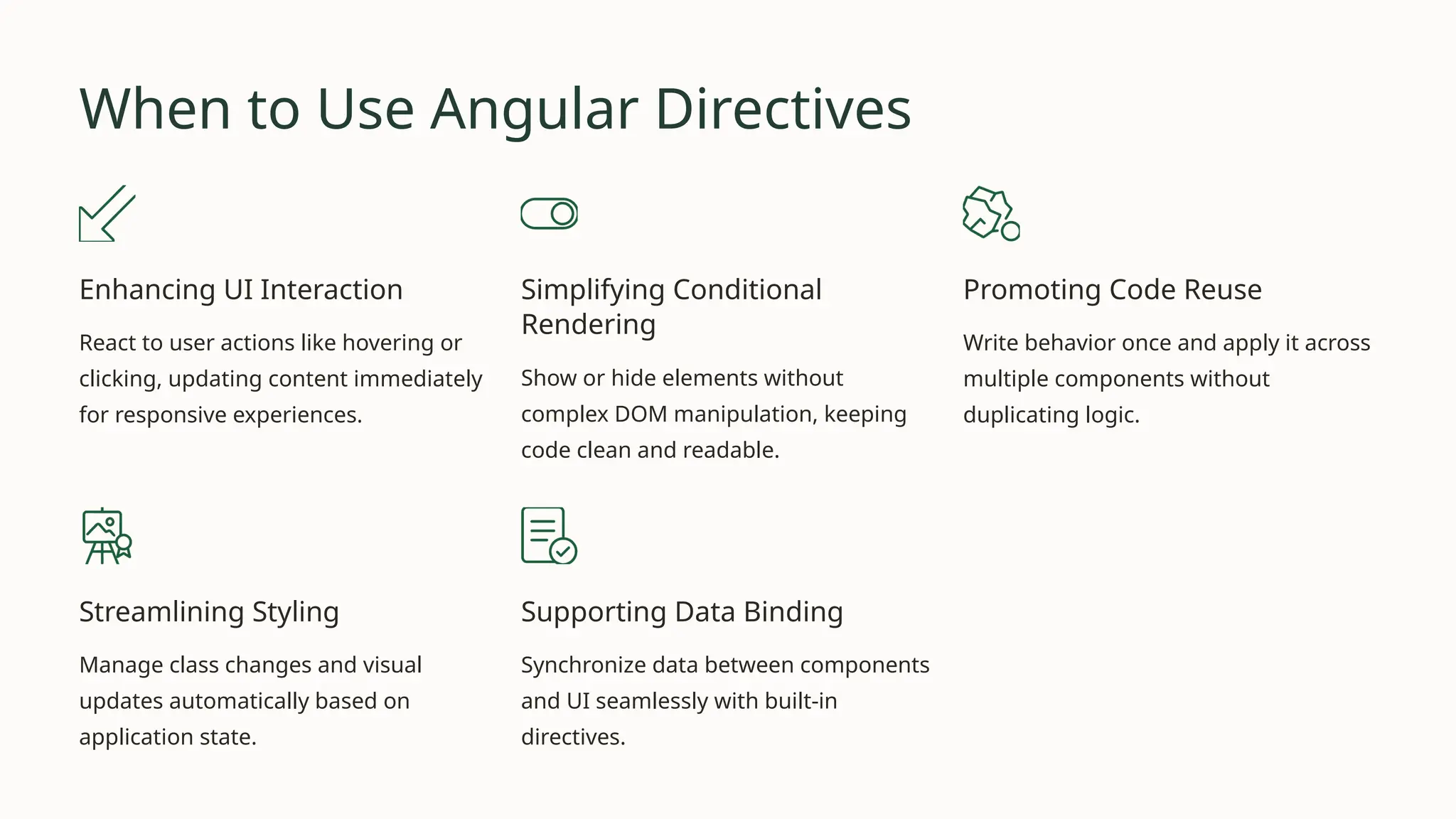
When to Use Angular Directives Enhancing UI Interaction React to user actions like hovering or clicking, updating content immediately for responsive experiences. Simplifying Conditional Rendering Show or hide elements without complex DOM manipulation, keeping code clean and readable. Promoting Code Reuse Write behavior once and apply it across multiple components without duplicating logic. Streamlining Styling Manage class changes and visual updates automatically based on application state. Supporting Data Binding Synchronize data between components and UI seamlessly with built-in directives.
Best Practices 01 Keep Logic Focused Each directive should have one clear purpose to avoid unnecessary complexity. 02 Name Clearly Use descriptive names that immediately convey the directive's purpose to code readers. 03 Optimize Performance Minimize DOM updates to prevent application slowdowns and maintain responsiveness. 04 Use Lifecycle Hooks Wisely Implement only lifecycle methods directly relevant to the directive's functionality. 05 Document Usage Provide clear descriptions and examples so team members can readily adopt directives.
Common Mistakes to Avoid 1 Overusing Directives Applying directives unnecessarily increases code complexity and reduces readability. 2 Ignoring Built-in Options Rebuilding features Angular already provides wastes valuable development time. 3 Neglecting Testing Without proper testing, directives can fail under unexpected conditions and edge cases. 4 Poor Naming Conventions Ambiguous names make directives difficult to understand and maintain over time. 5 Skipping Cleanup Forgotten event handlers or subscriptions cause memory leaks and performance issues.
Real Examples in Action Welcome Message <p *ngIf="isLoggedIn"> Welcome back!</p> Shows message only when user is logged in Highlighting Menu Items <a [ngClass]="{active: selectedPage === 'home'}"> Home</a> Applies active class to selected page Form Error Highlights <input [ngClass]= "{'error': !isValid}" placeholder="Enter Name"> Shows error styling for invalid inputs Real-Time Data Updates <input [(ngModel)]="liveData">{{ liveData }} Automatically syncs input with display
Master Angular Directives Transform Your Applications Angular directives provide a fundamental method for building highly adaptable and interactive applications. By mastering directive types, usage patterns, and best practices, you'll improve code maintainability and performance. Avoiding common mistakes keeps your code clean and efficient. Over time, directives enable the transition from static HTML to dynamic, flexible, and user-friendly web applications. Get In Touch • +1 (561) 798-3204 • +1 (561) 798-3255 • Sales & General Inquiries: sales@intellisourcetech.net

Angular Directives: Complete Guide to Types, Usage, and Real Examples

  • 1.
    Angular Directives Complete Guideto Types, Usage, and Real Examples Master the essential building blocks for creating dynamic, reusable, and interactive Angular applications.
  • 2.
    What Are AngularDirectives? Angular directives are special instructions embedded in HTML that tell Angular to add specific behavior to elements or modify the DOM structure. They extend HTML capabilities beyond static markup, responding to user behavior, application state, and data changes. Each directive serves a distinct purpose—showing/hiding elements, applying dynamic styles, or adding interactivity. They eliminate code duplication by encapsulating reusable behavior throughout your application.
  • 3.
    Five Types ofAngular Directives Component Directives Custom HTML components with templates, styles, and behavior— the most common directive type. Structural Directives Modify DOM layout by adding, removing, or altering elements using *ngIf or *ngFor syntax. Attribute Directives Change appearance or behavior of existing elements with ngClass and ngStyle. Custom Directives Developer-created directives for specialized behaviors not provided natively by Angular. Built-in Directives Pre-built directives from Angular's core library for common functionality like ngModel.
  • 4.
    Component Directives Independent BuildingBlocks Component directives create custom HTML elements with their own templates, styles, and behavior. They act as self-contained, reusable units within your application. Example: A "product-card" component displays product information consistently across your site without code duplication, maintaining UI alignment and simplifying maintenance.
  • 5.
    Structural & AttributeDirectives Structural Directives Alter DOM arrangement by adding, removing, or modifying elements. Use asterisk syntax like *ngIf or *ngFor. • Loop through user lists dynamically • Conditionally display messages • Build adaptive layouts with minimal code Attribute Directives Modify appearance or behavior of existing elements. Perfect for managing visual states dynamically. • Toggle classes with ngClass • Apply inline styles with ngStyle • Highlight selected menu items • Show warning styles on form fields
  • 6.
    When to UseAngular Directives Enhancing UI Interaction React to user actions like hovering or clicking, updating content immediately for responsive experiences. Simplifying Conditional Rendering Show or hide elements without complex DOM manipulation, keeping code clean and readable. Promoting Code Reuse Write behavior once and apply it across multiple components without duplicating logic. Streamlining Styling Manage class changes and visual updates automatically based on application state. Supporting Data Binding Synchronize data between components and UI seamlessly with built-in directives.
  • 7.
    Best Practices 01 Keep LogicFocused Each directive should have one clear purpose to avoid unnecessary complexity. 02 Name Clearly Use descriptive names that immediately convey the directive's purpose to code readers. 03 Optimize Performance Minimize DOM updates to prevent application slowdowns and maintain responsiveness. 04 Use Lifecycle Hooks Wisely Implement only lifecycle methods directly relevant to the directive's functionality. 05 Document Usage Provide clear descriptions and examples so team members can readily adopt directives.
  • 8.
    Common Mistakes toAvoid 1 Overusing Directives Applying directives unnecessarily increases code complexity and reduces readability. 2 Ignoring Built-in Options Rebuilding features Angular already provides wastes valuable development time. 3 Neglecting Testing Without proper testing, directives can fail under unexpected conditions and edge cases. 4 Poor Naming Conventions Ambiguous names make directives difficult to understand and maintain over time. 5 Skipping Cleanup Forgotten event handlers or subscriptions cause memory leaks and performance issues.
  • 9.
    Real Examples inAction Welcome Message <p *ngIf="isLoggedIn"> Welcome back!</p> Shows message only when user is logged in Highlighting Menu Items <a [ngClass]="{active: selectedPage === 'home'}"> Home</a> Applies active class to selected page Form Error Highlights <input [ngClass]= "{'error': !isValid}" placeholder="Enter Name"> Shows error styling for invalid inputs Real-Time Data Updates <input [(ngModel)]="liveData">{{ liveData }} Automatically syncs input with display
  • 10.
    Master Angular Directives TransformYour Applications Angular directives provide a fundamental method for building highly adaptable and interactive applications. By mastering directive types, usage patterns, and best practices, you'll improve code maintainability and performance. Avoiding common mistakes keeps your code clean and efficient. Over time, directives enable the transition from static HTML to dynamic, flexible, and user-friendly web applications. Get In Touch • +1 (561) 798-3204 • +1 (561) 798-3255 • Sales & General Inquiries: sales@intellisourcetech.net