Slides Assembled by: Hritesh
What is AngularJS?  A JavaScript framework for creating dynamic web applications  Open Source • GitHub: https://github.com/angular/angular.js • MIT License  Uses jQuery • jQuery 1.7.1 or above • jQLite
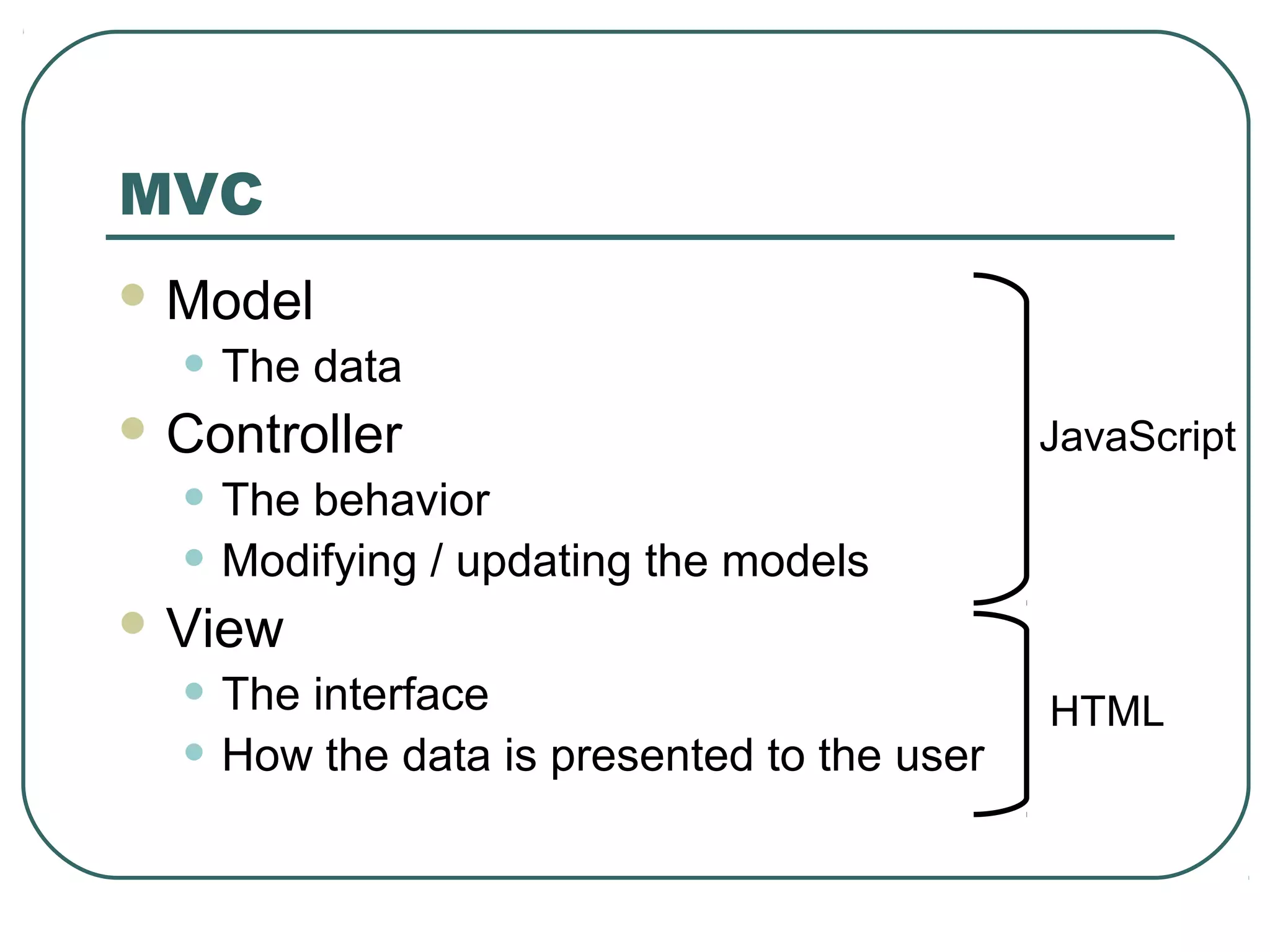
MVC  Model • The data  Controller • The behavior • Modifying / updating the models  View • The interface • How the data is presented to the user JavaScript HTML
Data Binding  Views are declarative • The structure of the interface  Controllers do not need to directly manipulate the view • Changes in the models / data are automatically reflected in the view • Updates are managed by the frameworks
Sample Application  GitHub: • https://github.com/christophertfoo/AngularSample
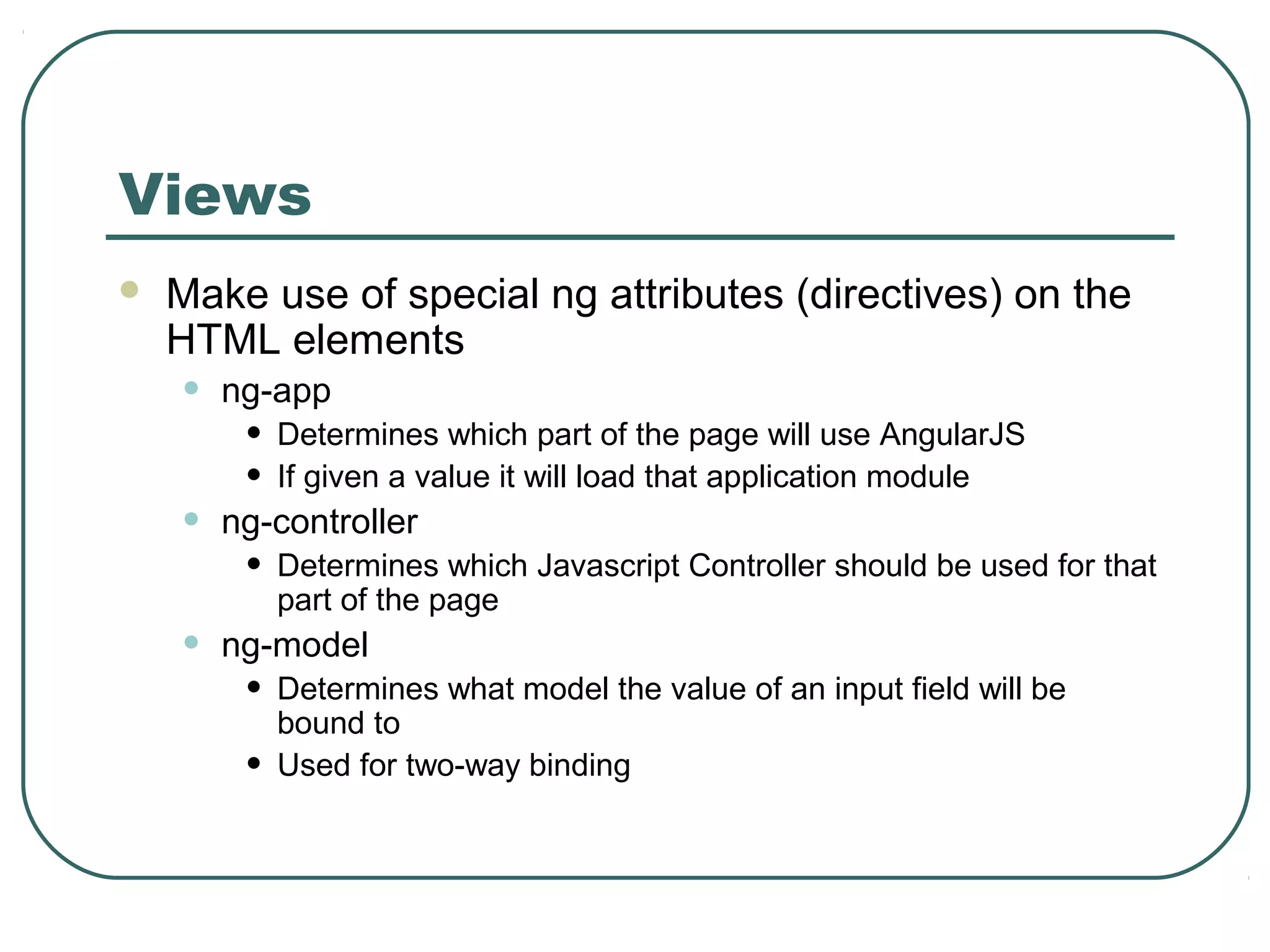
Views  Make use of special ng attributes (directives) on the HTML elements • ng-app • Determines which part of the page will use AngularJS • If given a value it will load that application module • ng-controller • Determines which Javascript Controller should be used for that part of the page • ng-model • Determines what model the value of an input field will be bound to • Used for two-way binding
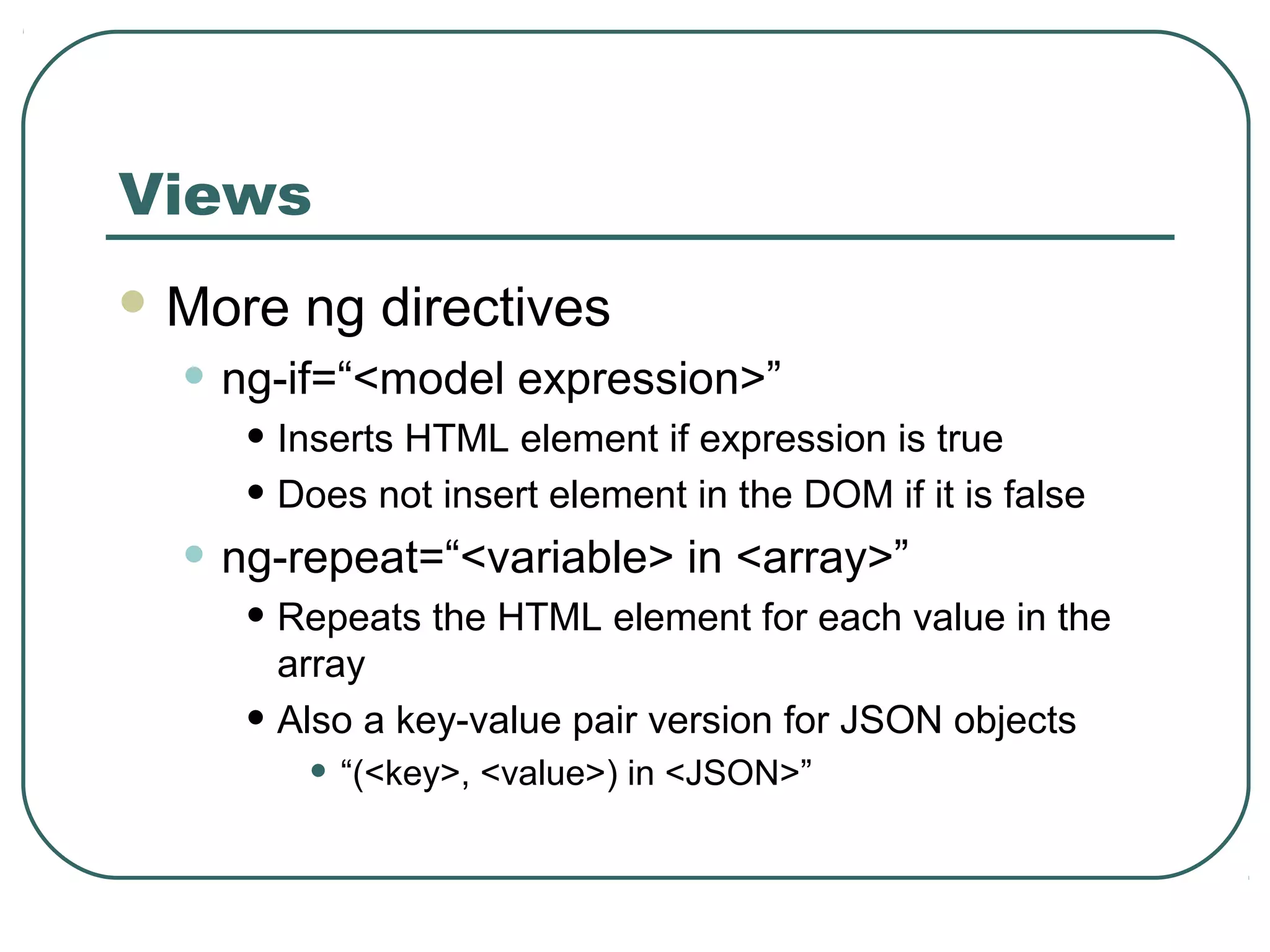
Views  More ng directives • ng-if=“<model expression>” • Inserts HTML element if expression is true • Does not insert element in the DOM if it is false • ng-repeat=“<variable> in <array>” • Repeats the HTML element for each value in the array • Also a key-value pair version for JSON objects • “(<key>, <value>) in <JSON>”
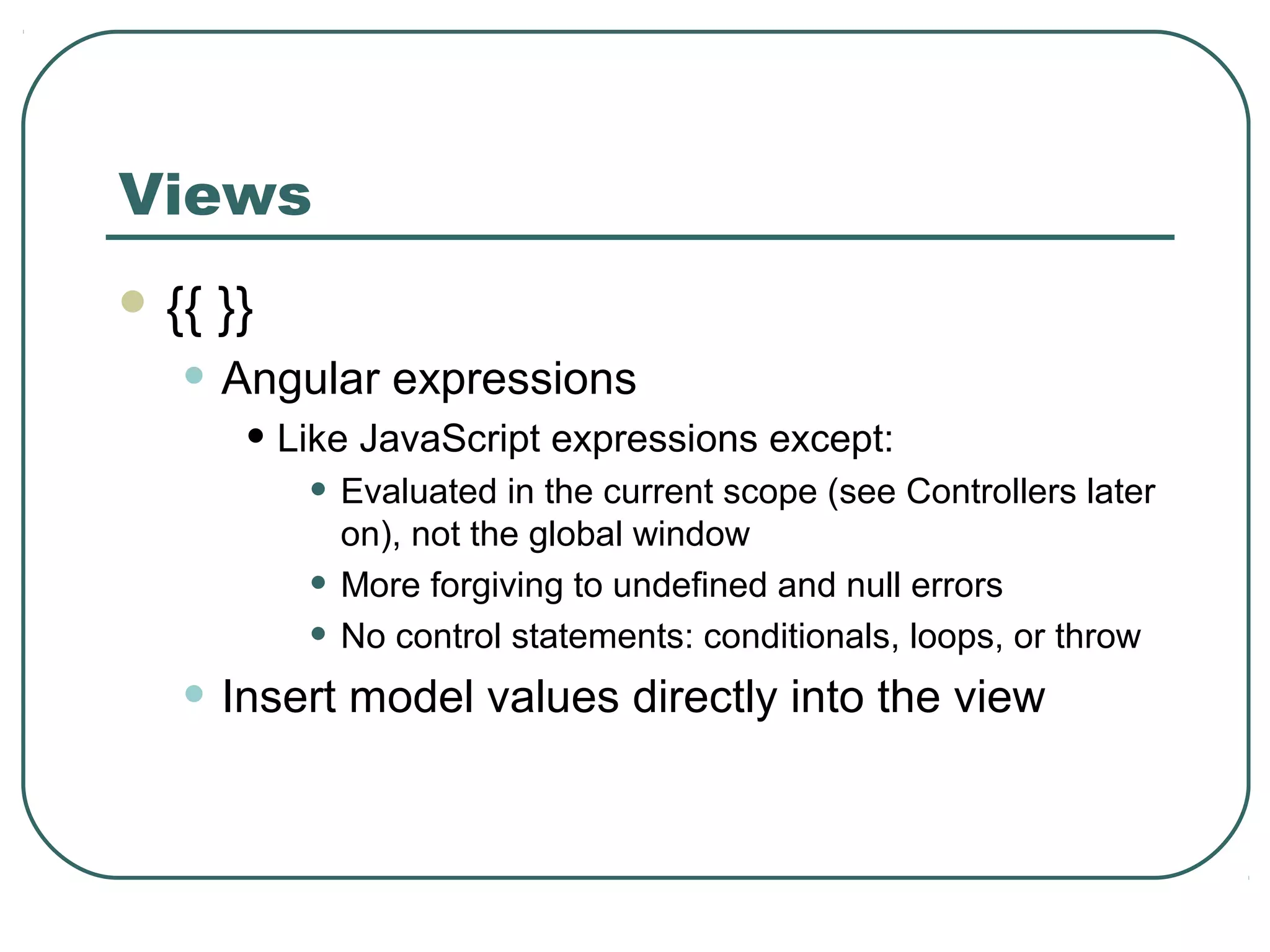
Views  {{ }} • Angular expressions • Like JavaScript expressions except: • Evaluated in the current scope (see Controllers later on), not the global window • More forgiving to undefined and null errors • No control statements: conditionals, loops, or throw • Insert model values directly into the view
Controller  Function that takes at least one parameter: $scope • Function is a constructor • Ex: • function MyCtrl($scope) { … } • We will see a different way of creating a controller constructor later  $scope • JavaScript object • Contains data (i.e. models) and methods (i.e. functions) • Can add own properties • $scope.<my new property> = <value>;
Controller  Dependency Injection • Pass the modules and services that you need as parameters • In the previous case $scope is a service that will be injected • Can be passed as an array of strings to the controller function as well • Prevents errors when performing minification • Other useful services • $http • Used to handle Ajax calls • Wrappers around jQuery
Controller  Typically also contains module loading  angular.module(<name>, [<dependencies>]); • Creates a module with the given name • This module can then be configured • Ex. • var myApp = angular.module(‘myApp’, []); myApp.controller(‘MyCtrl’, function($scope) { … }); myApp.controller(‘OtherCtrl’, [‘$scope’, ‘$http’, function($scope, $http) { … }]);
Models  Properties on the Controller’s $scope object  Standard JavaScript values
Modules  Can be used to separate the application into parts  Application module can include the other modules by listing them as dependencies
Modules var myControllers = angular.module(‘myControllers’, []); // Add controllers to the module myControllers.controller(…); var myApp = angular.module(‘myApp’, [‘myControllers’]);
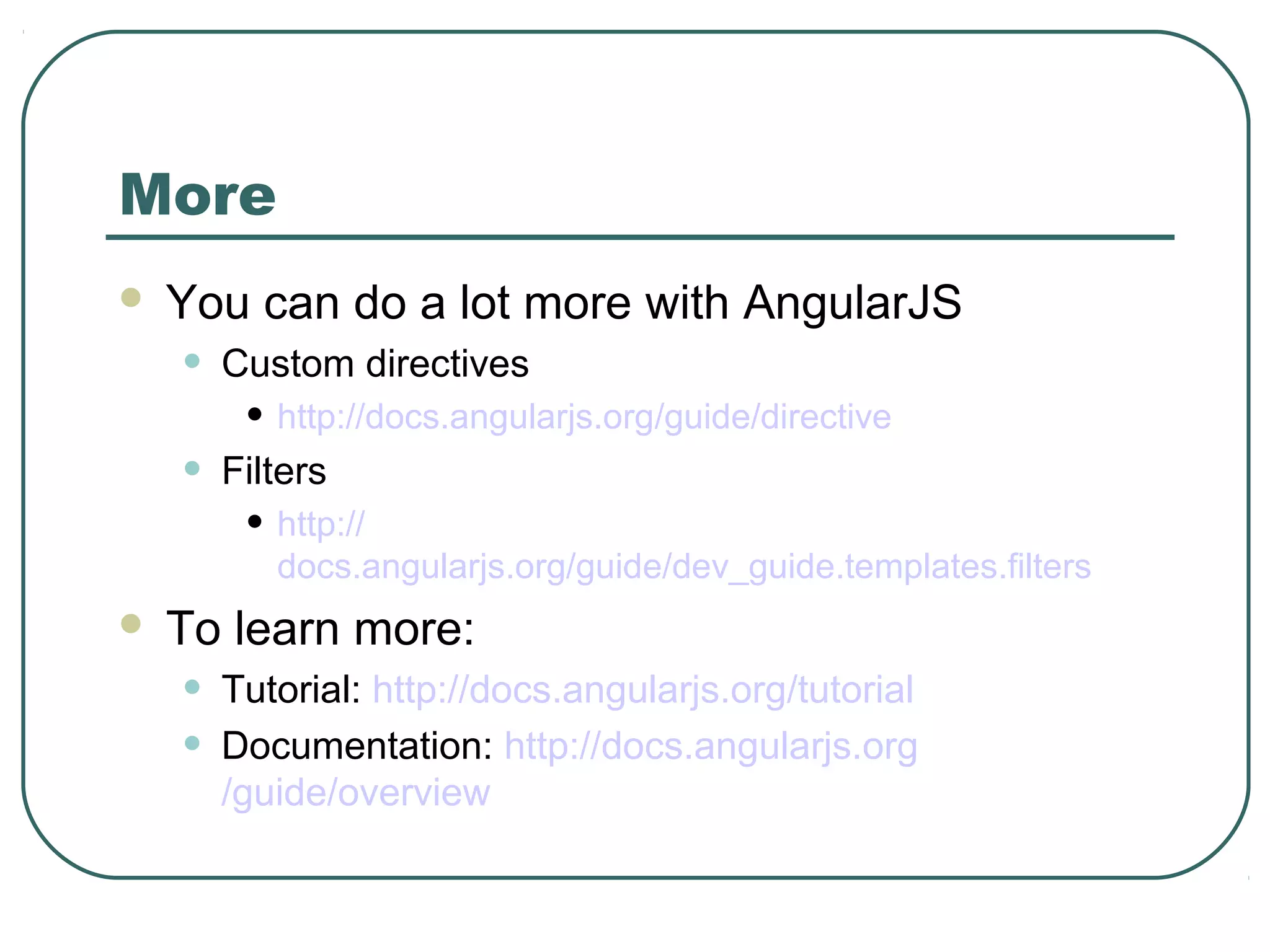
More  You can do a lot more with AngularJS • Custom directives • http://docs.angularjs.org/guide/directive • Filters • http:// docs.angularjs.org/guide/dev_guide.templates.filters  To learn more: • Tutorial: http://docs.angularjs.org/tutorial • Documentation: http://docs.angularjs.org /guide/overview
Thank you for listening!  Questions / Comments?
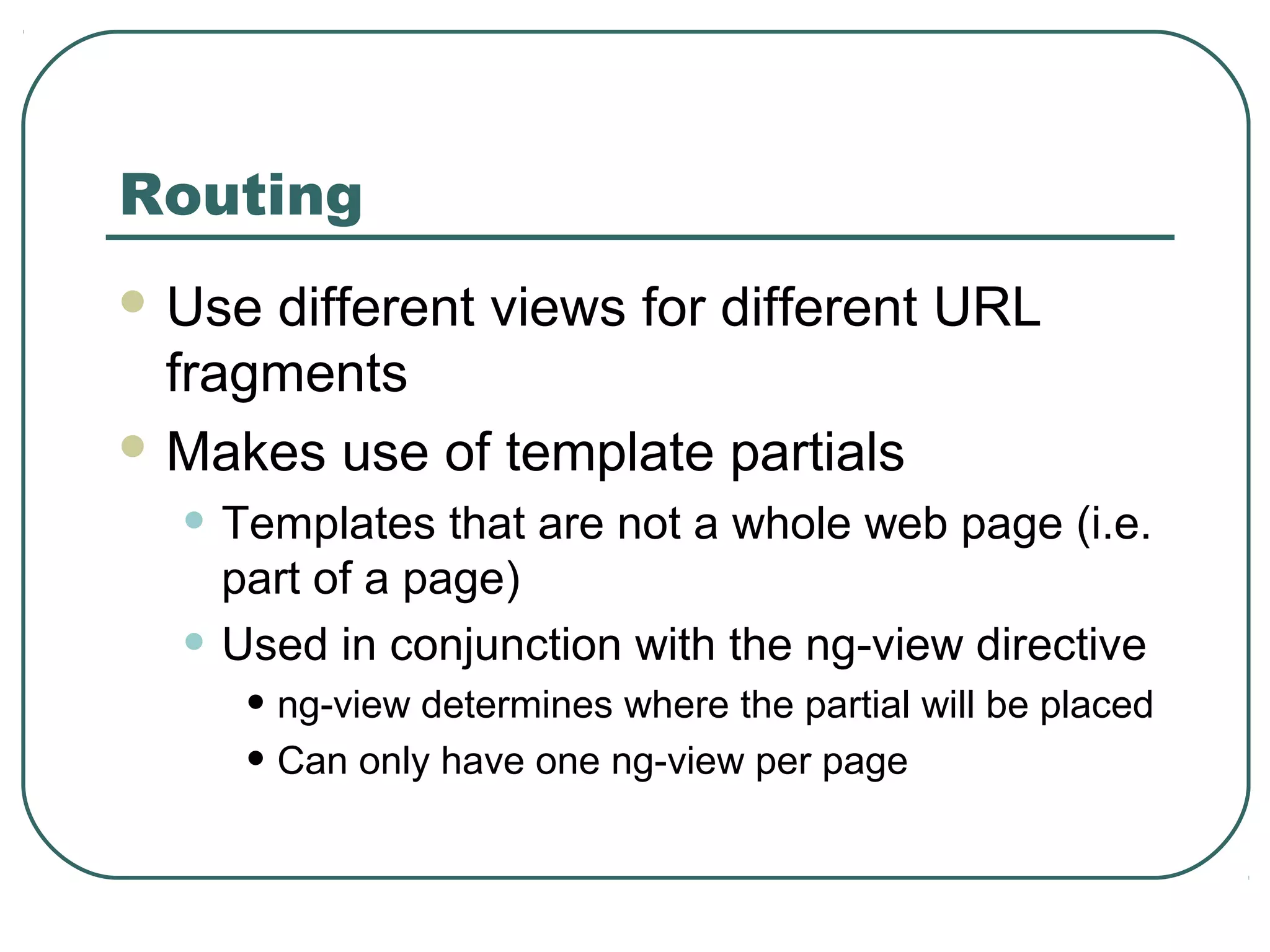
Routing  Use different views for different URL fragments  Makes use of template partials • Templates that are not a whole web page (i.e. part of a page) • Used in conjunction with the ng-view directive • ng-view determines where the partial will be placed • Can only have one ng-view per page
Routing  Enable by injecting the $routeProvider • myApp = angular.module(‘myApp’, [‘ngRoute’]); myApp.config([‘$routeProvider’, function($routeProvider) { … }]);  $routeProvider.when(<path>, {<route>}); • Defines a new route that uses the given path • The path may have parameters • Parameters start with a colon (‘:’) • Ex • ‘/user/:userId’ • Typical route fields: • controller = The name of the controller that should be used • templateUrl = A path to the template partial that should be used  $routeProvider.otherwise({<route>}); • Typical route fields: • redirectTo: ‘<path>’  API: http://docs.angularjs.org/api/ngRoute.$routeProvider
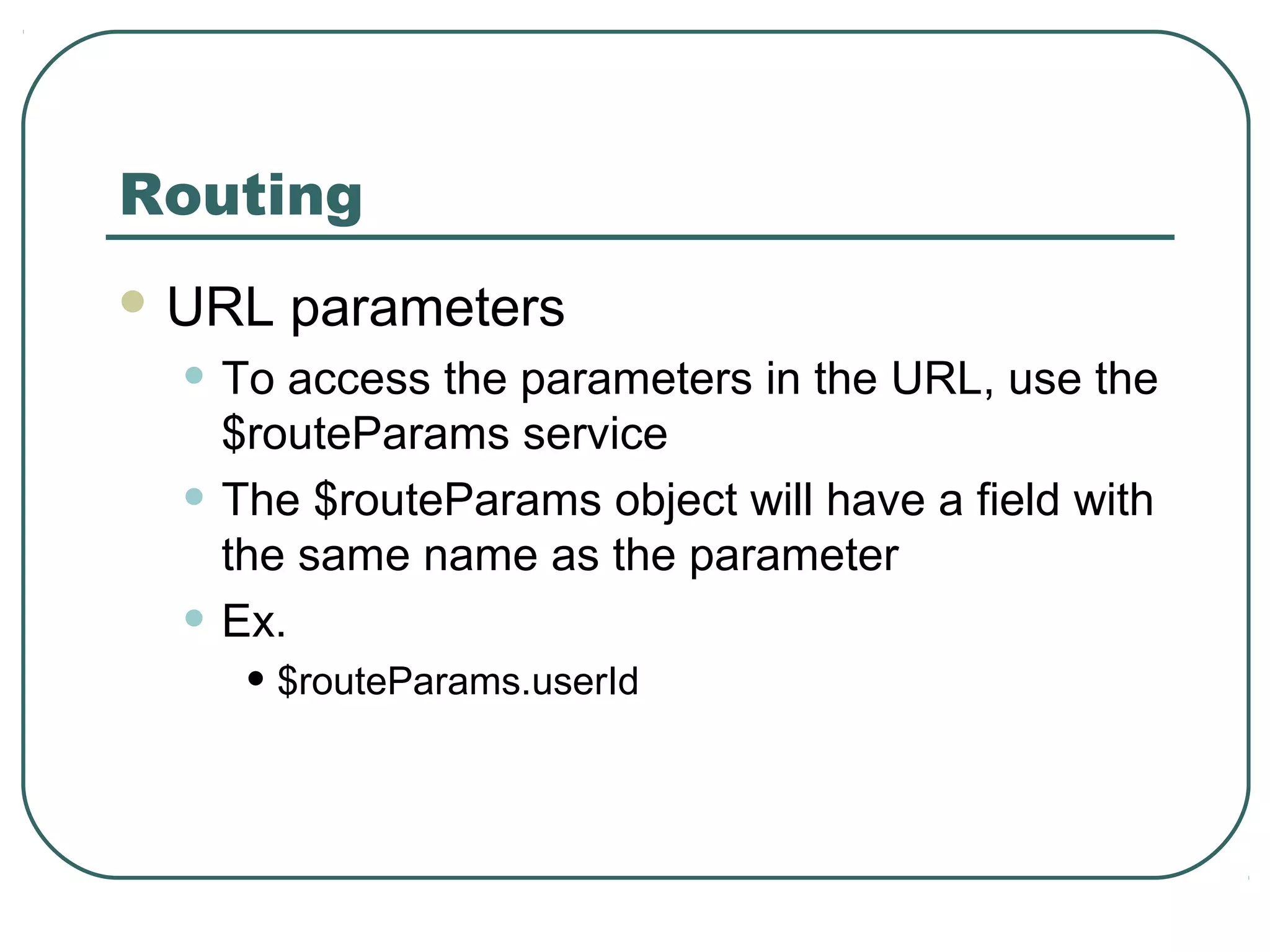
Routing  URL parameters • To access the parameters in the URL, use the $routeParams service • The $routeParams object will have a field with the same name as the parameter • Ex. • $routeParams.userId
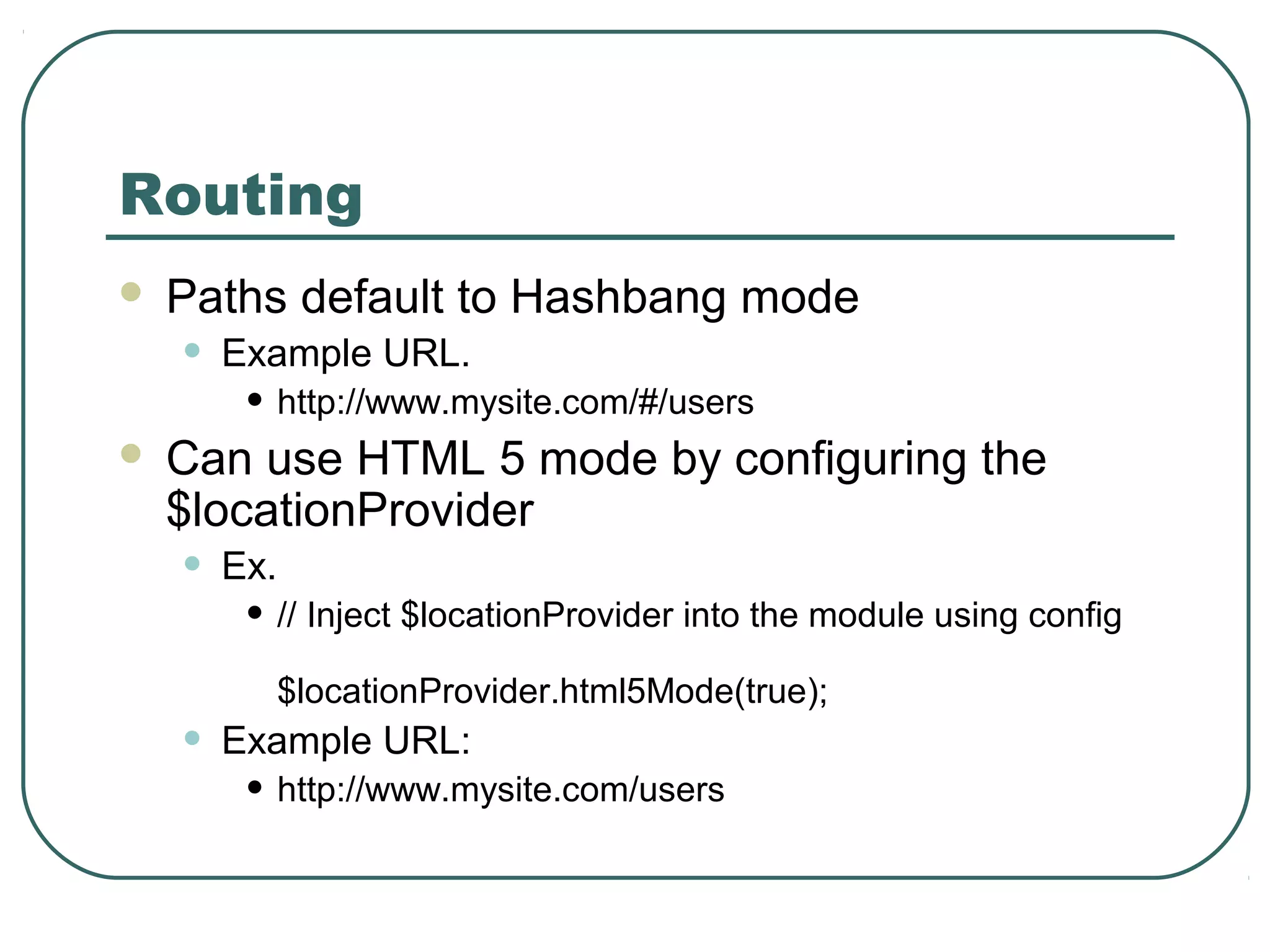
Routing  Paths default to Hashbang mode • Example URL. • http://www.mysite.com/#/users  Can use HTML 5 mode by configuring the $locationProvider • Ex. • // Inject $locationProvider into the module using config $locationProvider.html5Mode(true); • Example URL: • http://www.mysite.com/users

Angular js

  • 1.
  • 2.
    What is AngularJS? A JavaScript framework for creating dynamic web applications  Open Source • GitHub: https://github.com/angular/angular.js • MIT License  Uses jQuery • jQuery 1.7.1 or above • jQLite
  • 3.
    MVC  Model • Thedata  Controller • The behavior • Modifying / updating the models  View • The interface • How the data is presented to the user JavaScript HTML
  • 4.
    Data Binding  Viewsare declarative • The structure of the interface  Controllers do not need to directly manipulate the view • Changes in the models / data are automatically reflected in the view • Updates are managed by the frameworks
  • 5.
    Sample Application  GitHub: •https://github.com/christophertfoo/AngularSample
  • 6.
    Views  Make useof special ng attributes (directives) on the HTML elements • ng-app • Determines which part of the page will use AngularJS • If given a value it will load that application module • ng-controller • Determines which Javascript Controller should be used for that part of the page • ng-model • Determines what model the value of an input field will be bound to • Used for two-way binding
  • 7.
    Views  More ngdirectives • ng-if=“<model expression>” • Inserts HTML element if expression is true • Does not insert element in the DOM if it is false • ng-repeat=“<variable> in <array>” • Repeats the HTML element for each value in the array • Also a key-value pair version for JSON objects • “(<key>, <value>) in <JSON>”
  • 8.
    Views  {{ }} •Angular expressions • Like JavaScript expressions except: • Evaluated in the current scope (see Controllers later on), not the global window • More forgiving to undefined and null errors • No control statements: conditionals, loops, or throw • Insert model values directly into the view
  • 9.
    Controller  Function thattakes at least one parameter: $scope • Function is a constructor • Ex: • function MyCtrl($scope) { … } • We will see a different way of creating a controller constructor later  $scope • JavaScript object • Contains data (i.e. models) and methods (i.e. functions) • Can add own properties • $scope.<my new property> = <value>;
  • 10.
    Controller  Dependency Injection •Pass the modules and services that you need as parameters • In the previous case $scope is a service that will be injected • Can be passed as an array of strings to the controller function as well • Prevents errors when performing minification • Other useful services • $http • Used to handle Ajax calls • Wrappers around jQuery
  • 11.
    Controller  Typically alsocontains module loading  angular.module(<name>, [<dependencies>]); • Creates a module with the given name • This module can then be configured • Ex. • var myApp = angular.module(‘myApp’, []); myApp.controller(‘MyCtrl’, function($scope) { … }); myApp.controller(‘OtherCtrl’, [‘$scope’, ‘$http’, function($scope, $http) { … }]);
  • 12.
    Models  Properties onthe Controller’s $scope object  Standard JavaScript values
  • 13.
    Modules  Can beused to separate the application into parts  Application module can include the other modules by listing them as dependencies
  • 14.
    Modules var myControllers = angular.module(‘myControllers’,[]); // Add controllers to the module myControllers.controller(…); var myApp = angular.module(‘myApp’, [‘myControllers’]);
  • 15.
    More  You cando a lot more with AngularJS • Custom directives • http://docs.angularjs.org/guide/directive • Filters • http:// docs.angularjs.org/guide/dev_guide.templates.filters  To learn more: • Tutorial: http://docs.angularjs.org/tutorial • Documentation: http://docs.angularjs.org /guide/overview
  • 16.
    Thank you forlistening!  Questions / Comments?
  • 17.
    Routing  Use differentviews for different URL fragments  Makes use of template partials • Templates that are not a whole web page (i.e. part of a page) • Used in conjunction with the ng-view directive • ng-view determines where the partial will be placed • Can only have one ng-view per page
  • 18.
    Routing  Enable byinjecting the $routeProvider • myApp = angular.module(‘myApp’, [‘ngRoute’]); myApp.config([‘$routeProvider’, function($routeProvider) { … }]);  $routeProvider.when(<path>, {<route>}); • Defines a new route that uses the given path • The path may have parameters • Parameters start with a colon (‘:’) • Ex • ‘/user/:userId’ • Typical route fields: • controller = The name of the controller that should be used • templateUrl = A path to the template partial that should be used  $routeProvider.otherwise({<route>}); • Typical route fields: • redirectTo: ‘<path>’  API: http://docs.angularjs.org/api/ngRoute.$routeProvider
  • 19.
    Routing  URL parameters •To access the parameters in the URL, use the $routeParams service • The $routeParams object will have a field with the same name as the parameter • Ex. • $routeParams.userId
  • 20.
    Routing  Paths defaultto Hashbang mode • Example URL. • http://www.mysite.com/#/users  Can use HTML 5 mode by configuring the $locationProvider • Ex. • // Inject $locationProvider into the module using config $locationProvider.html5Mode(true); • Example URL: • http://www.mysite.com/users