Automation using SELENIUM web driver
Slide 2 www.edureka.co/selenium At the end of this module, you will be able to: Objectives  Understand Manual Testing and its disadvantages  Know about Automation Testing  Learn Selenium and its advantages  Learn Automation Metrics  Understand Selenium Grid and Web driver  Use case: Mambo Job trends in Selenium
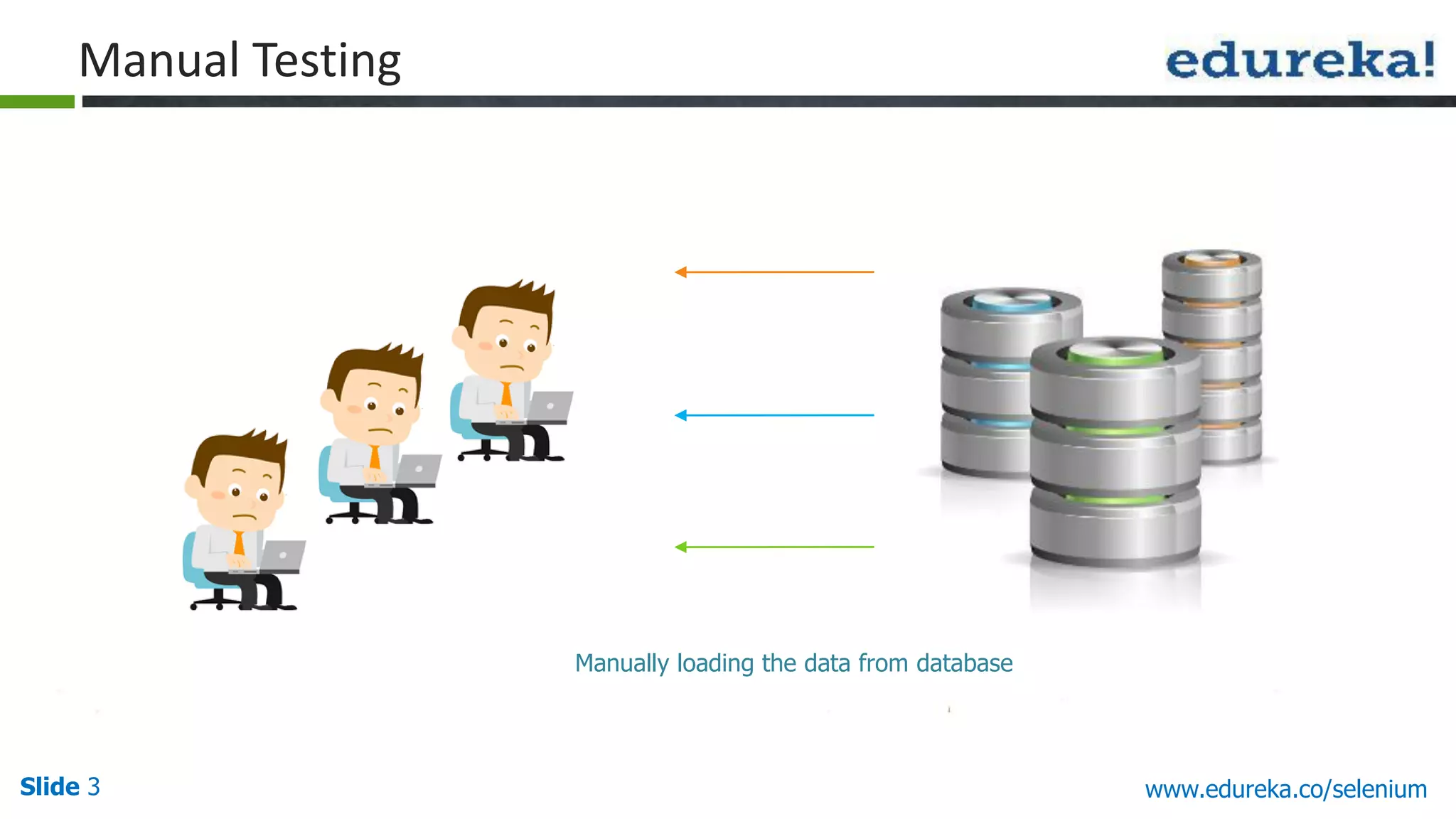
Slide 3 www.edureka.co/selenium Manual Testing Manually loading the data from database
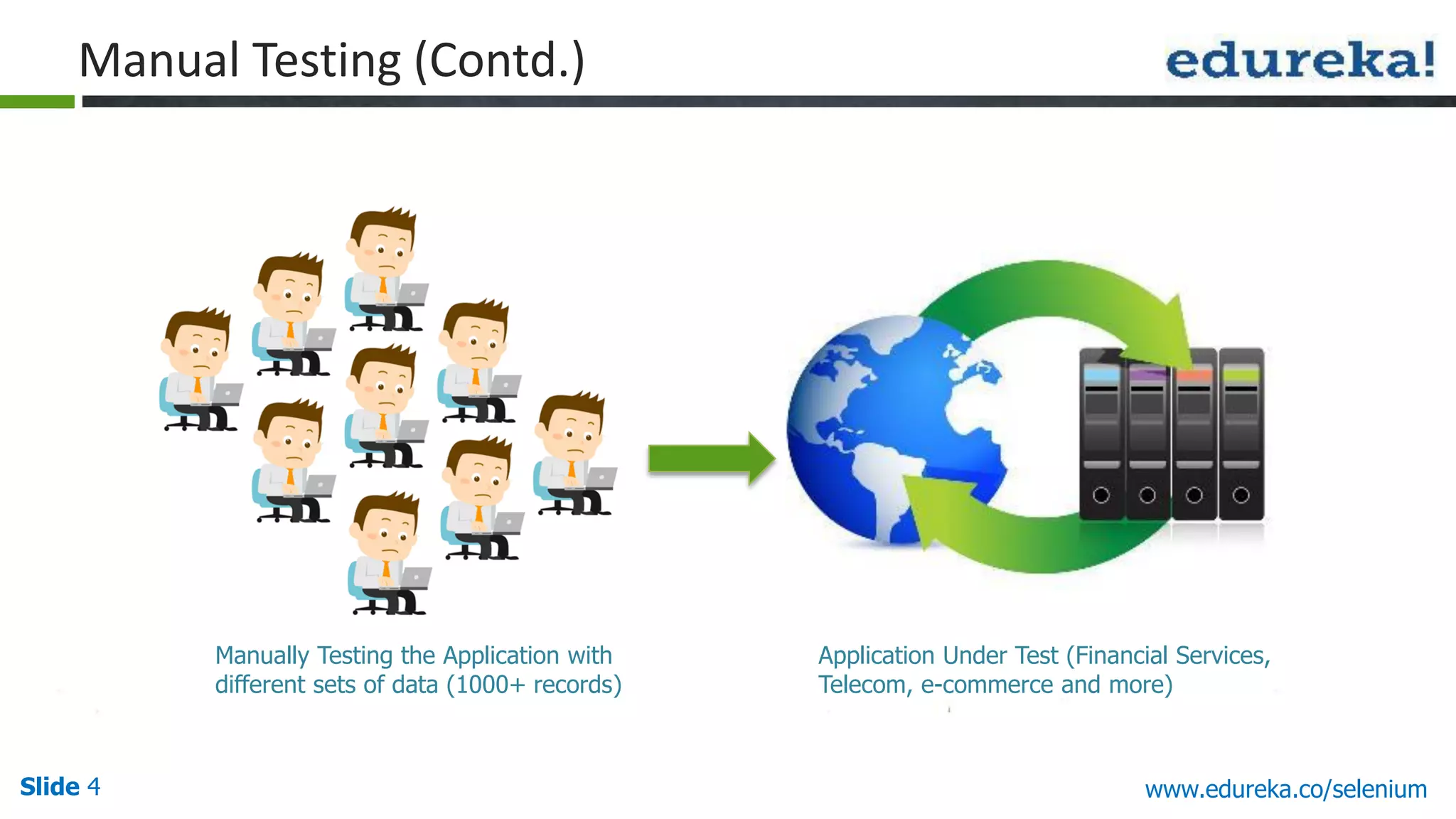
Slide 4 www.edureka.co/selenium Application Under Test (Financial Services, Telecom, e-commerce and more) Manually Testing the Application with different sets of data (1000+ records) Manual Testing (Contd.)
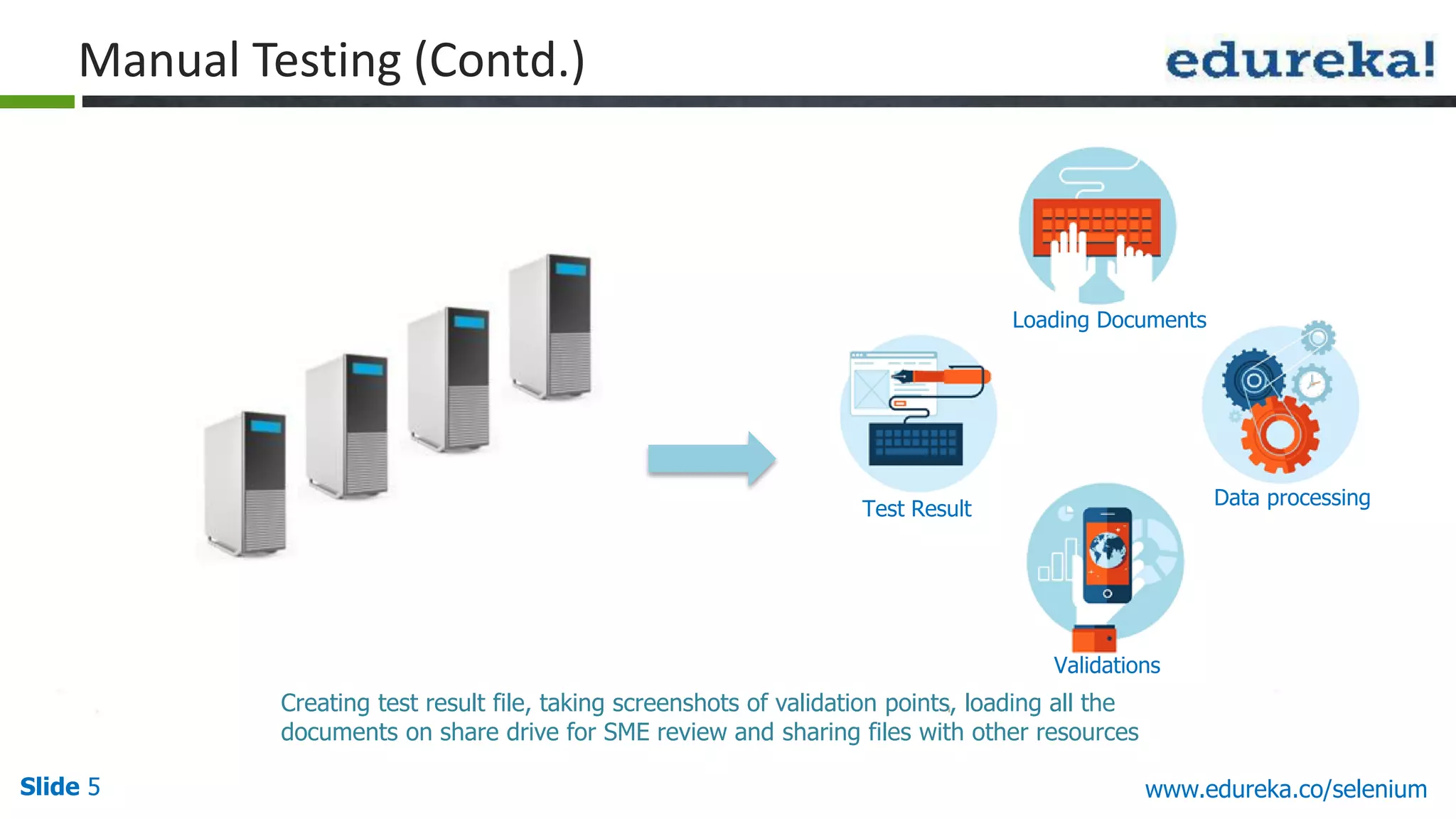
Slide 5 www.edureka.co/selenium Manual Testing (Contd.) Creating test result file, taking screenshots of validation points, loading all the documents on share drive for SME review and sharing files with other resources Test Result Loading Documents Data processing Validations
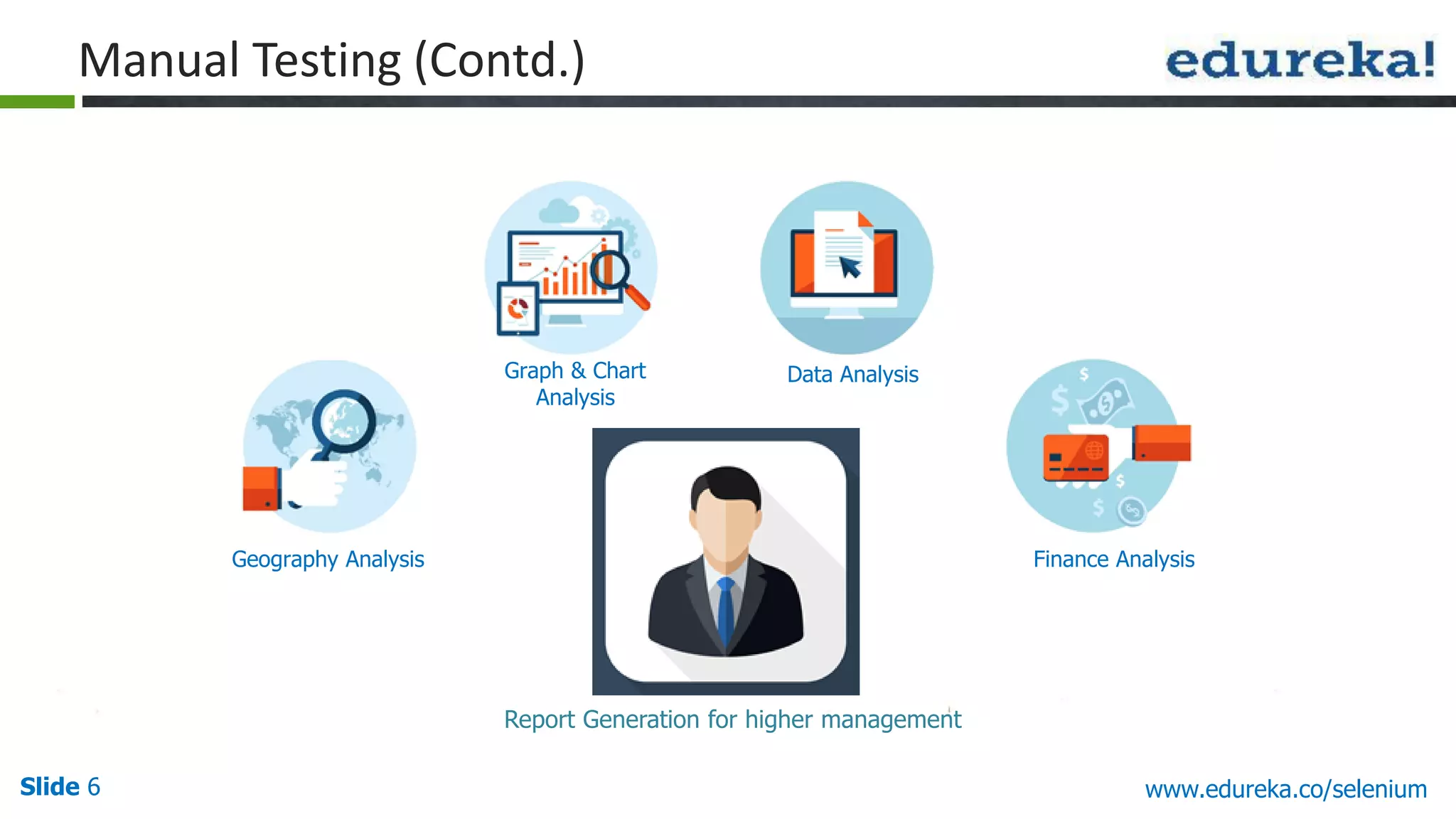
Slide 6 www.edureka.co/selenium Manual Testing (Contd.) Report Generation for higher management Geography Analysis Graph & Chart Analysis Data Analysis Finance Analysis
Slide 7 www.edureka.co/selenium Manual Testing (Contd.) It’s boring !! I have to do the same process again and again with multiple sets of data. There is no change in the application as well
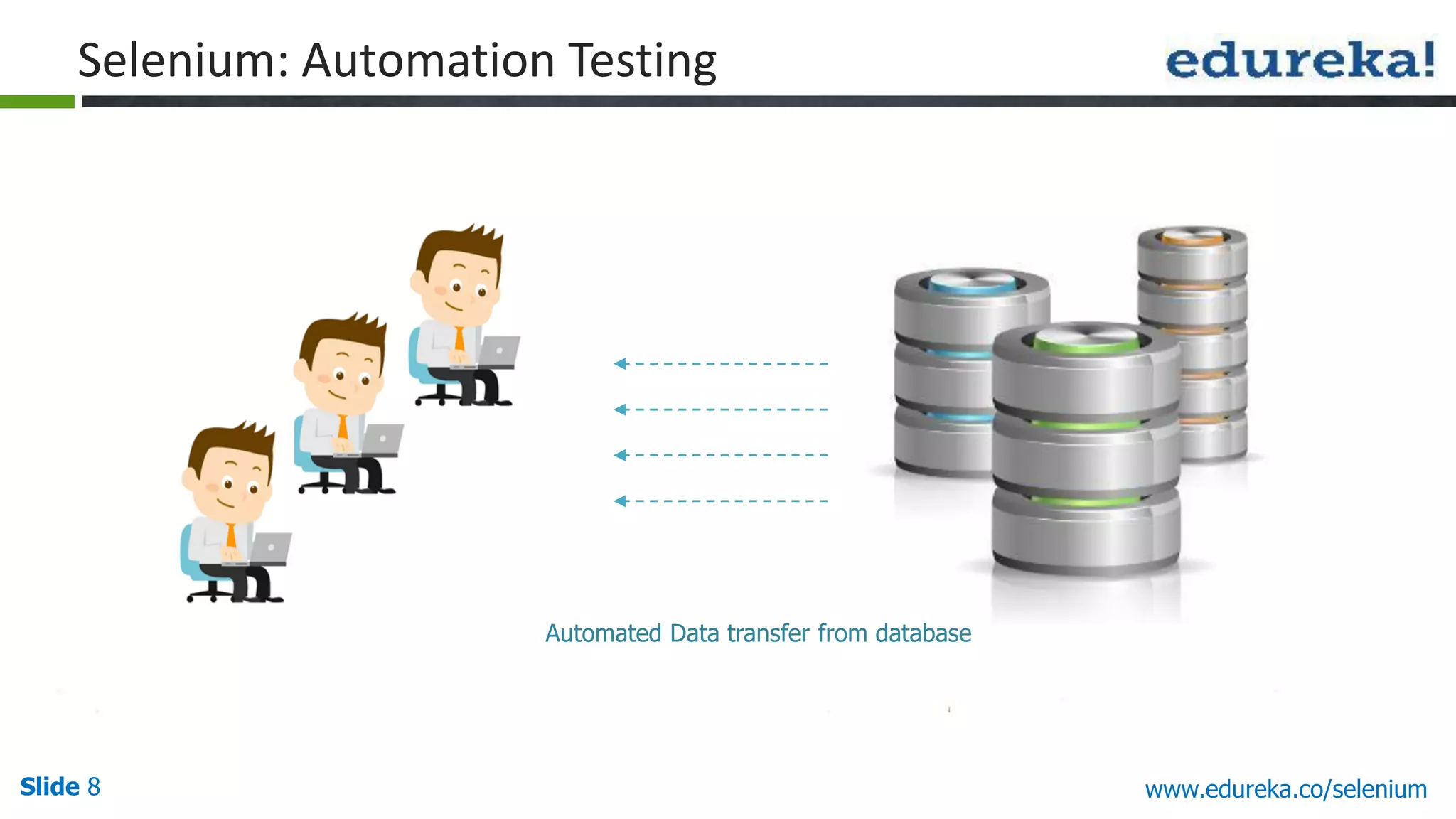
Slide 8 www.edureka.co/selenium Automated Data transfer from database Selenium: Automation Testing
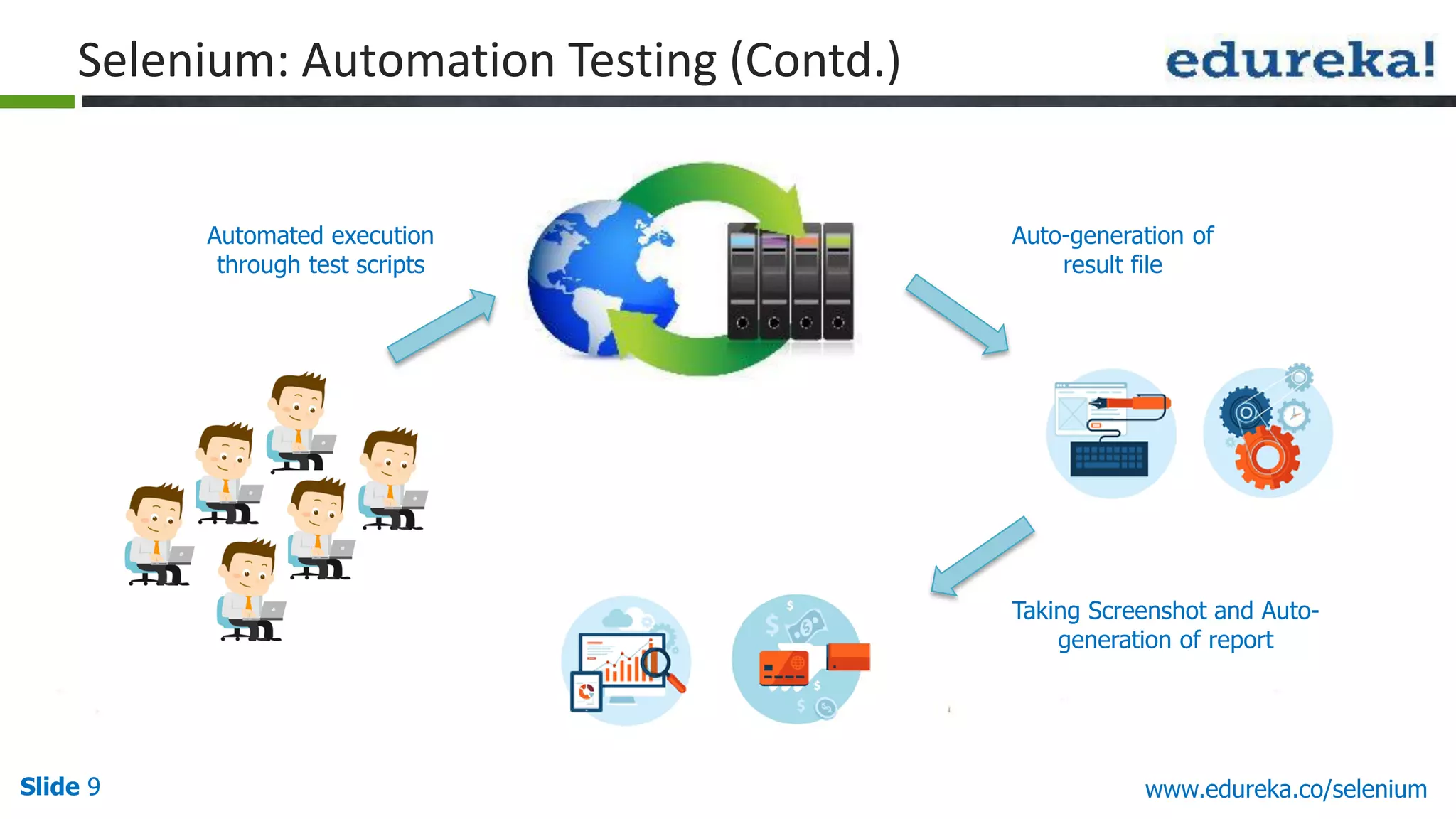
Slide 9 www.edureka.co/selenium Auto-generation of result file Automated execution through test scripts Selenium: Automation Testing (Contd.) Taking Screenshot and Auto- generation of report
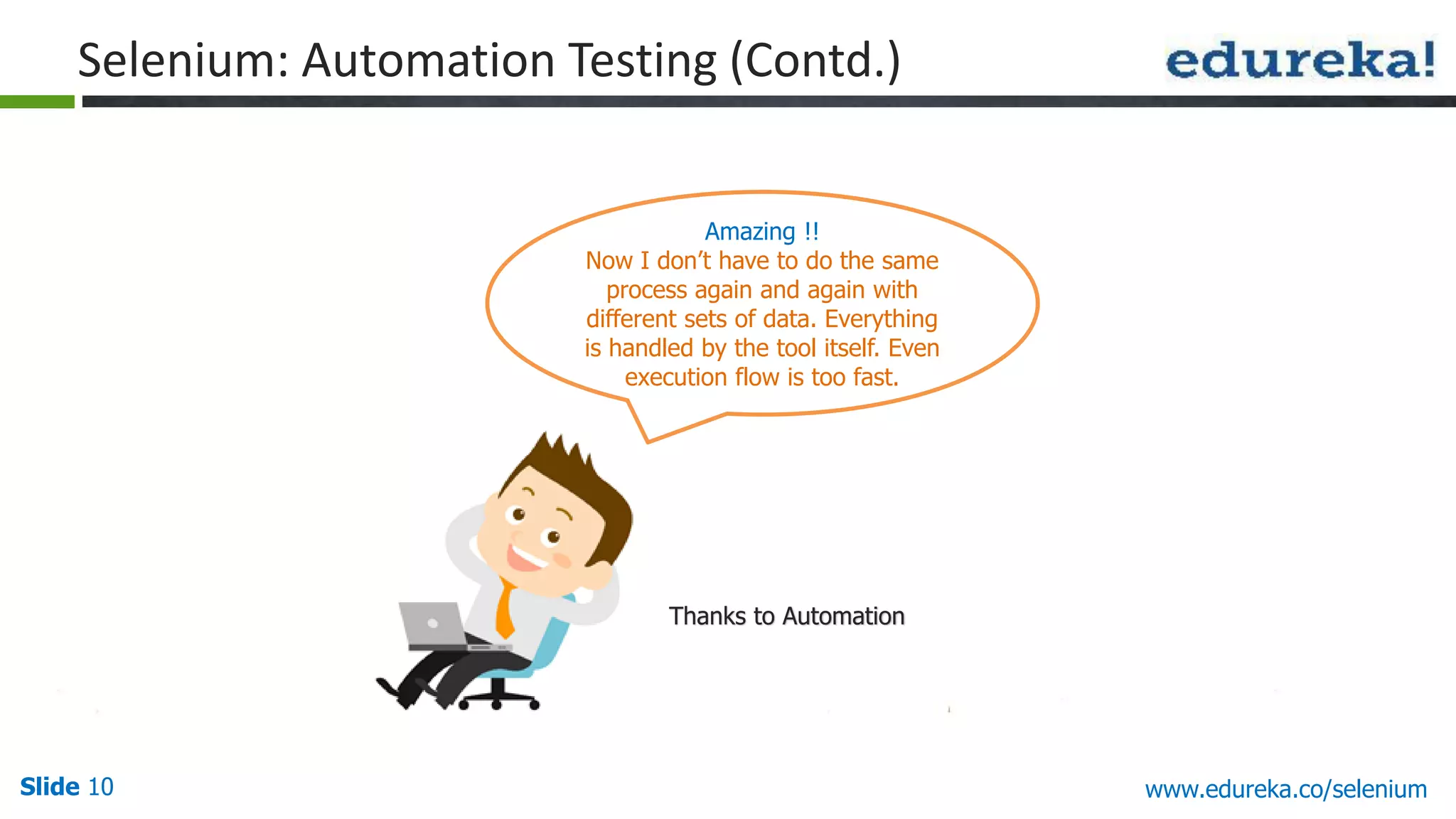
Slide 10 www.edureka.co/selenium Thanks to Automation Amazing !! Now I don’t have to do the same process again and again with different sets of data. Everything is handled by the tool itself. Even execution flow is too fast. Selenium: Automation Testing (Contd.)
Slide 11 www.edureka.co/selenium Selenium is used to automate web applications across different platforms using different programming languages Support for  Different programming languages - Java, Python, PHP, Ruby, Perl, JavaScript  Different Operating Systems - Windows, Mac, Linux, iOS, Android  Different Browsers – IE, Firefox, Chrome, Safari, Opera What is Selenium?
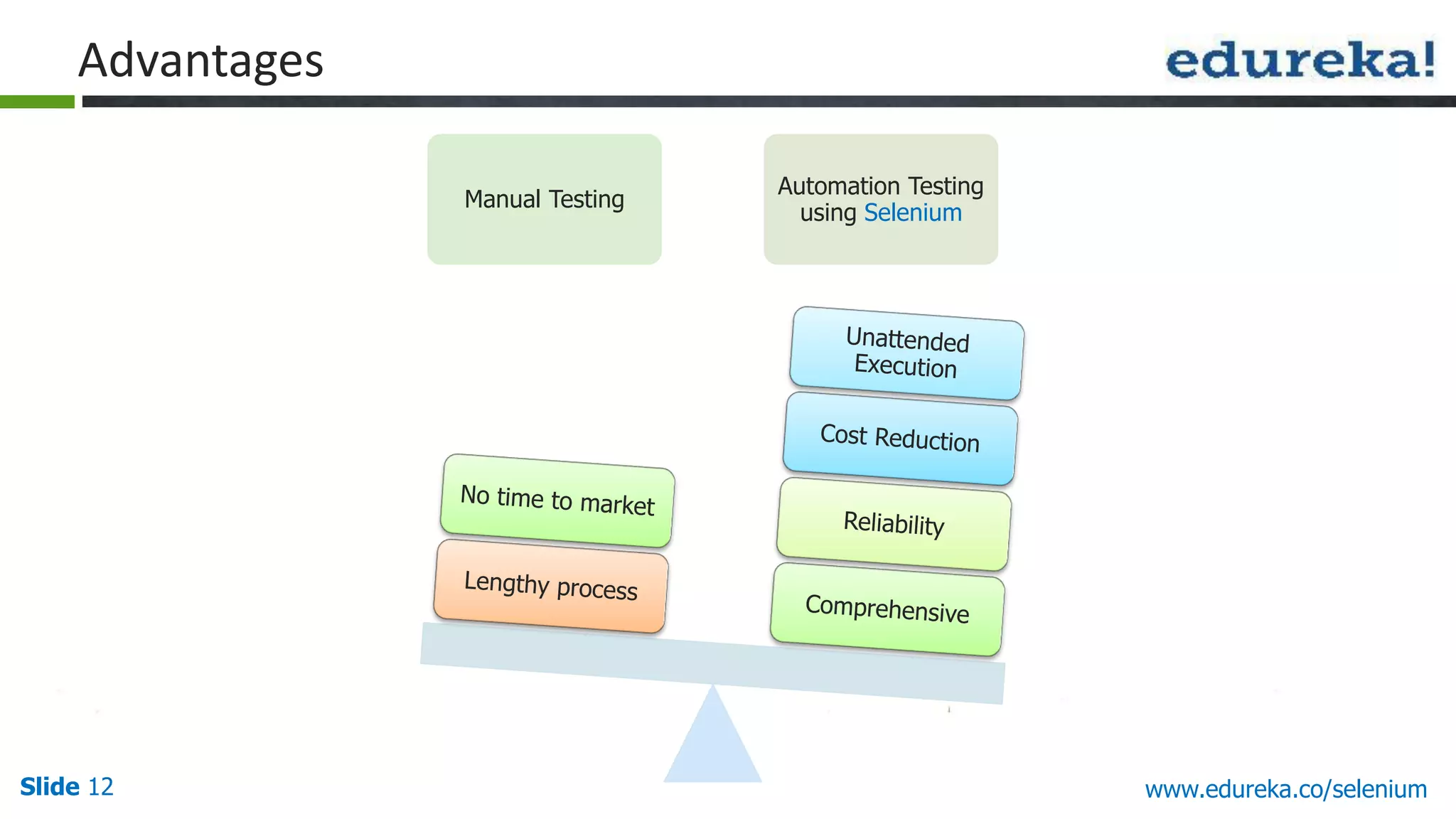
Slide 12 www.edureka.co/selenium Advantages Manual Testing Automation Testing using Selenium
Slide 13 www.edureka.co/selenium Selenium Web Driver Founders
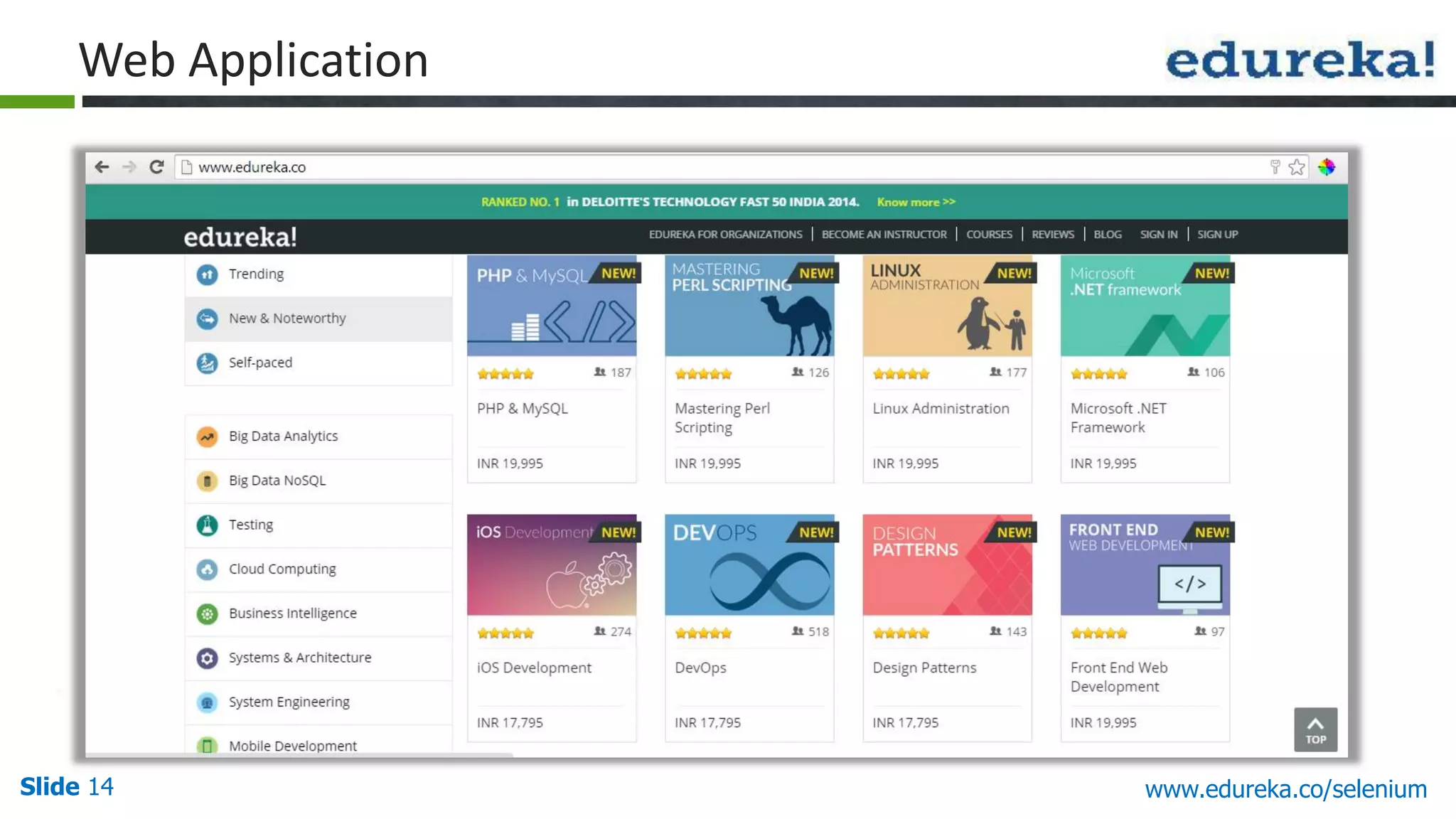
Slide 14 www.edureka.co/selenium Web Application
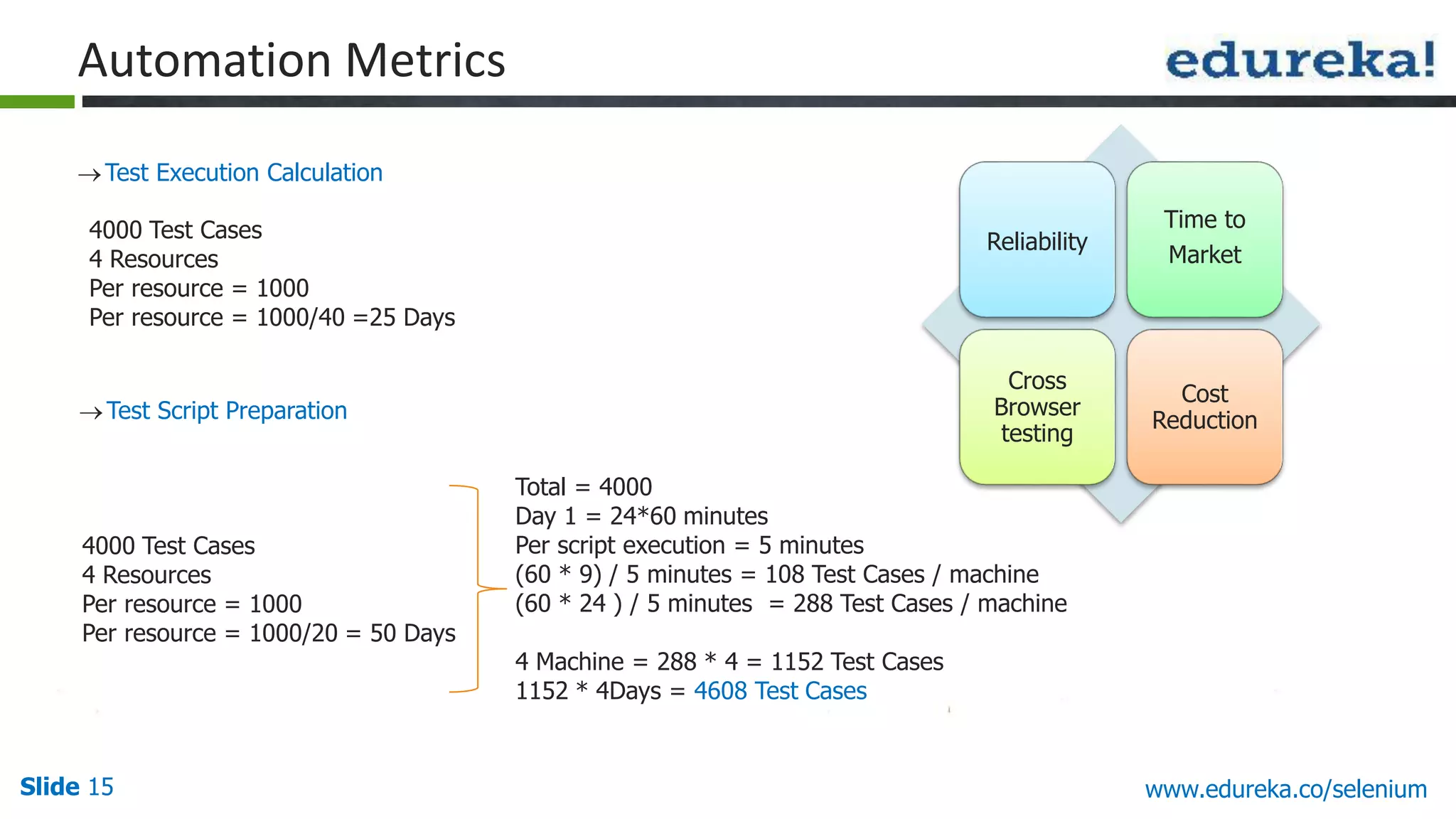
Slide 15 www.edureka.co/selenium Test Execution Calculation Automation Metrics Test Script Preparation Reliability Time to Market Cross Browser testing Cost Reduction 4000 Test Cases 4 Resources Per resource = 1000 Per resource = 1000/40 =25 Days 4000 Test Cases 4 Resources Per resource = 1000 Per resource = 1000/20 = 50 Days Total = 4000 Day 1 = 24*60 minutes Per script execution = 5 minutes (60 * 9) / 5 minutes = 108 Test Cases / machine (60 * 24 ) / 5 minutes = 288 Test Cases / machine 4 Machine = 288 * 4 = 1152 Test Cases 1152 * 4Days = 4608 Test Cases
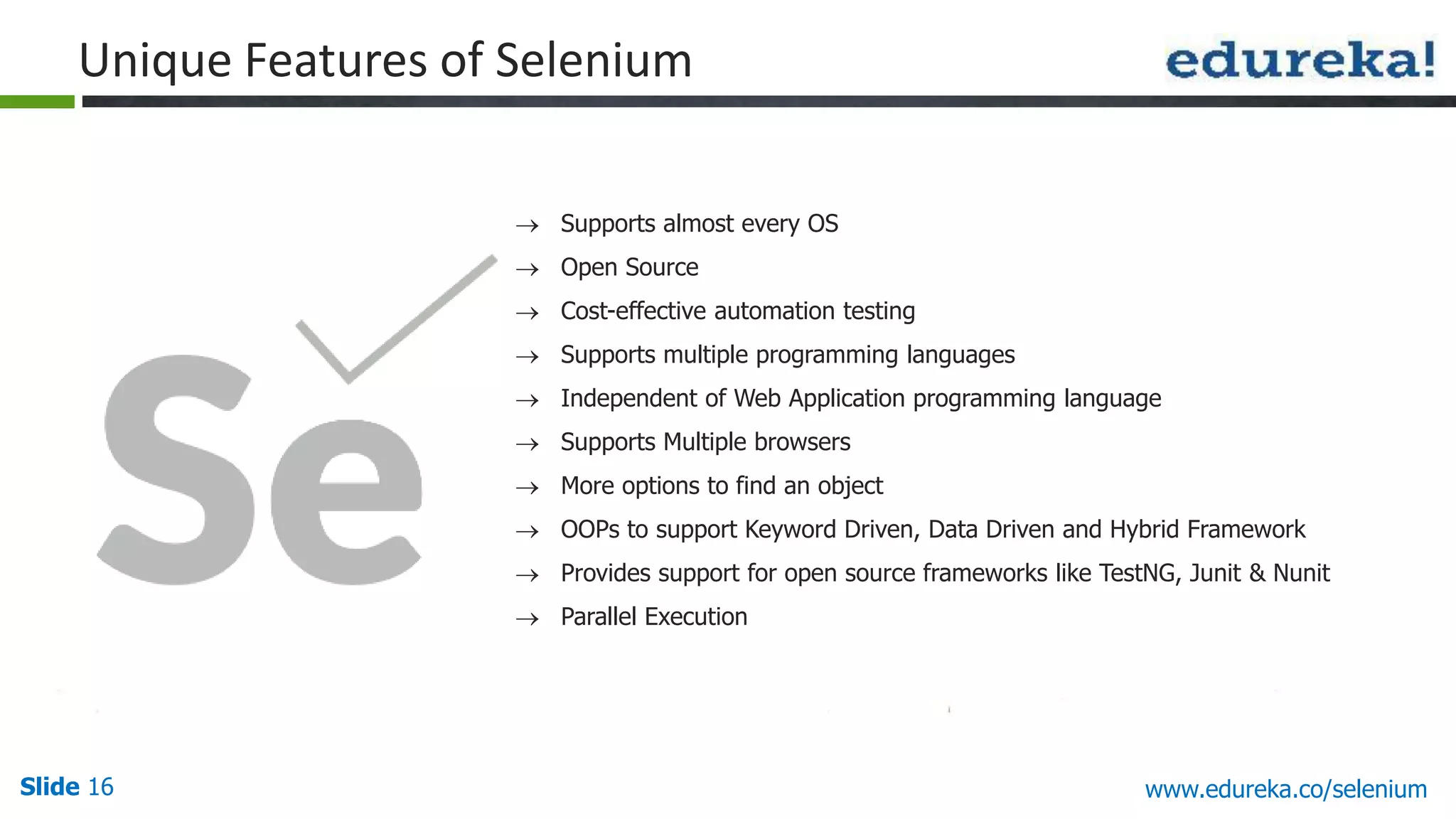
Slide 16 www.edureka.co/selenium Unique Features of Selenium  Supports almost every OS  Open Source  Cost-effective automation testing  Supports multiple programming languages  Independent of Web Application programming language  Supports Multiple browsers  More options to find an object  OOPs to support Keyword Driven, Data Driven and Hybrid Framework  Provides support for open source frameworks like TestNG, Junit & Nunit  Parallel Execution
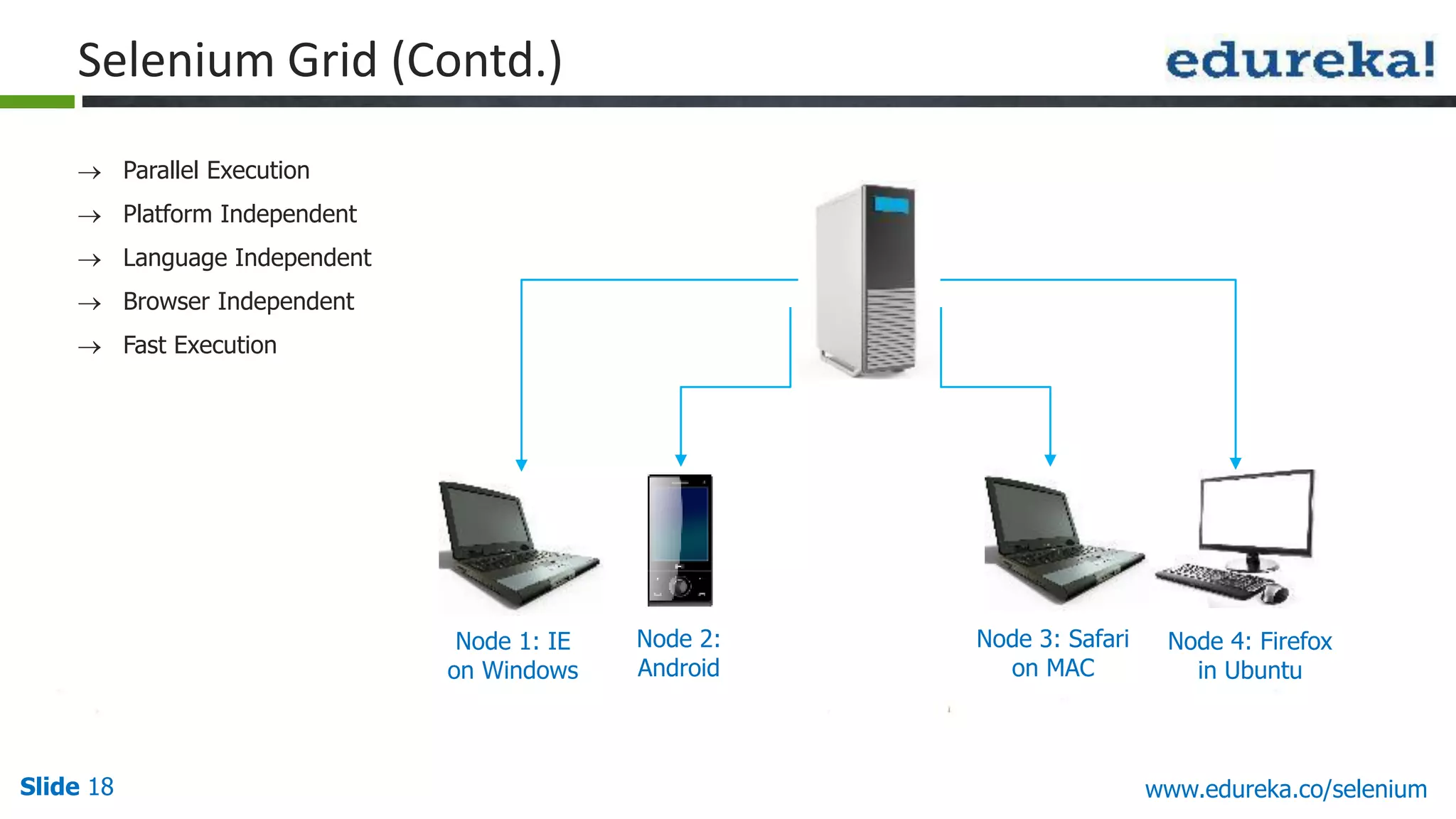
Slide 17 www.edureka.co/selenium Selenium Grid Selenium-Grid allows us to execute Test Script on different machines at the same time (parallel execution) from one system called Hub Each machine is called node That is, Selenium-Grid runs multiple tests at the same time against different machines running different browsers and operating systems
Slide 18 www.edureka.co/selenium  Parallel Execution  Platform Independent  Language Independent  Browser Independent  Fast Execution Node 1: IE on Windows Node 2: Android Node 3: Safari on MAC Node 4: Firefox in Ubuntu Selenium Grid (Contd.)
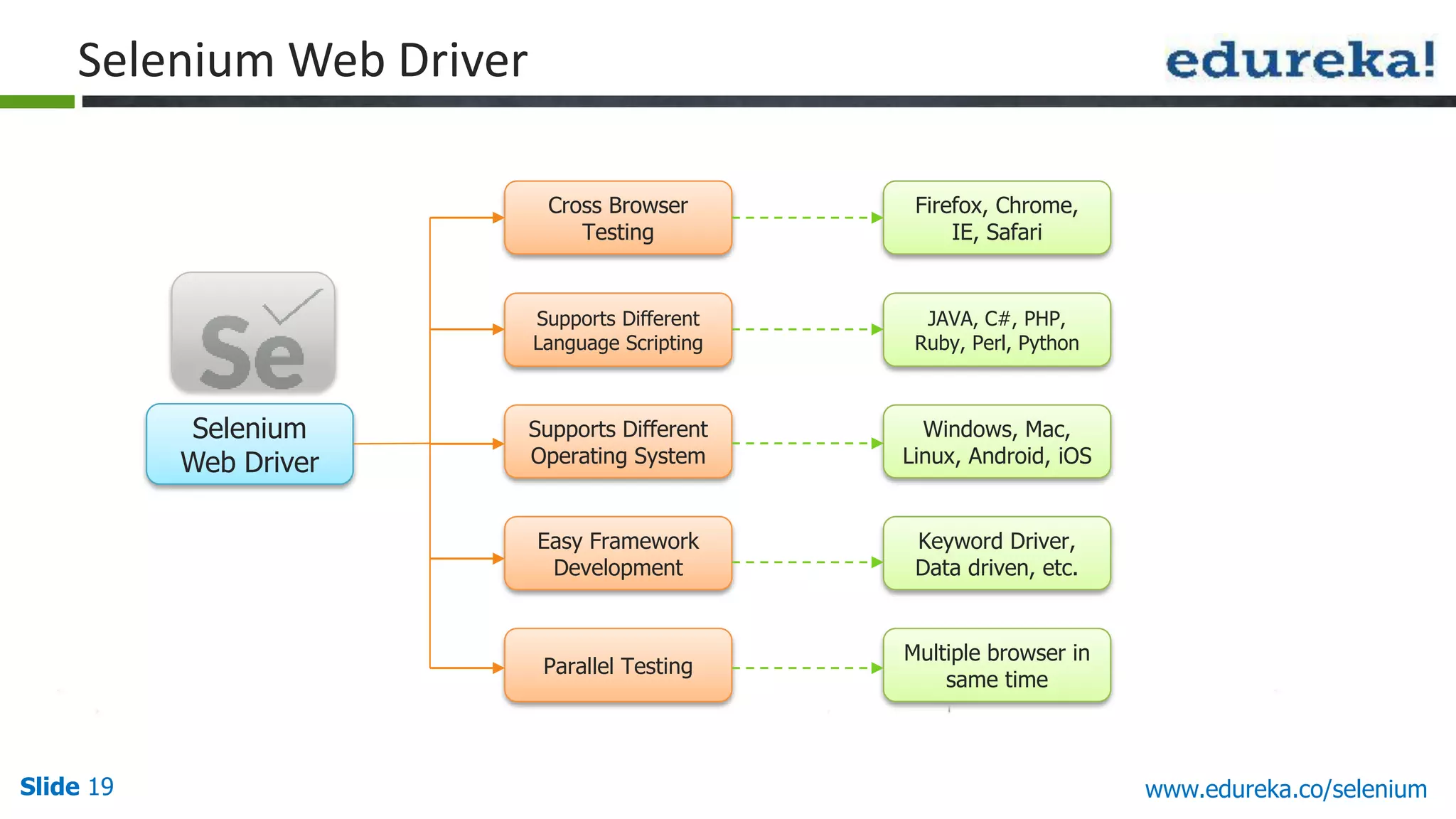
Slide 19 www.edureka.co/selenium Selenium Web Driver Selenium Web Driver Cross Browser Testing Parallel Testing Supports Different Language Scripting Supports Different Operating System Easy Framework Development Firefox, Chrome, IE, Safari Multiple browser in same time JAVA, C#, PHP, Ruby, Perl, Python Windows, Mac, Linux, Android, iOS Keyword Driver, Data driven, etc.
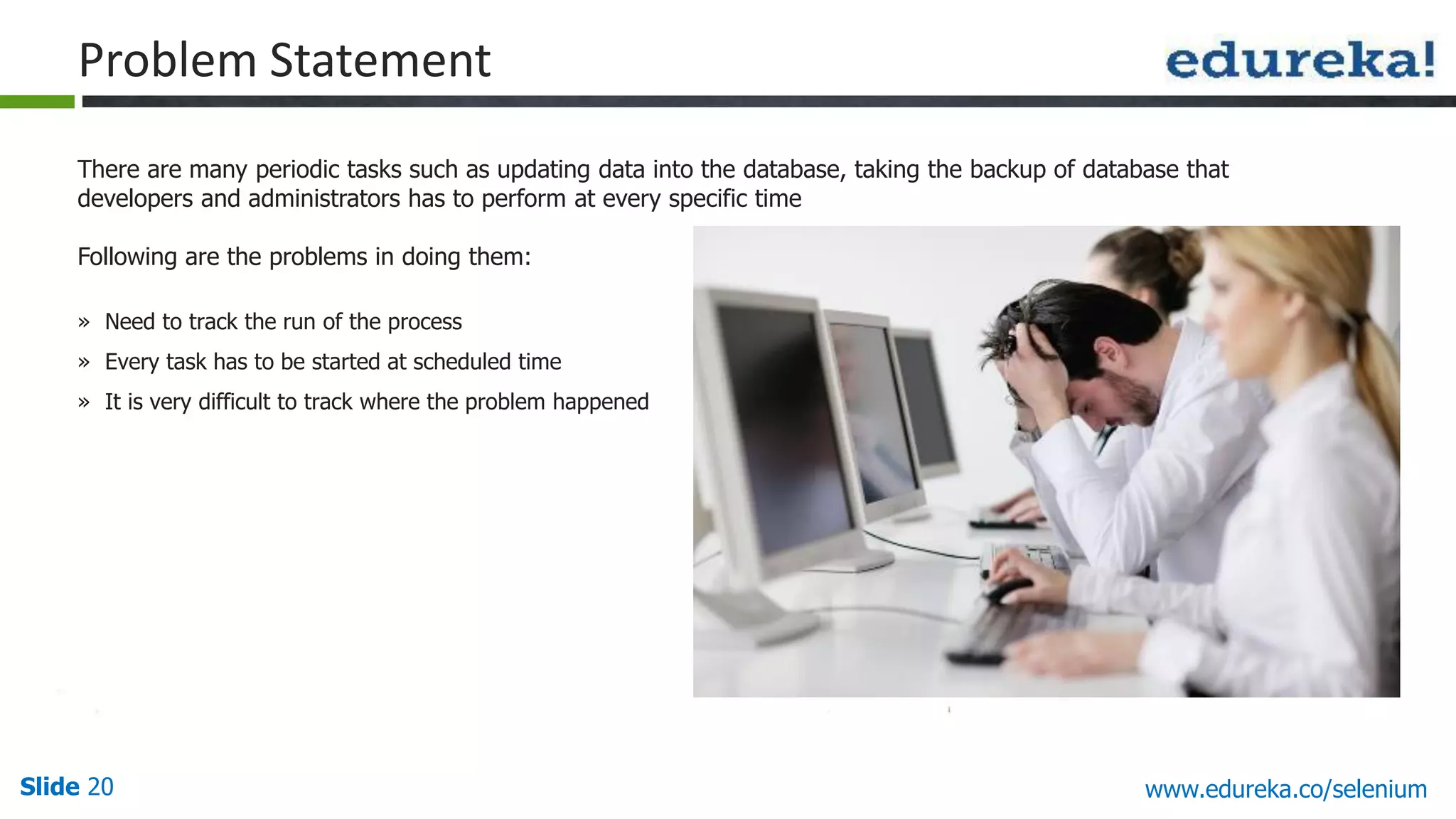
Slide 20 www.edureka.co/selenium There are many periodic tasks such as updating data into the database, taking the backup of database that developers and administrators has to perform at every specific time Following are the problems in doing them: » Need to track the run of the process » Every task has to be started at scheduled time » It is very difficult to track where the problem happened Problem Statement
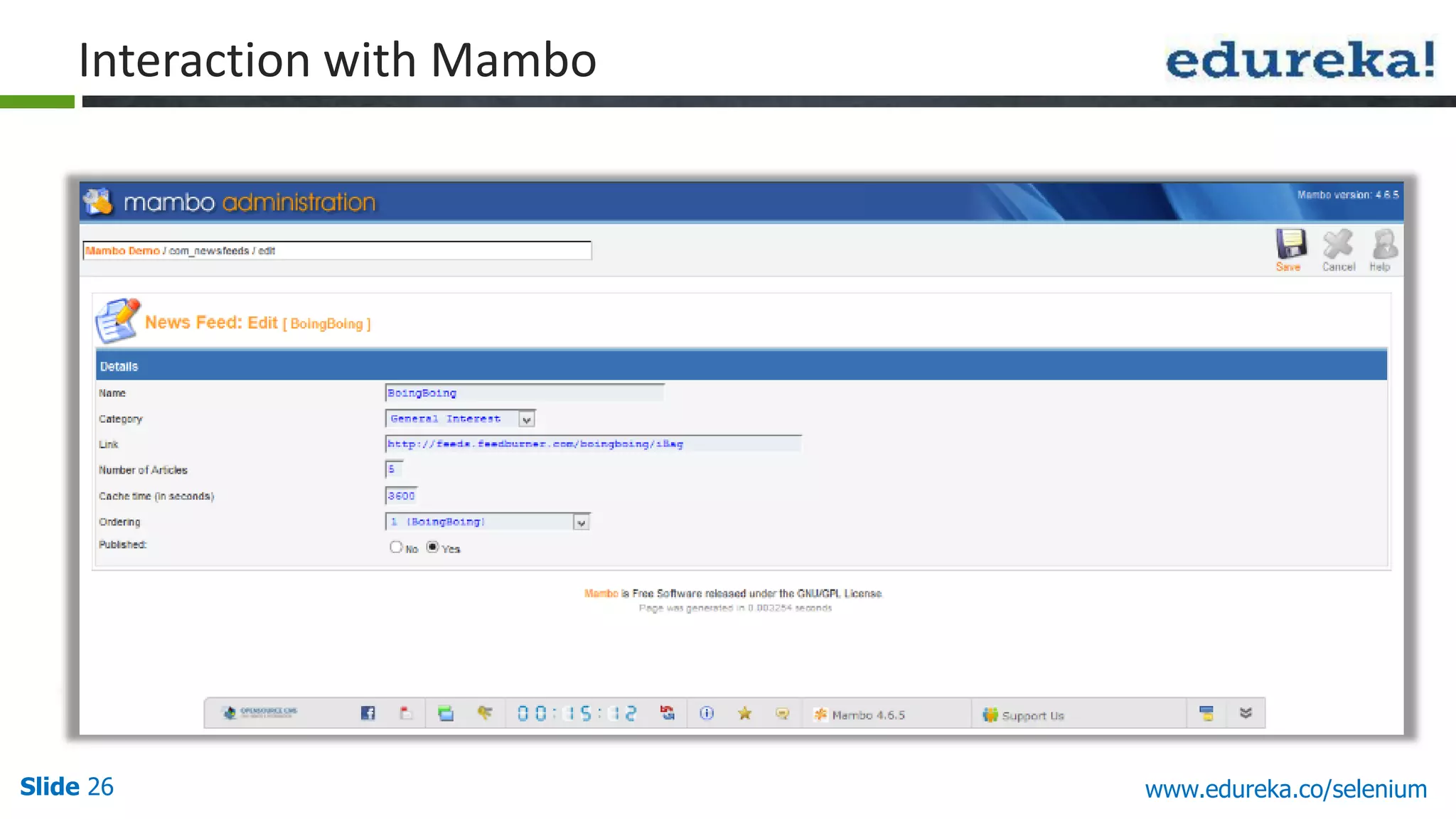
Slide 21 www.edureka.co/selenium We can automate these tasks using Selenium WebDriver Using Selenium WebDriver we can perform all user interaction that a user do manually. That saves us from the tedious periodic task We will perform testing on Mambo which is a popular Content Management System (CMS) We will use Keyword Driven Framework so that it should work as per user instructions Data to interact with the Mambo will come through the excel sheet Test will handle Textboxes, Links, Checkboxes, Radio Buttons, Submit Button Test will also navigate through Mambo Menu navigation. So we will be able to automate the Mambo Administration using Selenium WebDriver Solution: Selenium
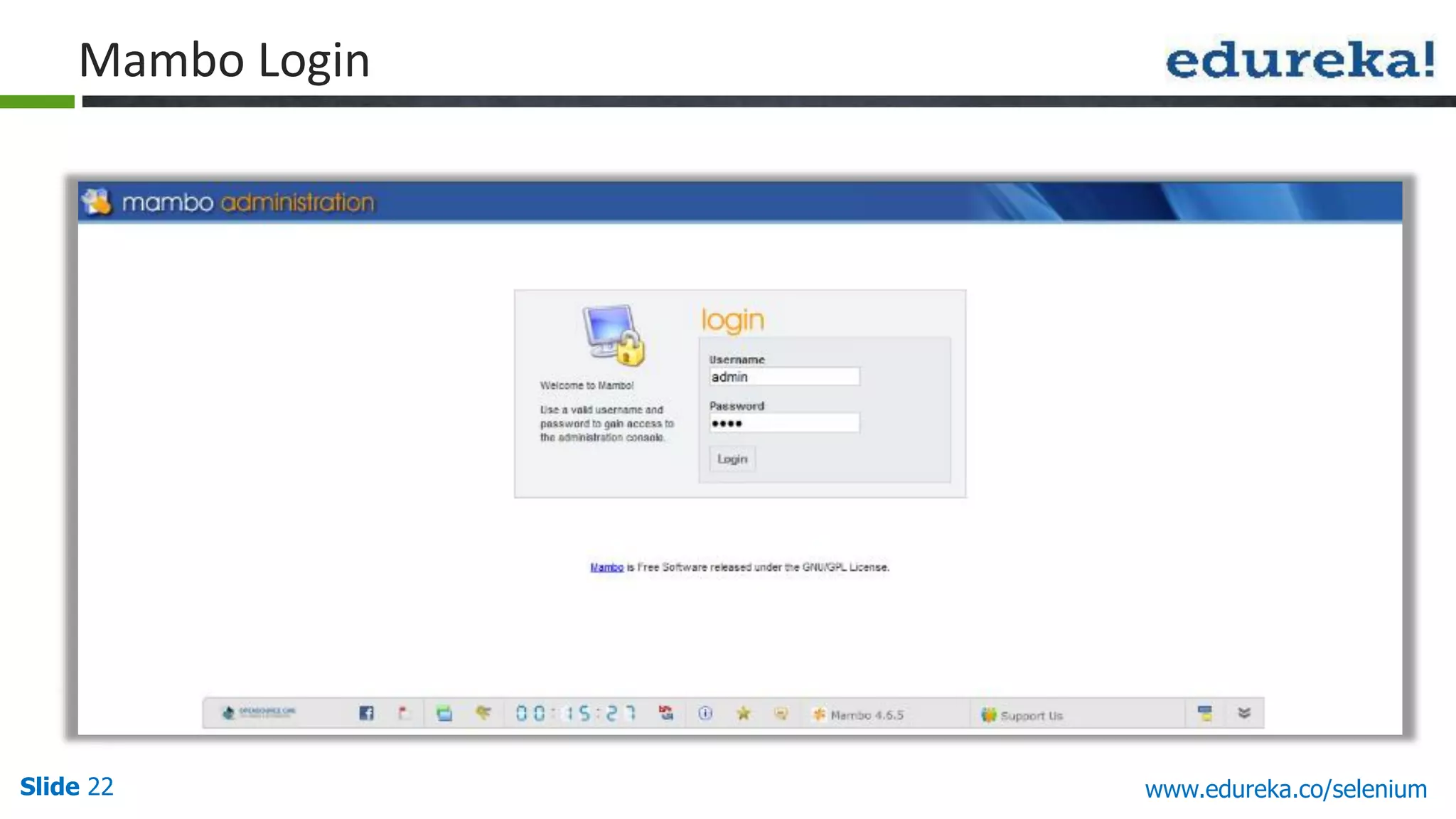
Slide 22 www.edureka.co/selenium Mambo Login
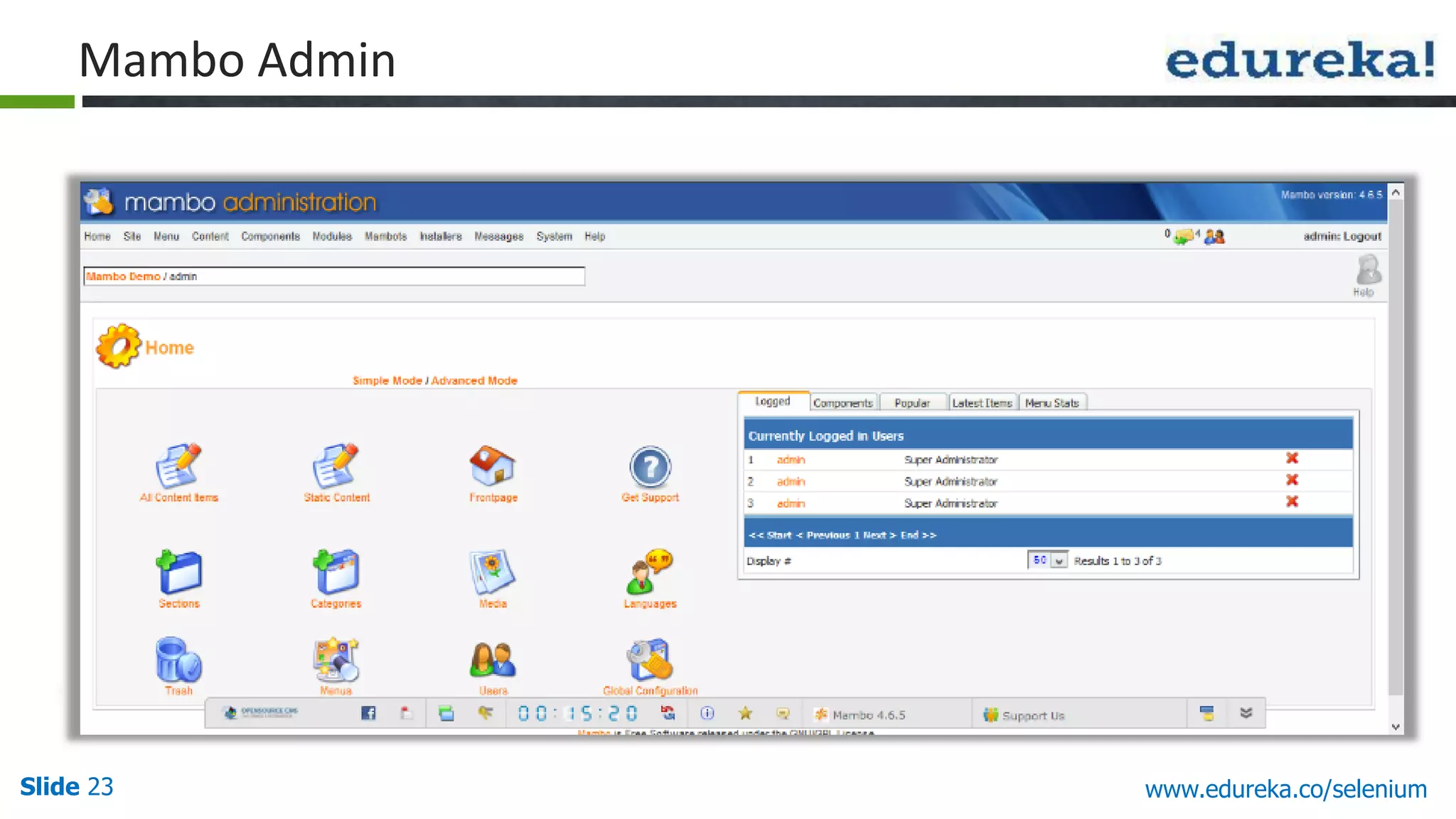
Slide 23 www.edureka.co/selenium Mambo Admin
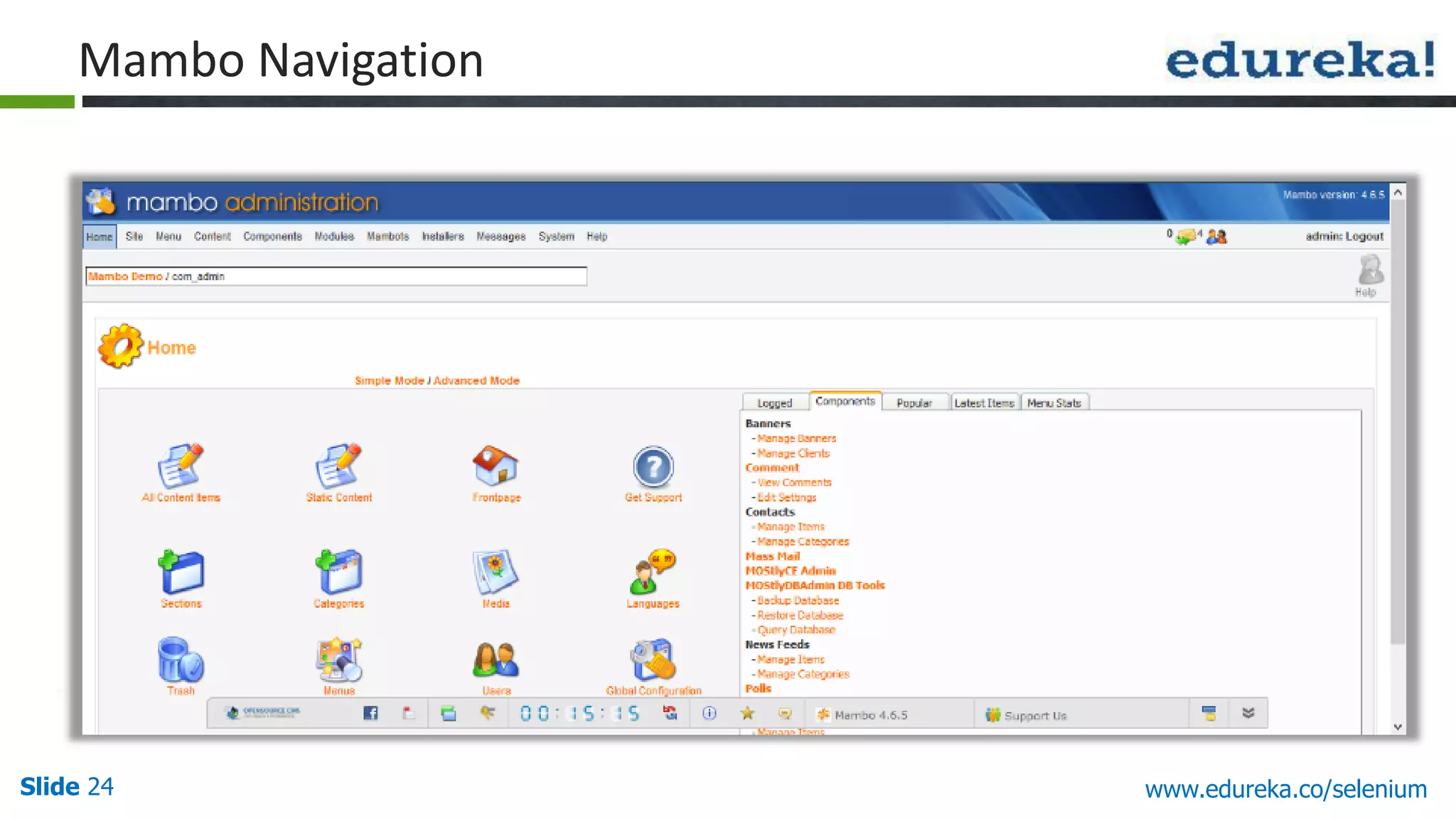
Slide 24 www.edureka.co/selenium Mambo Navigation
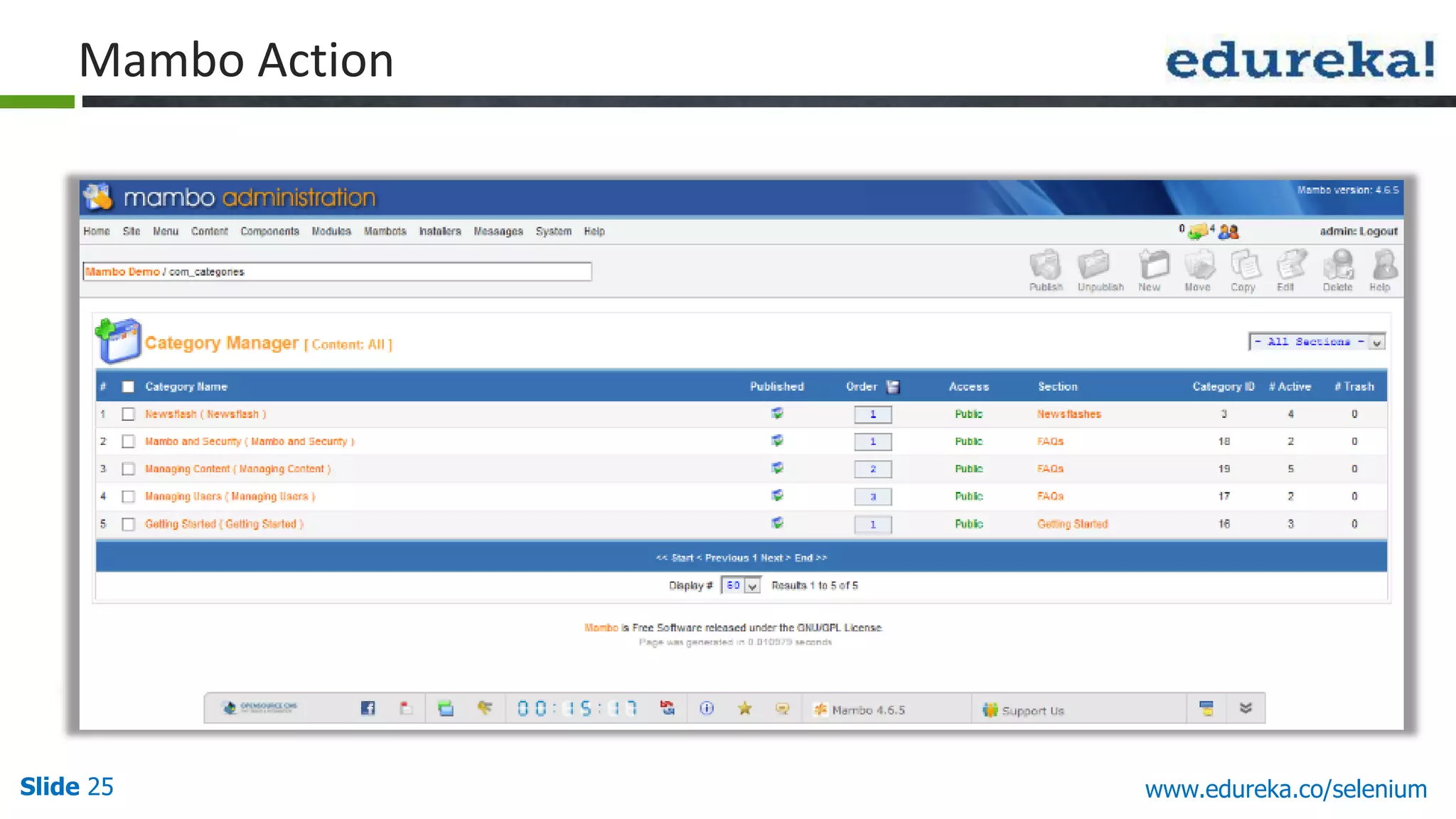
Slide 25 www.edureka.co/selenium Mambo Action
Slide 26 www.edureka.co/selenium Interaction with Mambo
Slide 27 www.edureka.co/selenium Demo
Slide 28 www.edureka.co/selenium Companies Using Selenium
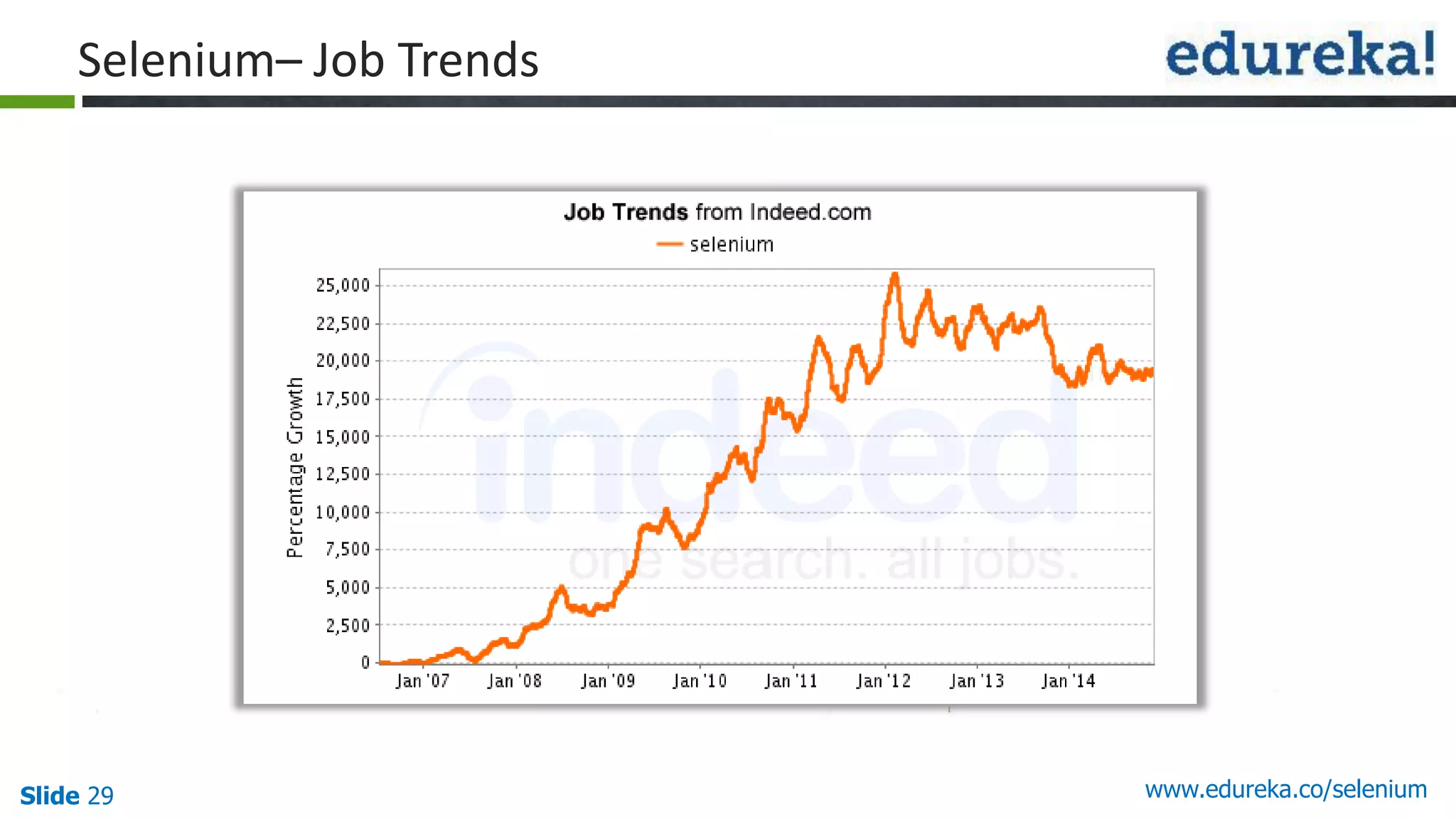
Slide 29 www.edureka.co/selenium Selenium– Job Trends
Questions Slide 30 Twitter @edurekaIN, Facebook /edurekaIN, use #askEdureka for Questions www.edureka.co/selenium
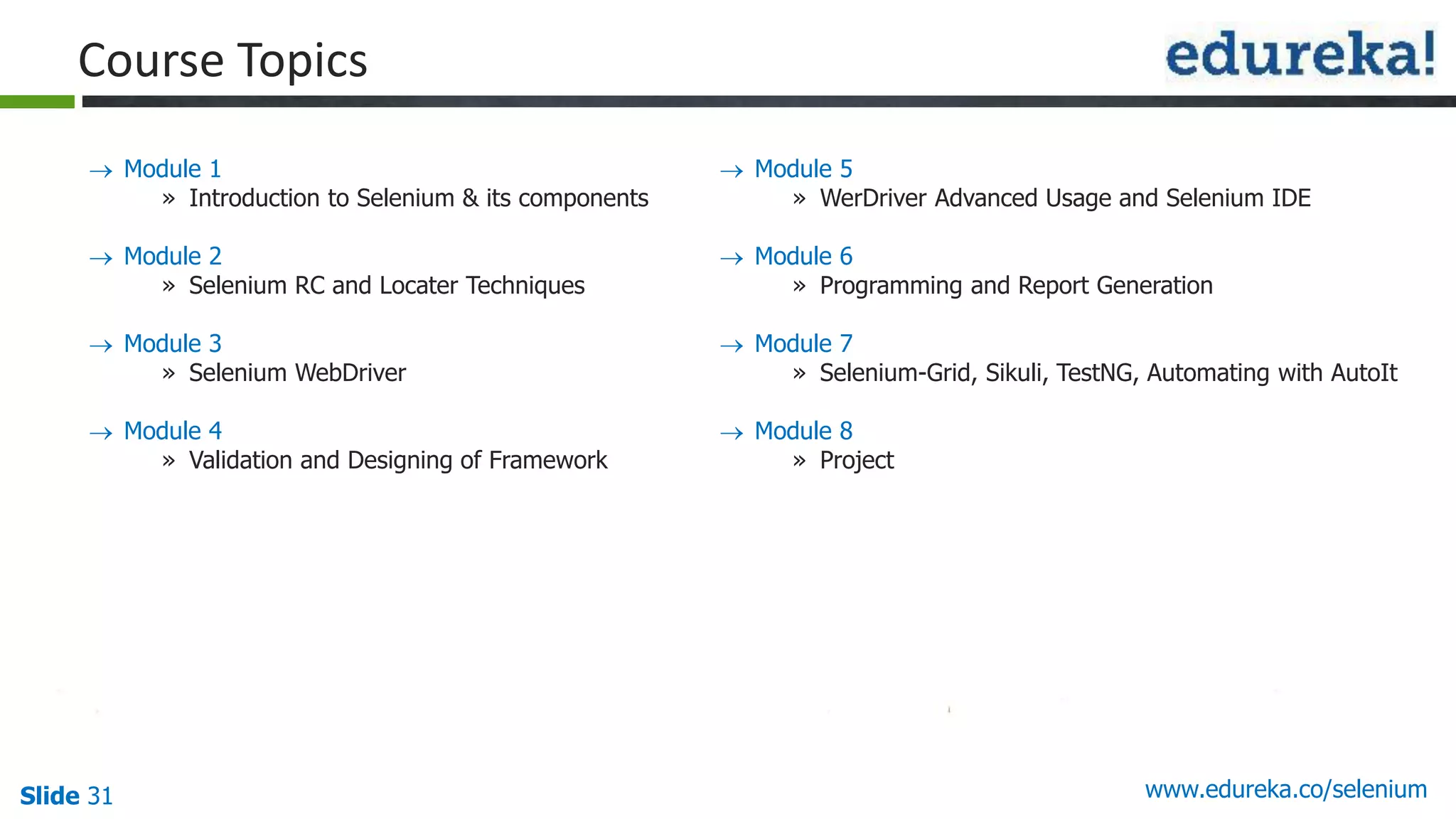
Slide 31 www.edureka.co/selenium  Module 1 » Introduction to Selenium & its components  Module 2 » Selenium RC and Locater Techniques  Module 3 » Selenium WebDriver  Module 4 » Validation and Designing of Framework  Module 5 » WerDriver Advanced Usage and Selenium IDE  Module 6 » Programming and Report Generation  Module 7 » Selenium-Grid, Sikuli, TestNG, Automating with AutoIt  Module 8 » Project Course Topics
LIVE Online Class Class Recording in LMS 24/7 Post Class Support Module Wise Quiz Project Work Verifiable Certificate Slide 32 www.edureka.co/selenium How it Works?
Automation Using Selenium Webdriver

Automation Using Selenium Webdriver

  • 1.
  • 2.
    Slide 2 www.edureka.co/selenium Atthe end of this module, you will be able to: Objectives  Understand Manual Testing and its disadvantages  Know about Automation Testing  Learn Selenium and its advantages  Learn Automation Metrics  Understand Selenium Grid and Web driver  Use case: Mambo Job trends in Selenium
  • 3.
    Slide 3 www.edureka.co/selenium ManualTesting Manually loading the data from database
  • 4.
    Slide 4 www.edureka.co/selenium ApplicationUnder Test (Financial Services, Telecom, e-commerce and more) Manually Testing the Application with different sets of data (1000+ records) Manual Testing (Contd.)
  • 5.
    Slide 5 www.edureka.co/selenium ManualTesting (Contd.) Creating test result file, taking screenshots of validation points, loading all the documents on share drive for SME review and sharing files with other resources Test Result Loading Documents Data processing Validations
  • 6.
    Slide 6 www.edureka.co/selenium ManualTesting (Contd.) Report Generation for higher management Geography Analysis Graph & Chart Analysis Data Analysis Finance Analysis
  • 7.
    Slide 7 www.edureka.co/selenium ManualTesting (Contd.) It’s boring !! I have to do the same process again and again with multiple sets of data. There is no change in the application as well
  • 8.
    Slide 8 www.edureka.co/selenium AutomatedData transfer from database Selenium: Automation Testing
  • 9.
    Slide 9 www.edureka.co/selenium Auto-generationof result file Automated execution through test scripts Selenium: Automation Testing (Contd.) Taking Screenshot and Auto- generation of report
  • 10.
    Slide 10 www.edureka.co/selenium Thanksto Automation Amazing !! Now I don’t have to do the same process again and again with different sets of data. Everything is handled by the tool itself. Even execution flow is too fast. Selenium: Automation Testing (Contd.)
  • 11.
    Slide 11 www.edureka.co/selenium Seleniumis used to automate web applications across different platforms using different programming languages Support for  Different programming languages - Java, Python, PHP, Ruby, Perl, JavaScript  Different Operating Systems - Windows, Mac, Linux, iOS, Android  Different Browsers – IE, Firefox, Chrome, Safari, Opera What is Selenium?
  • 12.
    Slide 12 www.edureka.co/selenium Advantages ManualTesting Automation Testing using Selenium
  • 13.
  • 14.
  • 15.
    Slide 15 www.edureka.co/selenium TestExecution Calculation Automation Metrics Test Script Preparation Reliability Time to Market Cross Browser testing Cost Reduction 4000 Test Cases 4 Resources Per resource = 1000 Per resource = 1000/40 =25 Days 4000 Test Cases 4 Resources Per resource = 1000 Per resource = 1000/20 = 50 Days Total = 4000 Day 1 = 24*60 minutes Per script execution = 5 minutes (60 * 9) / 5 minutes = 108 Test Cases / machine (60 * 24 ) / 5 minutes = 288 Test Cases / machine 4 Machine = 288 * 4 = 1152 Test Cases 1152 * 4Days = 4608 Test Cases
  • 16.
    Slide 16 www.edureka.co/selenium UniqueFeatures of Selenium  Supports almost every OS  Open Source  Cost-effective automation testing  Supports multiple programming languages  Independent of Web Application programming language  Supports Multiple browsers  More options to find an object  OOPs to support Keyword Driven, Data Driven and Hybrid Framework  Provides support for open source frameworks like TestNG, Junit & Nunit  Parallel Execution
  • 17.
    Slide 17 www.edureka.co/selenium SeleniumGrid Selenium-Grid allows us to execute Test Script on different machines at the same time (parallel execution) from one system called Hub Each machine is called node That is, Selenium-Grid runs multiple tests at the same time against different machines running different browsers and operating systems
  • 18.
    Slide 18 www.edureka.co/selenium Parallel Execution  Platform Independent  Language Independent  Browser Independent  Fast Execution Node 1: IE on Windows Node 2: Android Node 3: Safari on MAC Node 4: Firefox in Ubuntu Selenium Grid (Contd.)
  • 19.
    Slide 19 www.edureka.co/selenium SeleniumWeb Driver Selenium Web Driver Cross Browser Testing Parallel Testing Supports Different Language Scripting Supports Different Operating System Easy Framework Development Firefox, Chrome, IE, Safari Multiple browser in same time JAVA, C#, PHP, Ruby, Perl, Python Windows, Mac, Linux, Android, iOS Keyword Driver, Data driven, etc.
  • 20.
    Slide 20 www.edureka.co/selenium Thereare many periodic tasks such as updating data into the database, taking the backup of database that developers and administrators has to perform at every specific time Following are the problems in doing them: » Need to track the run of the process » Every task has to be started at scheduled time » It is very difficult to track where the problem happened Problem Statement
  • 21.
    Slide 21 www.edureka.co/selenium Wecan automate these tasks using Selenium WebDriver Using Selenium WebDriver we can perform all user interaction that a user do manually. That saves us from the tedious periodic task We will perform testing on Mambo which is a popular Content Management System (CMS) We will use Keyword Driven Framework so that it should work as per user instructions Data to interact with the Mambo will come through the excel sheet Test will handle Textboxes, Links, Checkboxes, Radio Buttons, Submit Button Test will also navigate through Mambo Menu navigation. So we will be able to automate the Mambo Administration using Selenium WebDriver Solution: Selenium
  • 22.
  • 23.
  • 24.
  • 25.
  • 26.
  • 27.
  • 28.
  • 29.
  • 30.
    Questions Slide 30 Twitter@edurekaIN, Facebook /edurekaIN, use #askEdureka for Questions www.edureka.co/selenium
  • 31.
    Slide 31 www.edureka.co/selenium Module 1 » Introduction to Selenium & its components  Module 2 » Selenium RC and Locater Techniques  Module 3 » Selenium WebDriver  Module 4 » Validation and Designing of Framework  Module 5 » WerDriver Advanced Usage and Selenium IDE  Module 6 » Programming and Report Generation  Module 7 » Selenium-Grid, Sikuli, TestNG, Automating with AutoIt  Module 8 » Project Course Topics
  • 32.
    LIVE Online Class ClassRecording in LMS 24/7 Post Class Support Module Wise Quiz Project Work Verifiable Certificate Slide 32 www.edureka.co/selenium How it Works?