Download to read offline



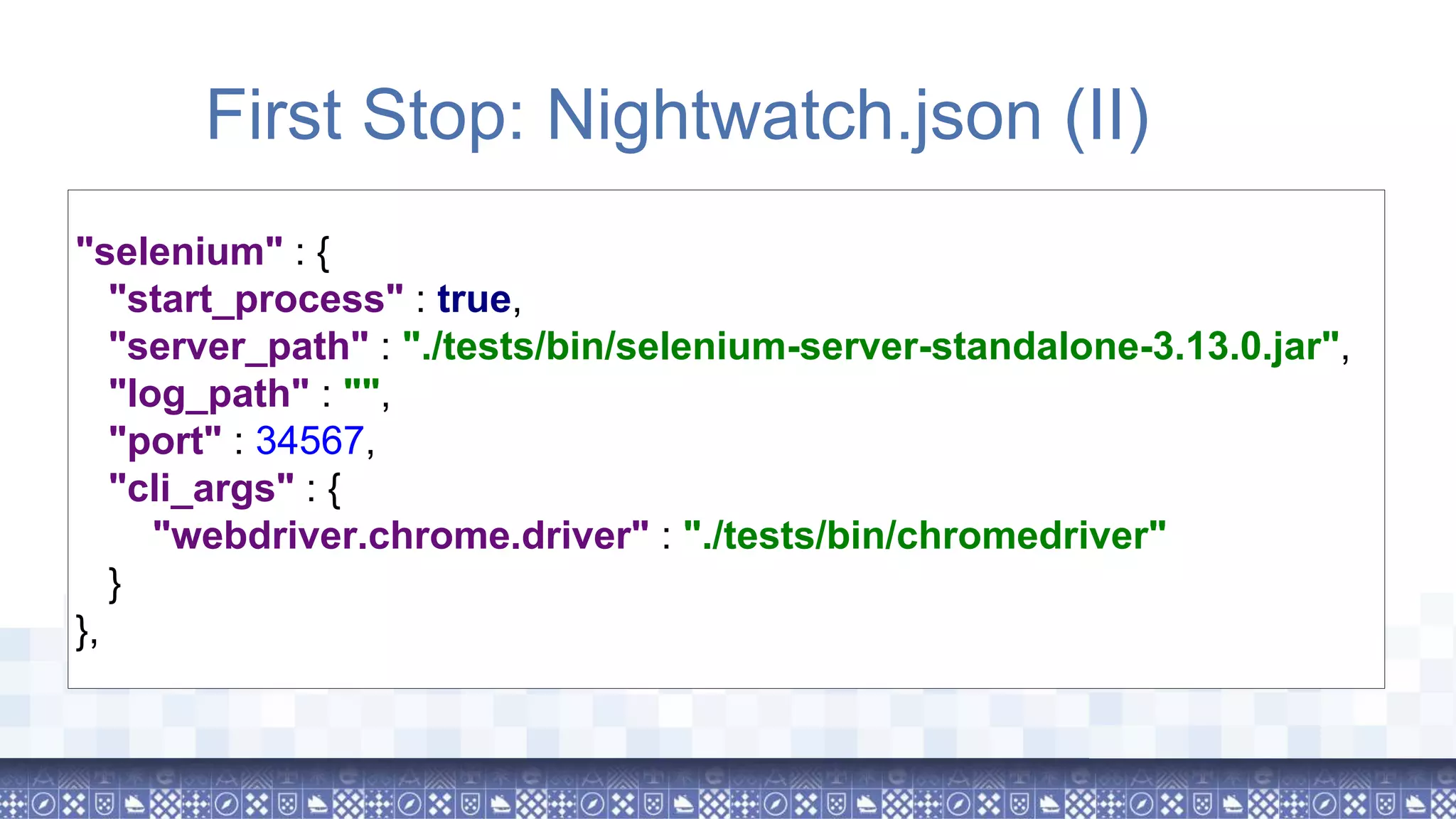
!["src_folders" : [ "./tests/nightwatch/tests/" ], "output_folder" : "./tests/nightwatch/reports", "custom_commands_path" : "./tests/nightwatch/commands", "custom_assertions_path" : "./tests/nightwatch/assertions", "page_objects_path" : [ "./tests/nightwatch/pages/example" ], "globals_path" : "./tests/nightwatch/data/global.js", First Stop: Nightwatch.json (I)](https://image.slidesharecdn.com/browsertestingwithnightwatch-180704135541/75/Browser-testing-with-nightwatch-js-14-2048.jpg)
![Bonus! - Nightwatch.conf.js var selenium = require('selenium-server'); var chromedriver = require('chromedriver'); module.exports = (function(settings) { settings.selenium.server_path = selenium.path; settings.selenium.cli_args["webdriver.chrome.driver"] = chromedriver.path; return settings; })(require('./nightwatch.json'));](https://image.slidesharecdn.com/browsertestingwithnightwatch-180704135541/75/Browser-testing-with-nightwatch-js-17-2048.jpg)

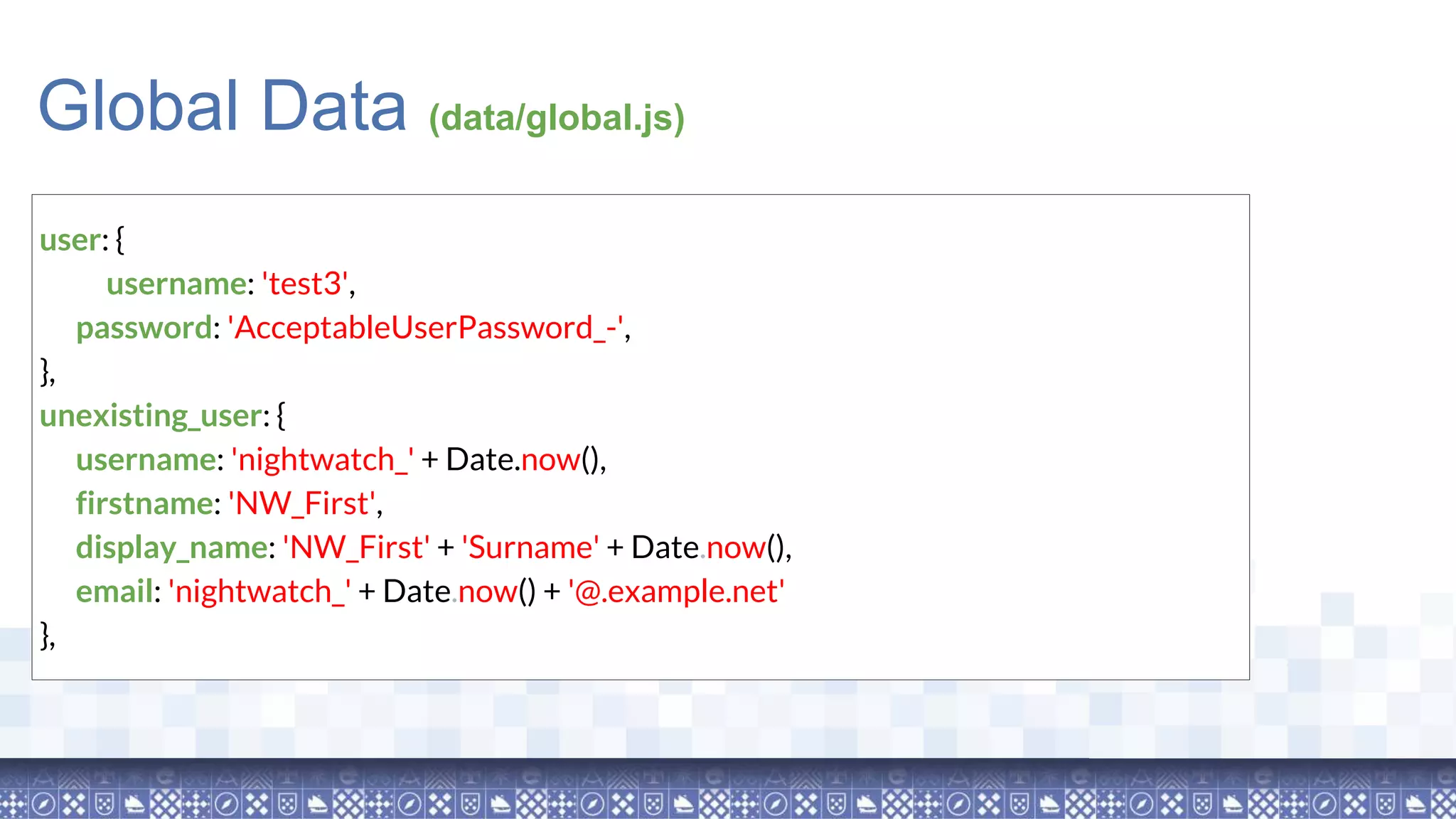
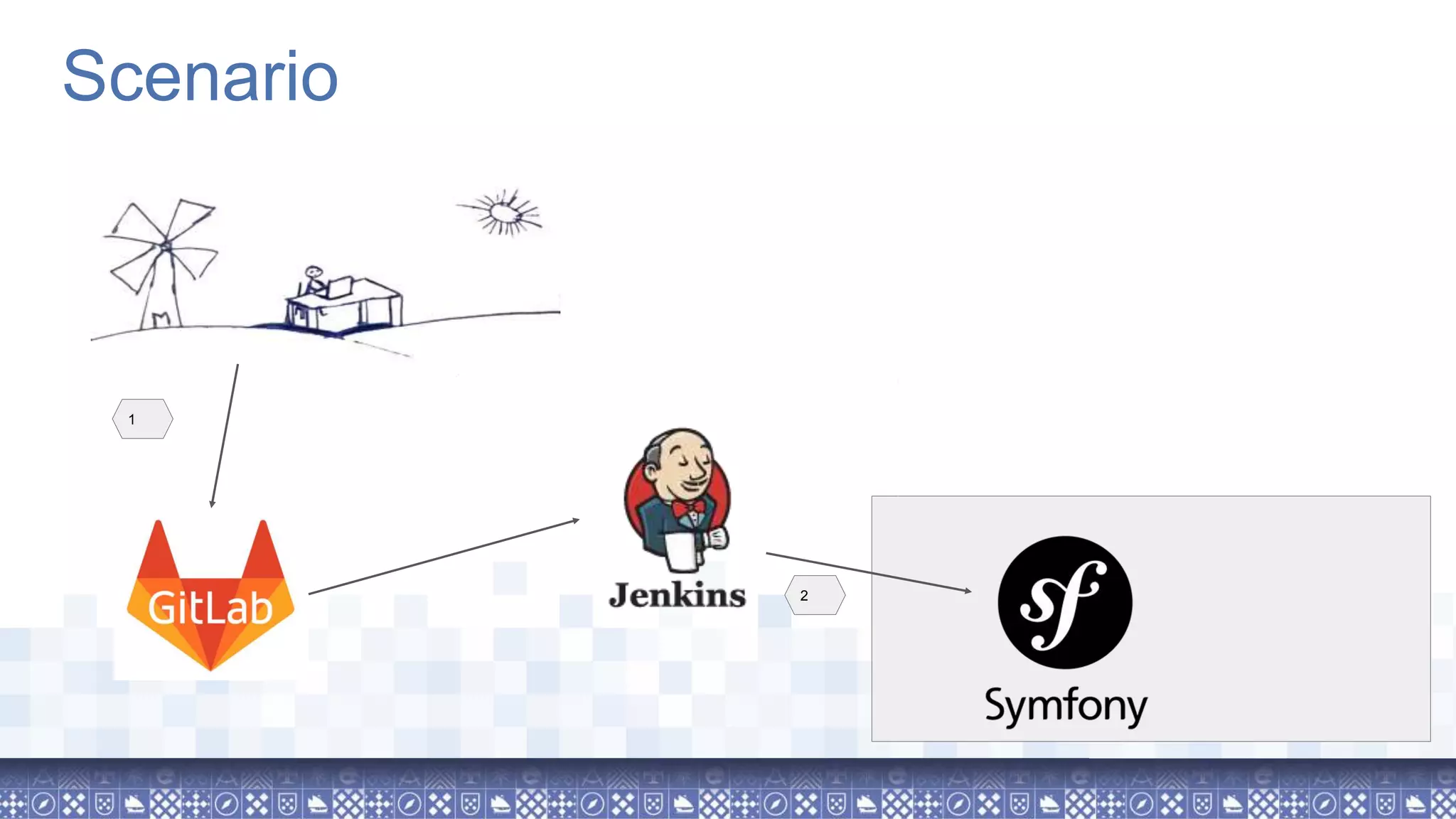
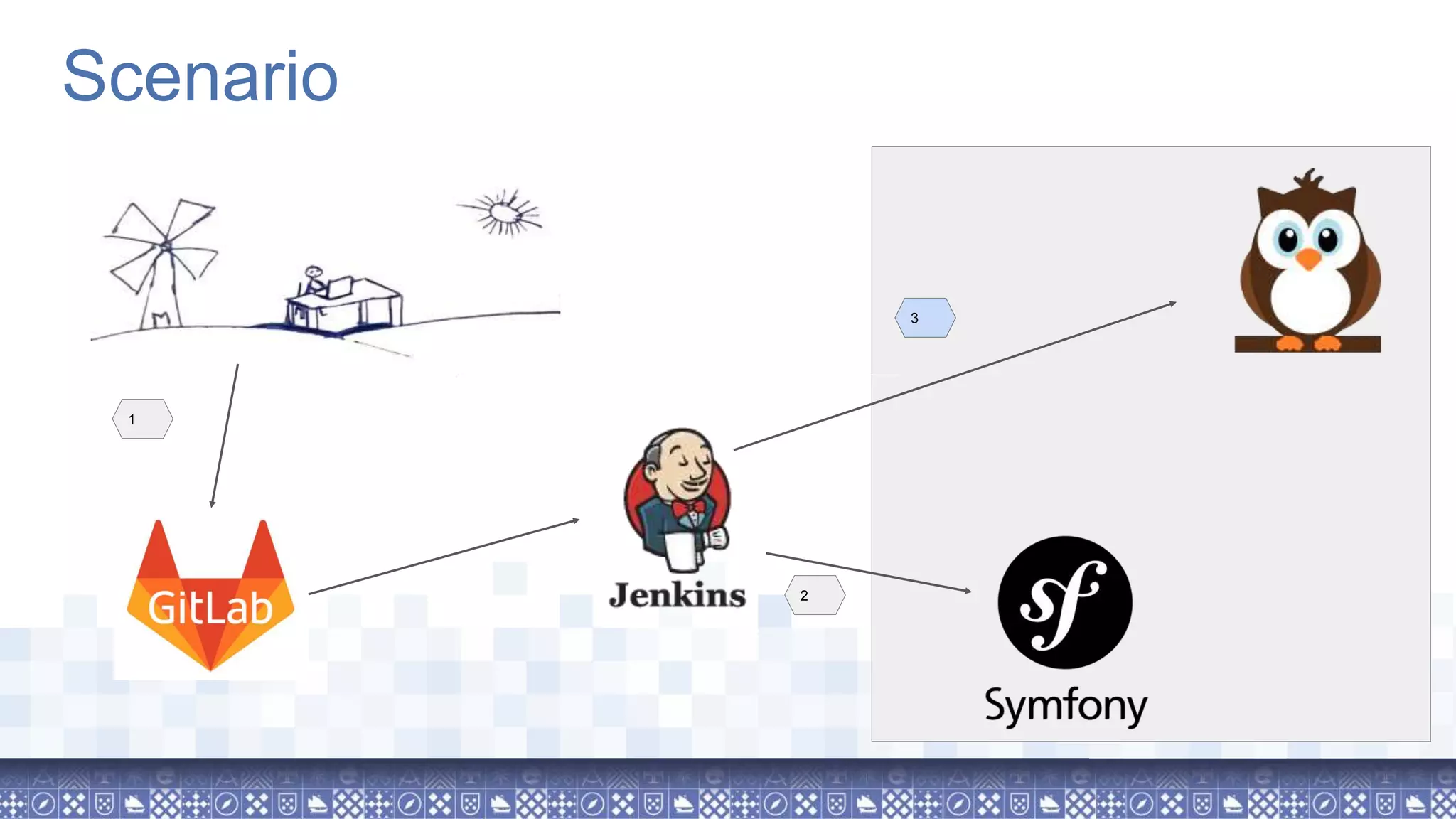
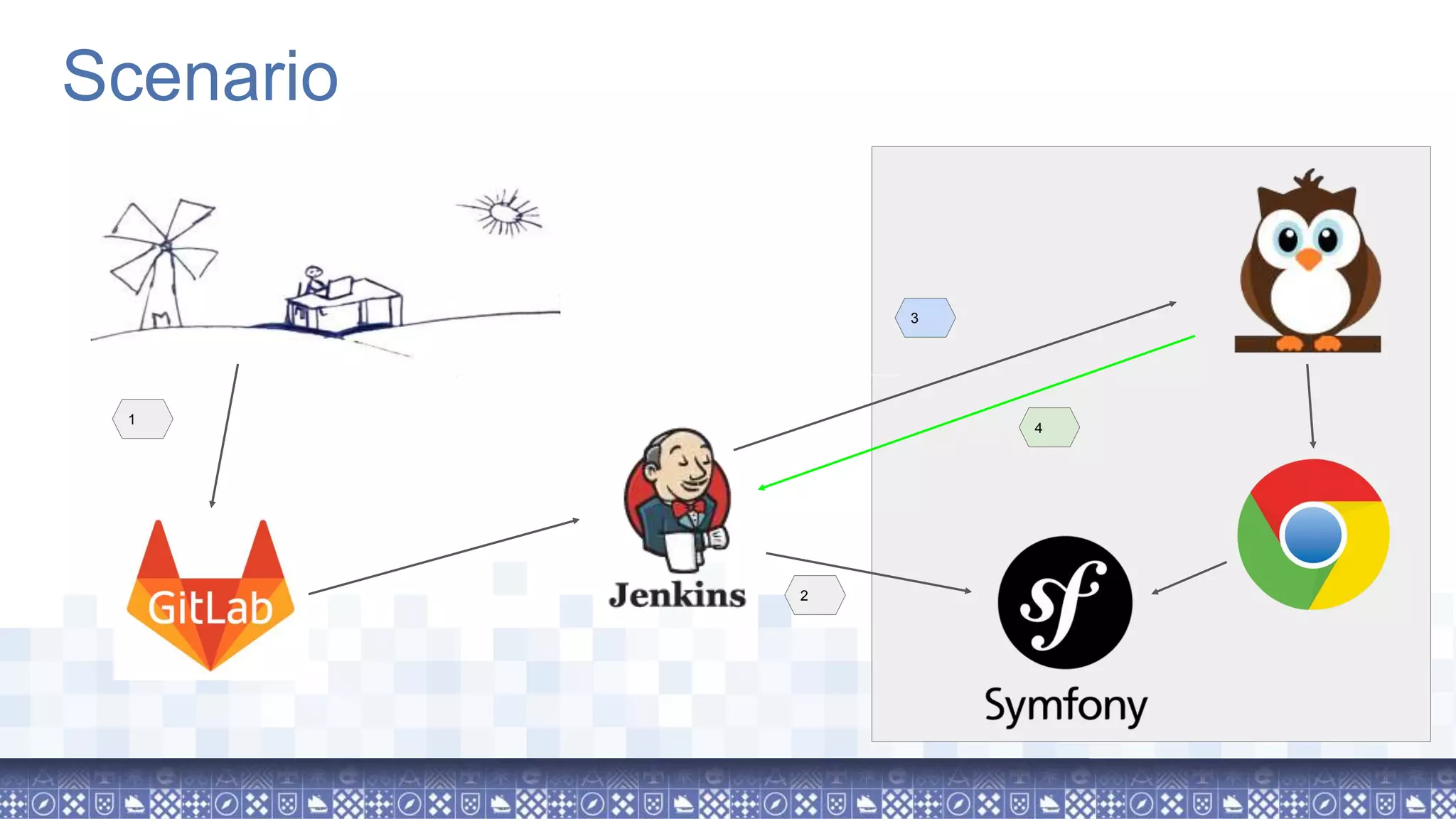
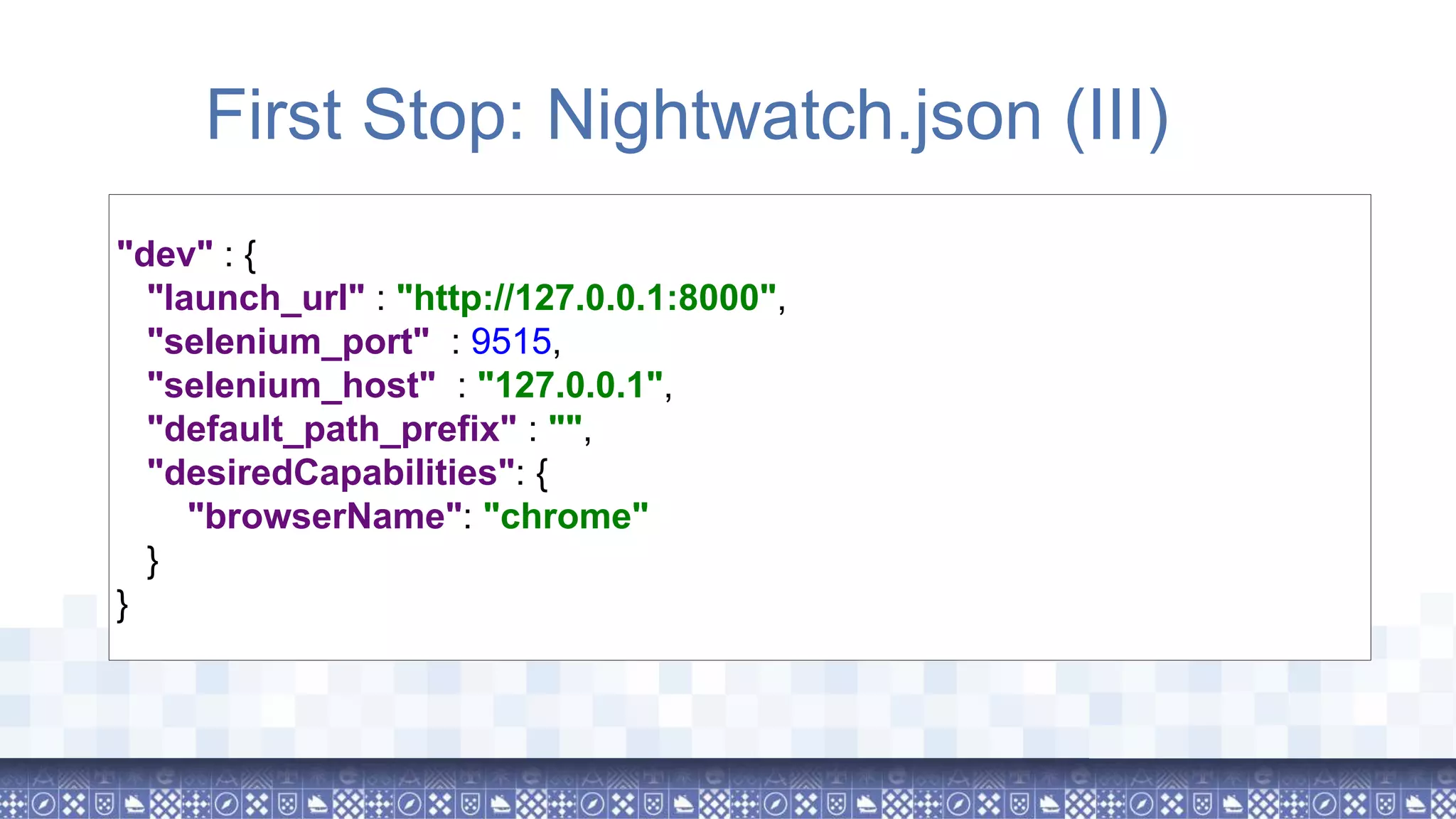
![CI "ci" : { "launch_url" : "http://{http_auth_user}:{http_auth_pass}@127.0.0.1:8000", "selenium_port" : 9515, "selenium_host" : "127.0.0.1", "default_path_prefix" : "", "selenium" : { "start_process": false }, "desiredCapabilities": { "browserName": "chrome", "chromeOptions": { "args": ["--headless"] } } }](https://image.slidesharecdn.com/browsertestingwithnightwatch-180704135541/75/Browser-testing-with-nightwatch-js-40-2048.jpg)
!["ci" : { "desiredCapabilities": { "browserName": "chrome", "chromeOptions": { "args": ["--headless", "window-size=1400,1000"] } } } Tips & Tricks: Remote, Headless](https://image.slidesharecdn.com/browsertestingwithnightwatch-180704135541/75/Browser-testing-with-nightwatch-js-44-2048.jpg)
![Questions? @Salva_bg salva.momo[at]gmail.com www.adevfromtheplains.com](https://image.slidesharecdn.com/browsertestingwithnightwatch-180704135541/75/Browser-testing-with-nightwatch-js-48-2048.jpg)
![Obrigado! @Salva_bg salva.momo[at]gmail.com www.adevfromtheplains.com](https://image.slidesharecdn.com/browsertestingwithnightwatch-180704135541/75/Browser-testing-with-nightwatch-js-49-2048.jpg)

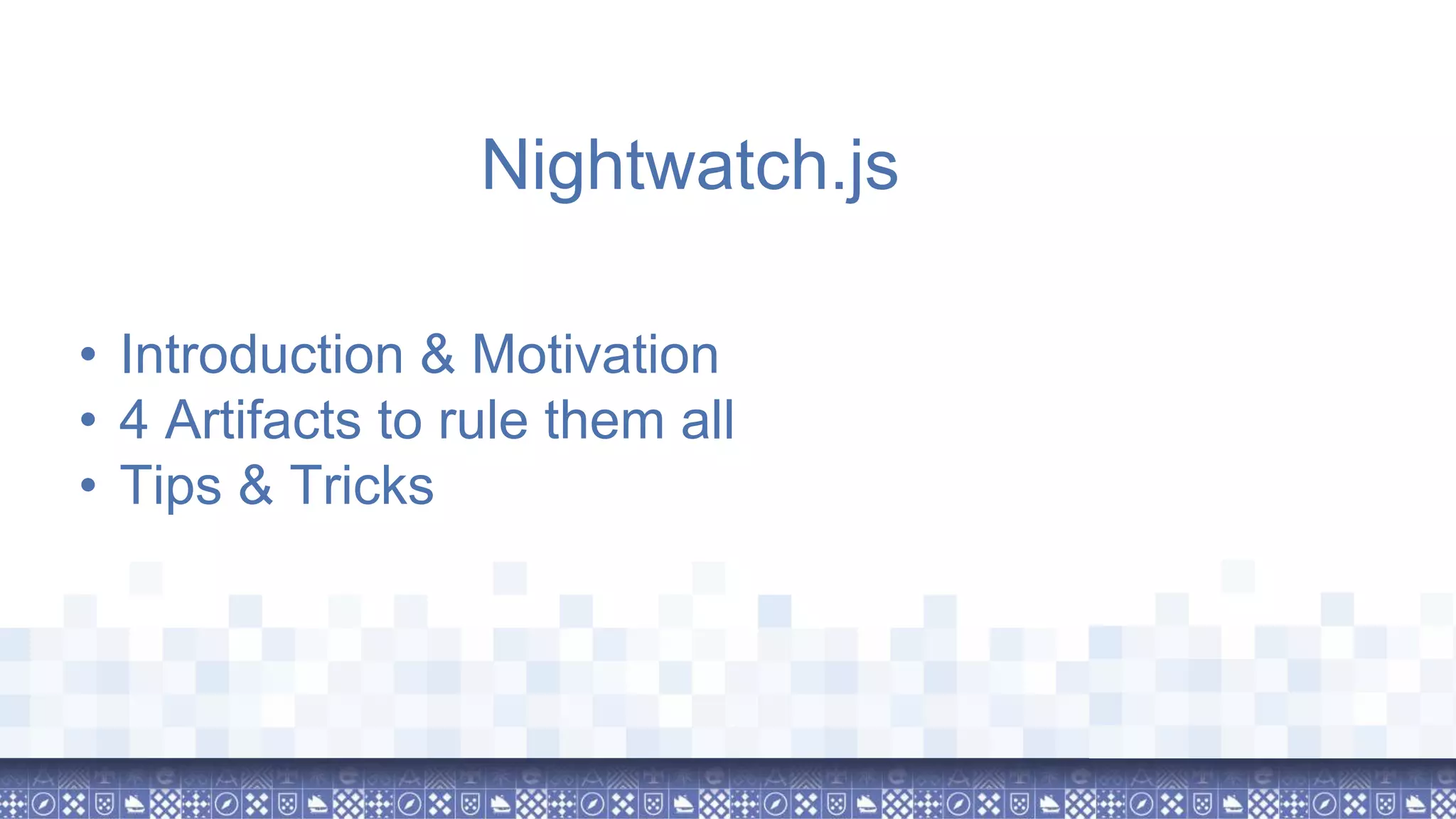
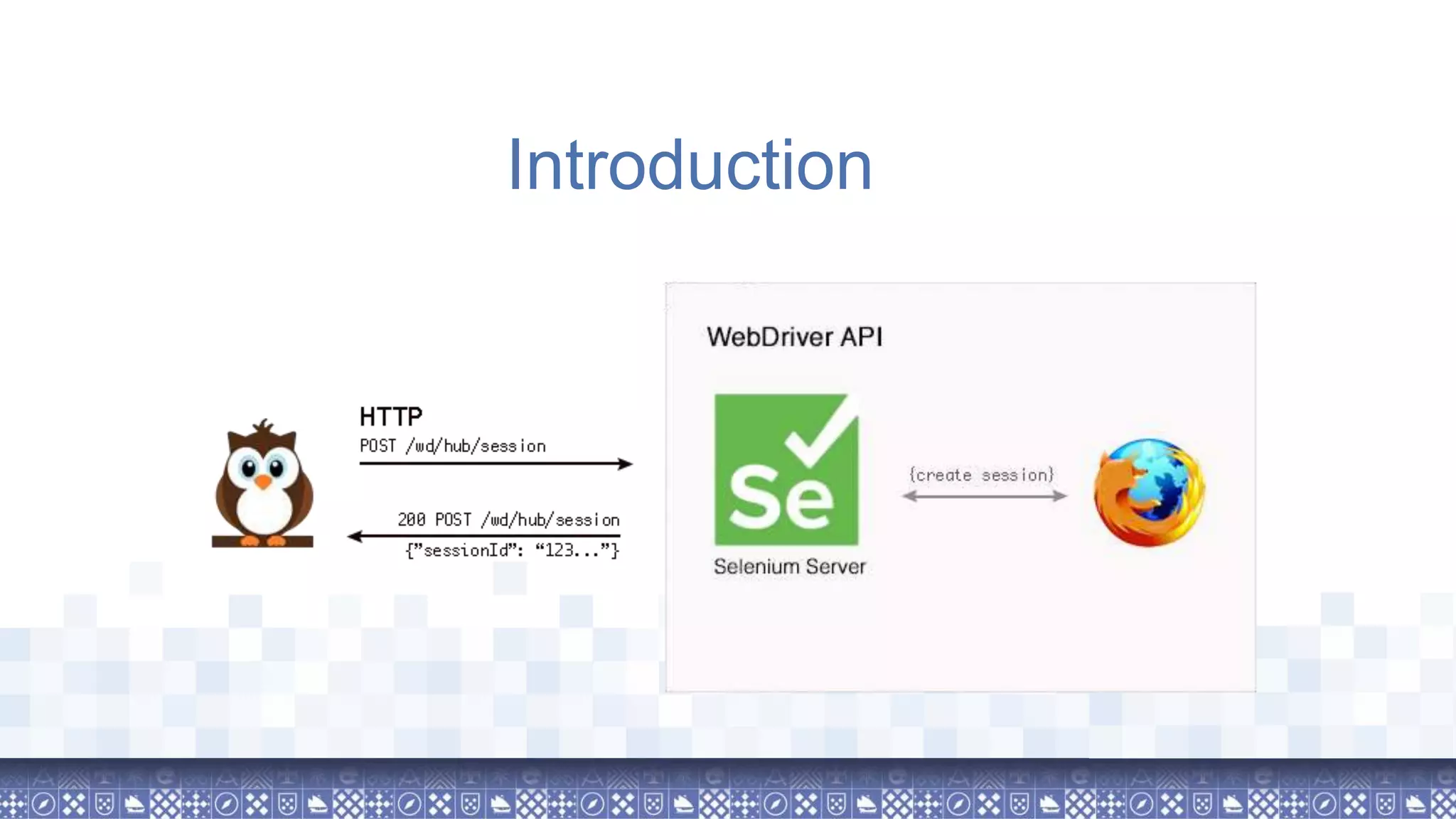
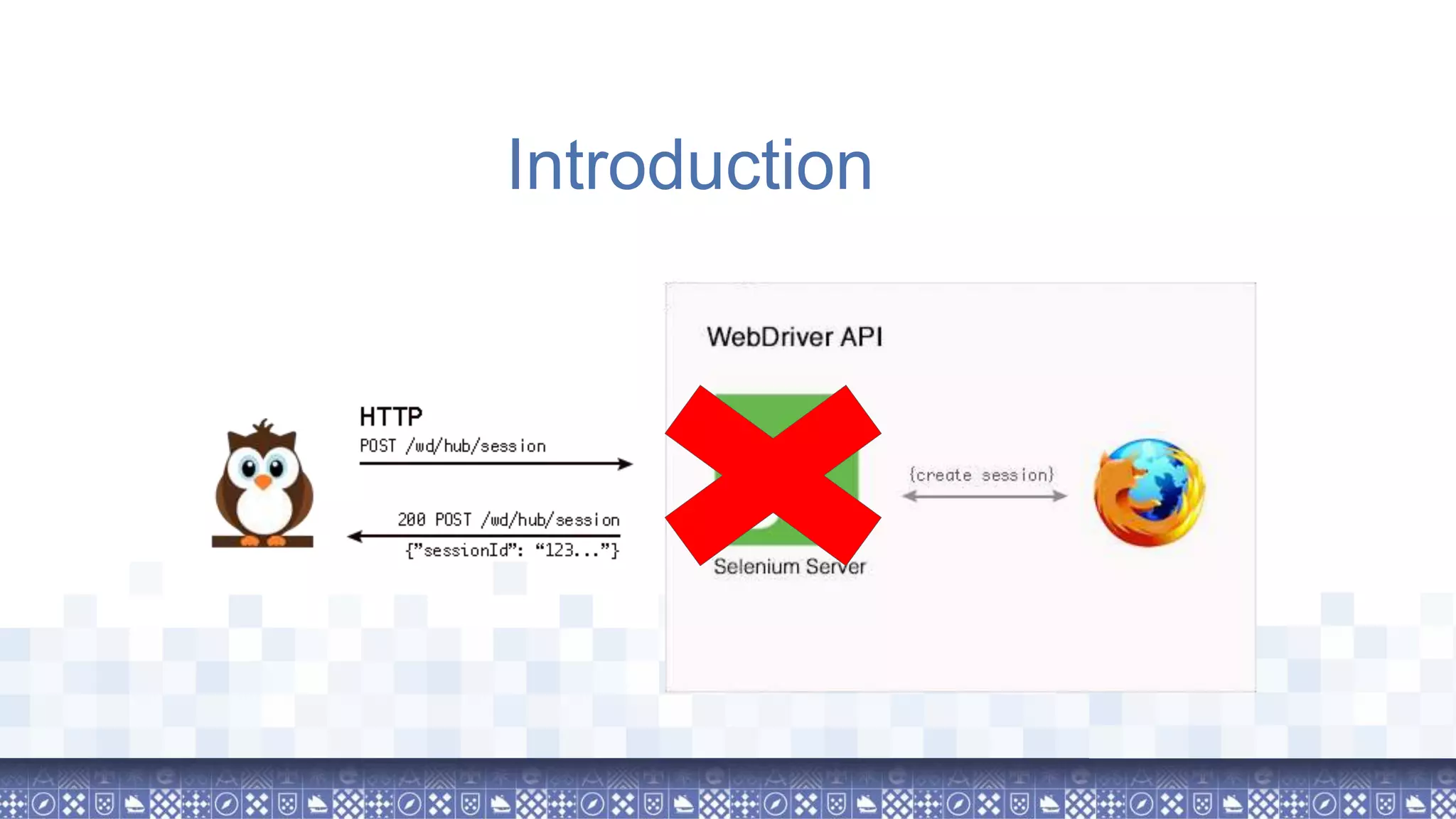
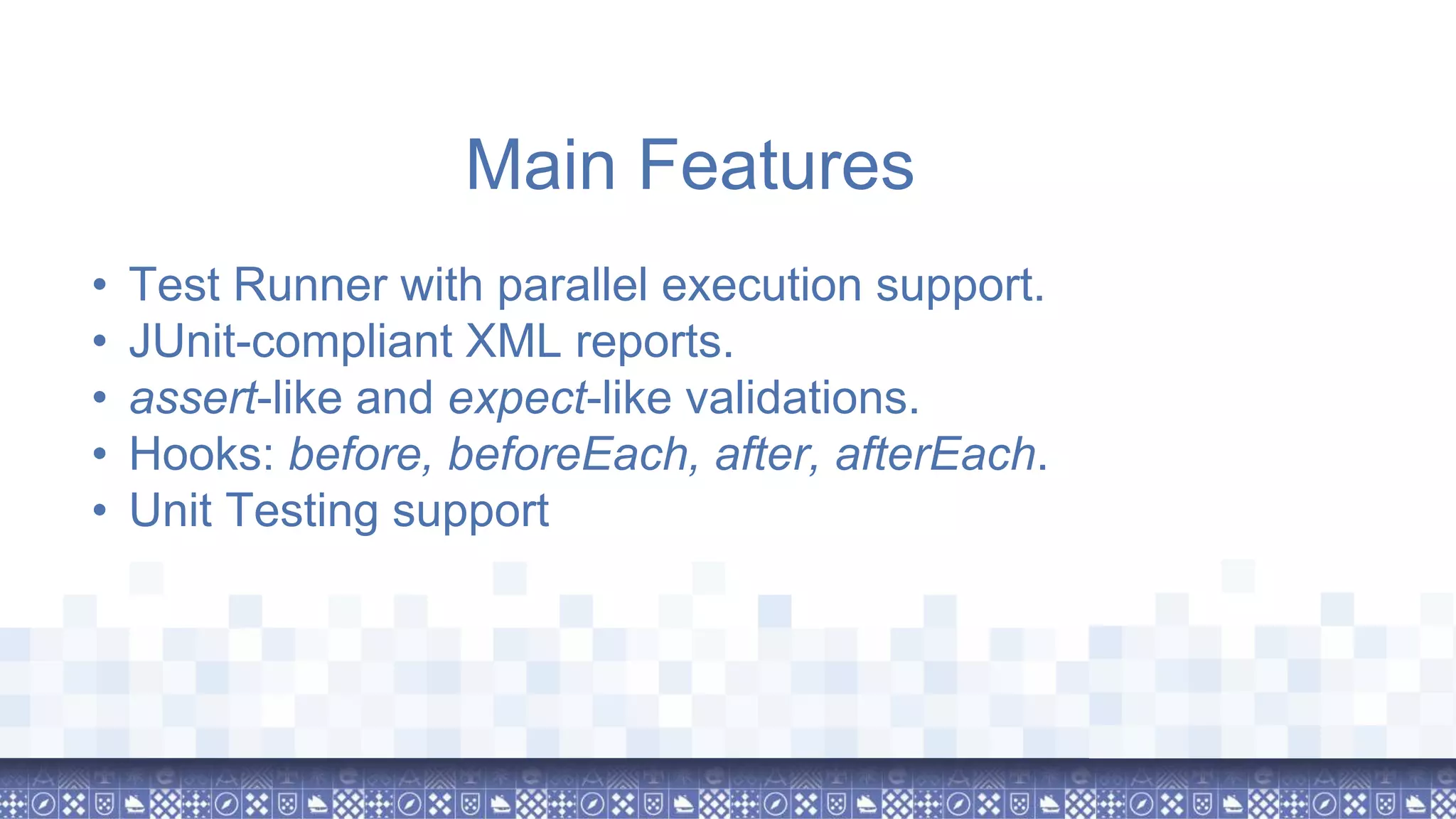
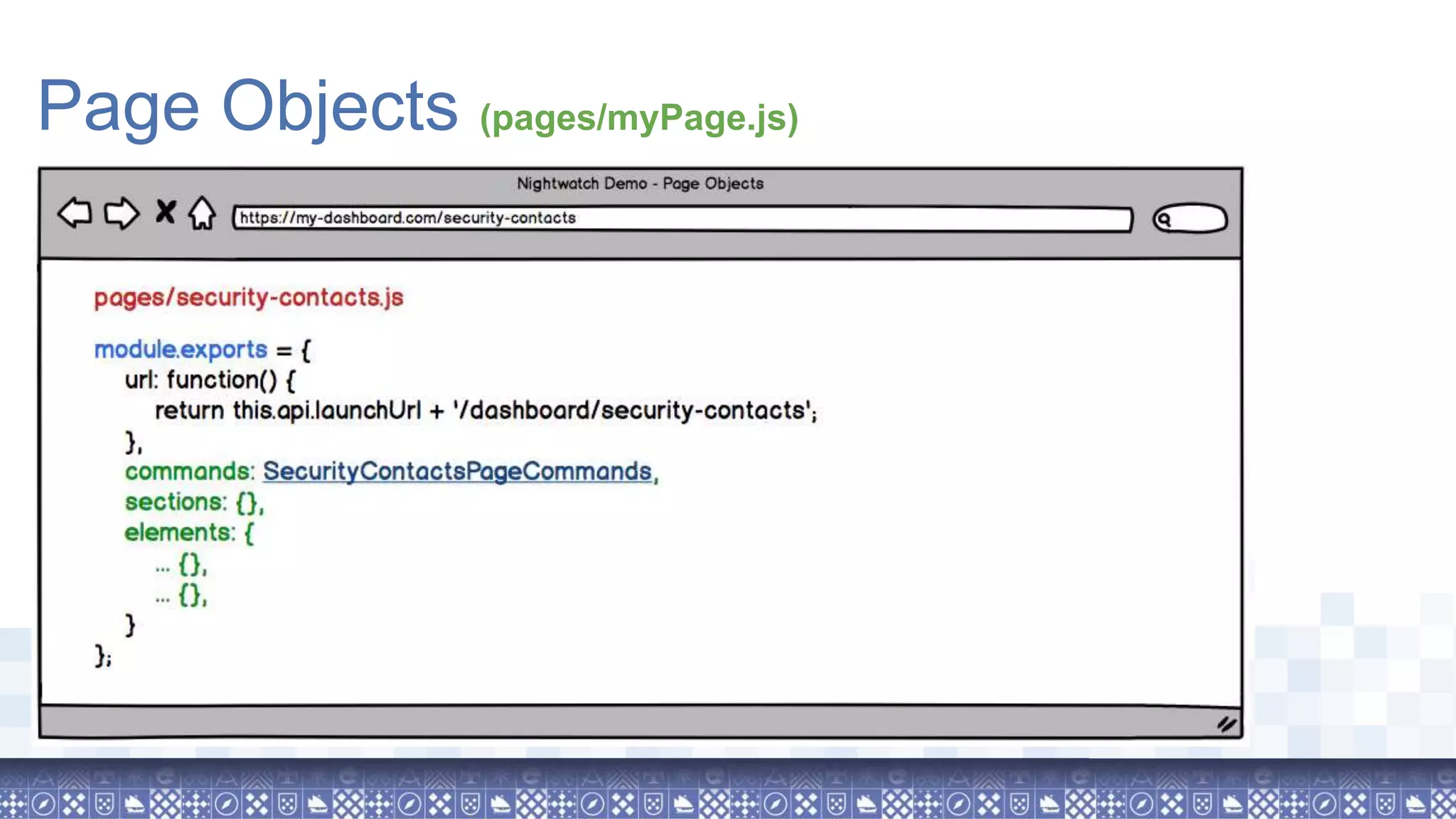
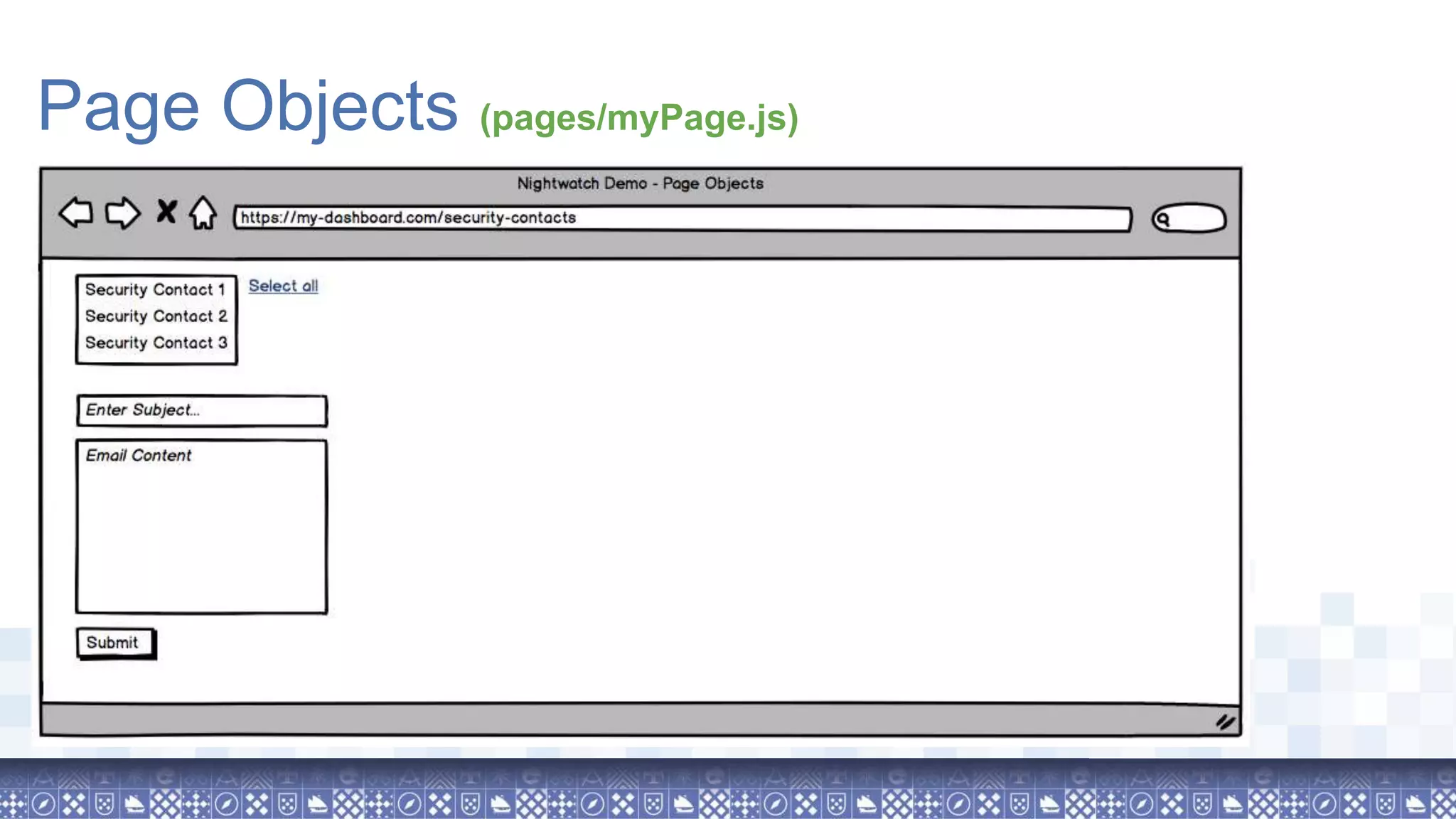
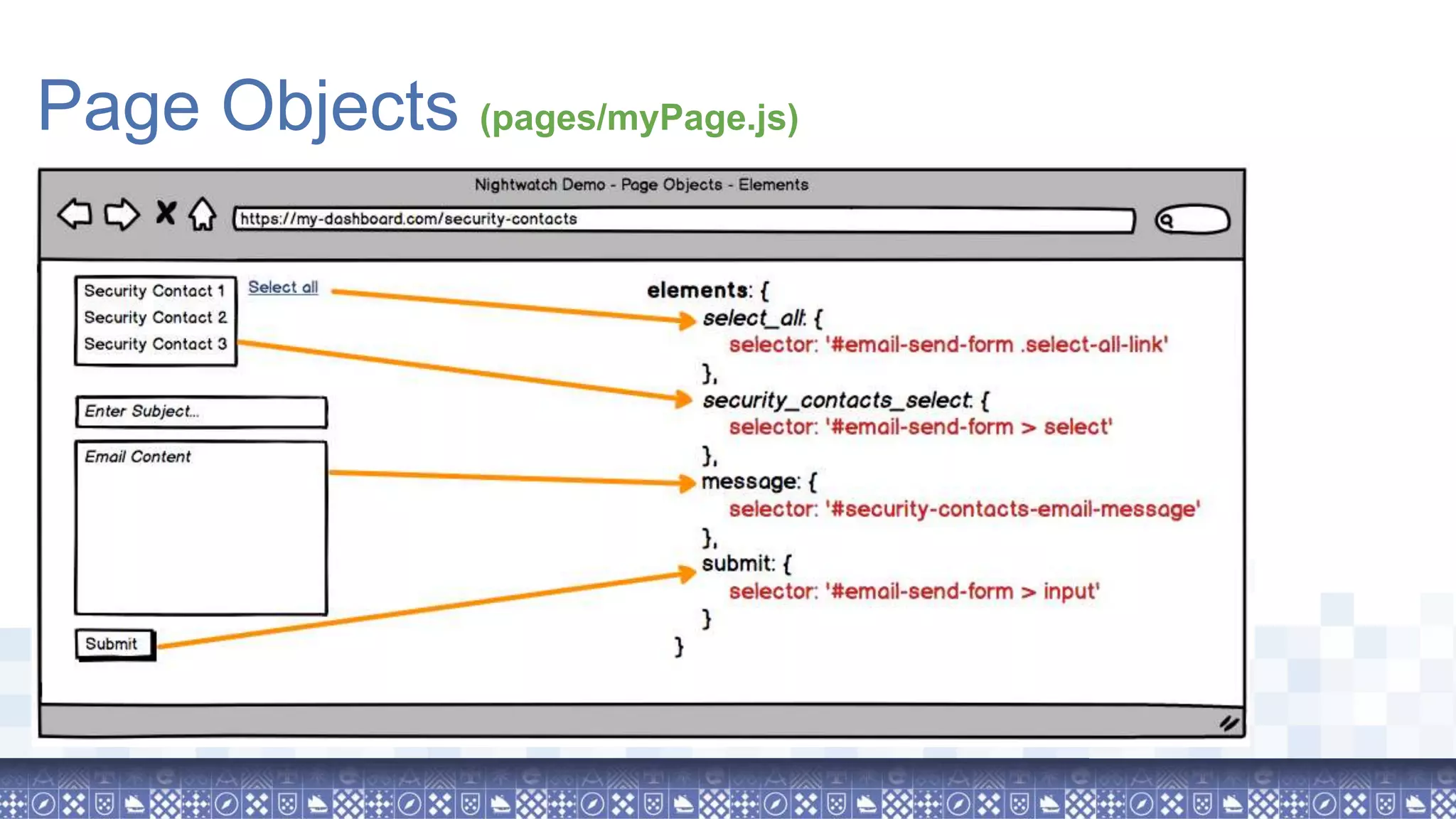
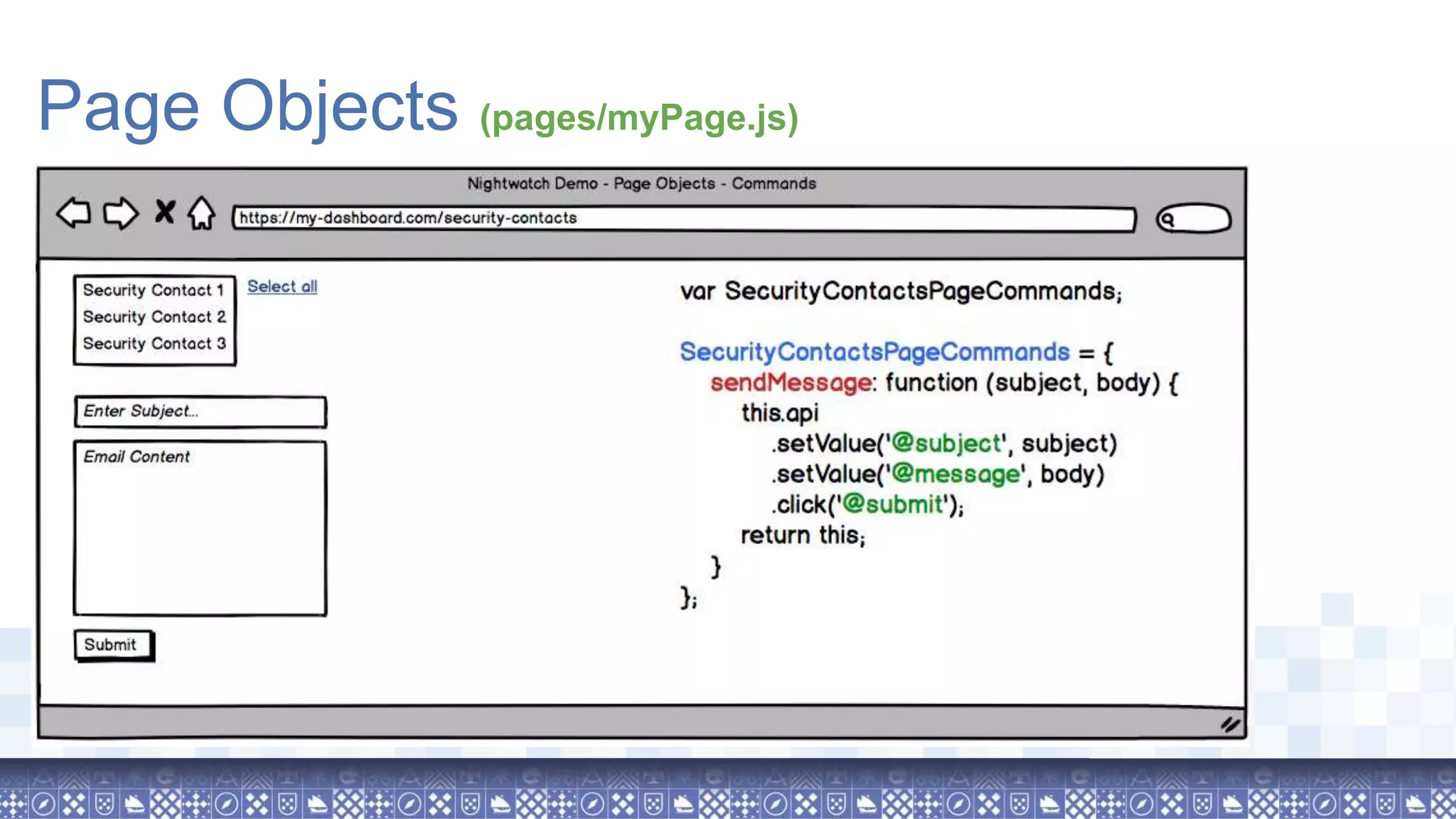
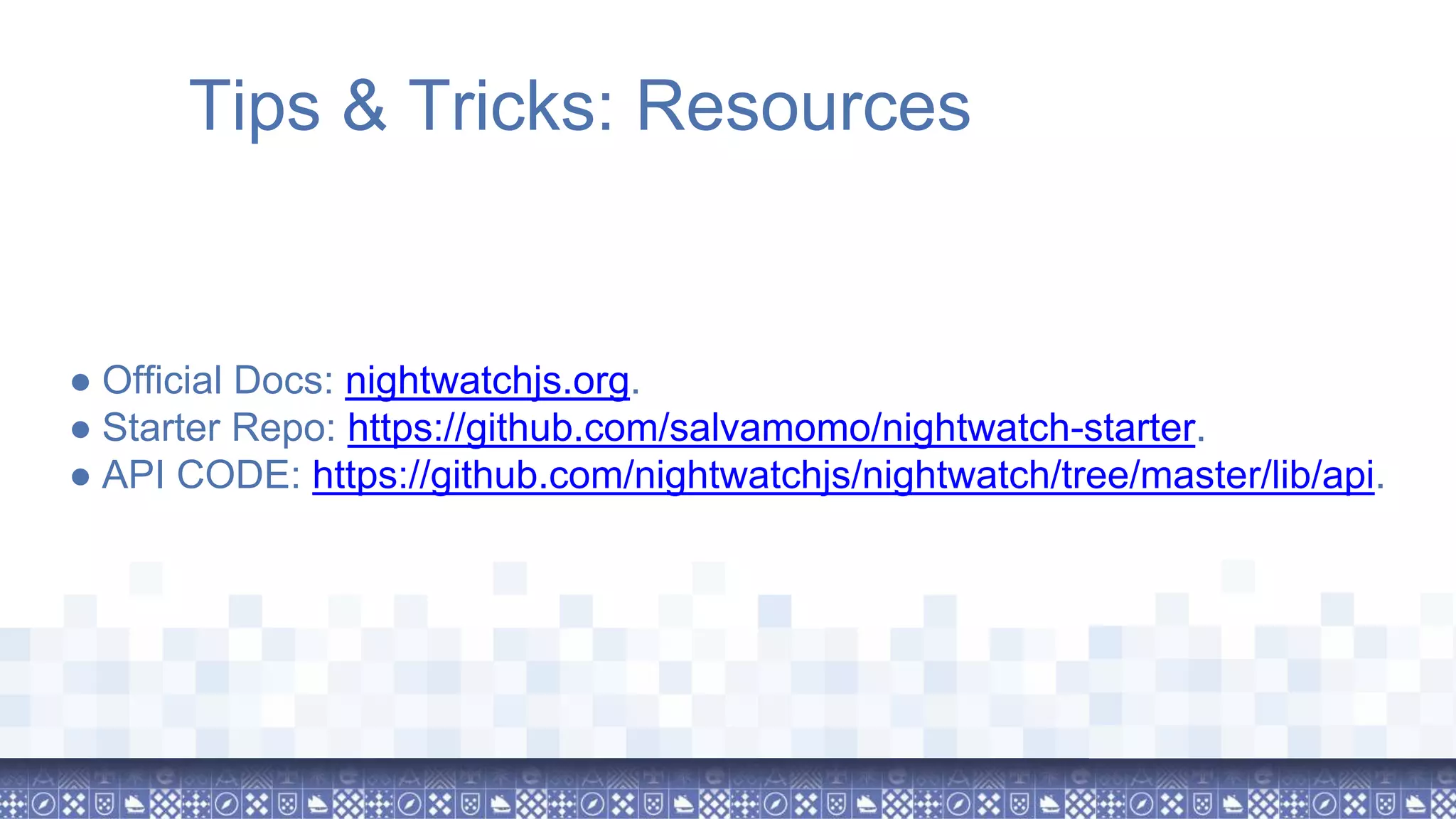
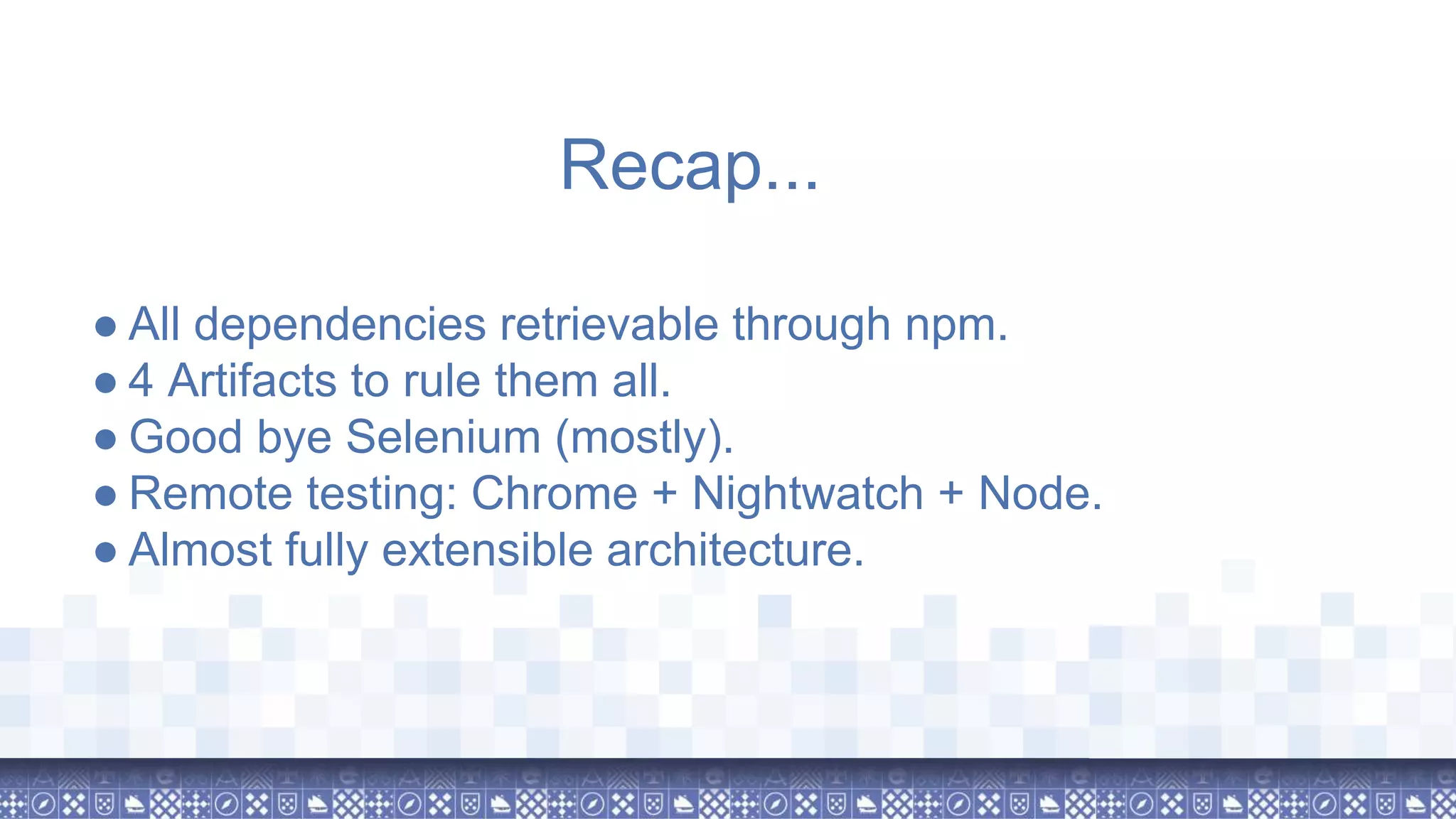
The document presents an overview of a session on browser testing with Nightwatch.js by Salvador Molina at Drupal Developer Days 2018 in Lisbon. It covers key features of Nightwatch.js, including parallel execution, custom commands, and page object patterns, as well as provides tips for effective testing strategies. The session emphasizes the transition to a more extensible architecture and remote testing capabilities with Nightwatch.js.