Unit-2 Getting Input from User
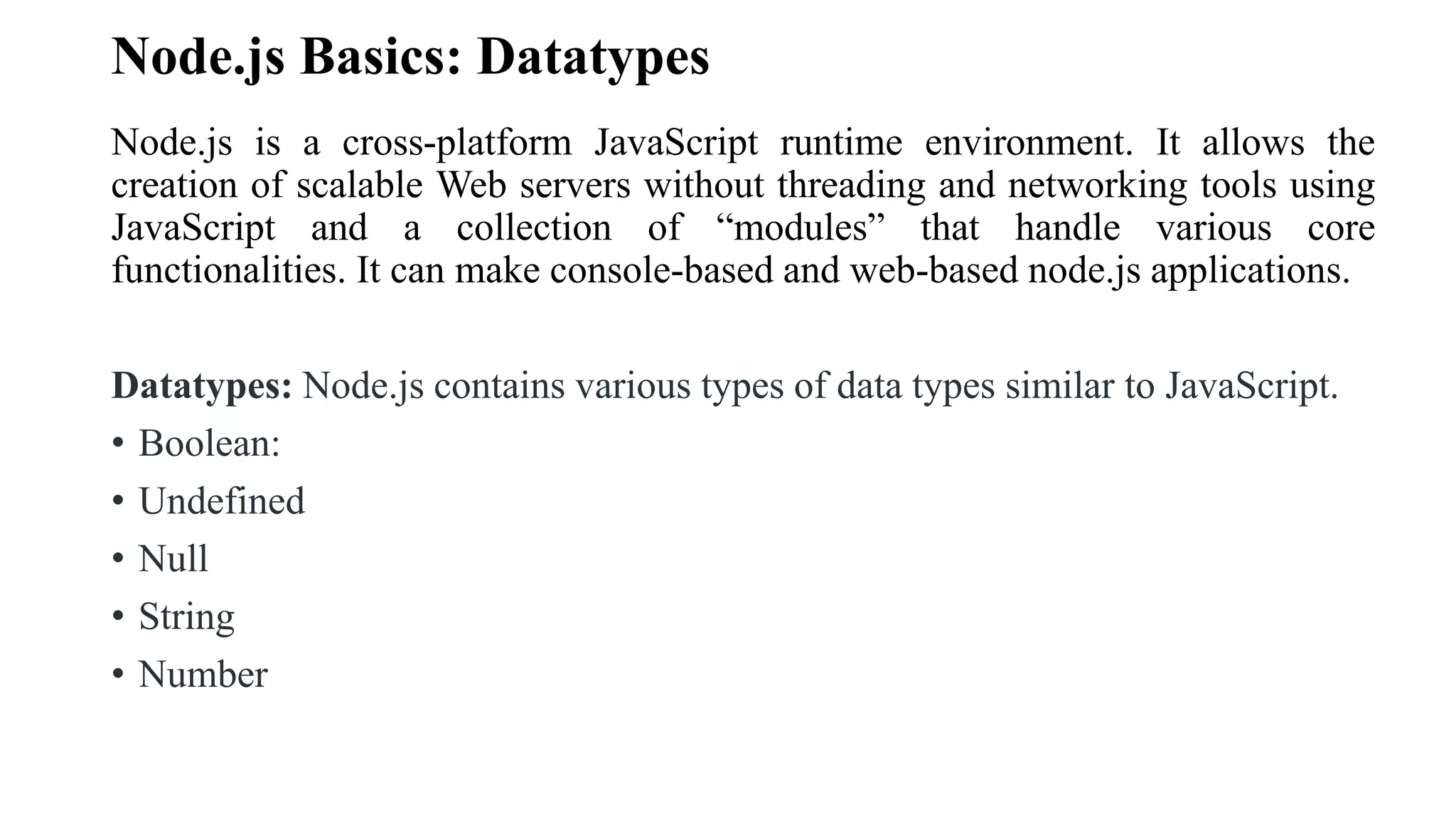
Node.js Basics: Datatypes Node.js is a cross-platform JavaScript runtime environment. It allows the creation of scalable Web servers without threading and networking tools using JavaScript and a collection of “modules” that handle various core functionalities. It can make console-based and web-based node.js applications. Datatypes: Node.js contains various types of data types similar to JavaScript. • Boolean: • Undefined • Null • String • Number
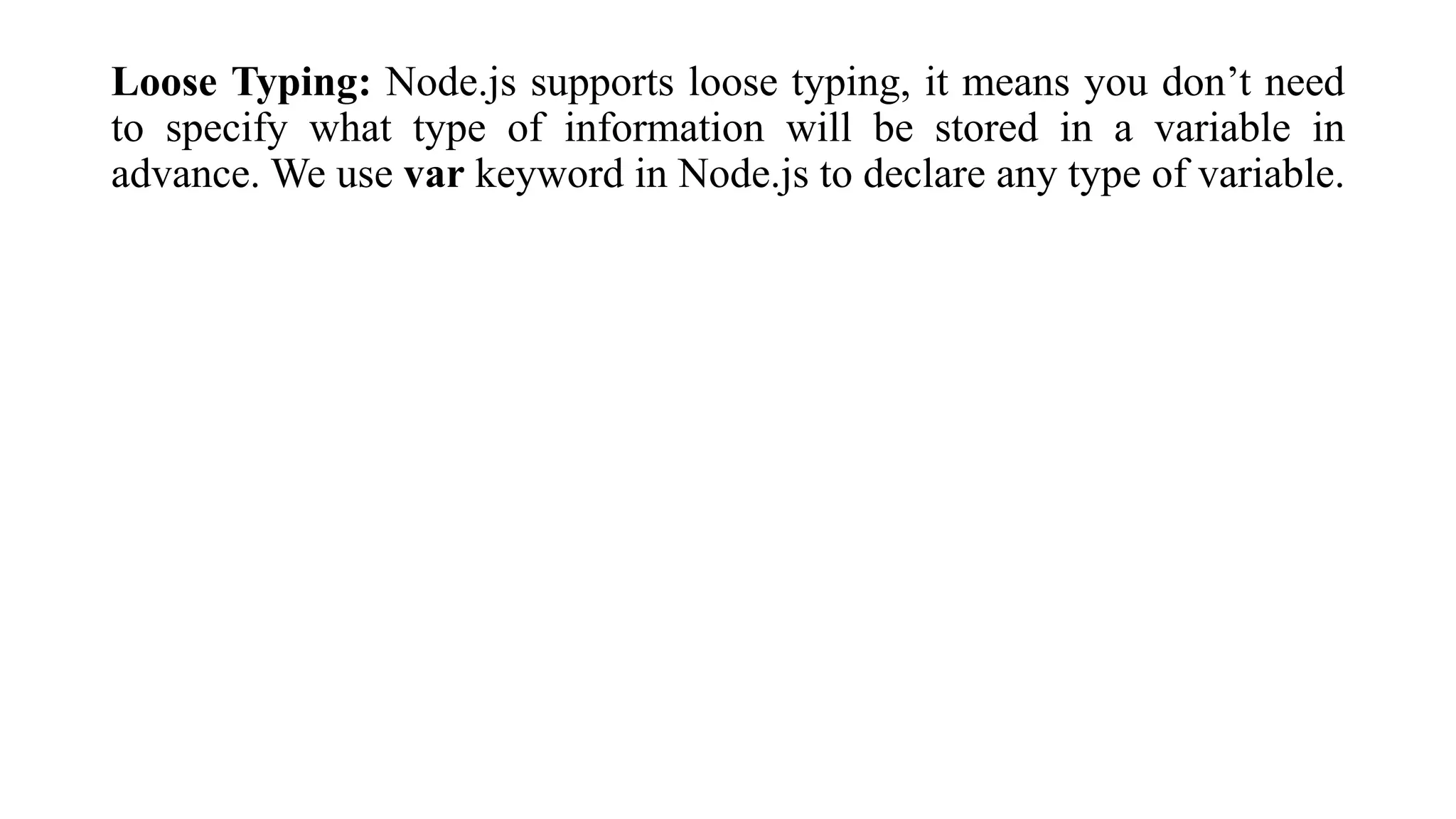
Loose Typing: Node.js supports loose typing, it means you don’t need to specify what type of information will be stored in a variable in advance. We use var keyword in Node.js to declare any type of variable.
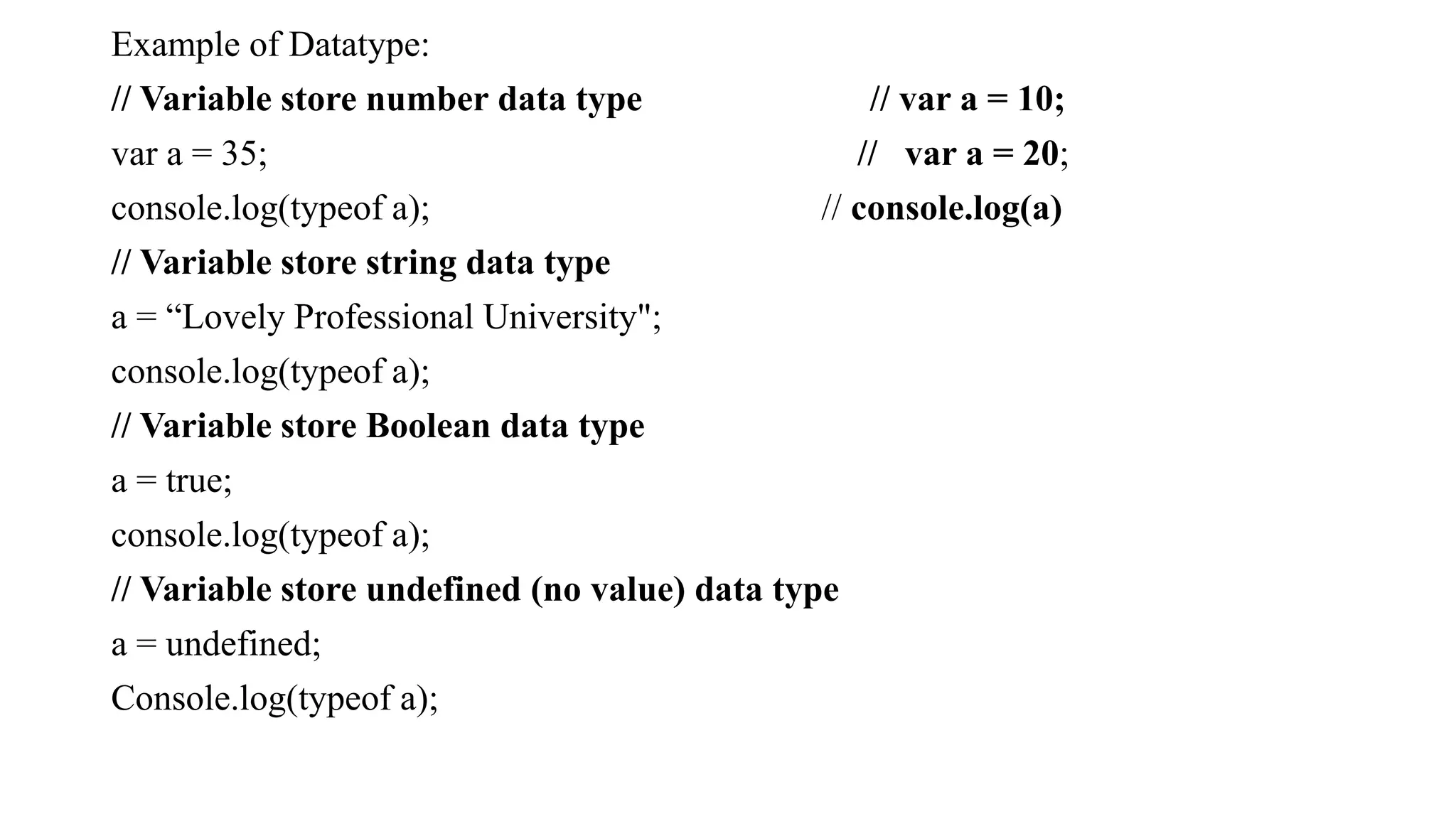
Example of Datatype: // Variable store number data type // var a = 10; var a = 35; // var a = 20; console.log(typeof a); // console.log(a) // Variable store string data type a = “Lovely Professional University"; console.log(typeof a); // Variable store Boolean data type a = true; console.log(typeof a); // Variable store undefined (no value) data type a = undefined; Console.log(typeof a);
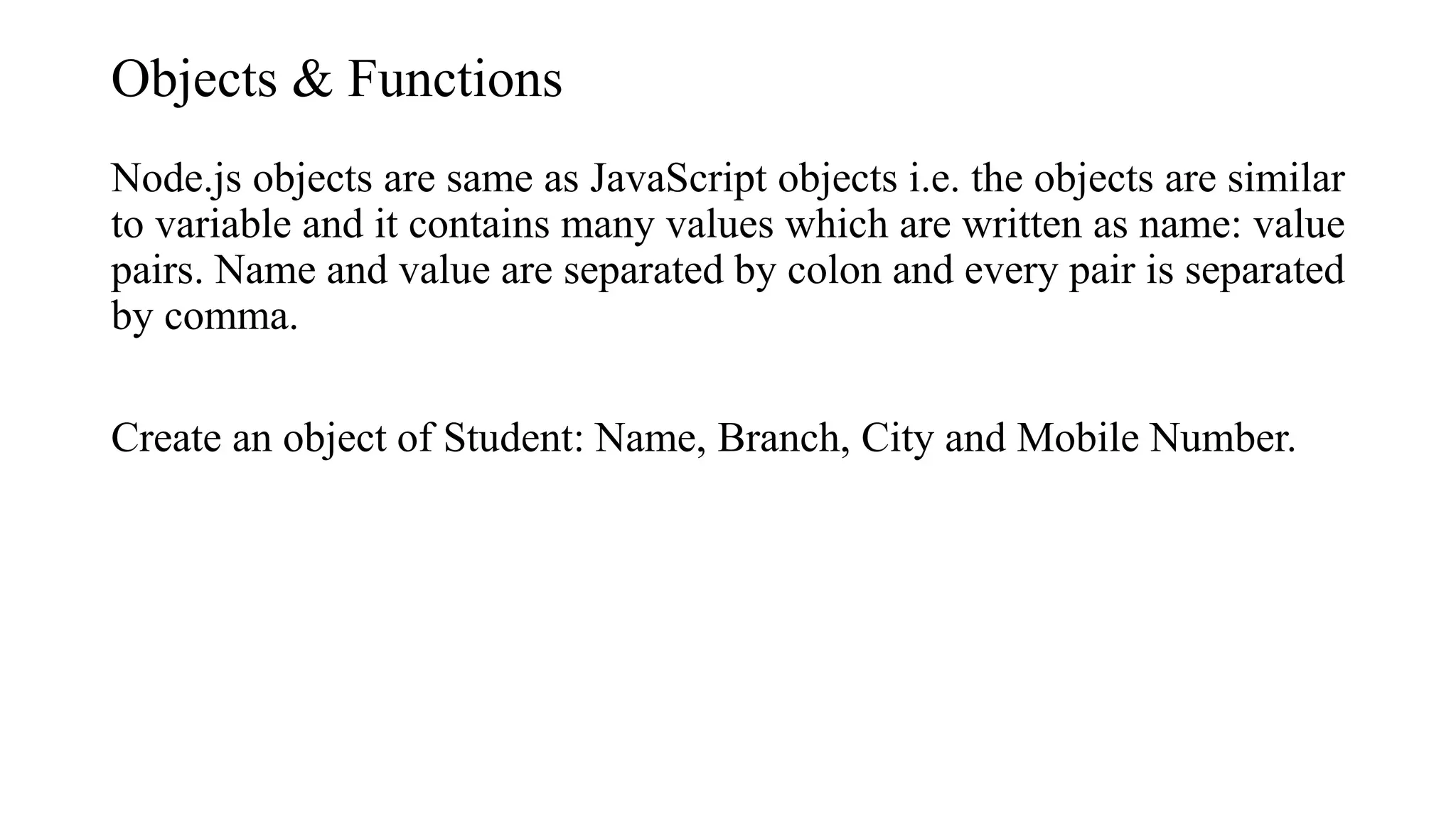
Objects & Functions Node.js objects are same as JavaScript objects i.e. the objects are similar to variable and it contains many values which are written as name: value pairs. Name and value are separated by colon and every pair is separated by comma. Create an object of Student: Name, Branch, City and Mobile Number.
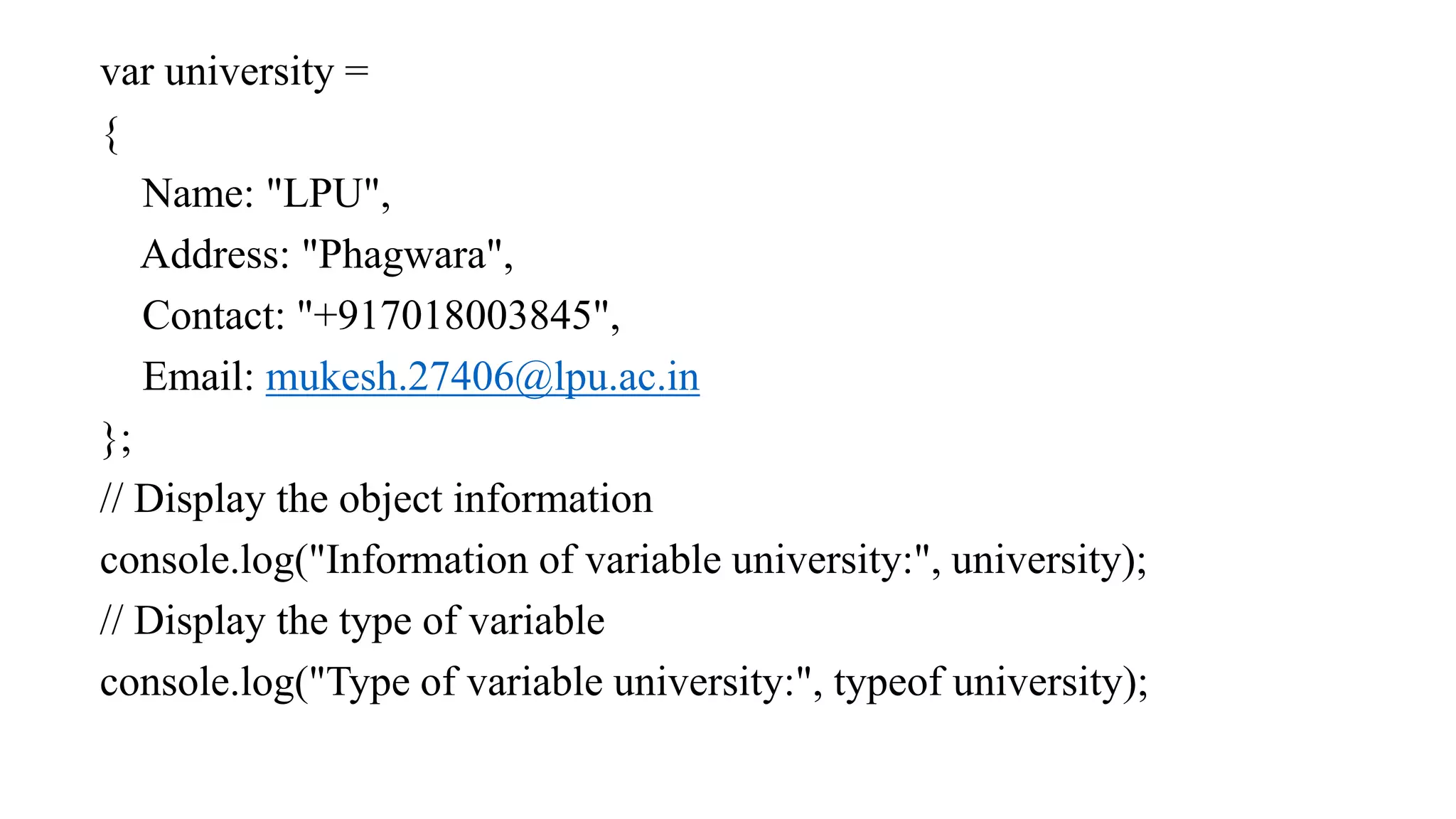
var university = { Name: "LPU", Address: "Phagwara", Contact: "+917018003845", Email: mukesh.27406@lpu.ac.in }; // Display the object information console.log("Information of variable university:", university); // Display the type of variable console.log("Type of variable university:", typeof university);
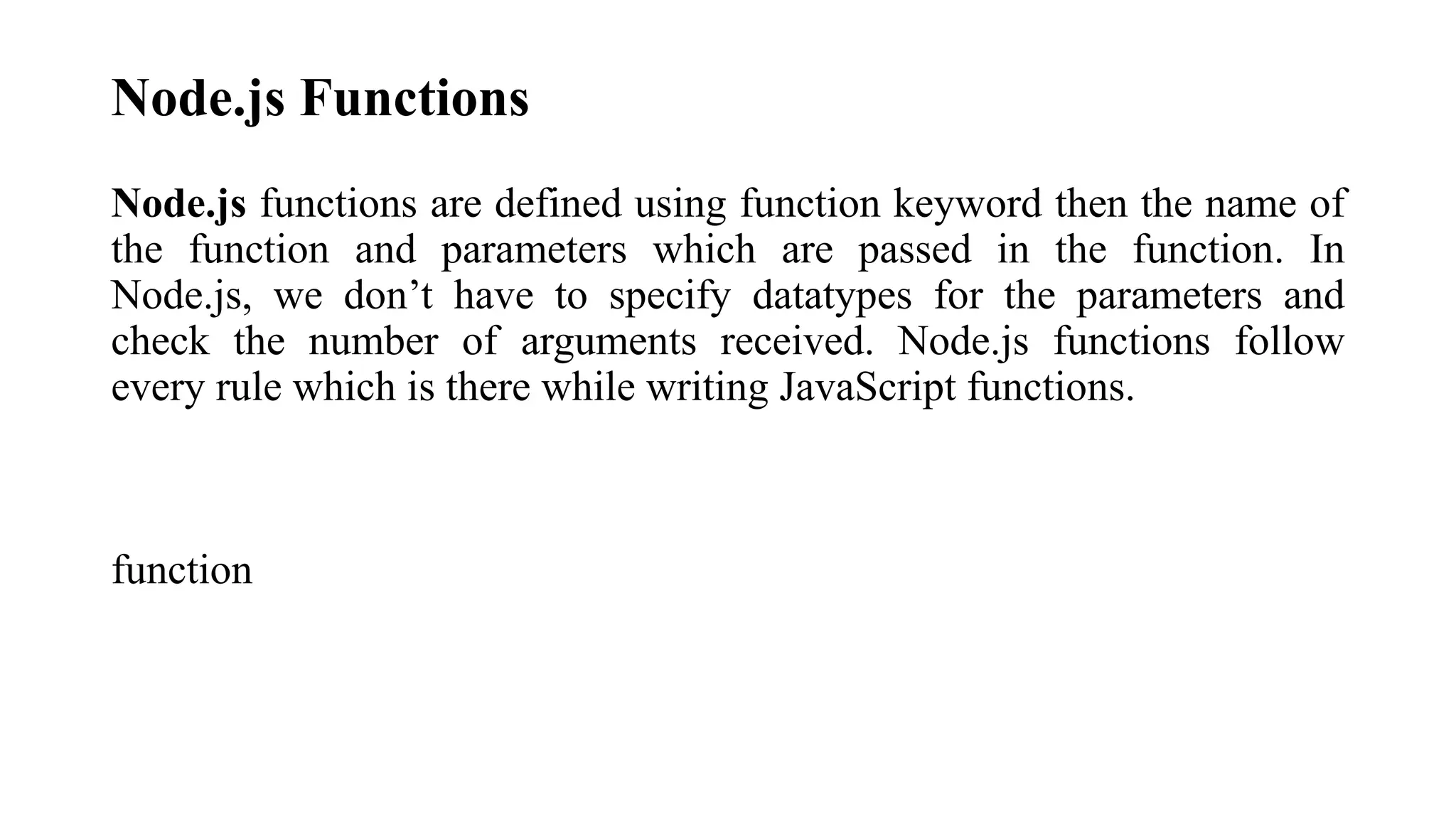
Node.js Functions Node.js functions are defined using function keyword then the name of the function and parameters which are passed in the function. In Node.js, we don’t have to specify datatypes for the parameters and check the number of arguments received. Node.js functions follow every rule which is there while writing JavaScript functions. function
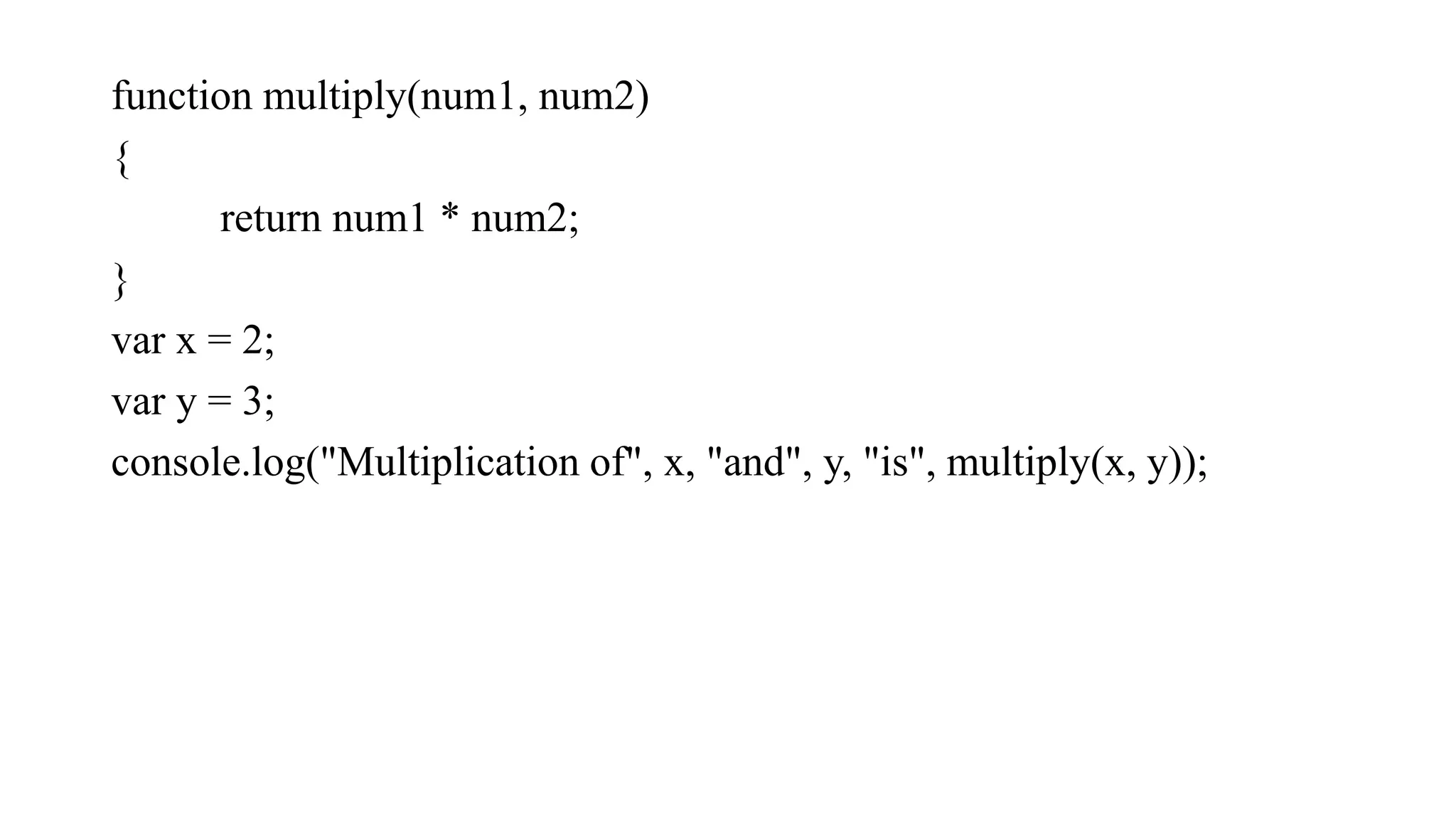
function multiply(num1, num2) { return num1 * num2; } var x = 2; var y = 3; console.log("Multiplication of", x, "and", y, "is", multiply(x, y));
String and String Functions In Node.js we can make a variable as string by assigning a value either by using single (‘ vvv ‘) or double (“ bbbbb”) quotes and it contains many functions to manipulate to strings.
var x = "Welcome to Lovely Professional University"; var y = 'Node.js Tutorials'; var z = ['Lovely', 'Professional', 'University']; console.log(x); console.log(y); console.log("Concat Using (+) :", (x + y)); console.log("Concat Using Function :", (x.concat(y))); console.log("Split string: ", x.split(' ')); console.log("Join string: ", z.join(' ')); console.log("Char At Index 5: ", x.charAt(10));
Node.js Buffer In node.js, we have a data type called “Buffer” to store a binary data and it is useful when we are reading a data from files or receiving a packets over network.
How to read command line arguments in Node.js ? Command-line arguments (CLI) are strings of text used to pass additional information to a program when an application is running through the command line interface of an operating system. We can easily read these arguments by the global object in node i.e. process object.
Exp 1: Step 1: Save a file as index.js and paste the below code inside the file. var arguments = process.argv ; console.log(arguments); arguments: 0 1 2 3 4 5 ----- Arguments[0] = Path1, Arguments[1] = Path2 Step 2: Run index.js file using below command: node index.js The process.argv contains an array where the 0th index contains the node executable path, 1st index contains the path to your current file and then the rest index contains the passed arguments. Path1 Path2 “20” “10” “5”
Exp 2: Program to add two numbers passed as arguments Step 1: Save the file as index1.js and paste the below code inside the file. var arguments = process.argv function add(a, b) { // To extract number from string return parseInt(a)+parseInt(b) } var sum = add(arguments[2], arguments[3]) console.log("Addition of a and b is equal to ", sum)
var arg = process.argv var i console.log("Even numbers are:") for (i=1;i<process.argv.length;i++) { if (arg[i]%2 == 0) { console.log(arg[i]) } }
Counting Table var arguments = process.argv let i; var mul=arguments[2] for (let i=1; i<=10; i++) { console.log(mul + " * " + i + " = " + mul*i); }
Step 2: Run index1.js file using below command: node index1.js So this is how we can handle arguments in Node.js. The args module is very popular for handling command-line arguments. It provides various features like adding our own command to work and so on.
There is a given object, write node.js program to print the given object's properties, delete the second property and get length of the object. var user = { First_Name: "John", Last_Name: "Smith", Age: "38", Department: "Software" }; console.log(user); console.log(Object.keys(user).length); delete user.last_name; console.log(user); console.log(Object.keys(user).length);
How do you iterate over the given array in node.js? Node.js provides forEach()function that is used to iterate over items in a given array. const arr = ['fish', 'crab', 'dolphin', 'whale', 'starfish']; arr.forEach(element => { console.log(element); }); Const is the variables declared with the keyword const that stores constant values. const declarations are block-scoped i.e. we can access const only within the block where it was declared. const cannot be updated or re-declared i.e. const will be the same within its block and cannot be re- declare or update.
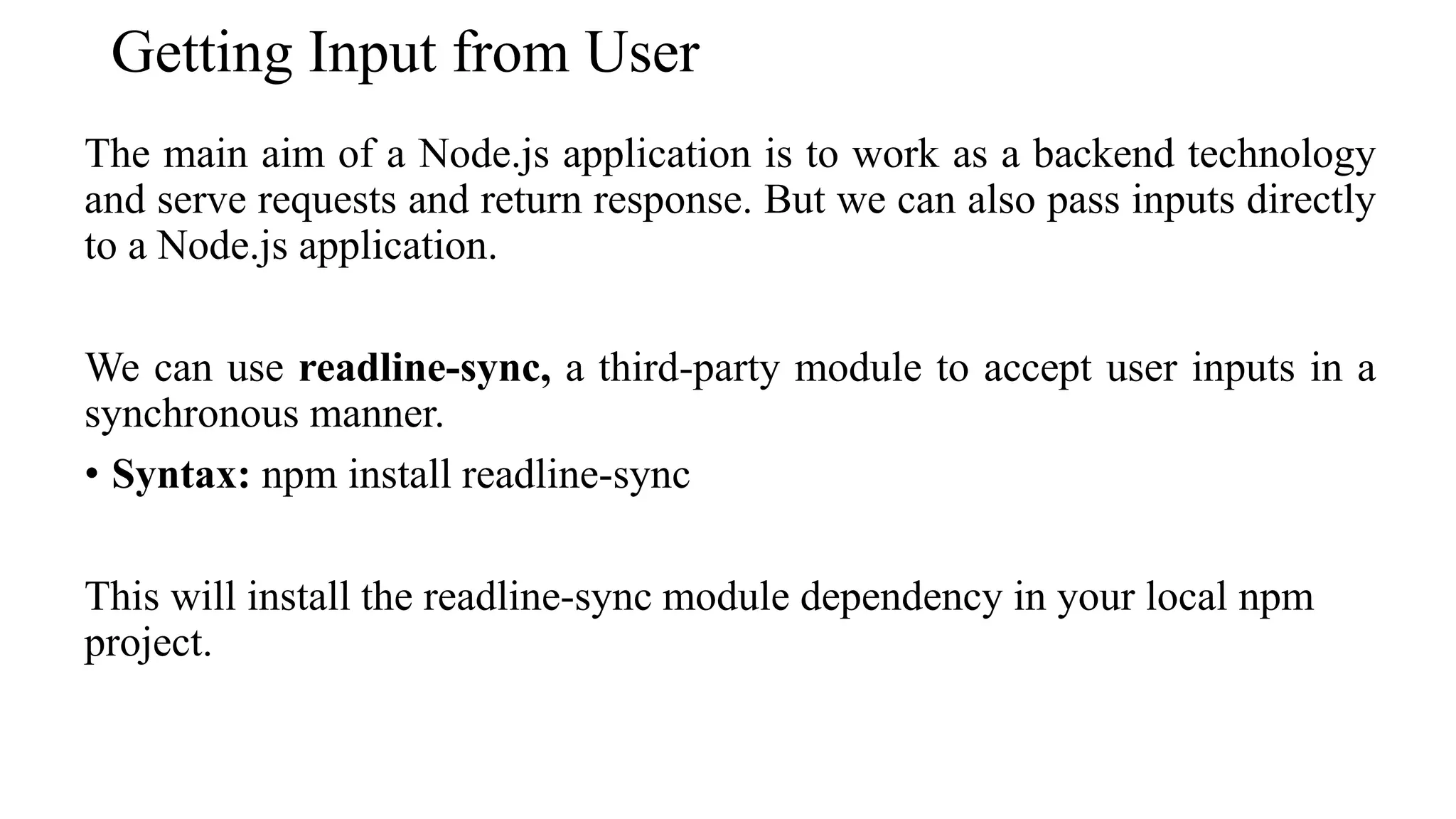
Getting Input from User The main aim of a Node.js application is to work as a backend technology and serve requests and return response. But we can also pass inputs directly to a Node.js application. We can use readline-sync, a third-party module to accept user inputs in a synchronous manner. • Syntax: npm install readline-sync This will install the readline-sync module dependency in your local npm project.
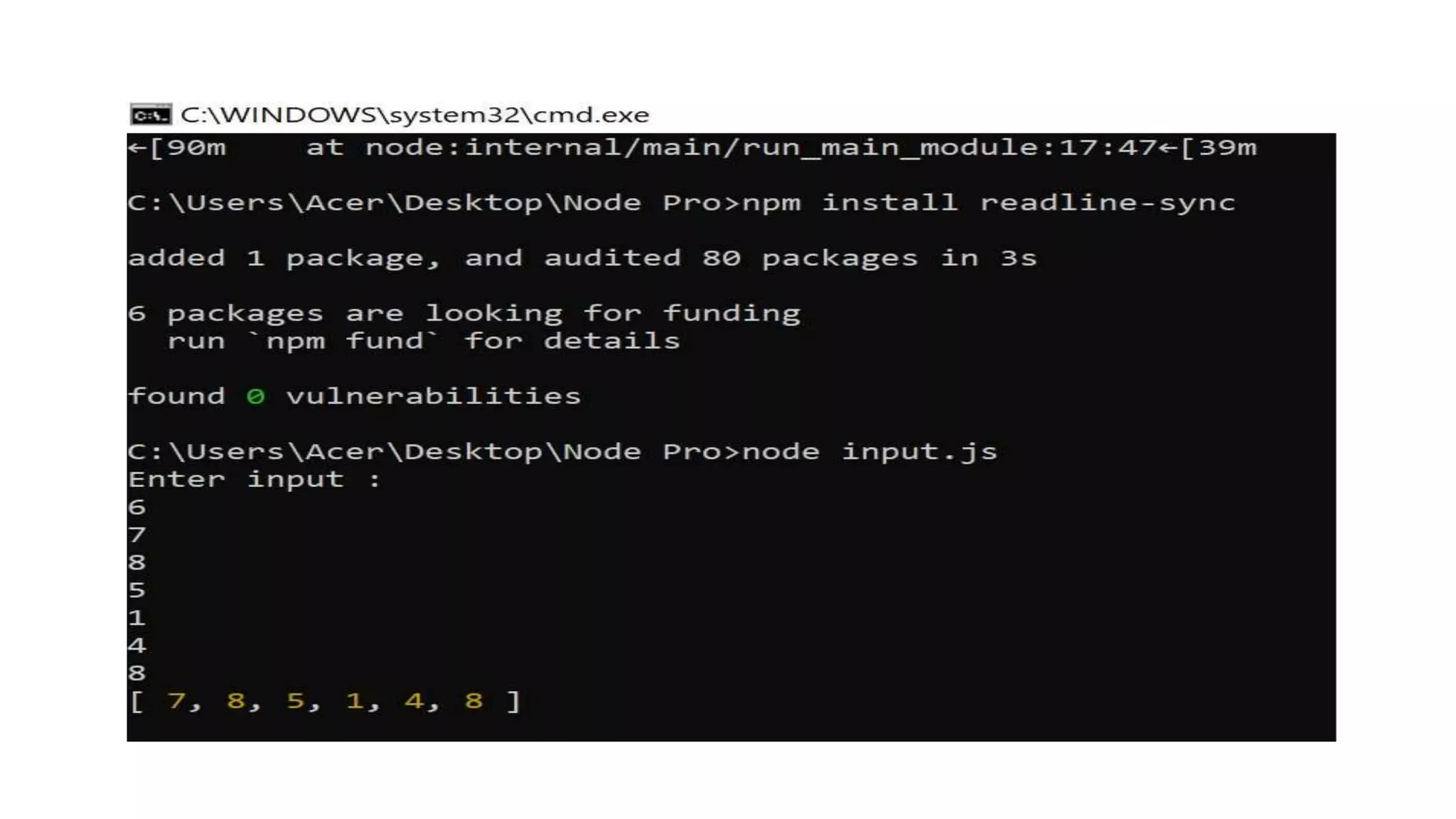
Example 1: Create a file with the name "input.js". After creating the file, use the command "node input.js" to run this code. const readline = require("readline-sync"); console.log("Enter input : ") // Taking a number input let num = Number(readline.question()); let number = []; for (let i = 0; i < num; i++) { number.push(Number(readline.question())); } console.log(number);
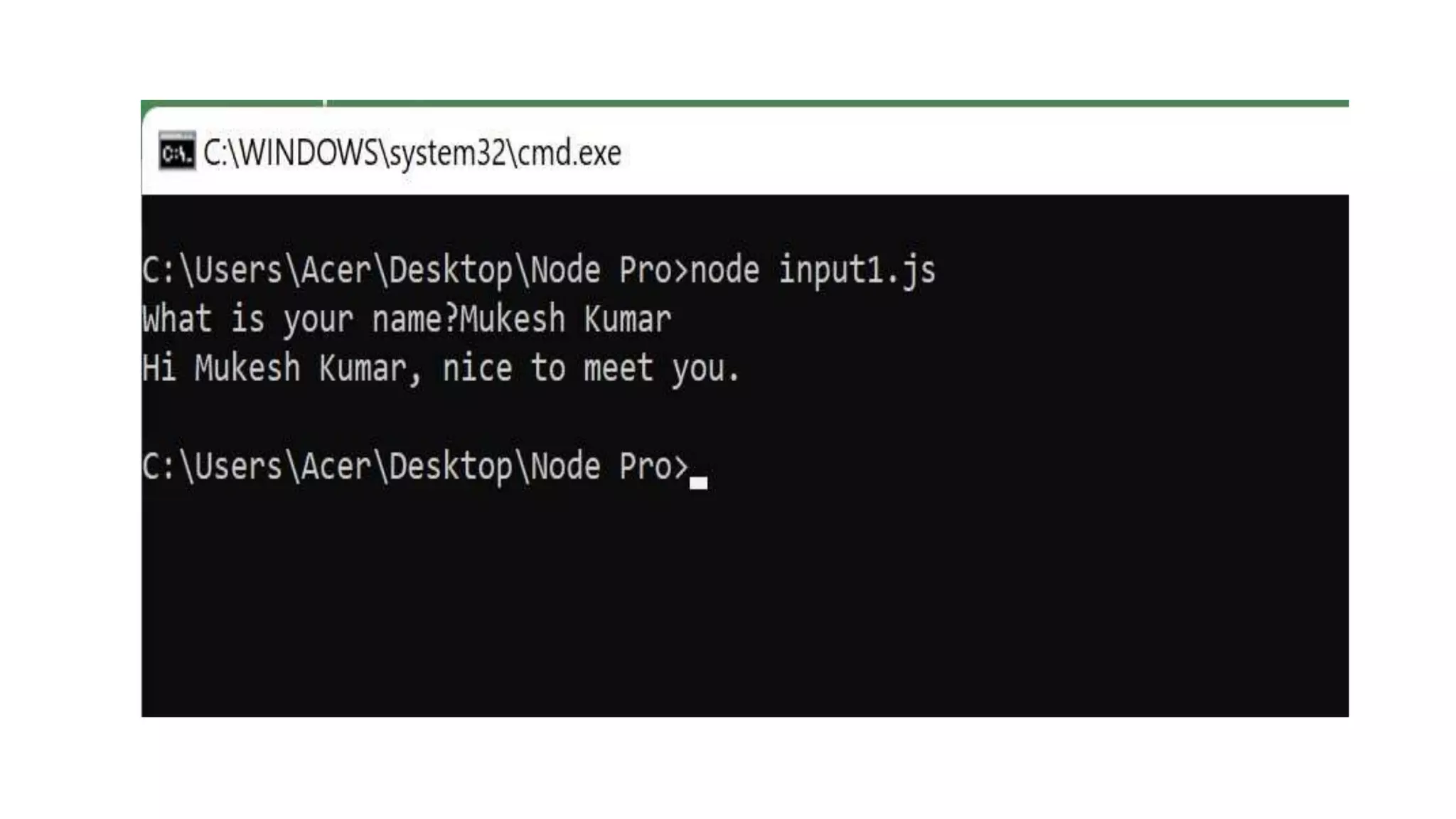
Example 2: Create a file with the name "input.js". After creating the file, use the command "node input.js" to run this code. input1.js var readline = require('readline-sync'); var name = readline.question("What is your name?"); console.log("Hi " + name + ", nice to meet you.");
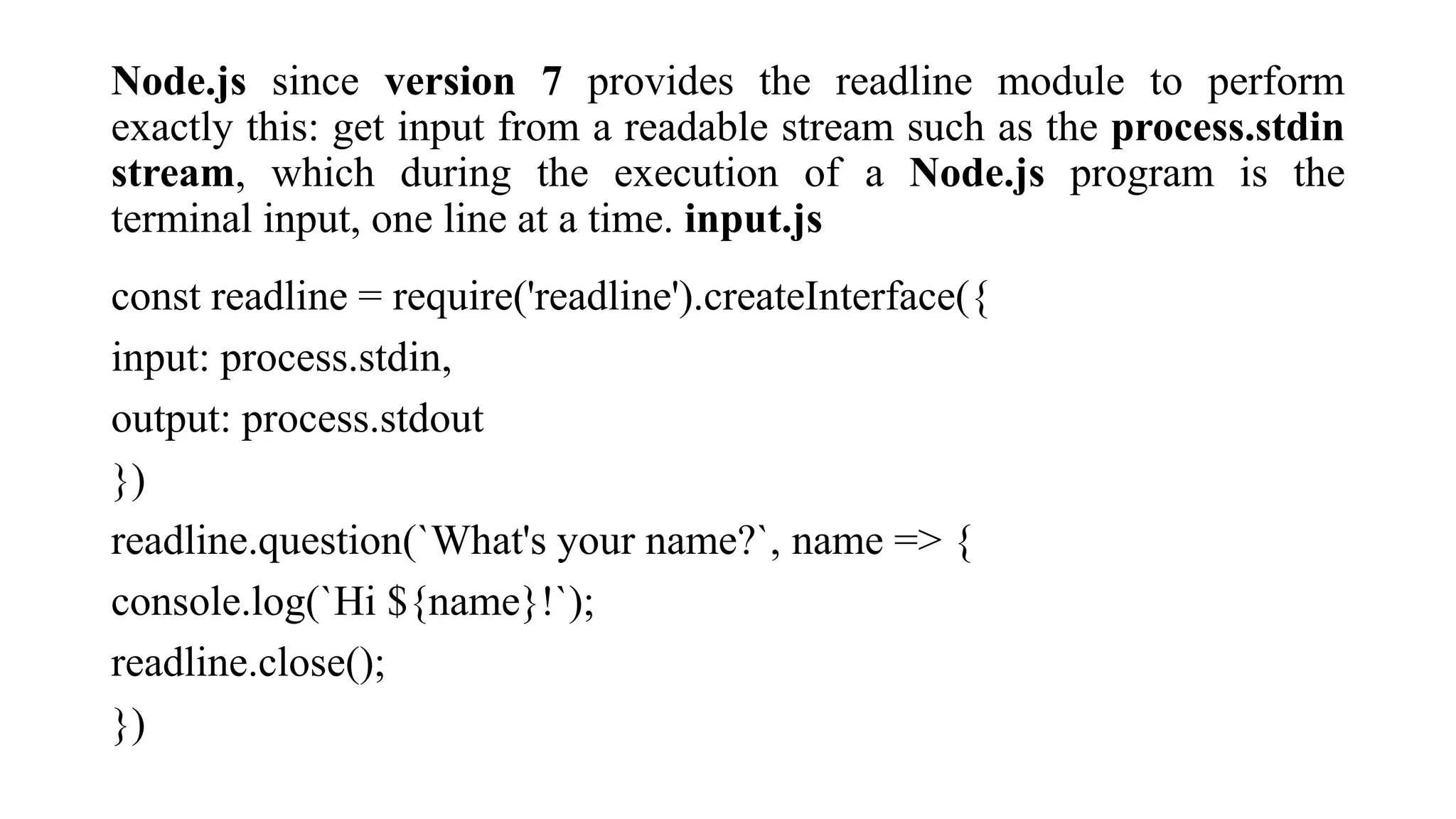
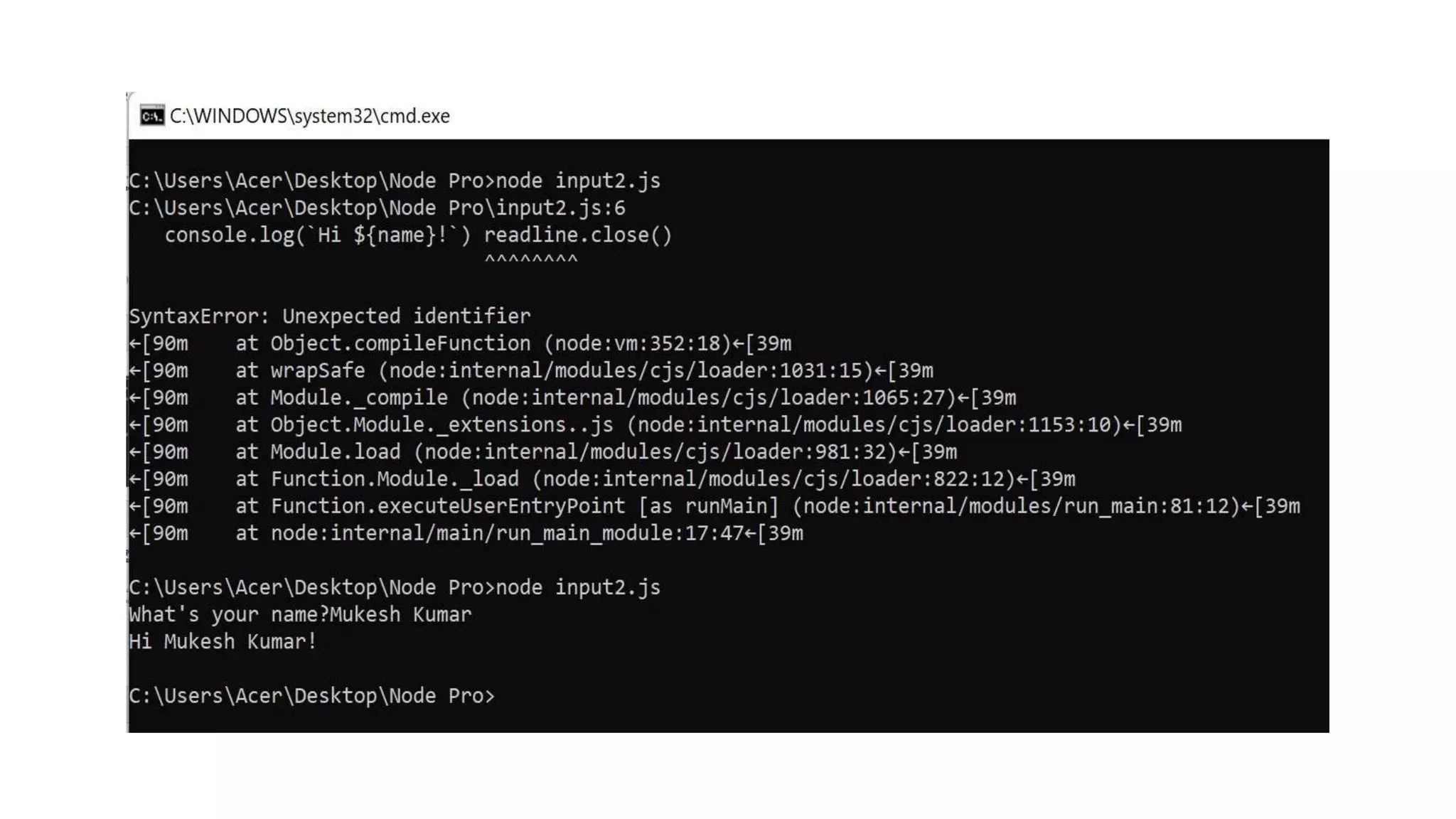
Node.js since version 7 provides the readline module to perform exactly this: get input from a readable stream such as the process.stdin stream, which during the execution of a Node.js program is the terminal input, one line at a time. input.js const readline = require('readline').createInterface({ input: process.stdin, output: process.stdout }) readline.question(`What's your name?`, name => { console.log(`Hi ${name}!`); readline.close(); })
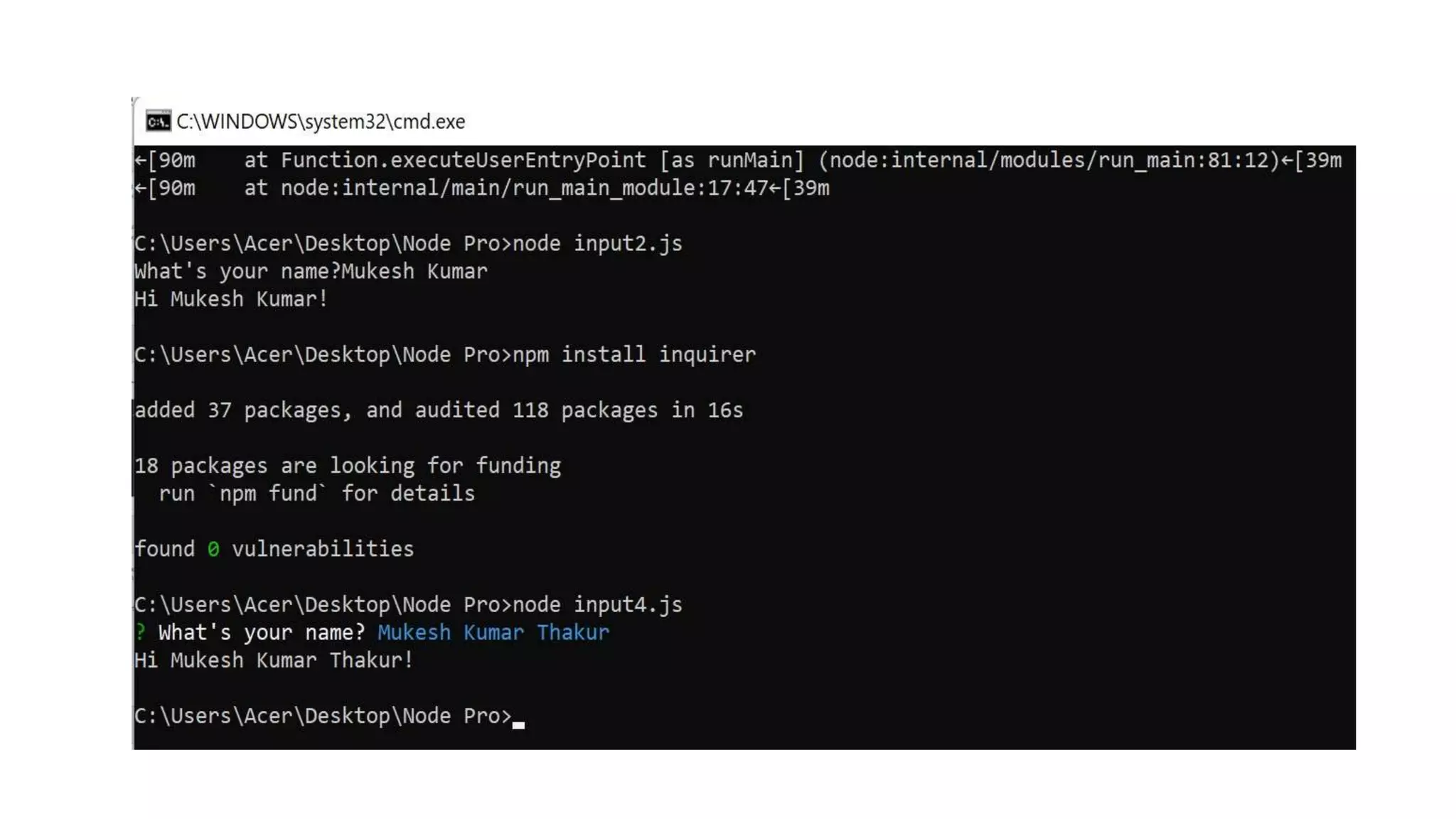
You can install it using npm install inquirer, and then you can replicate the above code like this: input.js const inquirer = require('inquirer') var questions = [{ type: 'input', name: 'name', message: "What's your name?" }] inquirer.prompt(questions).then(answers => { console.log(`Hi ${answers['name']}!`) })
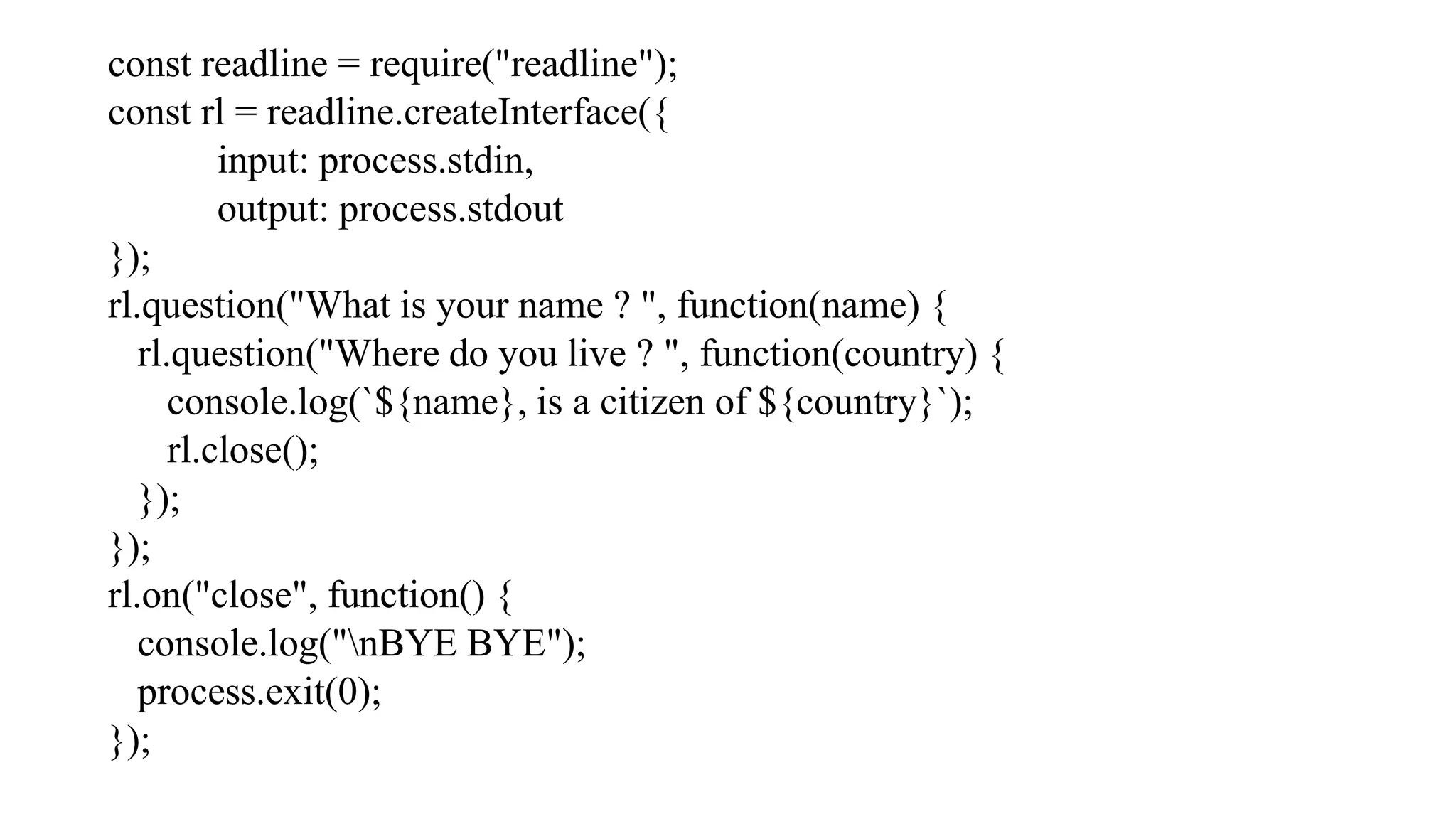
const readline = require("readline"); const rl = readline.createInterface({ input: process.stdin, output: process.stdout }); rl.question("What is your name ? ", function(name) { rl.question("Where do you live ? ", function(country) { console.log(`${name}, is a citizen of ${country}`); rl.close(); }); }); rl.on("close", function() { console.log("nBYE BYE"); process.exit(0); });
Question 1: Command to list all modules that are install globally? • $ npm ls -g • $ npm ls • $ node ls -g • $ node ls
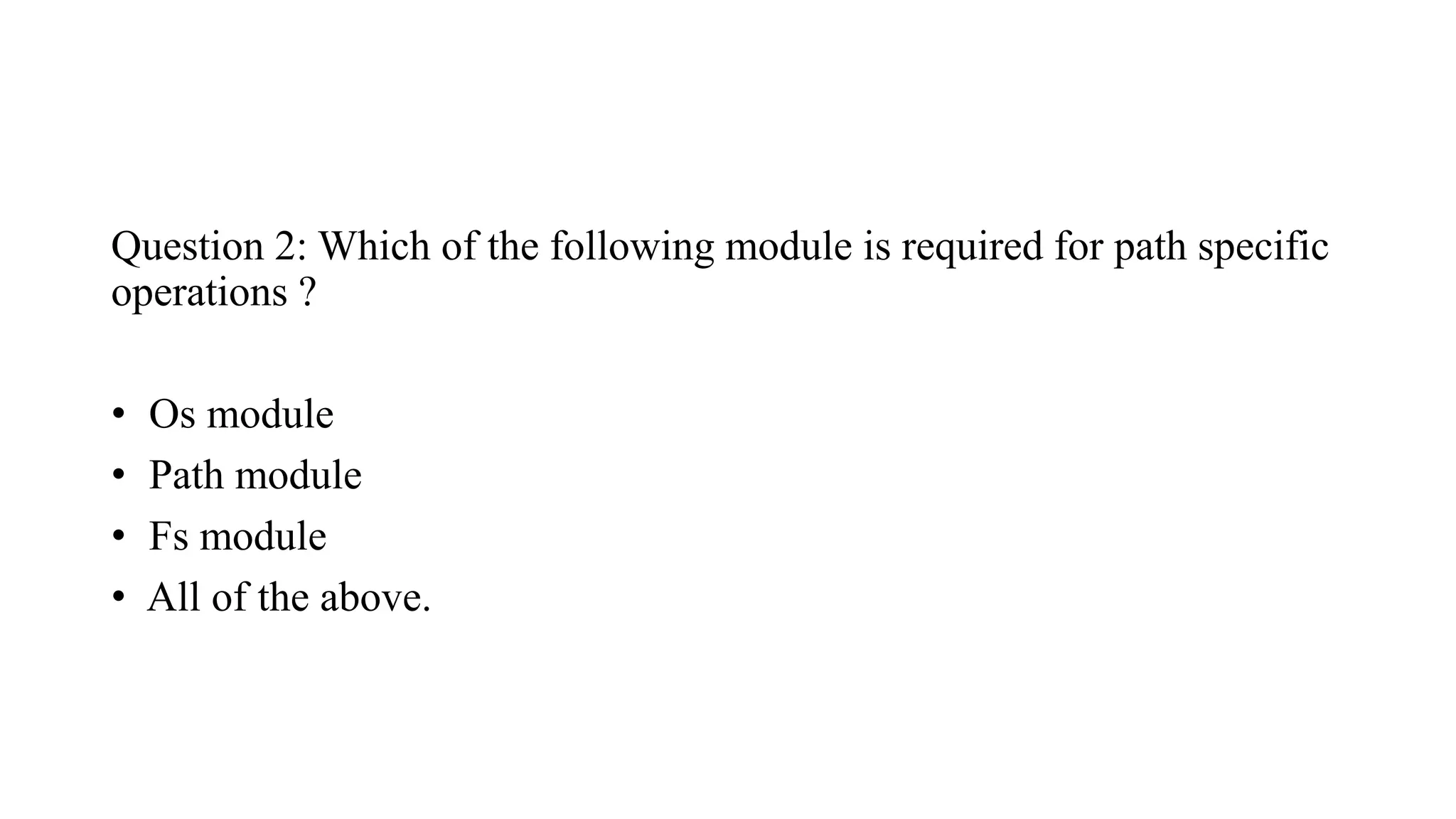
Question 2: Which of the following module is required for path specific operations ? • Os module • Path module • Fs module • All of the above.
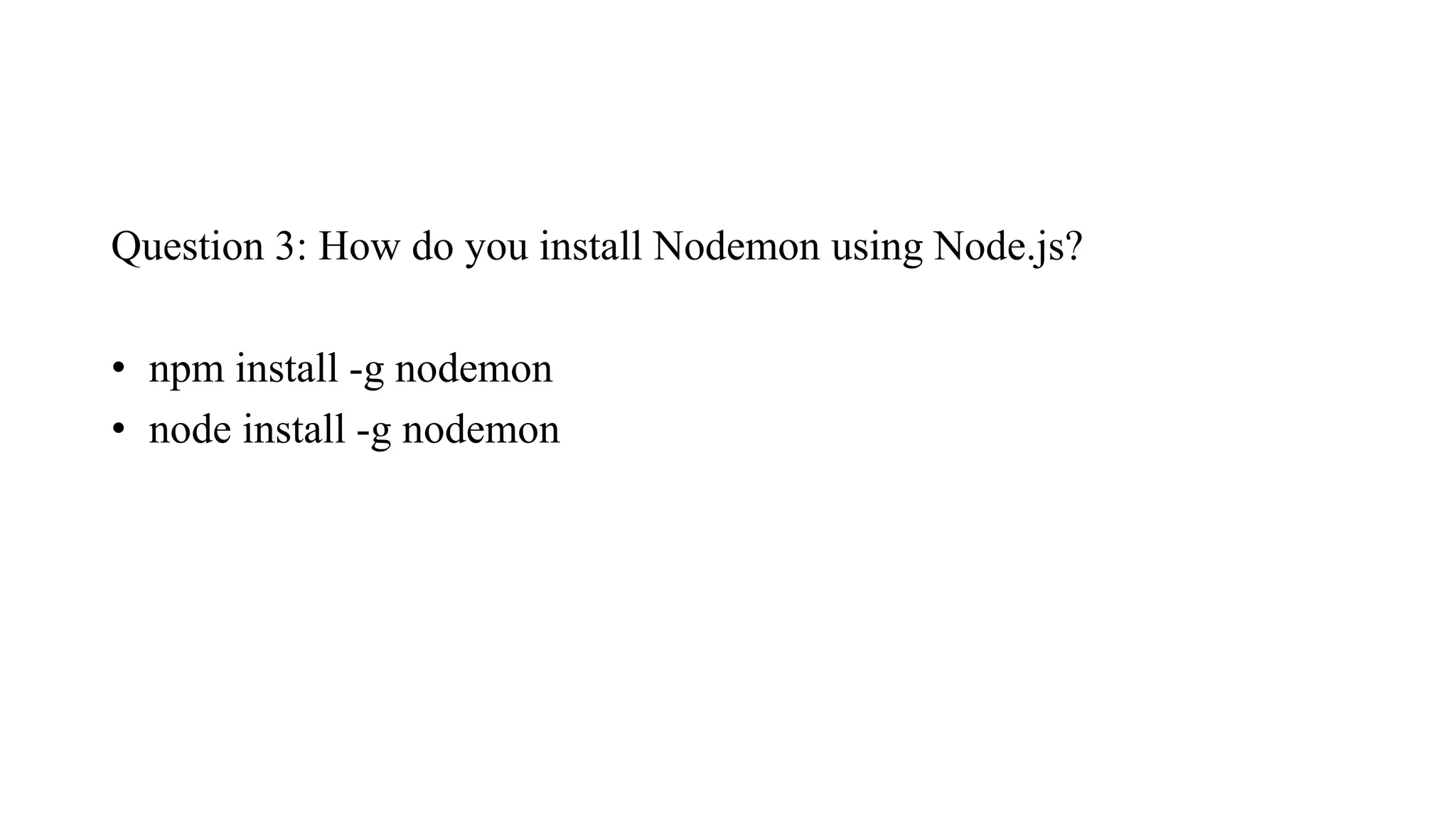
Question 3: How do you install Nodemon using Node.js? • npm install -g nodemon • node install -g nodemon
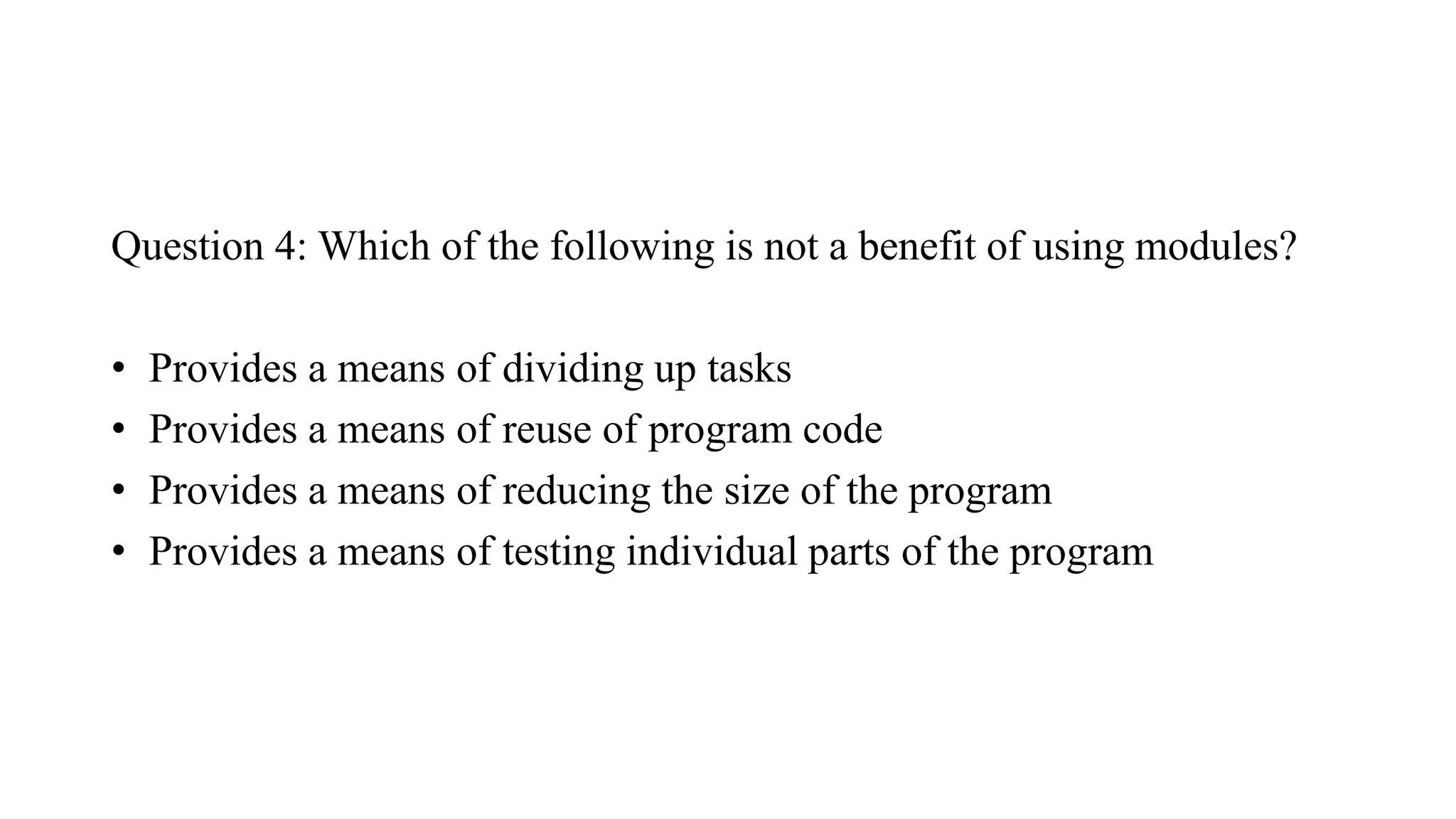
Question 4: Which of the following is not a benefit of using modules? • Provides a means of dividing up tasks • Provides a means of reuse of program code • Provides a means of reducing the size of the program • Provides a means of testing individual parts of the program
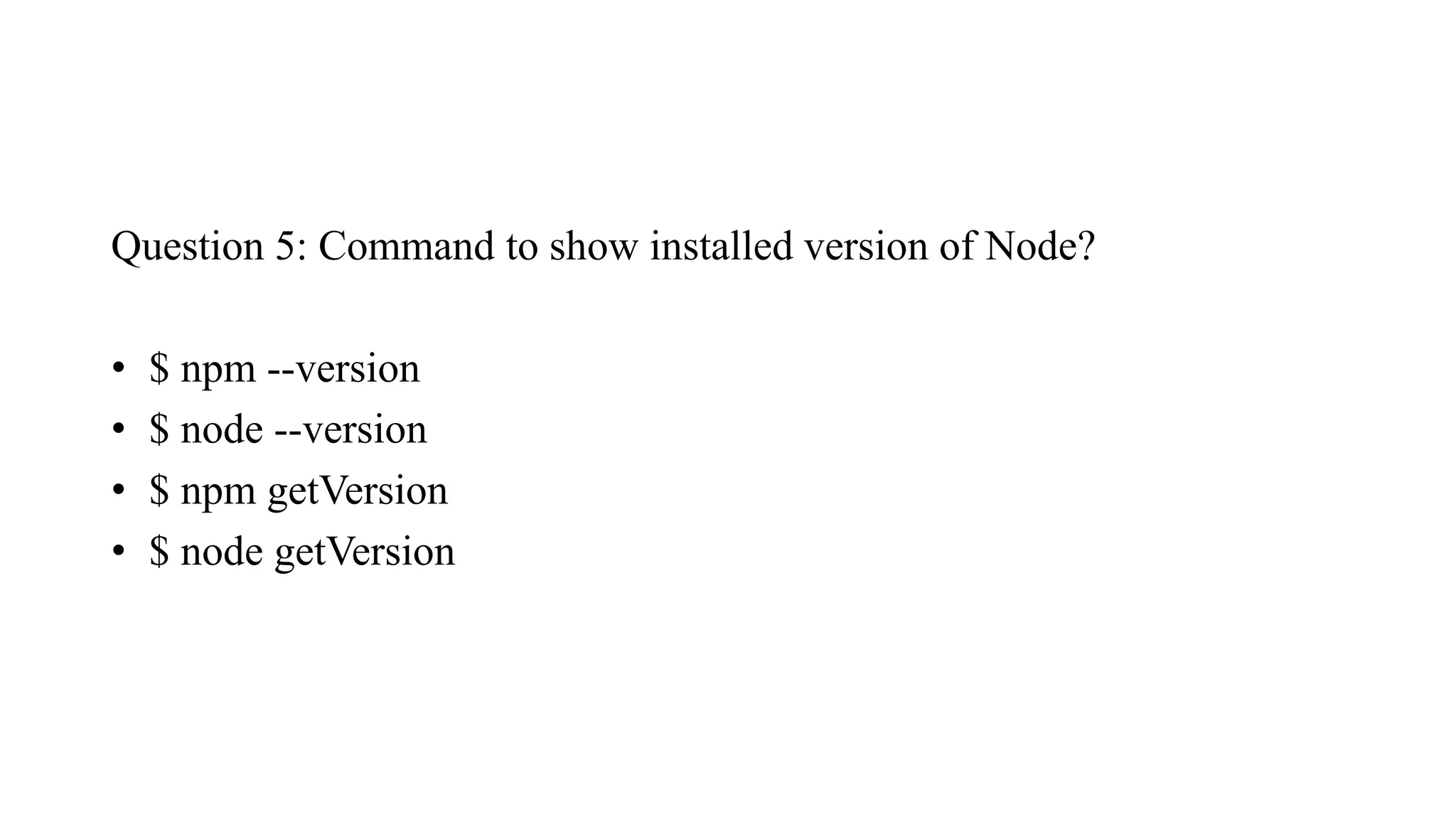
Question 5: Command to show installed version of Node? • $ npm --version • $ node --version • $ npm getVersion • $ node getVersion
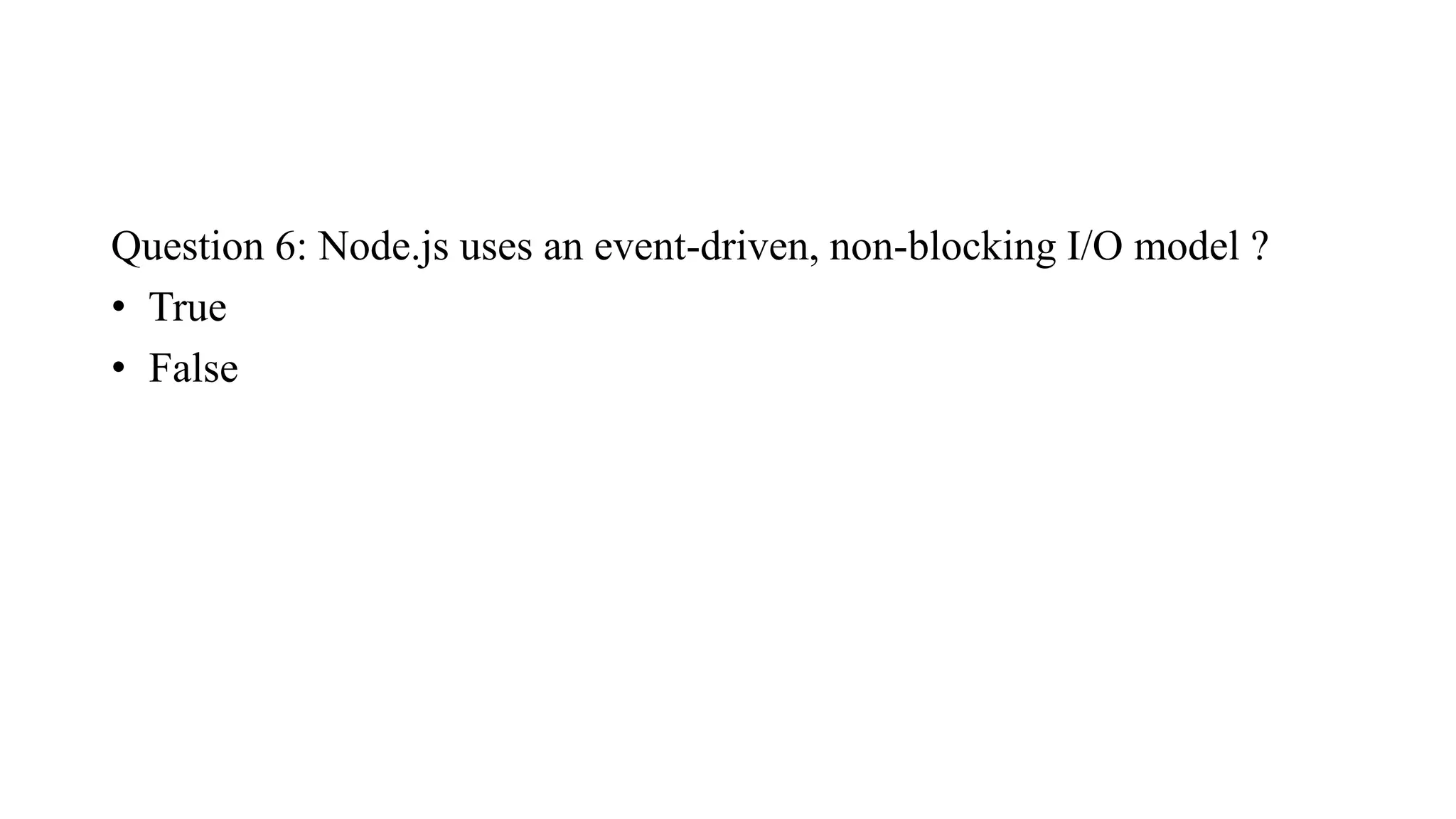
Question 6: Node.js uses an event-driven, non-blocking I/O model ? • True • False
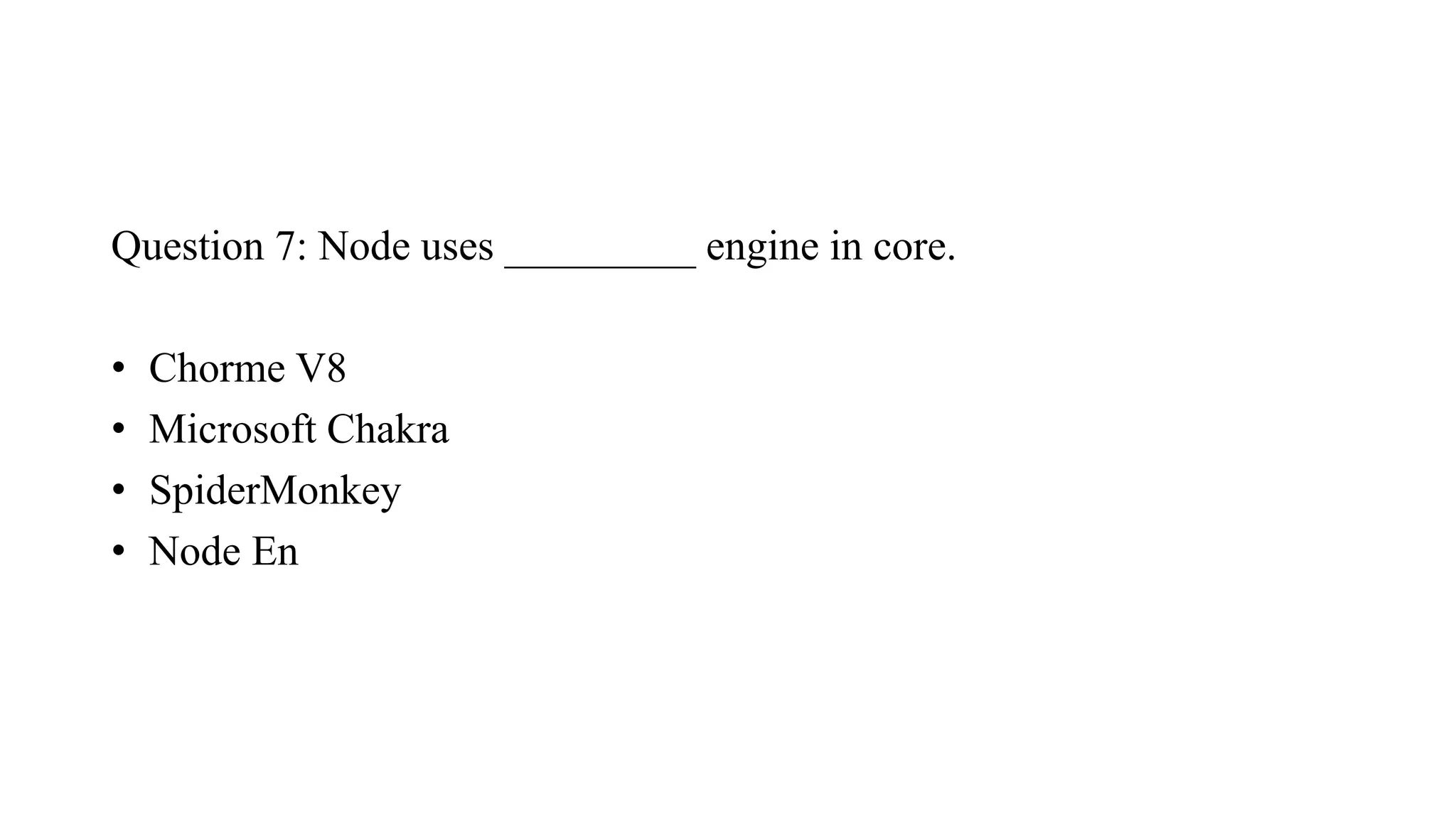
Question 7: Node uses _________ engine in core. • Chorme V8 • Microsoft Chakra • SpiderMonkey • Node En
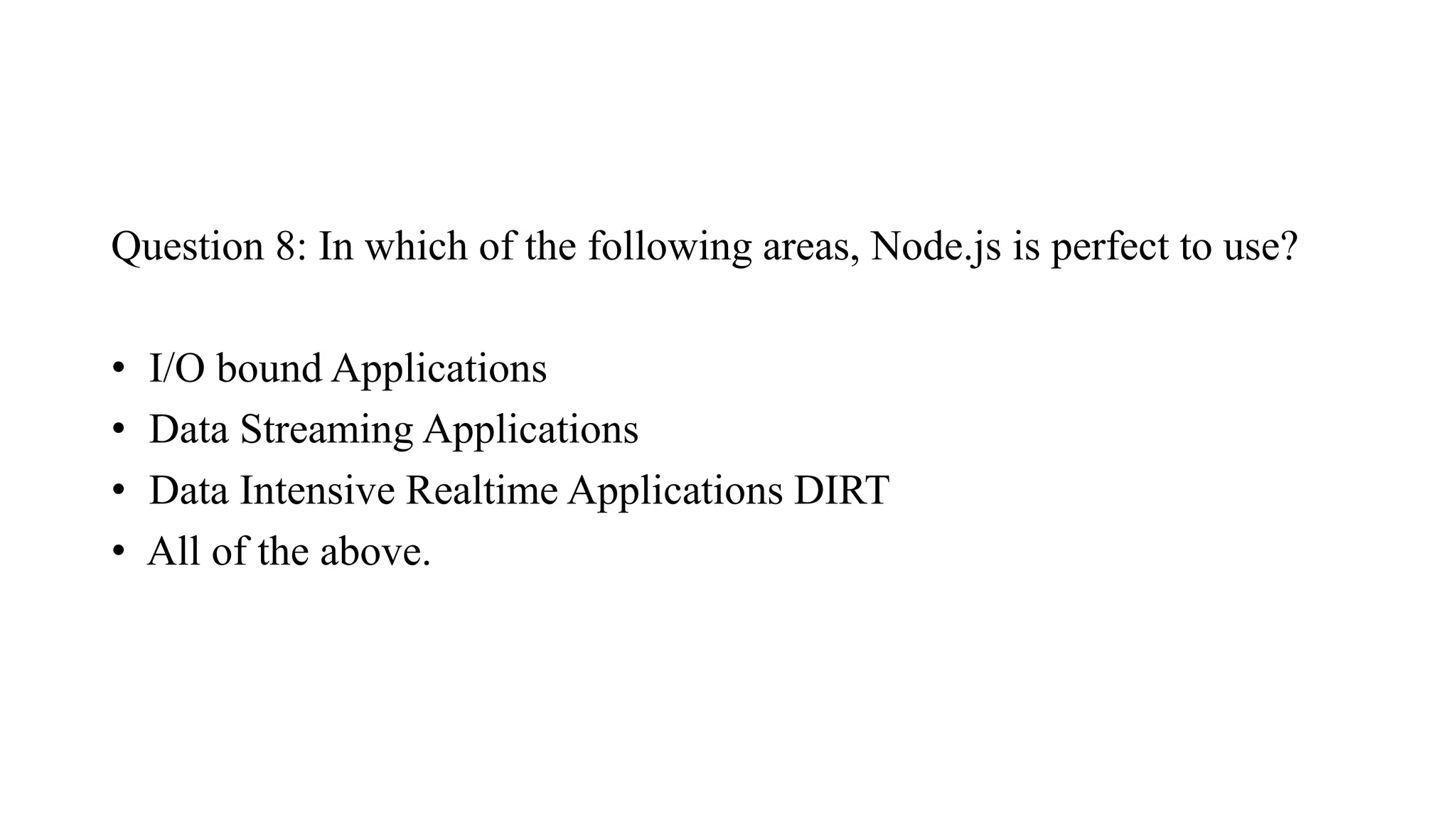
Question 8: In which of the following areas, Node.js is perfect to use? • I/O bound Applications • Data Streaming Applications • Data Intensive Realtime Applications DIRT • All of the above.

Getting Input from User

  • 1.
  • 2.
    Node.js Basics: Datatypes Node.jsis a cross-platform JavaScript runtime environment. It allows the creation of scalable Web servers without threading and networking tools using JavaScript and a collection of “modules” that handle various core functionalities. It can make console-based and web-based node.js applications. Datatypes: Node.js contains various types of data types similar to JavaScript. • Boolean: • Undefined • Null • String • Number
  • 3.
    Loose Typing: Node.jssupports loose typing, it means you don’t need to specify what type of information will be stored in a variable in advance. We use var keyword in Node.js to declare any type of variable.
  • 4.
    Example of Datatype: //Variable store number data type // var a = 10; var a = 35; // var a = 20; console.log(typeof a); // console.log(a) // Variable store string data type a = “Lovely Professional University"; console.log(typeof a); // Variable store Boolean data type a = true; console.log(typeof a); // Variable store undefined (no value) data type a = undefined; Console.log(typeof a);
  • 5.
    Objects & Functions Node.jsobjects are same as JavaScript objects i.e. the objects are similar to variable and it contains many values which are written as name: value pairs. Name and value are separated by colon and every pair is separated by comma. Create an object of Student: Name, Branch, City and Mobile Number.
  • 6.
    var university = { Name:"LPU", Address: "Phagwara", Contact: "+917018003845", Email: mukesh.27406@lpu.ac.in }; // Display the object information console.log("Information of variable university:", university); // Display the type of variable console.log("Type of variable university:", typeof university);
  • 7.
    Node.js Functions Node.js functionsare defined using function keyword then the name of the function and parameters which are passed in the function. In Node.js, we don’t have to specify datatypes for the parameters and check the number of arguments received. Node.js functions follow every rule which is there while writing JavaScript functions. function
  • 8.
    function multiply(num1, num2) { returnnum1 * num2; } var x = 2; var y = 3; console.log("Multiplication of", x, "and", y, "is", multiply(x, y));
  • 9.
    String and StringFunctions In Node.js we can make a variable as string by assigning a value either by using single (‘ vvv ‘) or double (“ bbbbb”) quotes and it contains many functions to manipulate to strings.
  • 10.
    var x ="Welcome to Lovely Professional University"; var y = 'Node.js Tutorials'; var z = ['Lovely', 'Professional', 'University']; console.log(x); console.log(y); console.log("Concat Using (+) :", (x + y)); console.log("Concat Using Function :", (x.concat(y))); console.log("Split string: ", x.split(' ')); console.log("Join string: ", z.join(' ')); console.log("Char At Index 5: ", x.charAt(10));
  • 11.
    Node.js Buffer In node.js,we have a data type called “Buffer” to store a binary data and it is useful when we are reading a data from files or receiving a packets over network.
  • 12.
    How to readcommand line arguments in Node.js ? Command-line arguments (CLI) are strings of text used to pass additional information to a program when an application is running through the command line interface of an operating system. We can easily read these arguments by the global object in node i.e. process object.
  • 13.
    Exp 1: Step 1:Save a file as index.js and paste the below code inside the file. var arguments = process.argv ; console.log(arguments); arguments: 0 1 2 3 4 5 ----- Arguments[0] = Path1, Arguments[1] = Path2 Step 2: Run index.js file using below command: node index.js The process.argv contains an array where the 0th index contains the node executable path, 1st index contains the path to your current file and then the rest index contains the passed arguments. Path1 Path2 “20” “10” “5”
  • 14.
    Exp 2: Programto add two numbers passed as arguments Step 1: Save the file as index1.js and paste the below code inside the file. var arguments = process.argv function add(a, b) { // To extract number from string return parseInt(a)+parseInt(b) } var sum = add(arguments[2], arguments[3]) console.log("Addition of a and b is equal to ", sum)
  • 15.
    var arg =process.argv var i console.log("Even numbers are:") for (i=1;i<process.argv.length;i++) { if (arg[i]%2 == 0) { console.log(arg[i]) } }
  • 16.
    Counting Table var arguments= process.argv let i; var mul=arguments[2] for (let i=1; i<=10; i++) { console.log(mul + " * " + i + " = " + mul*i); }
  • 17.
    Step 2: Runindex1.js file using below command: node index1.js So this is how we can handle arguments in Node.js. The args module is very popular for handling command-line arguments. It provides various features like adding our own command to work and so on.
  • 18.
    There is agiven object, write node.js program to print the given object's properties, delete the second property and get length of the object. var user = { First_Name: "John", Last_Name: "Smith", Age: "38", Department: "Software" }; console.log(user); console.log(Object.keys(user).length); delete user.last_name; console.log(user); console.log(Object.keys(user).length);
  • 19.
    How do youiterate over the given array in node.js? Node.js provides forEach()function that is used to iterate over items in a given array. const arr = ['fish', 'crab', 'dolphin', 'whale', 'starfish']; arr.forEach(element => { console.log(element); }); Const is the variables declared with the keyword const that stores constant values. const declarations are block-scoped i.e. we can access const only within the block where it was declared. const cannot be updated or re-declared i.e. const will be the same within its block and cannot be re- declare or update.
  • 20.
    Getting Input fromUser The main aim of a Node.js application is to work as a backend technology and serve requests and return response. But we can also pass inputs directly to a Node.js application. We can use readline-sync, a third-party module to accept user inputs in a synchronous manner. • Syntax: npm install readline-sync This will install the readline-sync module dependency in your local npm project.
  • 21.
    Example 1: Createa file with the name "input.js". After creating the file, use the command "node input.js" to run this code. const readline = require("readline-sync"); console.log("Enter input : ") // Taking a number input let num = Number(readline.question()); let number = []; for (let i = 0; i < num; i++) { number.push(Number(readline.question())); } console.log(number);
  • 23.
    Example 2: Createa file with the name "input.js". After creating the file, use the command "node input.js" to run this code. input1.js var readline = require('readline-sync'); var name = readline.question("What is your name?"); console.log("Hi " + name + ", nice to meet you.");
  • 25.
    Node.js since version7 provides the readline module to perform exactly this: get input from a readable stream such as the process.stdin stream, which during the execution of a Node.js program is the terminal input, one line at a time. input.js const readline = require('readline').createInterface({ input: process.stdin, output: process.stdout }) readline.question(`What's your name?`, name => { console.log(`Hi ${name}!`); readline.close(); })
  • 27.
    You can installit using npm install inquirer, and then you can replicate the above code like this: input.js const inquirer = require('inquirer') var questions = [{ type: 'input', name: 'name', message: "What's your name?" }] inquirer.prompt(questions).then(answers => { console.log(`Hi ${answers['name']}!`) })
  • 29.
    const readline =require("readline"); const rl = readline.createInterface({ input: process.stdin, output: process.stdout }); rl.question("What is your name ? ", function(name) { rl.question("Where do you live ? ", function(country) { console.log(`${name}, is a citizen of ${country}`); rl.close(); }); }); rl.on("close", function() { console.log("nBYE BYE"); process.exit(0); });
  • 30.
    Question 1: Commandto list all modules that are install globally? • $ npm ls -g • $ npm ls • $ node ls -g • $ node ls
  • 31.
    Question 2: Whichof the following module is required for path specific operations ? • Os module • Path module • Fs module • All of the above.
  • 32.
    Question 3: Howdo you install Nodemon using Node.js? • npm install -g nodemon • node install -g nodemon
  • 33.
    Question 4: Whichof the following is not a benefit of using modules? • Provides a means of dividing up tasks • Provides a means of reuse of program code • Provides a means of reducing the size of the program • Provides a means of testing individual parts of the program
  • 34.
    Question 5: Commandto show installed version of Node? • $ npm --version • $ node --version • $ npm getVersion • $ node getVersion
  • 35.
    Question 6: Node.jsuses an event-driven, non-blocking I/O model ? • True • False
  • 36.
    Question 7: Nodeuses _________ engine in core. • Chorme V8 • Microsoft Chakra • SpiderMonkey • Node En
  • 37.
    Question 8: Inwhich of the following areas, Node.js is perfect to use? • I/O bound Applications • Data Streaming Applications • Data Intensive Realtime Applications DIRT • All of the above.