Learning About JavaScript …and its little buddy, JQuery! GWU Libraries ● 26 June 2012 Julie Meloni // @jcmeloni // jcmeloni@gmail.com
Today’s General Outline • Understanding JavaScript Basics • About the DOM (Document Object Model) • Where JQuery Fits in and How it Works
The Very Very Basics • Developed in 1995 – it’s no spring chicken • No relation to the Java programming language • An interpreted rather than a compiled language ▫ Interpreted by the web browser software • 98% of web traffic is JavaScript-enabled ▫ 2% made up of old screenreader software and ultra-security-conscious people
Practical Uses • Improving navigation • Offering dynamic text display • Creating special effects in response to user • As the basis for remote scripting (the J in AJAX) • Offering more interactivity than static HTML ▫ But less dynamism than a server-side language
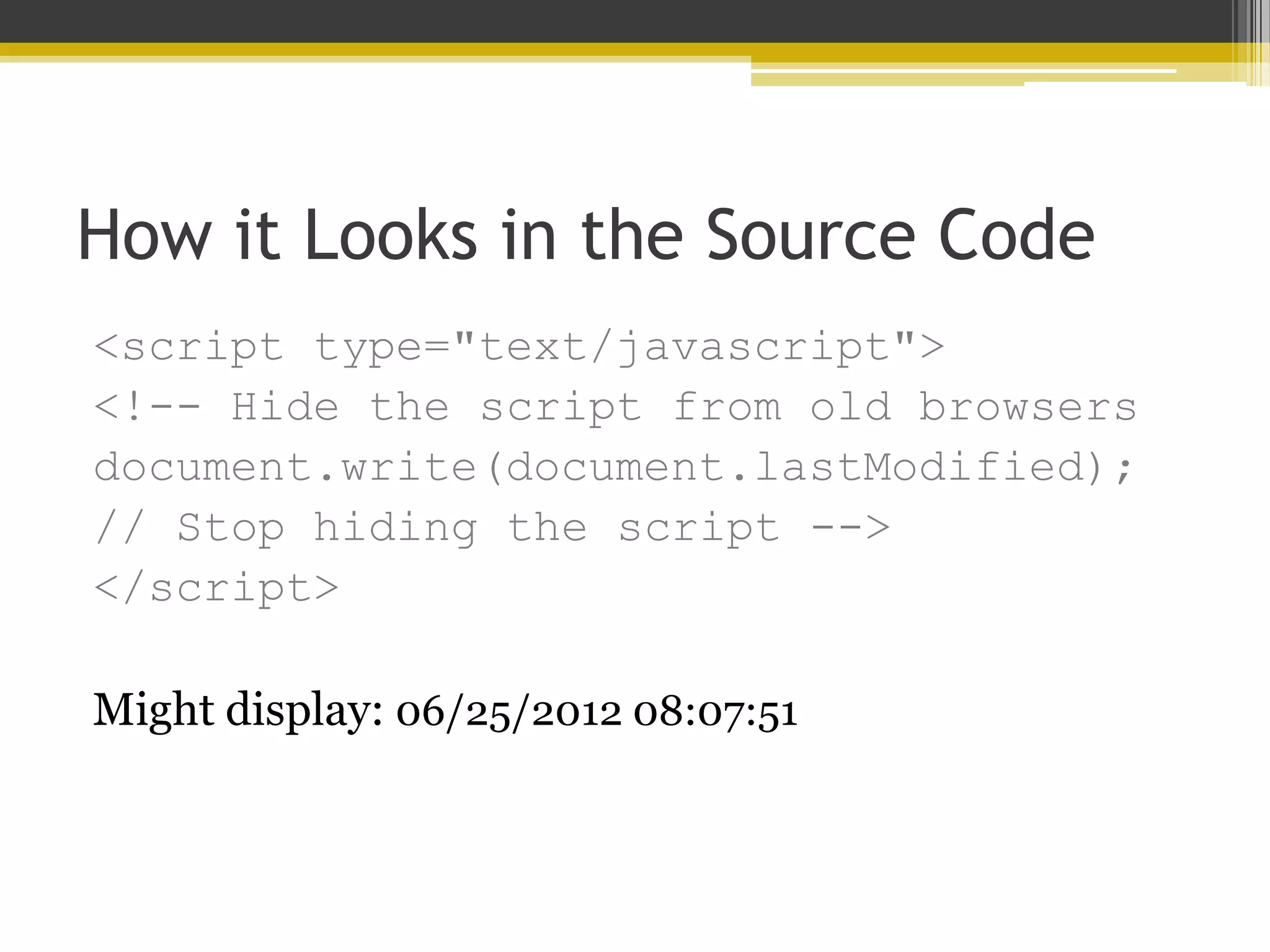
How it Looks in the Source Code <script type="text/javascript"> <!-- Hide the script from old browsers document.write(document.lastModified); // Stop hiding the script --> </script> Might display: 06/25/2012 08:07:51
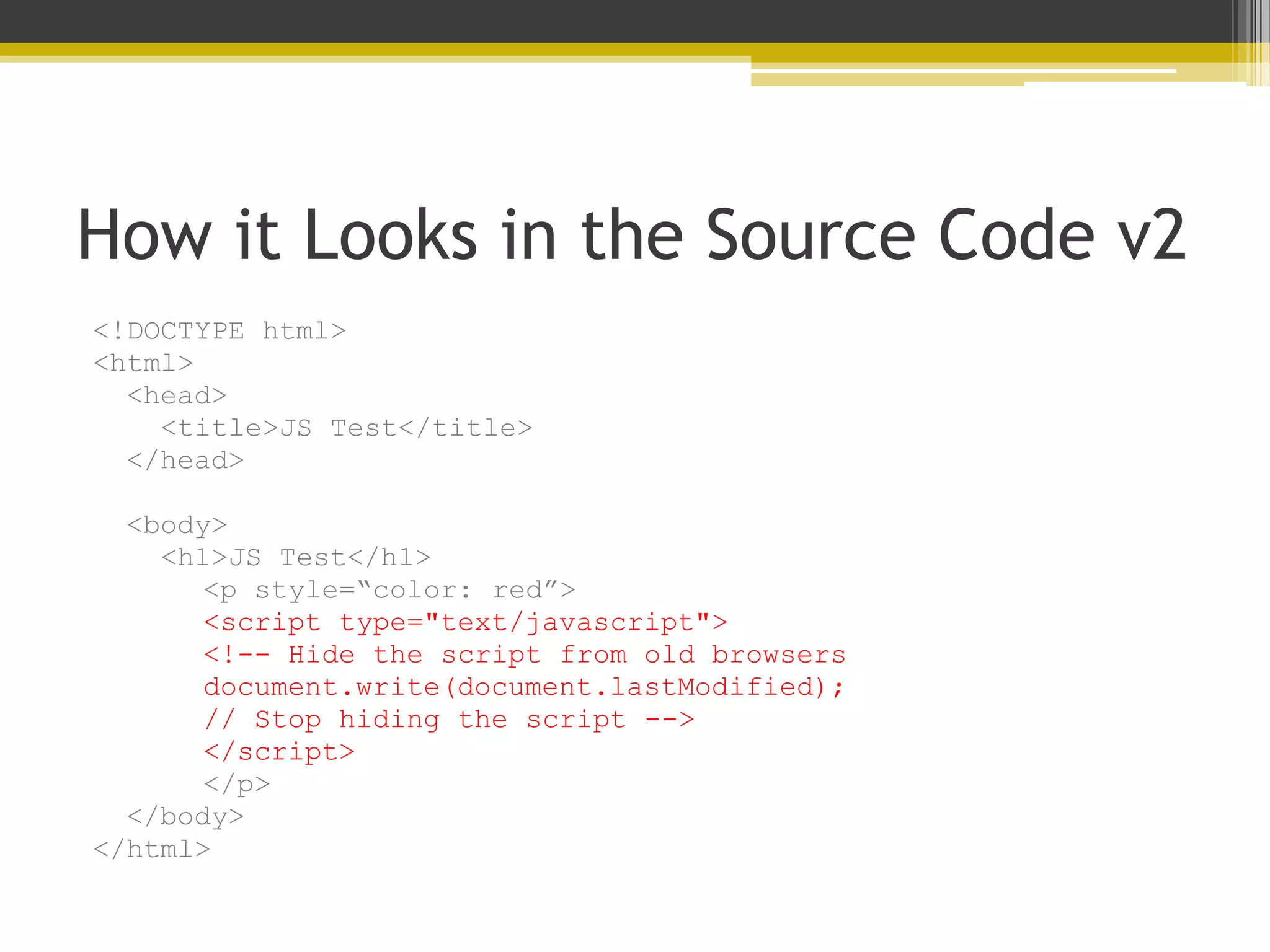
How it Looks in the Source Code v2 <!DOCTYPE html> <html> <head> <title>JS Test</title> </head> <body> <h1>JS Test</h1> <p style=“color: red”> <script type="text/javascript"> <!-- Hide the script from old browsers document.write(document.lastModified); // Stop hiding the script --> </script> </p> </body> </html>
Moving Into Programming Basics • Like other programming languages, JavaScript has: ▫ Variables (& Arrays) ▫ Operators ▫ Flow Control ▫ Objects
About JavaScript Variables • A variable is a bucket that holds one piece of information. • Examples: • var string_variable = “The Library”; • var numeric_variable = 4; • var myname = “Julie”;
About JavaScript Arrays • An array is a type of variable (or bucket) that holds many pieces of information. • Example: • rainbow = new array(“red”, “orange”, “yellow”, “green”, “blue”, “indigo”, “violet”);  rainbow[0] holds “red”  rainbow[1] holds “orange”
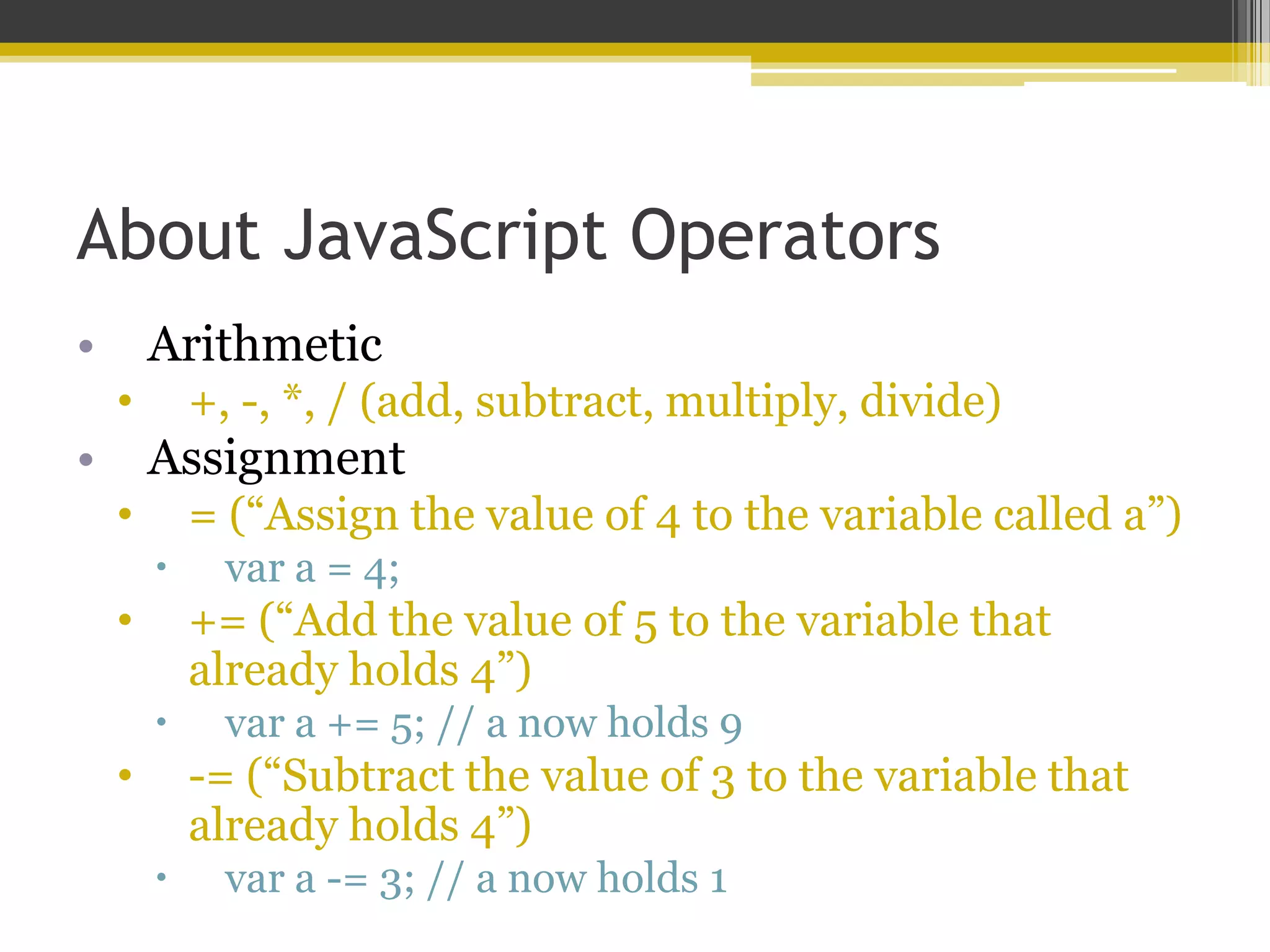
About JavaScript Operators • Arithmetic • +, -, *, / (add, subtract, multiply, divide) • Assignment • = (“Assign the value of 4 to the variable called a”)  var a = 4; • += (“Add the value of 5 to the variable that already holds 4”)  var a += 5; // a now holds 9 • -= (“Subtract the value of 3 to the variable that already holds 4”)  var a -= 3; // a now holds 1
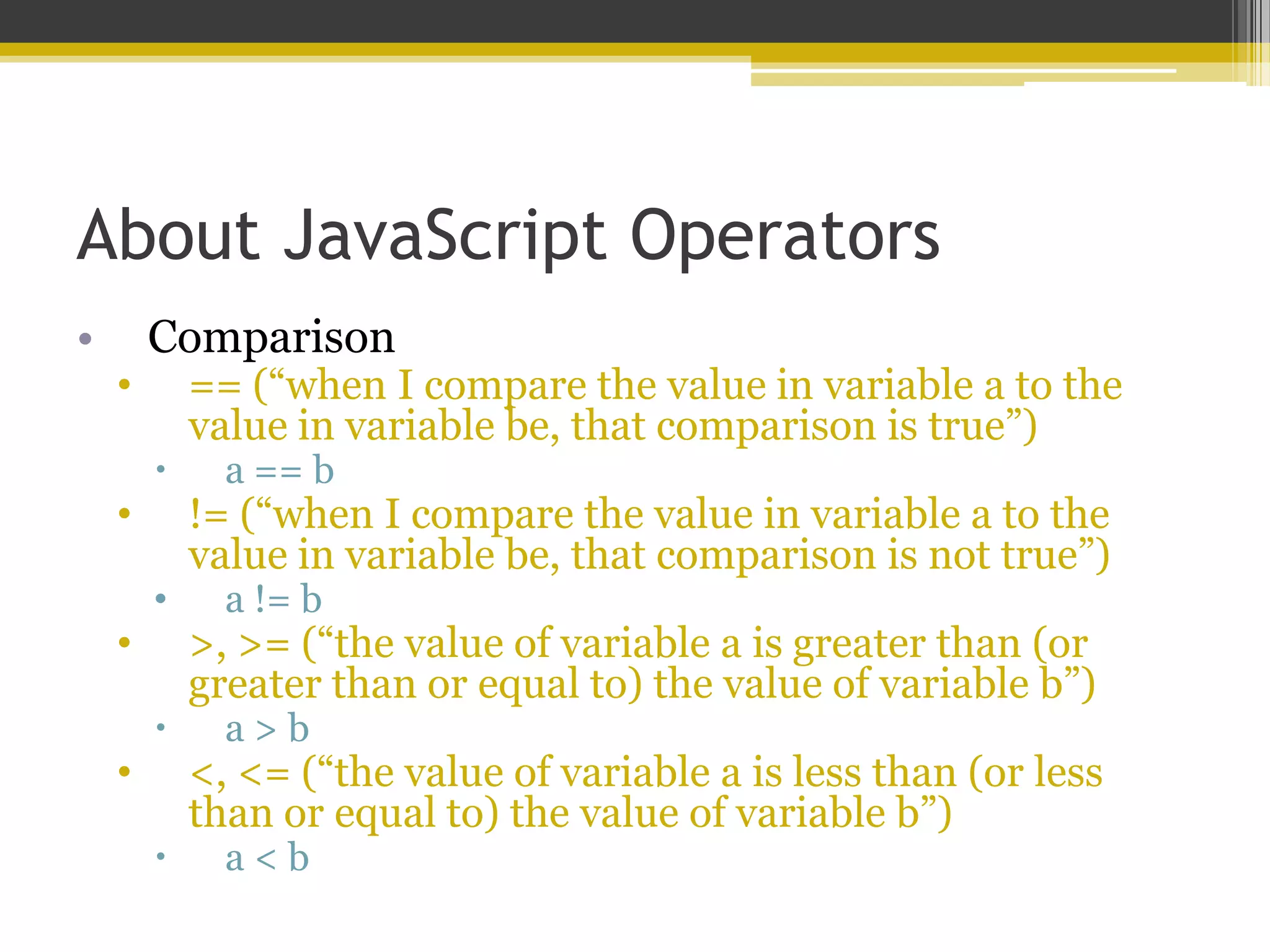
About JavaScript Operators • Comparison • == (“when I compare the value in variable a to the value in variable be, that comparison is true”)  a == b • != (“when I compare the value in variable a to the value in variable be, that comparison is not true”) • a != b • >, >= (“the value of variable a is greater than (or greater than or equal to) the value of variable b”)  a > b • <, <= (“the value of variable a is less than (or less than or equal to) the value of variable b”)  a < b
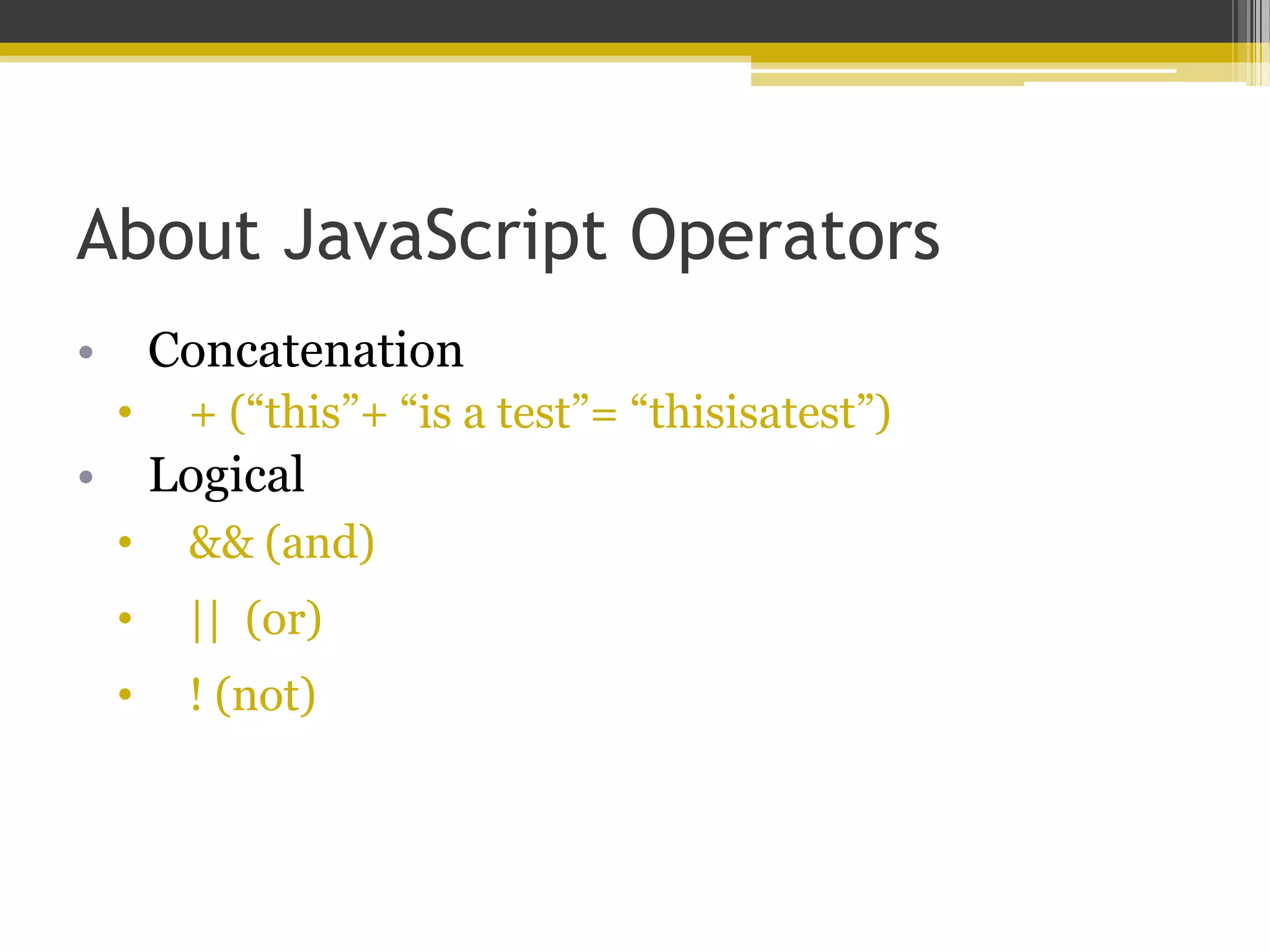
About JavaScript Operators • Concatenation • + (“this”+ “is a test”= “thisisatest”) • Logical • && (and) • || (or) • ! (not)
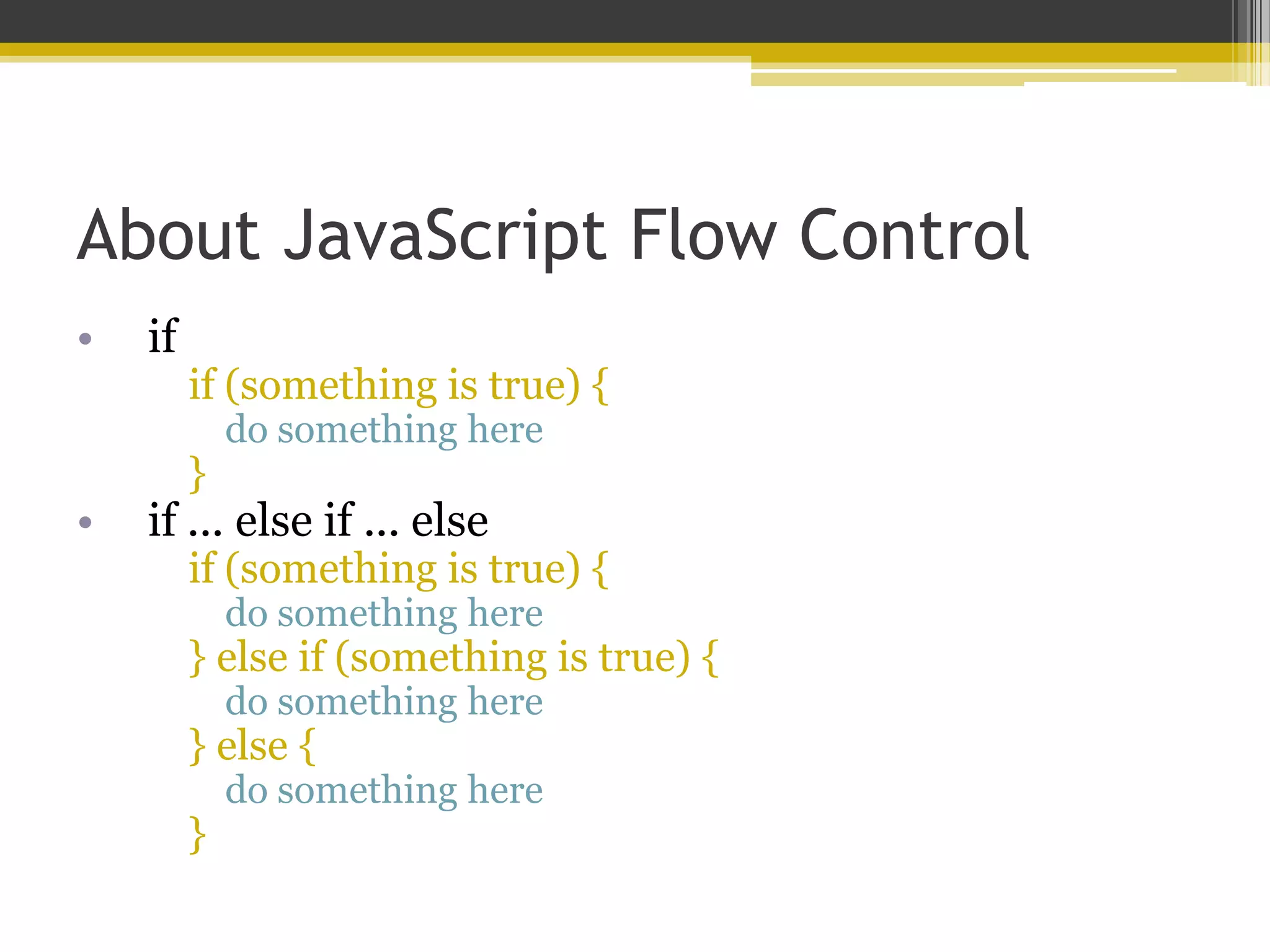
About JavaScript Flow Control • if if (something is true) { do something here } • if ... else if ... else if (something is true) { do something here } else if (something is true) { do something here } else { do something here }
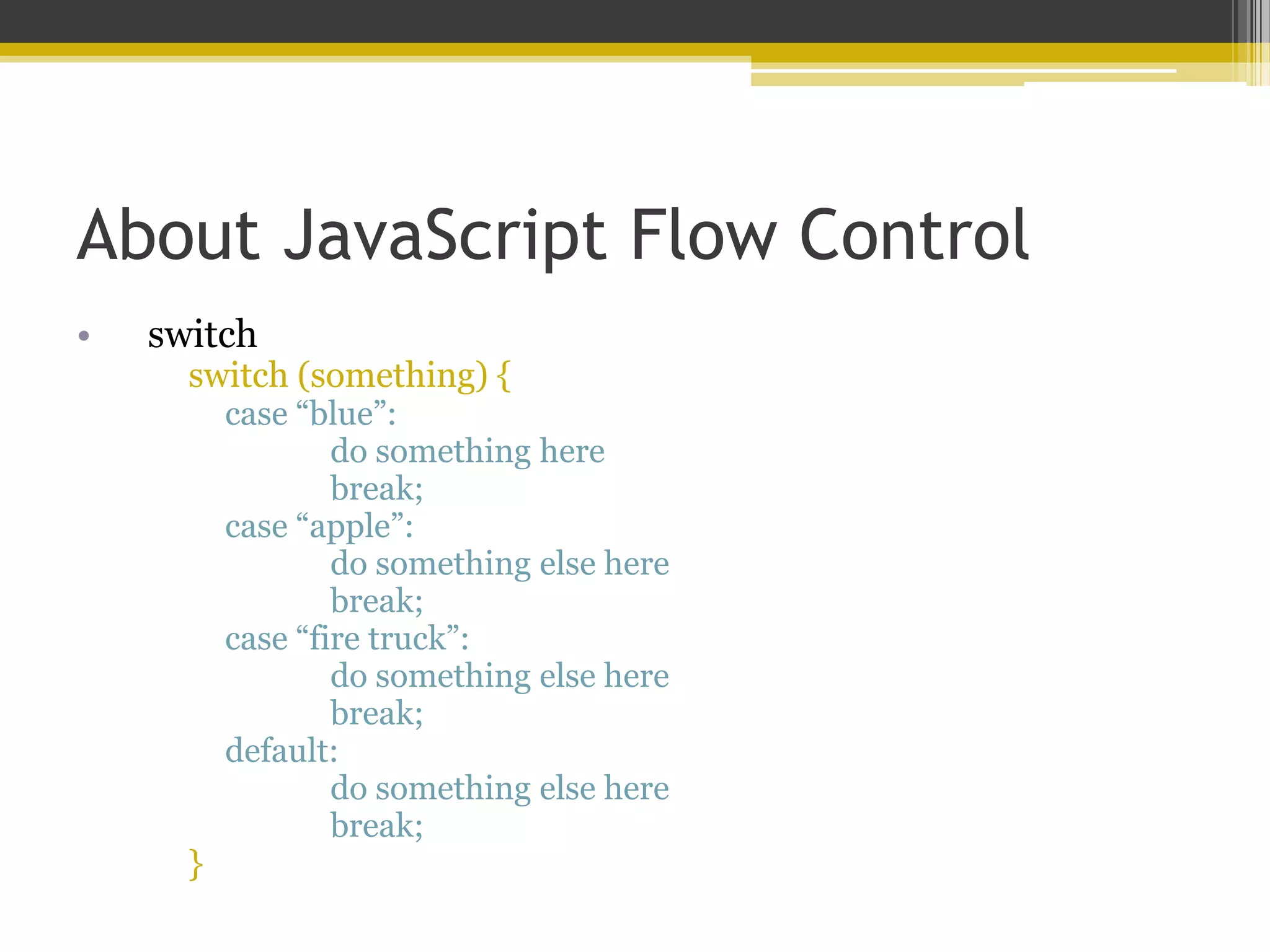
About JavaScript Flow Control • switch switch (something) { case “blue”: do something here break; case “apple”: do something else here break; case “fire truck”: do something else here break; default: do something else here break; }
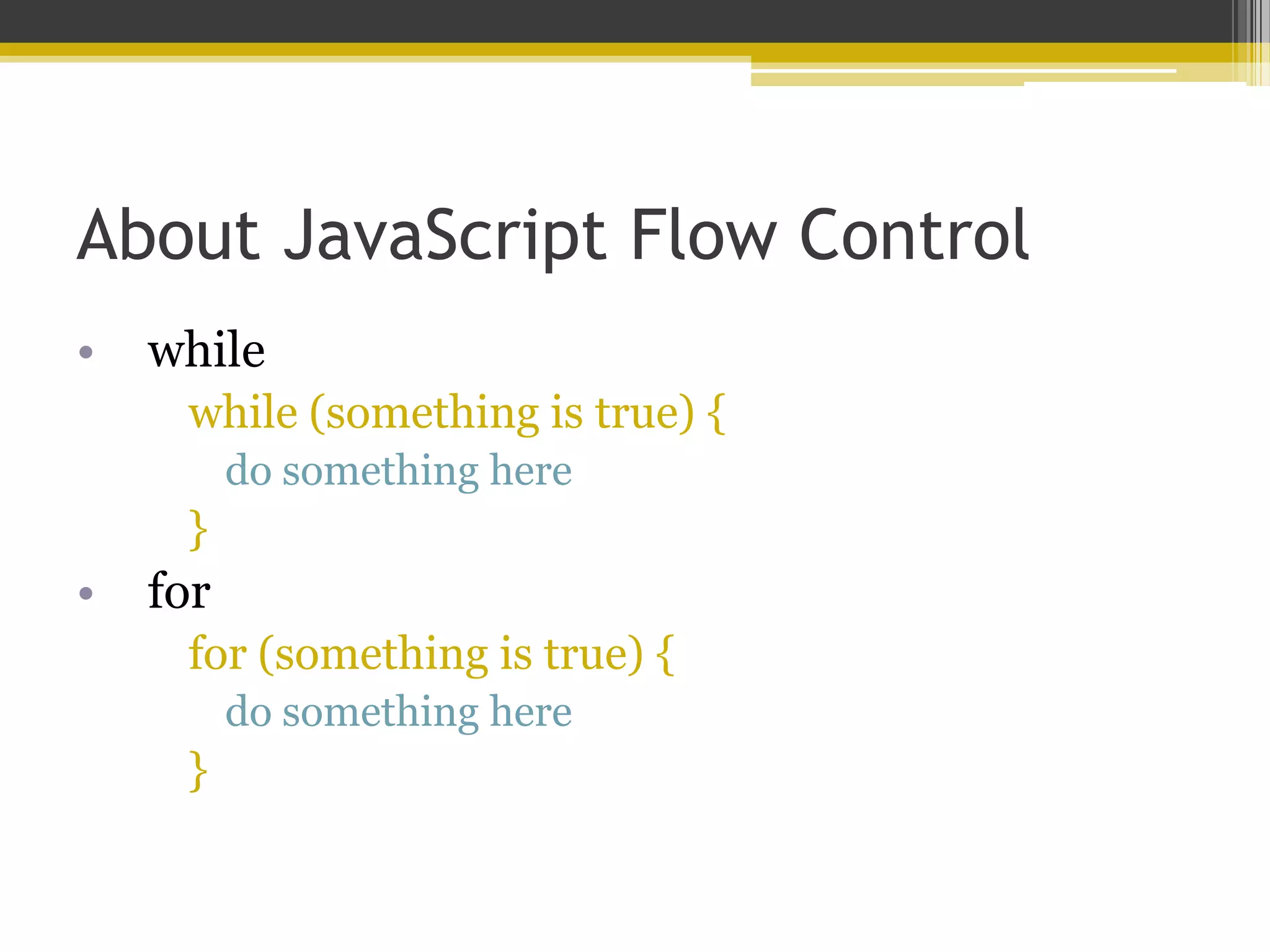
About JavaScript Flow Control • while while (something is true) { do something here } • for for (something is true) { do something here }
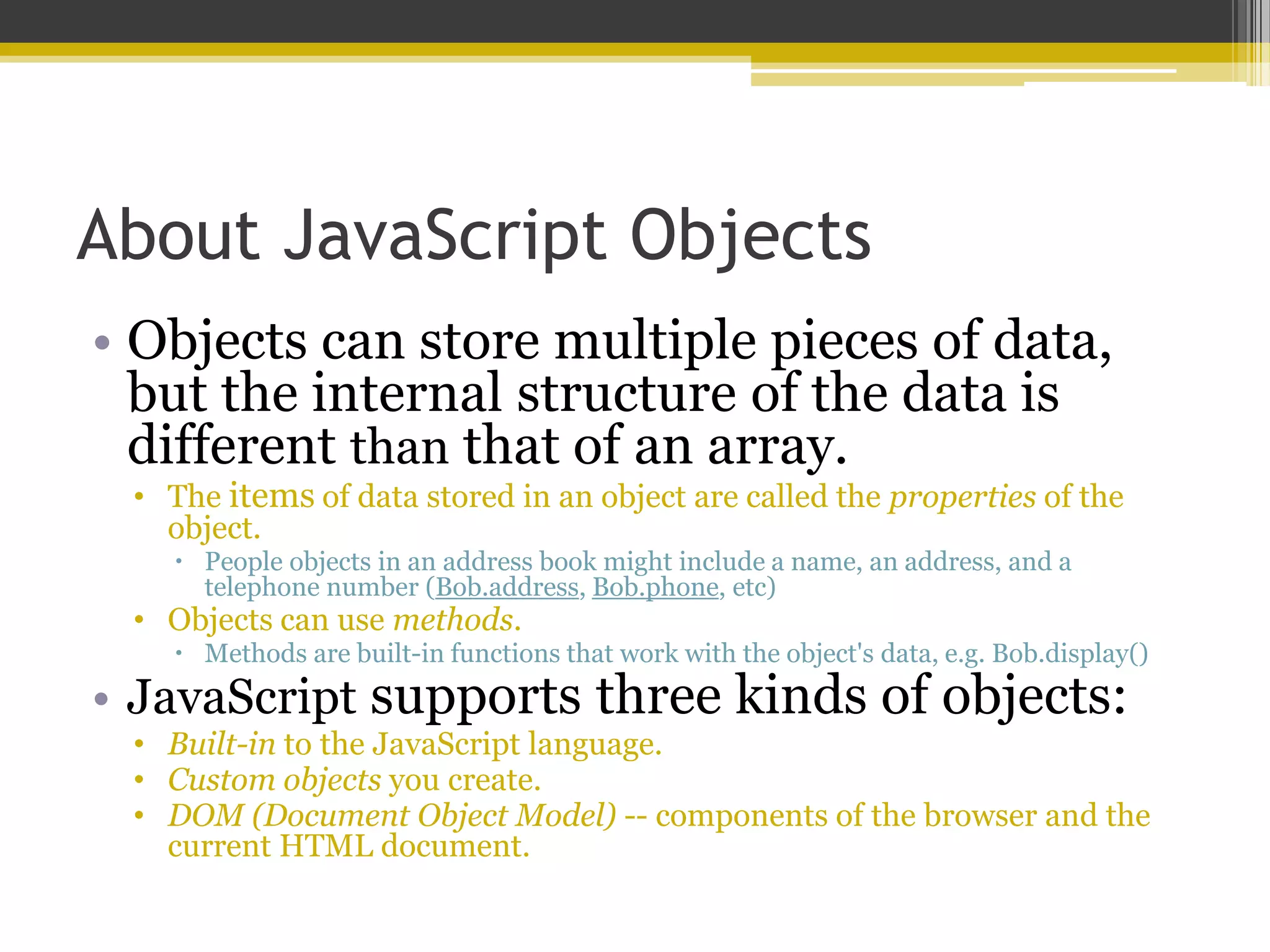
About JavaScript Objects • Objects can store multiple pieces of data, but the internal structure of the data is different than that of an array. • The items of data stored in an object are called the properties of the object.  People objects in an address book might include a name, an address, and a telephone number (Bob.address, Bob.phone, etc) • Objects can use methods.  Methods are built-in functions that work with the object's data, e.g. Bob.display() • JavaScript supports three kinds of objects: • Built-in to the JavaScript language. • Custom objects you create. • DOM (Document Object Model) -- components of the browser and the current HTML document.
(The Document Object Model)
What is the DOM? • The DOM is the invisible structure of all HTML documents ▫ The overall container object is called the document.  Any container within the document that has an ID is referenced by that ID.  For example, if you have a <div> with an ID called wrapper, then in the DOM that element is referenced by document.wrapper
But it actually starts before that… • The DOM is not part of JavaScript or any other programming language -- it's an API built in to the browser. • At the top of the browser object hierarchy is the window object. • Also access the history object and the location object • Inside a window is a document. • window.document.header-image <img id=“header-image” src=“some.jpg”/>
So what about document? • The document object has several properties, such as: • document.URL • document.title • document.lastModified • document.cookie • document.images • …and more!
And within document? • The document object contains…containers (also called nodes). <!DOCTYPE html> <html> <head> <title>A Simple HTML Document</title> </head> <body> <h1>This is a Level-1 Heading.</h1> <p>This is a simple paragraph.</p> </body> </html>
Nodes Have Properties Too! <h1>This is a Level-1 Heading.</h1> • nodeName is the name of the node, e.g. h1 • innerHTML is the text within the node, e.g. “This is a Level-1 Heading”
So…events? • JavaScript can be used to detect events and react to them • Events include clicked buttons, mouse pointers moving, etc. • The script that you use to detect and respond to an event is called an event handler. • You don't need the <script> tag to define an event handler; you can add an event handler attribute to an individual HTML tag. <a href="http://www.google.com/" onmouseover="alert('You moved!');"> I’m a link.</a> <a href="" onmouseover="DoIt();">Move Me</a>
A Few Event Examples • Mouse • onmouseover • onmouseout • onmouseup • onmousedown • onclick • ondblclick • Keyboard • onkeydown • onkeyup • Form Elements • onblur • onchange • onsubmit
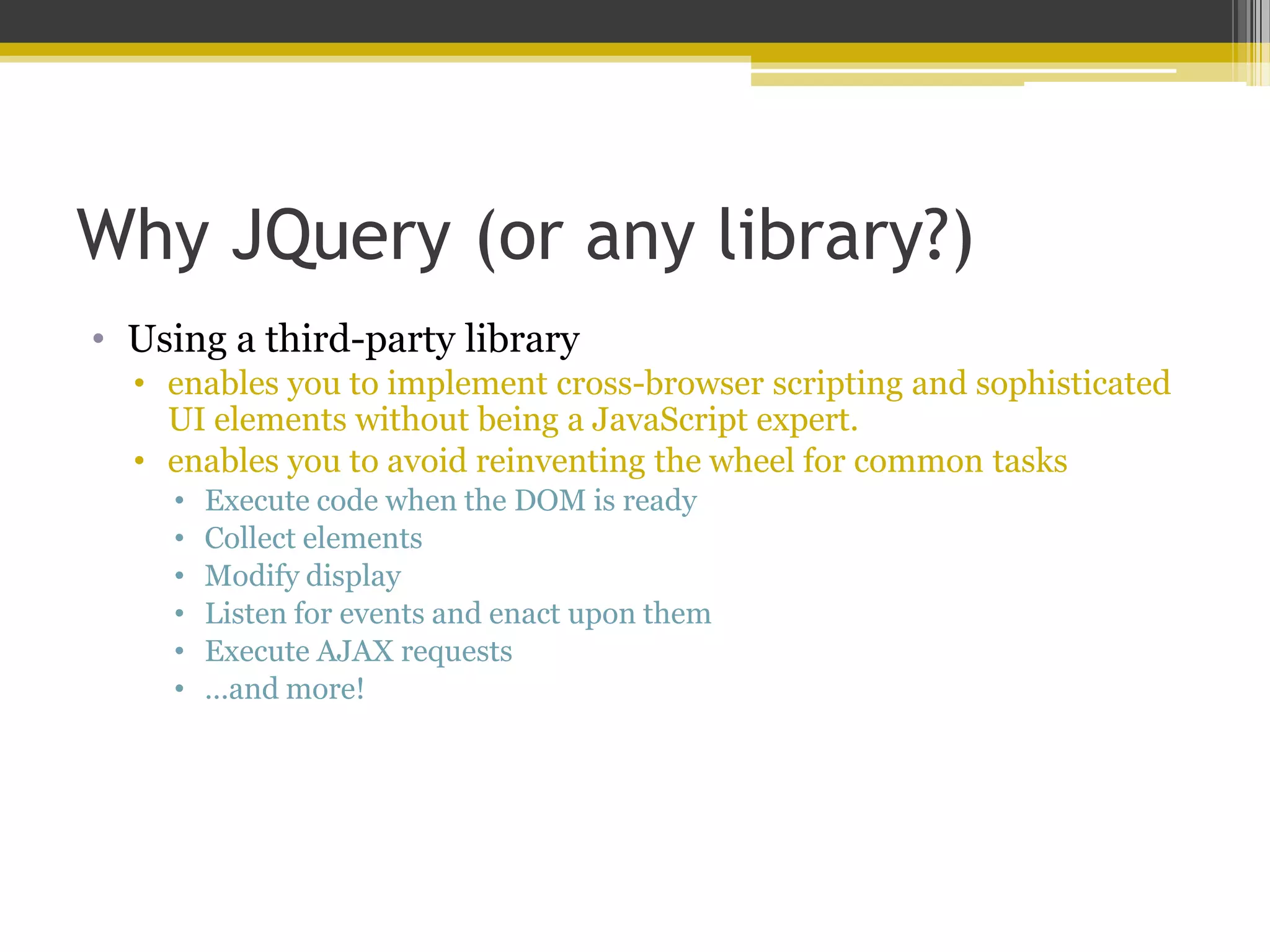
Why JQuery (or any library?) • Using a third-party library • enables you to implement cross-browser scripting and sophisticated UI elements without being a JavaScript expert. • enables you to avoid reinventing the wheel for common tasks • Execute code when the DOM is ready • Collect elements • Modify display • Listen for events and enact upon them • Execute AJAX requests • …and more!
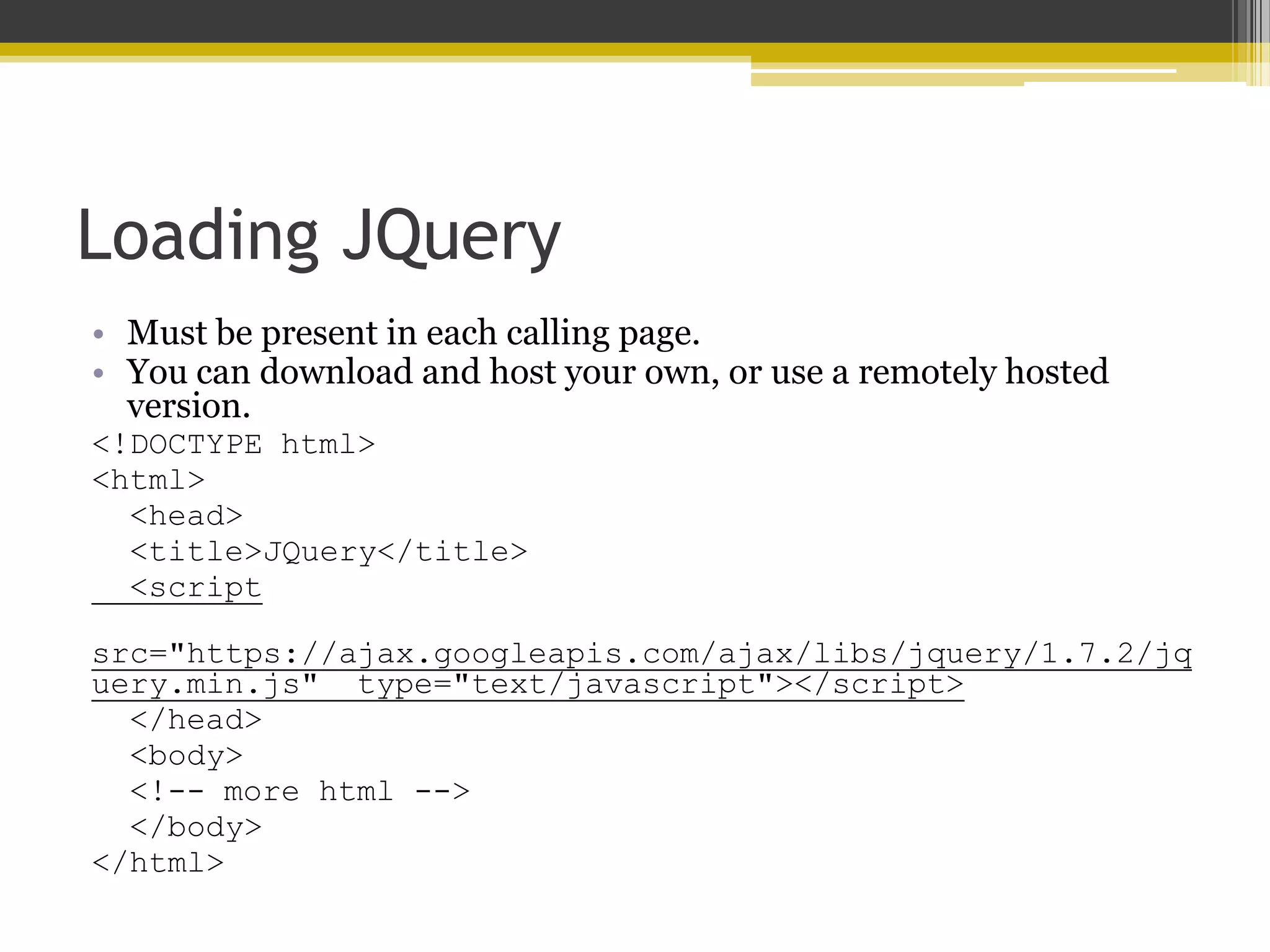
Loading JQuery • Must be present in each calling page. • You can download and host your own, or use a remotely hosted version. <!DOCTYPE html> <html> <head> <title>JQuery</title> <script src="https://ajax.googleapis.com/ajax/libs/jquery/1.7.2/jq uery.min.js" type="text/javascript"></script> </head> <body> <!-- more html --> </body> </html>
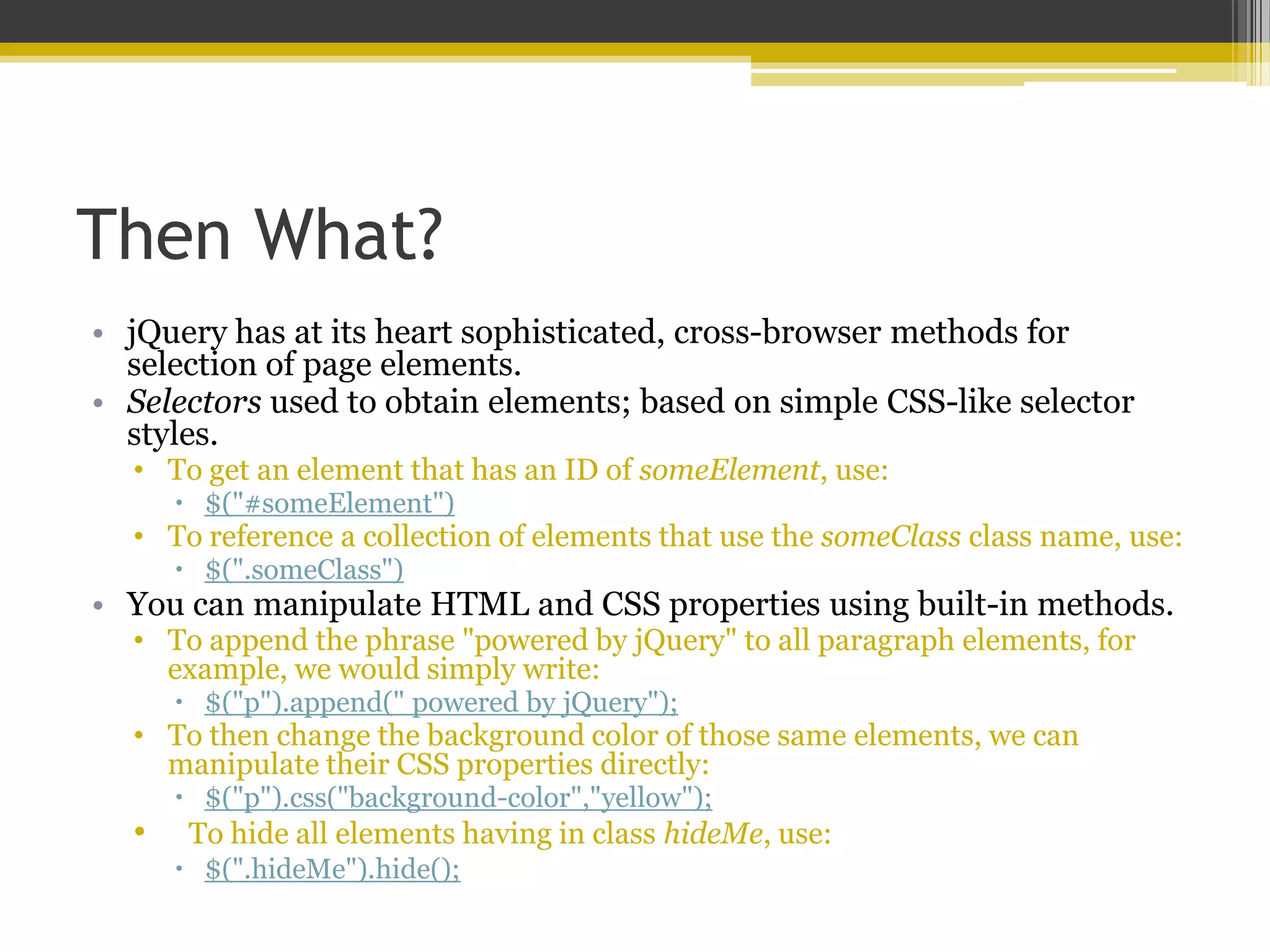
Then What? • jQuery has at its heart sophisticated, cross-browser methods for selection of page elements. • Selectors used to obtain elements; based on simple CSS-like selector styles. • To get an element that has an ID of someElement, use:  $("#someElement") • To reference a collection of elements that use the someClass class name, use:  $(".someClass") • You can manipulate HTML and CSS properties using built-in methods. • To append the phrase "powered by jQuery" to all paragraph elements, for example, we would simply write:  $("p").append(" powered by jQuery"); • To then change the background color of those same elements, we can manipulate their CSS properties directly:  $("p").css("background-color","yellow"); • To hide all elements having in class hideMe, use:  $(".hideMe").hide();
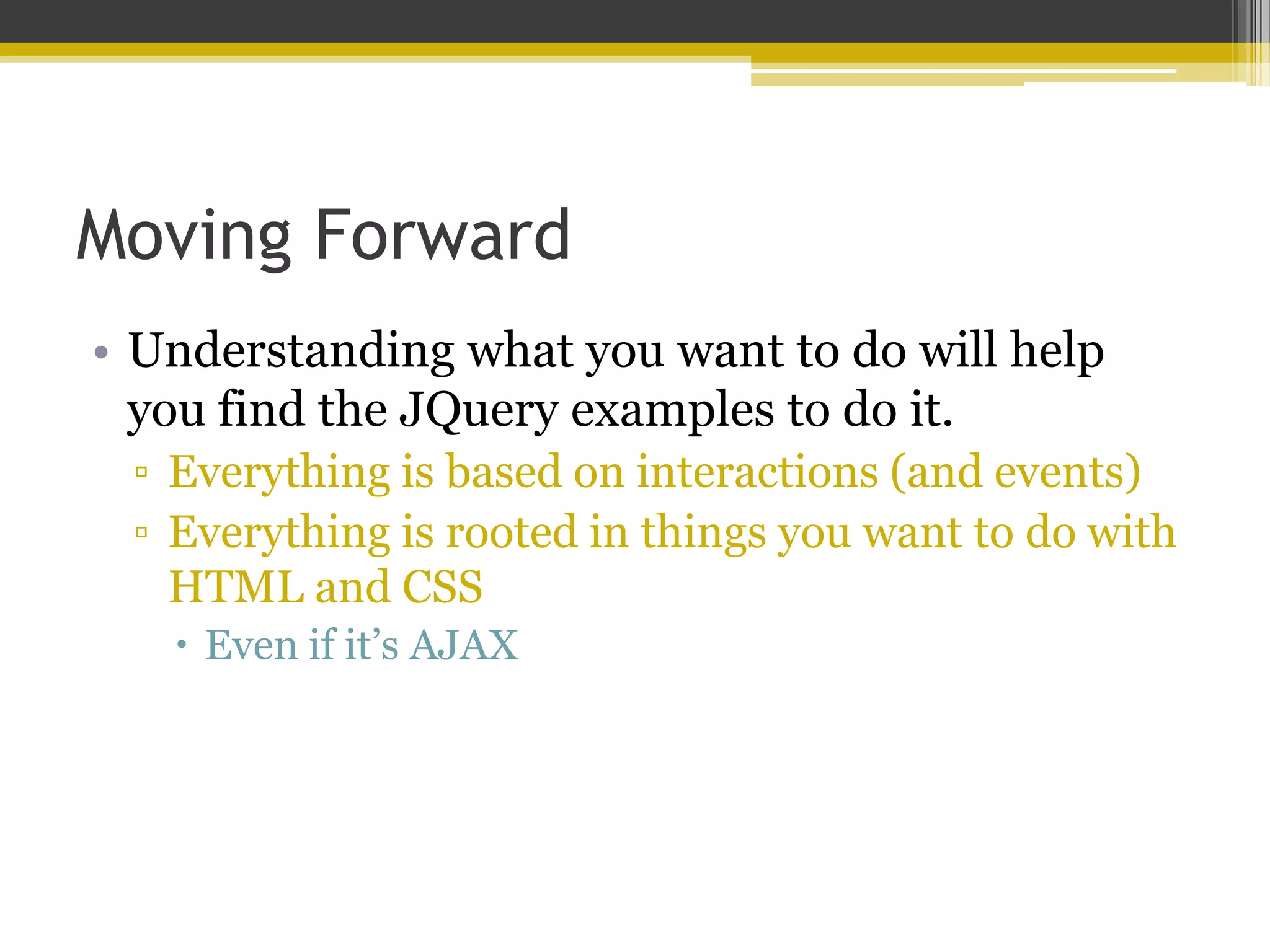
Moving Forward • Understanding what you want to do will help you find the JQuery examples to do it. ▫ Everything is based on interactions (and events) ▫ Everything is rooted in things you want to do with HTML and CSS  Even if it’s AJAX
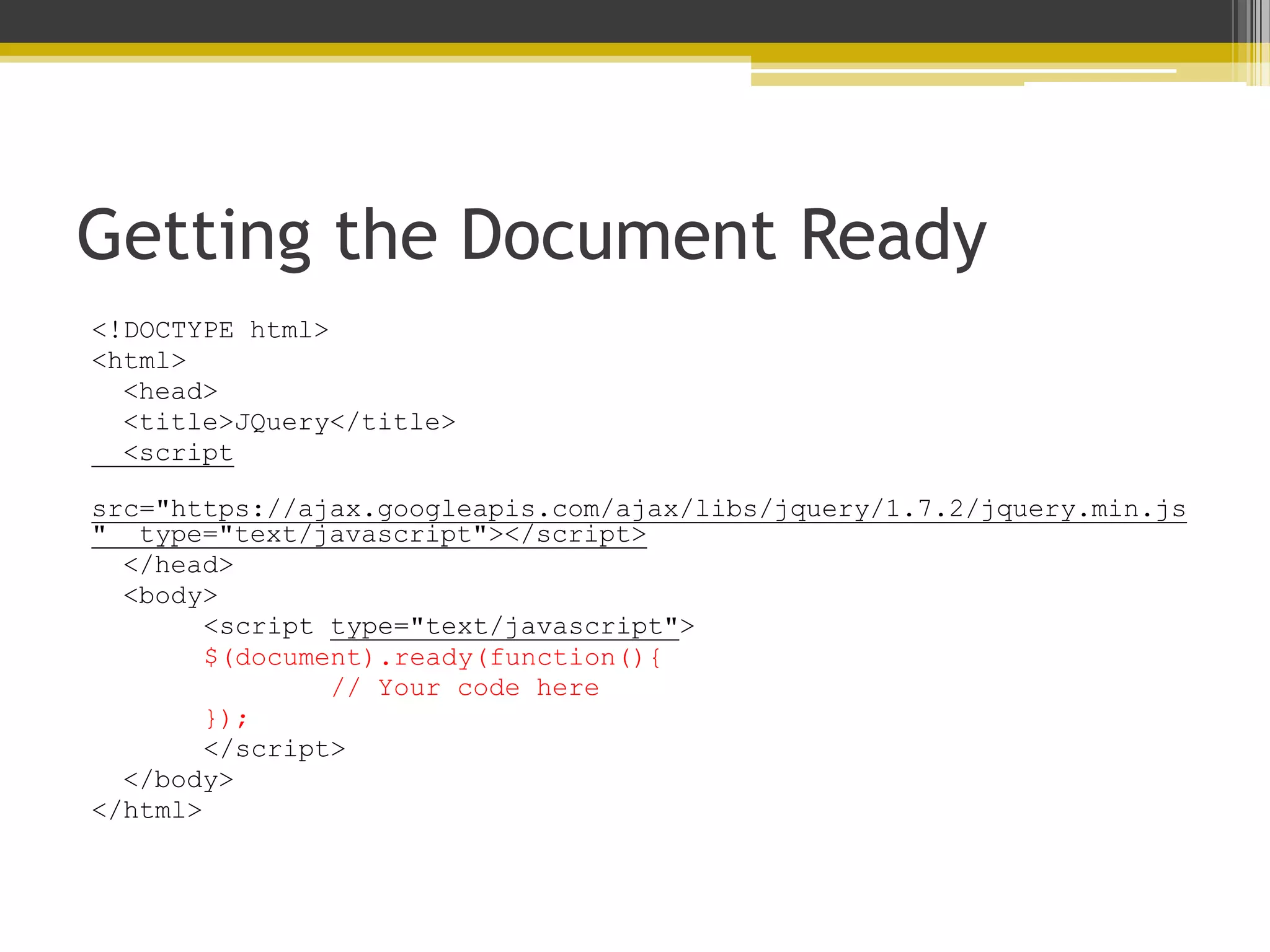
Getting the Document Ready <!DOCTYPE html> <html> <head> <title>JQuery</title> <script src="https://ajax.googleapis.com/ajax/libs/jquery/1.7.2/jquery.min.js " type="text/javascript"></script> </head> <body> <script type="text/javascript"> $(document).ready(function(){ // Your code here }); </script> </body> </html>
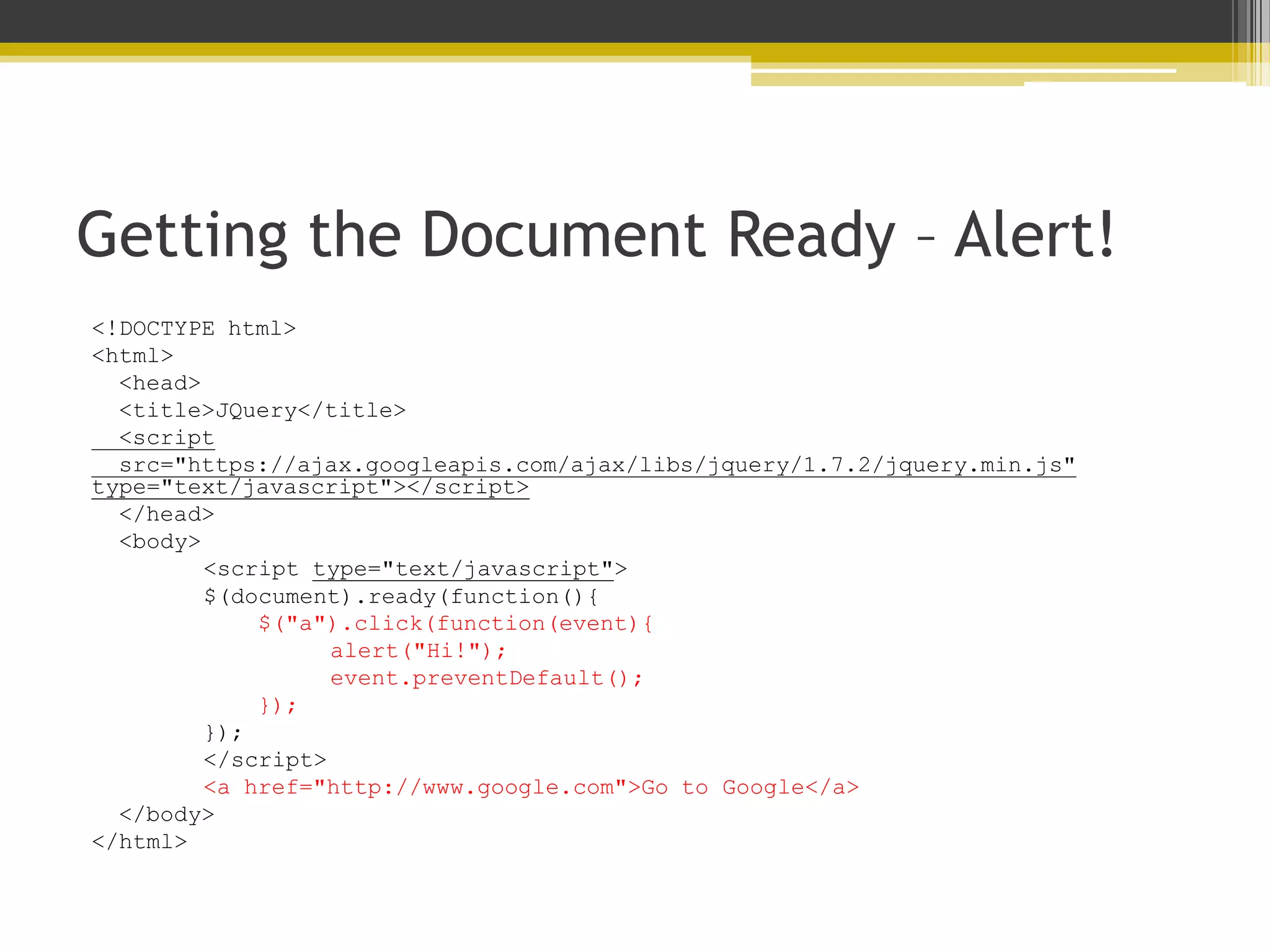
Getting the Document Ready – Alert! <!DOCTYPE html> <html> <head> <title>JQuery</title> <script src="https://ajax.googleapis.com/ajax/libs/jquery/1.7.2/jquery.min.js" type="text/javascript"></script> </head> <body> <script type="text/javascript"> $(document).ready(function(){ $("a").click(function(event){ alert("Hi!"); event.preventDefault(); }); }); </script> <a href="http://www.google.com">Go to Google</a> </body> </html>
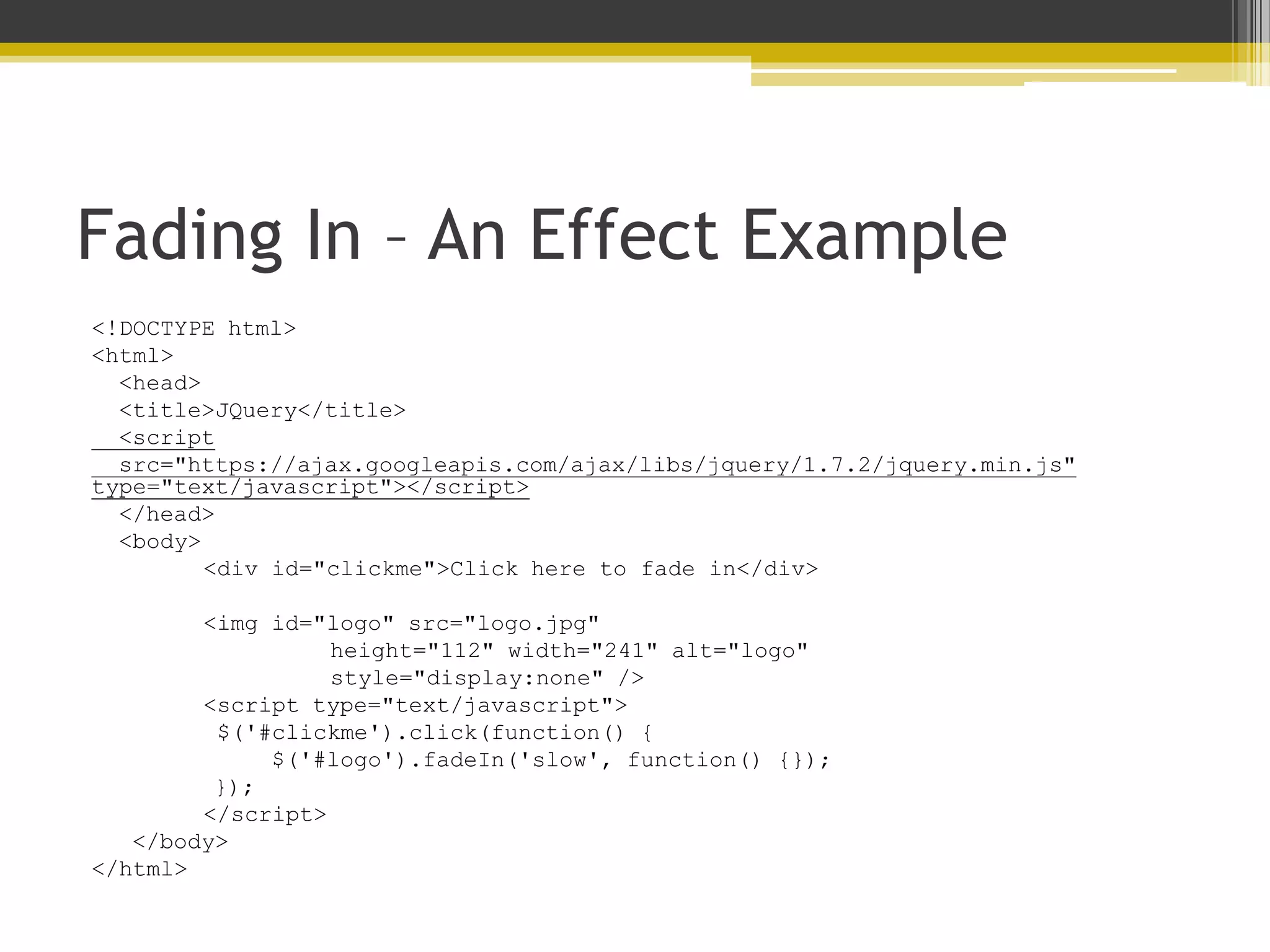
Fading In – An Effect Example <!DOCTYPE html> <html> <head> <title>JQuery</title> <script src="https://ajax.googleapis.com/ajax/libs/jquery/1.7.2/jquery.min.js" type="text/javascript"></script> </head> <body> <div id="clickme">Click here to fade in</div> <img id="logo" src="logo.jpg" height="112" width="241" alt="logo" style="display:none" /> <script type="text/javascript"> $('#clickme').click(function() { $('#logo').fadeIn('slow', function() {}); }); </script> </body> </html>
Where to Go From Here? • ANYWHERE • Hopefully right to the JQuery API documentation at http://api.jquery.com

Learning About JavaScript (…and its little buddy, JQuery!)

  • 1.
    Learning About JavaScript …andits little buddy, JQuery! GWU Libraries ● 26 June 2012 Julie Meloni // @jcmeloni // jcmeloni@gmail.com
  • 2.
    Today’s General Outline •Understanding JavaScript Basics • About the DOM (Document Object Model) • Where JQuery Fits in and How it Works
  • 4.
    The Very VeryBasics • Developed in 1995 – it’s no spring chicken • No relation to the Java programming language • An interpreted rather than a compiled language ▫ Interpreted by the web browser software • 98% of web traffic is JavaScript-enabled ▫ 2% made up of old screenreader software and ultra-security-conscious people
  • 5.
    Practical Uses • Improvingnavigation • Offering dynamic text display • Creating special effects in response to user • As the basis for remote scripting (the J in AJAX) • Offering more interactivity than static HTML ▫ But less dynamism than a server-side language
  • 6.
    How it Looksin the Source Code <script type="text/javascript"> <!-- Hide the script from old browsers document.write(document.lastModified); // Stop hiding the script --> </script> Might display: 06/25/2012 08:07:51
  • 7.
    How it Looksin the Source Code v2 <!DOCTYPE html> <html> <head> <title>JS Test</title> </head> <body> <h1>JS Test</h1> <p style=“color: red”> <script type="text/javascript"> <!-- Hide the script from old browsers document.write(document.lastModified); // Stop hiding the script --> </script> </p> </body> </html>
  • 8.
    Moving Into ProgrammingBasics • Like other programming languages, JavaScript has: ▫ Variables (& Arrays) ▫ Operators ▫ Flow Control ▫ Objects
  • 9.
    About JavaScript Variables •A variable is a bucket that holds one piece of information. • Examples: • var string_variable = “The Library”; • var numeric_variable = 4; • var myname = “Julie”;
  • 10.
    About JavaScript Arrays •An array is a type of variable (or bucket) that holds many pieces of information. • Example: • rainbow = new array(“red”, “orange”, “yellow”, “green”, “blue”, “indigo”, “violet”);  rainbow[0] holds “red”  rainbow[1] holds “orange”
  • 11.
    About JavaScript Operators •Arithmetic • +, -, *, / (add, subtract, multiply, divide) • Assignment • = (“Assign the value of 4 to the variable called a”)  var a = 4; • += (“Add the value of 5 to the variable that already holds 4”)  var a += 5; // a now holds 9 • -= (“Subtract the value of 3 to the variable that already holds 4”)  var a -= 3; // a now holds 1
  • 12.
    About JavaScript Operators •Comparison • == (“when I compare the value in variable a to the value in variable be, that comparison is true”)  a == b • != (“when I compare the value in variable a to the value in variable be, that comparison is not true”) • a != b • >, >= (“the value of variable a is greater than (or greater than or equal to) the value of variable b”)  a > b • <, <= (“the value of variable a is less than (or less than or equal to) the value of variable b”)  a < b
  • 13.
    About JavaScript Operators •Concatenation • + (“this”+ “is a test”= “thisisatest”) • Logical • && (and) • || (or) • ! (not)
  • 14.
    About JavaScript FlowControl • if if (something is true) { do something here } • if ... else if ... else if (something is true) { do something here } else if (something is true) { do something here } else { do something here }
  • 15.
    About JavaScript FlowControl • switch switch (something) { case “blue”: do something here break; case “apple”: do something else here break; case “fire truck”: do something else here break; default: do something else here break; }
  • 16.
    About JavaScript FlowControl • while while (something is true) { do something here } • for for (something is true) { do something here }
  • 17.
    About JavaScript Objects •Objects can store multiple pieces of data, but the internal structure of the data is different than that of an array. • The items of data stored in an object are called the properties of the object.  People objects in an address book might include a name, an address, and a telephone number (Bob.address, Bob.phone, etc) • Objects can use methods.  Methods are built-in functions that work with the object's data, e.g. Bob.display() • JavaScript supports three kinds of objects: • Built-in to the JavaScript language. • Custom objects you create. • DOM (Document Object Model) -- components of the browser and the current HTML document.
  • 18.
  • 19.
    What is theDOM? • The DOM is the invisible structure of all HTML documents ▫ The overall container object is called the document.  Any container within the document that has an ID is referenced by that ID.  For example, if you have a <div> with an ID called wrapper, then in the DOM that element is referenced by document.wrapper
  • 20.
    But it actuallystarts before that… • The DOM is not part of JavaScript or any other programming language -- it's an API built in to the browser. • At the top of the browser object hierarchy is the window object. • Also access the history object and the location object • Inside a window is a document. • window.document.header-image <img id=“header-image” src=“some.jpg”/>
  • 21.
    So what aboutdocument? • The document object has several properties, such as: • document.URL • document.title • document.lastModified • document.cookie • document.images • …and more!
  • 22.
    And within document? •The document object contains…containers (also called nodes). <!DOCTYPE html> <html> <head> <title>A Simple HTML Document</title> </head> <body> <h1>This is a Level-1 Heading.</h1> <p>This is a simple paragraph.</p> </body> </html>
  • 23.
    Nodes Have PropertiesToo! <h1>This is a Level-1 Heading.</h1> • nodeName is the name of the node, e.g. h1 • innerHTML is the text within the node, e.g. “This is a Level-1 Heading”
  • 24.
    So…events? • JavaScript canbe used to detect events and react to them • Events include clicked buttons, mouse pointers moving, etc. • The script that you use to detect and respond to an event is called an event handler. • You don't need the <script> tag to define an event handler; you can add an event handler attribute to an individual HTML tag. <a href="http://www.google.com/" onmouseover="alert('You moved!');"> I’m a link.</a> <a href="" onmouseover="DoIt();">Move Me</a>
  • 25.
    A Few EventExamples • Mouse • onmouseover • onmouseout • onmouseup • onmousedown • onclick • ondblclick • Keyboard • onkeydown • onkeyup • Form Elements • onblur • onchange • onsubmit
  • 27.
    Why JQuery (orany library?) • Using a third-party library • enables you to implement cross-browser scripting and sophisticated UI elements without being a JavaScript expert. • enables you to avoid reinventing the wheel for common tasks • Execute code when the DOM is ready • Collect elements • Modify display • Listen for events and enact upon them • Execute AJAX requests • …and more!
  • 28.
    Loading JQuery • Mustbe present in each calling page. • You can download and host your own, or use a remotely hosted version. <!DOCTYPE html> <html> <head> <title>JQuery</title> <script src="https://ajax.googleapis.com/ajax/libs/jquery/1.7.2/jq uery.min.js" type="text/javascript"></script> </head> <body> <!-- more html --> </body> </html>
  • 29.
    Then What? • jQueryhas at its heart sophisticated, cross-browser methods for selection of page elements. • Selectors used to obtain elements; based on simple CSS-like selector styles. • To get an element that has an ID of someElement, use:  $("#someElement") • To reference a collection of elements that use the someClass class name, use:  $(".someClass") • You can manipulate HTML and CSS properties using built-in methods. • To append the phrase "powered by jQuery" to all paragraph elements, for example, we would simply write:  $("p").append(" powered by jQuery"); • To then change the background color of those same elements, we can manipulate their CSS properties directly:  $("p").css("background-color","yellow"); • To hide all elements having in class hideMe, use:  $(".hideMe").hide();
  • 30.
    Moving Forward • Understandingwhat you want to do will help you find the JQuery examples to do it. ▫ Everything is based on interactions (and events) ▫ Everything is rooted in things you want to do with HTML and CSS  Even if it’s AJAX
  • 31.
    Getting the DocumentReady <!DOCTYPE html> <html> <head> <title>JQuery</title> <script src="https://ajax.googleapis.com/ajax/libs/jquery/1.7.2/jquery.min.js " type="text/javascript"></script> </head> <body> <script type="text/javascript"> $(document).ready(function(){ // Your code here }); </script> </body> </html>
  • 32.
    Getting the DocumentReady – Alert! <!DOCTYPE html> <html> <head> <title>JQuery</title> <script src="https://ajax.googleapis.com/ajax/libs/jquery/1.7.2/jquery.min.js" type="text/javascript"></script> </head> <body> <script type="text/javascript"> $(document).ready(function(){ $("a").click(function(event){ alert("Hi!"); event.preventDefault(); }); }); </script> <a href="http://www.google.com">Go to Google</a> </body> </html>
  • 33.
    Fading In –An Effect Example <!DOCTYPE html> <html> <head> <title>JQuery</title> <script src="https://ajax.googleapis.com/ajax/libs/jquery/1.7.2/jquery.min.js" type="text/javascript"></script> </head> <body> <div id="clickme">Click here to fade in</div> <img id="logo" src="logo.jpg" height="112" width="241" alt="logo" style="display:none" /> <script type="text/javascript"> $('#clickme').click(function() { $('#logo').fadeIn('slow', function() {}); }); </script> </body> </html>
  • 34.
    Where to GoFrom Here? • ANYWHERE • Hopefully right to the JQuery API documentation at http://api.jquery.com