Downloaded 34 times

![Shell Function function log { if [ $# gt 0 ]; then echo "[$(date +"%D %T")] $@" >> $LOG_FILE db "$@" else while read data do echo "[$(date +"%D %T")] $data" >> $LOG_FILE db "$data" done fi } log “Hello World!” echo “Hello World!” | log](https://image.slidesharecdn.com/csi-conference-tkm-bash-presentation-zyxware-anoop-2012-09-15-121106044348-phpapp01/75/Introduction-to-Bash-Scripting-Zyxware-Technologies-CSI-Students-Convention-Sep-15-2012-10-2048.jpg)
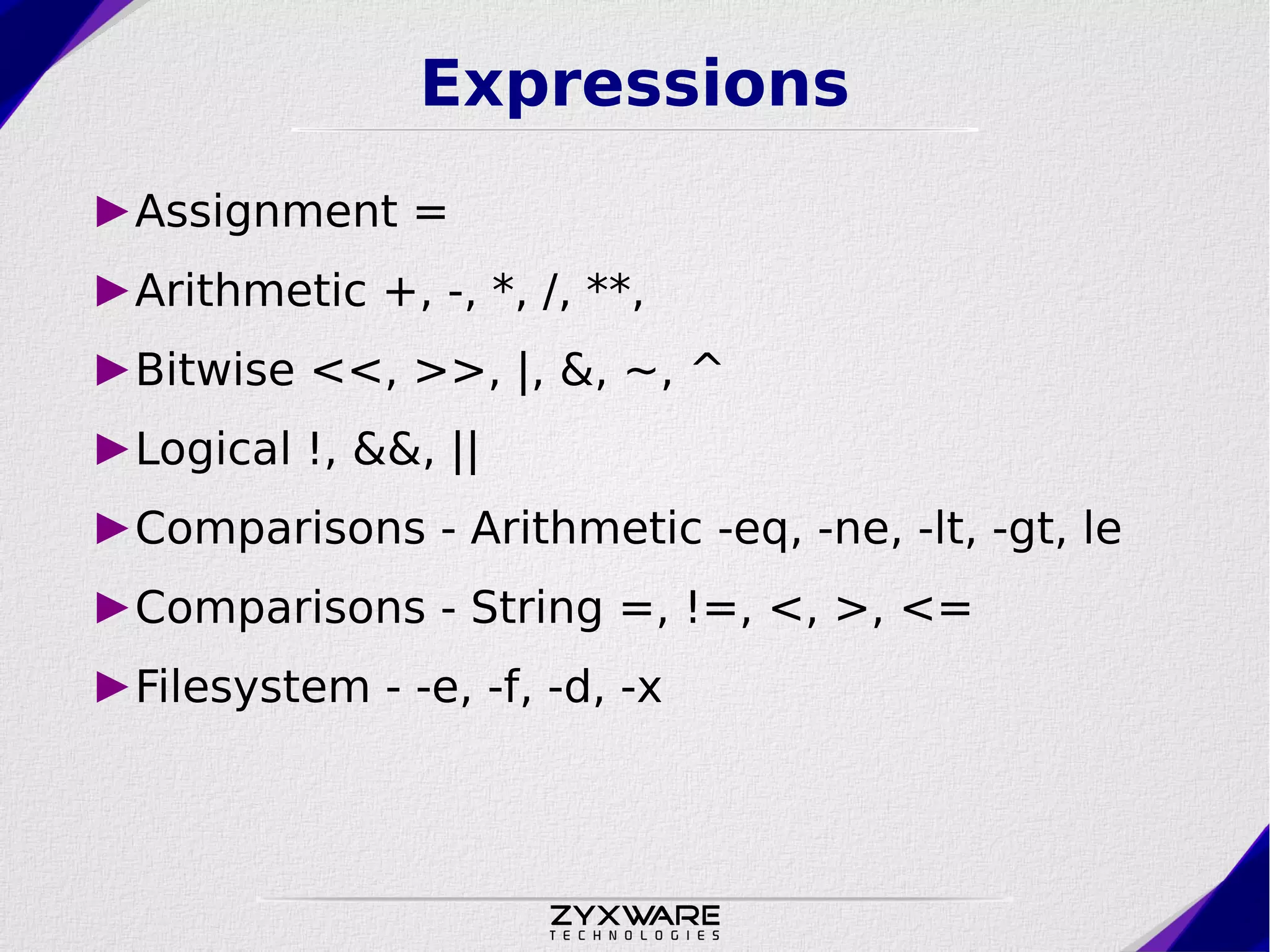
![If Command if [[ expression ]] then commands; elif [[ expression ]] then commands; else commands; fi](https://image.slidesharecdn.com/csi-conference-tkm-bash-presentation-zyxware-anoop-2012-09-15-121106044348-phpapp01/75/Introduction-to-Bash-Scripting-Zyxware-Technologies-CSI-Students-Convention-Sep-15-2012-13-2048.jpg)
![For Loop for NAME [in LIST ]; do COMMANDS; done i=0 for filename in `ls`; do i=$(( i + 1)); printf "%5s %sn" $i “$filename”; done; for name in Anoop John; do echo “Hello ${name}”; done;](https://image.slidesharecdn.com/csi-conference-tkm-bash-presentation-zyxware-anoop-2012-09-15-121106044348-phpapp01/75/Introduction-to-Bash-Scripting-Zyxware-Technologies-CSI-Students-Convention-Sep-15-2012-15-2048.jpg)
![While Loop while [[ expression ]]; do COMMANDS; done i=0; while [[ $i lt 10 ]]; do echo Counting $i; ((i+=1)); done; while read line do echo $line done < path/to/file](https://image.slidesharecdn.com/csi-conference-tkm-bash-presentation-zyxware-anoop-2012-09-15-121106044348-phpapp01/75/Introduction-to-Bash-Scripting-Zyxware-Technologies-CSI-Students-Convention-Sep-15-2012-16-2048.jpg)
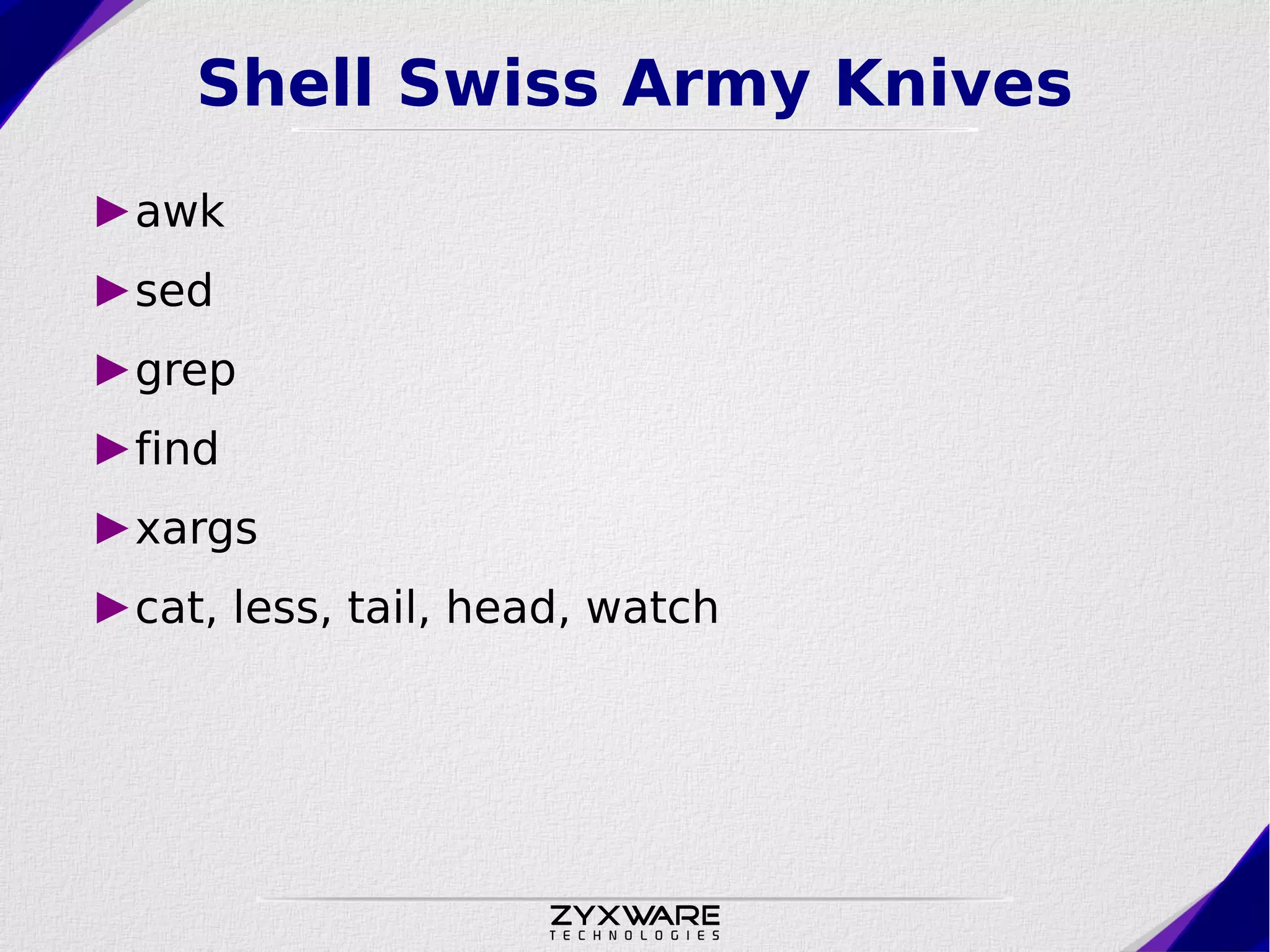
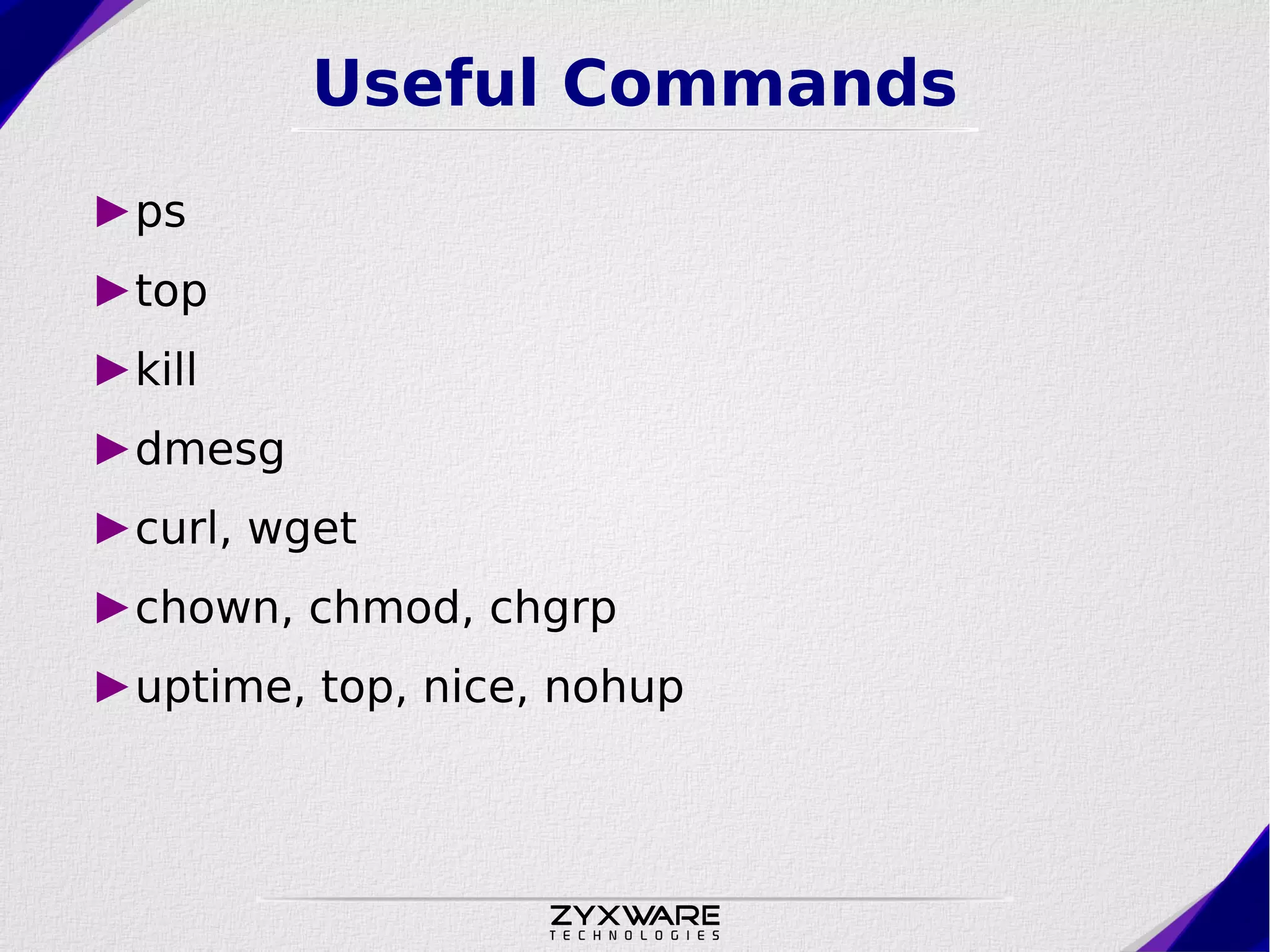


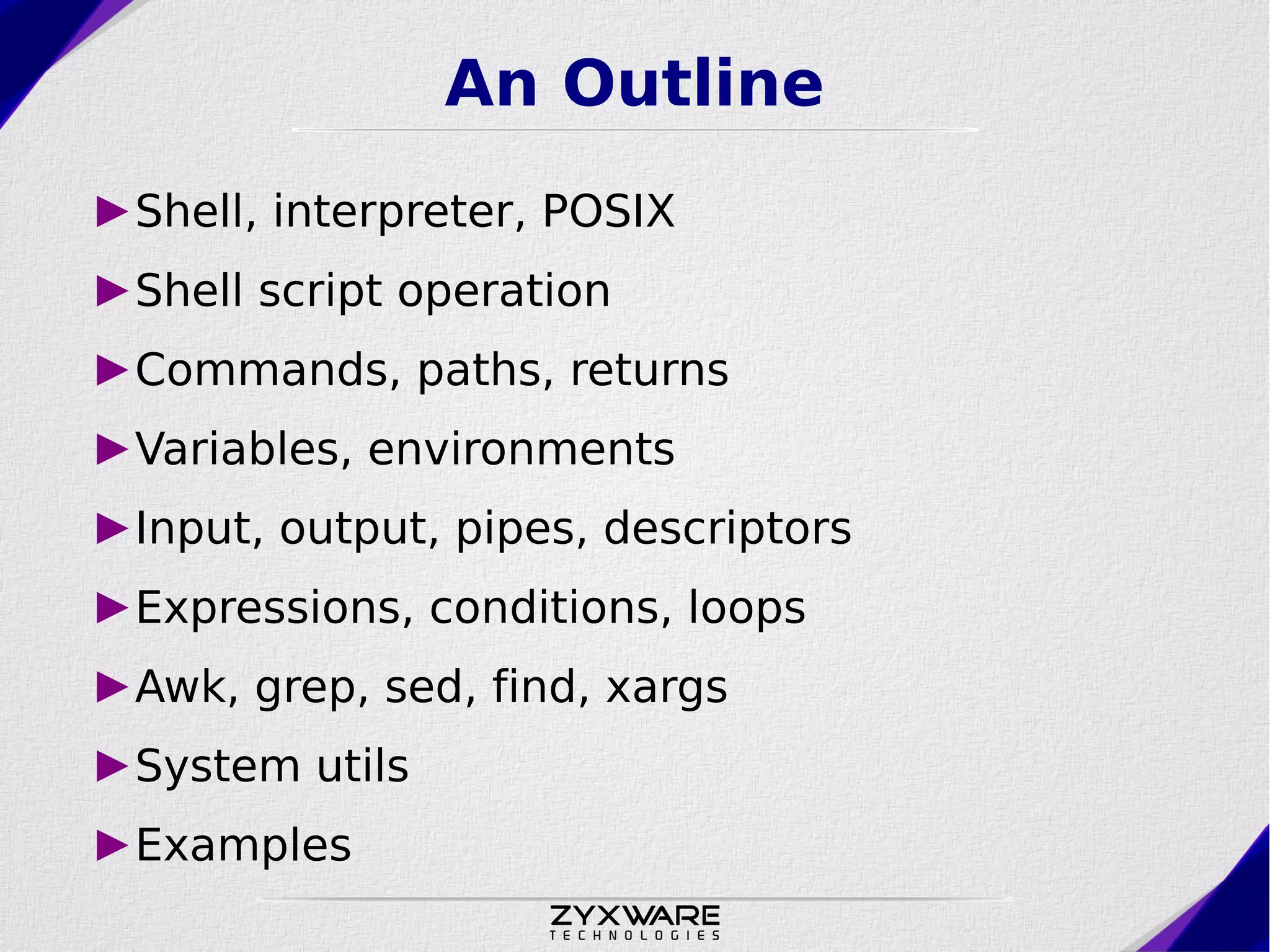
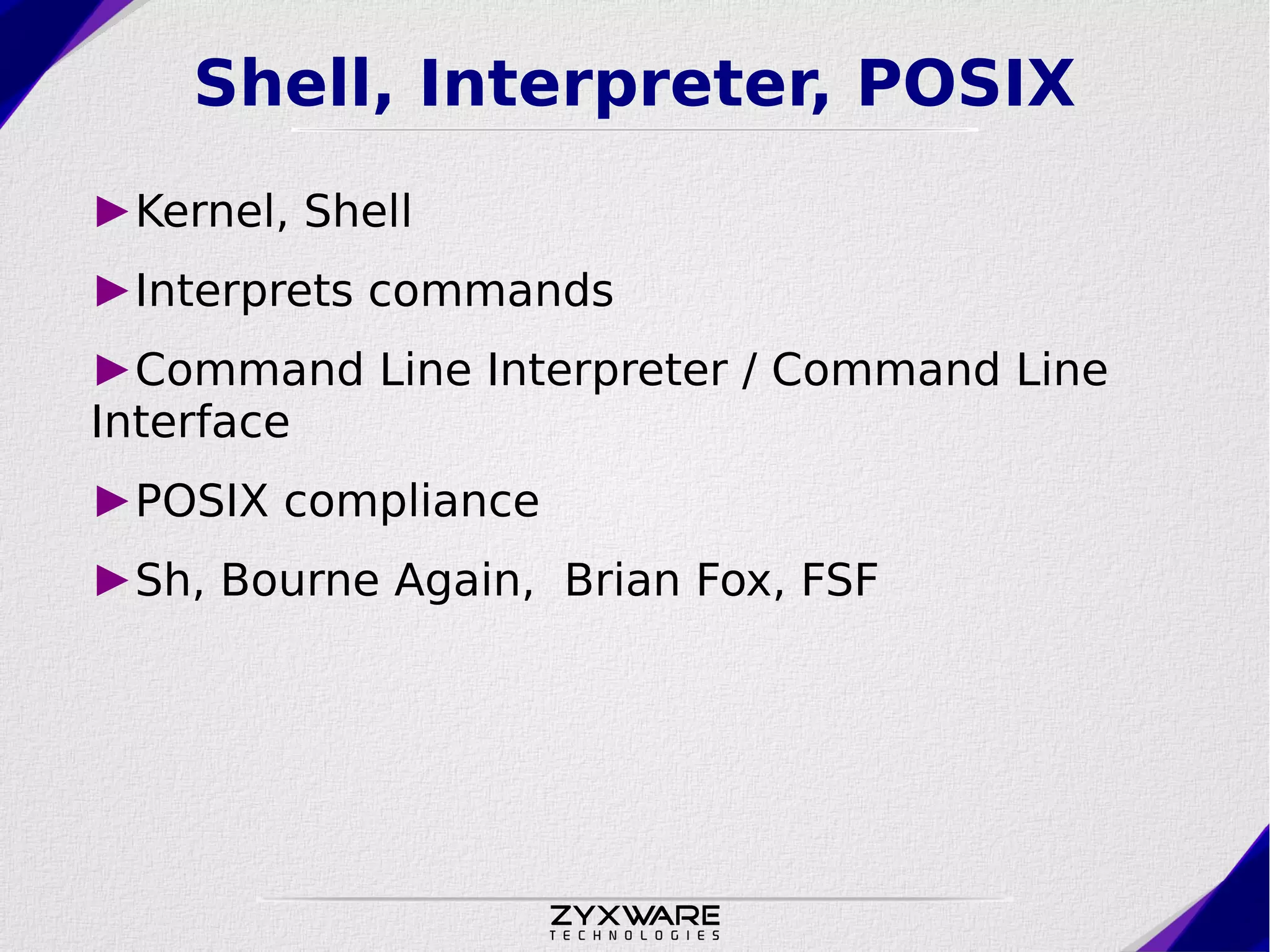
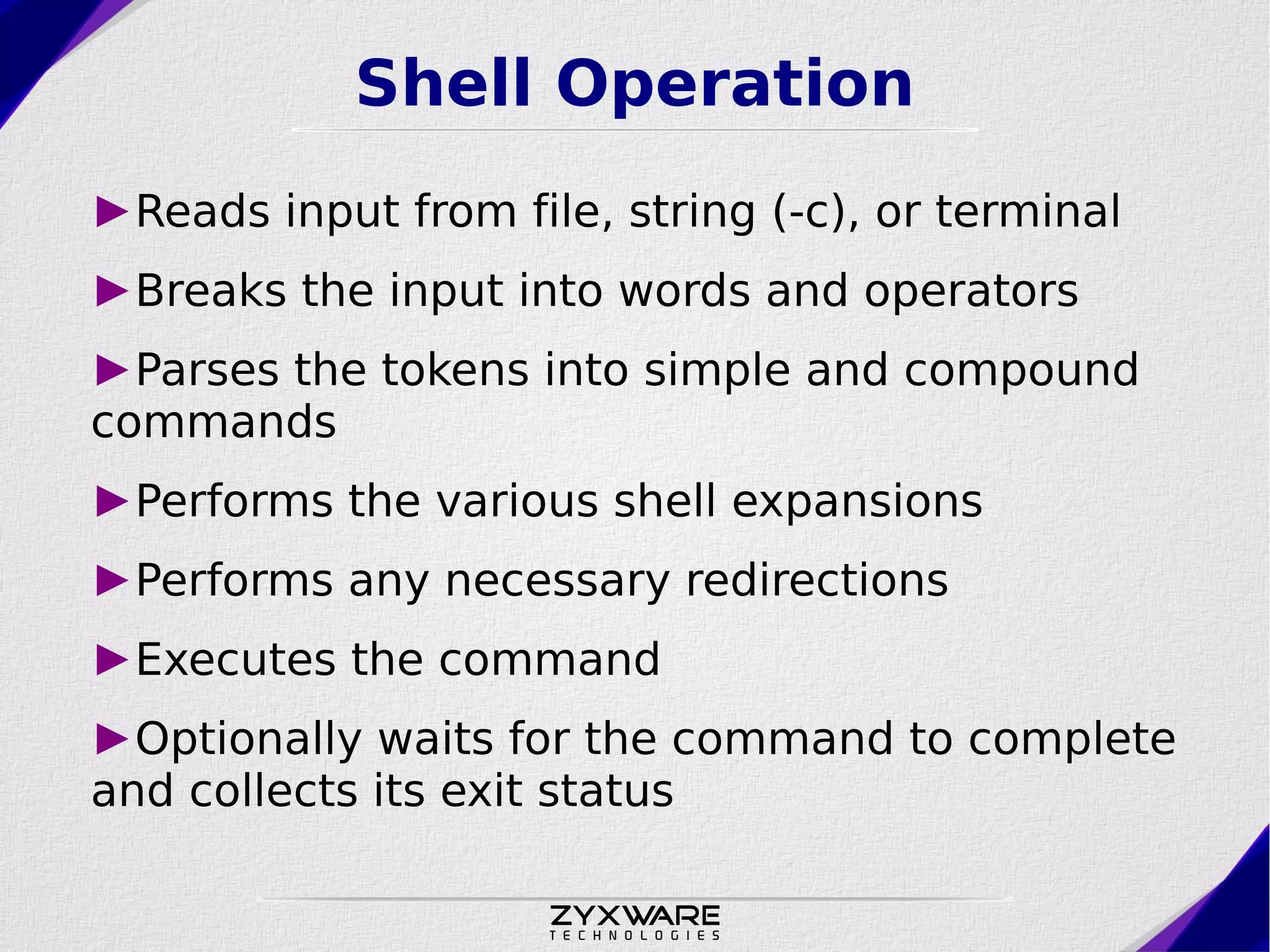
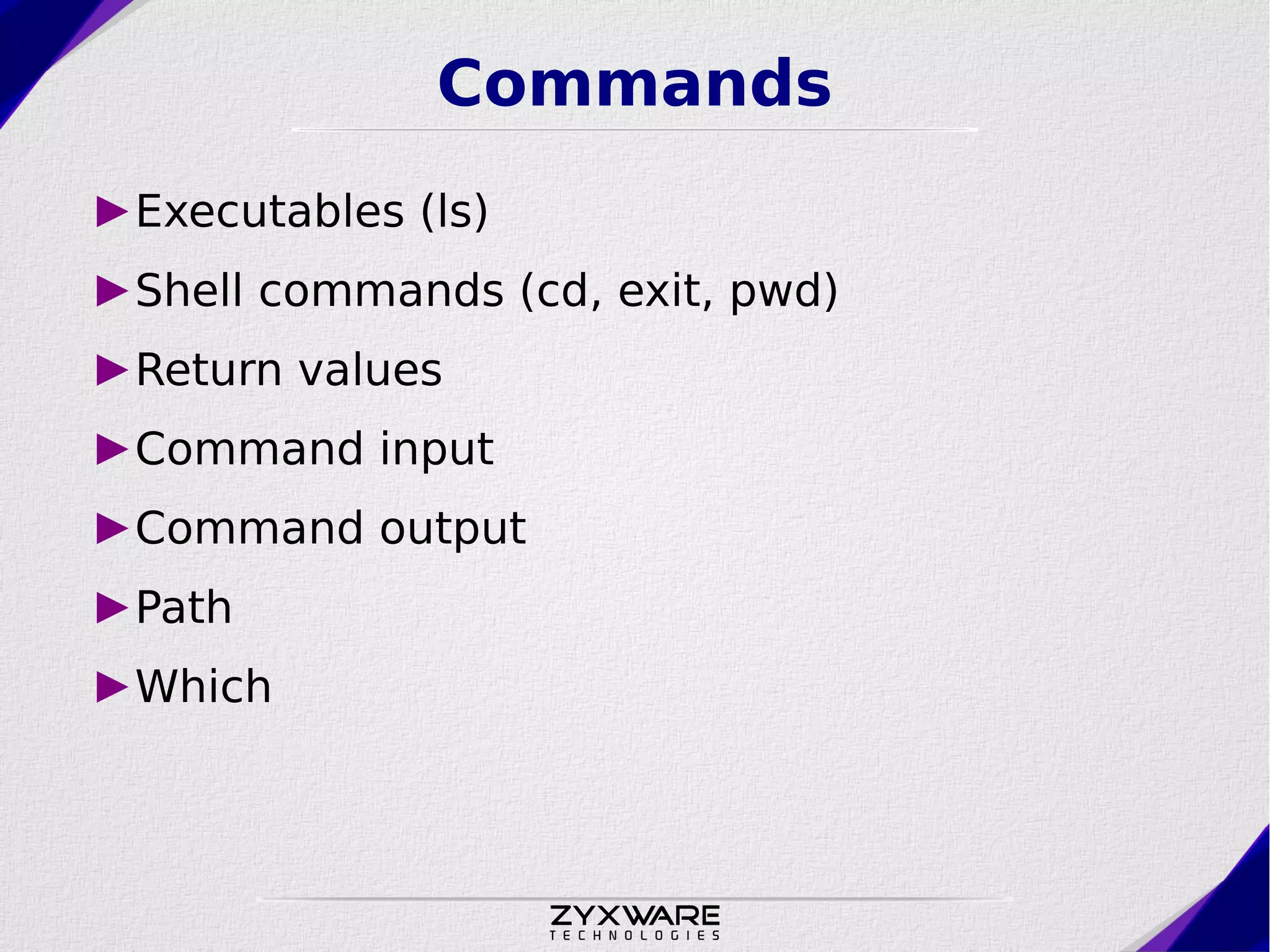
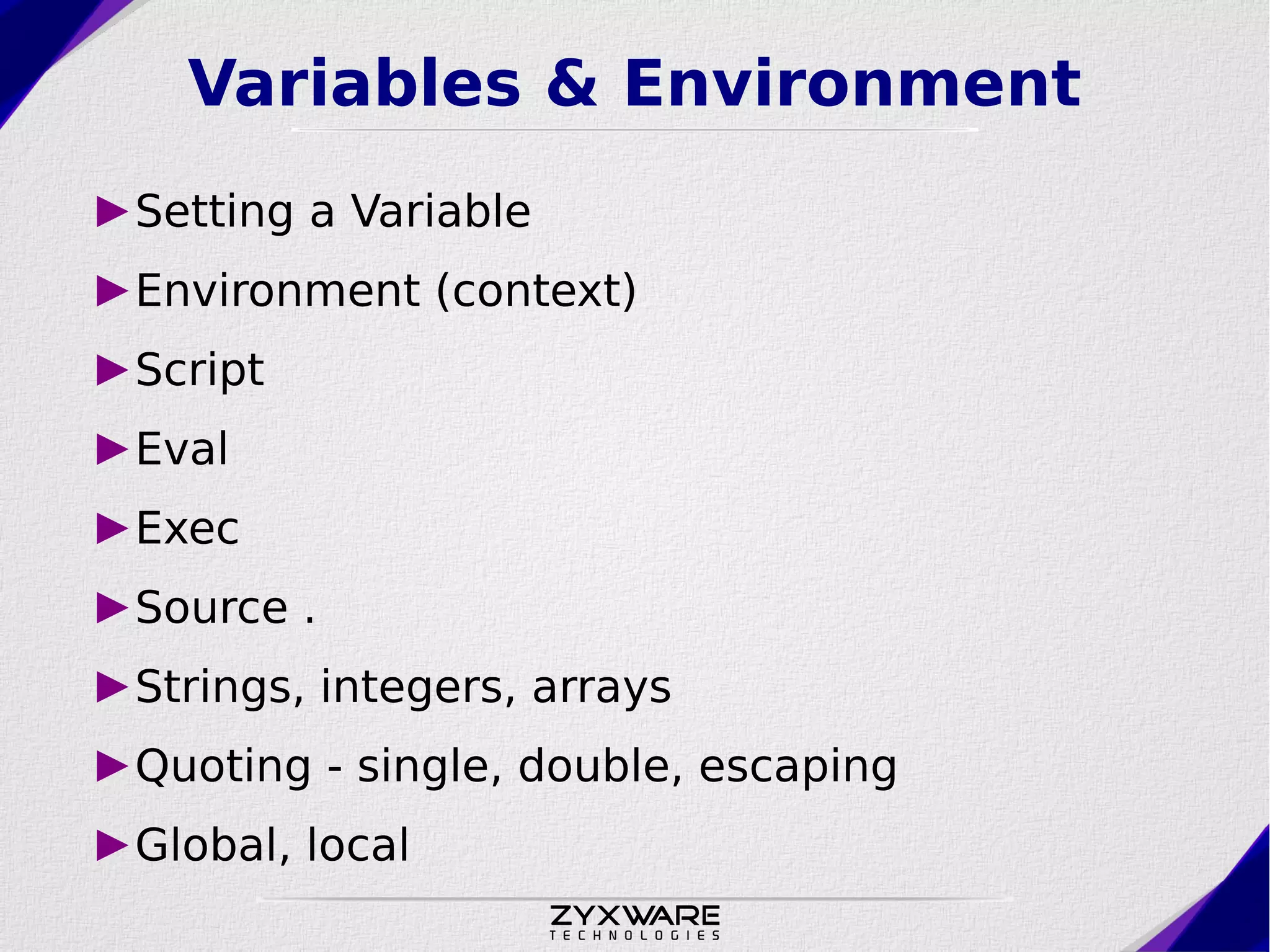
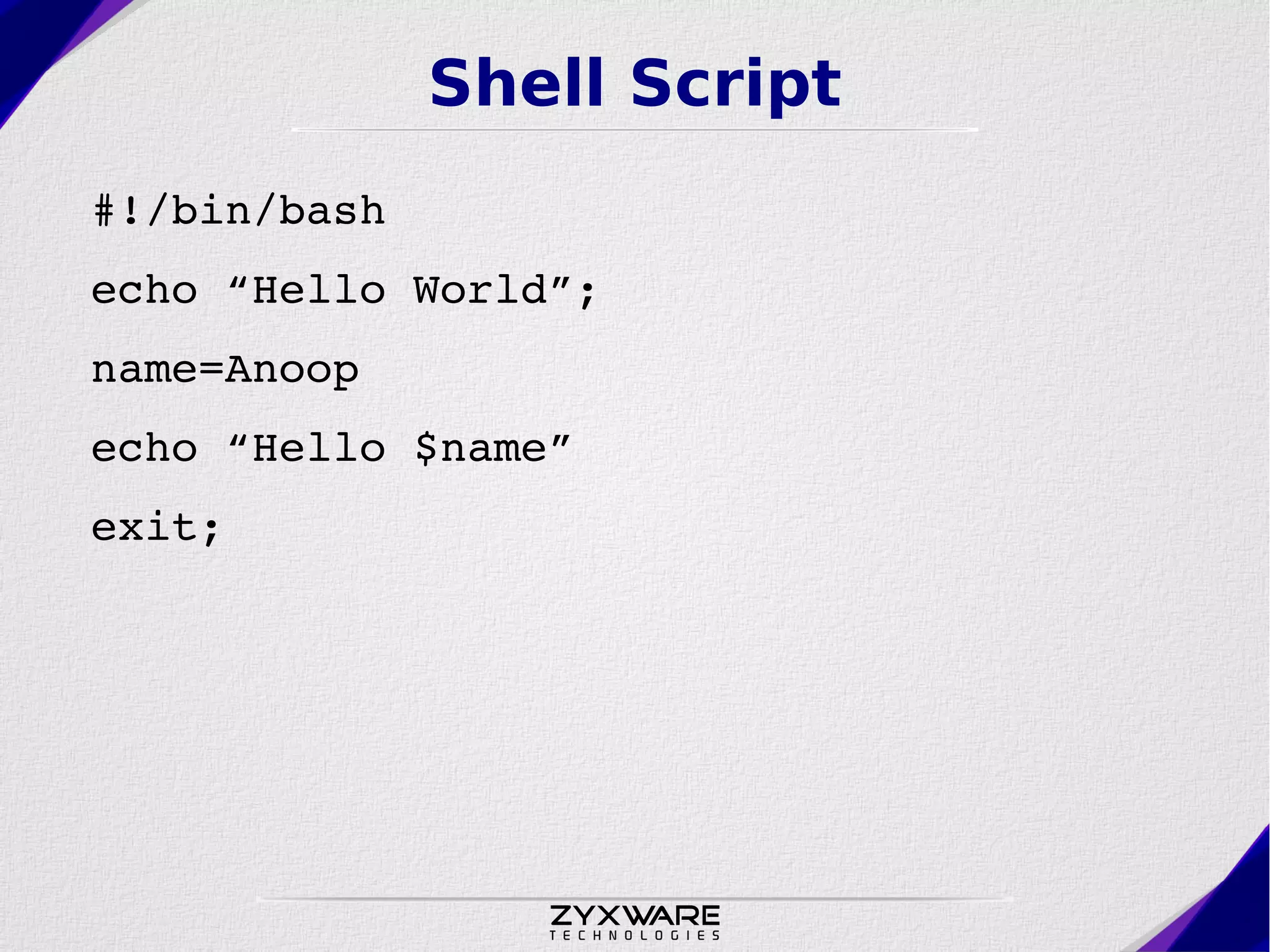
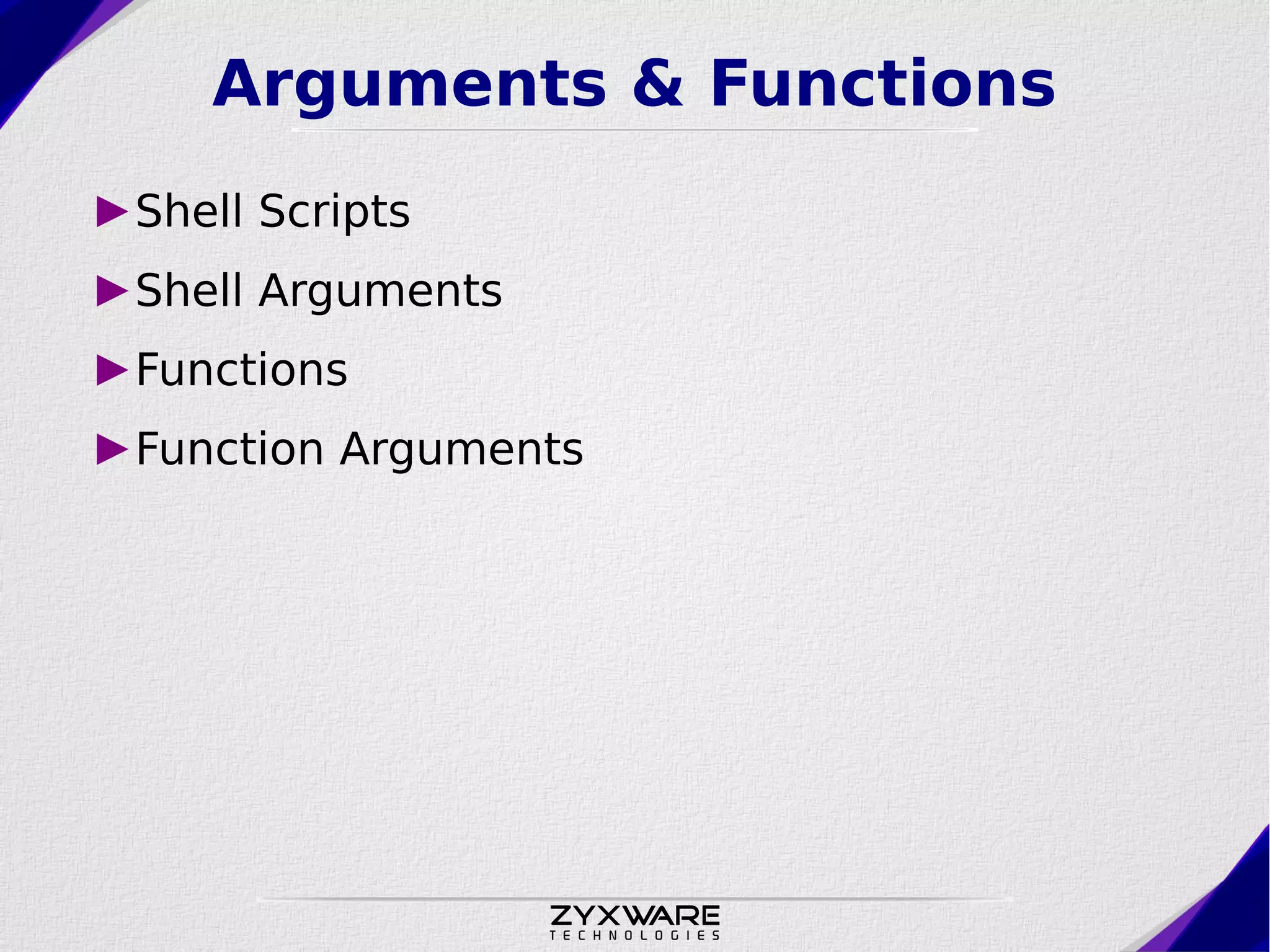
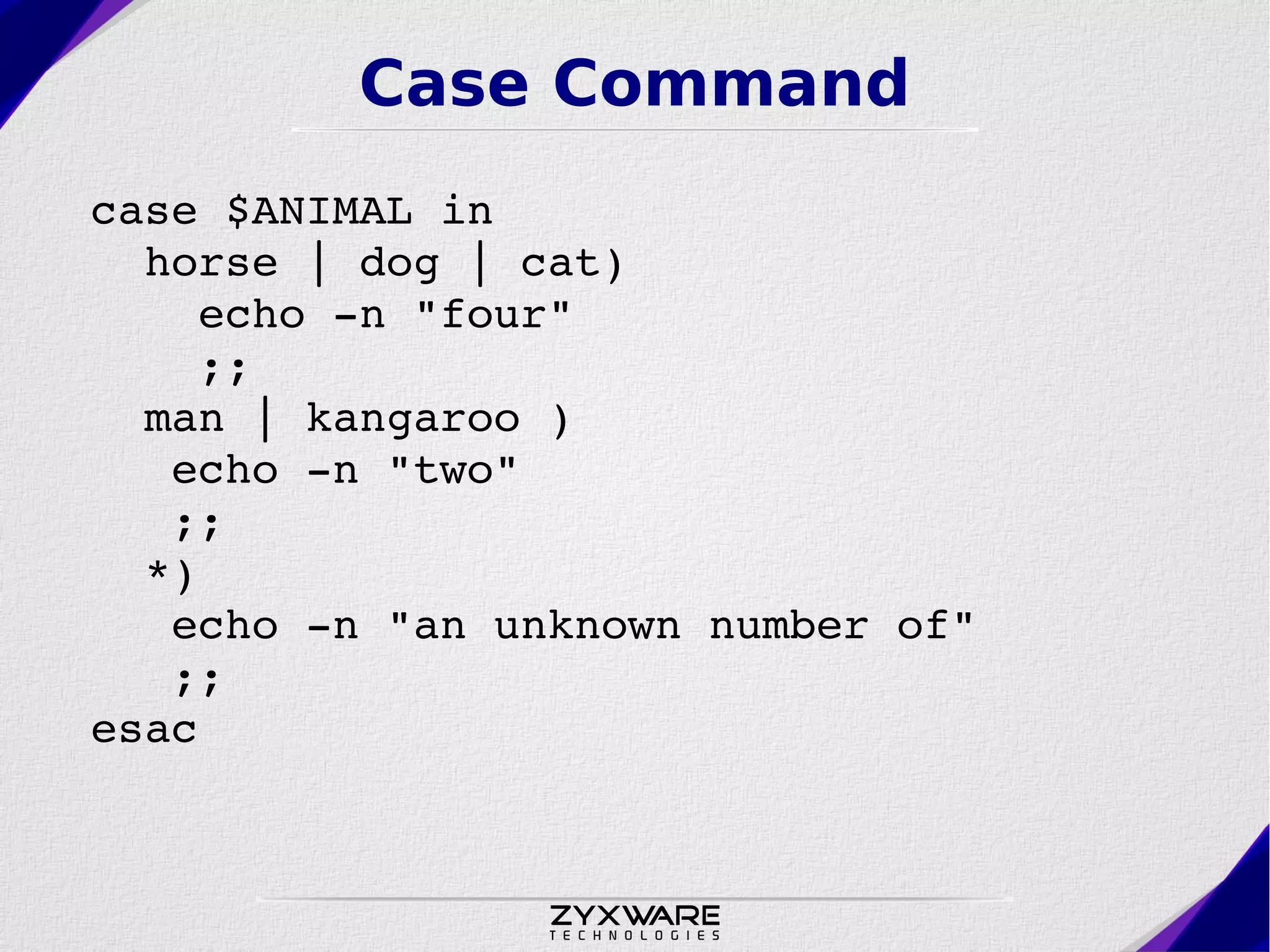
The document introduces Bash shell scripting, covering topics like shell operation, commands, environment variables, and scripting structures such as loops and conditionals. It also discusses tools like awk, grep, and sed, alongside practical examples and useful commands. Additionally, it provides guidance on getting started with GNU/Linux and automating tasks through scripts.