Classified e-Material ©Copyrights Charotar Institute of Technology, Charusat-Changa 1 Department of Information Technology CE308.01: ADVANCED PROGRAMMING USING .NET FRAMEWORK
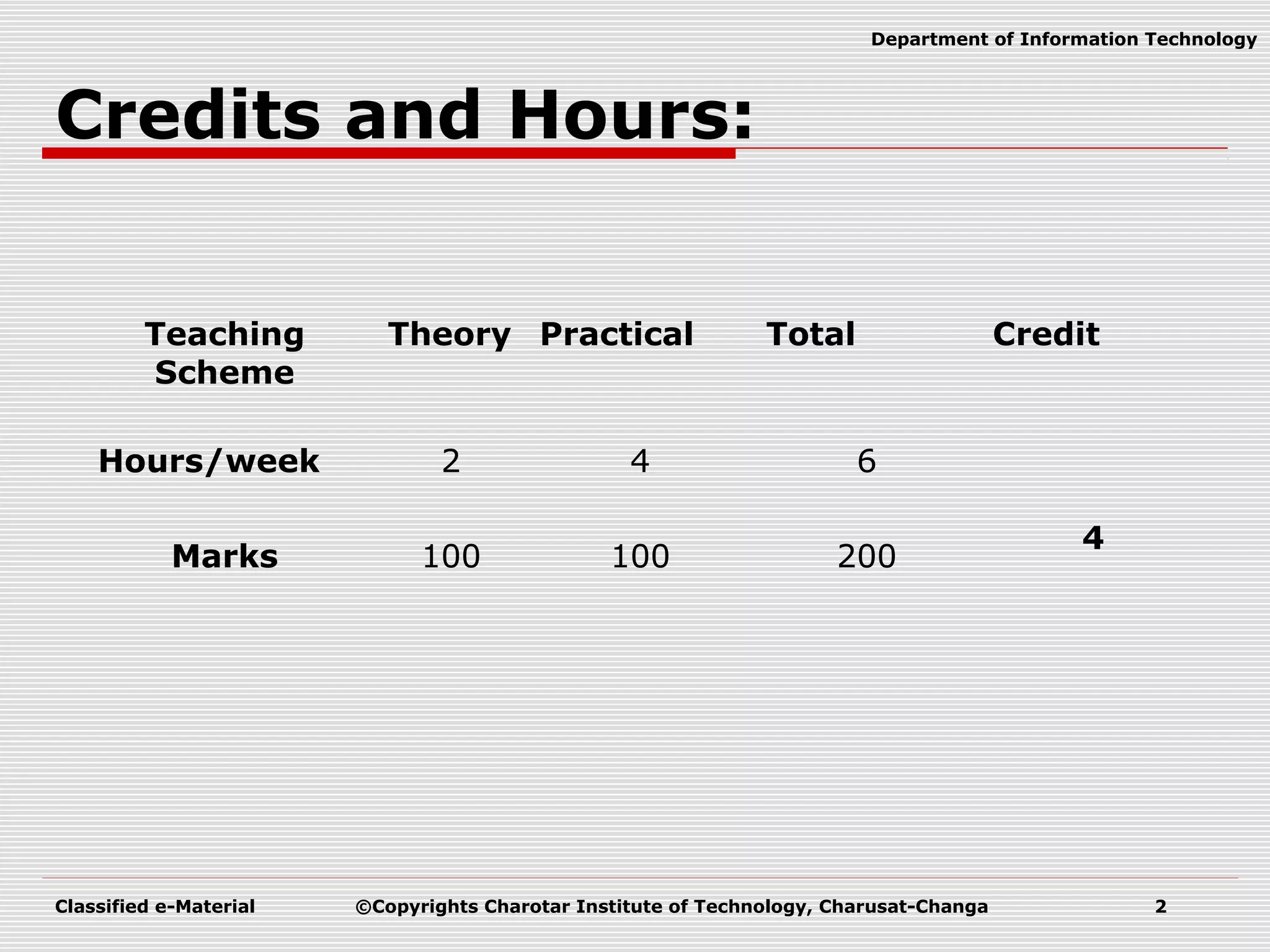
Classified e-Material ©Copyrights Charotar Institute of Technology, Charusat-Changa 2 Department of Information Technology Credits and Hours: Teaching Scheme Theory Practical Total Credit Hours/week 2 4 6 4 Marks 100 100 200
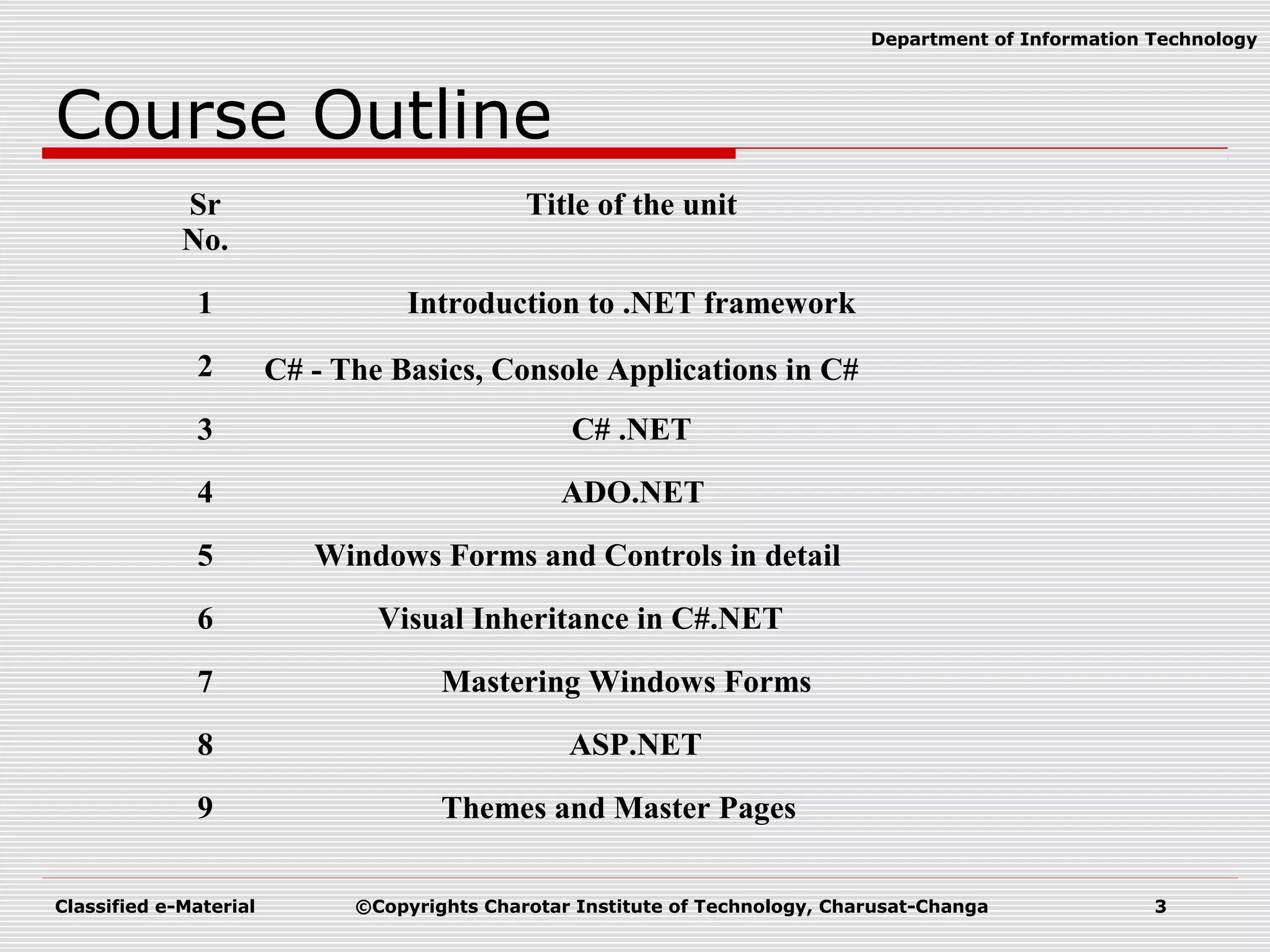
Classified e-Material ©Copyrights Charotar Institute of Technology, Charusat-Changa 3 Department of Information Technology Course Outline Sr No. Title of the unit 1 Introduction to .NET framework 2 C# - The Basics, Console Applications in C# 3 C# .NET 4 ADO.NET 5 Windows Forms and Controls in detail 6 Visual Inheritance in C#.NET 7 Mastering Windows Forms 8 ASP.NET 9 Themes and Master Pages
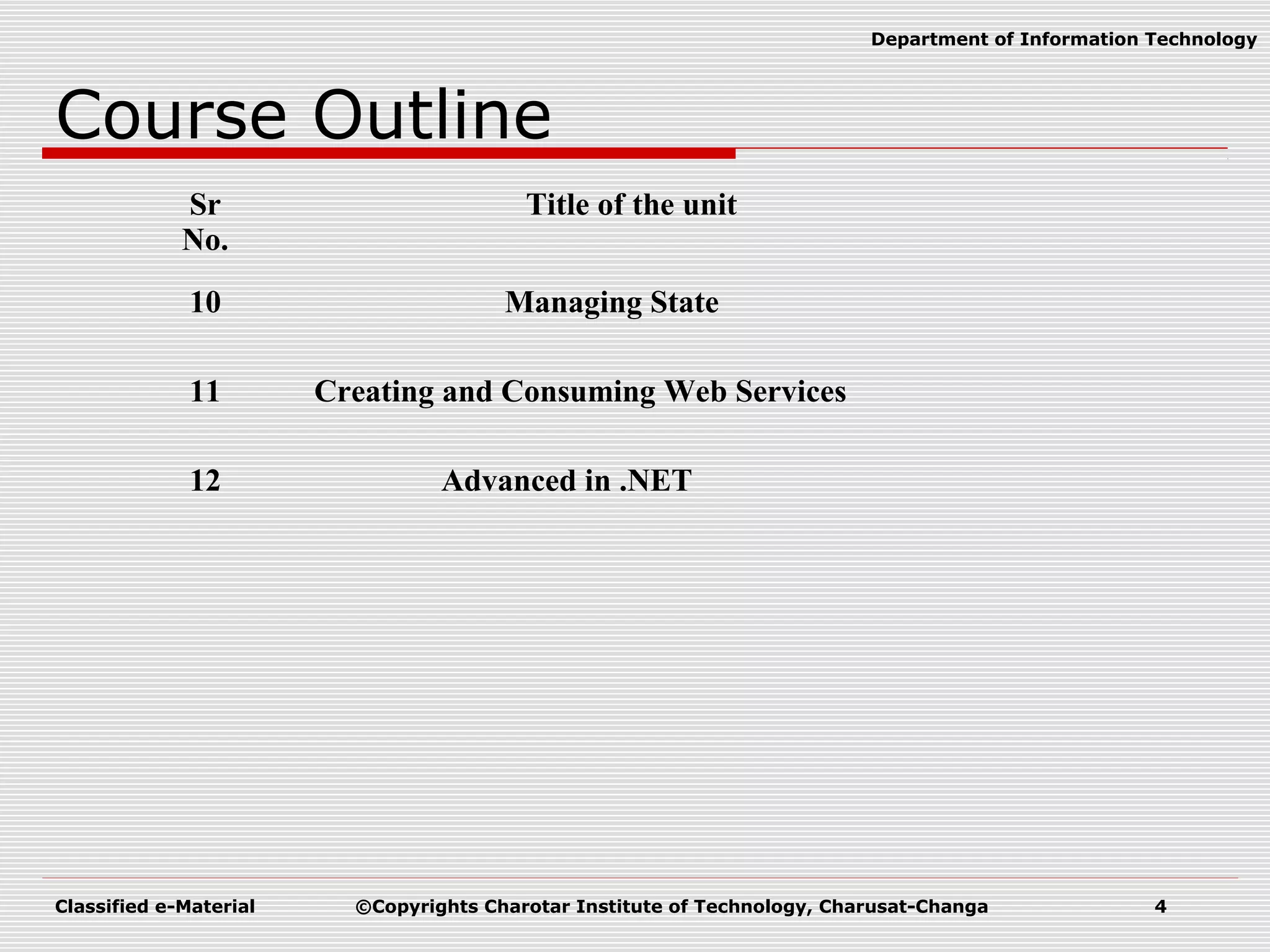
Classified e-Material ©Copyrights Charotar Institute of Technology, Charusat-Changa 4 Department of Information Technology Course Outline Sr No. Title of the unit 10 Managing State 11 Creating and Consuming Web Services 12 Advanced in .NET
Classified e-Material ©Copyrights Charotar Institute of Technology, Charusat-Changa 5 Department of Information Technology Preferred Material  Text Books:  Christian Nagel, Professional C# .Net, Wrox Publication  Matthew Macdonald and Robert Standefer, ASP.NET Complete Reference, TMH  Reference book:  Vijay Mukhi, C# The Basics, BPB Publications
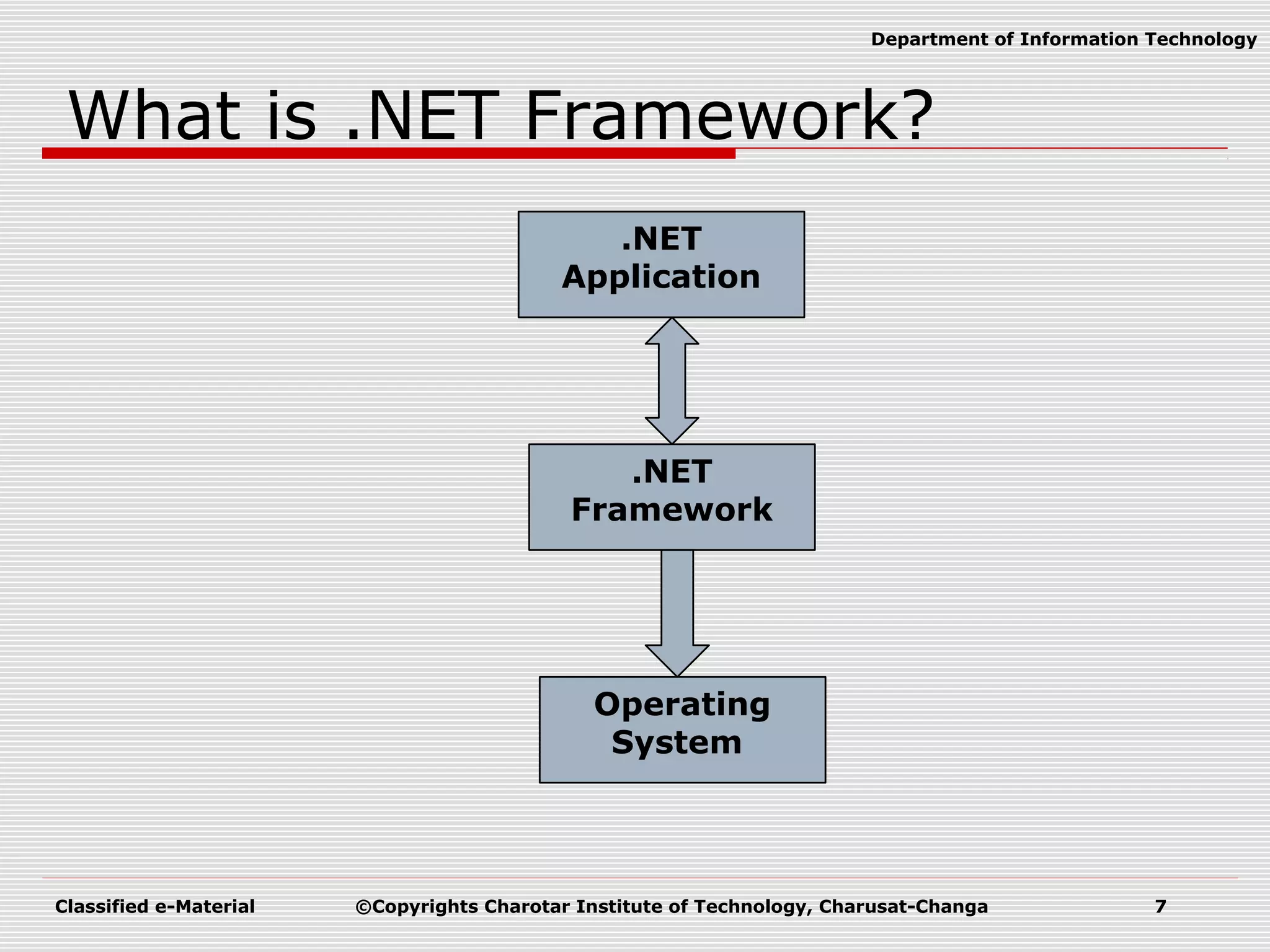
Classified e-Material ©Copyrights Charotar Institute of Technology, Charusat-Changa 6 Department of Information Technology .NET Framework  What is .NET?  Language?  Technology?  .NET Framework  .NET Framework is an environment/platform on which you can develop any application.
Classified e-Material ©Copyrights Charotar Institute of Technology, Charusat-Changa 7 Department of Information Technology What is .NET Framework? .NET Application Operating System .NET Framework
Classified e-Material ©Copyrights Charotar Institute of Technology, Charusat-Changa 8 Department of Information Technology History of Dot Net  Microsoft put their best men at work for a secret project called Next Generation Windows Services (NGWS)., under the direct supervision of Mr. Bill Gates.  Sometime in the July 2000, Microsoft announced a whole new software development framework for Windows called .NET in the Professional Developer Conference (PDC).  Microsoft also released PDC version of the software for the developers to test.  After initial testing and feedback Beta 1 of .NET was announced.  Microsoft then announced Beta 2 after it incorporated many changes suggested by the community into the software.  Finally, in March 2002 Microsoft released final version of the .NET framework.
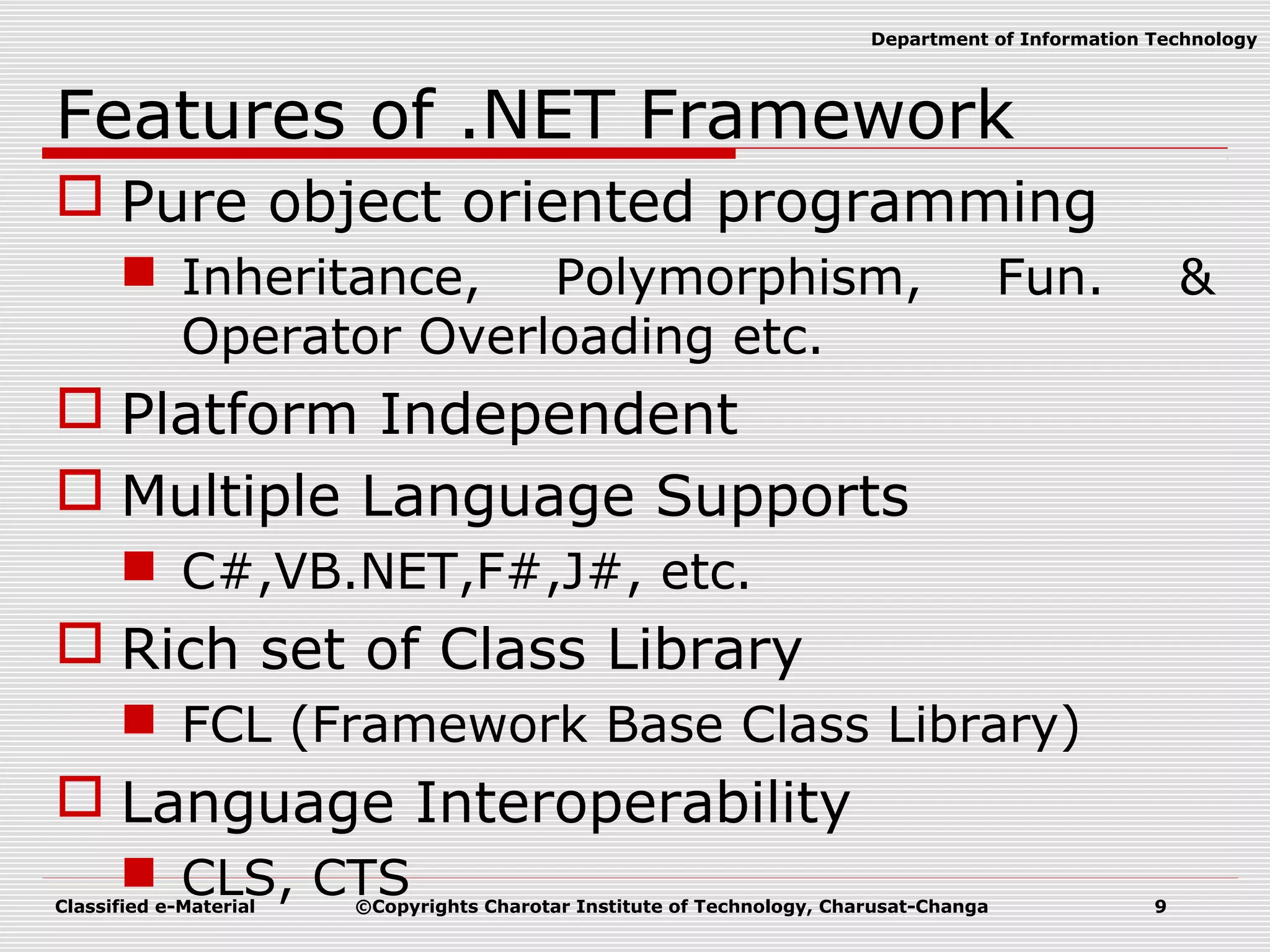
Classified e-Material ©Copyrights Charotar Institute of Technology, Charusat-Changa 9 Department of Information Technology Features of .NET Framework  Pure object oriented programming  Inheritance, Polymorphism, Fun. & Operator Overloading etc.  Platform Independent  Multiple Language Supports  C#,VB.NET,F#,J#, etc.  Rich set of Class Library  FCL (Framework Base Class Library)  Language Interoperability  CLS, CTS
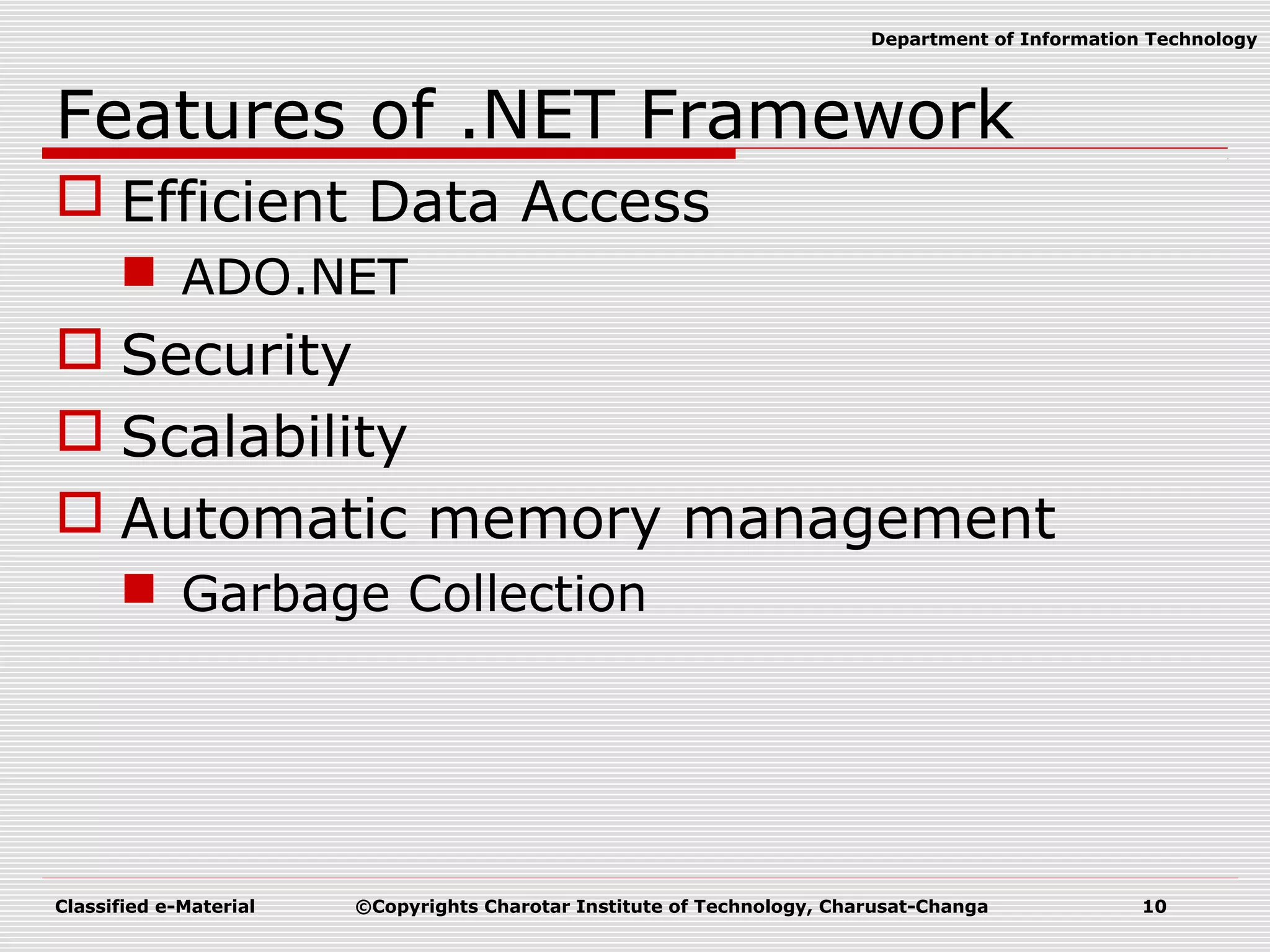
Classified e-Material ©Copyrights Charotar Institute of Technology, Charusat-Changa 10 Department of Information Technology Features of .NET Framework  Efficient Data Access  ADO.NET  Security  Scalability  Automatic memory management  Garbage Collection
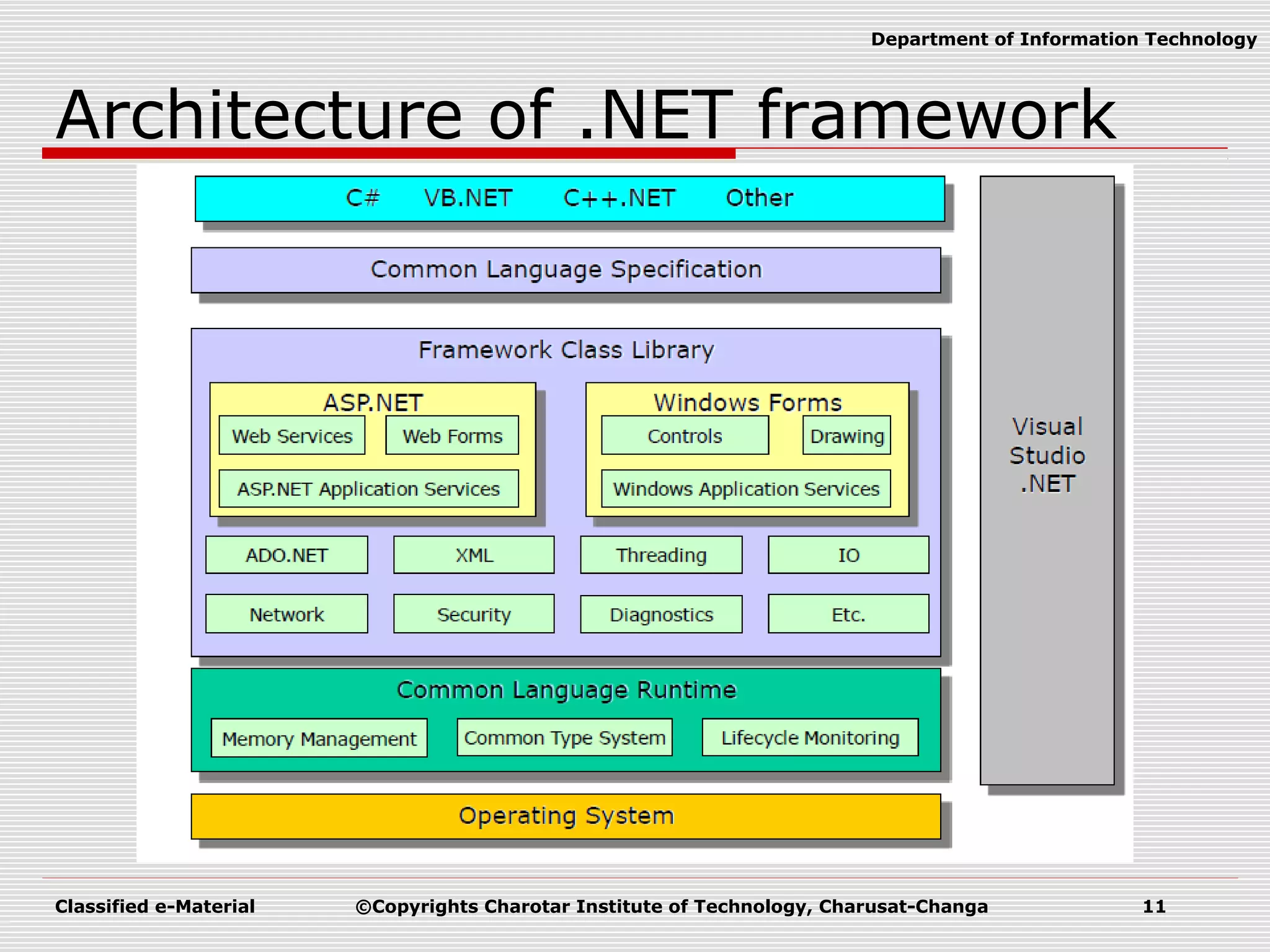
Classified e-Material ©Copyrights Charotar Institute of Technology, Charusat-Changa 11 Department of Information Technology Architecture of .NET framework
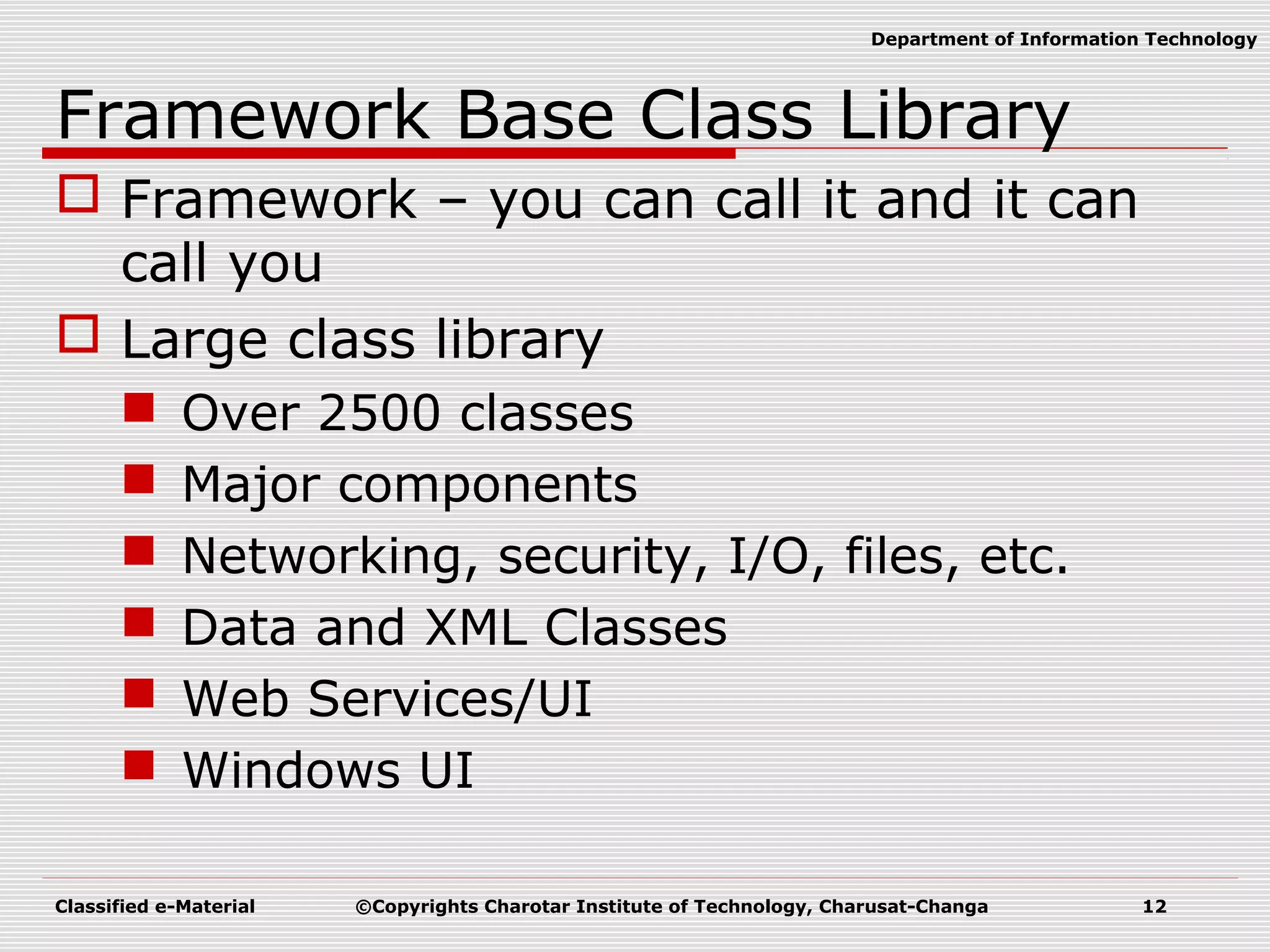
Classified e-Material ©Copyrights Charotar Institute of Technology, Charusat-Changa 12 Department of Information Technology Framework Base Class Library  Framework – you can call it and it can call you  Large class library  Over 2500 classes  Major components  Networking, security, I/O, files, etc.  Data and XML Classes  Web Services/UI  Windows UI
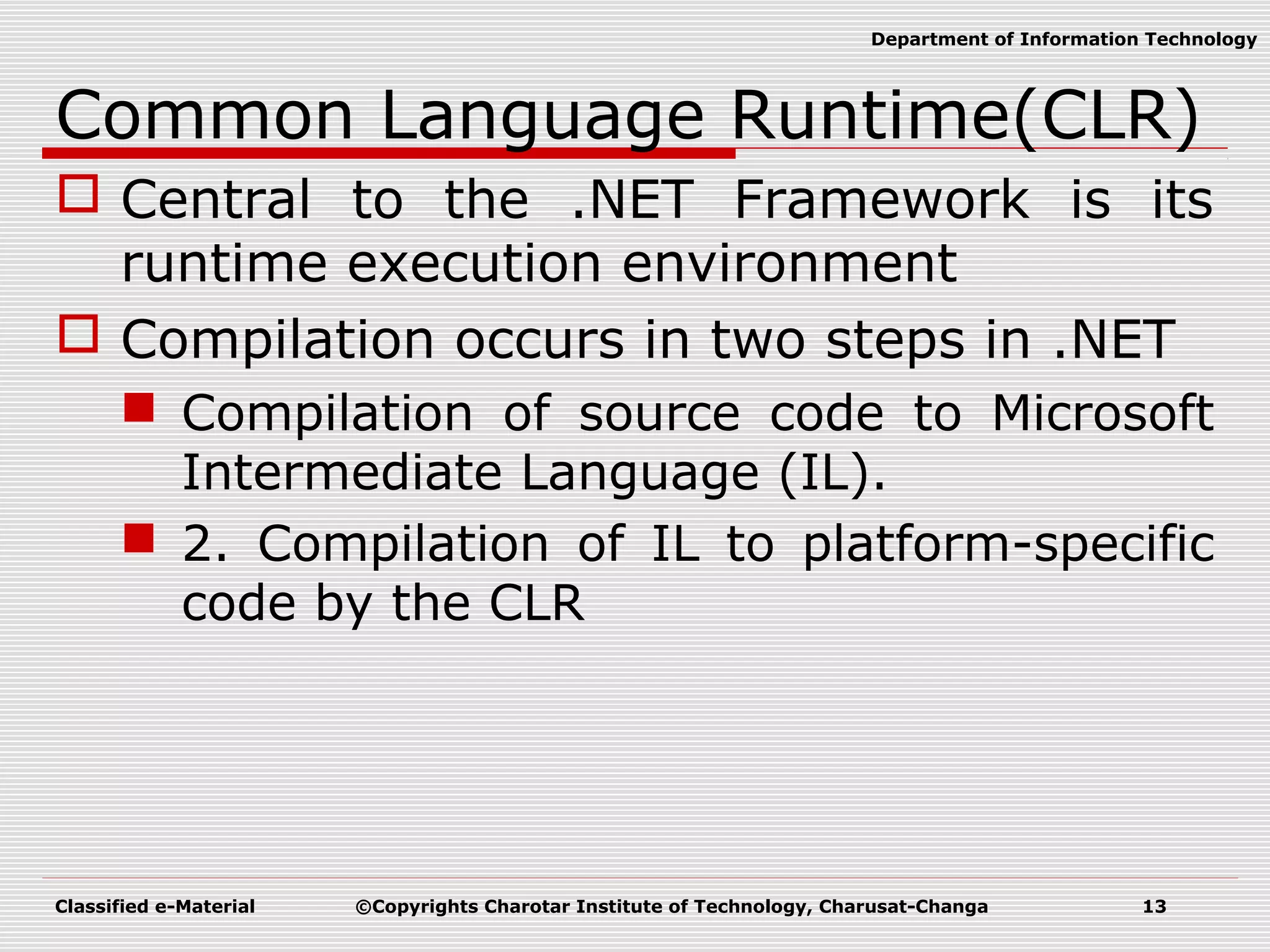
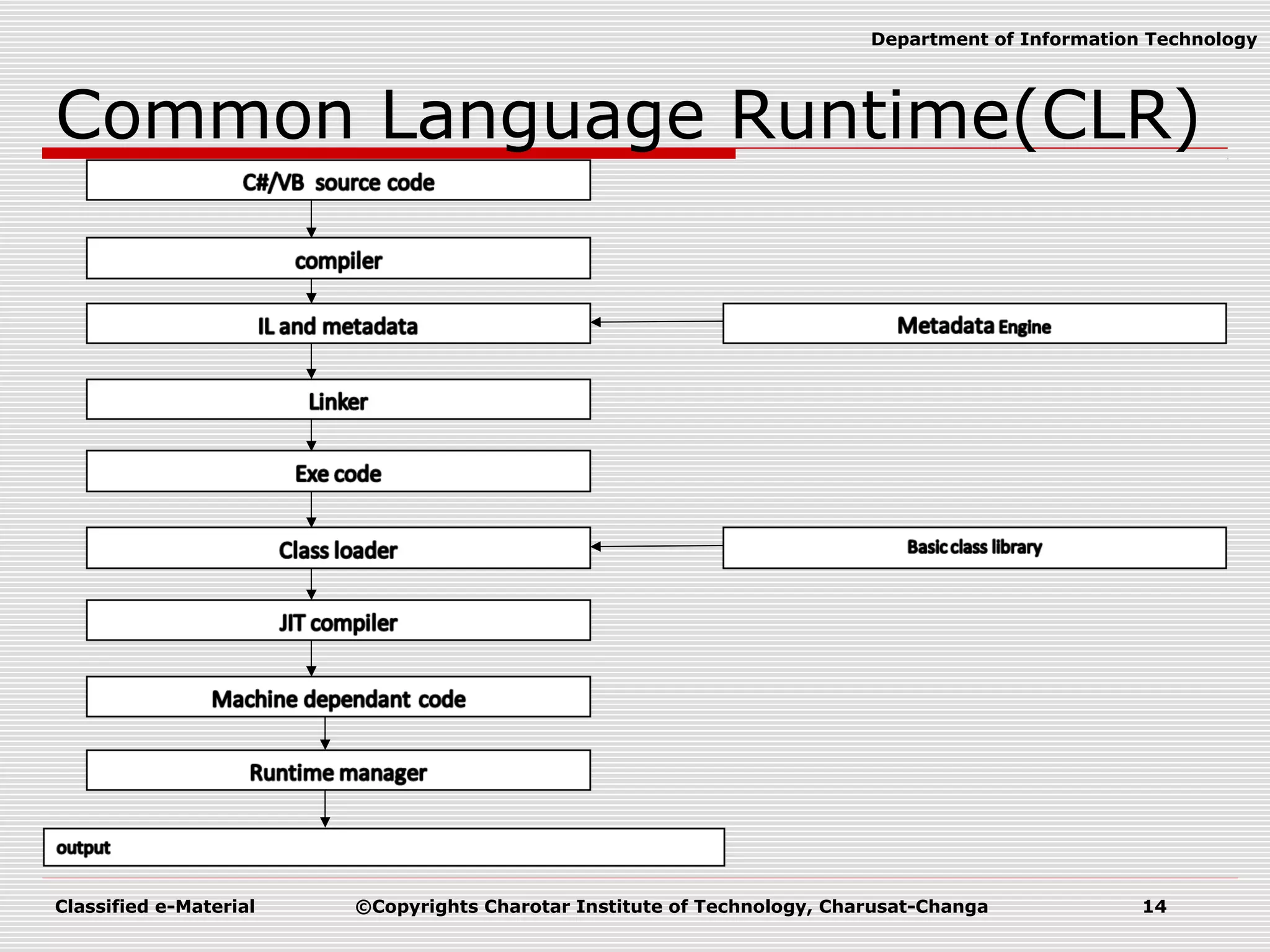
Classified e-Material ©Copyrights Charotar Institute of Technology, Charusat-Changa 13 Department of Information Technology Common Language Runtime(CLR)  Central to the .NET Framework is its runtime execution environment  Compilation occurs in two steps in .NET  Compilation of source code to Microsoft Intermediate Language (IL).  2. Compilation of IL to platform-specific code by the CLR
Classified e-Material ©Copyrights Charotar Institute of Technology, Charusat-Changa 14 Department of Information Technology Common Language Runtime(CLR)
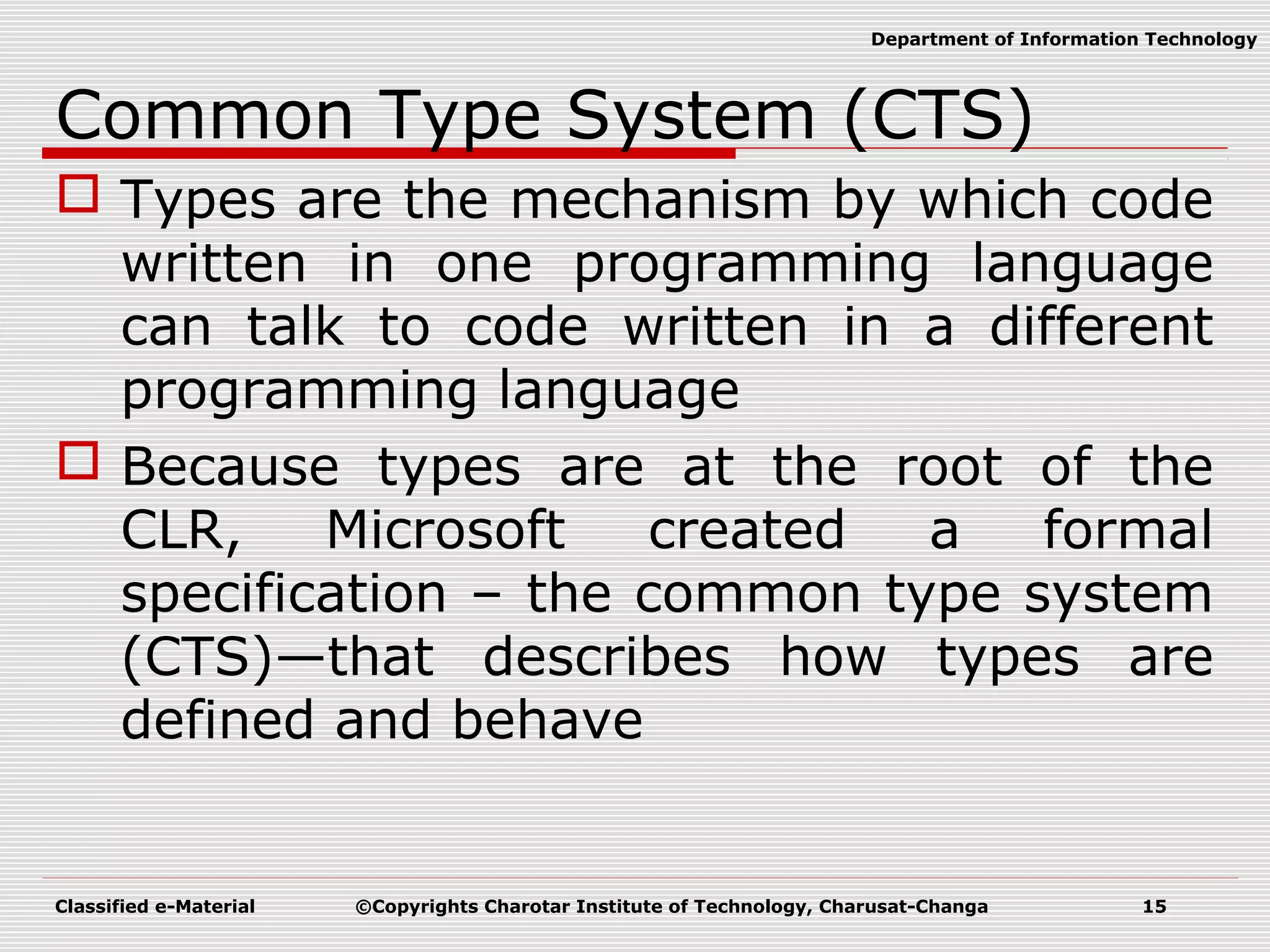
Classified e-Material ©Copyrights Charotar Institute of Technology, Charusat-Changa 15 Department of Information Technology Common Type System (CTS)  Types are the mechanism by which code written in one programming language can talk to code written in a different programming language  Because types are at the root of the CLR, Microsoft created a formal specification – the common type system (CTS)—that describes how types are defined and behave
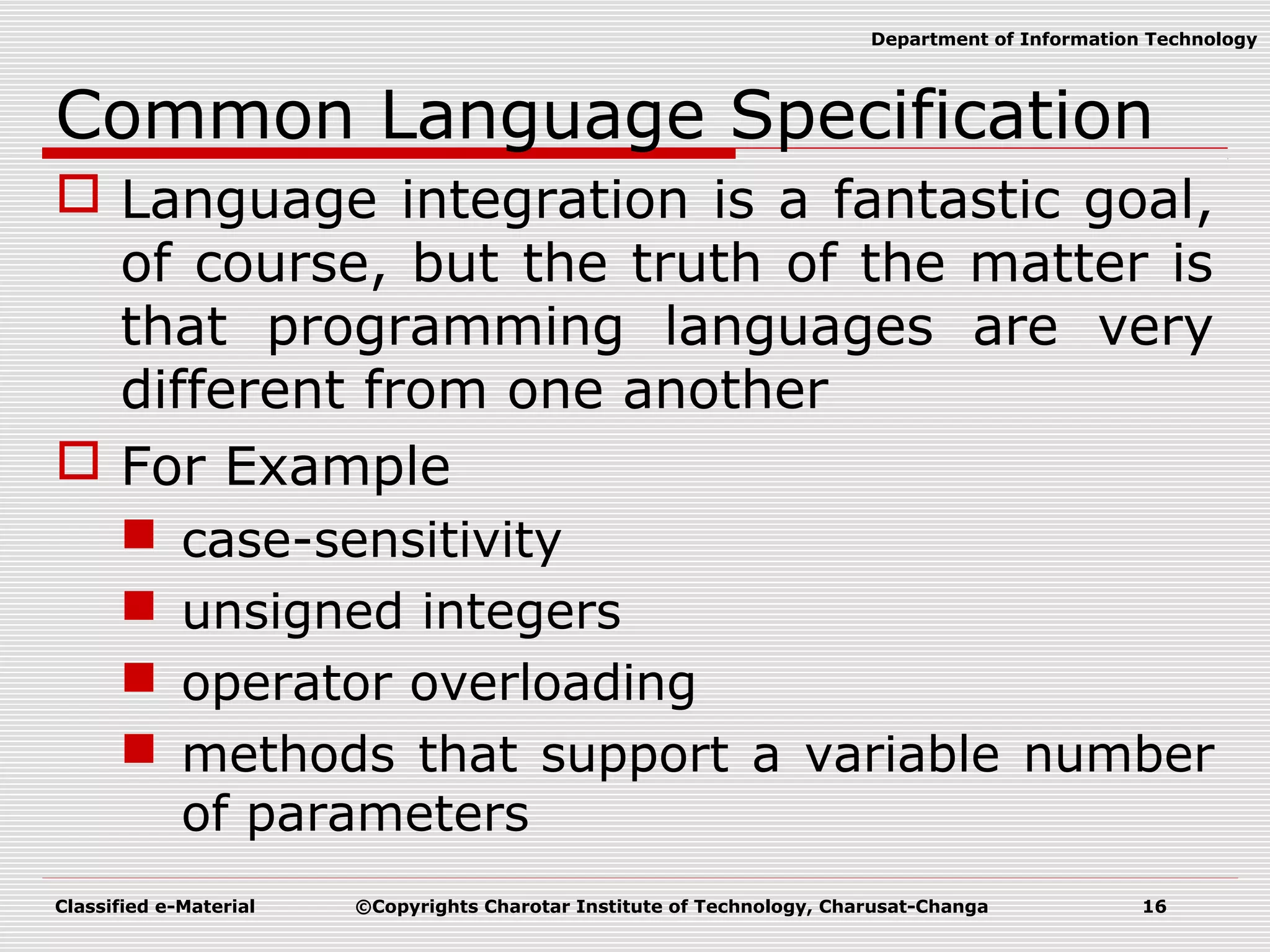
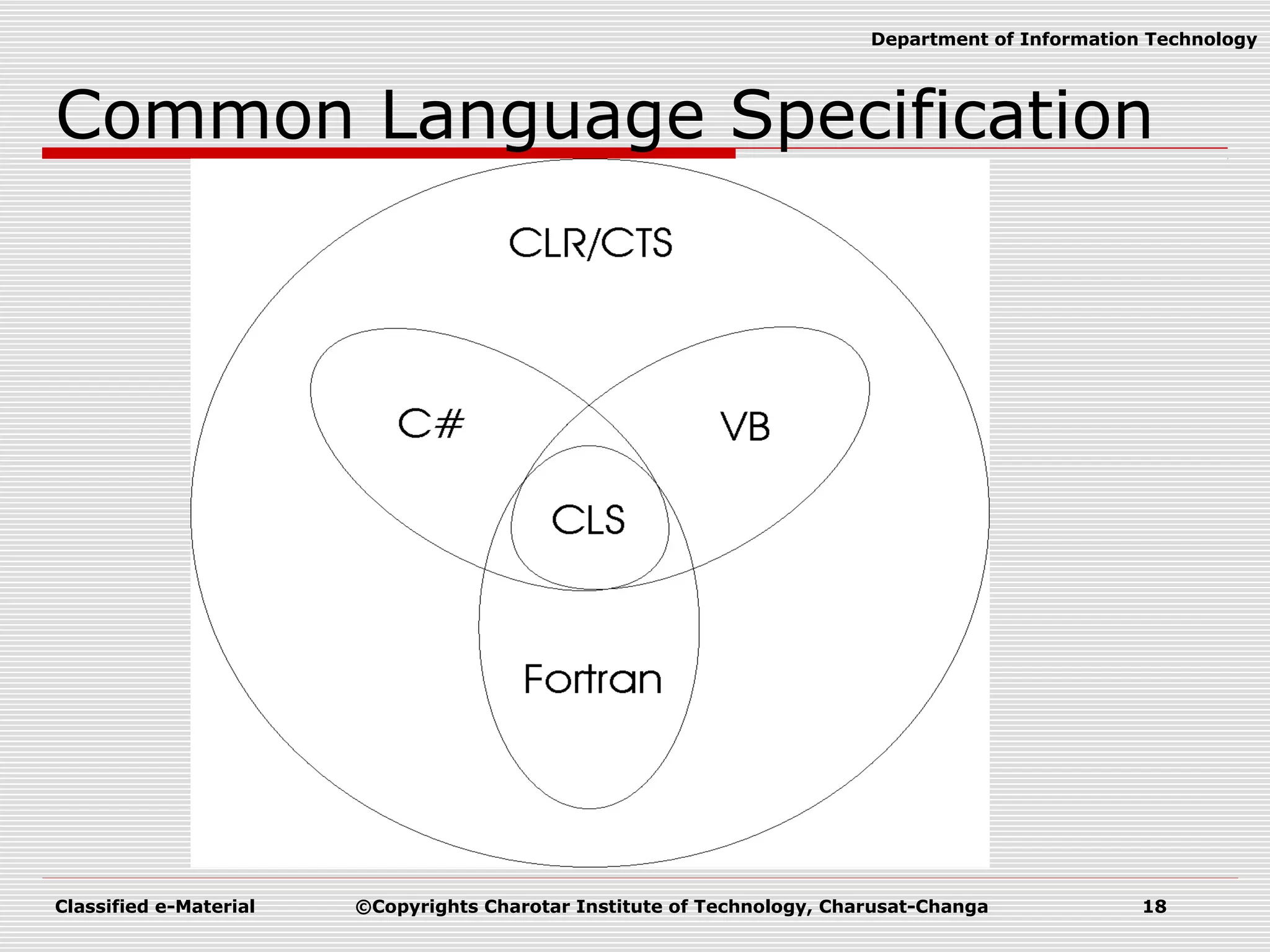
Classified e-Material ©Copyrights Charotar Institute of Technology, Charusat-Changa 16 Department of Information Technology Common Language Specification  Language integration is a fantastic goal, of course, but the truth of the matter is that programming languages are very different from one another  For Example  case-sensitivity  unsigned integers  operator overloading  methods that support a variable number of parameters
Classified e-Material ©Copyrights Charotar Institute of Technology, Charusat-Changa 17 Department of Information Technology Common Language Specification  then it is important that you use only features of your programming language that are guaranteed to be available in all other languages  To help you with this, Microsoft has defined a common language specification (CLS) that details for compiler vendors the minimum set of features that their compilers must support if they are to target the runtime
Classified e-Material ©Copyrights Charotar Institute of Technology, Charusat-Changa 18 Department of Information Technology Common Language Specification
Classified e-Material ©Copyrights Charotar Institute of Technology, Charusat-Changa 19 Department of Information Technology Managed Code  Managed code is code running under the control of the CLR.  Managed code is compiled to IL, and then JITted into native code.  Managed code uses data managed by the Garbage Collector.  Managed code includes meta-data.  Code that is not running under the control of CLR is unmanaged code  Example:Pointer in C++;
Classified e-Material ©Copyrights Charotar Institute of Technology, Charusat-Changa 20 Department of Information Technology Garbage Collector  The purpose of this program is to clean up memory automatically  Objects are allocated on the Garbage collected heap  The garbage collector is responsible for reclaiming memory used by objects which are no longer in use.
Classified e-Material ©Copyrights Charotar Institute of Technology, Charusat-Changa 21 Department of Information Technology Namespaces  Suppose you are team leader and 10 developers are working in team.  For One project you ask your 10 developer to create 10 classes individually.  Your task is to combine all these 100 class into one module.  How many chances are that your developer will not take same class name???
Classified e-Material ©Copyrights Charotar Institute of Technology, Charusat-Changa 22 Department of Information Technology Namespace  To avoid conflict in class name we are using namespace.  Instead create classes ask them to create all the classes in namespace.
Classified e-Material ©Copyrights Charotar Institute of Technology, Charusat-Changa 23 Department of Information Technology Assembly  An assembly is the .NET term for a deployment and configuration unit.  It is a logical unit of MSIL, Meta data, resource etc.  Two Types;  Private Assembly  Private to user application only  Example: exe/dll file of application  Shared Assembly  Sheared by one or more programs  Example:mscorlib.dll
Classified e-Material ©Copyrights Charotar Institute of Technology, Charusat-Changa 24 Department of Information Technology Assembly Versioning
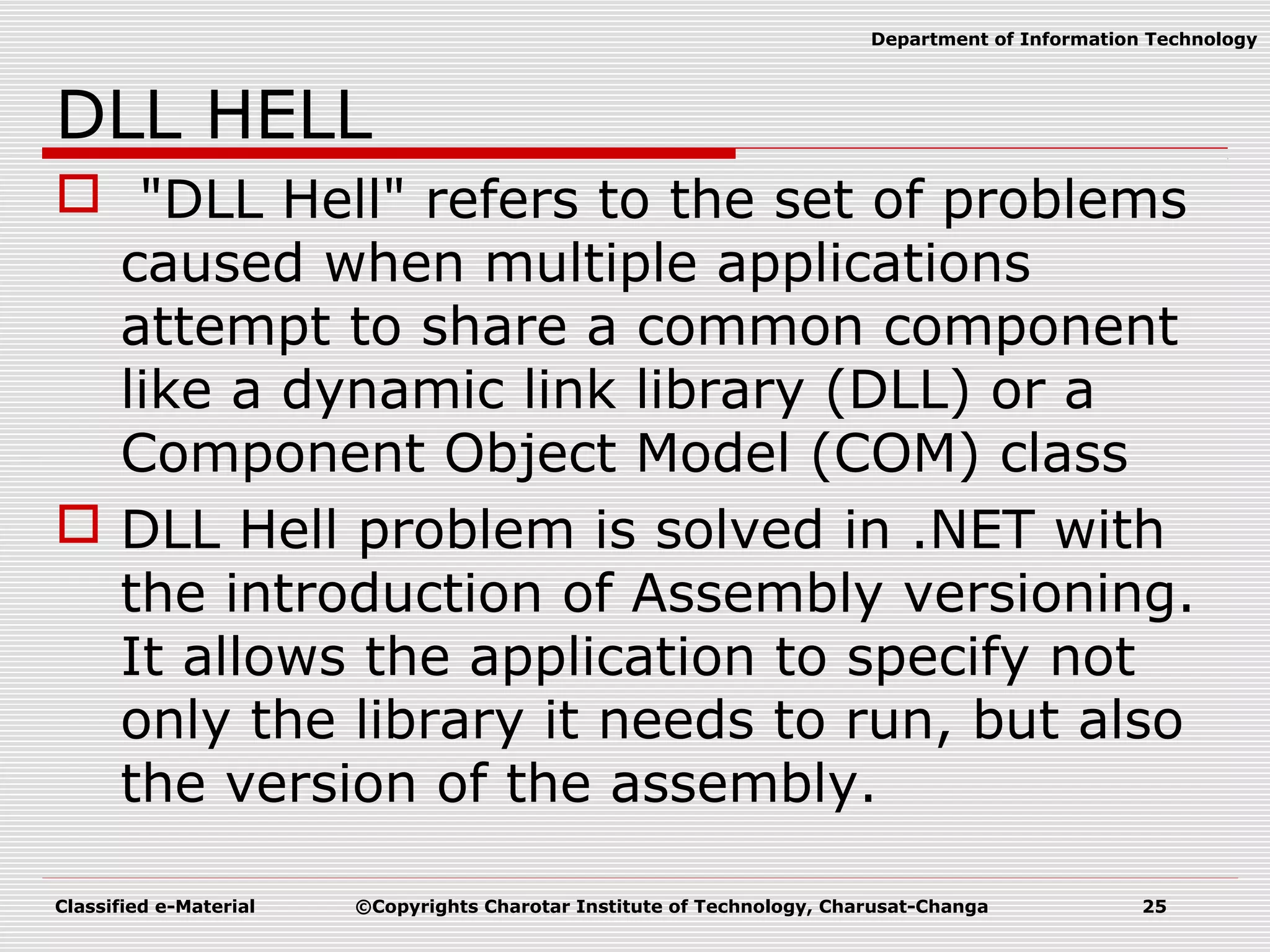
Classified e-Material ©Copyrights Charotar Institute of Technology, Charusat-Changa 25 Department of Information Technology DLL HELL  "DLL Hell" refers to the set of problems caused when multiple applications attempt to share a common component like a dynamic link library (DLL) or a Component Object Model (COM) class  DLL Hell problem is solved in .NET with the introduction of Assembly versioning. It allows the application to specify not only the library it needs to run, but also the version of the assembly.
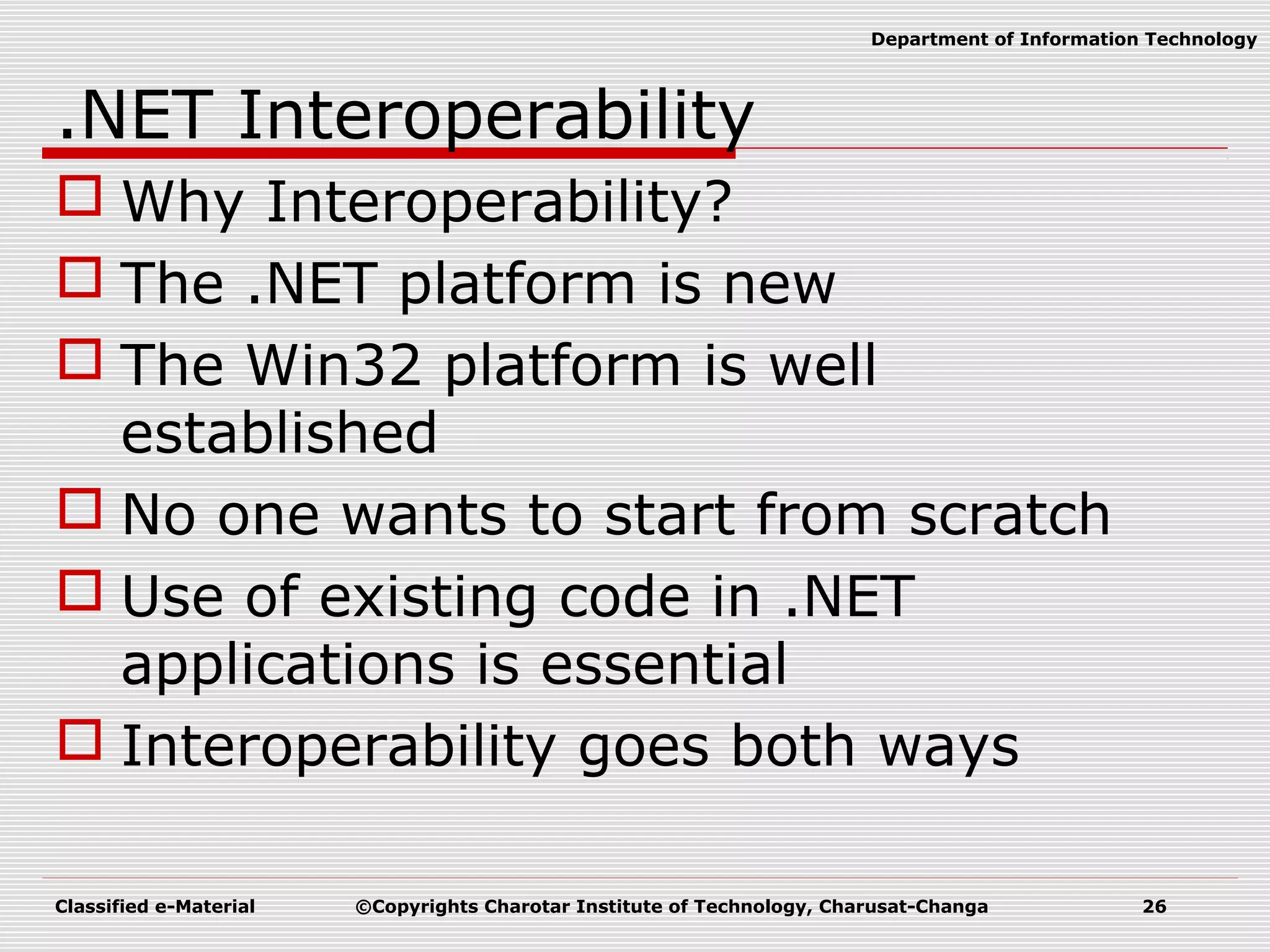
Classified e-Material ©Copyrights Charotar Institute of Technology, Charusat-Changa 26 Department of Information Technology .NET Interoperability  Why Interoperability?  The .NET platform is new  The Win32 platform is well established  No one wants to start from scratch  Use of existing code in .NET applications is essential  Interoperability goes both ways
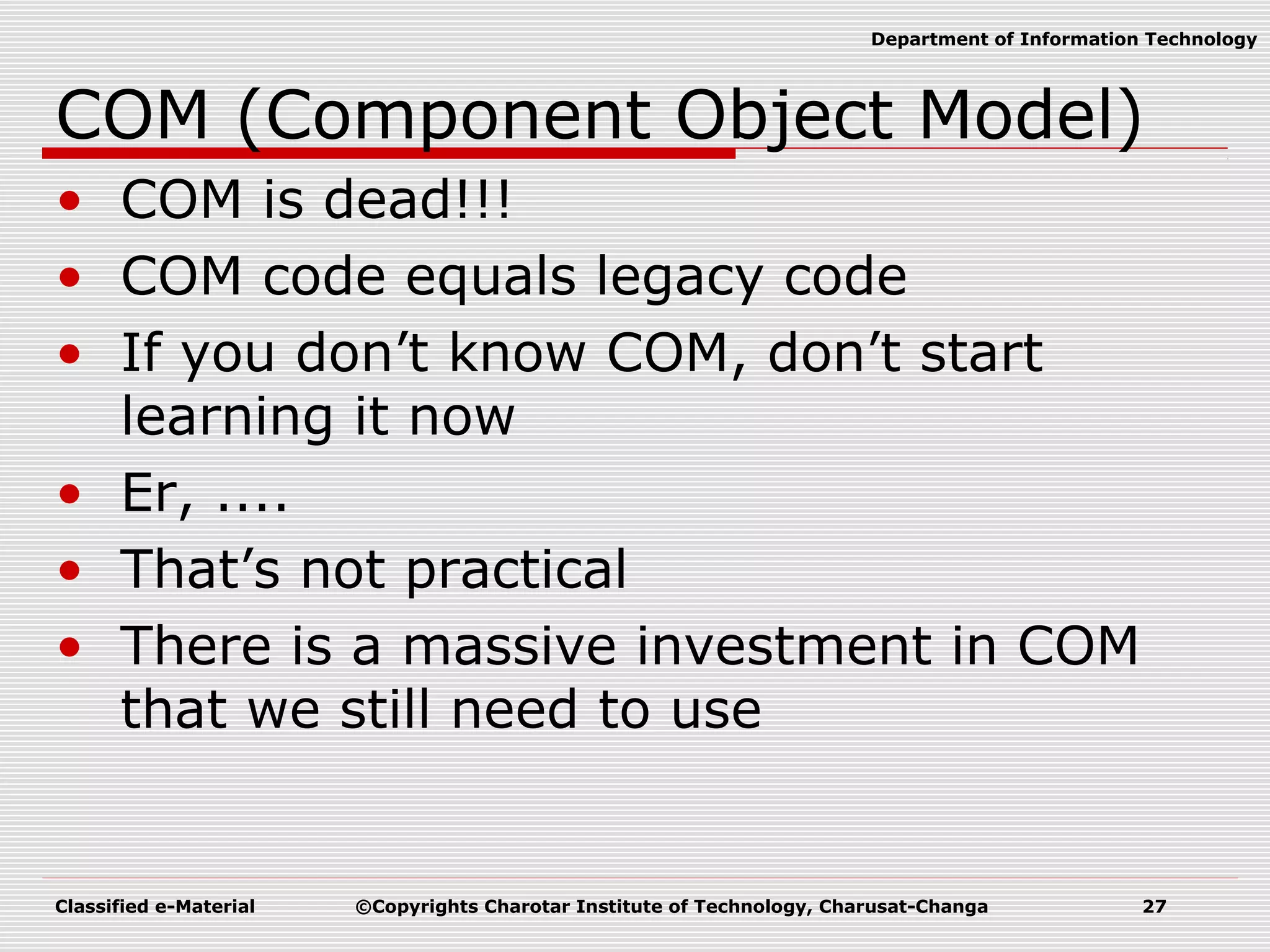
Classified e-Material ©Copyrights Charotar Institute of Technology, Charusat-Changa 27 Department of Information Technology COM (Component Object Model) • COM is dead!!! • COM code equals legacy code • If you don’t know COM, don’t start learning it now • Er, .... • That’s not practical • There is a massive investment in COM that we still need to use
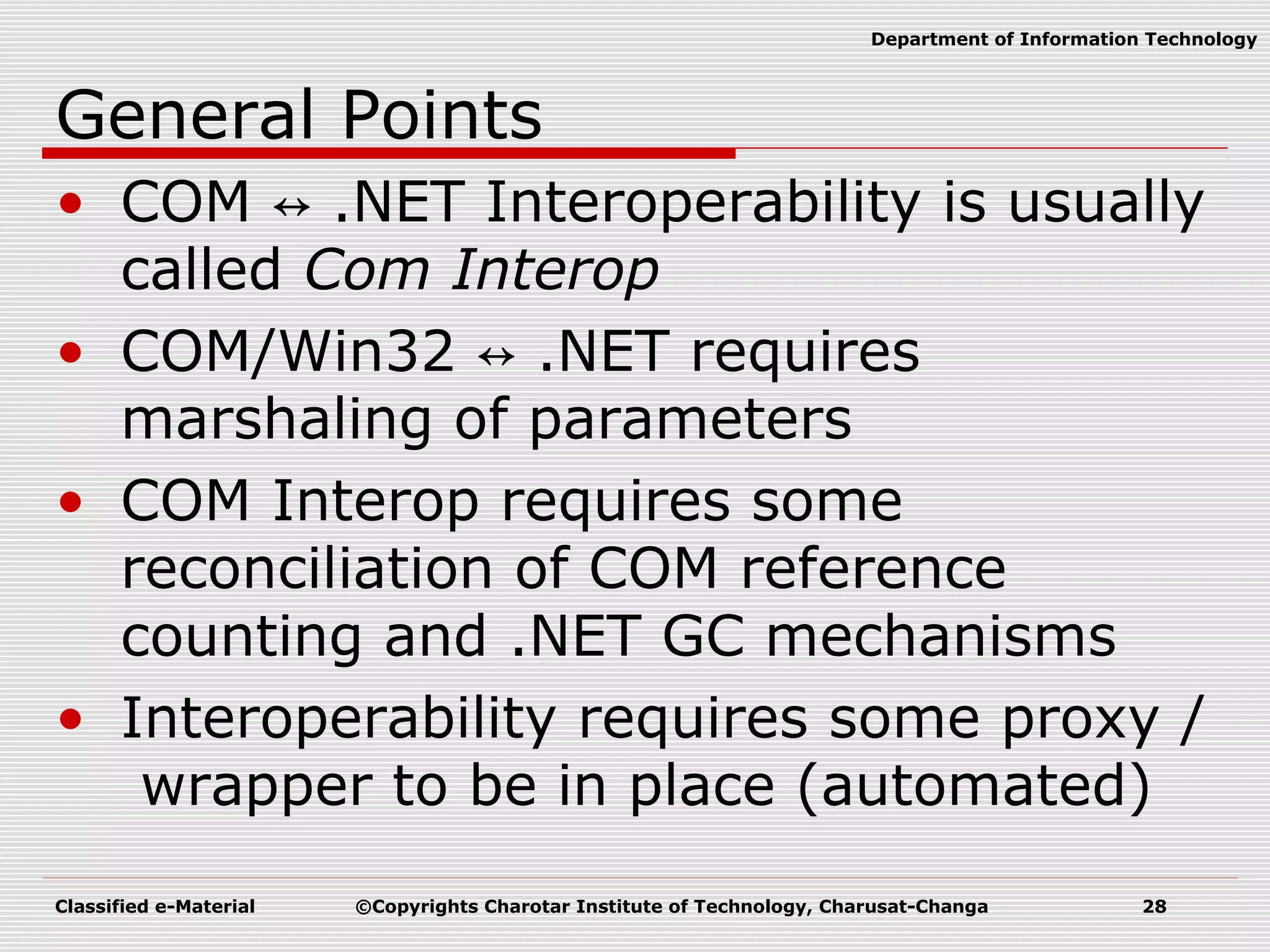
Classified e-Material ©Copyrights Charotar Institute of Technology, Charusat-Changa 28 Department of Information Technology General Points • COM ↔ .NET Interoperability is usually called Com Interop • COM/Win32 ↔ .NET requires marshaling of parameters • COM Interop requires some reconciliation of COM reference counting and .NET GC mechanisms • Interoperability requires some proxy / wrapper to be in place (automated)

Introduction to .NET Framework

  • 1.
    Classified e-Material ©CopyrightsCharotar Institute of Technology, Charusat-Changa 1 Department of Information Technology CE308.01: ADVANCED PROGRAMMING USING .NET FRAMEWORK
  • 2.
    Classified e-Material ©CopyrightsCharotar Institute of Technology, Charusat-Changa 2 Department of Information Technology Credits and Hours: Teaching Scheme Theory Practical Total Credit Hours/week 2 4 6 4 Marks 100 100 200
  • 3.
    Classified e-Material ©CopyrightsCharotar Institute of Technology, Charusat-Changa 3 Department of Information Technology Course Outline Sr No. Title of the unit 1 Introduction to .NET framework 2 C# - The Basics, Console Applications in C# 3 C# .NET 4 ADO.NET 5 Windows Forms and Controls in detail 6 Visual Inheritance in C#.NET 7 Mastering Windows Forms 8 ASP.NET 9 Themes and Master Pages
  • 4.
    Classified e-Material ©CopyrightsCharotar Institute of Technology, Charusat-Changa 4 Department of Information Technology Course Outline Sr No. Title of the unit 10 Managing State 11 Creating and Consuming Web Services 12 Advanced in .NET
  • 5.
    Classified e-Material ©CopyrightsCharotar Institute of Technology, Charusat-Changa 5 Department of Information Technology Preferred Material  Text Books:  Christian Nagel, Professional C# .Net, Wrox Publication  Matthew Macdonald and Robert Standefer, ASP.NET Complete Reference, TMH  Reference book:  Vijay Mukhi, C# The Basics, BPB Publications
  • 6.
    Classified e-Material ©CopyrightsCharotar Institute of Technology, Charusat-Changa 6 Department of Information Technology .NET Framework  What is .NET?  Language?  Technology?  .NET Framework  .NET Framework is an environment/platform on which you can develop any application.
  • 7.
    Classified e-Material ©CopyrightsCharotar Institute of Technology, Charusat-Changa 7 Department of Information Technology What is .NET Framework? .NET Application Operating System .NET Framework
  • 8.
    Classified e-Material ©CopyrightsCharotar Institute of Technology, Charusat-Changa 8 Department of Information Technology History of Dot Net  Microsoft put their best men at work for a secret project called Next Generation Windows Services (NGWS)., under the direct supervision of Mr. Bill Gates.  Sometime in the July 2000, Microsoft announced a whole new software development framework for Windows called .NET in the Professional Developer Conference (PDC).  Microsoft also released PDC version of the software for the developers to test.  After initial testing and feedback Beta 1 of .NET was announced.  Microsoft then announced Beta 2 after it incorporated many changes suggested by the community into the software.  Finally, in March 2002 Microsoft released final version of the .NET framework.
  • 9.
    Classified e-Material ©CopyrightsCharotar Institute of Technology, Charusat-Changa 9 Department of Information Technology Features of .NET Framework  Pure object oriented programming  Inheritance, Polymorphism, Fun. & Operator Overloading etc.  Platform Independent  Multiple Language Supports  C#,VB.NET,F#,J#, etc.  Rich set of Class Library  FCL (Framework Base Class Library)  Language Interoperability  CLS, CTS
  • 10.
    Classified e-Material ©CopyrightsCharotar Institute of Technology, Charusat-Changa 10 Department of Information Technology Features of .NET Framework  Efficient Data Access  ADO.NET  Security  Scalability  Automatic memory management  Garbage Collection
  • 11.
    Classified e-Material ©CopyrightsCharotar Institute of Technology, Charusat-Changa 11 Department of Information Technology Architecture of .NET framework
  • 12.
    Classified e-Material ©CopyrightsCharotar Institute of Technology, Charusat-Changa 12 Department of Information Technology Framework Base Class Library  Framework – you can call it and it can call you  Large class library  Over 2500 classes  Major components  Networking, security, I/O, files, etc.  Data and XML Classes  Web Services/UI  Windows UI
  • 13.
    Classified e-Material ©CopyrightsCharotar Institute of Technology, Charusat-Changa 13 Department of Information Technology Common Language Runtime(CLR)  Central to the .NET Framework is its runtime execution environment  Compilation occurs in two steps in .NET  Compilation of source code to Microsoft Intermediate Language (IL).  2. Compilation of IL to platform-specific code by the CLR
  • 14.
    Classified e-Material ©CopyrightsCharotar Institute of Technology, Charusat-Changa 14 Department of Information Technology Common Language Runtime(CLR)
  • 15.
    Classified e-Material ©CopyrightsCharotar Institute of Technology, Charusat-Changa 15 Department of Information Technology Common Type System (CTS)  Types are the mechanism by which code written in one programming language can talk to code written in a different programming language  Because types are at the root of the CLR, Microsoft created a formal specification – the common type system (CTS)—that describes how types are defined and behave
  • 16.
    Classified e-Material ©CopyrightsCharotar Institute of Technology, Charusat-Changa 16 Department of Information Technology Common Language Specification  Language integration is a fantastic goal, of course, but the truth of the matter is that programming languages are very different from one another  For Example  case-sensitivity  unsigned integers  operator overloading  methods that support a variable number of parameters
  • 17.
    Classified e-Material ©CopyrightsCharotar Institute of Technology, Charusat-Changa 17 Department of Information Technology Common Language Specification  then it is important that you use only features of your programming language that are guaranteed to be available in all other languages  To help you with this, Microsoft has defined a common language specification (CLS) that details for compiler vendors the minimum set of features that their compilers must support if they are to target the runtime
  • 18.
    Classified e-Material ©CopyrightsCharotar Institute of Technology, Charusat-Changa 18 Department of Information Technology Common Language Specification
  • 19.
    Classified e-Material ©CopyrightsCharotar Institute of Technology, Charusat-Changa 19 Department of Information Technology Managed Code  Managed code is code running under the control of the CLR.  Managed code is compiled to IL, and then JITted into native code.  Managed code uses data managed by the Garbage Collector.  Managed code includes meta-data.  Code that is not running under the control of CLR is unmanaged code  Example:Pointer in C++;
  • 20.
    Classified e-Material ©CopyrightsCharotar Institute of Technology, Charusat-Changa 20 Department of Information Technology Garbage Collector  The purpose of this program is to clean up memory automatically  Objects are allocated on the Garbage collected heap  The garbage collector is responsible for reclaiming memory used by objects which are no longer in use.
  • 21.
    Classified e-Material ©CopyrightsCharotar Institute of Technology, Charusat-Changa 21 Department of Information Technology Namespaces  Suppose you are team leader and 10 developers are working in team.  For One project you ask your 10 developer to create 10 classes individually.  Your task is to combine all these 100 class into one module.  How many chances are that your developer will not take same class name???
  • 22.
    Classified e-Material ©CopyrightsCharotar Institute of Technology, Charusat-Changa 22 Department of Information Technology Namespace  To avoid conflict in class name we are using namespace.  Instead create classes ask them to create all the classes in namespace.
  • 23.
    Classified e-Material ©CopyrightsCharotar Institute of Technology, Charusat-Changa 23 Department of Information Technology Assembly  An assembly is the .NET term for a deployment and configuration unit.  It is a logical unit of MSIL, Meta data, resource etc.  Two Types;  Private Assembly  Private to user application only  Example: exe/dll file of application  Shared Assembly  Sheared by one or more programs  Example:mscorlib.dll
  • 24.
    Classified e-Material ©CopyrightsCharotar Institute of Technology, Charusat-Changa 24 Department of Information Technology Assembly Versioning
  • 25.
    Classified e-Material ©CopyrightsCharotar Institute of Technology, Charusat-Changa 25 Department of Information Technology DLL HELL  "DLL Hell" refers to the set of problems caused when multiple applications attempt to share a common component like a dynamic link library (DLL) or a Component Object Model (COM) class  DLL Hell problem is solved in .NET with the introduction of Assembly versioning. It allows the application to specify not only the library it needs to run, but also the version of the assembly.
  • 26.
    Classified e-Material ©CopyrightsCharotar Institute of Technology, Charusat-Changa 26 Department of Information Technology .NET Interoperability  Why Interoperability?  The .NET platform is new  The Win32 platform is well established  No one wants to start from scratch  Use of existing code in .NET applications is essential  Interoperability goes both ways
  • 27.
    Classified e-Material ©CopyrightsCharotar Institute of Technology, Charusat-Changa 27 Department of Information Technology COM (Component Object Model) • COM is dead!!! • COM code equals legacy code • If you don’t know COM, don’t start learning it now • Er, .... • That’s not practical • There is a massive investment in COM that we still need to use
  • 28.
    Classified e-Material ©CopyrightsCharotar Institute of Technology, Charusat-Changa 28 Department of Information Technology General Points • COM ↔ .NET Interoperability is usually called Com Interop • COM/Win32 ↔ .NET requires marshaling of parameters • COM Interop requires some reconciliation of COM reference counting and .NET GC mechanisms • Interoperability requires some proxy / wrapper to be in place (automated)