HTML Explained By: Abhay Pratap Singh 202210101330005 BCA(AI)-41 Under Guidence of: Er. Prabhdeep Singh Web Technology(UCS4001
HTML CONTENTS • INTRODUCTION OF HTML • OBJECTIVE OF HTML • WORLD WIDE WEB • HTML TOOLS • HTML TERMINOLGY • HOW TO CREATE AN HTML DOCUMENT • S A V I N G A N D V I E W I N G A H T M L DOCUMENT • TEXT TEGS • SPECIAL CHARTACTER • ADVANTAGES OF HTML • DISADVANTAGES OF HTML
INTRODUCTION OF HTML • HTML is a language for describing web pages. • HTML stands for Hyper Text Markup Language • HTML is not a programming language, it is a markup language • A markup language is a set of markup tags • HTML uses markup tags to describe web pages
INTRODUCTION OF HTML • HTML (Hypertext Markup Language) is used to create document on the World Wide Web. It is simply a collection of certain key words called ‘Tags’ that are helpful in writing the document to be displayed using a browser on Internet. It is a platform independent language that can be used on any platform such as Windows, Linux, Macintosh, and so on. To display a document in web it is essential to mark-up the different e l eme n t s ( h e a d i n g s , p a r a g r a p h s , t a b l e s , a n d s o o n ) o f t h e document with the HTML tags. To view a mark-up document u s e r h a s t o o p e n t h e d o c u m e n t i n a b r o w s e r . A b r o w s e r understands and interpret the HTML tags, identifies the structure of the document (which part are which) and makes decision about presentation (how the parts look) of the document. HTML also provides tags to make the document look attractive using graphics, font size and colors. User can make a link to the other document or the different section of the same document by creating Hypertext Links also known as Hyperlinks
OBJECTIVE OF HTML • create, save and view a HTML document • format a web page using section heading tags • describe Ordered and Unordered lists • explain graphics in HTML document • describe hypertext links and making text/image link
WORLD WIDE WEB • The World Wide Web (abbreviated as WWW or W3 and commonly known as the Web)is a system of interlinked hypertext documents accessed via the Internet. With a web browser, one can view web pages that may contain text, images, videos, and other multimedia and navigate between them via hyperlinks.
HTML TOOLS • There are two tools of HTML. a) HTML Editor: it is the program that one uses to create and save HTML documents. They fall into two categories: - Text based or code based which allows one to see the HTML code as one is creating a document.e.g. Notepad. - Netscape composer
HTML TOOLS b) Web Browser: it is the program that one uses to view and test the HTML documents. They translate Html encoded files into text,image,sounds and other features user see. Microsoft Internet Explorer,Netscape,Mosaic Chrome are examples of browsers that enables user to view text and images and many more other World Wide Web featueres.They are software that must be installed on user computer.
HTML TERMINOLGY • Some commonly used terms in HTML are: • a)Tag: Tags are always written within angles brackets. it is a piece of text is used to identify an element so that the browser realizes how to display its contents.e.g.<HTML> tag indicates the start of an HTML document .HTML tag can be two types. They are:- • -Paired Tags :A tag is said to be a paired tag if text is placed between a tag and its companions tag.In paired tag ,the first tag is referred to as opening tag and the second tag is referred to as closing tag. • -Unpaired Tags: An unpaired tag does not have a companion tag .unpaired tag also known as singular or Stand-Alone tags.e.g:<br>,<hr> etc.
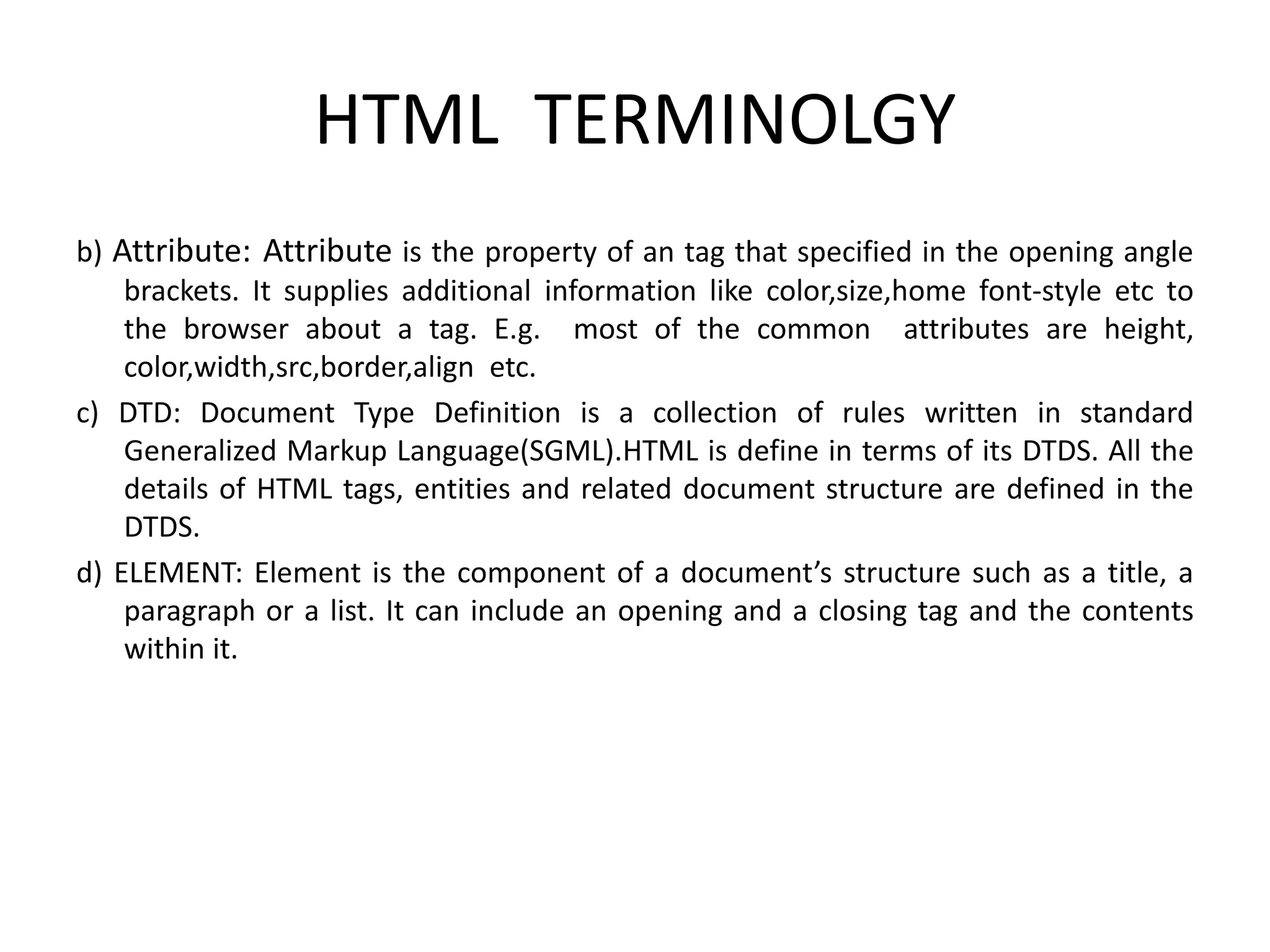
HTML TERMINOLGY b) Attribute: Attribute is the property of an tag that specified in the opening angle brackets. It supplies additional information like color,size,home font-style etc to the browser about a tag. E.g. most of the common attributes are height, color,width,src,border,align etc. c) DTD: Document Type Definition is a collection of rules written in standard Generalized Markup Language(SGML).HTML is define in terms of its DTDS. All the details of HTML tags, entities and related document structure are defined in the DTDS. d) ELEMENT: Element is the component of a document’s structure such as a title, a paragraph or a list. It can include an opening and a closing tag and the contents within it.
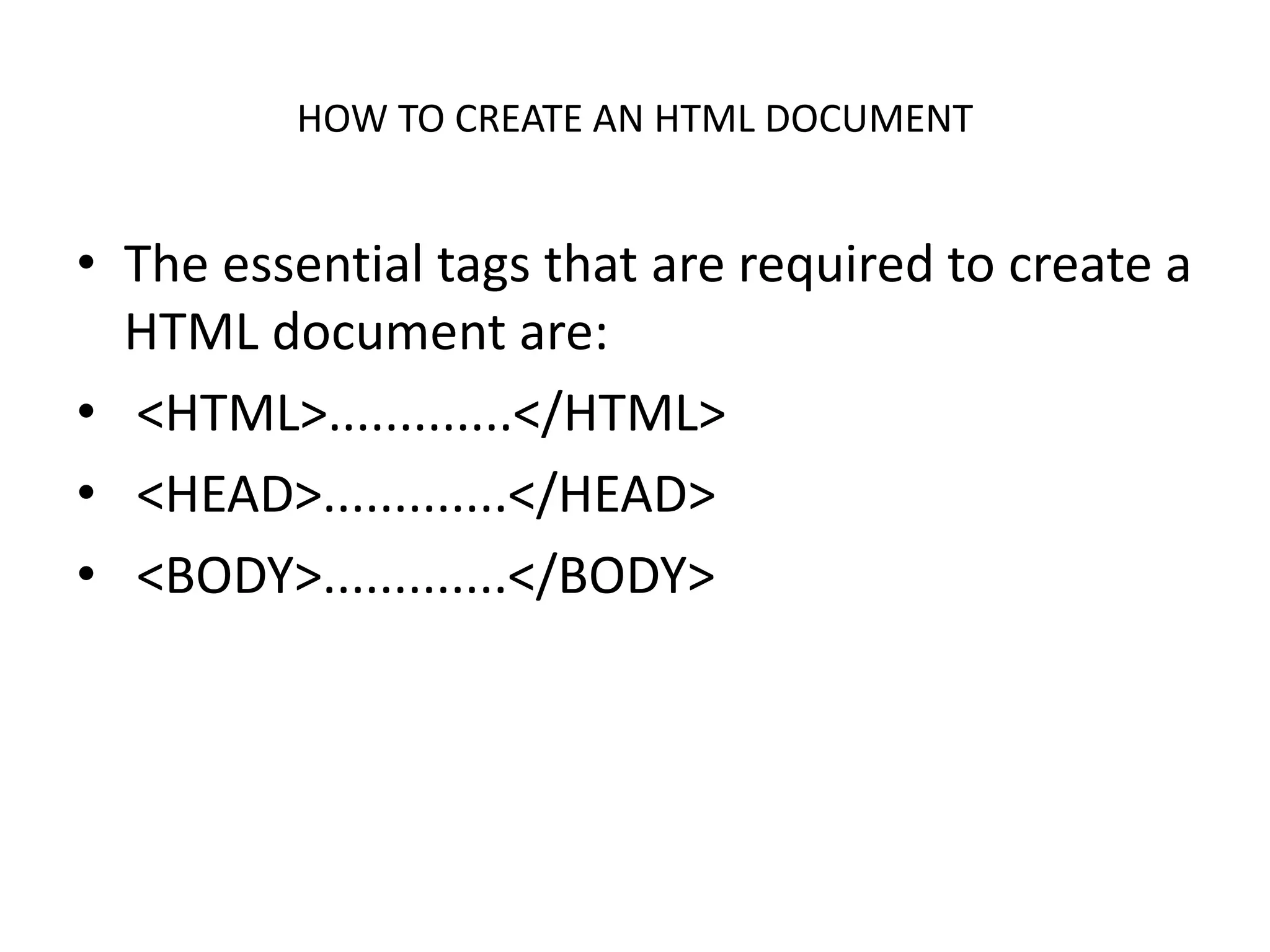
HOW TO CREATE AN HTML DOCUMENT • The essential tags that are required to create a HTML document are: • <HTML>.............</HTML> • <HEAD>.............</HEAD> • <BODY>.............</BODY>
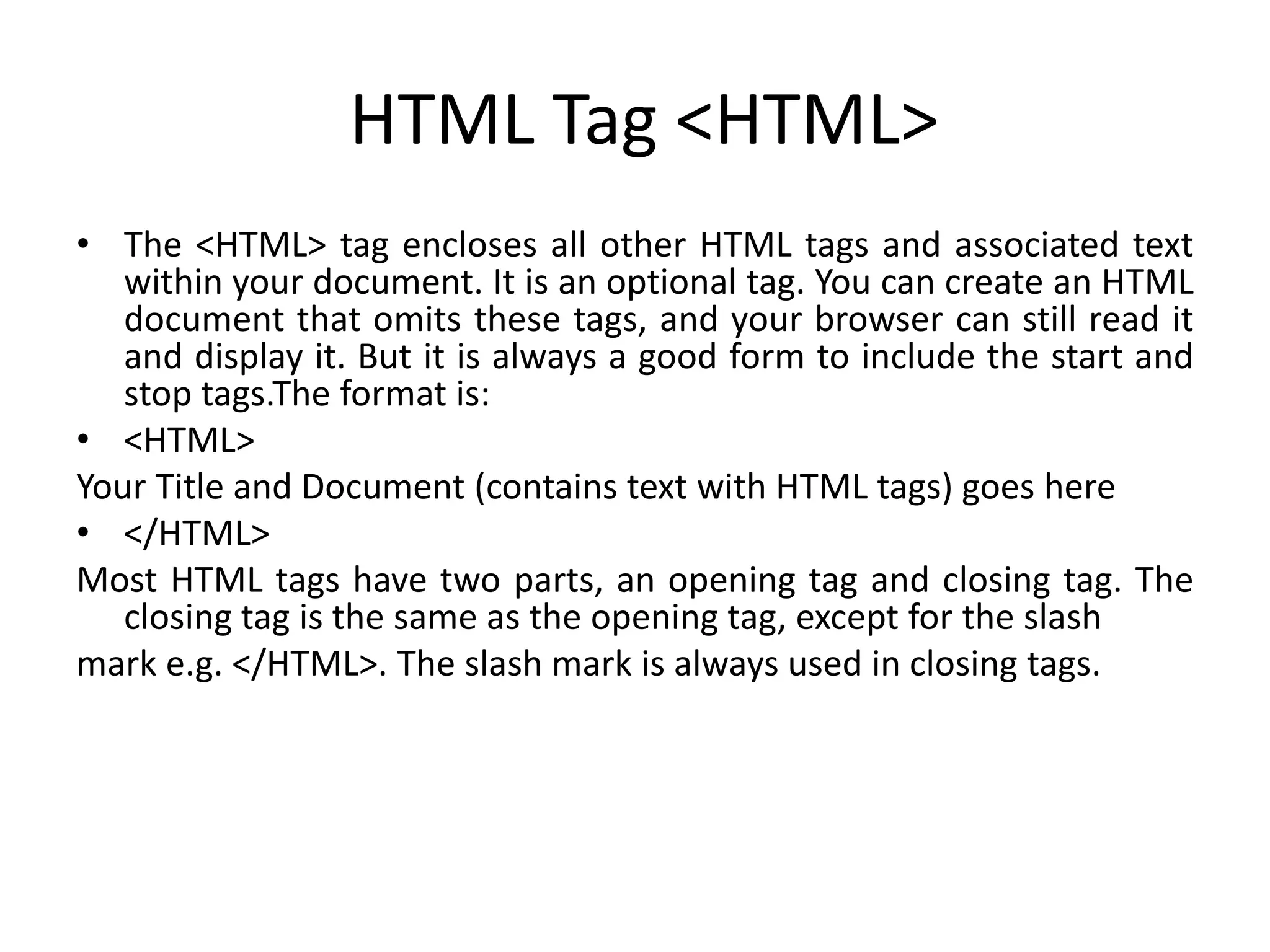
HTML Tag <HTML> • The <HTML> tag encloses all other HTML tags and associated text within your document. It is an optional tag. You can create an HTML document that omits these tags, and your browser can still read it and display it. But it is always a good form to include the start and stop tags.The format is: • <HTML> Your Title and Document (contains text with HTML tags) goes here • </HTML> Most HTML tags have two parts, an opening tag and closing tag. The closing tag is the same as the opening tag, except for the slash mark e.g. </HTML>. The slash mark is always used in closing tags.
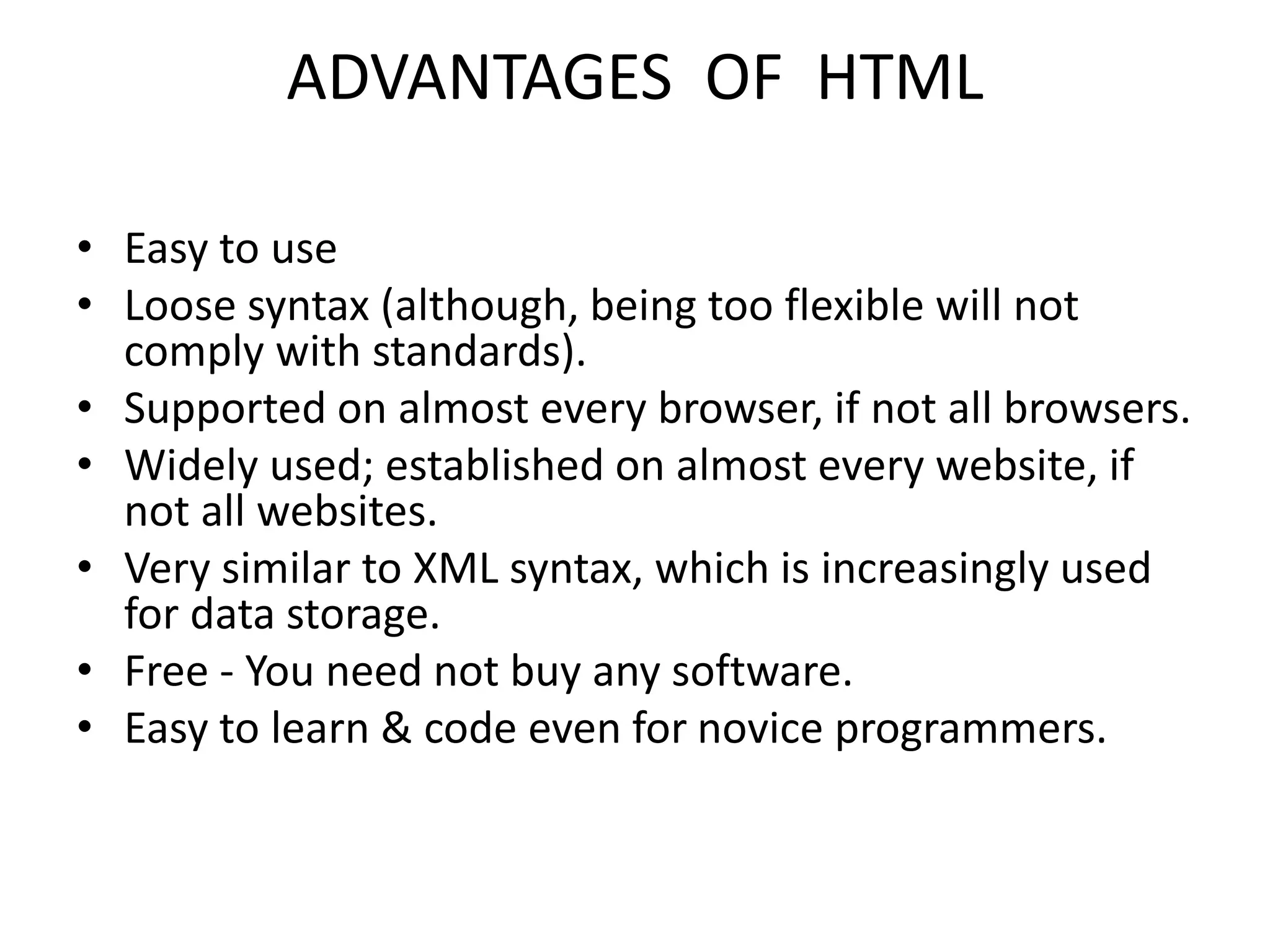
ADVANTAGES OF HTML • Easy to use • Loose syntax (although, being too flexible will not comply with standards). • Supported on almost every browser, if not all browsers. • Widely used; established on almost every website, if not all websites. • Very similar to XML syntax, which is increasingly used for data storage. • Free - You need not buy any software. • Easy to learn & code even for novice programmers.
DISADVANTAGES OF HTML • It cannot produce dynamic output alone, since it is a static language • Sometimes, the structuring of HTML documents is hard to grasp • You have to keep up with deprecated tags, and make sure not to use them • Deprecated tags appear because another language that works with HTML has replaced the original work of the tag; thus the other language needs to be learned (most of the time, it is CSS) • Security features offered by HTML are limited

introdution-to-html.ppt coding programming

  • 1.
    HTML Explained By: Abhay PratapSingh 202210101330005 BCA(AI)-41 Under Guidence of: Er. Prabhdeep Singh Web Technology(UCS4001
  • 2.
    HTML CONTENTS • INTRODUCTIONOF HTML • OBJECTIVE OF HTML • WORLD WIDE WEB • HTML TOOLS • HTML TERMINOLGY • HOW TO CREATE AN HTML DOCUMENT • S A V I N G A N D V I E W I N G A H T M L DOCUMENT • TEXT TEGS • SPECIAL CHARTACTER • ADVANTAGES OF HTML • DISADVANTAGES OF HTML
  • 3.
    INTRODUCTION OF HTML •HTML is a language for describing web pages. • HTML stands for Hyper Text Markup Language • HTML is not a programming language, it is a markup language • A markup language is a set of markup tags • HTML uses markup tags to describe web pages
  • 4.
    INTRODUCTION OF HTML •HTML (Hypertext Markup Language) is used to create document on the World Wide Web. It is simply a collection of certain key words called ‘Tags’ that are helpful in writing the document to be displayed using a browser on Internet. It is a platform independent language that can be used on any platform such as Windows, Linux, Macintosh, and so on. To display a document in web it is essential to mark-up the different e l eme n t s ( h e a d i n g s , p a r a g r a p h s , t a b l e s , a n d s o o n ) o f t h e document with the HTML tags. To view a mark-up document u s e r h a s t o o p e n t h e d o c u m e n t i n a b r o w s e r . A b r o w s e r understands and interpret the HTML tags, identifies the structure of the document (which part are which) and makes decision about presentation (how the parts look) of the document. HTML also provides tags to make the document look attractive using graphics, font size and colors. User can make a link to the other document or the different section of the same document by creating Hypertext Links also known as Hyperlinks
  • 5.
    OBJECTIVE OF HTML •create, save and view a HTML document • format a web page using section heading tags • describe Ordered and Unordered lists • explain graphics in HTML document • describe hypertext links and making text/image link
  • 6.
    WORLD WIDE WEB •The World Wide Web (abbreviated as WWW or W3 and commonly known as the Web)is a system of interlinked hypertext documents accessed via the Internet. With a web browser, one can view web pages that may contain text, images, videos, and other multimedia and navigate between them via hyperlinks.
  • 7.
    HTML TOOLS • Thereare two tools of HTML. a) HTML Editor: it is the program that one uses to create and save HTML documents. They fall into two categories: - Text based or code based which allows one to see the HTML code as one is creating a document.e.g. Notepad. - Netscape composer
  • 8.
    HTML TOOLS b) WebBrowser: it is the program that one uses to view and test the HTML documents. They translate Html encoded files into text,image,sounds and other features user see. Microsoft Internet Explorer,Netscape,Mosaic Chrome are examples of browsers that enables user to view text and images and many more other World Wide Web featueres.They are software that must be installed on user computer.
  • 9.
    HTML TERMINOLGY • Somecommonly used terms in HTML are: • a)Tag: Tags are always written within angles brackets. it is a piece of text is used to identify an element so that the browser realizes how to display its contents.e.g.<HTML> tag indicates the start of an HTML document .HTML tag can be two types. They are:- • -Paired Tags :A tag is said to be a paired tag if text is placed between a tag and its companions tag.In paired tag ,the first tag is referred to as opening tag and the second tag is referred to as closing tag. • -Unpaired Tags: An unpaired tag does not have a companion tag .unpaired tag also known as singular or Stand-Alone tags.e.g:<br>,<hr> etc.
  • 10.
    HTML TERMINOLGY b) Attribute:Attribute is the property of an tag that specified in the opening angle brackets. It supplies additional information like color,size,home font-style etc to the browser about a tag. E.g. most of the common attributes are height, color,width,src,border,align etc. c) DTD: Document Type Definition is a collection of rules written in standard Generalized Markup Language(SGML).HTML is define in terms of its DTDS. All the details of HTML tags, entities and related document structure are defined in the DTDS. d) ELEMENT: Element is the component of a document’s structure such as a title, a paragraph or a list. It can include an opening and a closing tag and the contents within it.
  • 11.
    HOW TO CREATEAN HTML DOCUMENT • The essential tags that are required to create a HTML document are: • <HTML>.............</HTML> • <HEAD>.............</HEAD> • <BODY>.............</BODY>
  • 12.
    HTML Tag <HTML> •The <HTML> tag encloses all other HTML tags and associated text within your document. It is an optional tag. You can create an HTML document that omits these tags, and your browser can still read it and display it. But it is always a good form to include the start and stop tags.The format is: • <HTML> Your Title and Document (contains text with HTML tags) goes here • </HTML> Most HTML tags have two parts, an opening tag and closing tag. The closing tag is the same as the opening tag, except for the slash mark e.g. </HTML>. The slash mark is always used in closing tags.
  • 13.
    ADVANTAGES OF HTML •Easy to use • Loose syntax (although, being too flexible will not comply with standards). • Supported on almost every browser, if not all browsers. • Widely used; established on almost every website, if not all websites. • Very similar to XML syntax, which is increasingly used for data storage. • Free - You need not buy any software. • Easy to learn & code even for novice programmers.
  • 14.
    DISADVANTAGES OF HTML •It cannot produce dynamic output alone, since it is a static language • Sometimes, the structuring of HTML documents is hard to grasp • You have to keep up with deprecated tags, and make sure not to use them • Deprecated tags appear because another language that works with HTML has replaced the original work of the tag; thus the other language needs to be learned (most of the time, it is CSS) • Security features offered by HTML are limited