
writeimtiaz@gmail.com https://imtiazrahman.com 12-14 October, 2020 Virtual Event 12 Log analysis with stack
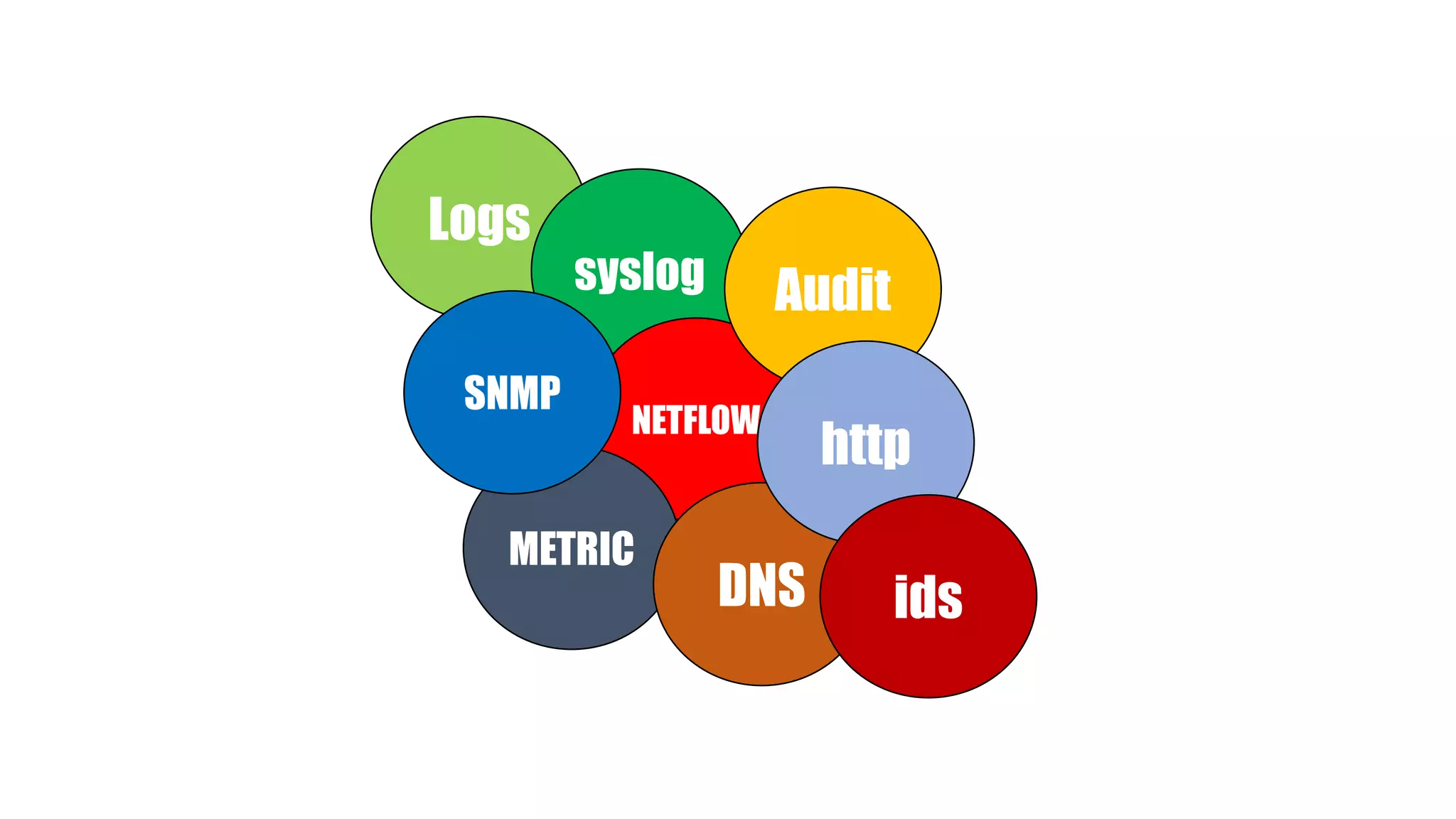
Logs syslog NETFLOW METRIC SNMP Audit DNS http ids
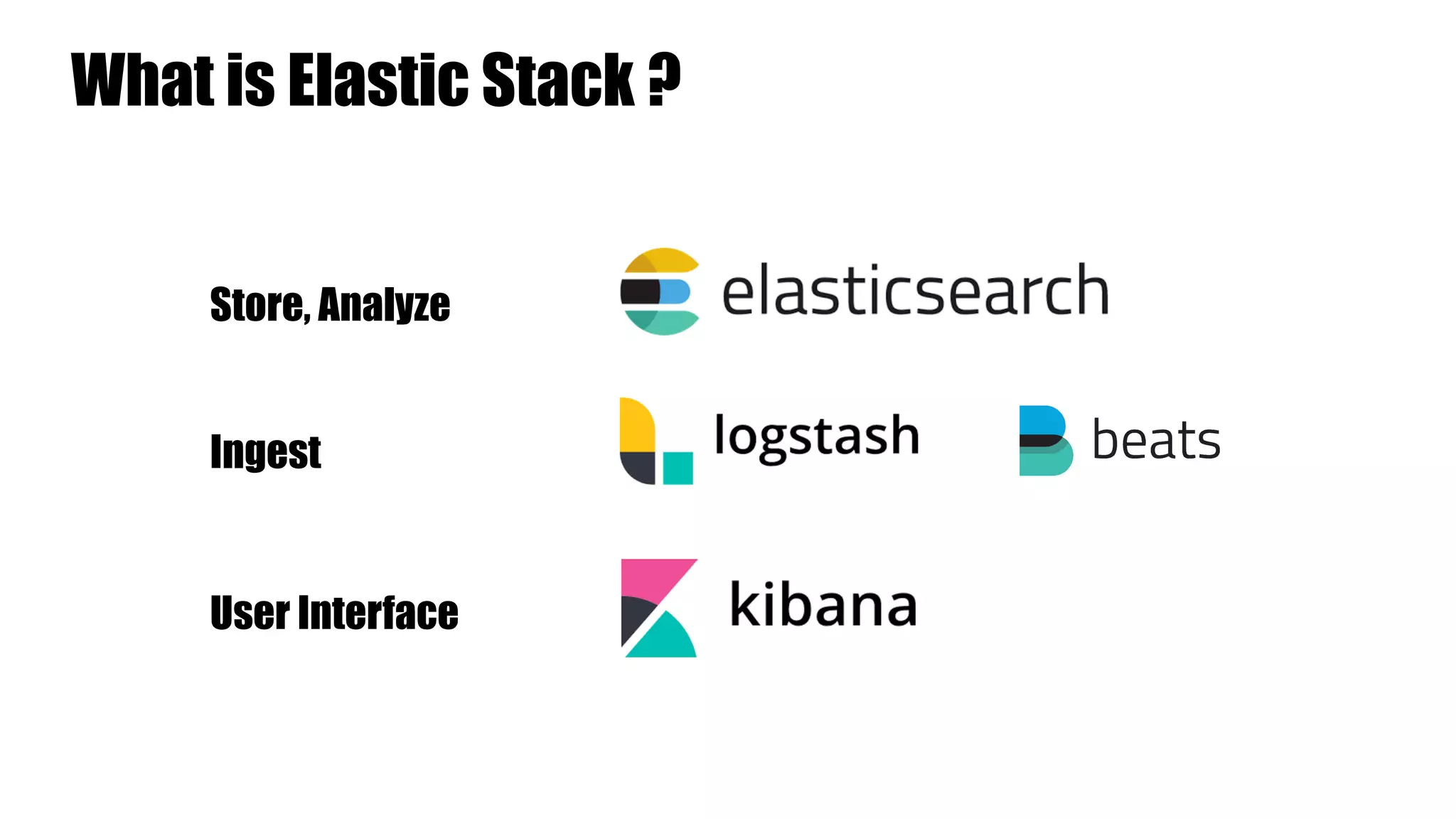
What is Elastic Stack ? User Interface Store, Analyze Ingest
a full-text based, distributed NoSQL database. Written in Java, built on Apache Lucene Commonly used for log analytics, full-text search, security intelligence, business analytics, and operational intelligence use cases. Use REST API (GET, PUT, POST, and DELETE ) for storing and searching data
Data is stored as documents Data is separated into fields (rows in relational database) (columns in relational database)
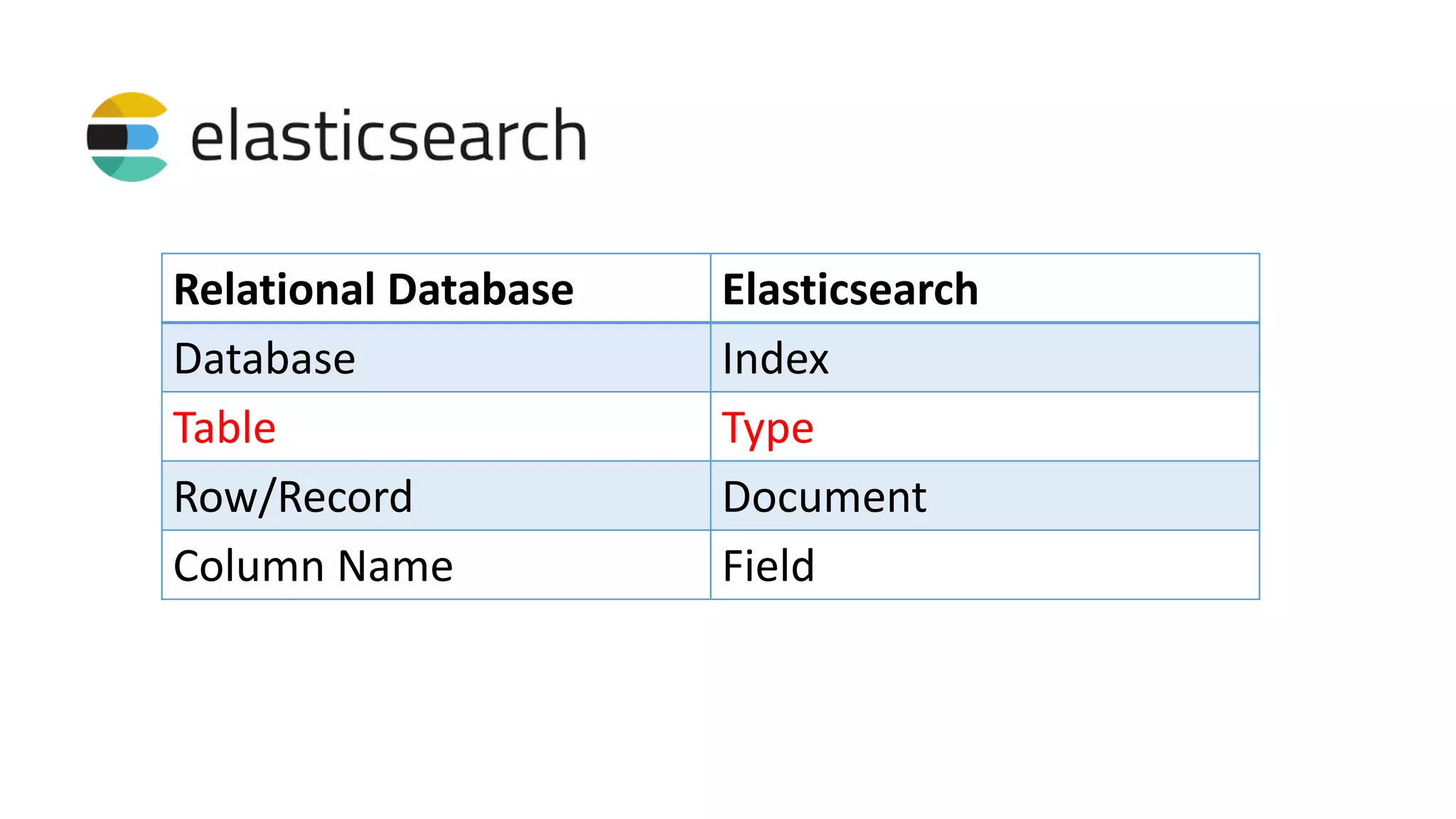
Relational Database Elasticsearch Database Index Table Type Row/Record Document Column Name Field
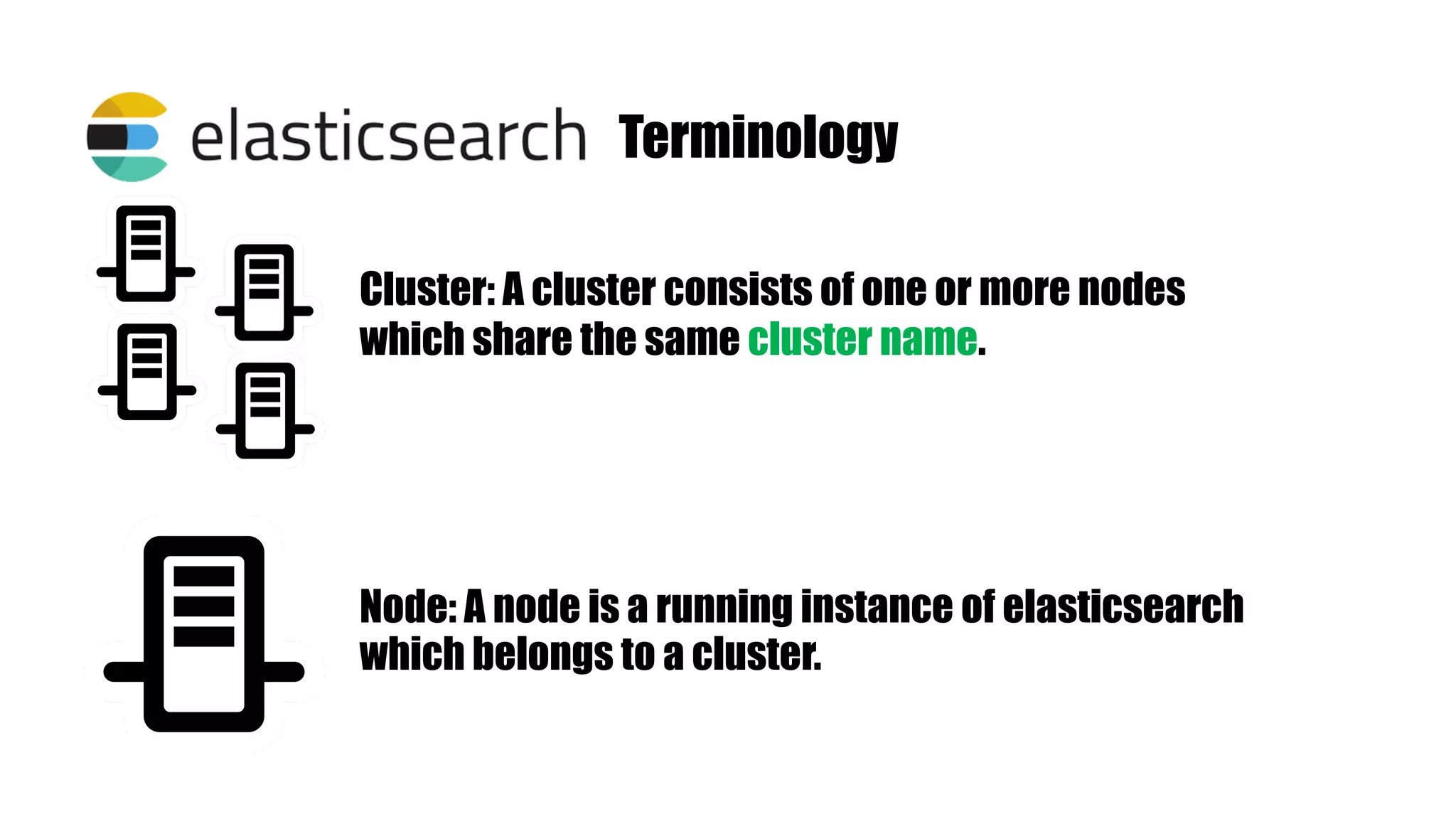
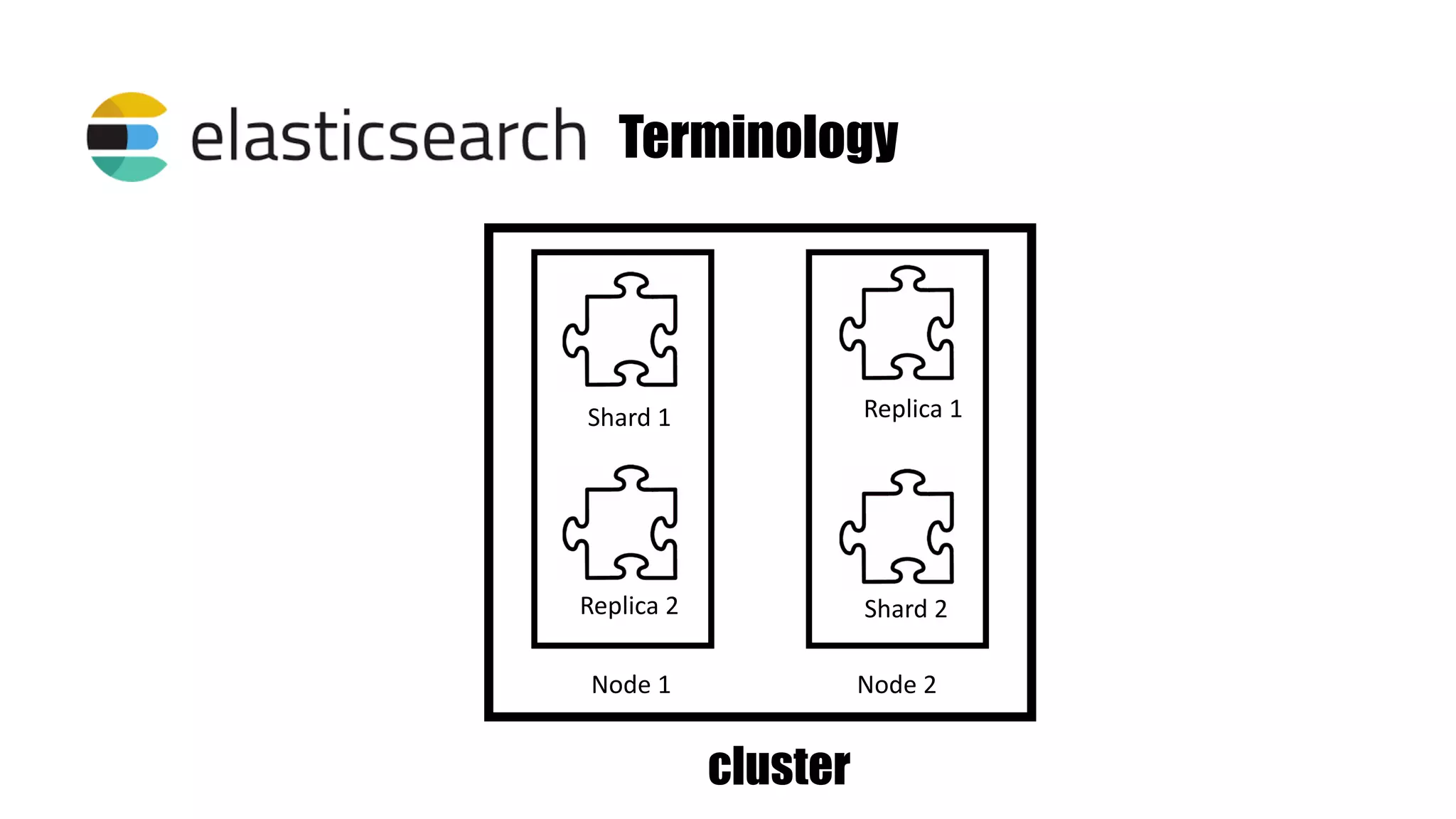
Terminology Cluster: A cluster consists of one or more nodes which share the same cluster name. Node: A node is a running instance of elasticsearch which belongs to a cluster.
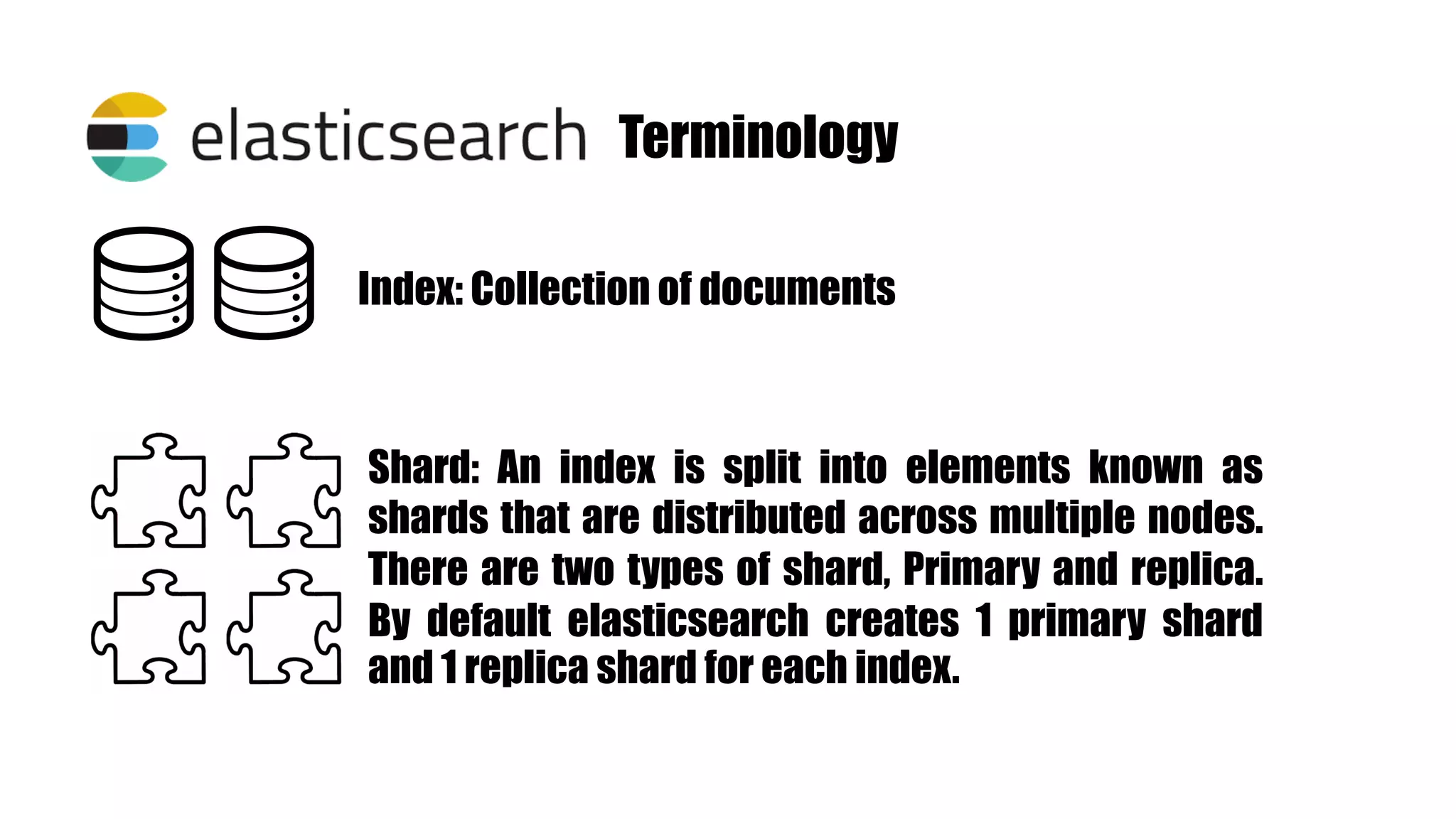
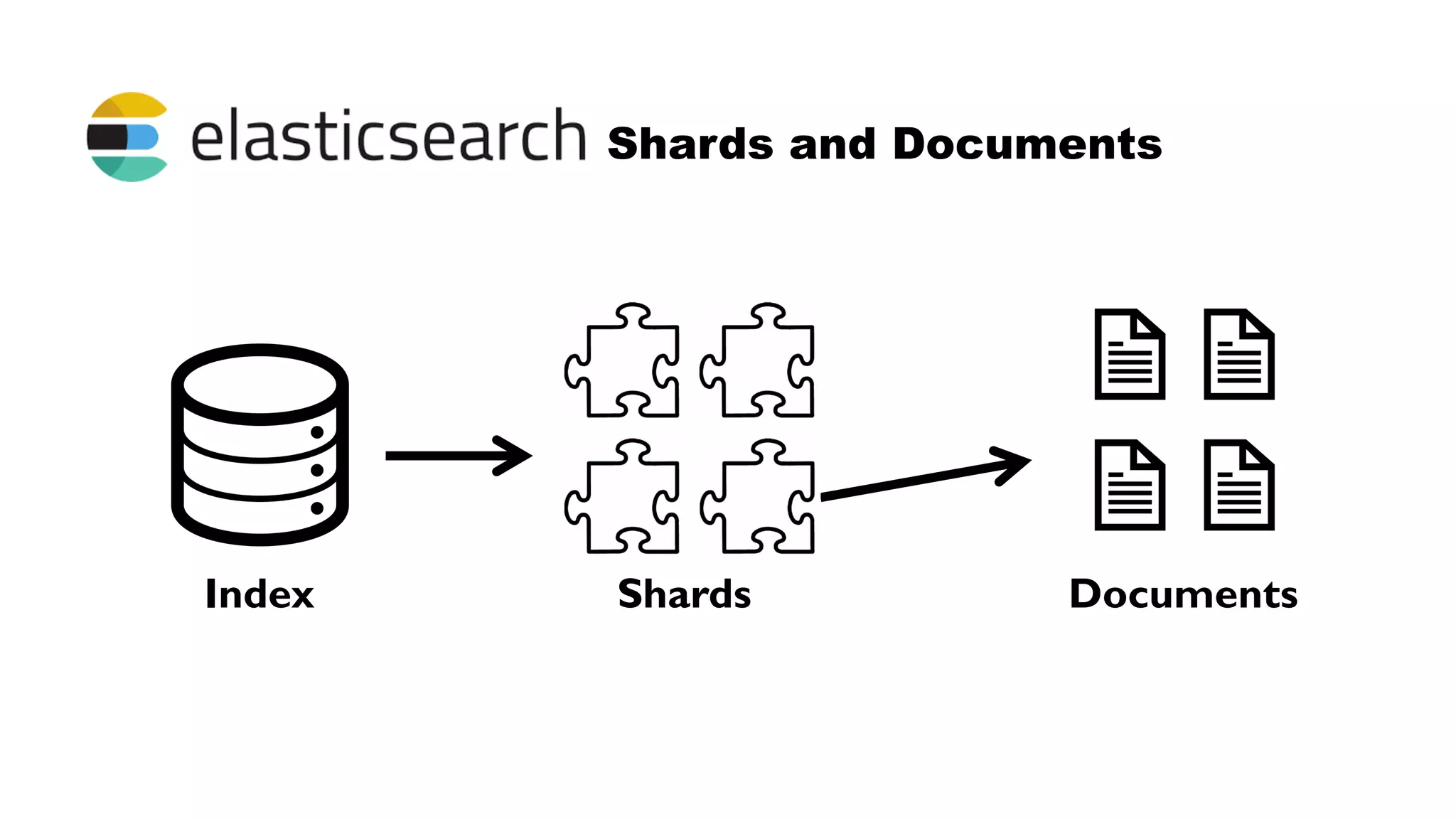
Terminology Index: Collection of documents Shard: An index is split into elements known as shards that are distributed across multiple nodes. There are two types of shard, Primary and replica. By default elasticsearch creates 1 primary shard and 1 replica shard for each index.
Terminology Shard 1 Replica 2 Replica 1 Shard 2 Node 1 Node 2 cluster
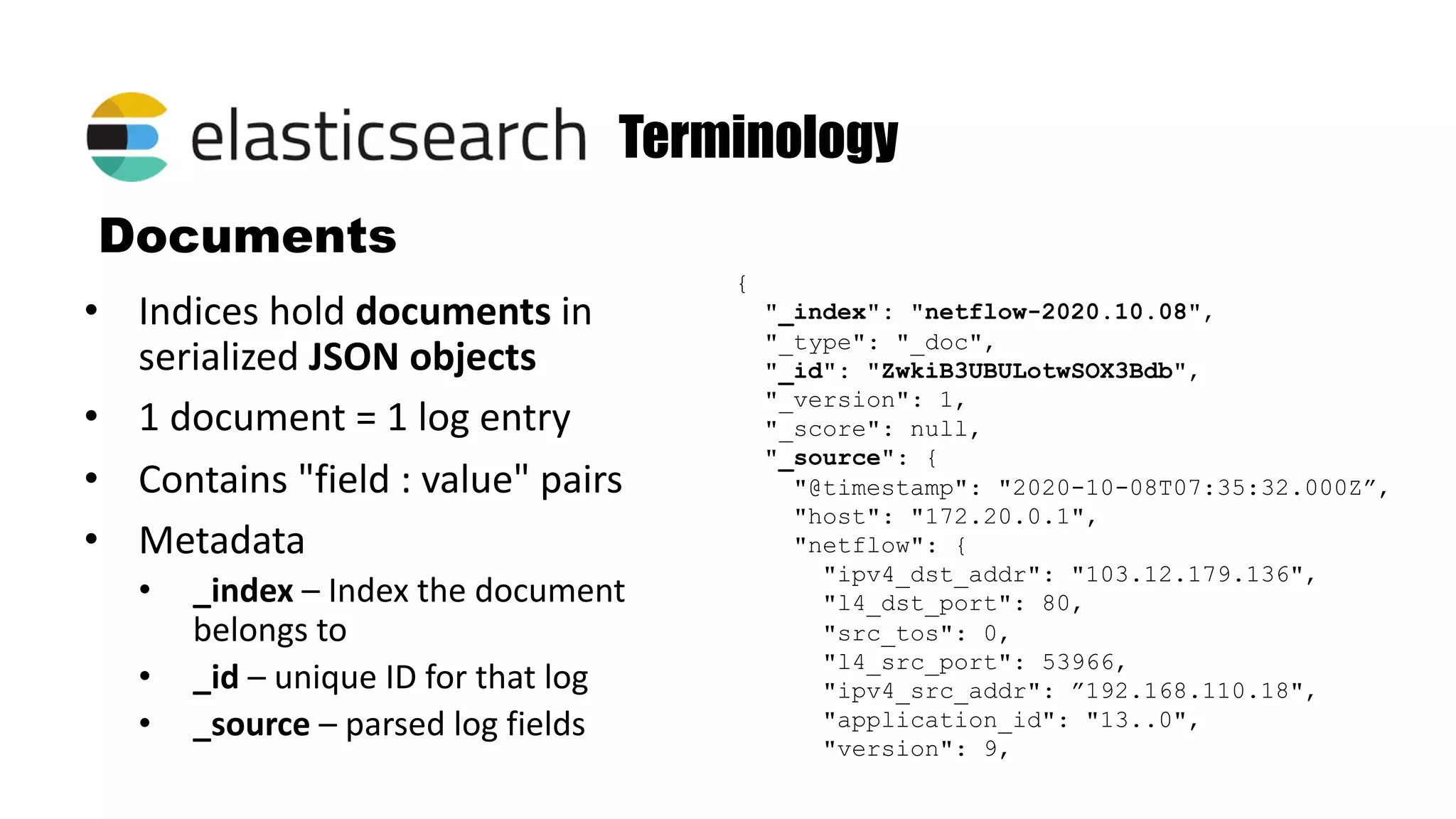
Documents • Indices hold documents in serialized JSON objects • 1 document = 1 log entry • Contains "field : value" pairs • Metadata • _index – Index the document belongs to • _id – unique ID for that log • _source – parsed log fields Terminology { "_index": "netflow-2020.10.08", "_type": "_doc", "_id": "ZwkiB3UBULotwSOX3Bdb", "_version": 1, "_score": null, "_source": { "@timestamp": "2020-10-08T07:35:32.000Z”, "host": "172.20.0.1", "netflow": { "ipv4_dst_addr": "103.12.179.136", "l4_dst_port": 80, "src_tos": 0, "l4_src_port": 53966, "ipv4_src_addr": ”192.168.110.18", "application_id": "13..0", "version": 9,
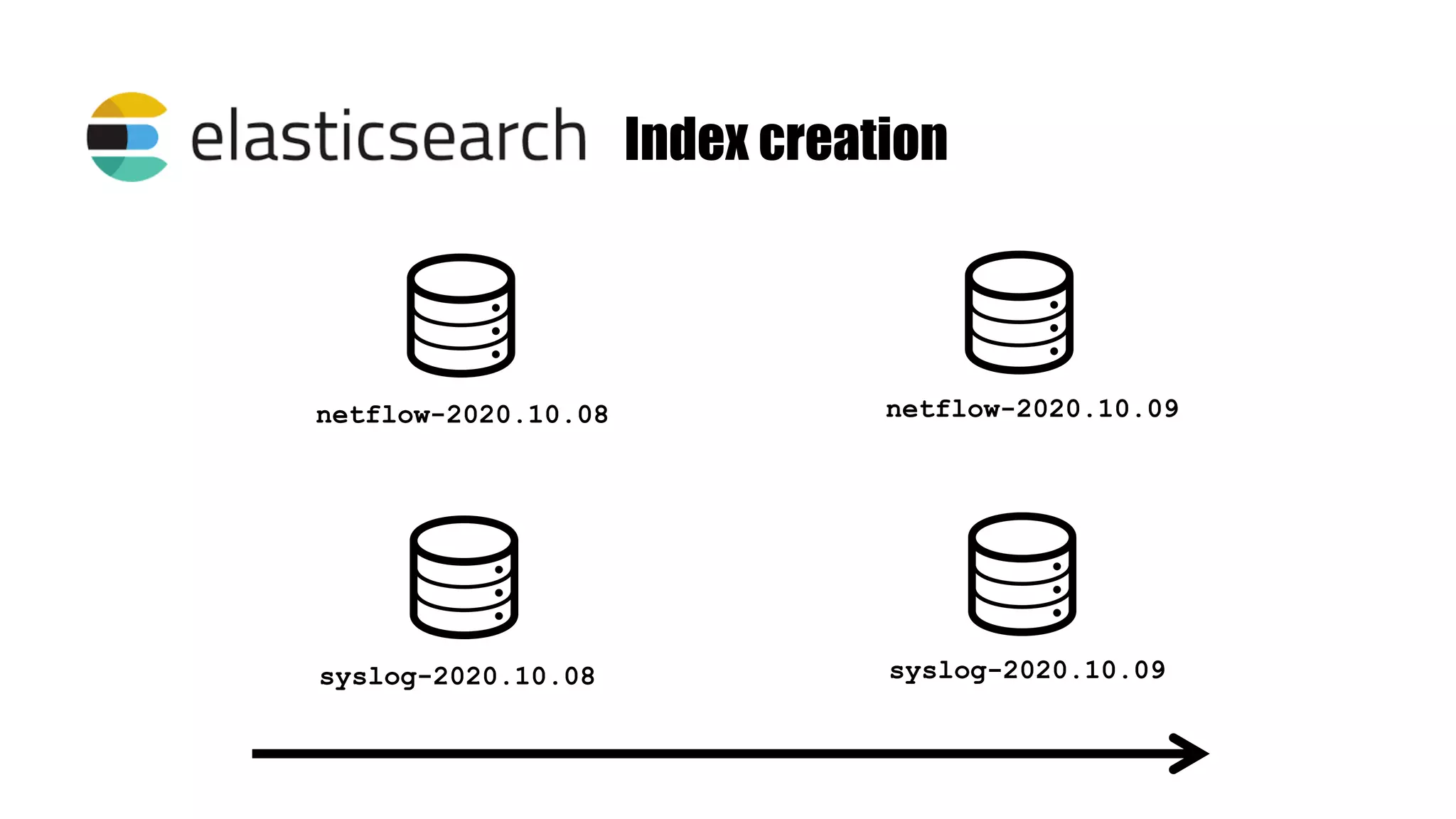
Index creation netflow-2020.10.08 netflow-2020.10.09 syslog-2020.10.08 syslog-2020.10.09
Shards and Documents Index Shards Documents
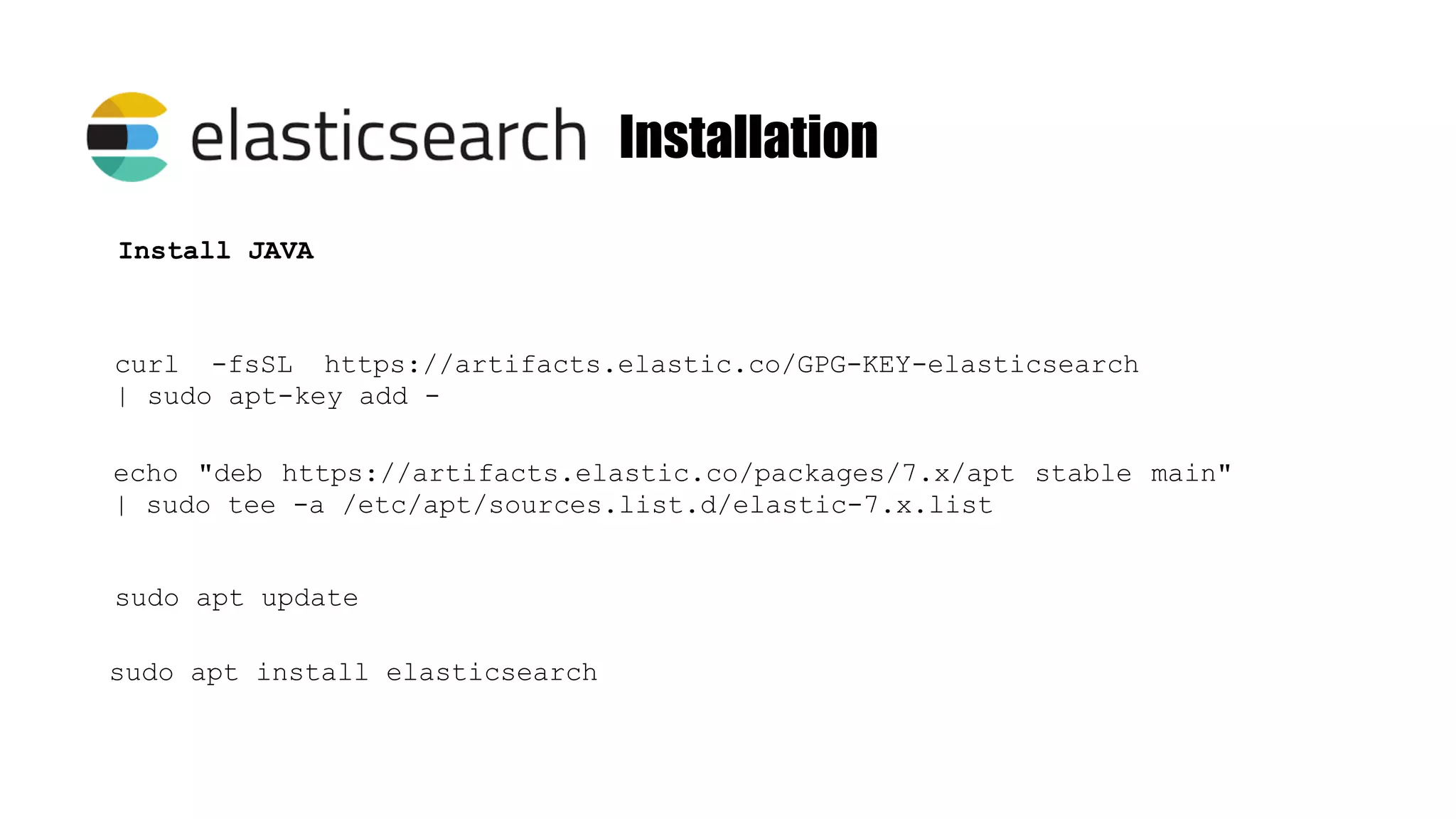
Installation curl -fsSL https://artifacts.elastic.co/GPG-KEY-elasticsearch | sudo apt-key add - Install JAVA echo "deb https://artifacts.elastic.co/packages/7.x/apt stable main" | sudo tee -a /etc/apt/sources.list.d/elastic-7.x.list sudo apt update sudo apt install elasticsearch
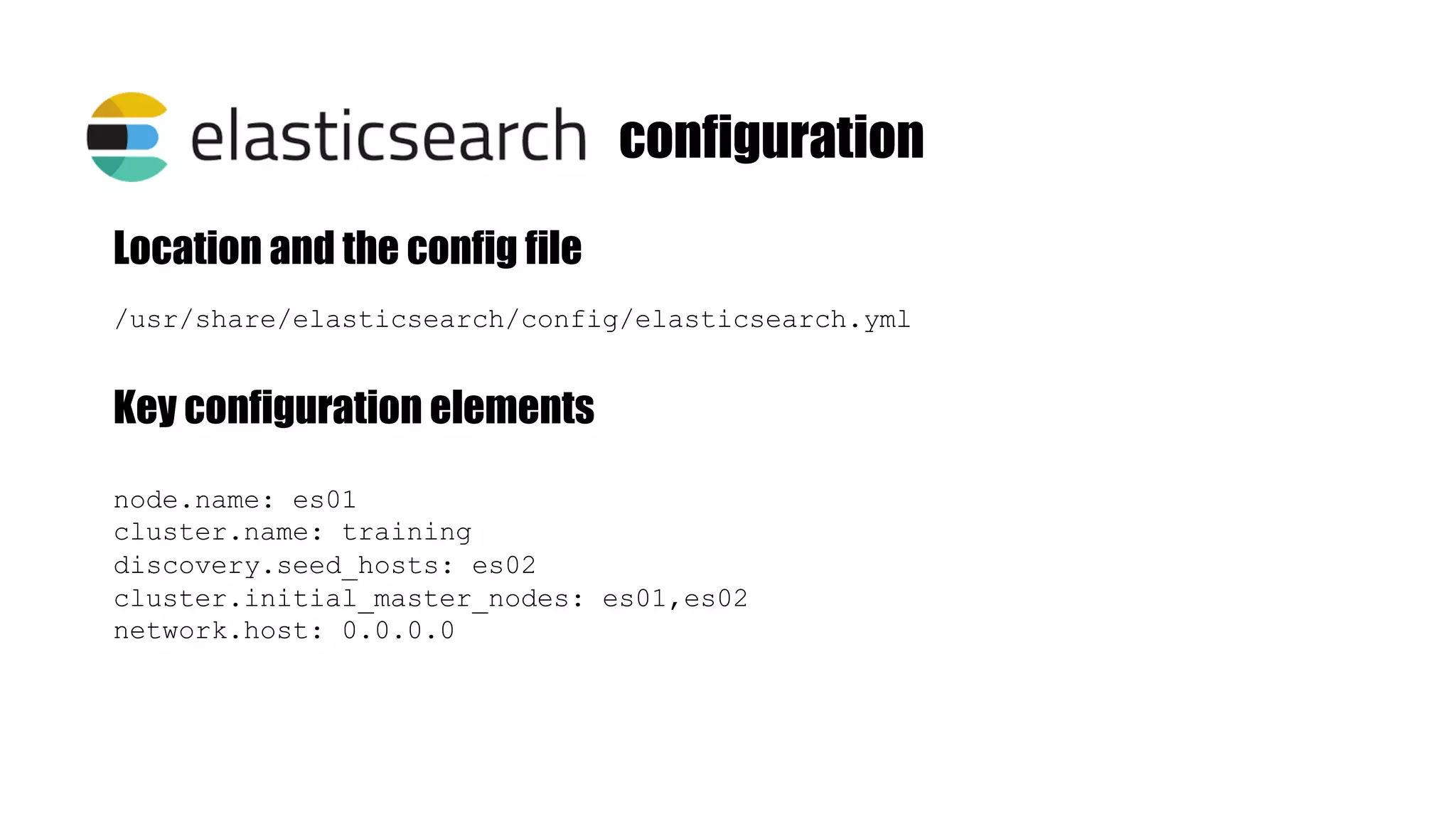
configuration /usr/share/elasticsearch/config/elasticsearch.yml Location and the config file Key configuration elements node.name: es01 cluster.name: training discovery.seed_hosts: es02 cluster.initial_master_nodes: es01,es02 network.host: 0.0.0.0
[root@4f8cd6658b1b elasticsearch]# curl http://localhost:9200 { "name" : "es01", "cluster_name" : ”training", "cluster_uuid" : "vE9SZr8oRFK0A0HTq9U_oA", "version" : { "number" : "7.7.0", "build_flavor" : "default", "build_type" : "docker", "build_hash" : "81a1e9eda8e6183f5237786246f6dced26a10eaf", "build_date" : "2020-05-12T02:01:37.602180Z", "build_snapshot" : false, "lucene_version" : "8.5.1", "minimum_wire_compatibility_version" : "6.8.0", "minimum_index_compatibility_version" : "6.0.0-beta1" }, "tagline" : "You Know, for Search" } [root@4f8cd6658b1b elasticsearch]#
Free, developed and maintained by Elastic Integrates with Beats Integrates with Elasticsearch Tons of plugins
Logstatsh has three stages INPUT FILTER OUTPUT input { tcp { port => 5002 type => "syslog" } } filter { if [type] == "syslog" { grok { } } } output { if [type] == "syslog" { elasticsearch { hosts => "http://es01:9200" index => "syslog-%{+YYYY.MM.dd}" } } } beats, file, syslog, udp, snmp, etc… http, kv, xml, json, etc… csv, file, http, stdout, etc…. .conf
Grok is a great way to parse unstructured log data into something structured and queryable. The syntax for a grok pattern is %{SYNTAX:SEMANTIC} SYNTAX: is the name of the pattern that will match your text SEMANTIC: is the identifier to the piece of text being matched
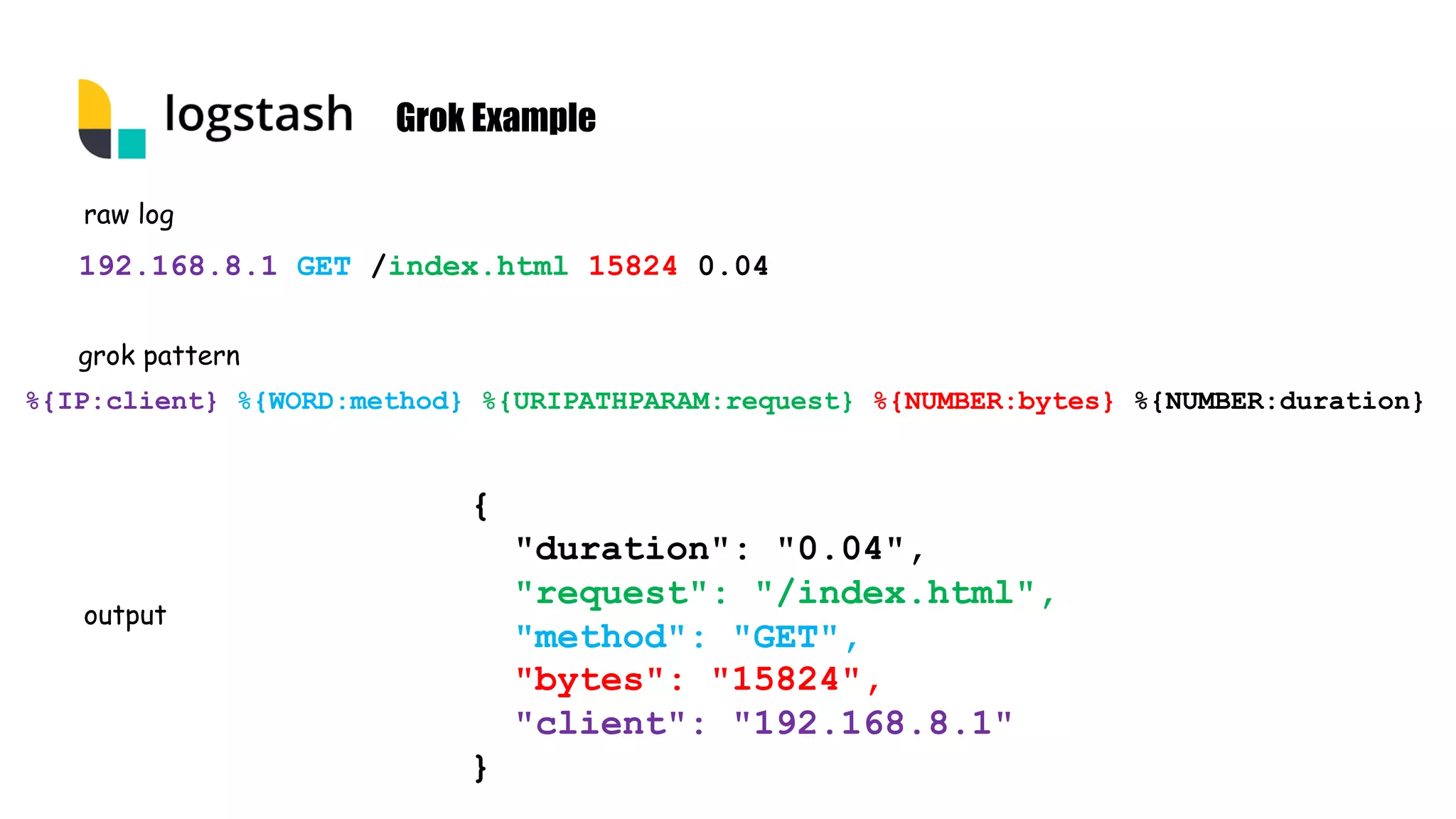
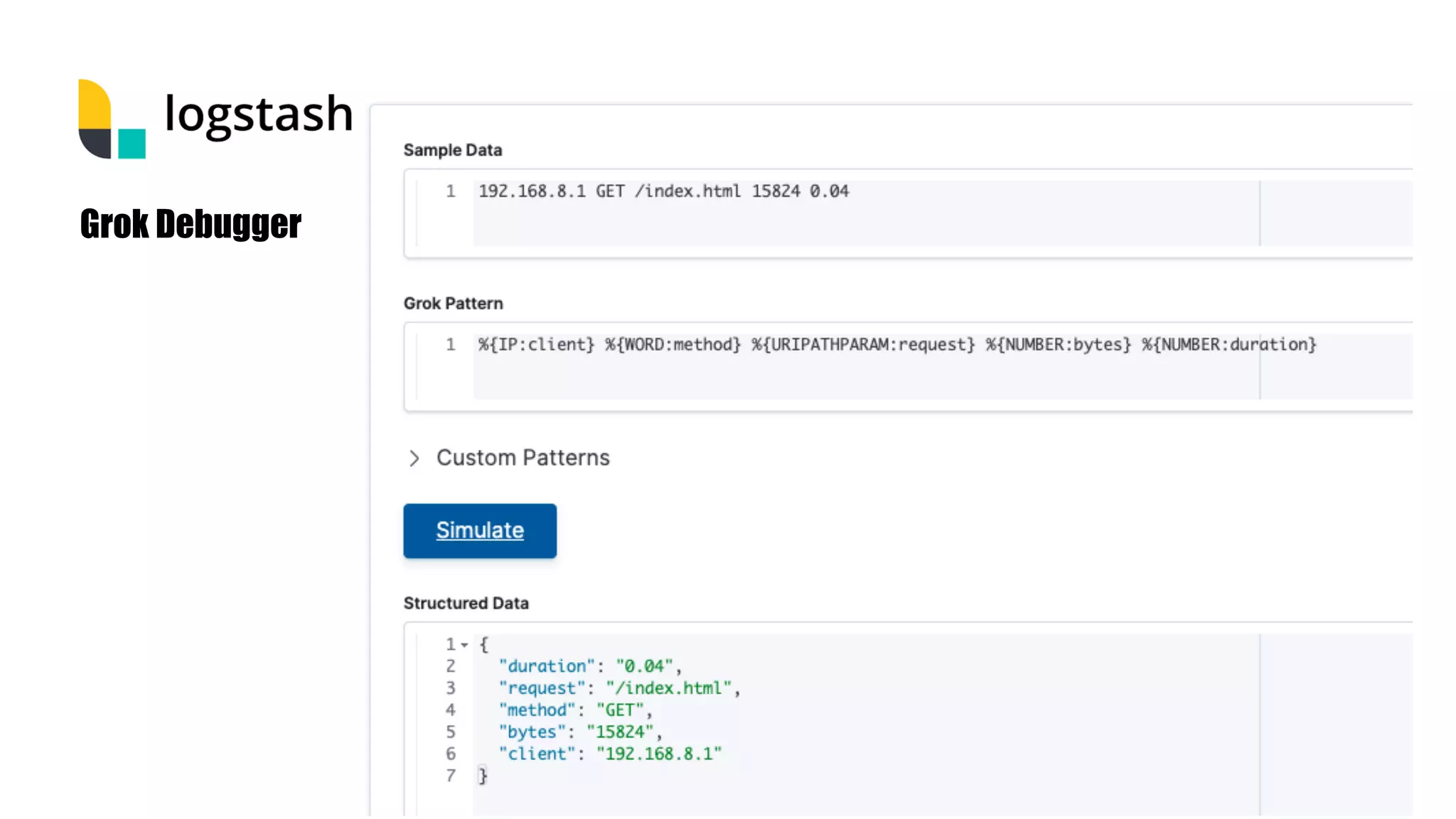
Grok Example 192.168.8.1 GET /index.html 15824 0.04 %{IP:client} %{WORD:method} %{URIPATHPARAM:request} %{NUMBER:bytes} %{NUMBER:duration} { "duration": "0.04", "request": "/index.html", "method": "GET", "bytes": "15824", "client": "192.168.8.1" } raw log grok pattern output
Grok Debugger
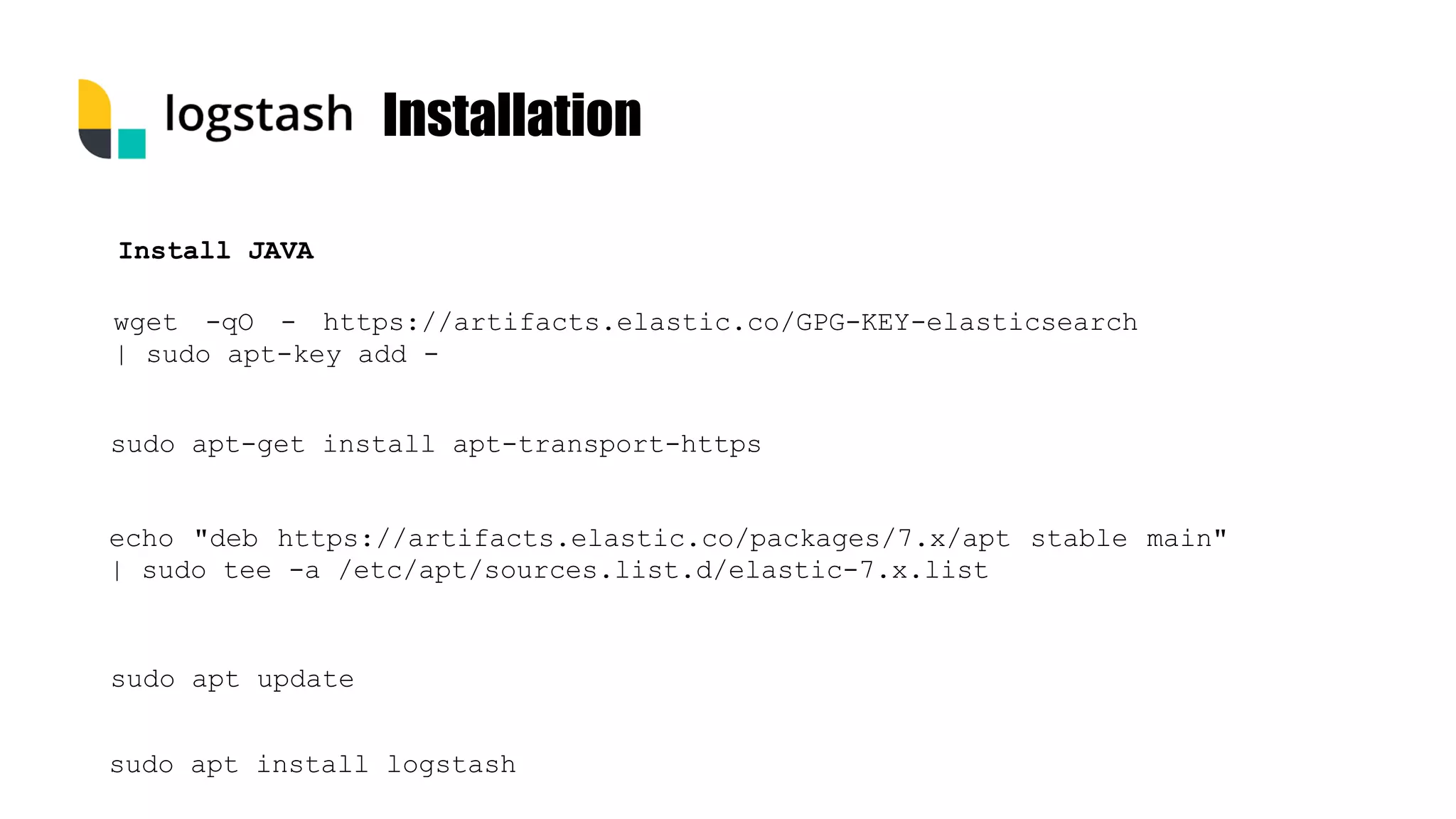
Installation wget -qO - https://artifacts.elastic.co/GPG-KEY-elasticsearch | sudo apt-key add - Install JAVA sudo apt-get install apt-transport-https sudo apt update sudo apt install logstash echo "deb https://artifacts.elastic.co/packages/7.x/apt stable main" | sudo tee -a /etc/apt/sources.list.d/elastic-7.x.list
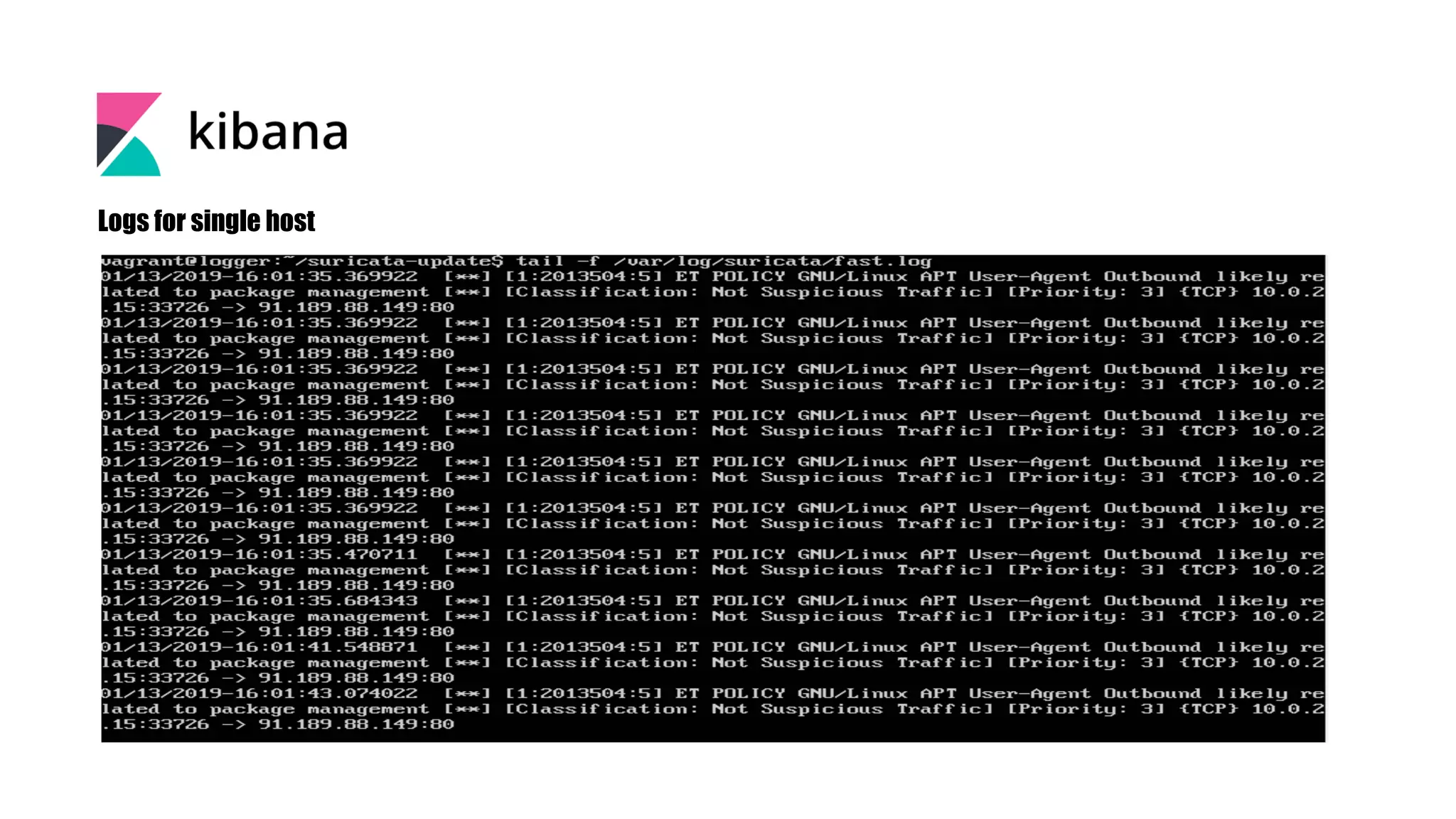
Logs for single host
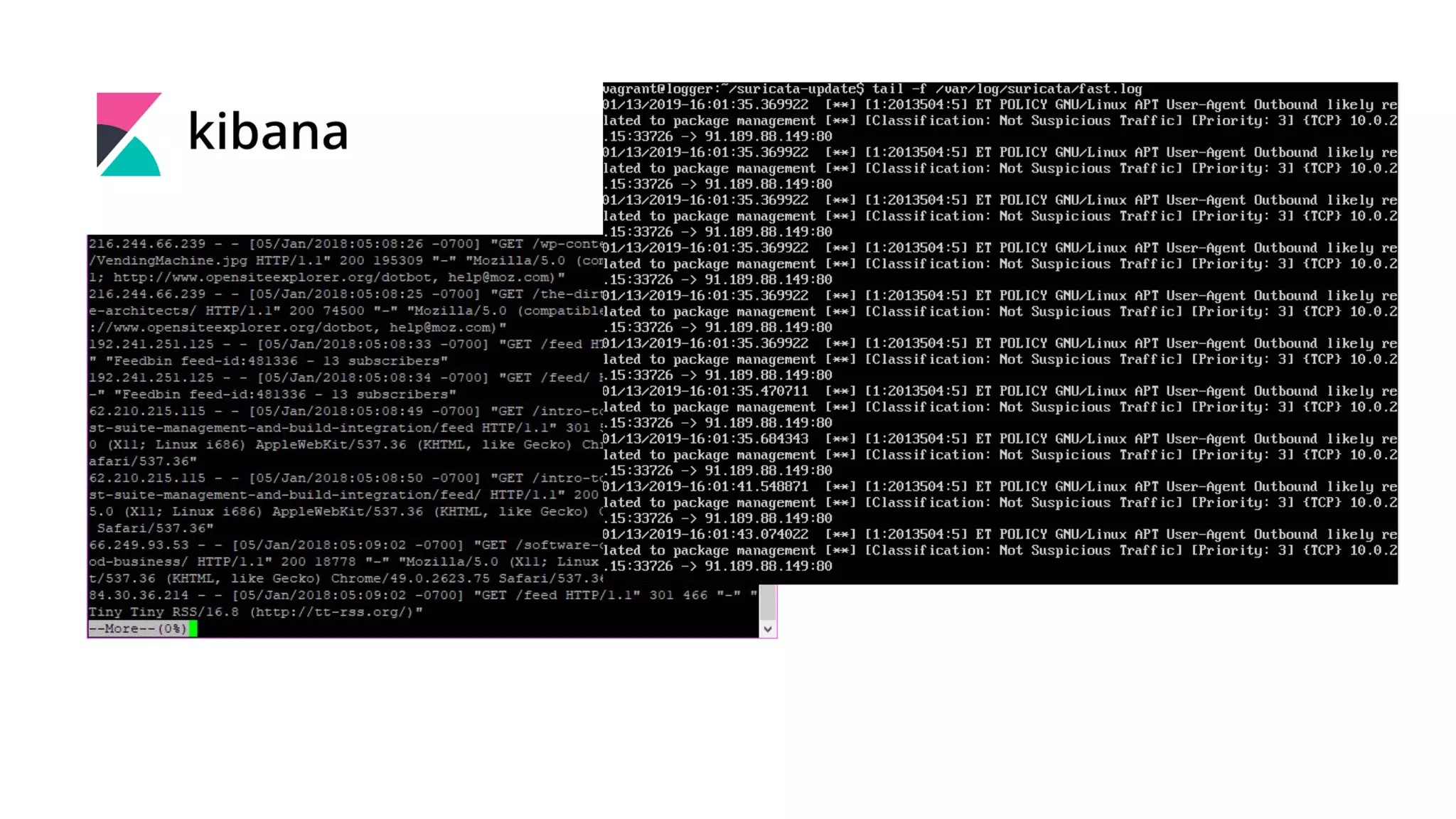
Command line logs • cat • tail • grep • vi/ vim/ nano /event viewer
• Multiple source • Corelating • Seraching, filtering • Visualize Not available on cli
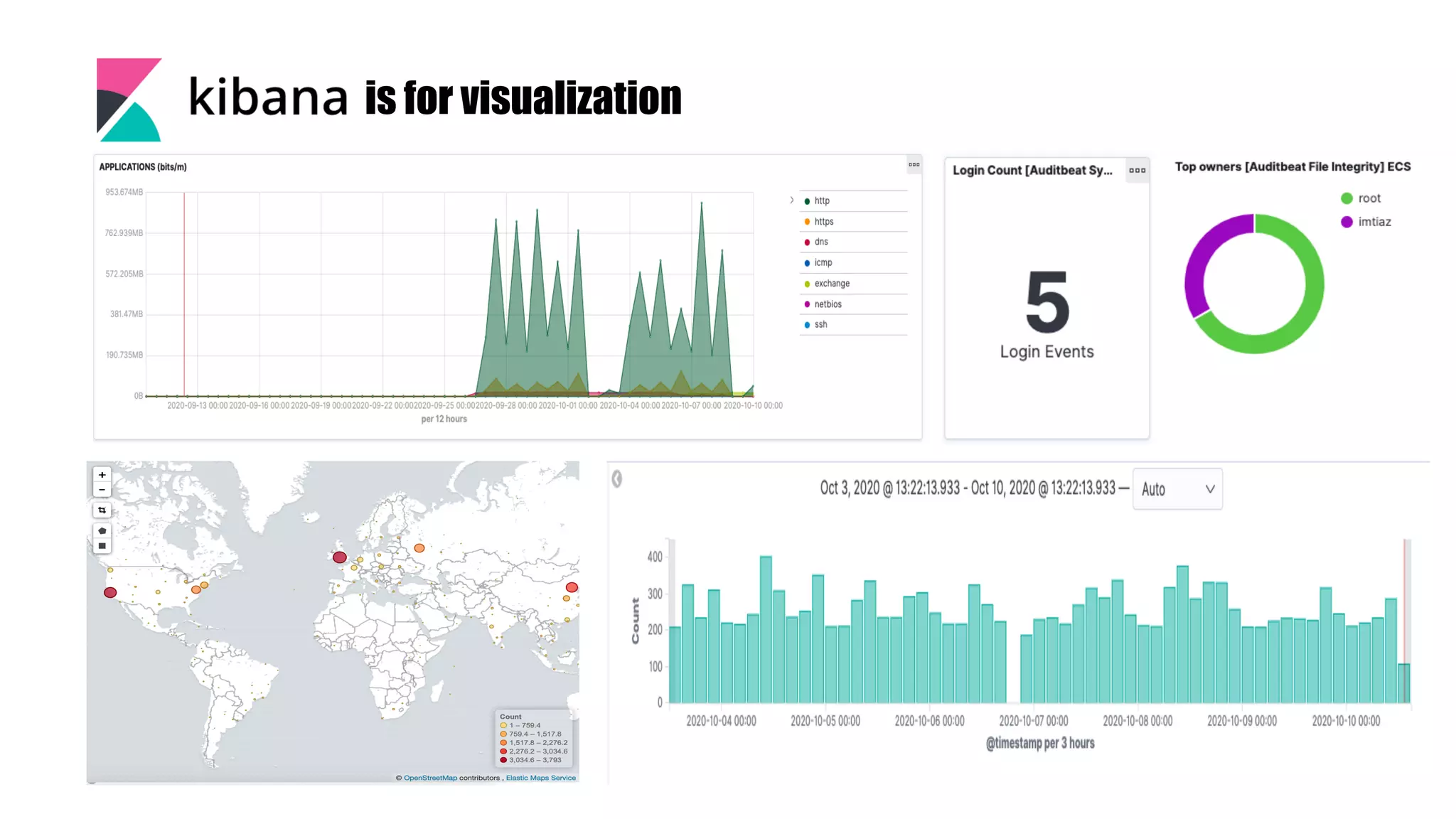
is for visualization
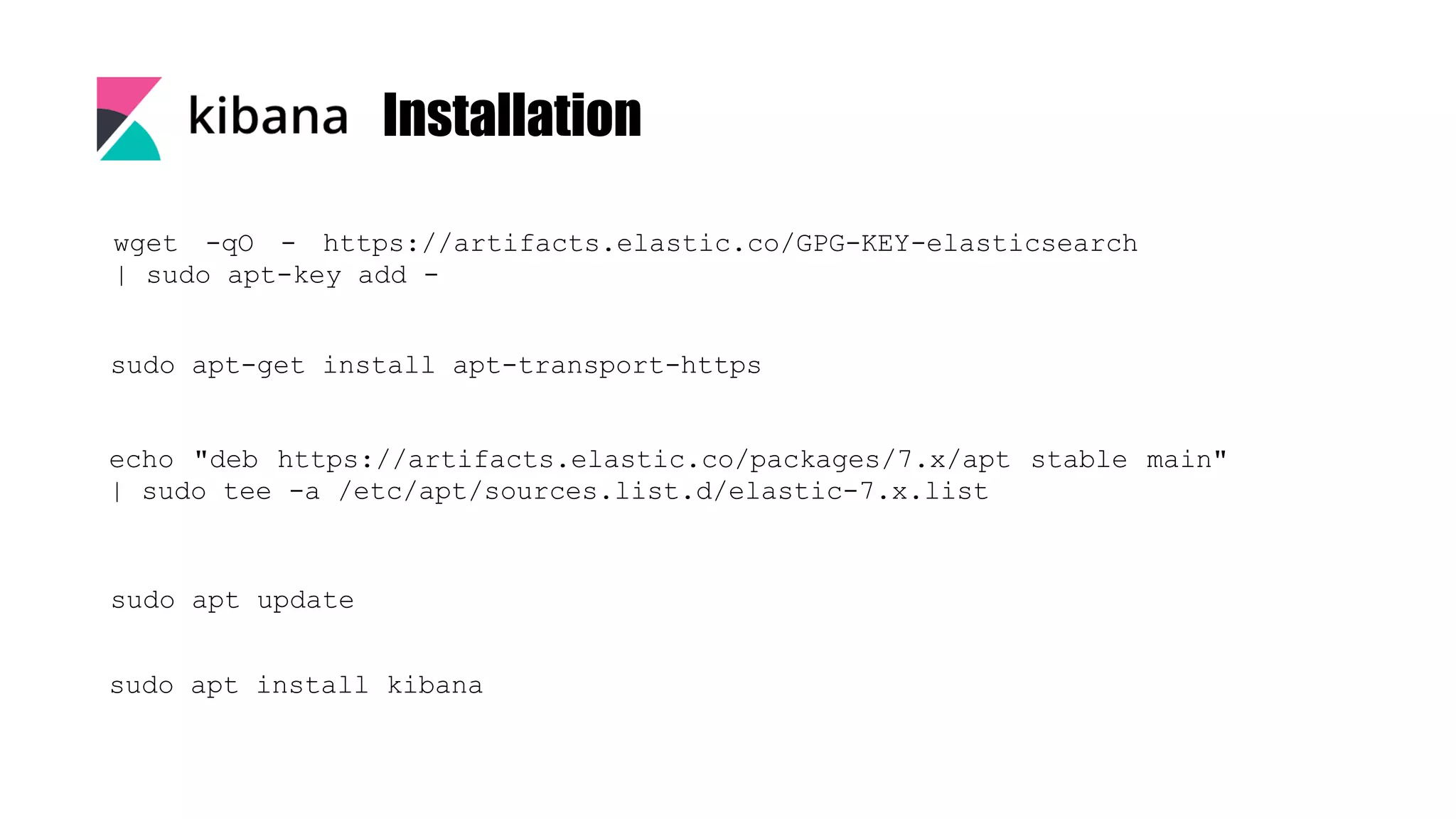
Installation wget -qO - https://artifacts.elastic.co/GPG-KEY-elasticsearch | sudo apt-key add - sudo apt-get install apt-transport-https sudo apt update sudo apt install kibana echo "deb https://artifacts.elastic.co/packages/7.x/apt stable main" | sudo tee -a /etc/apt/sources.list.d/elastic-7.x.list
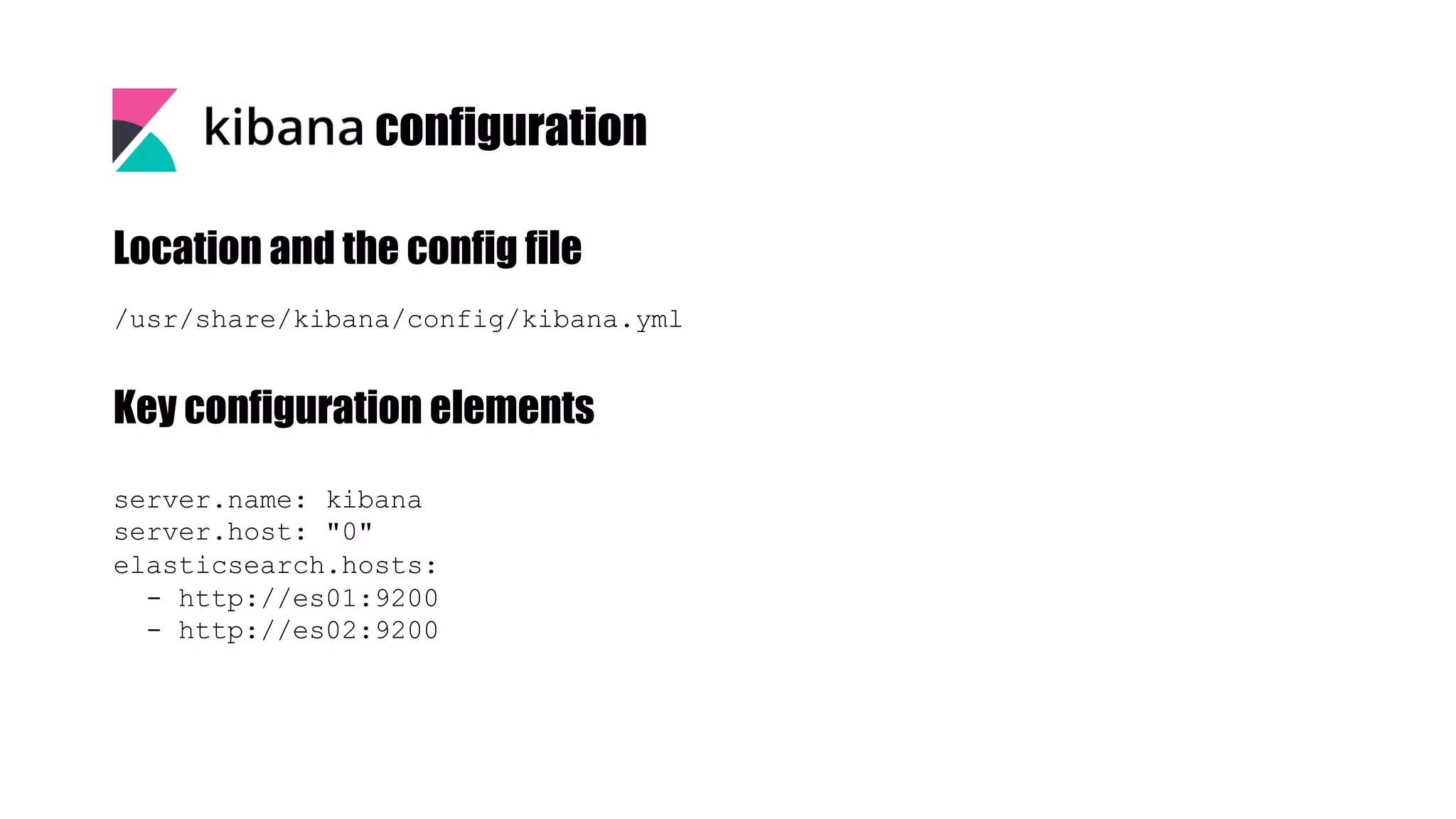
/usr/share/kibana/config/kibana.yml Location and the config file Key configuration elements server.name: kibana server.host: "0" elasticsearch.hosts: - http://es01:9200 - http://es02:9200 configuration
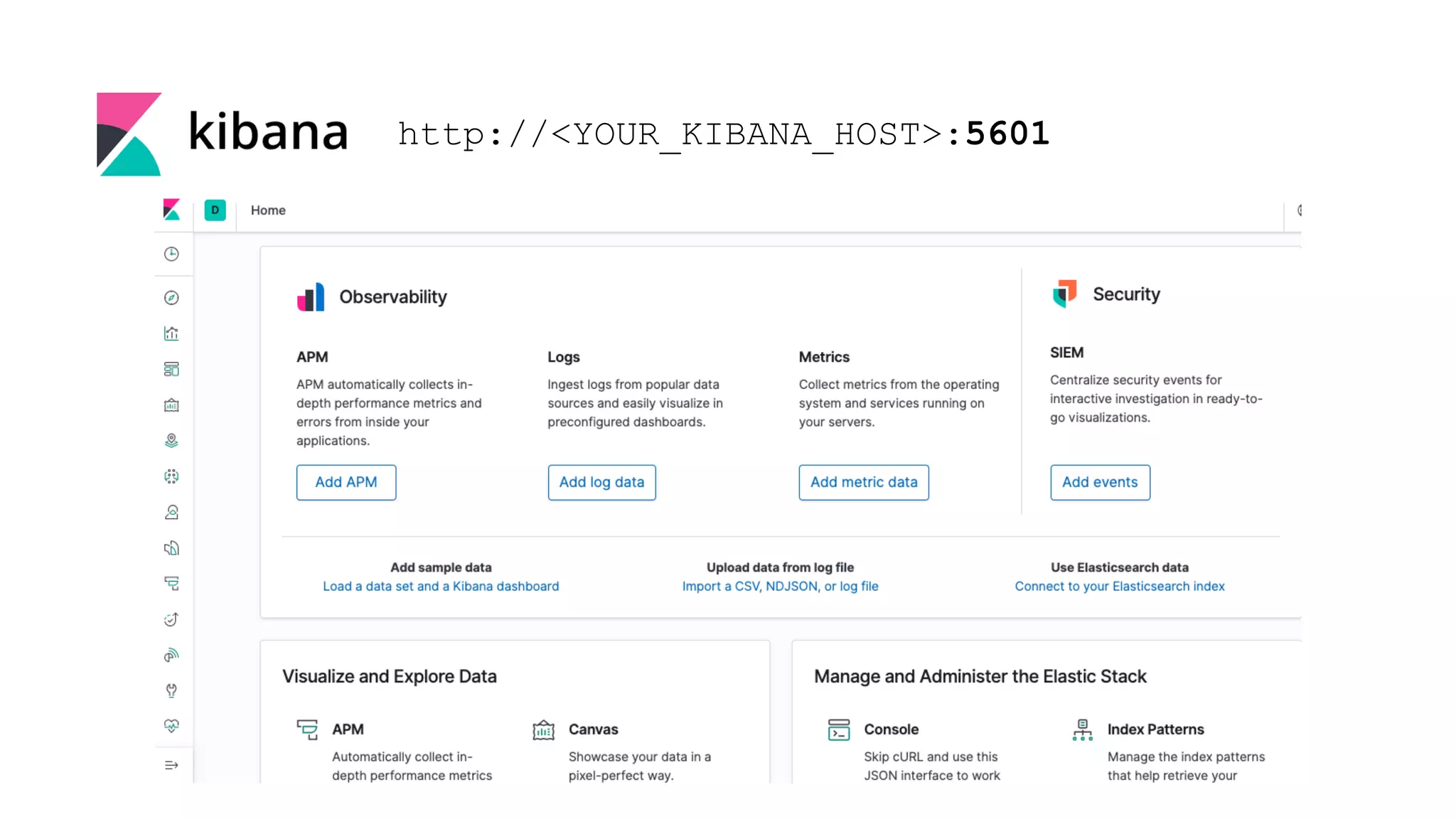
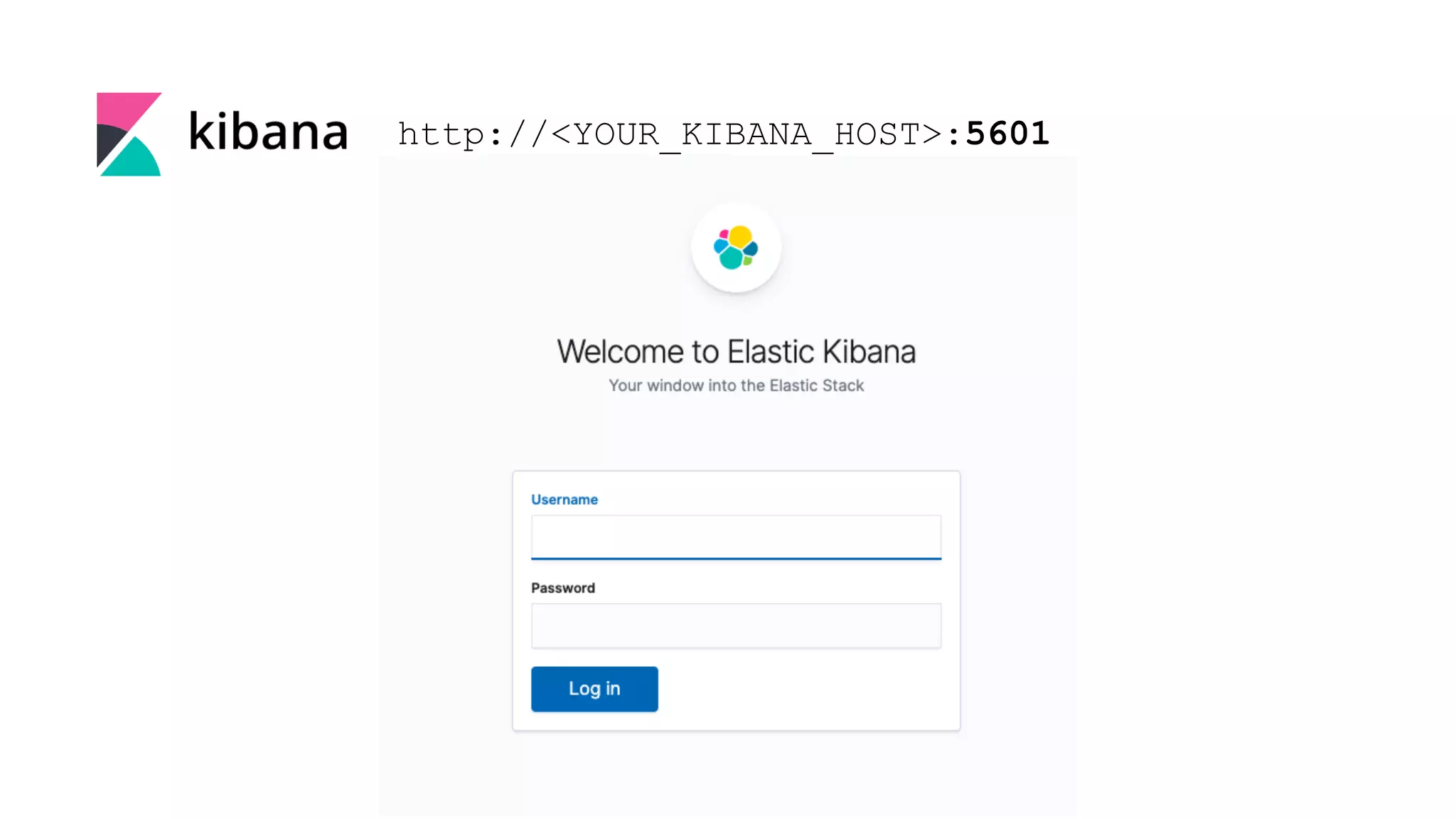
http://<YOUR_KIBANA_HOST>:5601
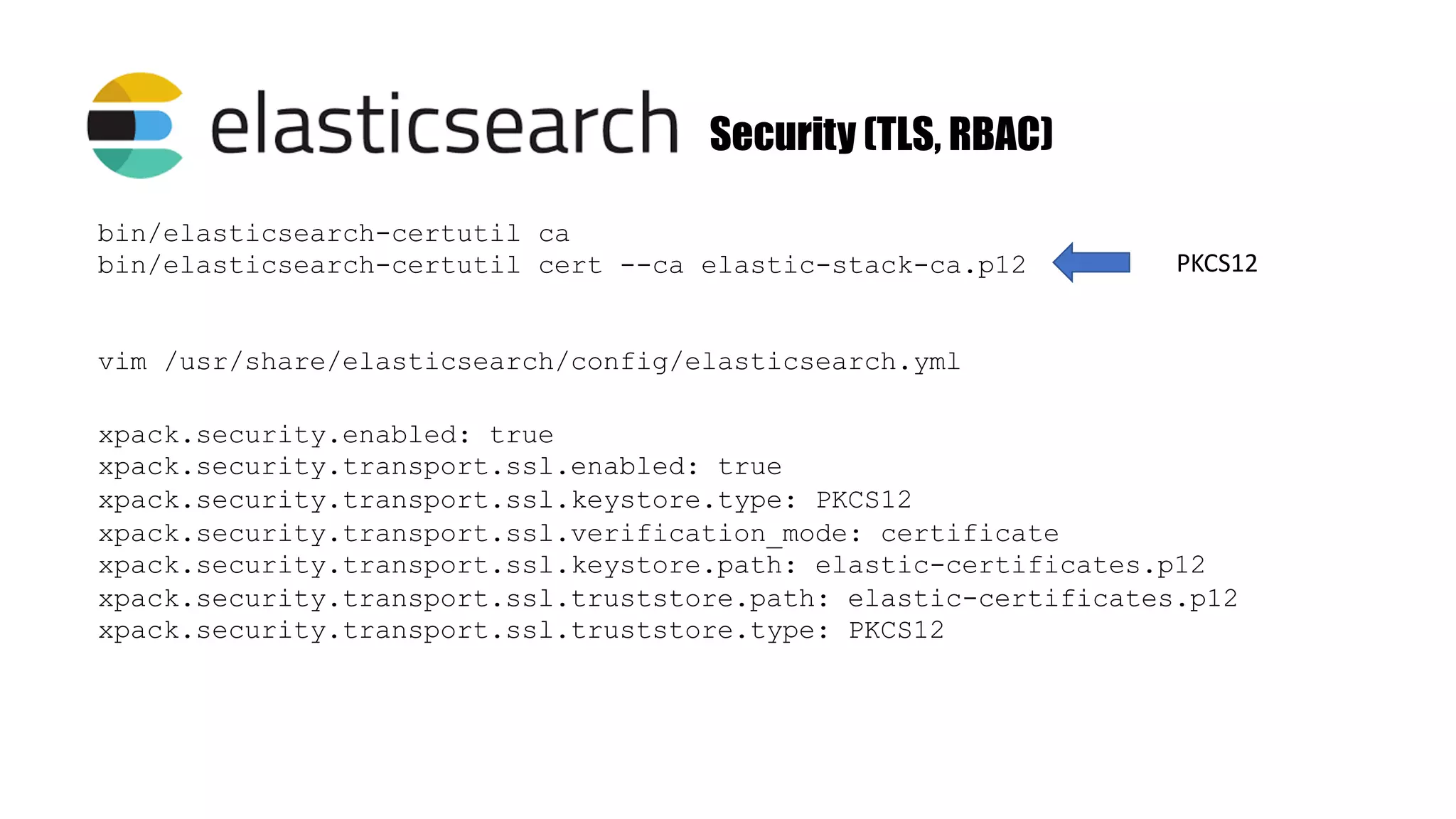
Security (TLS, RBAC) vim /usr/share/elasticsearch/config/elasticsearch.yml xpack.security.enabled: true xpack.security.transport.ssl.enabled: true xpack.security.transport.ssl.keystore.type: PKCS12 xpack.security.transport.ssl.verification_mode: certificate xpack.security.transport.ssl.keystore.path: elastic-certificates.p12 xpack.security.transport.ssl.truststore.path: elastic-certificates.p12 xpack.security.transport.ssl.truststore.type: PKCS12 bin/elasticsearch-certutil ca bin/elasticsearch-certutil cert --ca elastic-stack-ca.p12 PKCS12
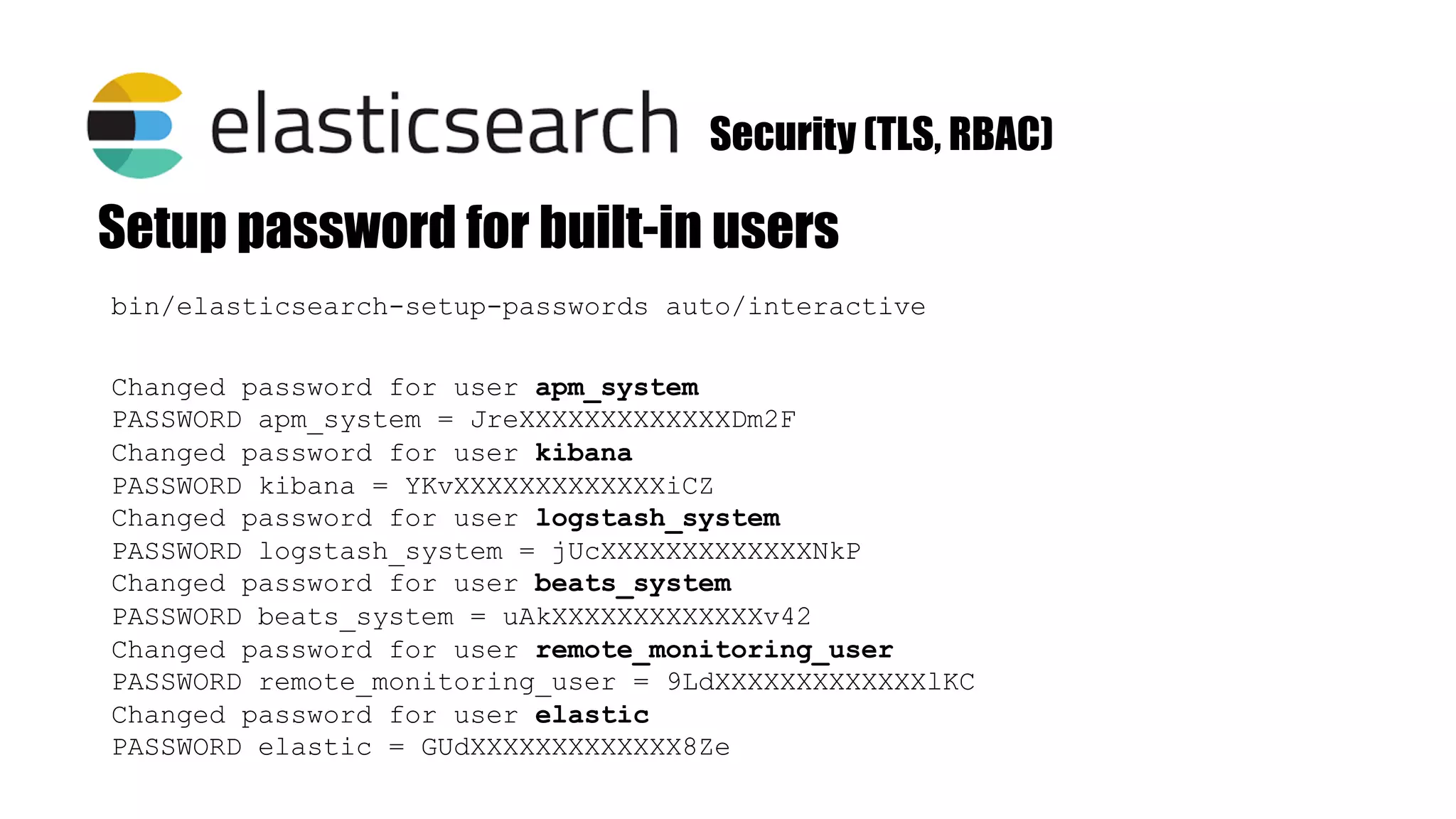
bin/elasticsearch-setup-passwords auto/interactive Setup password for built-in users Changed password for user apm_system PASSWORD apm_system = JreXXXXXXXXXXXXXDm2F Changed password for user kibana PASSWORD kibana = YKvXXXXXXXXXXXXXiCZ Changed password for user logstash_system PASSWORD logstash_system = jUcXXXXXXXXXXXXXNkP Changed password for user beats_system PASSWORD beats_system = uAkXXXXXXXXXXXXXv42 Changed password for user remote_monitoring_user PASSWORD remote_monitoring_user = 9LdXXXXXXXXXXXXXlKC Changed password for user elastic PASSWORD elastic = GUdXXXXXXXXXXXXX8Ze Security (TLS, RBAC)
Security #elasticsearch.username: “kibana” #elasticsearch.password: “password” vim config/kibana.yml
http://<YOUR_KIBANA_HOST>:5601
Lightweight data shippers install as agents on your servers Available in Linux/Windows/Mac
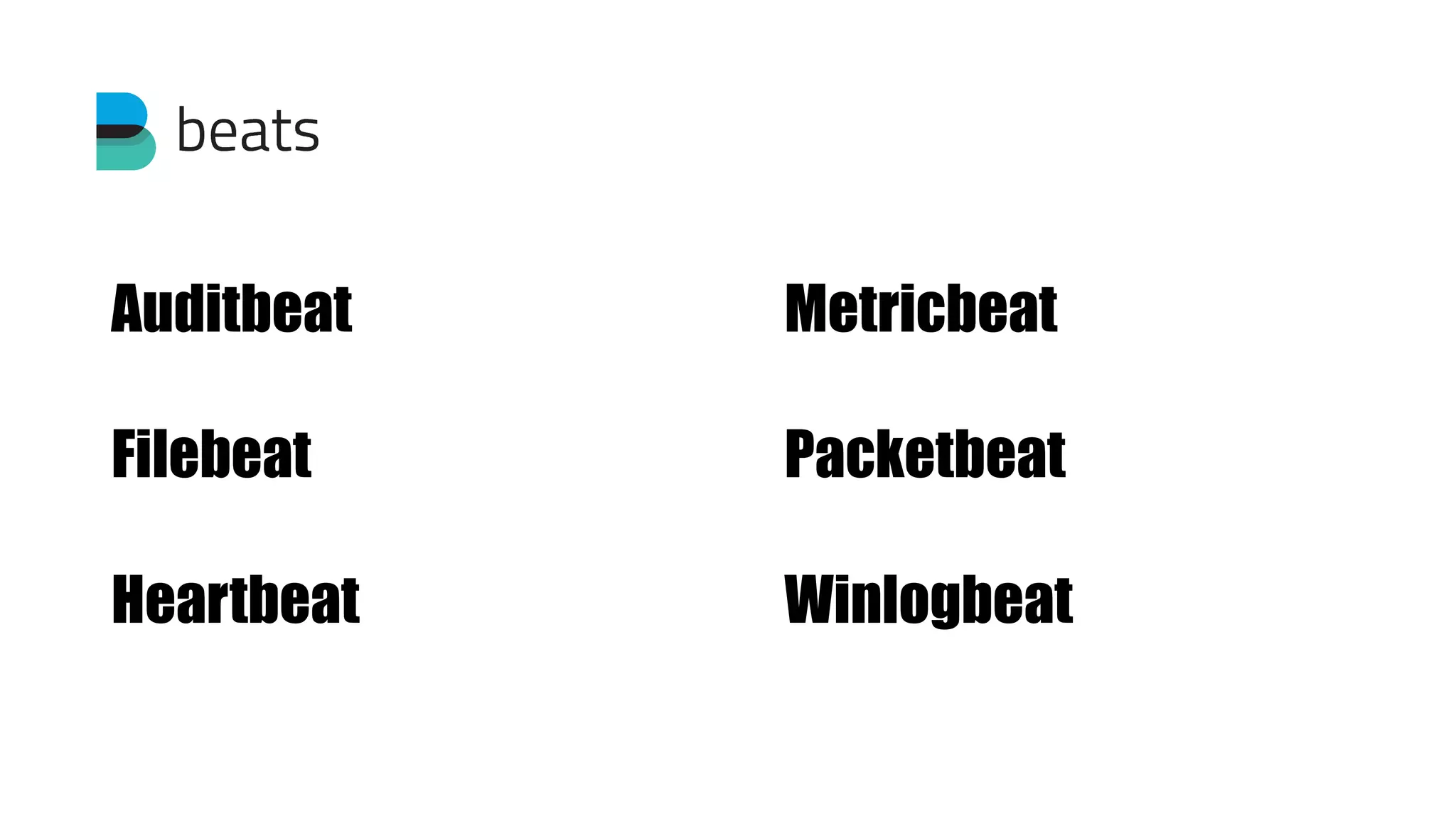
Auditbeat Filebeat Heartbeat Metricbeat Packetbeat Winlogbeat
Installation (Auditbeat) curl -L -O https://artifacts.elastic.co/downloads/beats/auditbeat/auditbeat- 7.7.0-amd64.deb sudo dpkg -i auditbeat-7.7.0-amd64.deb output.elasticsearch: hosts: ["es_host:9200"] username: "elastic" password: "<password>" setup.kibana: host: ”http://kibana_host:5601" Download and install Edit configuration (/etc/auditbeat/auditbeat.yml)
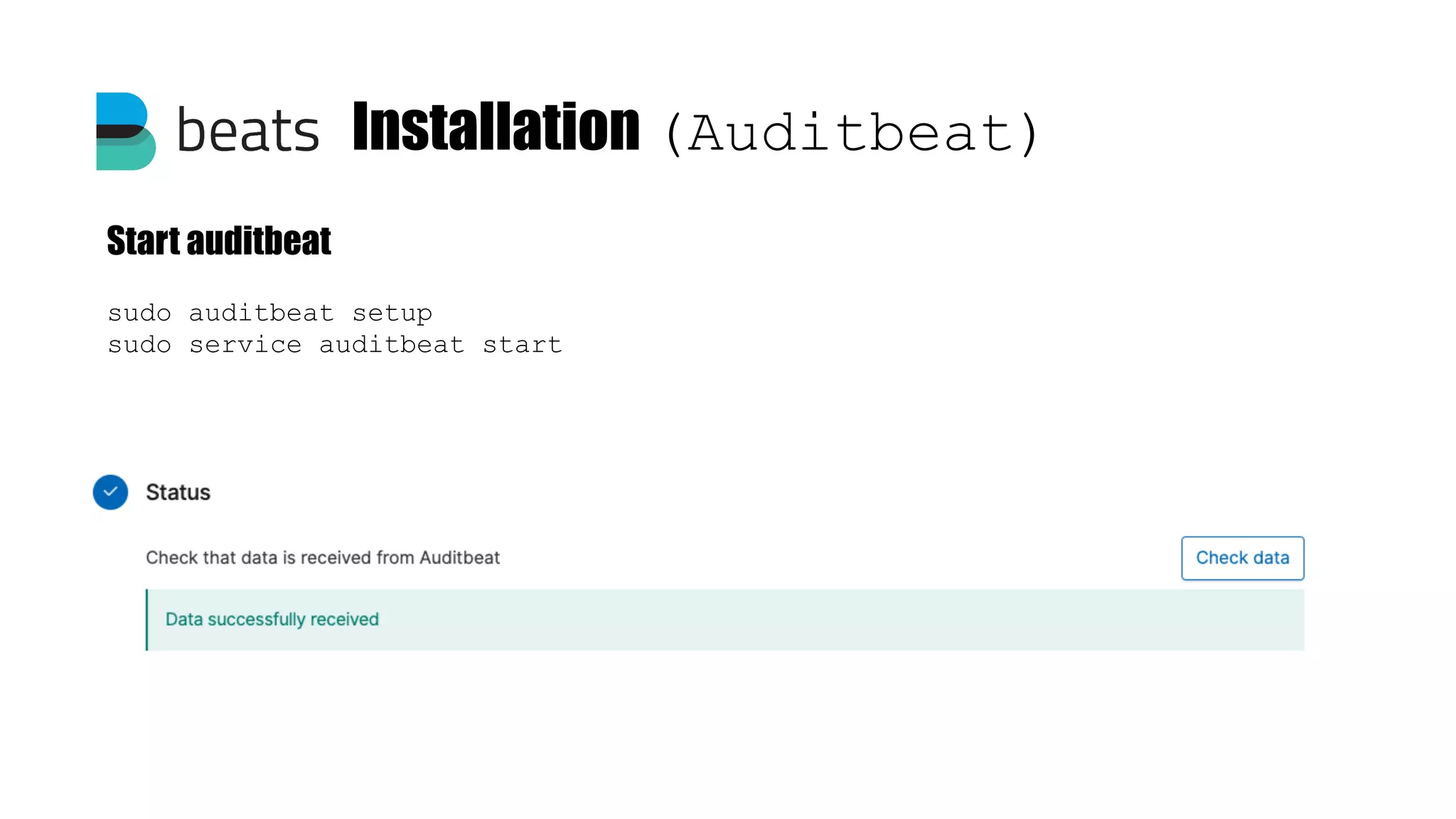
Installation (Auditbeat) sudo auditbeat setup sudo service auditbeat start Start auditbeat
Alerting Elastalert
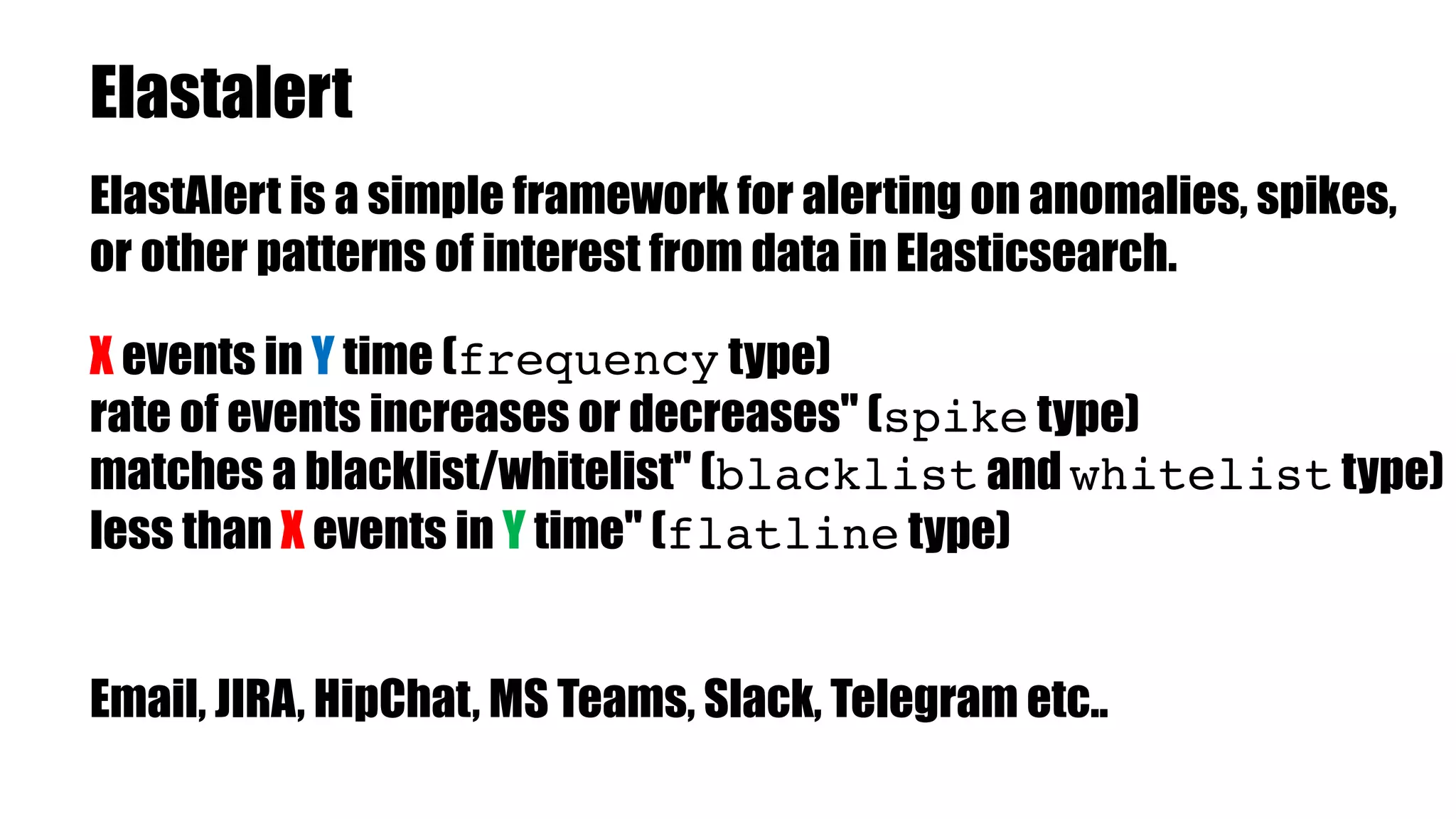
Elastalert ElastAlert is a simple framework for alerting on anomalies, spikes, or other patterns of interest from data in Elasticsearch. X events in Y time (frequency type) rate of events increases or decreases" (spike type) matches a blacklist/whitelist" (blacklist and whitelist type) less than X events in Y time" (flatline type) Email, JIRA, HipChat, MS Teams, Slack, Telegram etc..
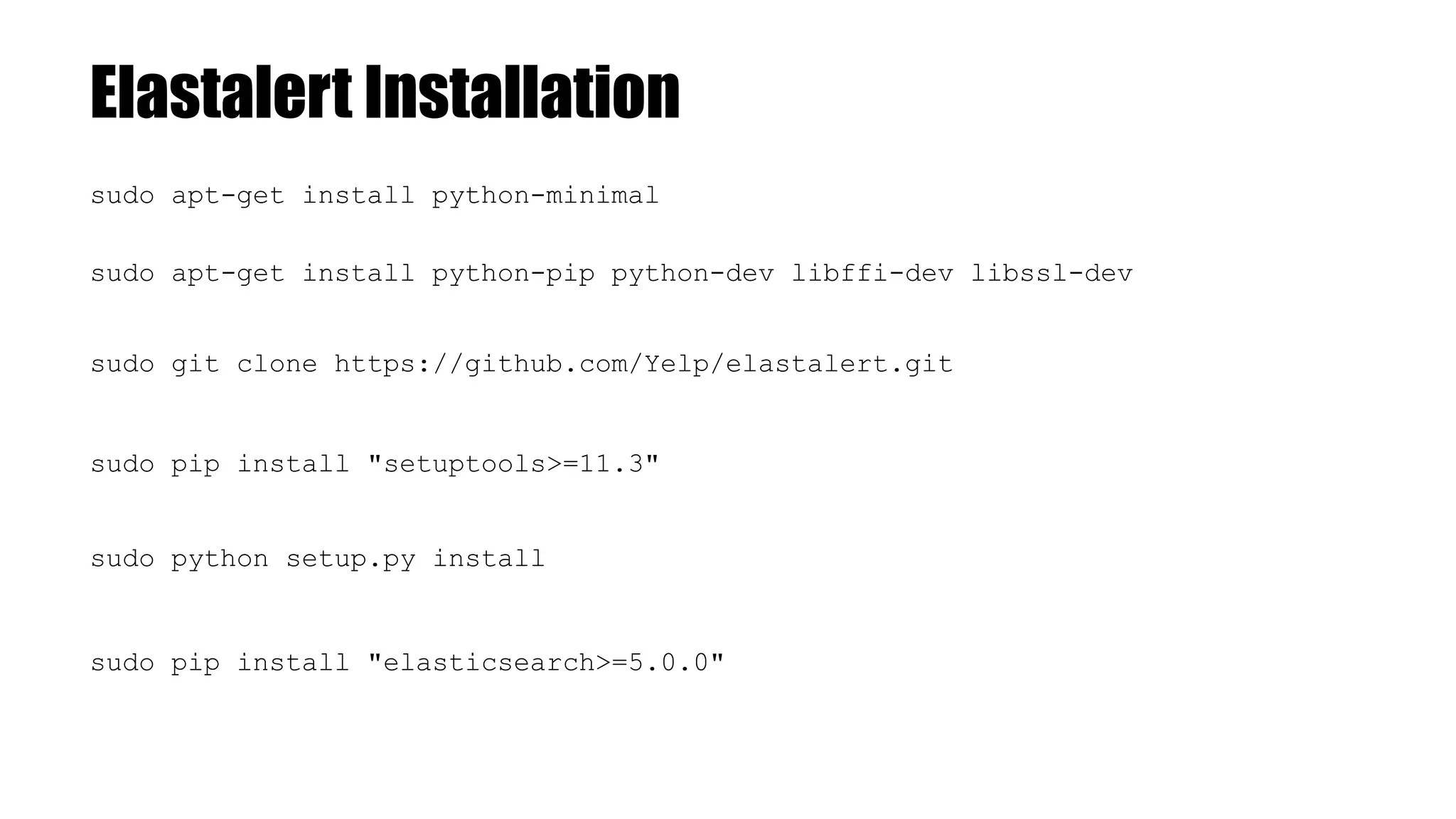
Elastalert Installation sudo git clone https://github.com/Yelp/elastalert.git sudo pip install "setuptools>=11.3" sudo python setup.py install sudo pip install "elasticsearch>=5.0.0" sudo apt-get install python-minimal sudo apt-get install python-pip python-dev libffi-dev libssl-dev
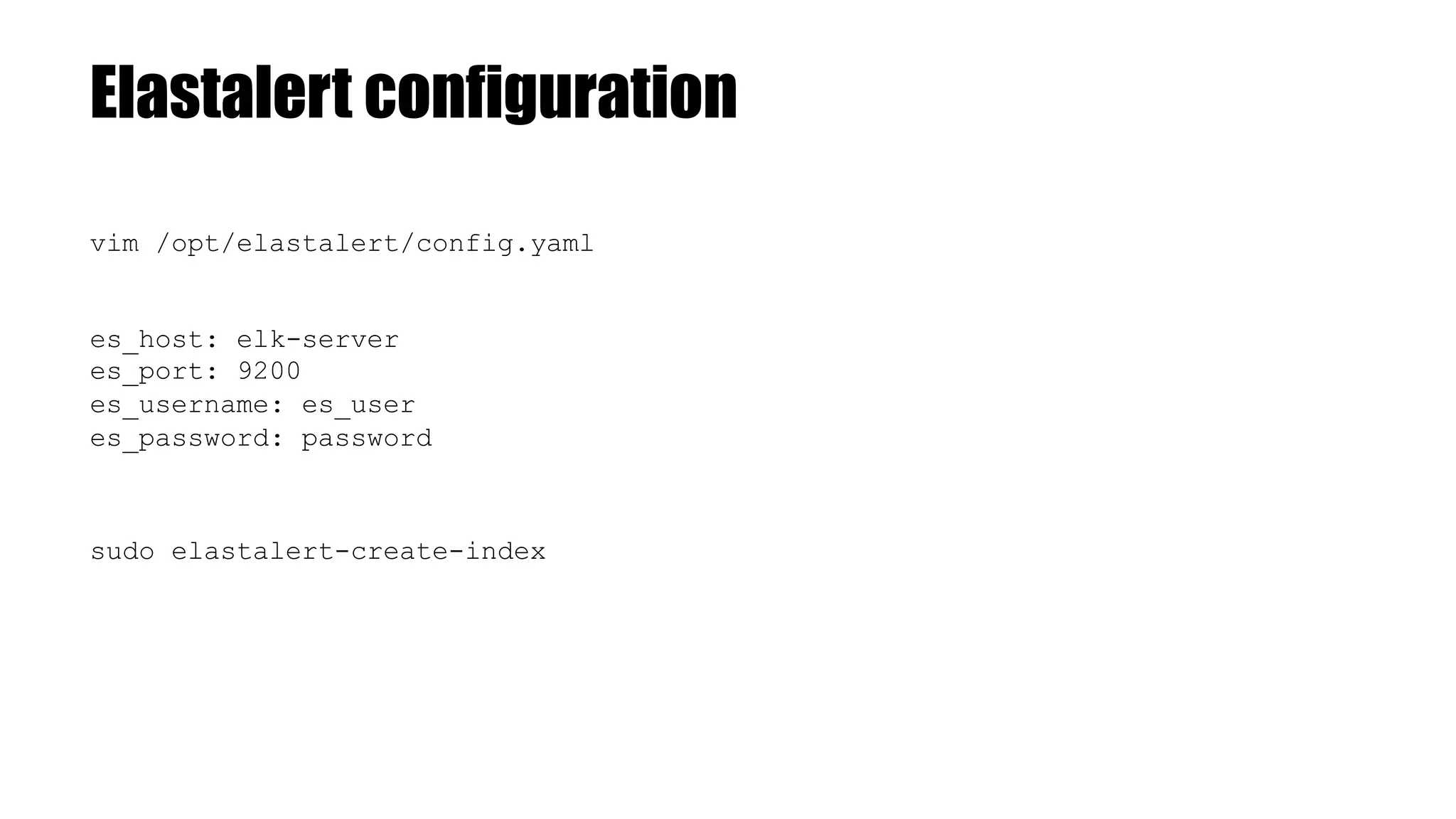
Elastalert configuration vim /opt/elastalert/config.yaml es_host: elk-server es_port: 9200 es_username: es_user es_password: password sudo elastalert-create-index
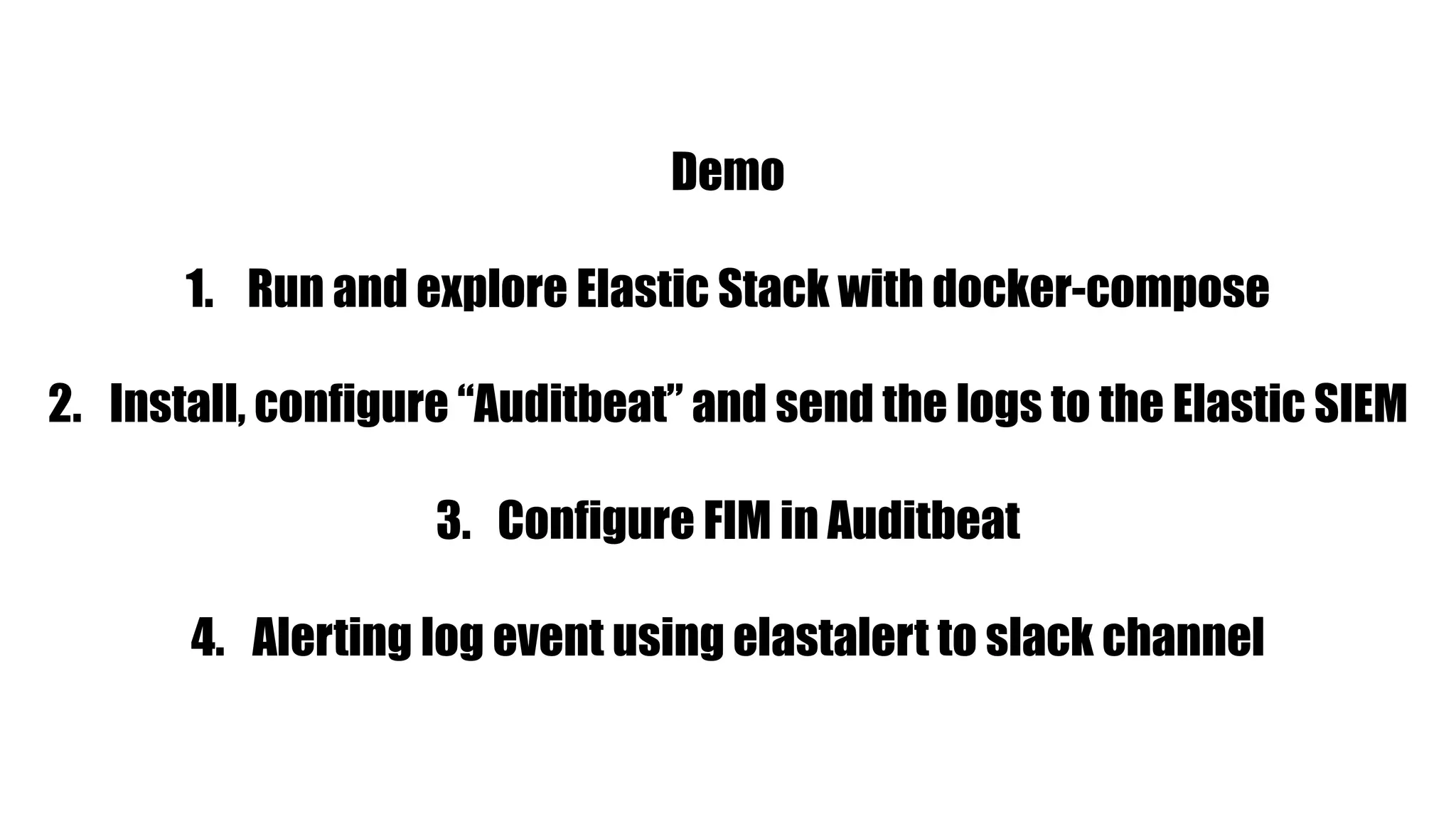
Demo 1. Run and explore Elastic Stack with docker-compose 2. Install, configure “Auditbeat” and send the logs to the Elastic SIEM 3. Configure FIM in Auditbeat 4. Alerting log event using elastalert to slack channel
Thank You writeimtiaz@gmail.com https://imtiazrahman.com ? ? ?

Log analysis with elastic stack

  • 1.
  • 2.
  • 3.
    What is ElasticStack ? User Interface Store, Analyze Ingest
  • 5.
    a full-text based,distributed NoSQL database. Written in Java, built on Apache Lucene Commonly used for log analytics, full-text search, security intelligence, business analytics, and operational intelligence use cases. Use REST API (GET, PUT, POST, and DELETE ) for storing and searching data
  • 6.
    Data is storedas documents Data is separated into fields (rows in relational database) (columns in relational database)
  • 7.
    Relational Database Elasticsearch DatabaseIndex Table Type Row/Record Document Column Name Field
  • 8.
    Terminology Cluster: A clusterconsists of one or more nodes which share the same cluster name. Node: A node is a running instance of elasticsearch which belongs to a cluster.
  • 9.
    Terminology Index: Collection ofdocuments Shard: An index is split into elements known as shards that are distributed across multiple nodes. There are two types of shard, Primary and replica. By default elasticsearch creates 1 primary shard and 1 replica shard for each index.
  • 10.
    Terminology Shard 1 Replica 2 Replica1 Shard 2 Node 1 Node 2 cluster
  • 11.
    Documents • Indices holddocuments in serialized JSON objects • 1 document = 1 log entry • Contains "field : value" pairs • Metadata • _index – Index the document belongs to • _id – unique ID for that log • _source – parsed log fields Terminology { "_index": "netflow-2020.10.08", "_type": "_doc", "_id": "ZwkiB3UBULotwSOX3Bdb", "_version": 1, "_score": null, "_source": { "@timestamp": "2020-10-08T07:35:32.000Z”, "host": "172.20.0.1", "netflow": { "ipv4_dst_addr": "103.12.179.136", "l4_dst_port": 80, "src_tos": 0, "l4_src_port": 53966, "ipv4_src_addr": ”192.168.110.18", "application_id": "13..0", "version": 9,
  • 12.
  • 13.
  • 14.
    Installation curl -fsSL https://artifacts.elastic.co/GPG-KEY-elasticsearch |sudo apt-key add - Install JAVA echo "deb https://artifacts.elastic.co/packages/7.x/apt stable main" | sudo tee -a /etc/apt/sources.list.d/elastic-7.x.list sudo apt update sudo apt install elasticsearch
  • 15.
    configuration /usr/share/elasticsearch/config/elasticsearch.yml Location and theconfig file Key configuration elements node.name: es01 cluster.name: training discovery.seed_hosts: es02 cluster.initial_master_nodes: es01,es02 network.host: 0.0.0.0
  • 16.
    [root@4f8cd6658b1b elasticsearch]# curlhttp://localhost:9200 { "name" : "es01", "cluster_name" : ”training", "cluster_uuid" : "vE9SZr8oRFK0A0HTq9U_oA", "version" : { "number" : "7.7.0", "build_flavor" : "default", "build_type" : "docker", "build_hash" : "81a1e9eda8e6183f5237786246f6dced26a10eaf", "build_date" : "2020-05-12T02:01:37.602180Z", "build_snapshot" : false, "lucene_version" : "8.5.1", "minimum_wire_compatibility_version" : "6.8.0", "minimum_index_compatibility_version" : "6.0.0-beta1" }, "tagline" : "You Know, for Search" } [root@4f8cd6658b1b elasticsearch]#
  • 18.
    Free, developed andmaintained by Elastic Integrates with Beats Integrates with Elasticsearch Tons of plugins
  • 19.
    Logstatsh has threestages INPUT FILTER OUTPUT input { tcp { port => 5002 type => "syslog" } } filter { if [type] == "syslog" { grok { } } } output { if [type] == "syslog" { elasticsearch { hosts => "http://es01:9200" index => "syslog-%{+YYYY.MM.dd}" } } } beats, file, syslog, udp, snmp, etc… http, kv, xml, json, etc… csv, file, http, stdout, etc…. .conf
  • 20.
    Grok is agreat way to parse unstructured log data into something structured and queryable. The syntax for a grok pattern is %{SYNTAX:SEMANTIC} SYNTAX: is the name of the pattern that will match your text SEMANTIC: is the identifier to the piece of text being matched
  • 21.
    Grok Example 192.168.8.1 GET/index.html 15824 0.04 %{IP:client} %{WORD:method} %{URIPATHPARAM:request} %{NUMBER:bytes} %{NUMBER:duration} { "duration": "0.04", "request": "/index.html", "method": "GET", "bytes": "15824", "client": "192.168.8.1" } raw log grok pattern output
  • 22.
  • 23.
    Installation wget -qO -https://artifacts.elastic.co/GPG-KEY-elasticsearch | sudo apt-key add - Install JAVA sudo apt-get install apt-transport-https sudo apt update sudo apt install logstash echo "deb https://artifacts.elastic.co/packages/7.x/apt stable main" | sudo tee -a /etc/apt/sources.list.d/elastic-7.x.list
  • 25.
  • 26.
    Command line logs •cat • tail • grep • vi/ vim/ nano /event viewer
  • 28.
    • Multiple source •Corelating • Seraching, filtering • Visualize Not available on cli
  • 29.
  • 30.
    Installation wget -qO -https://artifacts.elastic.co/GPG-KEY-elasticsearch | sudo apt-key add - sudo apt-get install apt-transport-https sudo apt update sudo apt install kibana echo "deb https://artifacts.elastic.co/packages/7.x/apt stable main" | sudo tee -a /etc/apt/sources.list.d/elastic-7.x.list
  • 31.
    /usr/share/kibana/config/kibana.yml Location and theconfig file Key configuration elements server.name: kibana server.host: "0" elasticsearch.hosts: - http://es01:9200 - http://es02:9200 configuration
  • 32.
  • 33.
    Security (TLS, RBAC) vim/usr/share/elasticsearch/config/elasticsearch.yml xpack.security.enabled: true xpack.security.transport.ssl.enabled: true xpack.security.transport.ssl.keystore.type: PKCS12 xpack.security.transport.ssl.verification_mode: certificate xpack.security.transport.ssl.keystore.path: elastic-certificates.p12 xpack.security.transport.ssl.truststore.path: elastic-certificates.p12 xpack.security.transport.ssl.truststore.type: PKCS12 bin/elasticsearch-certutil ca bin/elasticsearch-certutil cert --ca elastic-stack-ca.p12 PKCS12
  • 34.
    bin/elasticsearch-setup-passwords auto/interactive Setup passwordfor built-in users Changed password for user apm_system PASSWORD apm_system = JreXXXXXXXXXXXXXDm2F Changed password for user kibana PASSWORD kibana = YKvXXXXXXXXXXXXXiCZ Changed password for user logstash_system PASSWORD logstash_system = jUcXXXXXXXXXXXXXNkP Changed password for user beats_system PASSWORD beats_system = uAkXXXXXXXXXXXXXv42 Changed password for user remote_monitoring_user PASSWORD remote_monitoring_user = 9LdXXXXXXXXXXXXXlKC Changed password for user elastic PASSWORD elastic = GUdXXXXXXXXXXXXX8Ze Security (TLS, RBAC)
  • 35.
  • 36.
  • 38.
    Lightweight data shippers installas agents on your servers Available in Linux/Windows/Mac
  • 39.
  • 40.
    Installation (Auditbeat) curl -L-O https://artifacts.elastic.co/downloads/beats/auditbeat/auditbeat- 7.7.0-amd64.deb sudo dpkg -i auditbeat-7.7.0-amd64.deb output.elasticsearch: hosts: ["es_host:9200"] username: "elastic" password: "<password>" setup.kibana: host: ”http://kibana_host:5601" Download and install Edit configuration (/etc/auditbeat/auditbeat.yml)
  • 41.
    Installation (Auditbeat) sudo auditbeatsetup sudo service auditbeat start Start auditbeat
  • 42.
  • 43.
    Elastalert ElastAlert is asimple framework for alerting on anomalies, spikes, or other patterns of interest from data in Elasticsearch. X events in Y time (frequency type) rate of events increases or decreases" (spike type) matches a blacklist/whitelist" (blacklist and whitelist type) less than X events in Y time" (flatline type) Email, JIRA, HipChat, MS Teams, Slack, Telegram etc..
  • 44.
    Elastalert Installation sudo gitclone https://github.com/Yelp/elastalert.git sudo pip install "setuptools>=11.3" sudo python setup.py install sudo pip install "elasticsearch>=5.0.0" sudo apt-get install python-minimal sudo apt-get install python-pip python-dev libffi-dev libssl-dev
  • 45.
    Elastalert configuration vim /opt/elastalert/config.yaml es_host:elk-server es_port: 9200 es_username: es_user es_password: password sudo elastalert-create-index
  • 46.
    Demo 1. Run andexplore Elastic Stack with docker-compose 2. Install, configure “Auditbeat” and send the logs to the Elastic SIEM 3. Configure FIM in Auditbeat 4. Alerting log event using elastalert to slack channel
  • 47.