Play framework workshop January 2014, Tel Aviv
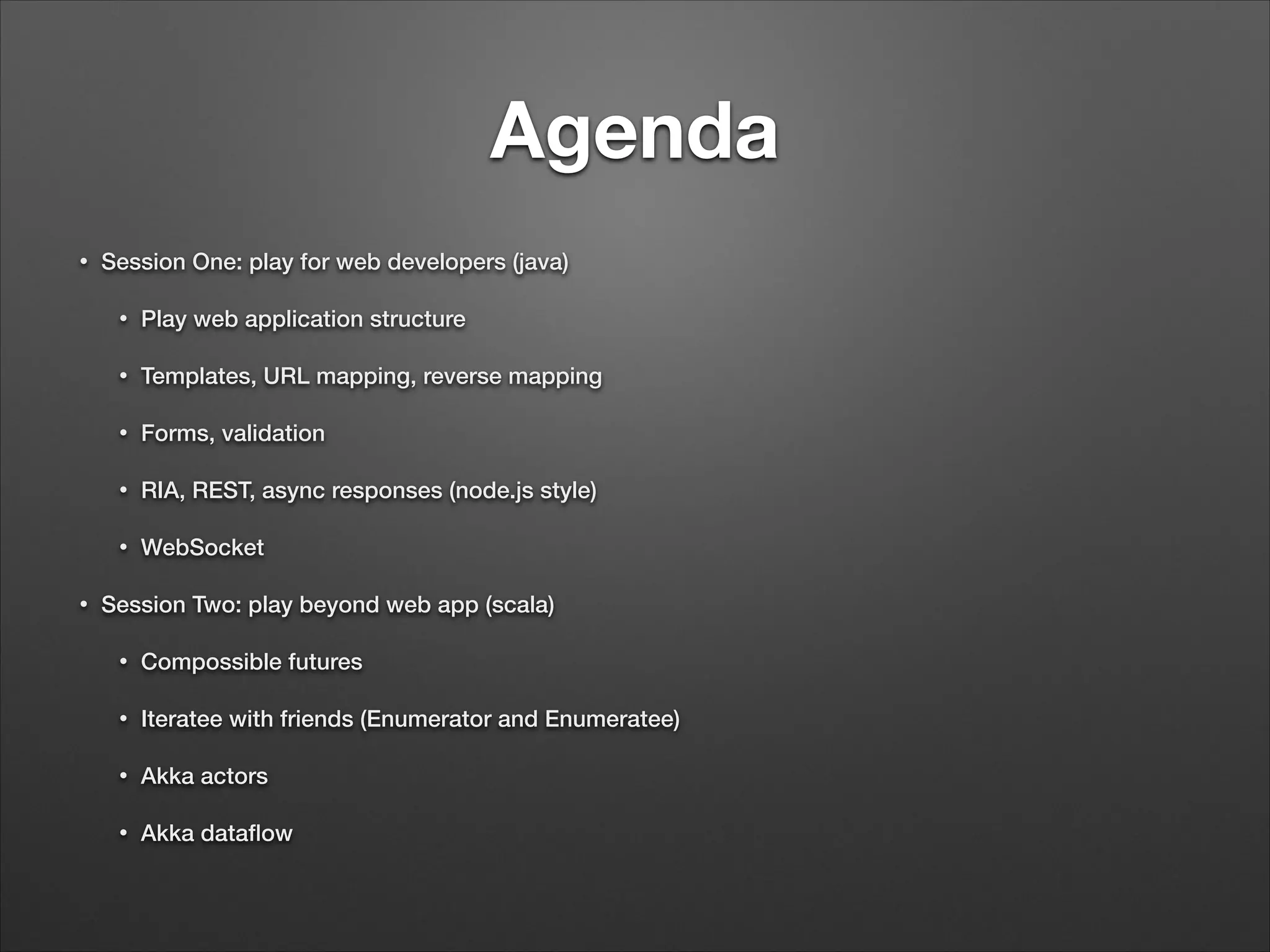
Agenda • Session One: play for web developers (java) • • Templates, URL mapping, reverse mapping • Forms, validation • RIA, REST, async responses (node.js style) • • Play web application structure WebSocket Session Two: play beyond web app (scala) • Compossible futures • Iteratee with friends (Enumerator and Enumeratee) • Akka actors • Akka dataflow
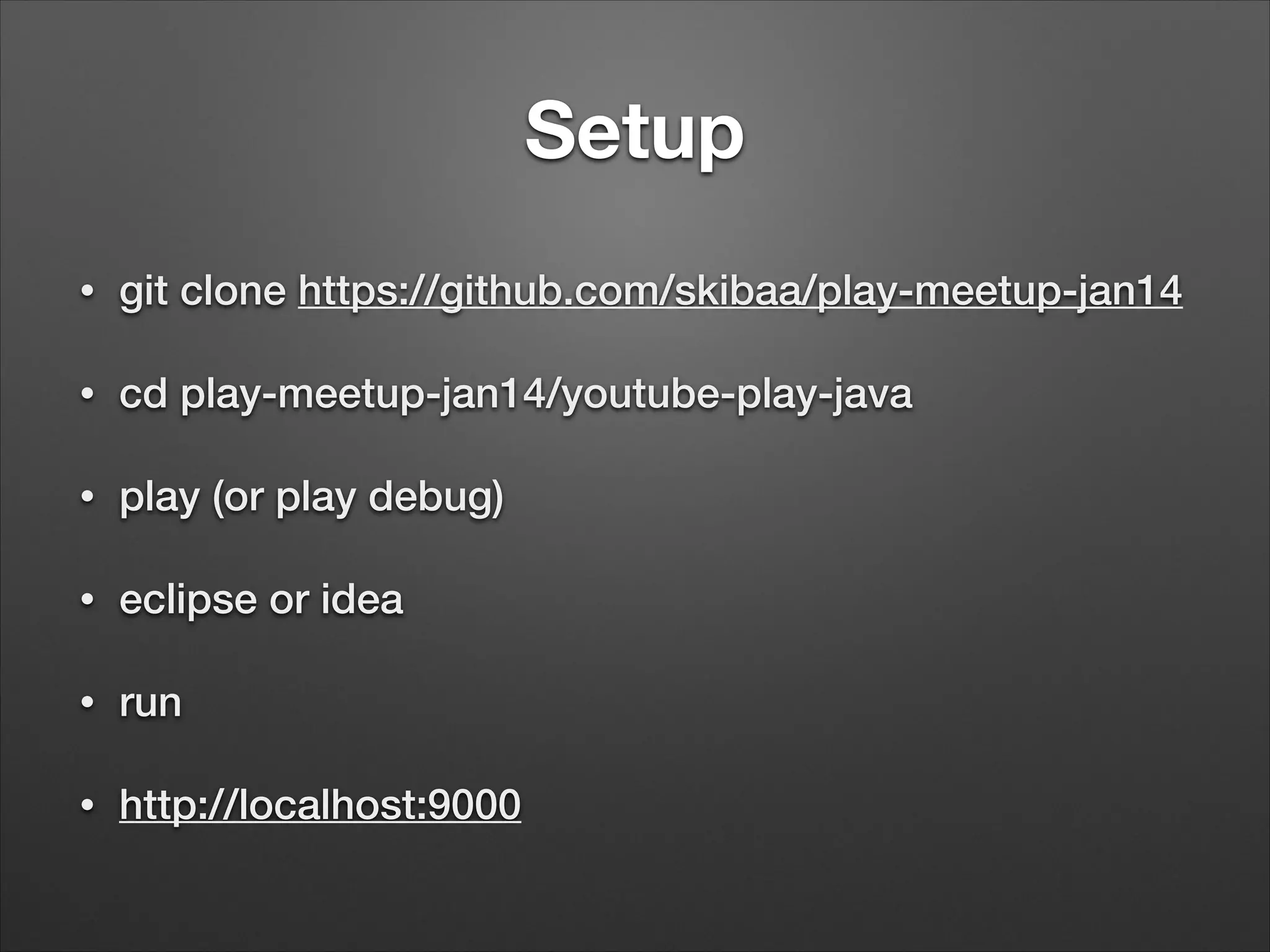
Setup • git clone https://github.com/skibaa/play-meetup-jan14 • cd play-meetup-jan14/youtube-play-java • play (or play debug) • eclipse or idea • run • http://localhost:9000
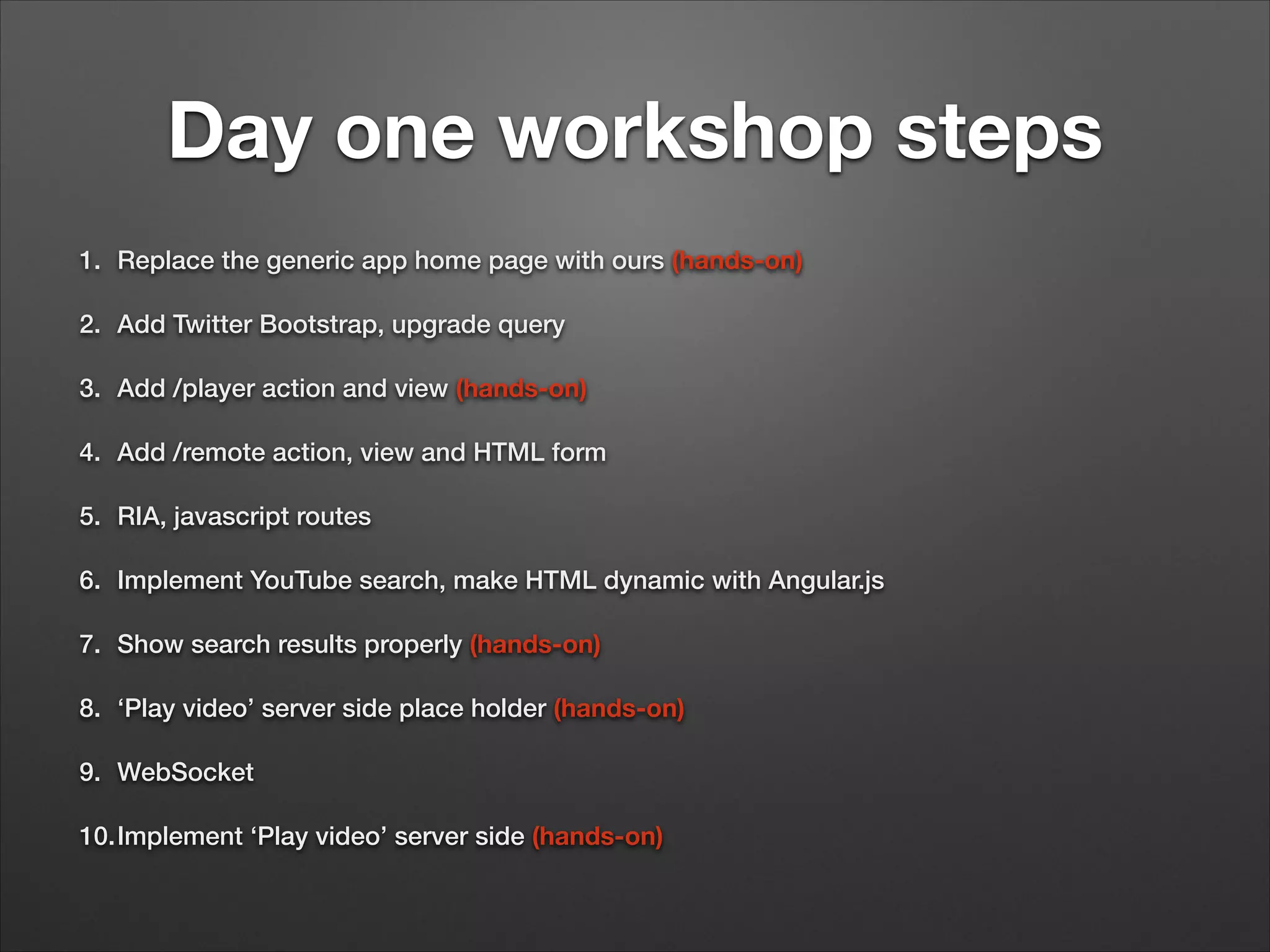
Day one workshop steps 1. Replace the generic app home page with ours (hands-on) 2. Add Twitter Bootstrap, upgrade query 3. Add /player action and view (hands-on) 4. Add /remote action, view and HTML form 5. RIA, javascript routes 6. Implement YouTube search, make HTML dynamic with Angular.js 7. Show search results properly (hands-on) 8. ‘Play video’ server side place holder (hands-on) 9. WebSocket 10.Implement ‘Play video’ server side (hands-on)
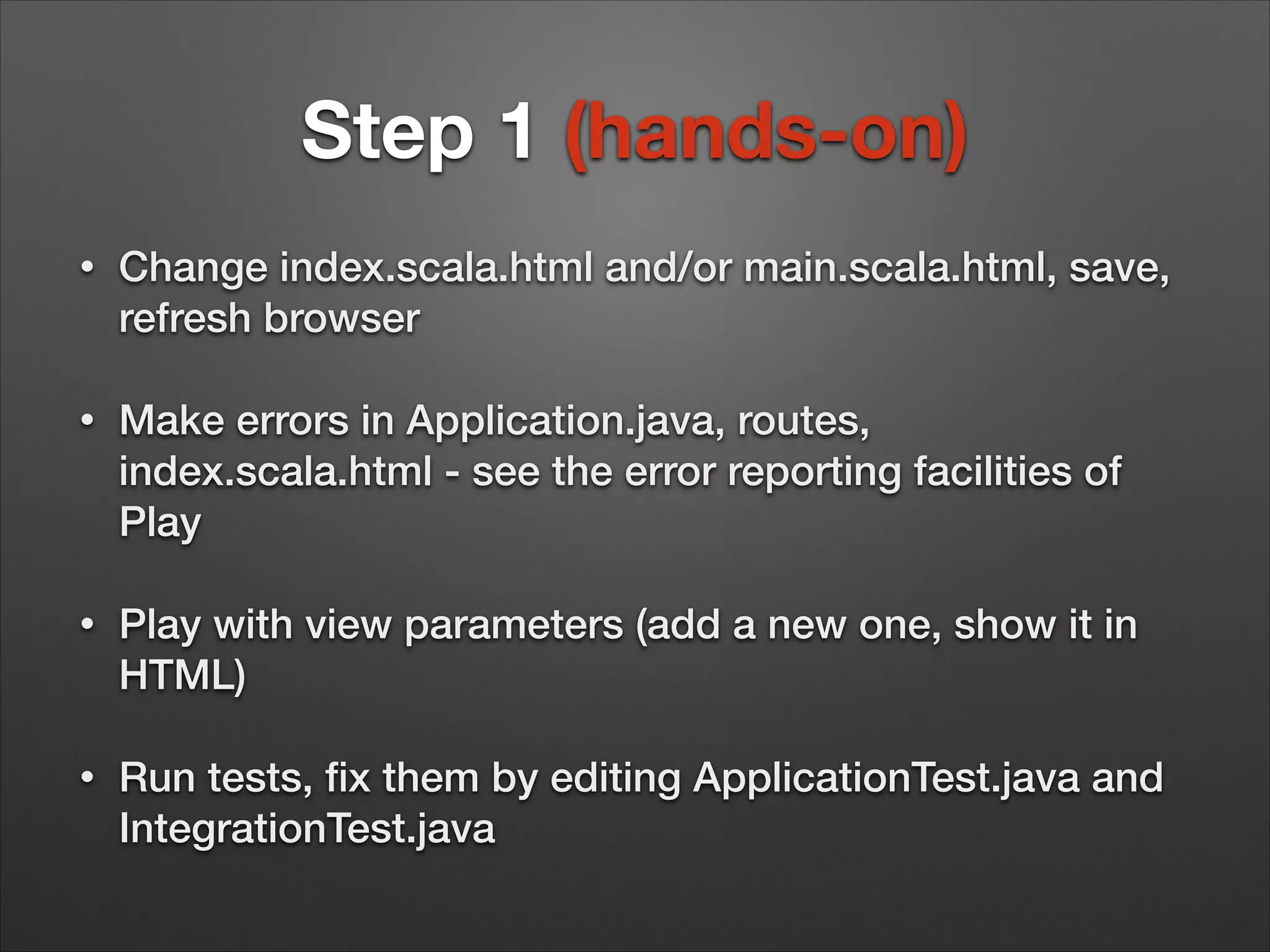
Step 1 (hands-on) • Change index.scala.html and/or main.scala.html, save, refresh browser • Make errors in Application.java, routes, index.scala.html - see the error reporting facilities of Play • Play with view parameters (add a new one, show it in HTML) • Run tests, fix them by editing ApplicationTest.java and IntegrationTest.java
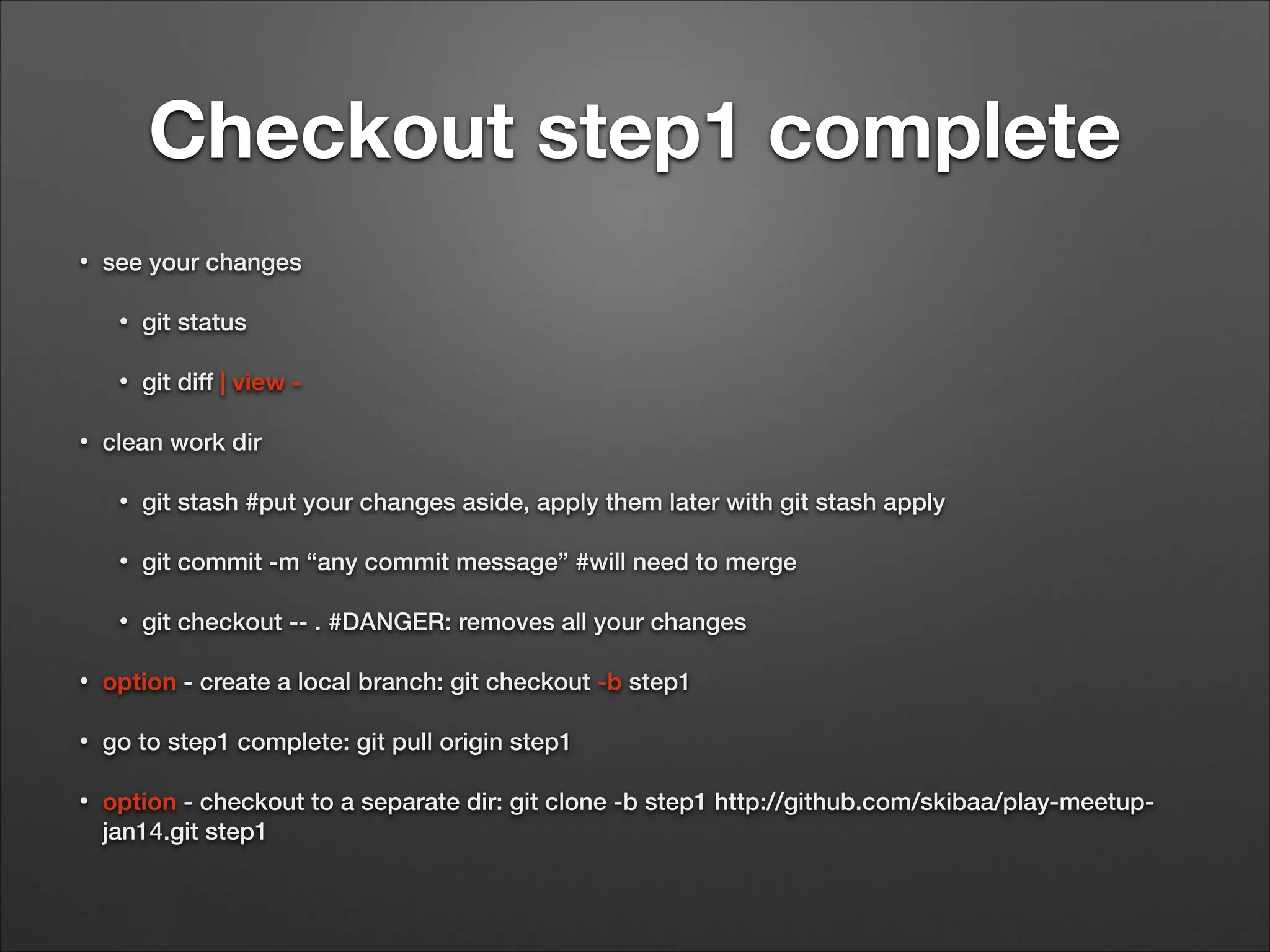
Checkout step1 complete • see your changes • • • git status git diff | view - clean work dir • git stash #put your changes aside, apply them later with git stash apply • git commit -m “any commit message” #will need to merge • git checkout -- . #DANGER: removes all your changes • option - create a local branch: git checkout -b step1 • go to step1 complete: git pull origin step1 • option - checkout to a separate dir: git clone -b step1 http://github.com/skibaa/play-meetupjan14.git step1
Step 2 • Open http://getbootstrap.com/css/ • Find the documentation for img-rounded, col-lg-5, btn • Change col-lg-5 to col-lg-4, see the effect • Play with styles as you wish
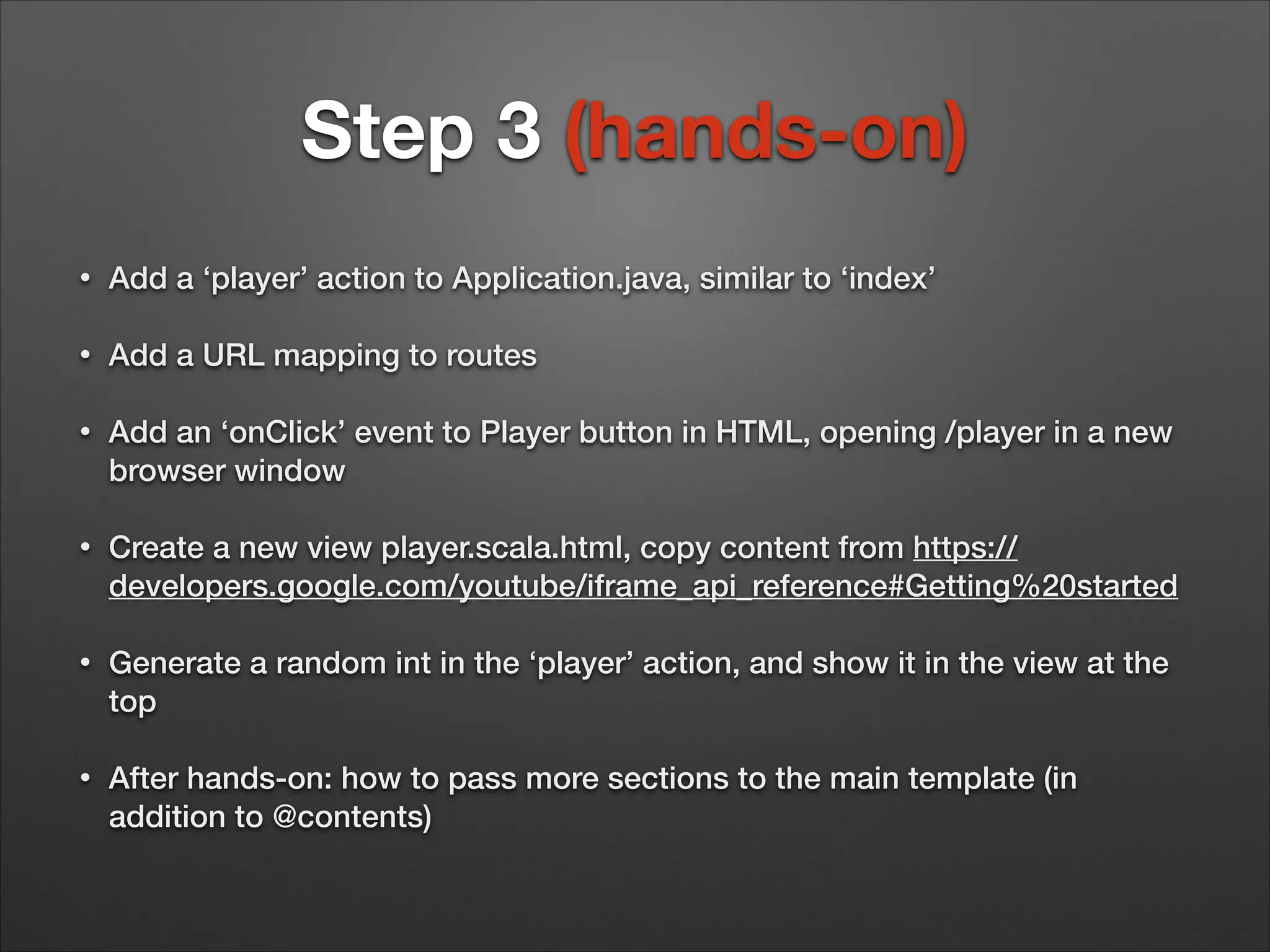
Step 3 (hands-on) • Add a ‘player’ action to Application.java, similar to ‘index’ • Add a URL mapping to routes • Add an ‘onClick’ event to Player button in HTML, opening /player in a new browser window • Create a new view player.scala.html, copy content from https:// developers.google.com/youtube/iframe_api_reference#Getting%20started • Generate a random int in the ‘player’ action, and show it in the view at the top • After hands-on: how to pass more sections to the main template (in addition to @contents)
Step 4 • HTML forms in Play - MVC + validation + error reporting • Model - PlayerConnect.java • Controller - create, bind, check errors • View - show form, show errors
Step 5 • What is a single page application? • REST controllers in Play, producing JSON • javascript routes - why? • javascript routes - how? • Documentation: missing for Java, use Zentask documentation http://www.playframework.com/ documentation/2.2.x/JavaGuide6
Step 6 • YouTupe search API: https://developers.google.com/ youtube/v3/docs/search/list#try-it • Mandatory parameter ‘part’. We will use ‘part=snippet’ • Search parameter ‘q’ • API key parameter ‘key’ • Read https://developers.google.com/places/documentation/ • Get your own key at https://cloud.google.com/console/ project
Step 6 cont. • AngularJS - why? • MVC in a single page application • <p>1 + 2 = {{ 1 + 2 }}</p> • $scope • Two-way binding • http://docs.angularjs.org/tutorial/step_02: ng-repeat
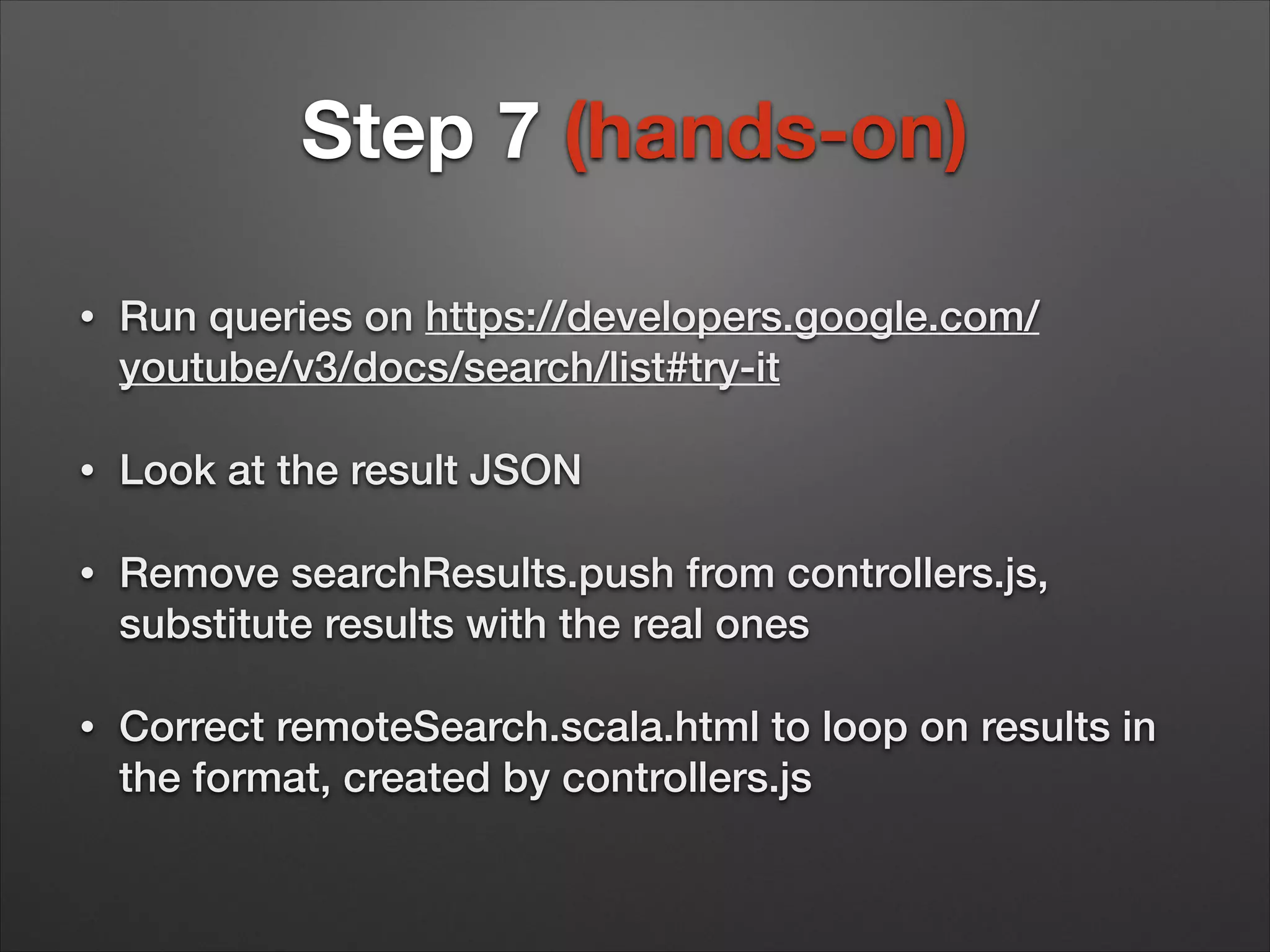
Step 7 (hands-on) • Run queries on https://developers.google.com/ youtube/v3/docs/search/list#try-it • Look at the result JSON • Remove searchResults.push from controllers.js, substitute results with the real ones • Correct remoteSearch.scala.html to loop on results in the format, created by controllers.js
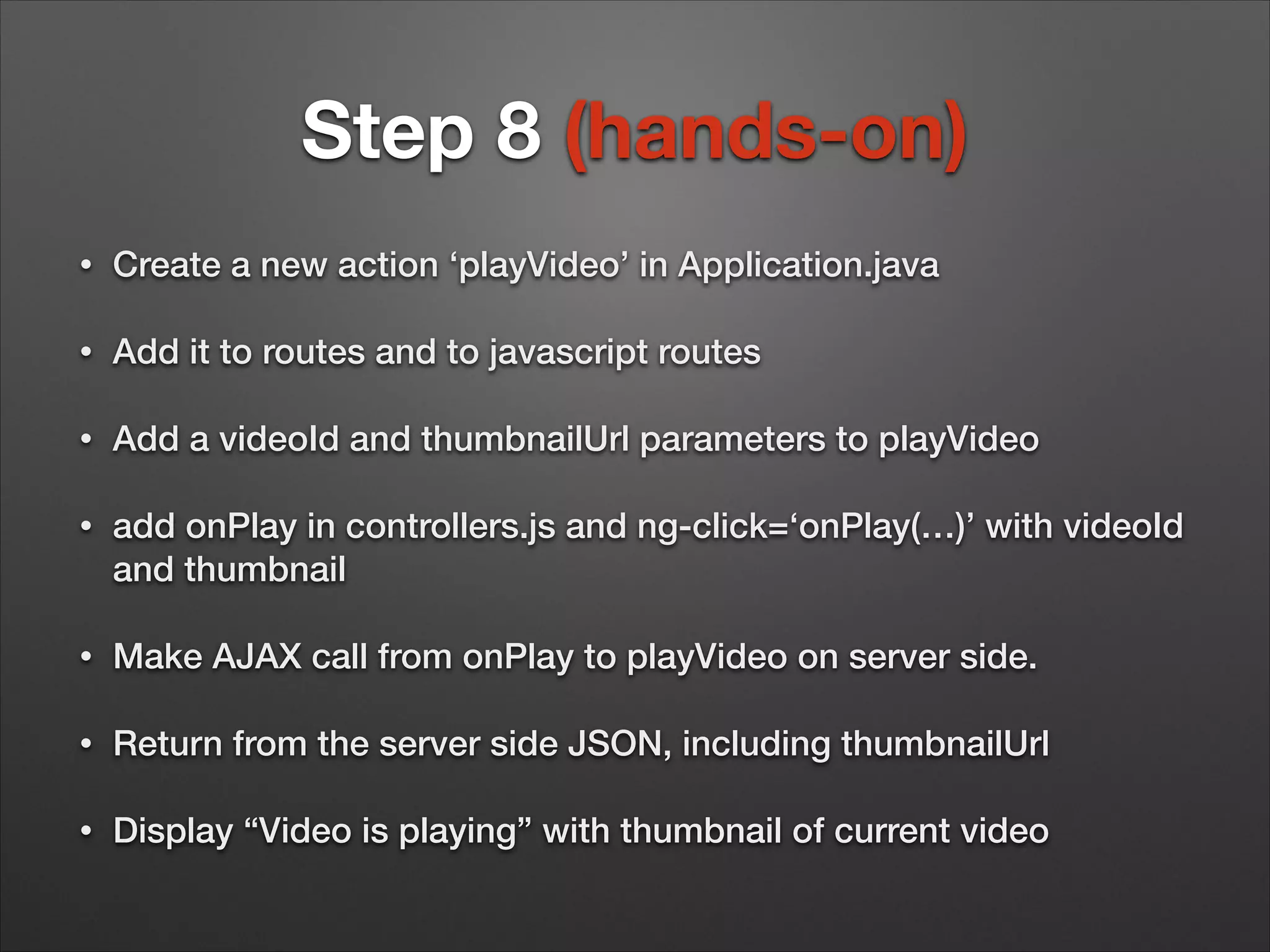
Step 8 (hands-on) • Create a new action ‘playVideo’ in Application.java • Add it to routes and to javascript routes • Add a videoId and thumbnailUrl parameters to playVideo • add onPlay in controllers.js and ng-click=‘onPlay(…)’ with videoId and thumbnail • Make AJAX call from onPlay to playVideo on server side. • Return from the server side JSON, including thumbnailUrl • Display “Video is playing” with thumbnail of current video
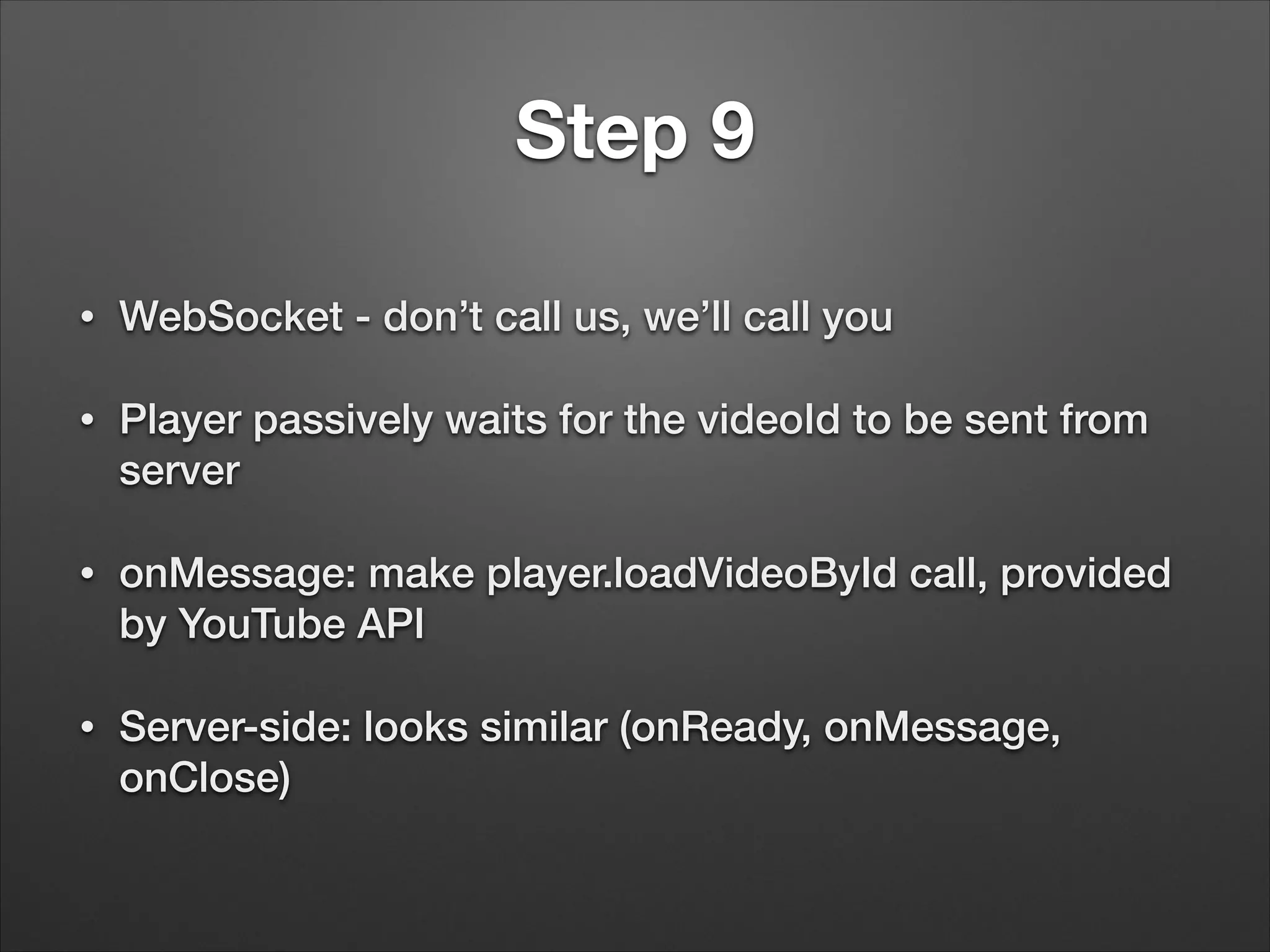
Step 9 • WebSocket - don’t call us, we’ll call you • Player passively waits for the videoId to be sent from server • onMessage: make player.loadVideoById call, provided by YouTube API • Server-side: looks similar (onReady, onMessage, onClose)
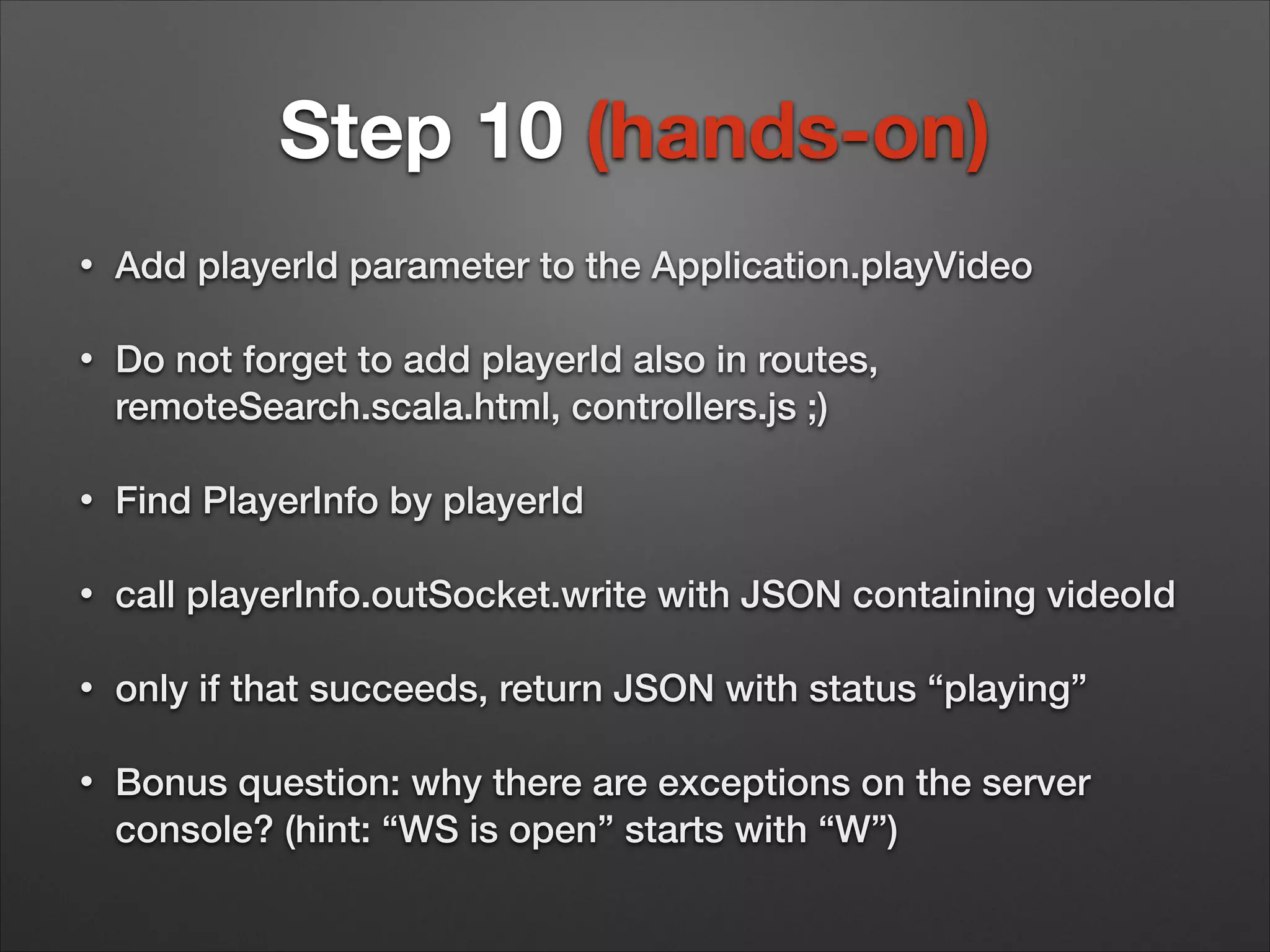
Step 10 (hands-on) • Add playerId parameter to the Application.playVideo • Do not forget to add playerId also in routes, remoteSearch.scala.html, controllers.js ;) • Find PlayerInfo by playerId • call playerInfo.outSocket.write with JSON containing videoId • only if that succeeds, return JSON with status “playing” • Bonus question: why there are exceptions on the server console? (hint: “WS is open” starts with “W”)
Thank you and let’s stay in touch! • andrew@tikalk.com • http://tikalk.com/java • https://www.facebook.com/TikalKnowledge

Play Framework workshop: full stack java web app

  • 1.
  • 2.
    Agenda • Session One: playfor web developers (java) • • Templates, URL mapping, reverse mapping • Forms, validation • RIA, REST, async responses (node.js style) • • Play web application structure WebSocket Session Two: play beyond web app (scala) • Compossible futures • Iteratee with friends (Enumerator and Enumeratee) • Akka actors • Akka dataflow
  • 3.
    Setup • git clone https://github.com/skibaa/play-meetup-jan14 • cdplay-meetup-jan14/youtube-play-java • play (or play debug) • eclipse or idea • run • http://localhost:9000
  • 4.
    Day one workshopsteps 1. Replace the generic app home page with ours (hands-on) 2. Add Twitter Bootstrap, upgrade query 3. Add /player action and view (hands-on) 4. Add /remote action, view and HTML form 5. RIA, javascript routes 6. Implement YouTube search, make HTML dynamic with Angular.js 7. Show search results properly (hands-on) 8. ‘Play video’ server side place holder (hands-on) 9. WebSocket 10.Implement ‘Play video’ server side (hands-on)
  • 5.
    Step 1 (hands-on) • Changeindex.scala.html and/or main.scala.html, save, refresh browser • Make errors in Application.java, routes, index.scala.html - see the error reporting facilities of Play • Play with view parameters (add a new one, show it in HTML) • Run tests, fix them by editing ApplicationTest.java and IntegrationTest.java
  • 6.
    Checkout step1 complete • seeyour changes • • • git status git diff | view - clean work dir • git stash #put your changes aside, apply them later with git stash apply • git commit -m “any commit message” #will need to merge • git checkout -- . #DANGER: removes all your changes • option - create a local branch: git checkout -b step1 • go to step1 complete: git pull origin step1 • option - checkout to a separate dir: git clone -b step1 http://github.com/skibaa/play-meetupjan14.git step1
  • 7.
    Step 2 • Open http://getbootstrap.com/css/ • Findthe documentation for img-rounded, col-lg-5, btn • Change col-lg-5 to col-lg-4, see the effect • Play with styles as you wish
  • 8.
    Step 3 (hands-on) • Adda ‘player’ action to Application.java, similar to ‘index’ • Add a URL mapping to routes • Add an ‘onClick’ event to Player button in HTML, opening /player in a new browser window • Create a new view player.scala.html, copy content from https:// developers.google.com/youtube/iframe_api_reference#Getting%20started • Generate a random int in the ‘player’ action, and show it in the view at the top • After hands-on: how to pass more sections to the main template (in addition to @contents)
  • 9.
    Step 4 • HTML formsin Play - MVC + validation + error reporting • Model - PlayerConnect.java • Controller - create, bind, check errors • View - show form, show errors
  • 10.
    Step 5 • What isa single page application? • REST controllers in Play, producing JSON • javascript routes - why? • javascript routes - how? • Documentation: missing for Java, use Zentask documentation http://www.playframework.com/ documentation/2.2.x/JavaGuide6
  • 11.
    Step 6 • YouTupe searchAPI: https://developers.google.com/ youtube/v3/docs/search/list#try-it • Mandatory parameter ‘part’. We will use ‘part=snippet’ • Search parameter ‘q’ • API key parameter ‘key’ • Read https://developers.google.com/places/documentation/ • Get your own key at https://cloud.google.com/console/ project
  • 12.
    Step 6 cont. • AngularJS- why? • MVC in a single page application • <p>1 + 2 = {{ 1 + 2 }}</p> • $scope • Two-way binding • http://docs.angularjs.org/tutorial/step_02: ng-repeat
  • 13.
    Step 7 (hands-on) • Runqueries on https://developers.google.com/ youtube/v3/docs/search/list#try-it • Look at the result JSON • Remove searchResults.push from controllers.js, substitute results with the real ones • Correct remoteSearch.scala.html to loop on results in the format, created by controllers.js
  • 14.
    Step 8 (hands-on) • Createa new action ‘playVideo’ in Application.java • Add it to routes and to javascript routes • Add a videoId and thumbnailUrl parameters to playVideo • add onPlay in controllers.js and ng-click=‘onPlay(…)’ with videoId and thumbnail • Make AJAX call from onPlay to playVideo on server side. • Return from the server side JSON, including thumbnailUrl • Display “Video is playing” with thumbnail of current video
  • 15.
    Step 9 • WebSocket -don’t call us, we’ll call you • Player passively waits for the videoId to be sent from server • onMessage: make player.loadVideoById call, provided by YouTube API • Server-side: looks similar (onReady, onMessage, onClose)
  • 16.
    Step 10 (hands-on) • AddplayerId parameter to the Application.playVideo • Do not forget to add playerId also in routes, remoteSearch.scala.html, controllers.js ;) • Find PlayerInfo by playerId • call playerInfo.outSocket.write with JSON containing videoId • only if that succeeds, return JSON with status “playing” • Bonus question: why there are exceptions on the server console? (hint: “WS is open” starts with “W”)
  • 17.
    Thank you andlet’s stay in touch! • andrew@tikalk.com • http://tikalk.com/java • https://www.facebook.com/TikalKnowledge