Programming Fundamentals and Programming Languages Concepts Translators
The document explains the function of translators, which convert code from one programming language to another, and describes the roles of different types of translators: assemblers, interpreters, and compilers. It provides details on a simple C program, covering its structure and components, including the main function, printf library function, and the compilation process. It also outlines the phases of the C development environment, from editing to executing the program.
Translators convert code from one programming language to another. Types include Assemblers, Interpreters, and Compilers, each serving different roles in the programming process.
The basic structure of a simple C program is illustrated, including the use of libraries, the main function structure, and output commands like 'printf'.
Describes the C development environment, comprising phases like editing, preprocessing, compiling, linking, loading, and executing programs.
Details the systematic steps in executing a C program, covering the creation, compilation, linking, and execution of code.
Programming Fundamentals and Programming Languages Concepts Translators
1.
Translators • A translatoris a computer program that performs the translation of a program written in a given programming language into a functionally equivalent program in a different computer language, without losing the functional or logical structure of the original code • These include translations between high-level and human-readable computer languages such as C++ and Java , intermediate-level languages such as Java byte code, low-level languages such as the assembly language and machine code,
2.
Types of Translators Assembler: •An assembler translates assembly language into machine code. Interpreter: • An interpreter program executes other programs directly, running through program code and executing it line-by-line. Compiler: • A Compiler is a computer program that translates code written in a high level language to a lower level language, object/machine code.
3.
Simple C Program /*A first C Program*/ #include <stdio.h> void main() { printf("Hello World n"); }
4.
Simple C Program /*A first C Program*/ #include <stdio.h> #include <conio.h> void main() { printf("Hello World n"); getch(); }
5.
Simple C Program •Line 1: #include <stdio.h> • As part of compilation, the C compiler runs a program called the C preprocessor. The preprocessor is able to add and remove code from your source file. • In this case, the directive #include tells the preprocessor to include code from the file stdio.h. • This file contains declarations for functions that the program needs to use. A declaration for the print function is in this file.
6.
Simple C Program •Line 2: void main() • This statement declares the main function. • C program can contain many functions but must always have one main function. • A function is a self-contained module of code that can accomplish some task. • "void" specifies the return type of main. In this case, nothing is returned to the operating system.
7.
Simple C Program •Line 3: { • This opening bracket denotes the start of the program.
8.
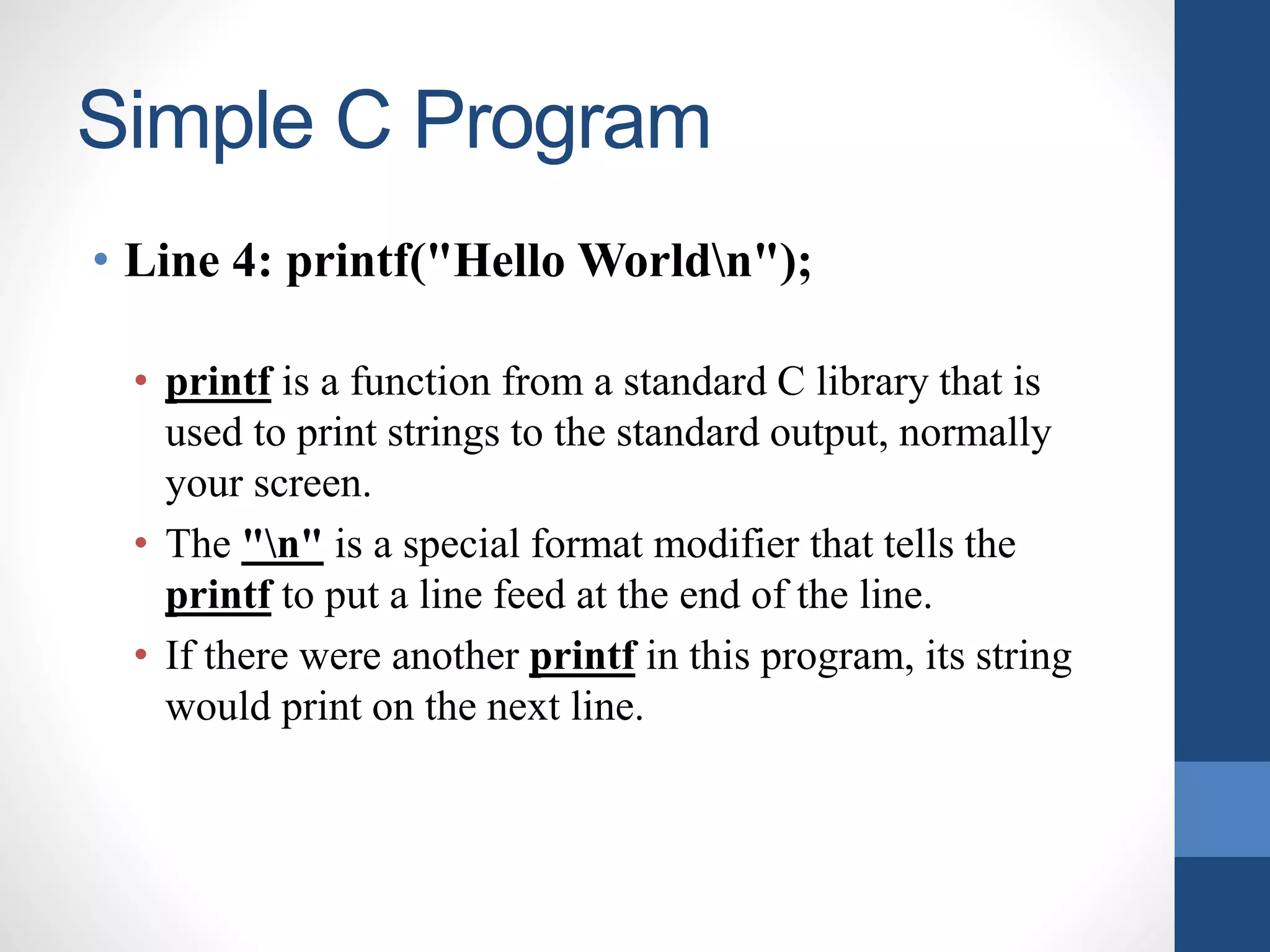
Simple C Program •Line 4: printf("Hello Worldn"); • printf is a function from a standard C library that is used to print strings to the standard output, normally your screen. • The "n" is a special format modifier that tells the printf to put a line feed at the end of the line. • If there were another printf in this program, its string would print on the next line.
9.
Simple C Program •Line 5: } • This closing bracket denotes the end of the program.
10.
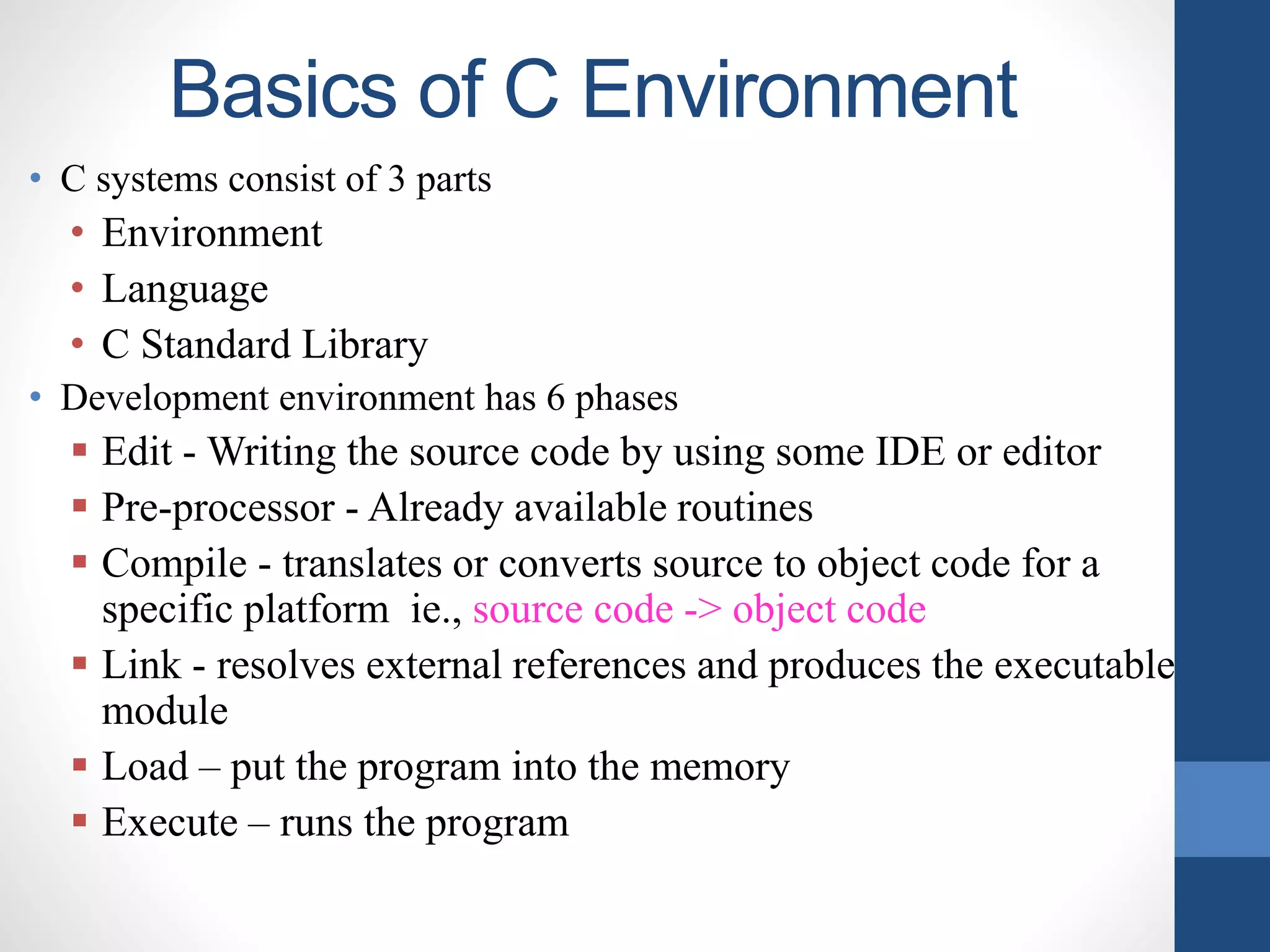
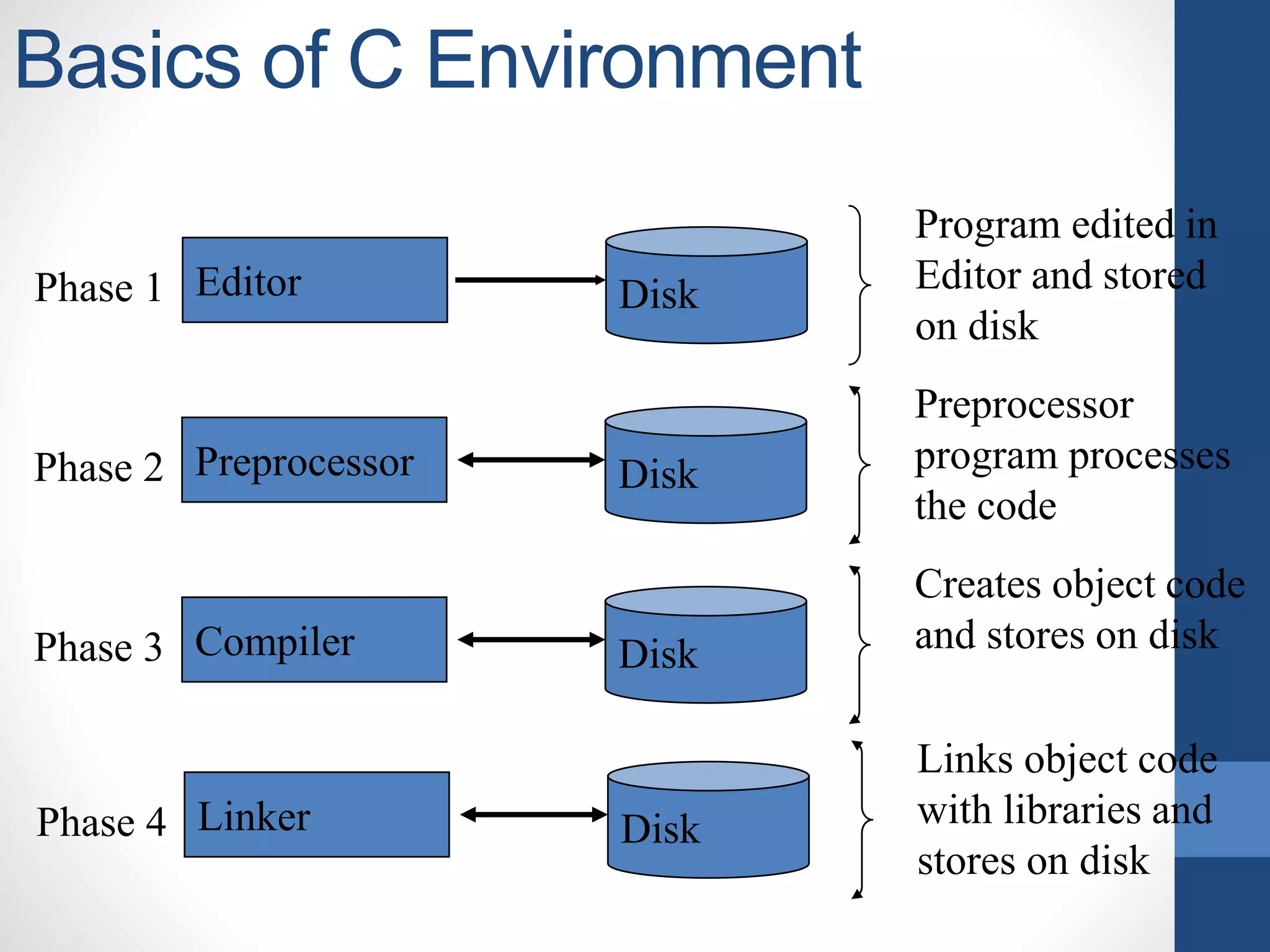
Basics of CEnvironment • C systems consist of 3 parts • Environment • Language • C Standard Library • Development environment has 6 phases Edit - Writing the source code by using some IDE or editor Pre-processor - Already available routines Compile - translates or converts source to object code for a specific platform ie., source code -> object code Link - resolves external references and produces the executable module Load – put the program into the memory Execute – runs the program
11.
Basics of CEnvironment Editor DiskPhase 1 Program edited in Editor and stored on disk Preprocessor DiskPhase 2 Preprocessor program processes the code Compiler DiskPhase 3 Creates object code and stores on disk Linker DiskPhase 4 Links object code with libraries and stores on disk
12.
Basics of CEnvironment LoaderPhase 5 Puts program in memory Primary memory CPUPhase 6 Takes each instruction and executes it storing new data values Primary memory
13.
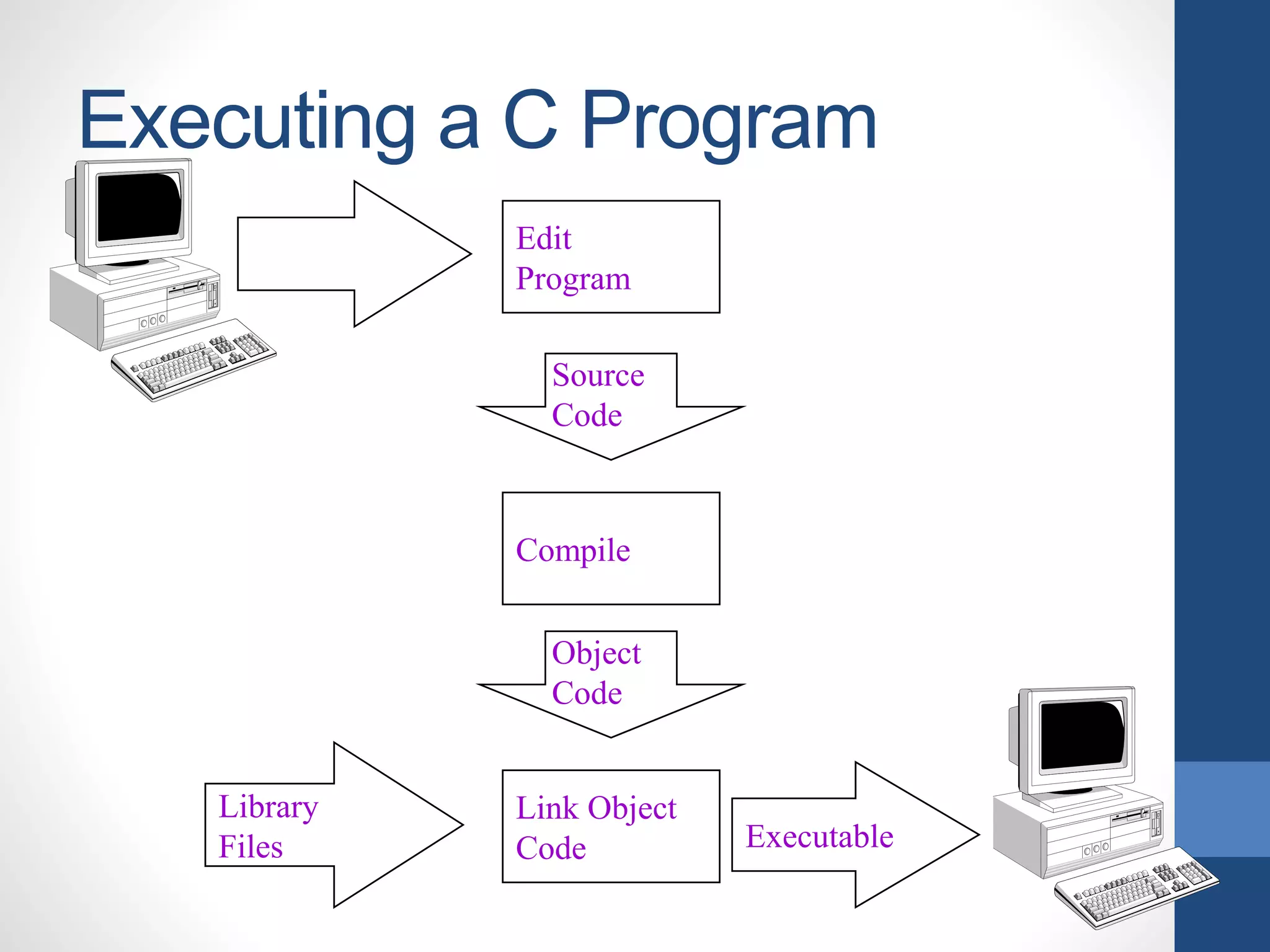
Executing a CProgram Steps involved in execution are • Creating the program • Compiling the program • Linking the program with functions that are needed from the C library • Executing the program
14.
Executing a CProgram Edit Program Source Code Compile Object Code Link Object Code Executable Library Files
Editor's Notes
#2 C is called a structured programming language because to solve a large problem, C programming language divides the problem into smaller modules called functions or procedures each of which handles a perticular responsibility.
#3 C is called a structured programming language because to solve a large problem, C programming language divides the problem into smaller modules called functions or procedures each of which handles a perticular responsibility.