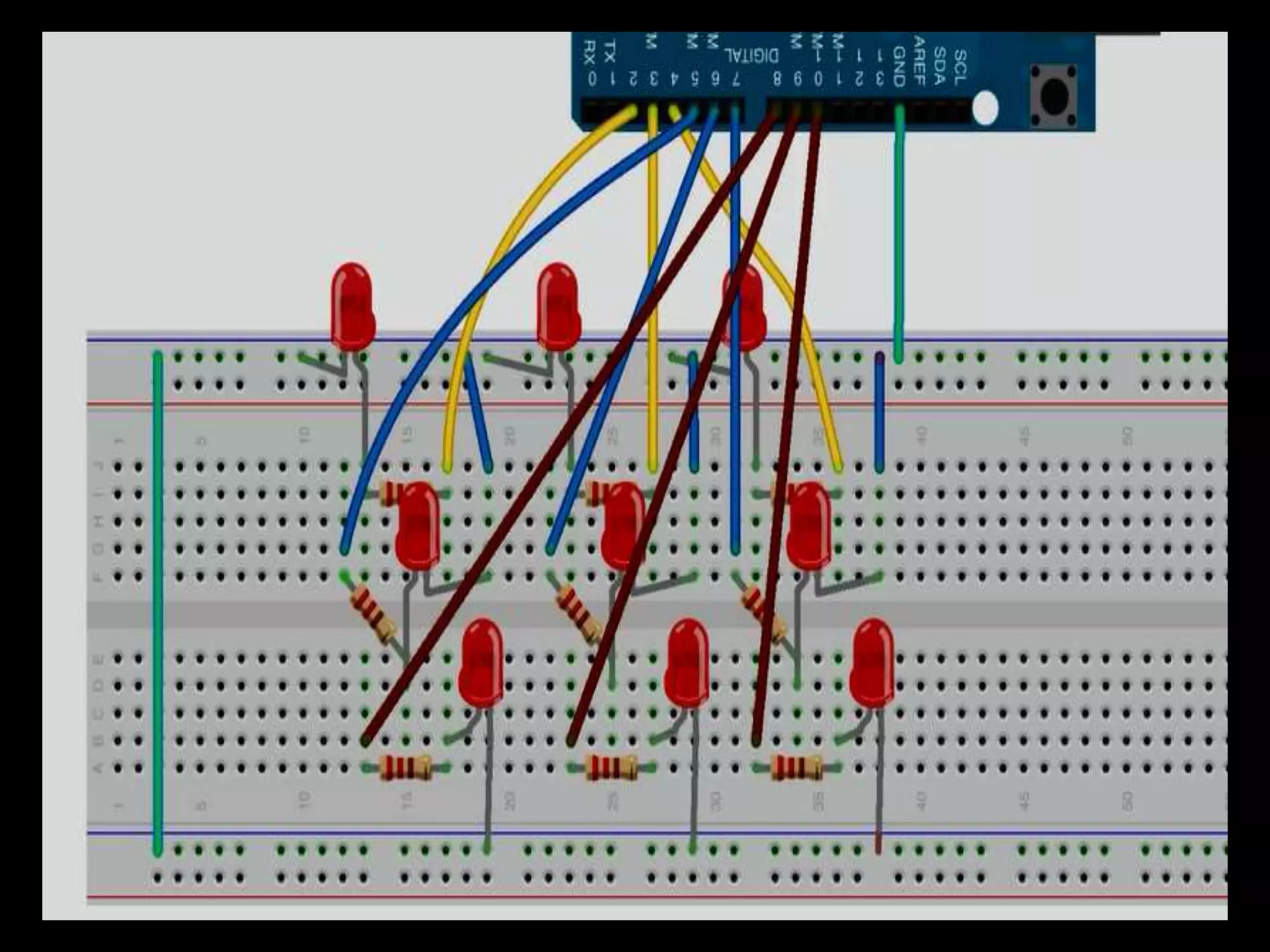
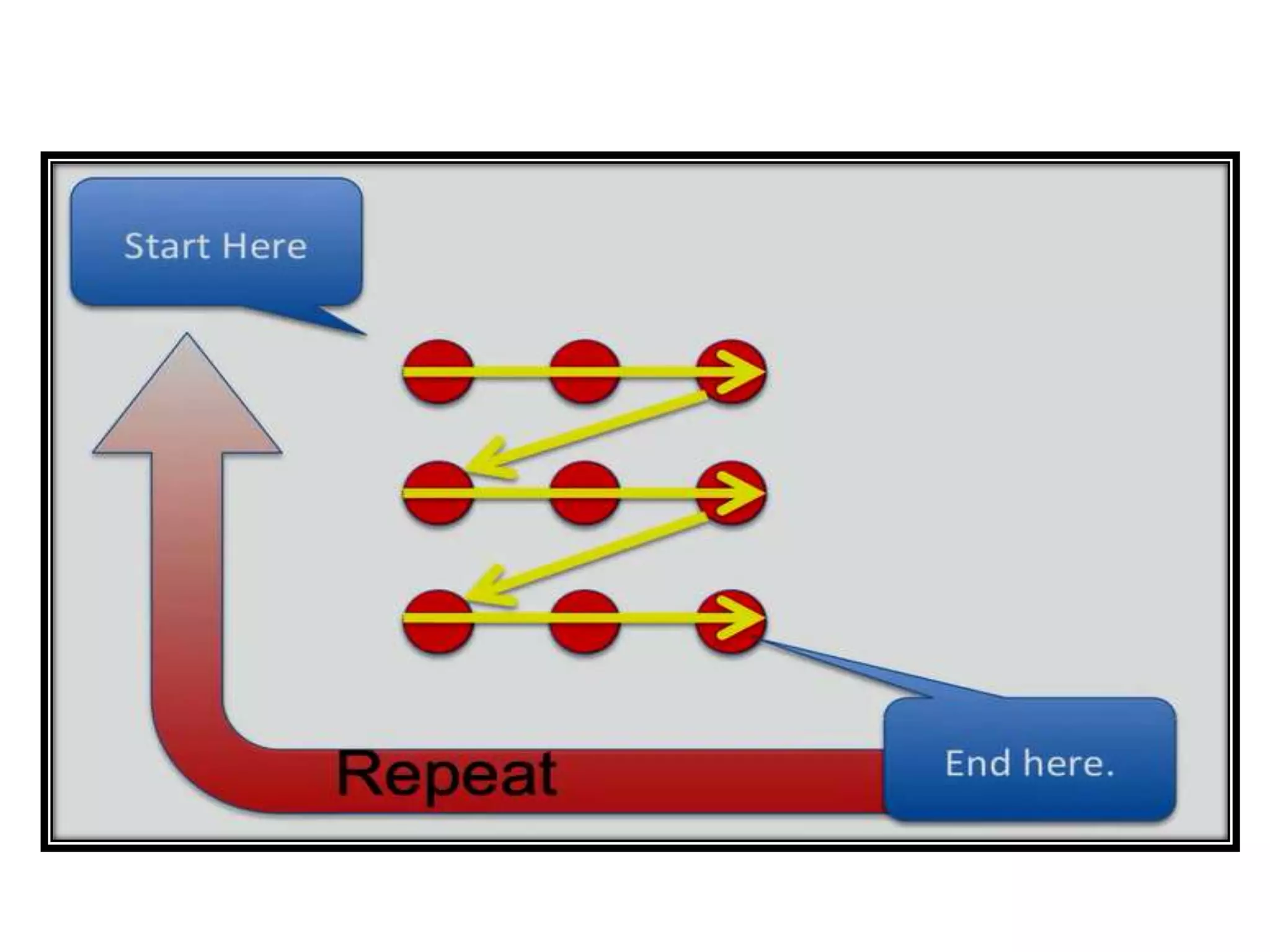
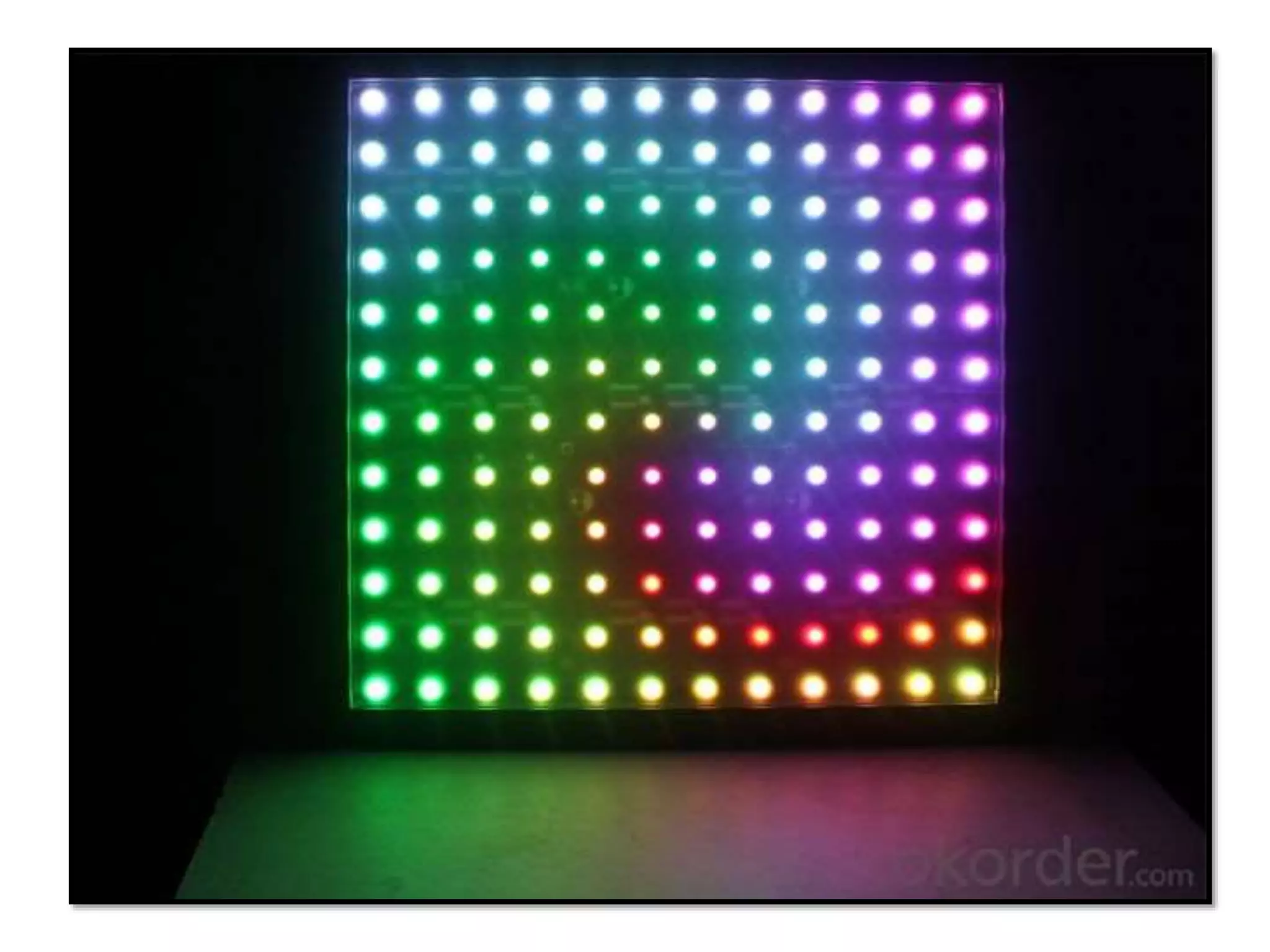
Demonstrating multi-dimensional array using 9 LEDs
You will need... • Arduino Board (UNO) • 9 LEDs • 9 Resistors - 220Ω • Jumper Wires • Breadboard
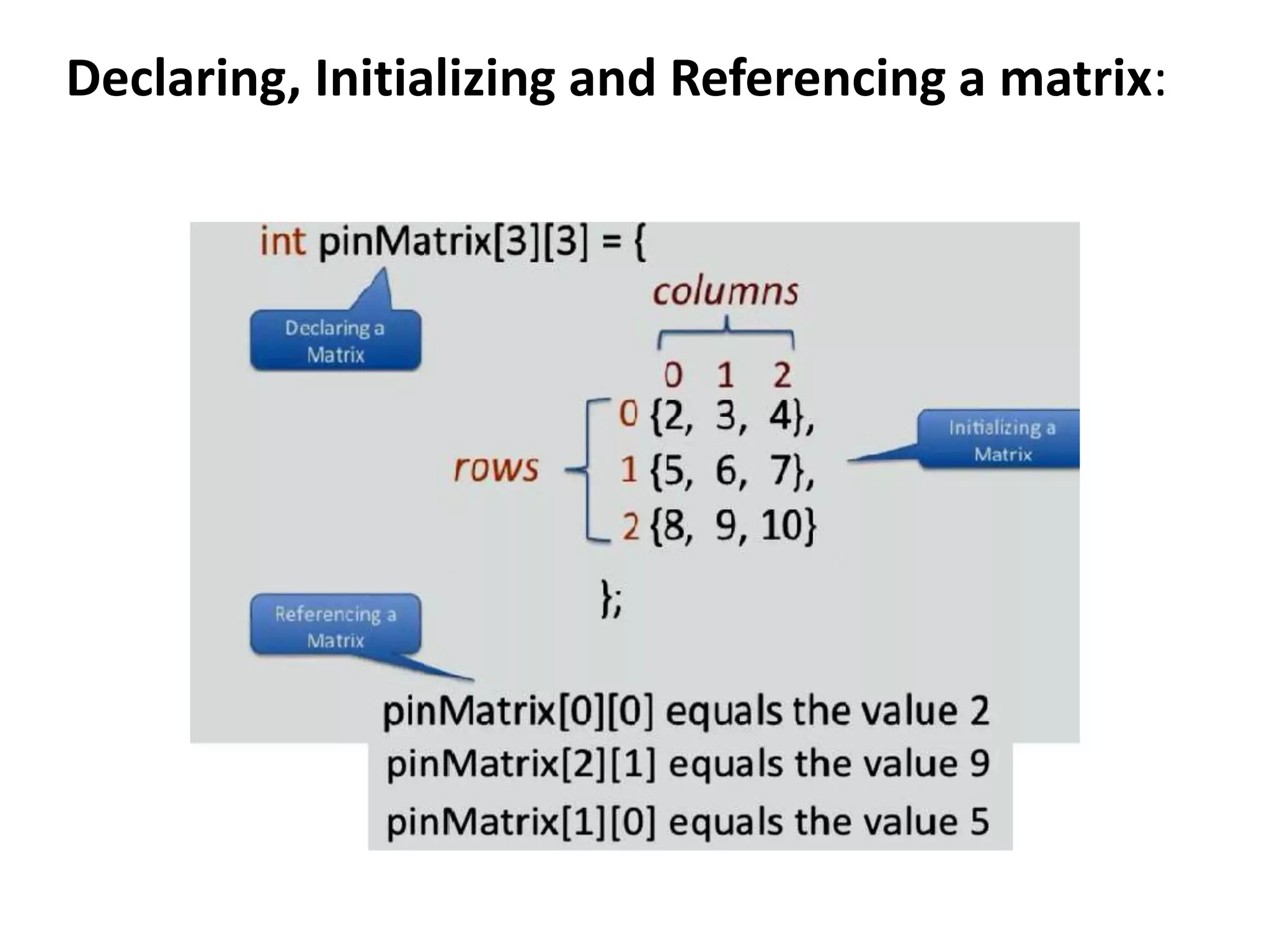
Declaring, Initializing and Referencing a matrix:
Program int pinMatrix[3][3]= { {5,6,7}, {8,9,10}, {11,12,13} }; void setup() { for(int i=0;i<3;i++) { for(int j=0;j<3;j++) { pinMode(pinMatrix[i][j],OUTPUT); } } }
Cont… void loop() { for(int i=0;i<3;i++) { for(int j=0;j<3;j++) { digitalWrite(pinMatrix[i][j],HIGH); delay(20); digitalWrite(pinMatrix[i][j],LOW); } } }
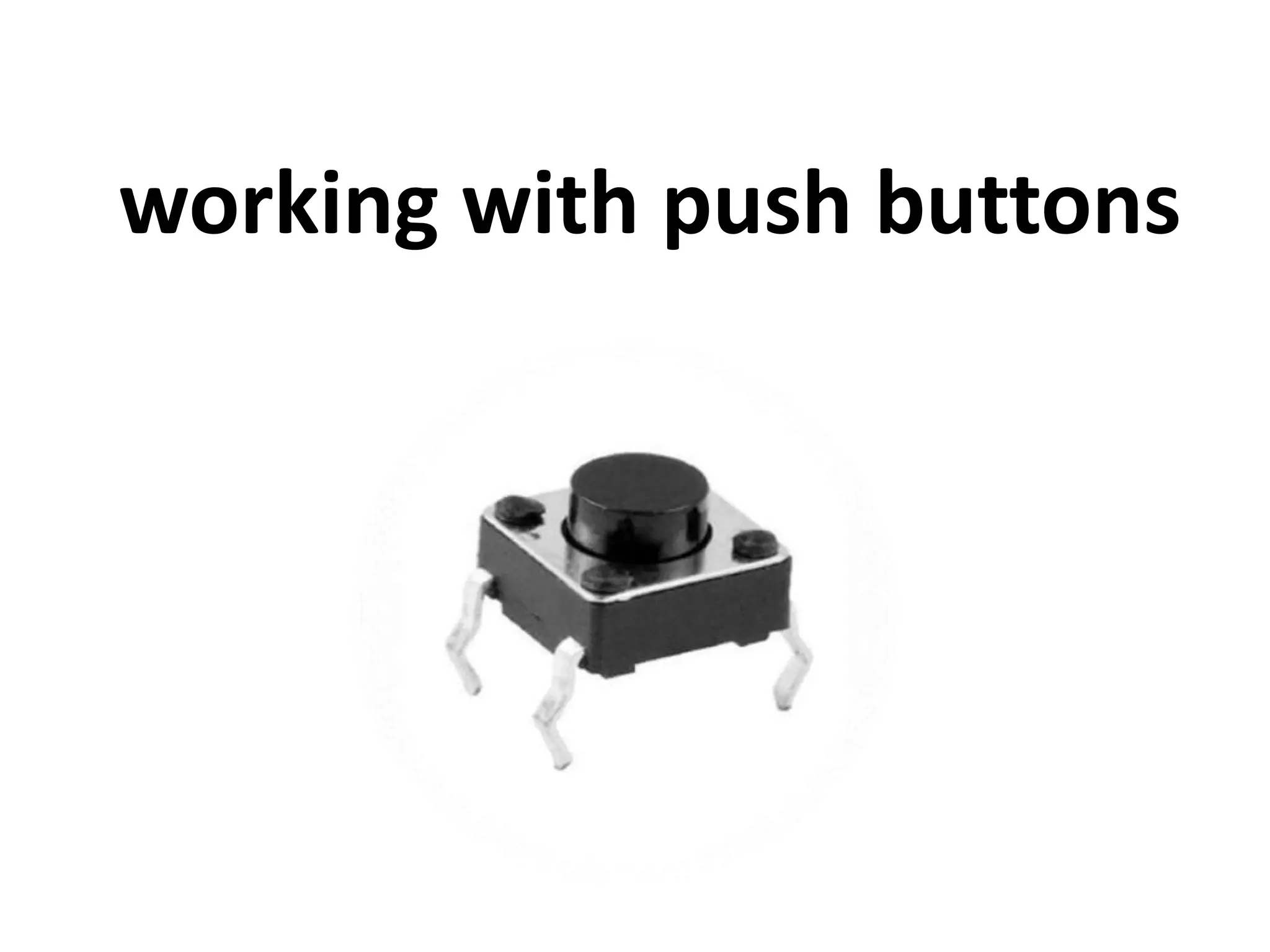
working with push buttons
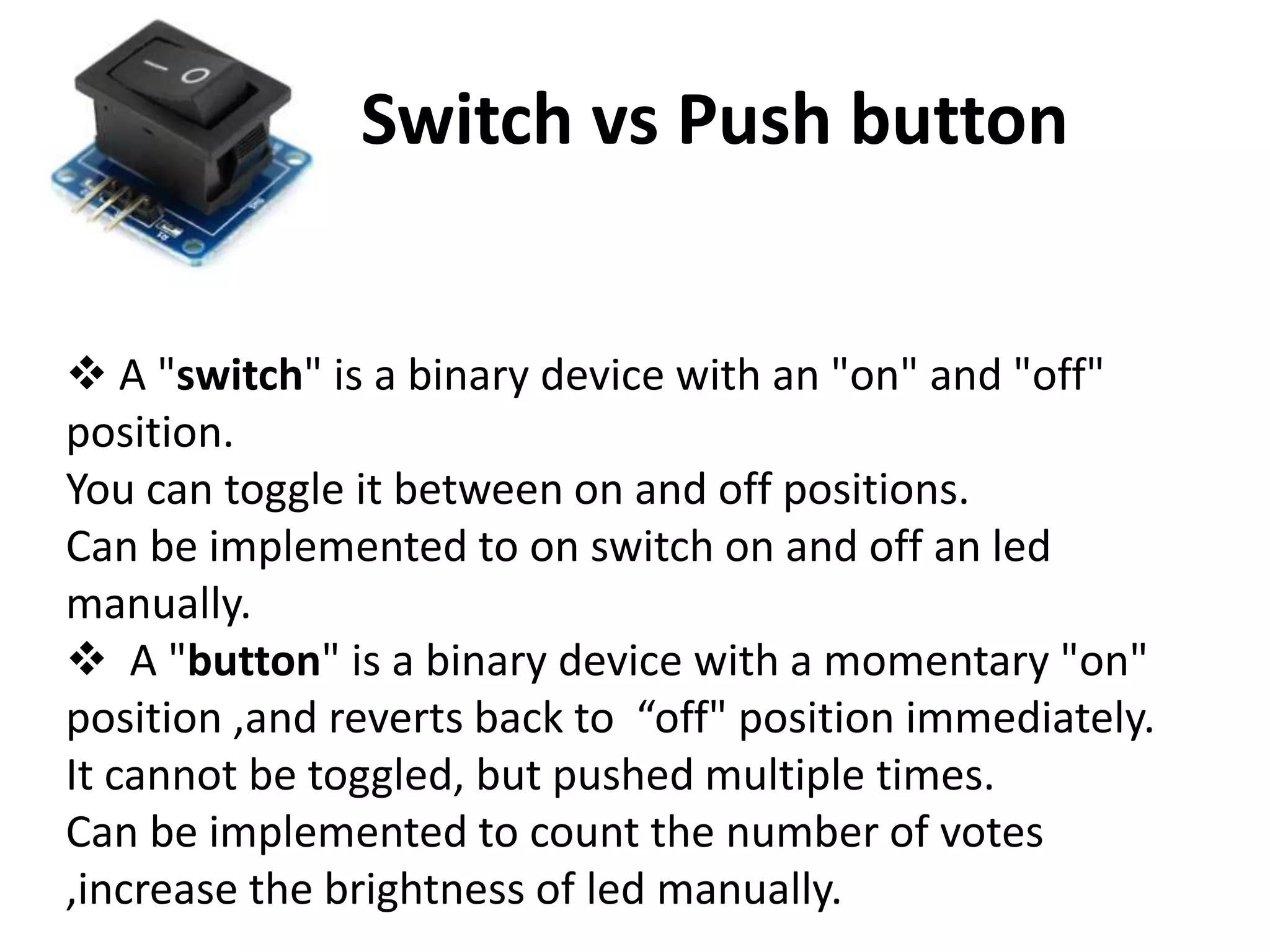
Switch vs Push button  A "switch" is a binary device with an "on" and "off" position. You can toggle it between on and off positions. Can be implemented to on switch on and off an led manually.  A "button" is a binary device with a momentary "on" position ,and reverts back to “off" position immediately. It cannot be toggled, but pushed multiple times. Can be implemented to count the number of votes ,increase the brightness of led manually.
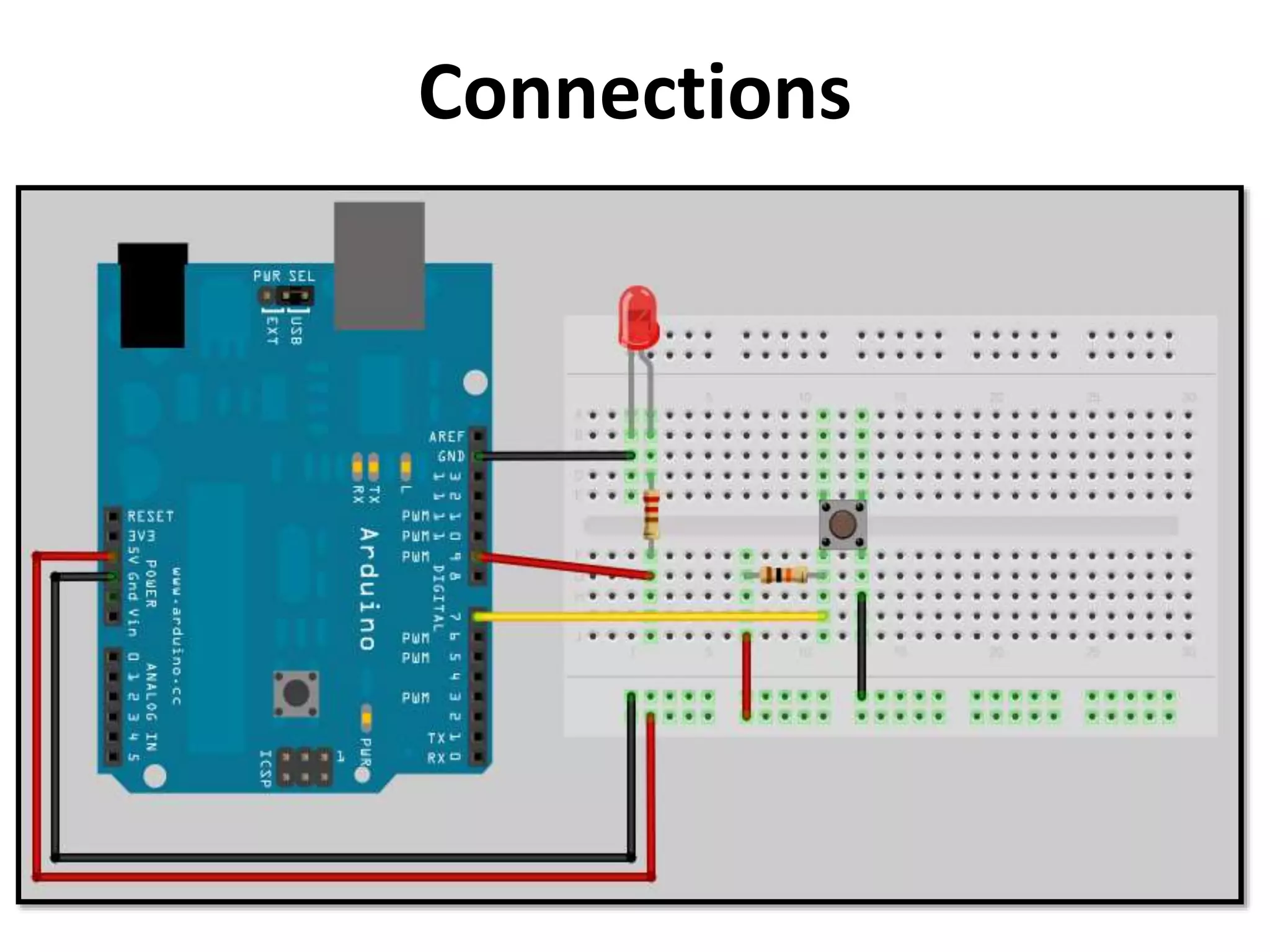
Connections
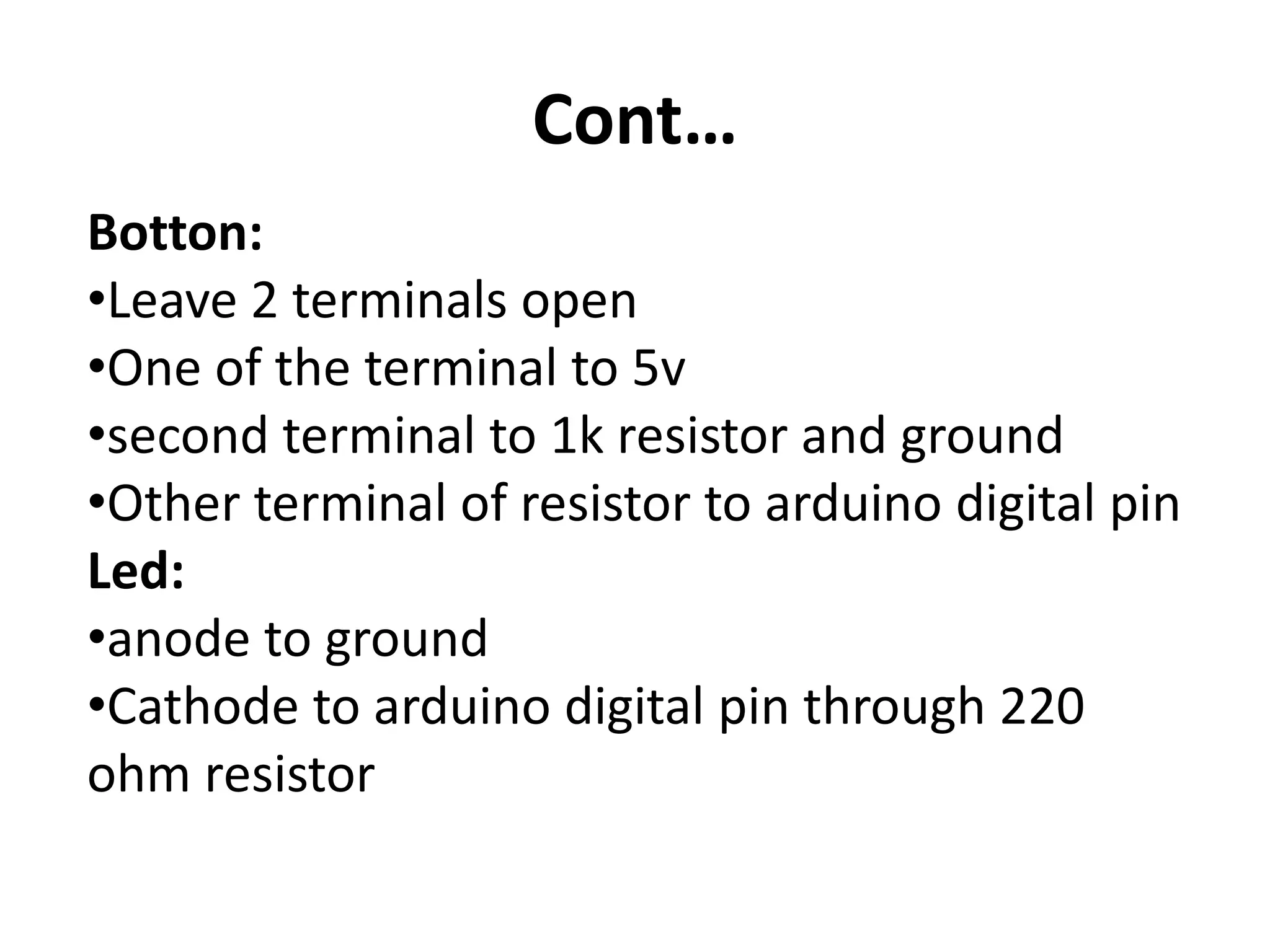
Cont… Botton: •Leave 2 terminals open •One of the terminal to 5v •second terminal to 1k resistor and ground •Other terminal of resistor to arduino digital pin Led: •anode to ground •Cathode to arduino digital pin through 220 ohm resistor
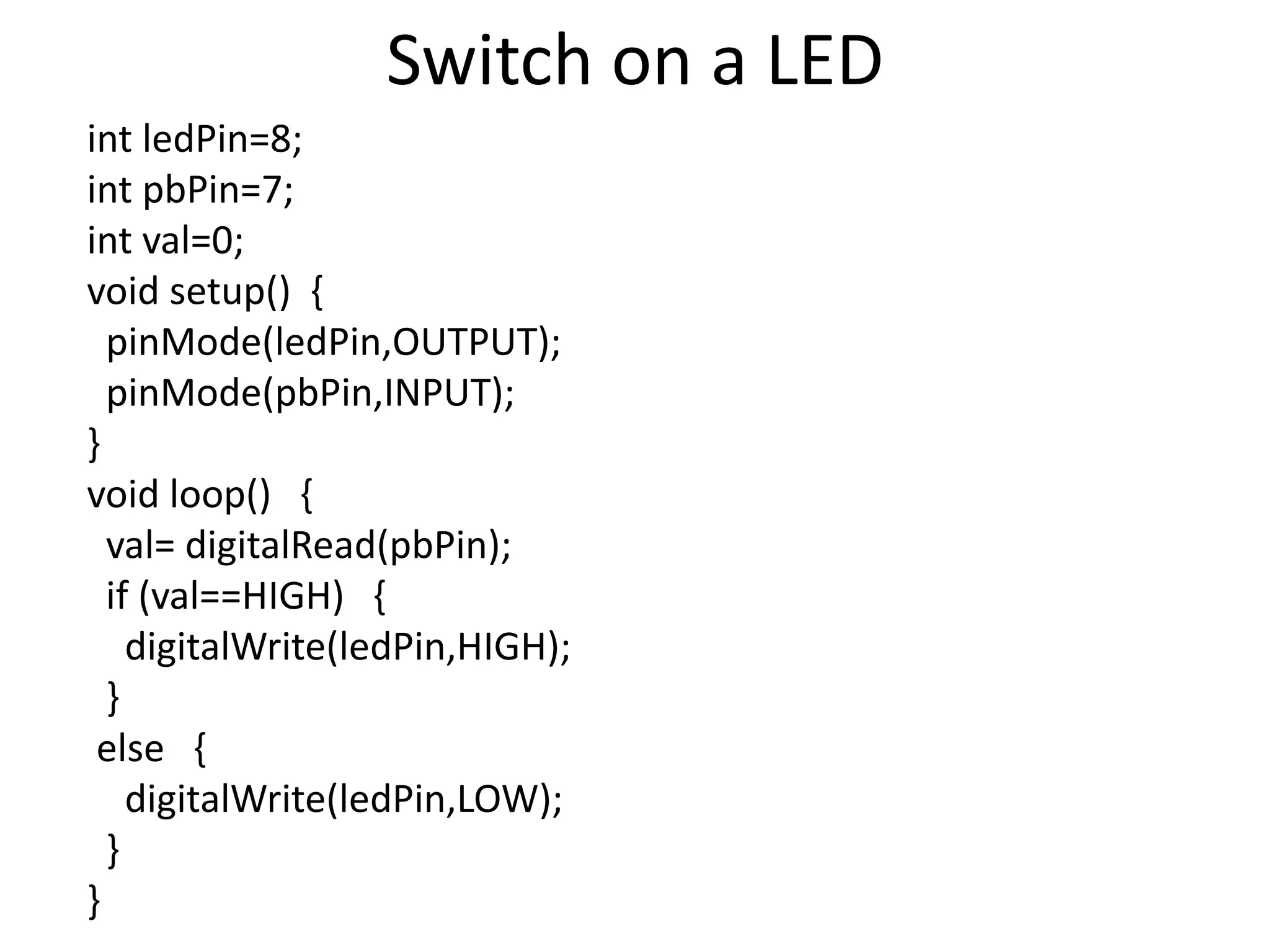
Switch on a LED int ledPin=8; int pbPin=7; int val=0; void setup() { pinMode(ledPin,OUTPUT); pinMode(pbPin,INPUT); } void loop() { val= digitalRead(pbPin); if (val==HIGH) { digitalWrite(ledPin,HIGH); } else { digitalWrite(ledPin,LOW); } }
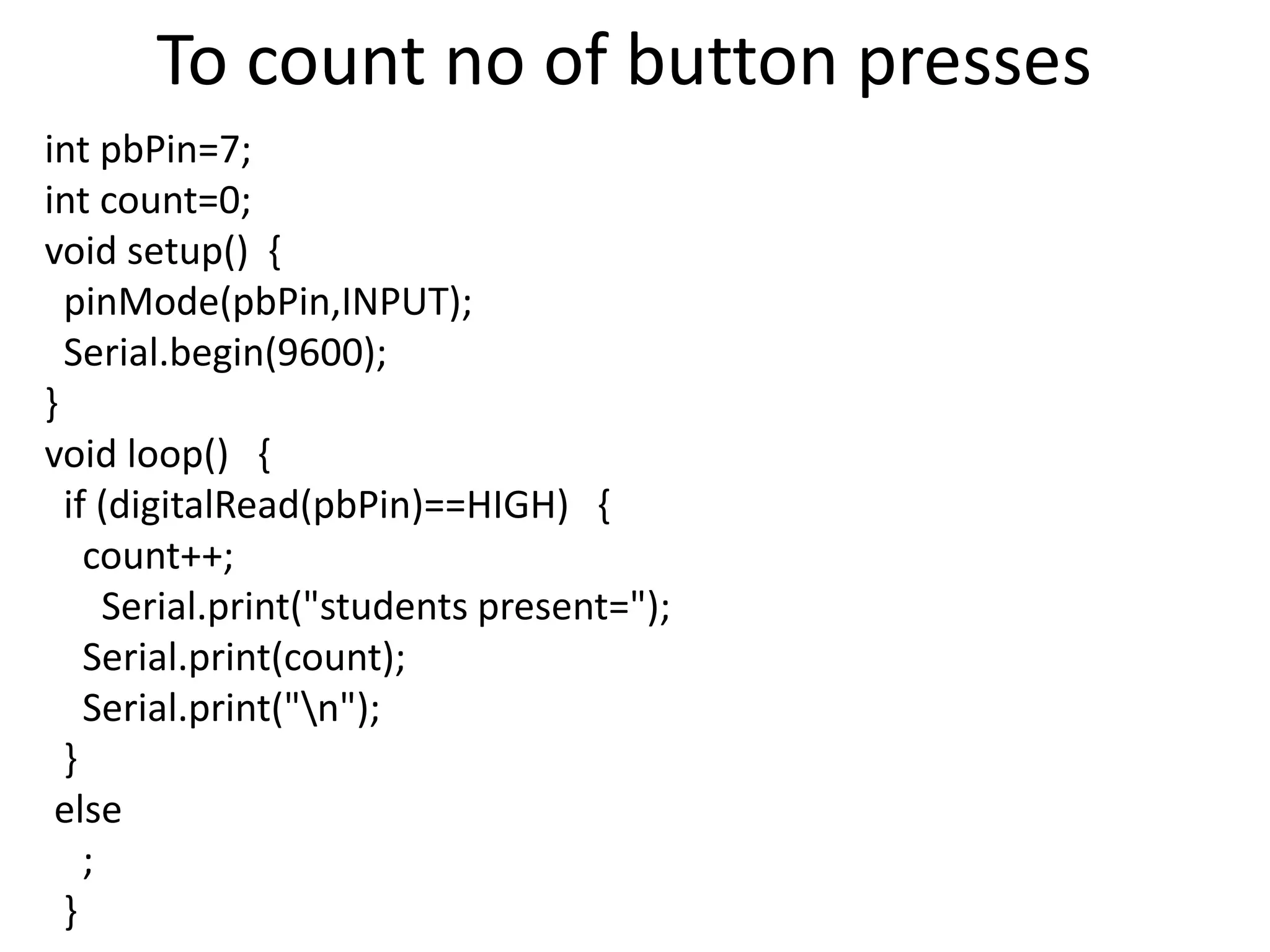
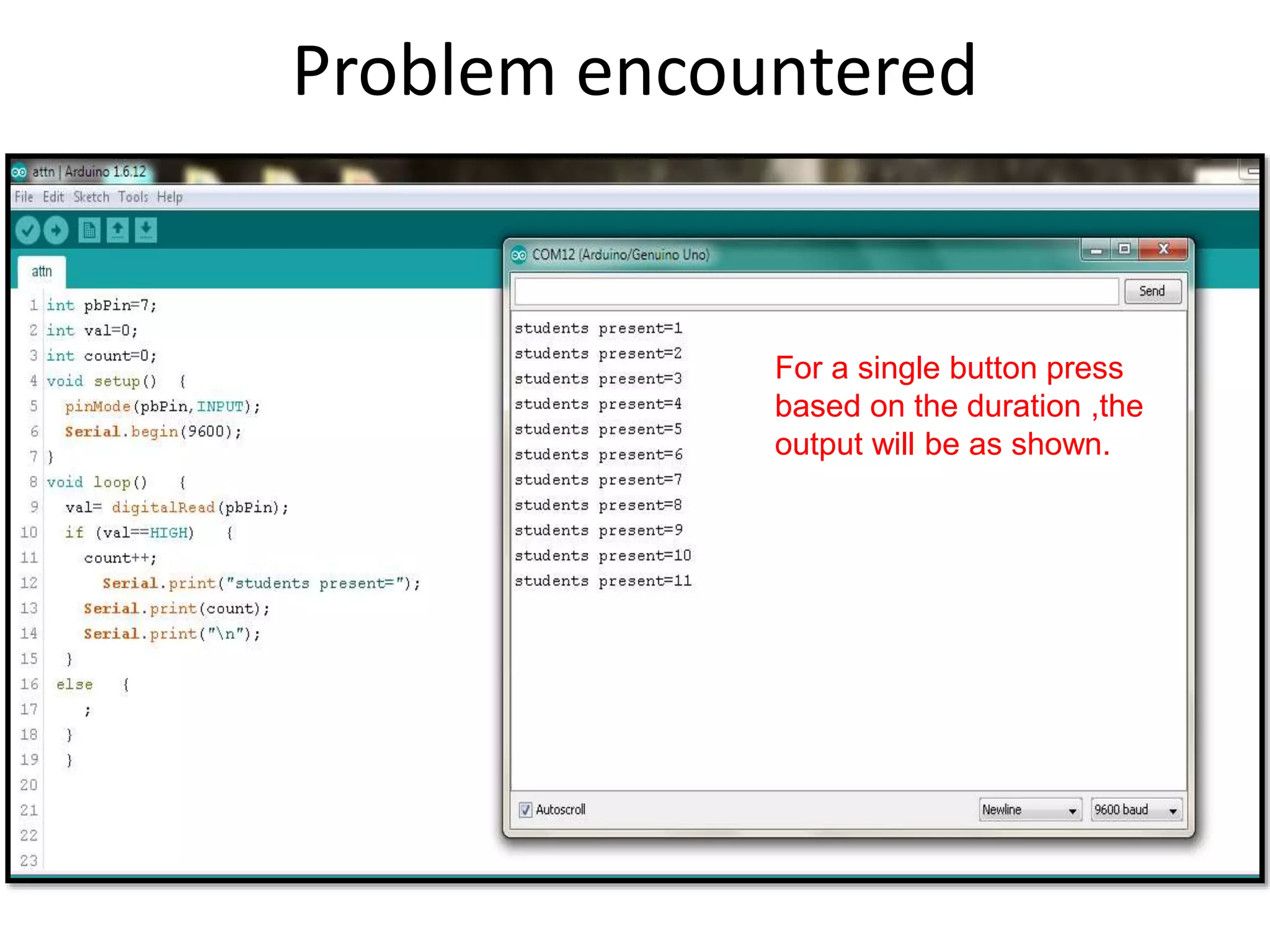
To count no of button presses int pbPin=7; int count=0; void setup() { pinMode(pbPin,INPUT); Serial.begin(9600); } void loop() { if (digitalRead(pbPin)==HIGH) { count++; Serial.print("students present="); Serial.print(count); Serial.print("n"); } else ; }
Problem encountered For a single button press based on the duration ,the output will be as shown.
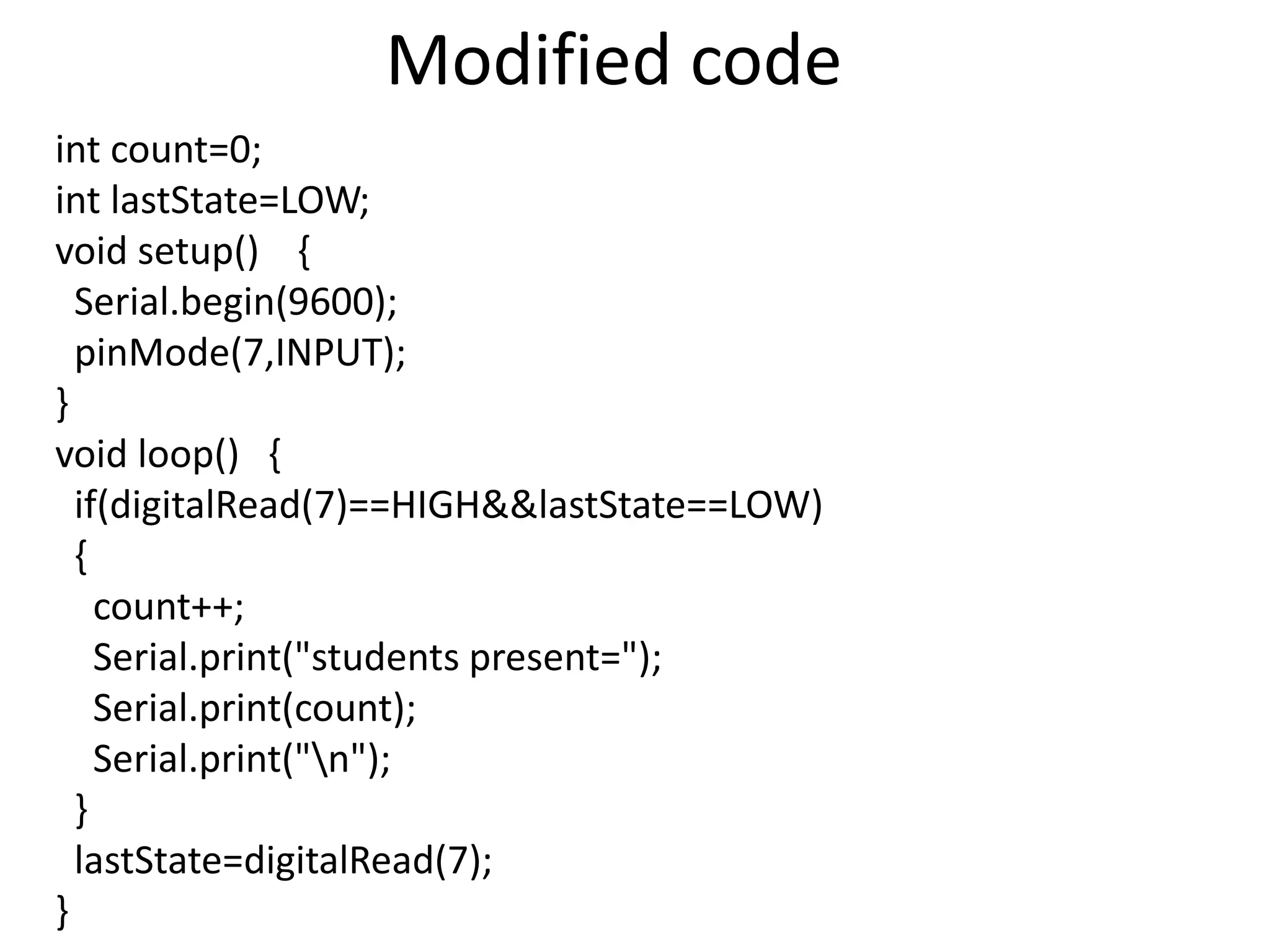
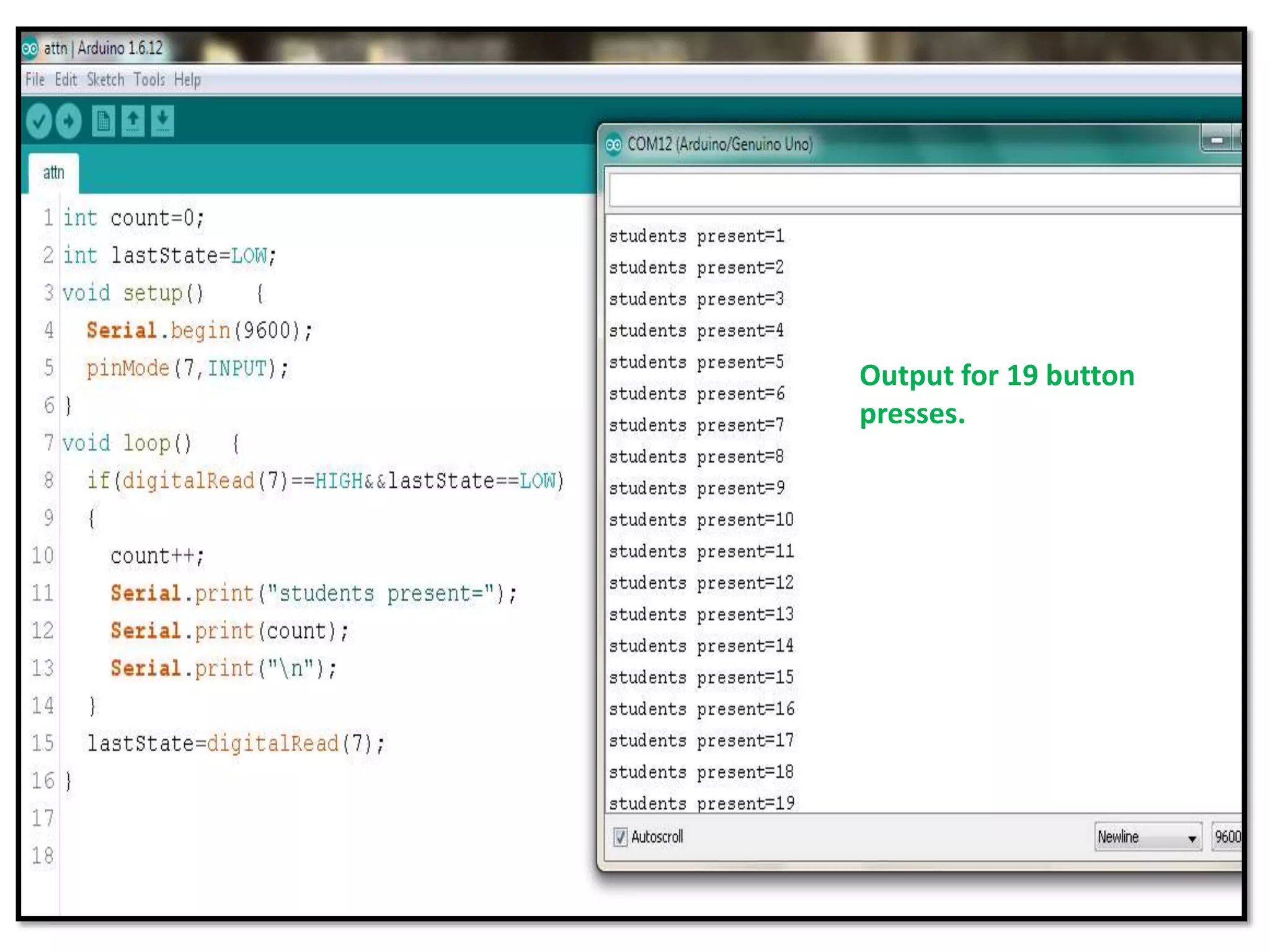
Modified code int count=0; int lastState=LOW; void setup() { Serial.begin(9600); pinMode(7,INPUT); } void loop() { if(digitalRead(7)==HIGH&&lastState==LOW) { count++; Serial.print("students present="); Serial.print(count); Serial.print("n"); } lastState=digitalRead(7); }
Output for 19 button presses.

push button with led matrix

  • 1.
  • 2.
    You will need... •Arduino Board (UNO) • 9 LEDs • 9 Resistors - 220Ω • Jumper Wires • Breadboard
  • 3.
    Declaring, Initializing andReferencing a matrix:
  • 5.
    Program int pinMatrix[3][3]= { {5,6,7}, {8,9,10}, {11,12,13} }; void setup() { for(inti=0;i<3;i++) { for(int j=0;j<3;j++) { pinMode(pinMatrix[i][j],OUTPUT); } } }
  • 6.
    Cont… void loop() { for(int i=0;i<3;i++) { for(intj=0;j<3;j++) { digitalWrite(pinMatrix[i][j],HIGH); delay(20); digitalWrite(pinMatrix[i][j],LOW); } } }
  • 9.
  • 10.
    Switch vs Pushbutton  A "switch" is a binary device with an "on" and "off" position. You can toggle it between on and off positions. Can be implemented to on switch on and off an led manually.  A "button" is a binary device with a momentary "on" position ,and reverts back to “off" position immediately. It cannot be toggled, but pushed multiple times. Can be implemented to count the number of votes ,increase the brightness of led manually.
  • 11.
  • 12.
    Cont… Botton: •Leave 2 terminalsopen •One of the terminal to 5v •second terminal to 1k resistor and ground •Other terminal of resistor to arduino digital pin Led: •anode to ground •Cathode to arduino digital pin through 220 ohm resistor
  • 13.
    Switch on aLED int ledPin=8; int pbPin=7; int val=0; void setup() { pinMode(ledPin,OUTPUT); pinMode(pbPin,INPUT); } void loop() { val= digitalRead(pbPin); if (val==HIGH) { digitalWrite(ledPin,HIGH); } else { digitalWrite(ledPin,LOW); } }
  • 14.
    To count noof button presses int pbPin=7; int count=0; void setup() { pinMode(pbPin,INPUT); Serial.begin(9600); } void loop() { if (digitalRead(pbPin)==HIGH) { count++; Serial.print("students present="); Serial.print(count); Serial.print("n"); } else ; }
  • 15.
    Problem encountered For asingle button press based on the duration ,the output will be as shown.
  • 16.
    Modified code int count=0; intlastState=LOW; void setup() { Serial.begin(9600); pinMode(7,INPUT); } void loop() { if(digitalRead(7)==HIGH&&lastState==LOW) { count++; Serial.print("students present="); Serial.print(count); Serial.print("n"); } lastState=digitalRead(7); }
  • 17.
    Output for 19button presses.