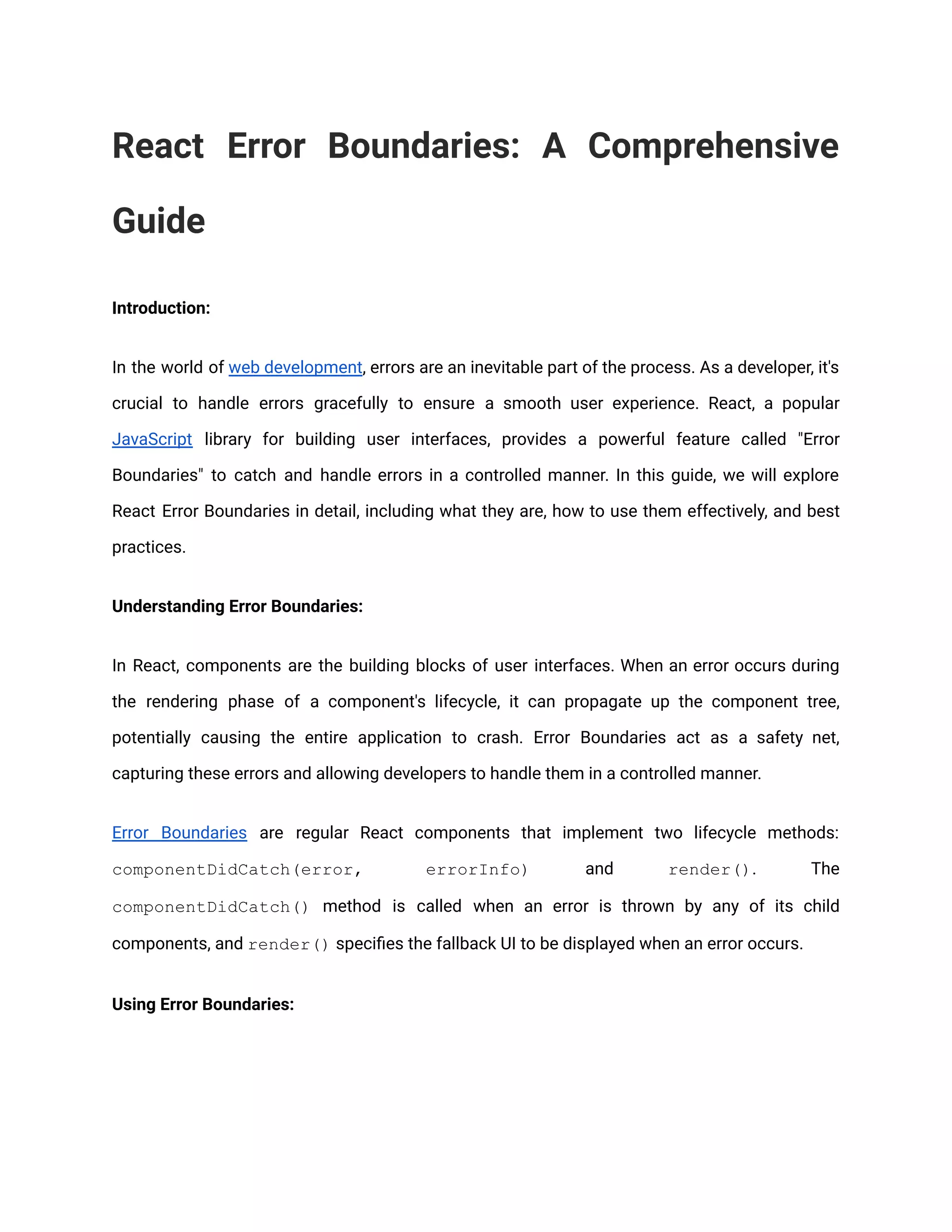
React Error Boundaries: A Comprehensive Guide Introduction: In the world of web development, errors are an inevitable part of the process. As a developer, it's crucial to handle errors gracefully to ensure a smooth user experience. React, a popular JavaScript library for building user interfaces, provides a powerful feature called "Error Boundaries" to catch and handle errors in a controlled manner. In this guide, we will explore React Error Boundaries in detail, including what they are, how to use them effectively, and best practices. Understanding Error Boundaries: In React, components are the building blocks of user interfaces. When an error occurs during the rendering phase of a component's lifecycle, it can propagate up the component tree, potentially causing the entire application to crash. Error Boundaries act as a safety net, capturing these errors and allowing developers to handle them in a controlled manner. Error Boundaries are regular React components that implement two lifecycle methods: componentDidCatch(error, errorInfo) and render(). The componentDidCatch() method is called when an error is thrown by any of its child components, and render() specifies the fallback UI to be displayed when an error occurs. Using Error Boundaries:
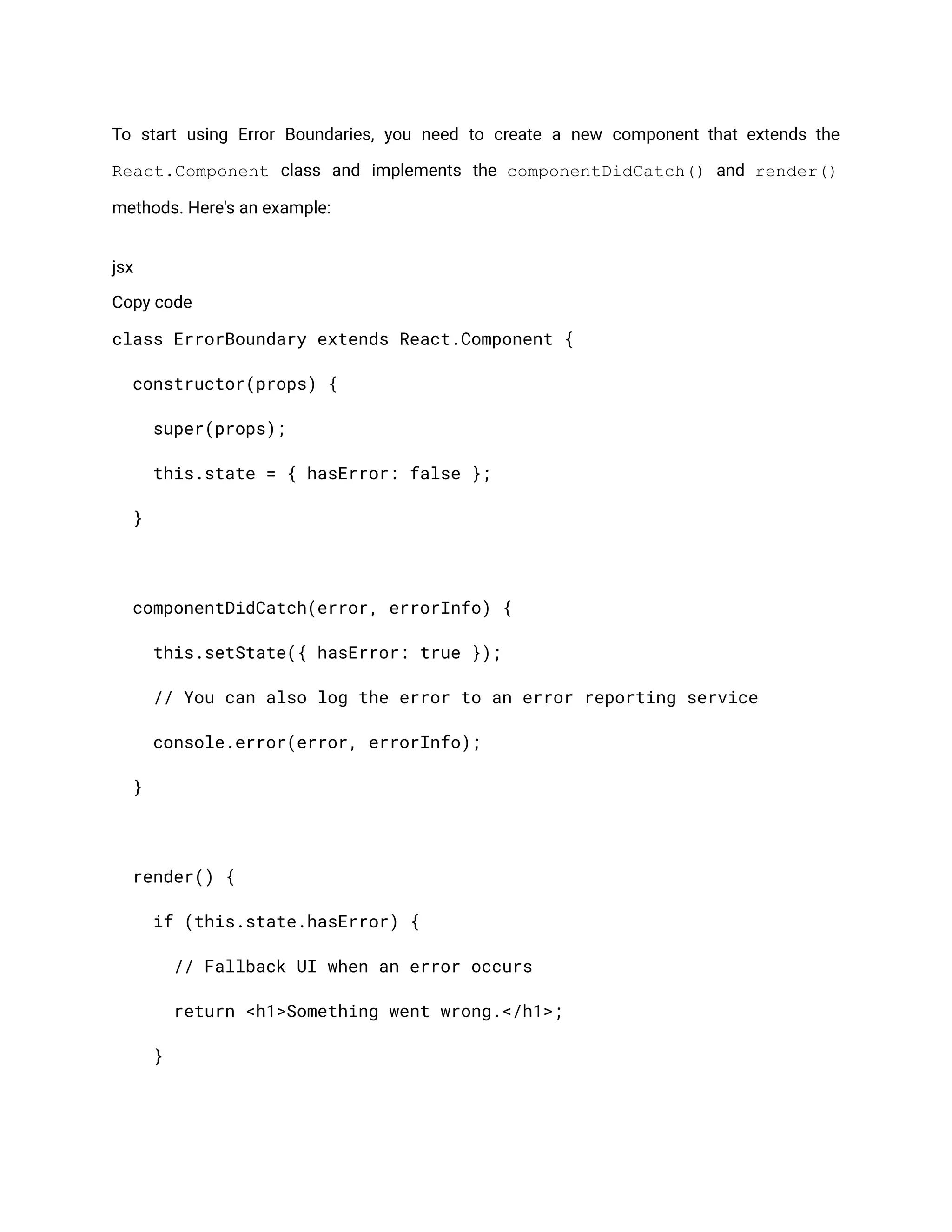
To start using Error Boundaries, you need to create a new component that extends the React.Component class and implements the componentDidCatch() and render() methods. Here's an example: jsx Copy code class ErrorBoundary extends React.Component { constructor(props) { super(props); this.state = { hasError: false }; } componentDidCatch(error, errorInfo) { this.setState({ hasError: true }); // You can also log the error to an error reporting service console.error(error, errorInfo); } render() { if (this.state.hasError) { // Fallback UI when an error occurs return <h1>Something went wrong.</h1>; }
return this.props.children; } } Once you have the ErrorBoundary component, you can wrap it around any part of your application that you want to handle errors for. For example: jsx Copy code <ErrorBoundary> <MyComponent /> </ErrorBoundary> In the above example, if an error occurs within <MyComponent />, it will be caught by the ErrorBoundary and display the fallback UI instead of crashing the entire application. Best Practices and Considerations: Use Error Boundaries sparingly: Error Boundaries are designed to handle unexpected errors, not as a replacement for proper error handling within components. Use them to catch errors that you don't expect to occur regularly. Place Error Boundaries strategically: Wrap only the necessary parts of your application with Error Boundaries. Consider the component hierarchy and decide where errors should be caught based on the desired user experience. Communicate errors effectively:
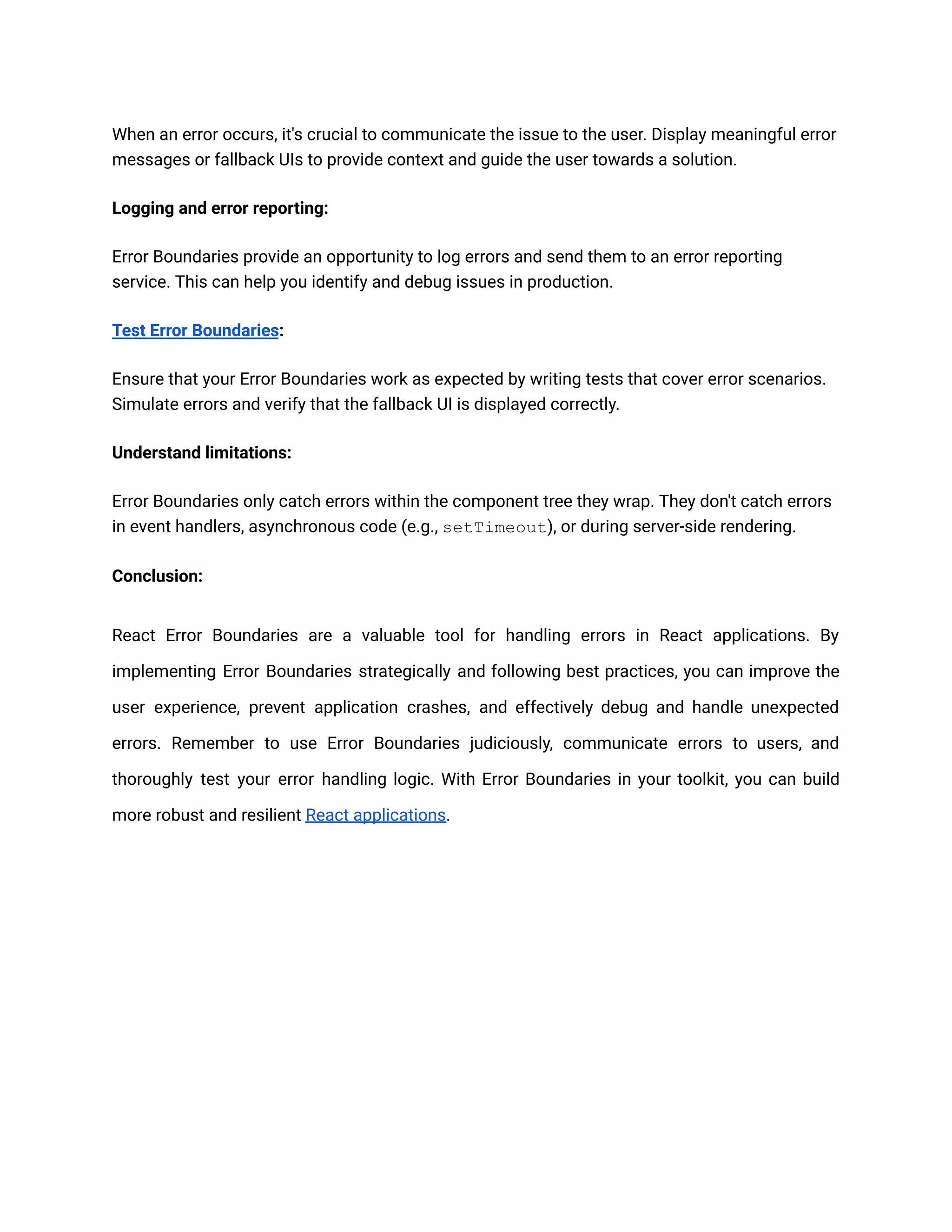
When an error occurs, it's crucial to communicate the issue to the user. Display meaningful error messages or fallback UIs to provide context and guide the user towards a solution. Logging and error reporting: Error Boundaries provide an opportunity to log errors and send them to an error reporting service. This can help you identify and debug issues in production. Test Error Boundaries: Ensure that your Error Boundaries work as expected by writing tests that cover error scenarios. Simulate errors and verify that the fallback UI is displayed correctly. Understand limitations: Error Boundaries only catch errors within the component tree they wrap. They don't catch errors in event handlers, asynchronous code (e.g., setTimeout), or during server-side rendering. Conclusion: React Error Boundaries are a valuable tool for handling errors in React applications. By implementing Error Boundaries strategically and following best practices, you can improve the user experience, prevent application crashes, and effectively debug and handle unexpected errors. Remember to use Error Boundaries judiciously, communicate errors to users, and thoroughly test your error handling logic. With Error Boundaries in your toolkit, you can build more robust and resilient React applications.

React Error Boundaries

  • 1.
    React Error Boundaries:A Comprehensive Guide Introduction: In the world of web development, errors are an inevitable part of the process. As a developer, it's crucial to handle errors gracefully to ensure a smooth user experience. React, a popular JavaScript library for building user interfaces, provides a powerful feature called "Error Boundaries" to catch and handle errors in a controlled manner. In this guide, we will explore React Error Boundaries in detail, including what they are, how to use them effectively, and best practices. Understanding Error Boundaries: In React, components are the building blocks of user interfaces. When an error occurs during the rendering phase of a component's lifecycle, it can propagate up the component tree, potentially causing the entire application to crash. Error Boundaries act as a safety net, capturing these errors and allowing developers to handle them in a controlled manner. Error Boundaries are regular React components that implement two lifecycle methods: componentDidCatch(error, errorInfo) and render(). The componentDidCatch() method is called when an error is thrown by any of its child components, and render() specifies the fallback UI to be displayed when an error occurs. Using Error Boundaries:
  • 2.
    To start usingError Boundaries, you need to create a new component that extends the React.Component class and implements the componentDidCatch() and render() methods. Here's an example: jsx Copy code class ErrorBoundary extends React.Component { constructor(props) { super(props); this.state = { hasError: false }; } componentDidCatch(error, errorInfo) { this.setState({ hasError: true }); // You can also log the error to an error reporting service console.error(error, errorInfo); } render() { if (this.state.hasError) { // Fallback UI when an error occurs return <h1>Something went wrong.</h1>; }
  • 3.
    return this.props.children; } } Once youhave the ErrorBoundary component, you can wrap it around any part of your application that you want to handle errors for. For example: jsx Copy code <ErrorBoundary> <MyComponent /> </ErrorBoundary> In the above example, if an error occurs within <MyComponent />, it will be caught by the ErrorBoundary and display the fallback UI instead of crashing the entire application. Best Practices and Considerations: Use Error Boundaries sparingly: Error Boundaries are designed to handle unexpected errors, not as a replacement for proper error handling within components. Use them to catch errors that you don't expect to occur regularly. Place Error Boundaries strategically: Wrap only the necessary parts of your application with Error Boundaries. Consider the component hierarchy and decide where errors should be caught based on the desired user experience. Communicate errors effectively:
  • 4.
    When an erroroccurs, it's crucial to communicate the issue to the user. Display meaningful error messages or fallback UIs to provide context and guide the user towards a solution. Logging and error reporting: Error Boundaries provide an opportunity to log errors and send them to an error reporting service. This can help you identify and debug issues in production. Test Error Boundaries: Ensure that your Error Boundaries work as expected by writing tests that cover error scenarios. Simulate errors and verify that the fallback UI is displayed correctly. Understand limitations: Error Boundaries only catch errors within the component tree they wrap. They don't catch errors in event handlers, asynchronous code (e.g., setTimeout), or during server-side rendering. Conclusion: React Error Boundaries are a valuable tool for handling errors in React applications. By implementing Error Boundaries strategically and following best practices, you can improve the user experience, prevent application crashes, and effectively debug and handle unexpected errors. Remember to use Error Boundaries judiciously, communicate errors to users, and thoroughly test your error handling logic. With Error Boundaries in your toolkit, you can build more robust and resilient React applications.