Pablo Godel ! @pgodel! https://joind.in/12199 Rock Solid Deployment of Symfony Applications Photo:AlvaroVidela
Hi, I am Pablo.
Hi, I am Pablo. ! @pgodel
Deployment ?
Deployment Software deployment is all of the activities that ! make a software system available for use. http://en.wikipedia.org/wiki/Software_deployment
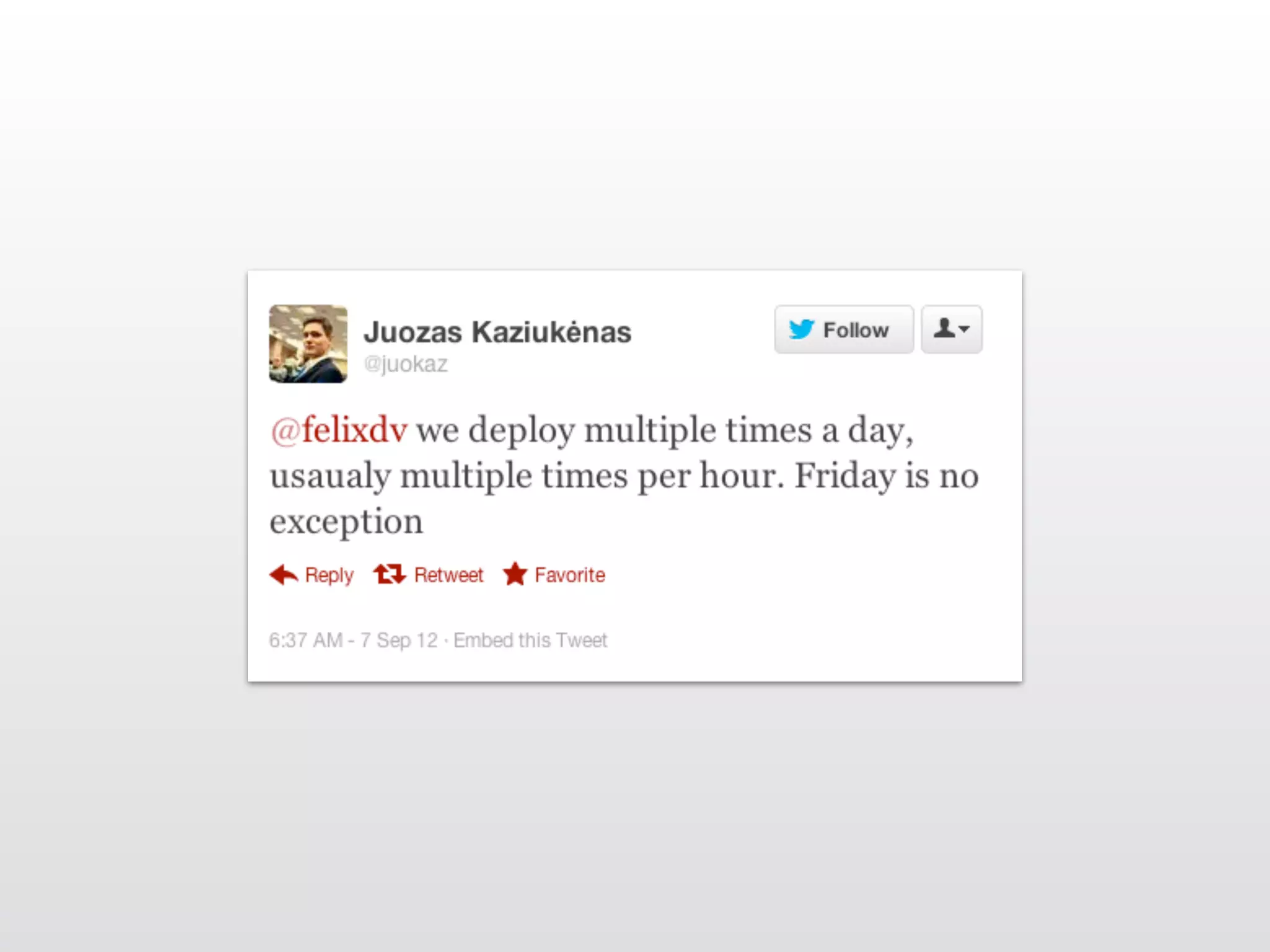
Deployment A very important part of the application life-cycle
Deployment A very important critical part of the application life-cycle
Deployment It should not be an ! after thought
Deployment It should be predictable
Deployment The more you do it the better it goes
Deployment in the PaaS era
1. Open an account
2. Create app
3. Push code
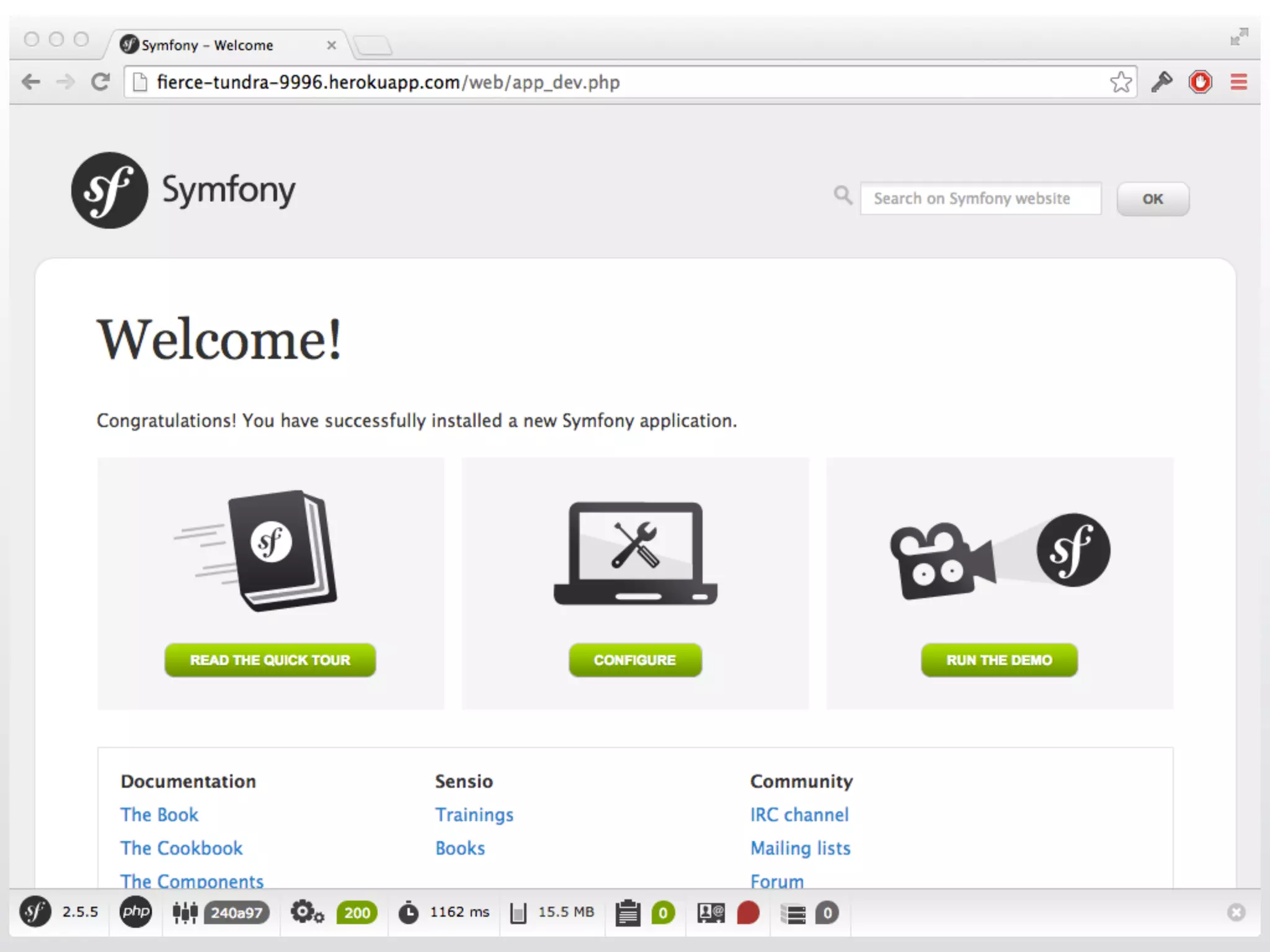
4. Voilà!
composer.json ! ! Procfile

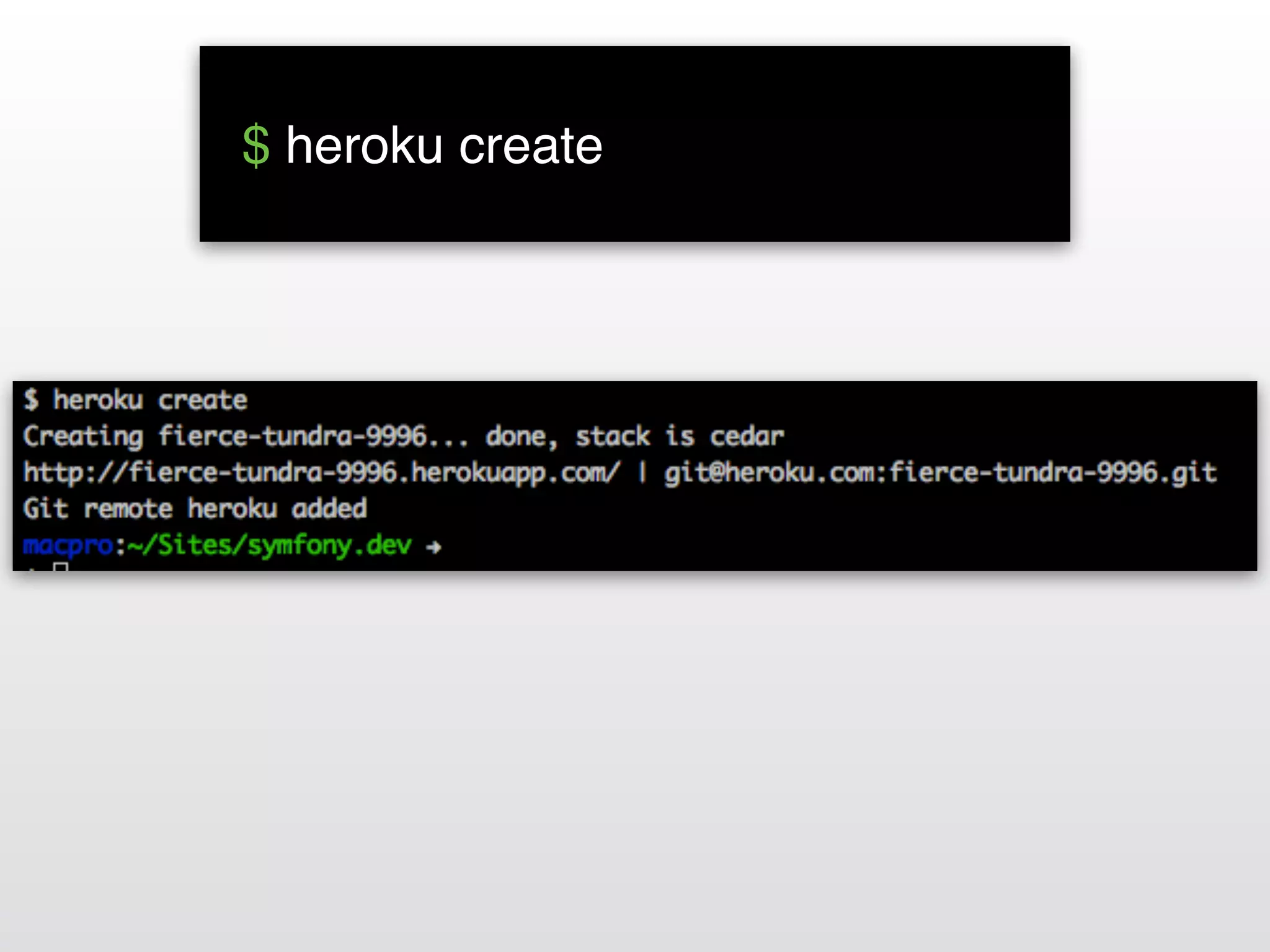
 $ heroku create!

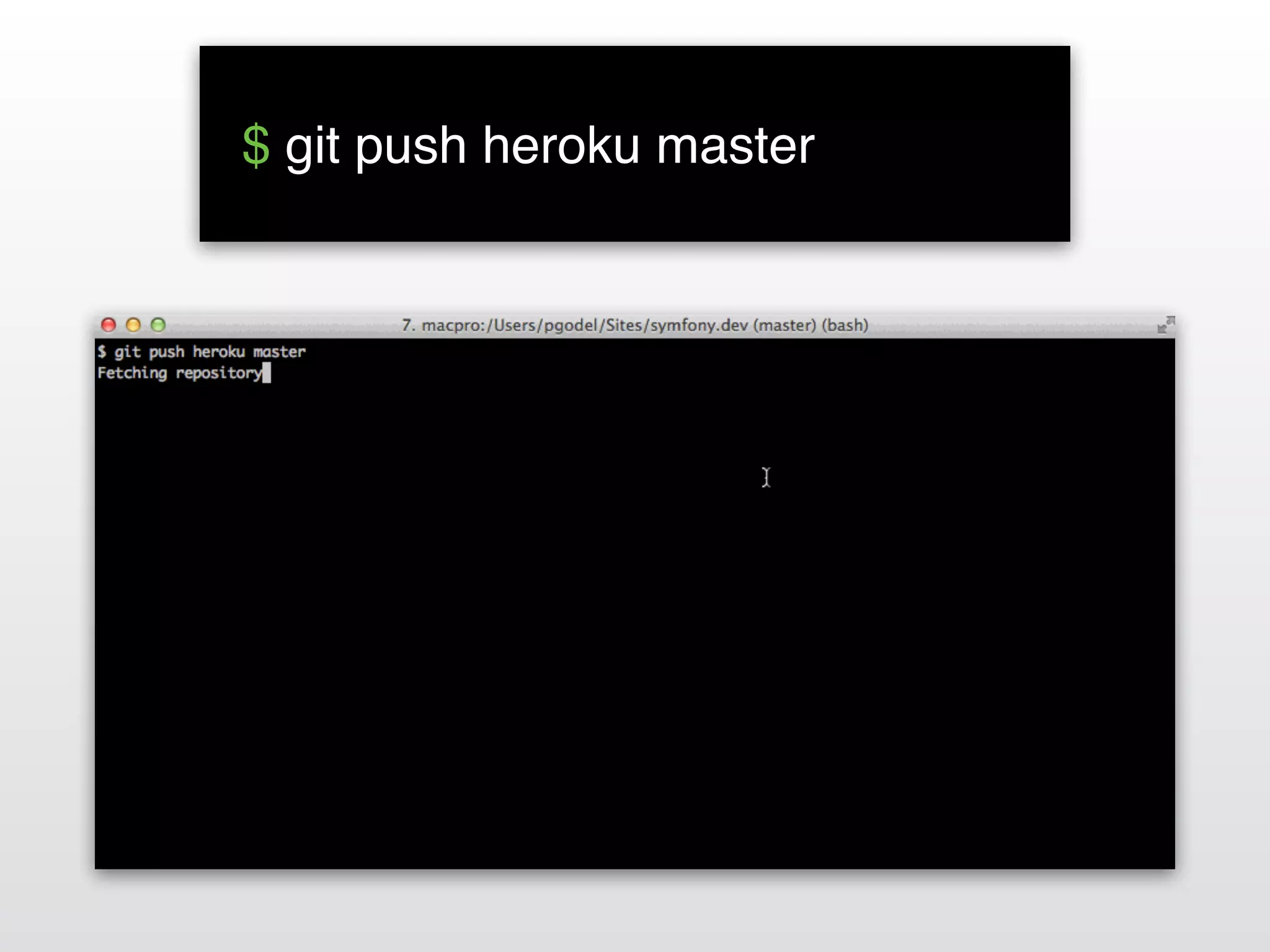
 $ git push heroku master!

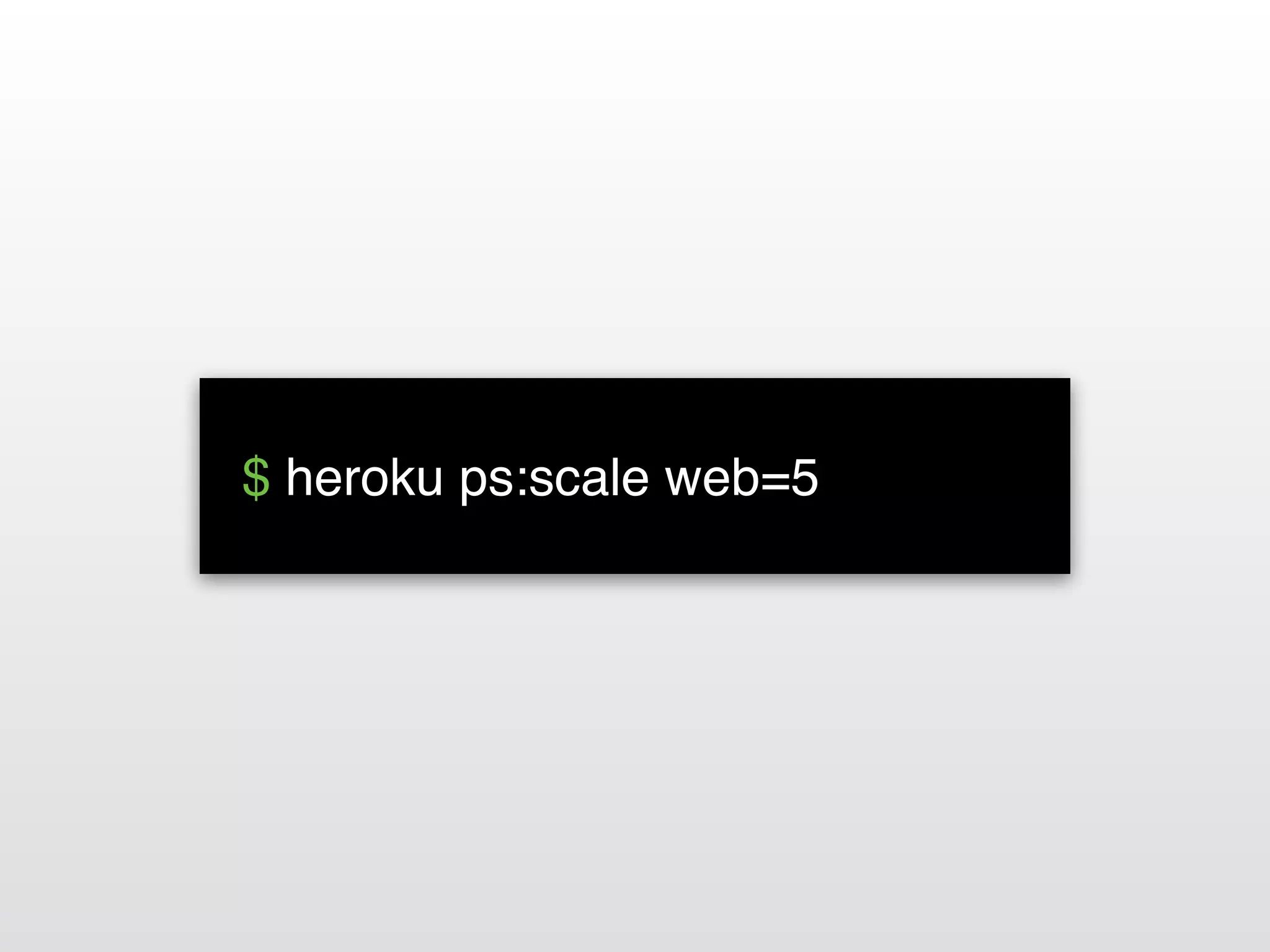
 $ heroku ps:scale web=5!
That’s it! ;-)
Questions? Slides: http://slideshare.net/pgodel Twitter: @pgodel
But…
Deployment for the rest of us
Deployment Goals
One-click deploys Deployment Goals
Continuous deploys Deployment Goals
Anytime & Anywhere Deployment Goals
Anyone Deployment Goals
Reliable Deployment Goals
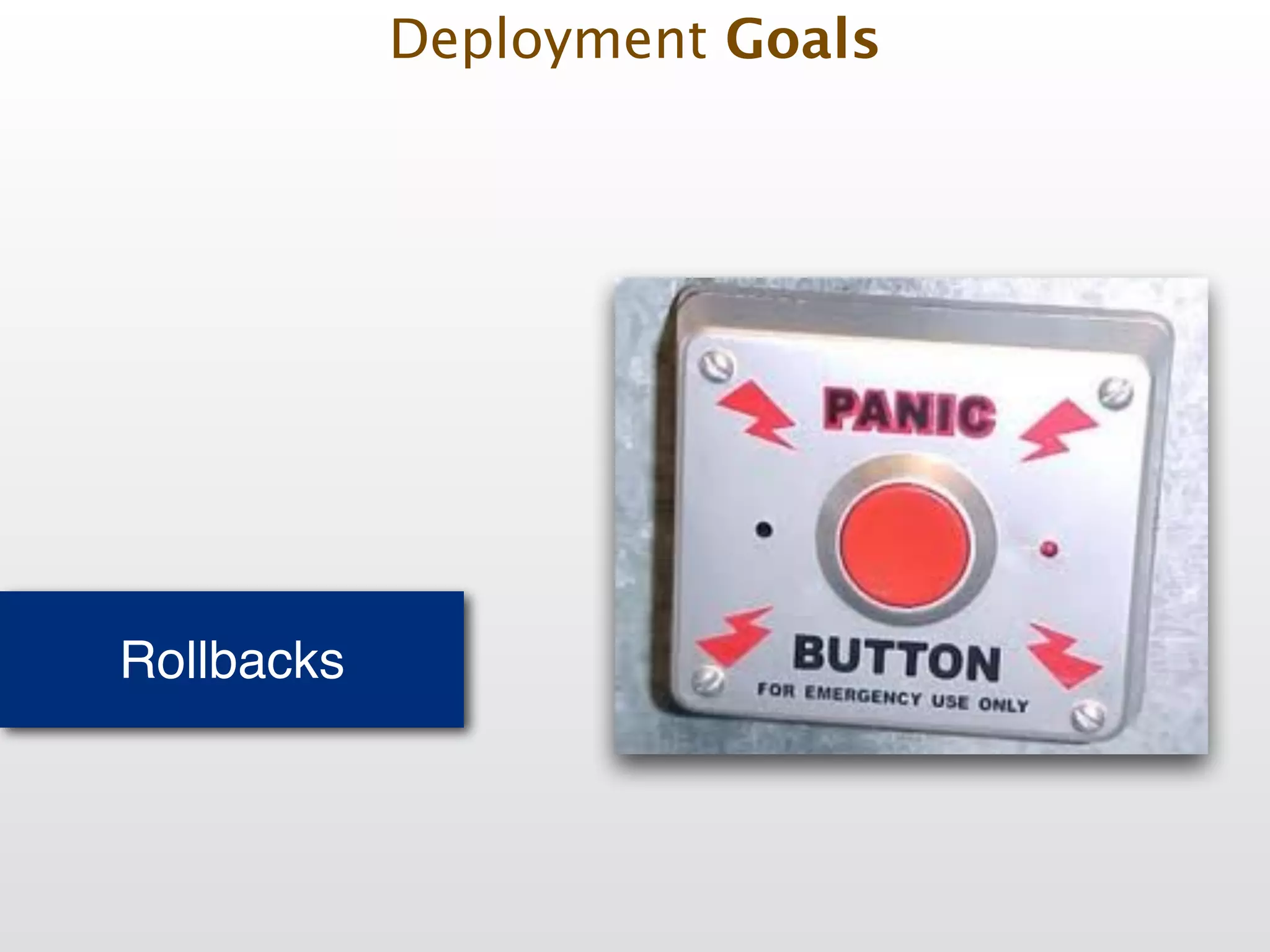
Rollbacks Deployment Goals
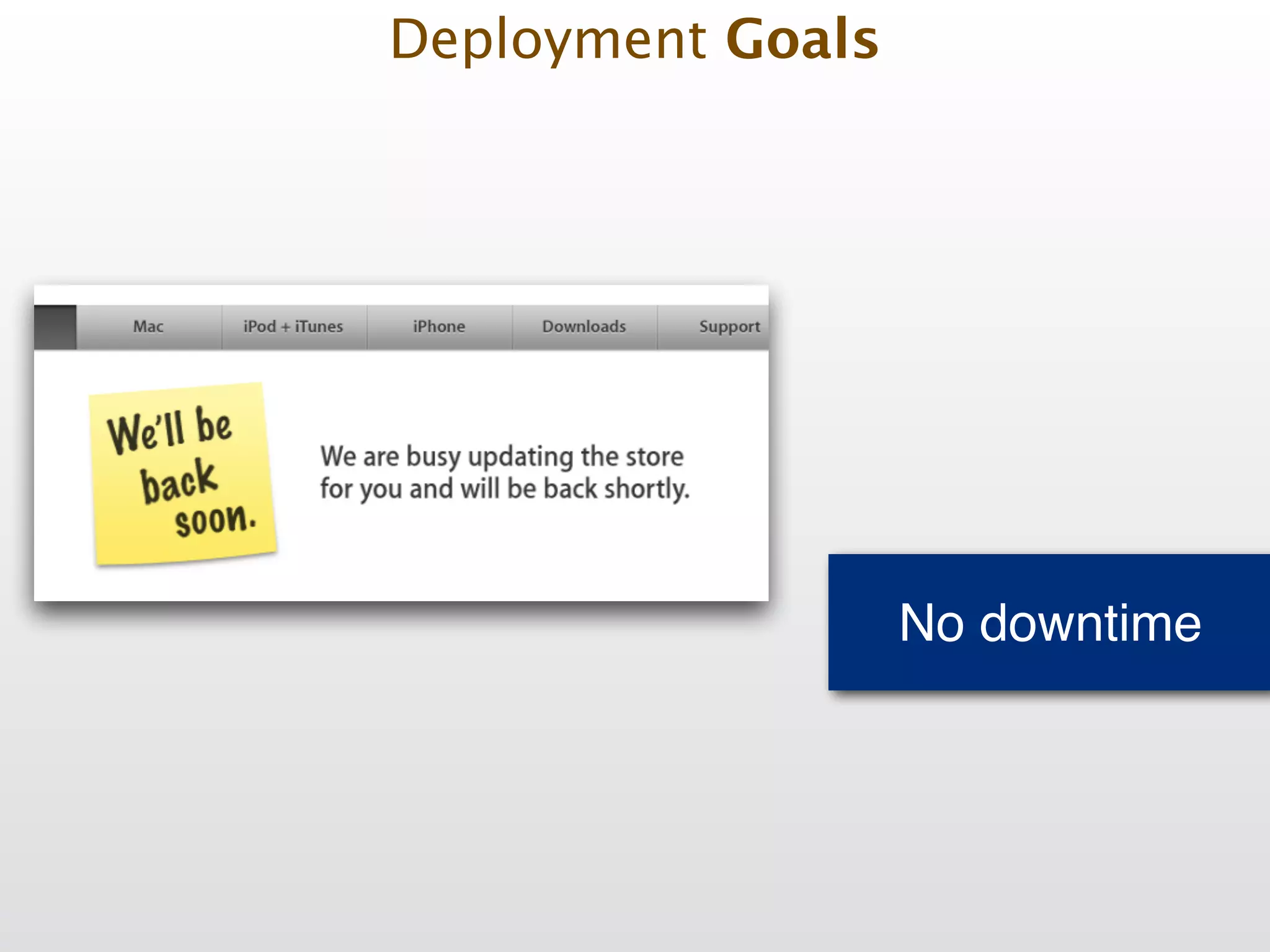
No downtime Deployment Goals
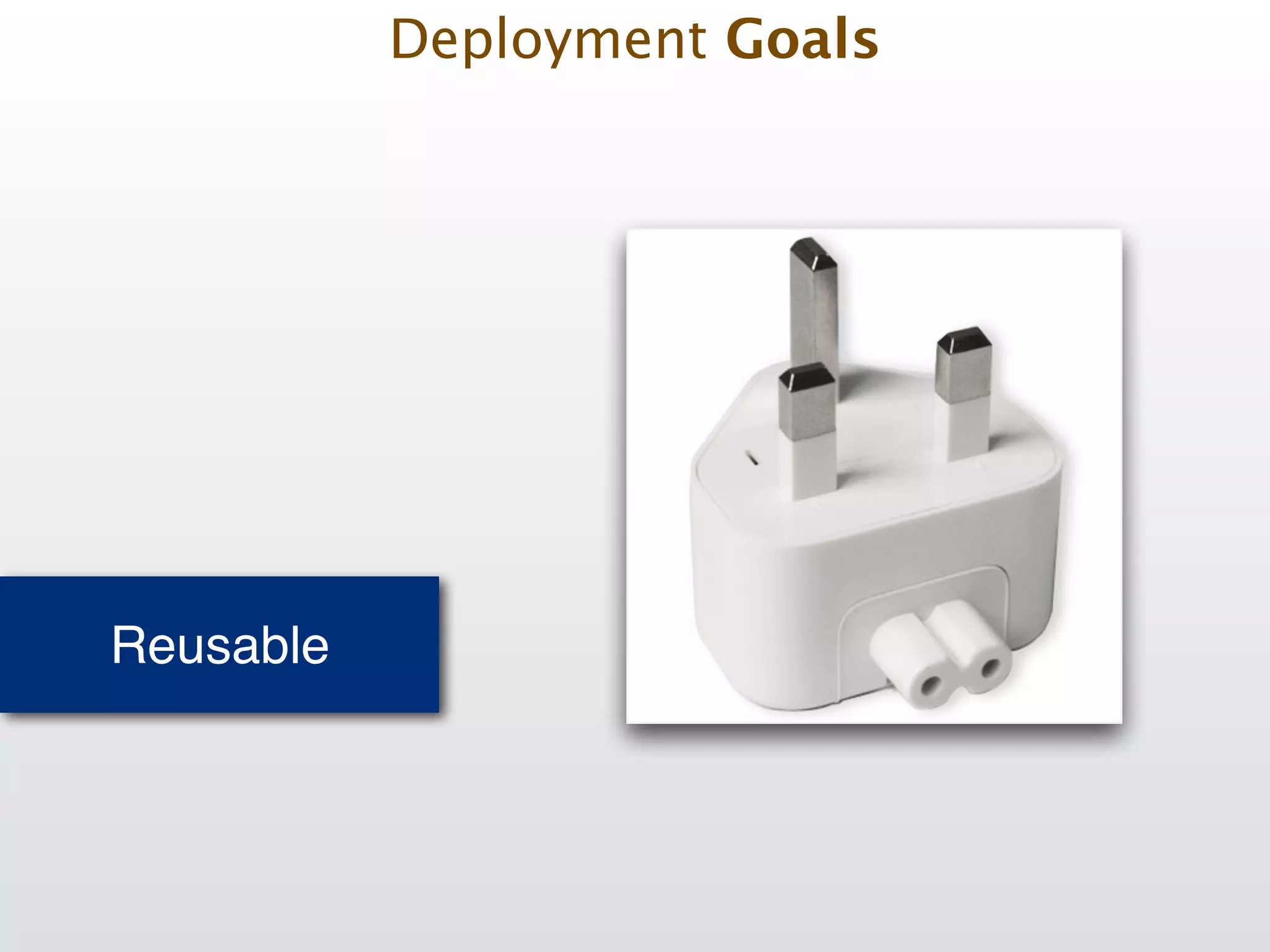
Reusable Deployment Goals
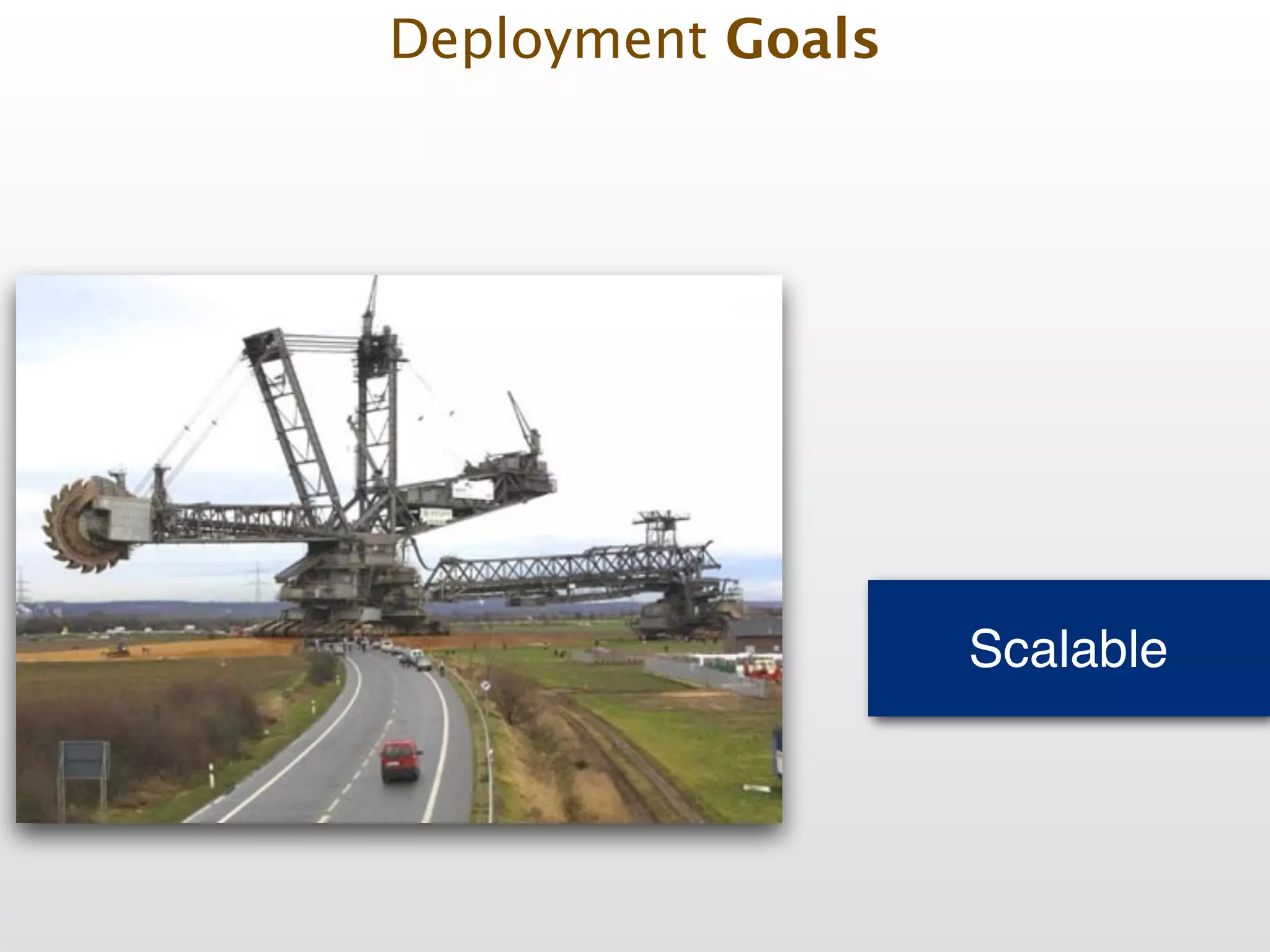
Scalable Deployment Goals
Deployment Facts
Deployment starts with the developer Deployment Fact #1
Deployment starts with the developer • Development environment must be as close as possible to productions servers! Deployment Fact #1
Deployment starts with the developer • Development environment must be as close as possible to productions servers! • Setup test/qa/staging servers! Deployment Fact #1
Deployment starts with the developer • Development environment must be as close as possible to productions servers! • Setup test/qa/staging servers! • Use Vagrant to manage VMs! Deployment Fact #1
Deployment starts with the developer • Development environment must be as close as possible to productions servers! • Setup test/qa/staging servers! • Use Vagrant to manage VMs! • Use Containers with Docker! Deployment Fact #1
Deployment starts with the developer • Development environment must be as close as possible to productions servers! • Setup test/qa/staging servers! • Use Vagrant to manage VMs! • Use Containers with Docker! • Automate your development environment setup (Ansible, Homebrew Cask) Deployment Fact #1
Success depends on server OS setup Deployment Fact #2
Success depends on server OS setup • Automate installation/configuration with Ansible/ Puppet/Chef ! Deployment Fact #2
• Automate installation/configuration with Ansible/ Puppet/Chef ! • Create OS packages for 3rd party software Deployment Fact #2 Success depends on server OS setup
• Automate installation/configuration with Ansible/ Puppet/Chef ! • Create OS packages for 3rd party software! • Setup your own package (rpm/deb) repositories Deployment Fact #2 Success depends on server OS setup
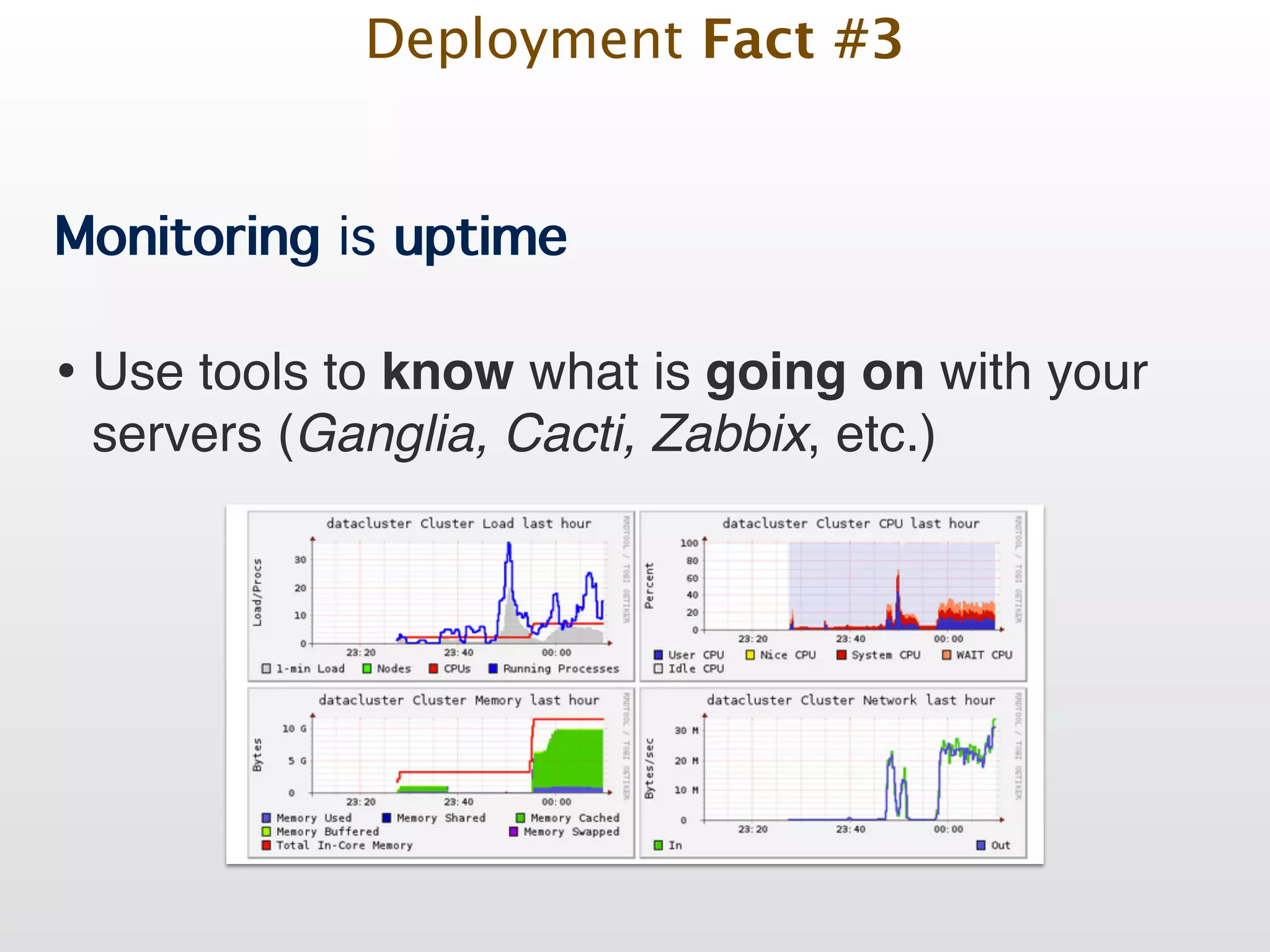
Monitoring is uptime Deployment Fact #3
Monitoring is uptime • Use tools to know what is going on with your servers (Ganglia, Cacti, Zabbix, etc.)! Deployment Fact #3
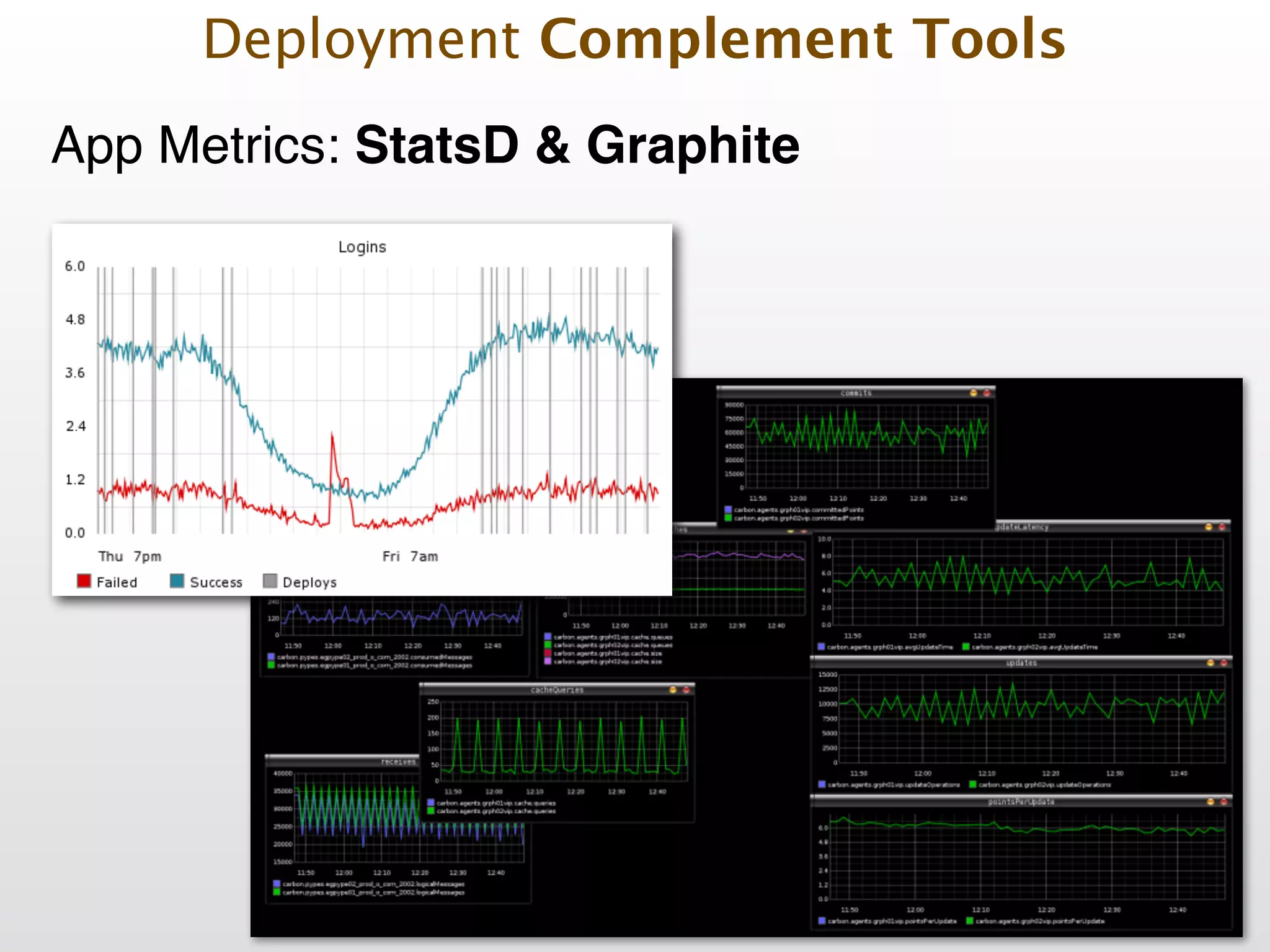
Monitoring is uptime • Use tools to know what is going on with your servers (Ganglia, Cacti, Zabbix, etc.)! • Add metrics to your app (Graphite, StatsD, New Relic)! Deployment Fact #3
Monitoring is uptime • Use tools to know what is going on with your servers (Ganglia, Cacti, Zabbix, etc.)! • Add metrics to your app (Graphite, StatsD, New Relic)! • Use your logs wisely (Logstash, Hecka, Kibana) Deployment Fact #3
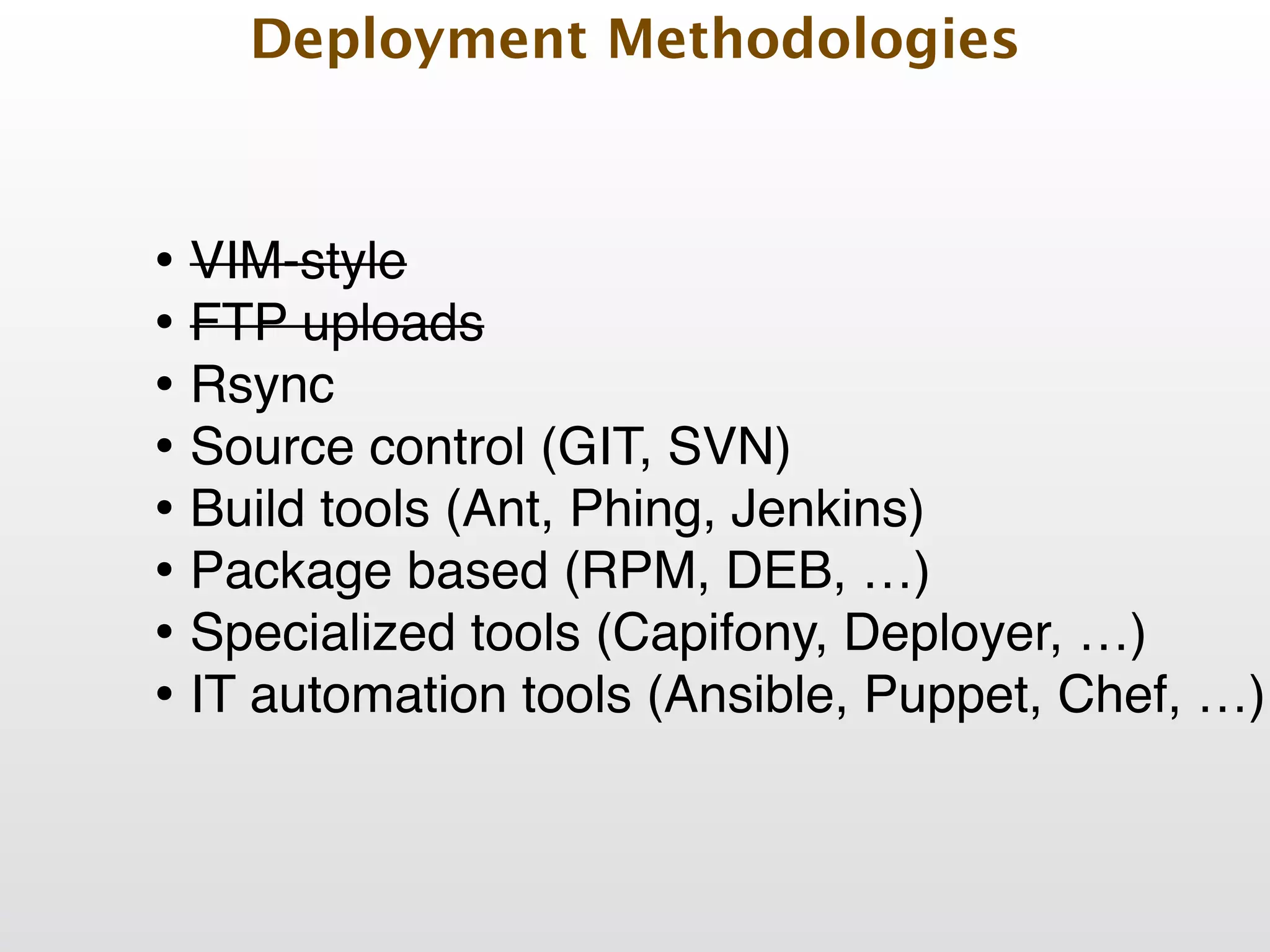
Deployment Methodologies
Deployment Methodologies • VIM-style
Deployment Methodologies • VIM-style! • FTP uploads
Deployment Methodologies • VIM-style! • FTP uploads! • Rsync
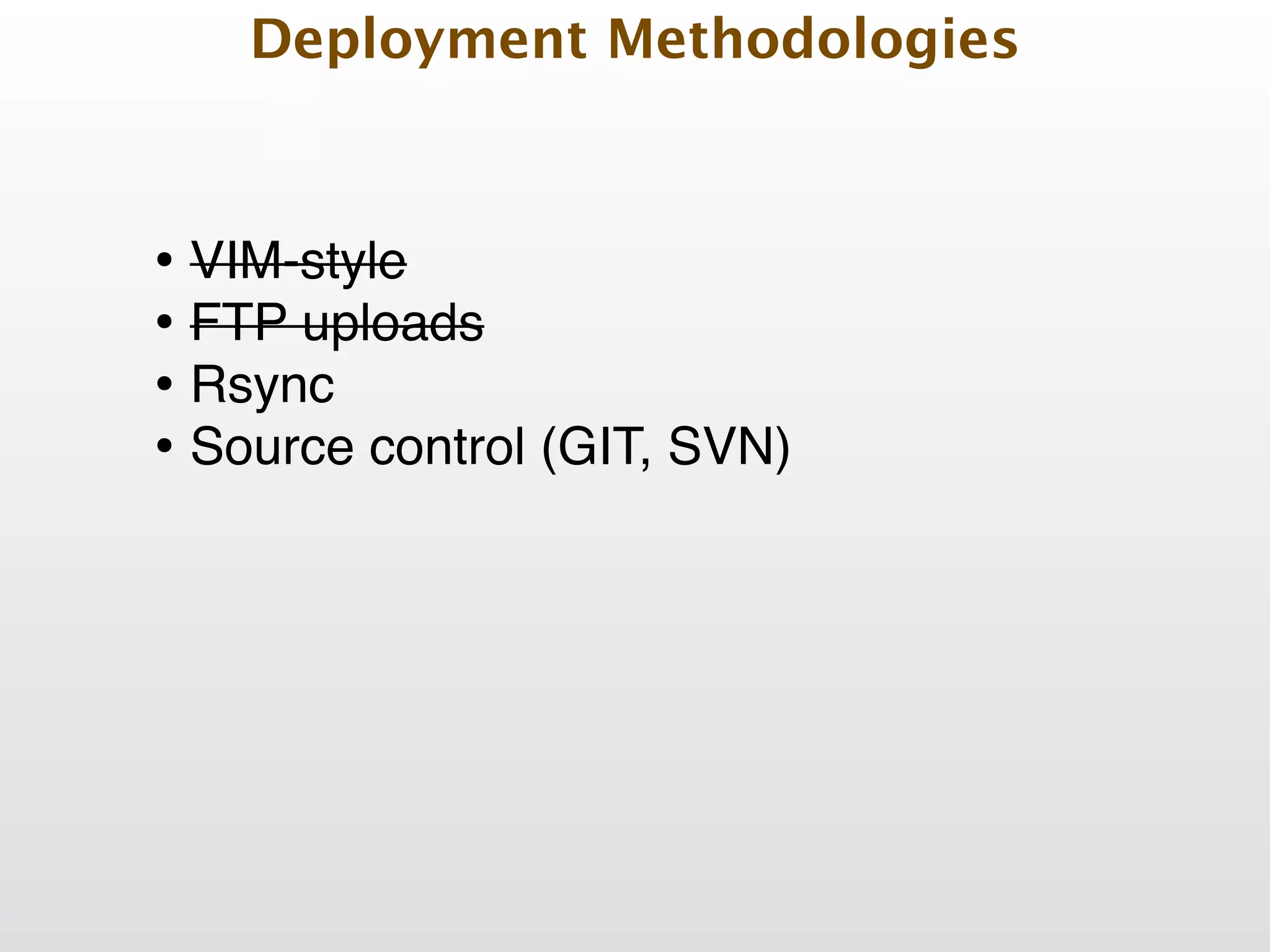
Deployment Methodologies • VIM-style! • FTP uploads! • Rsync! • Source control (GIT, SVN)
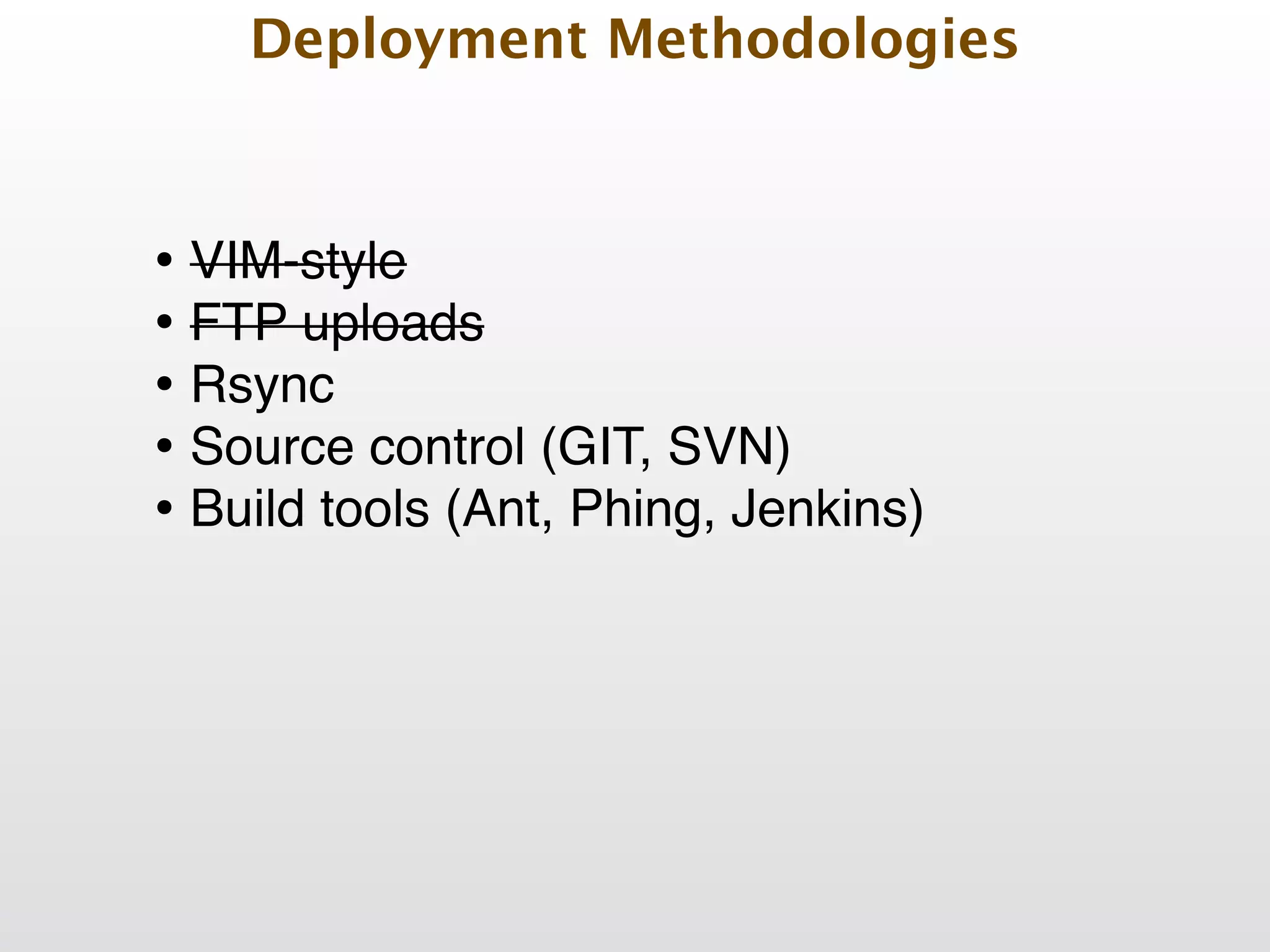
Deployment Methodologies • VIM-style! • FTP uploads! • Rsync! • Source control (GIT, SVN)! • Build tools (Ant, Phing, Jenkins)!
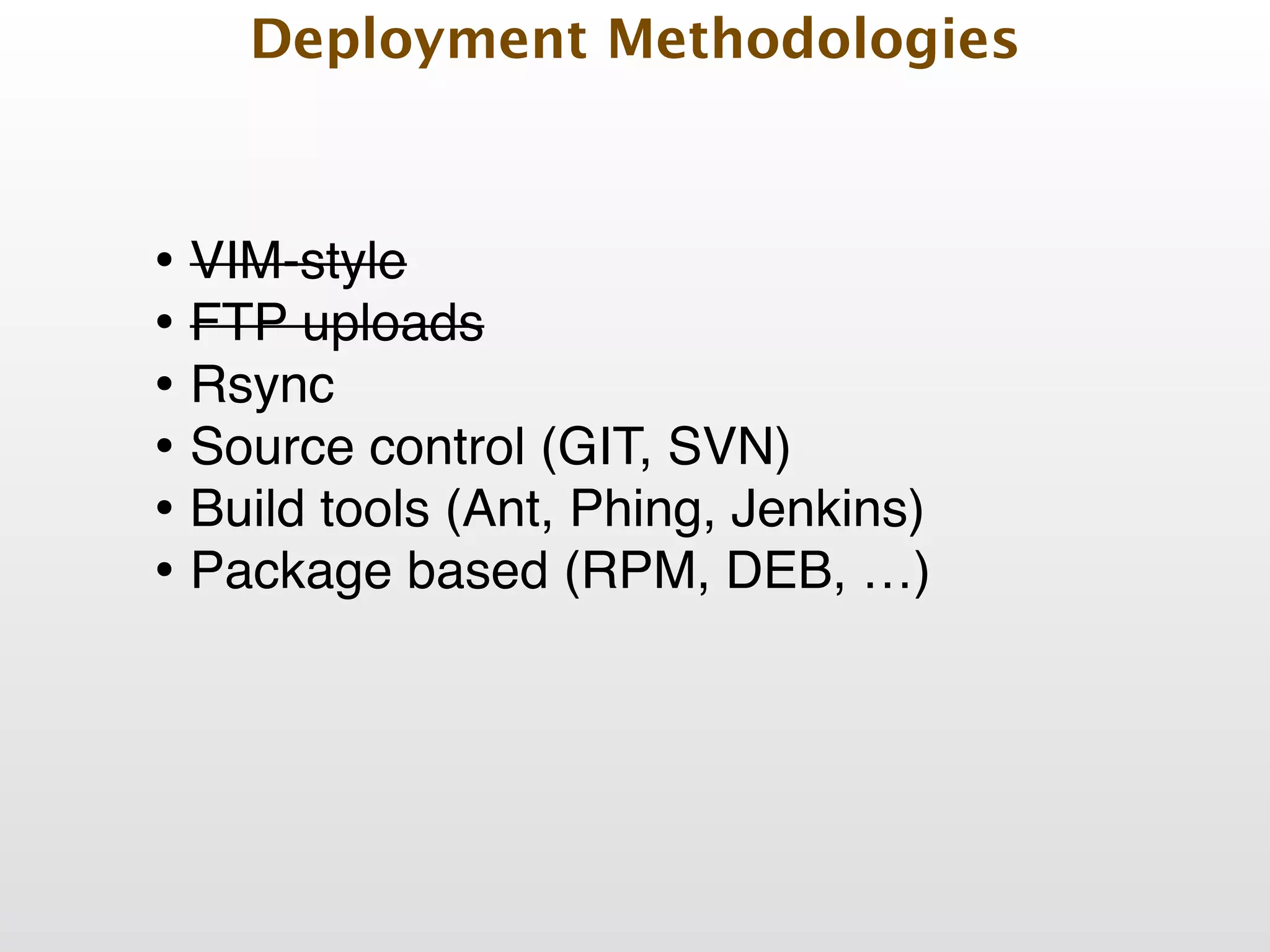
Deployment Methodologies • VIM-style! • FTP uploads! • Rsync! • Source control (GIT, SVN)! • Build tools (Ant, Phing, Jenkins)! • Package based (RPM, DEB, …) !
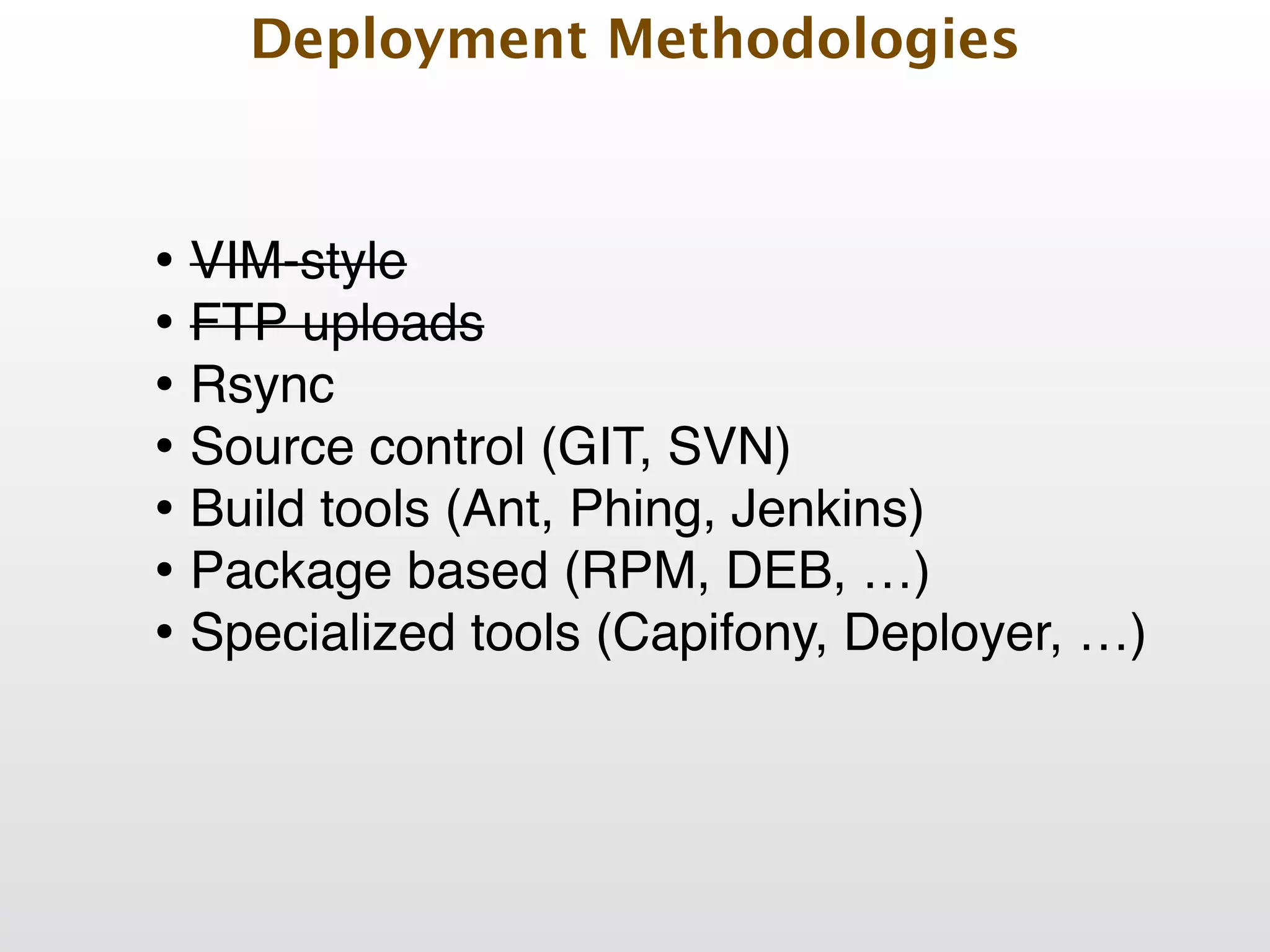
Deployment Methodologies • VIM-style! • FTP uploads! • Rsync! • Source control (GIT, SVN)! • Build tools (Ant, Phing, Jenkins)! • Package based (RPM, DEB, …) ! • Specialized tools (Capifony, Deployer, …)!
Deployment Methodologies • VIM-style! • FTP uploads! • Rsync! • Source control (GIT, SVN)! • Build tools (Ant, Phing, Jenkins)! • Package based (RPM, DEB, …) ! • Specialized tools (Capifony, Deployer, …)! • IT automation tools (Ansible, Puppet, Chef, …)
Deployment: Steps overview
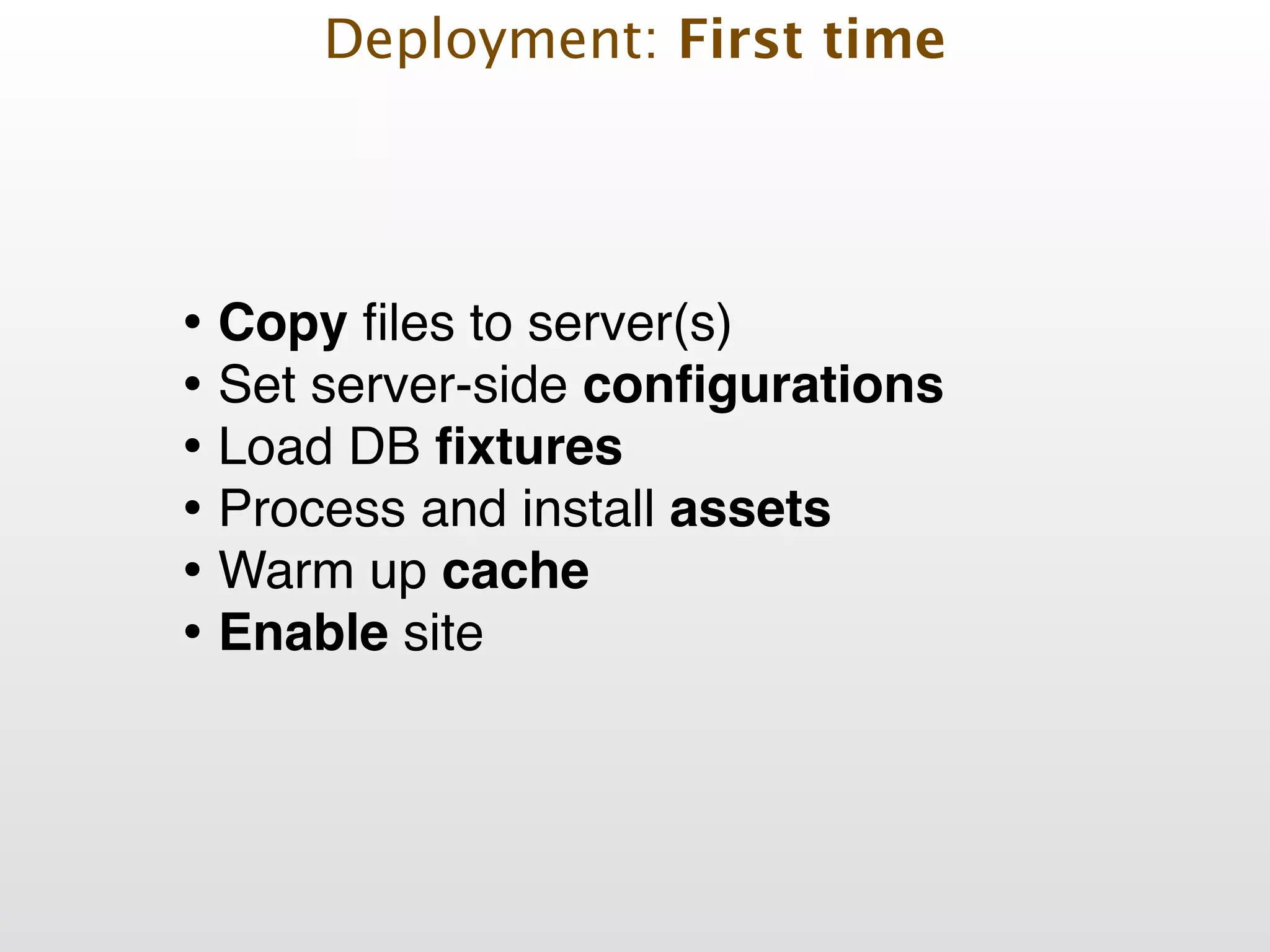
Deployment: First time • Copy files to server(s)! • Set server-side configurations! • Load DB fixtures! • Process and install assets! • Warm up cache! • Enable site
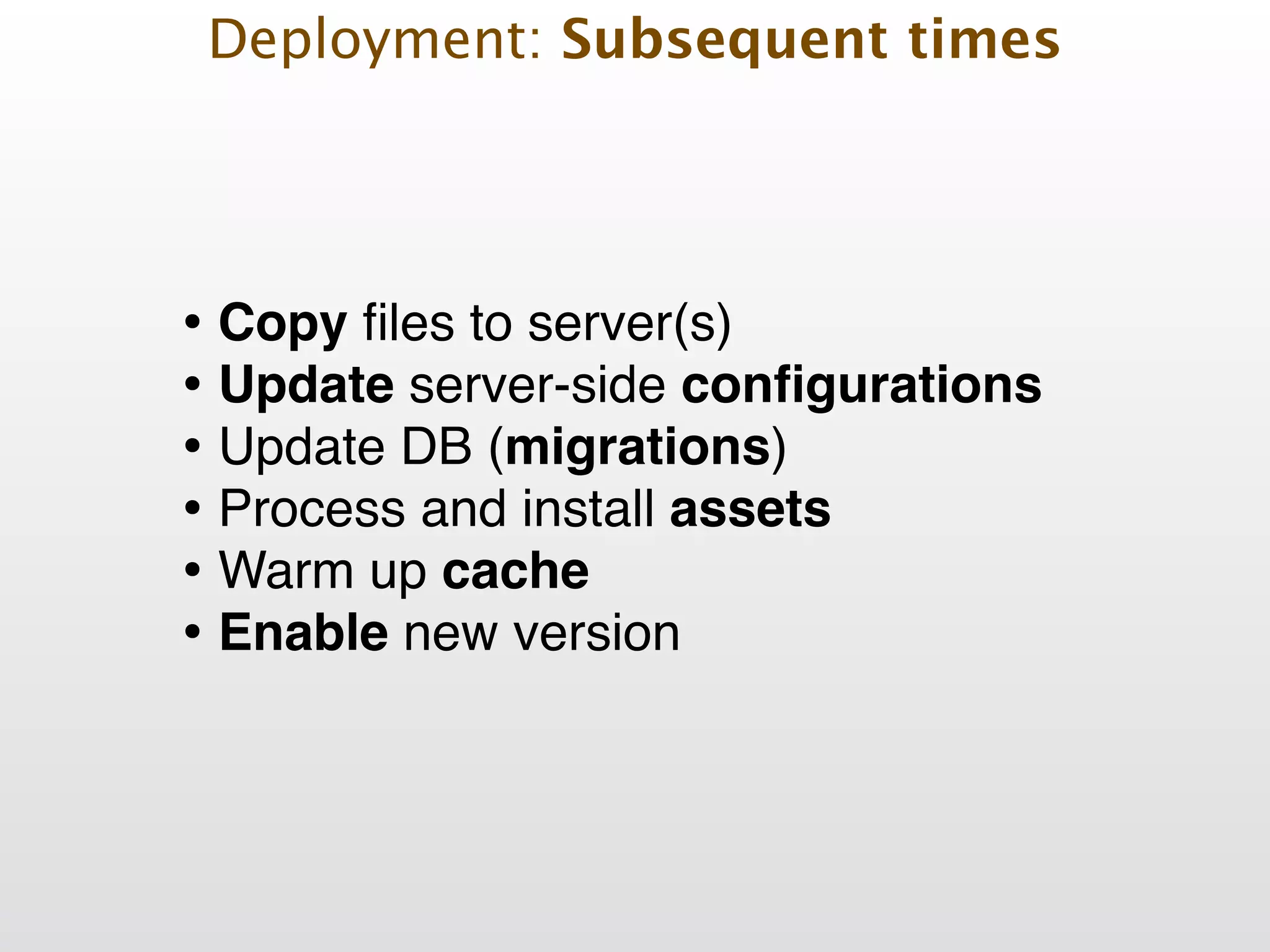
Deployment: Subsequent times • Copy files to server(s)! • Update server-side configurations! • Update DB (migrations)! • Process and install assets! • Warm up cache! • Enable new version
We can automate!
Deployment Challenges
Challenge: Secure Deployment Challenges
• use ssh based connections! Challenge: Secure Deployment Challenges
• use ssh based connections! • don’t store passwords on source control Challenge: Secure Deployment Challenges
• use ssh based connections! • don’t store passwords on source control! • use environment variables for sensitive data Challenge: Secure Deployment Challenges
Challenge: Static assets Deployment Challenges
Challenge: Static assets • Minimize/combine JS and CSS files! Deployment Challenges
Challenge: Static assets • Minimize/combine JS and CSS files! • Enable web server compression! Deployment Challenges
Challenge: Static assets • Minimize/combine JS and CSS files! • Enable web server compression! • Add versioning to static assets links (code.js?v=1)! Deployment Challenges
Challenge: Static assets • Minimize/combine JS and CSS files! • Enable web server compression! • Add versioning to static assets links (code.js?v=1)! • Run utilities locally or in a staging server, create artifact, deploy result! Deployment Challenges
Challenge: Static assets • Minimize/combine JS and CSS files! • Enable web server compression! • Add versioning to static assets links (code.js?v=1)! • Run utilities locally or in a staging server, create artifact, deploy result! • Serve static files from subdomain / CDN Deployment Challenges
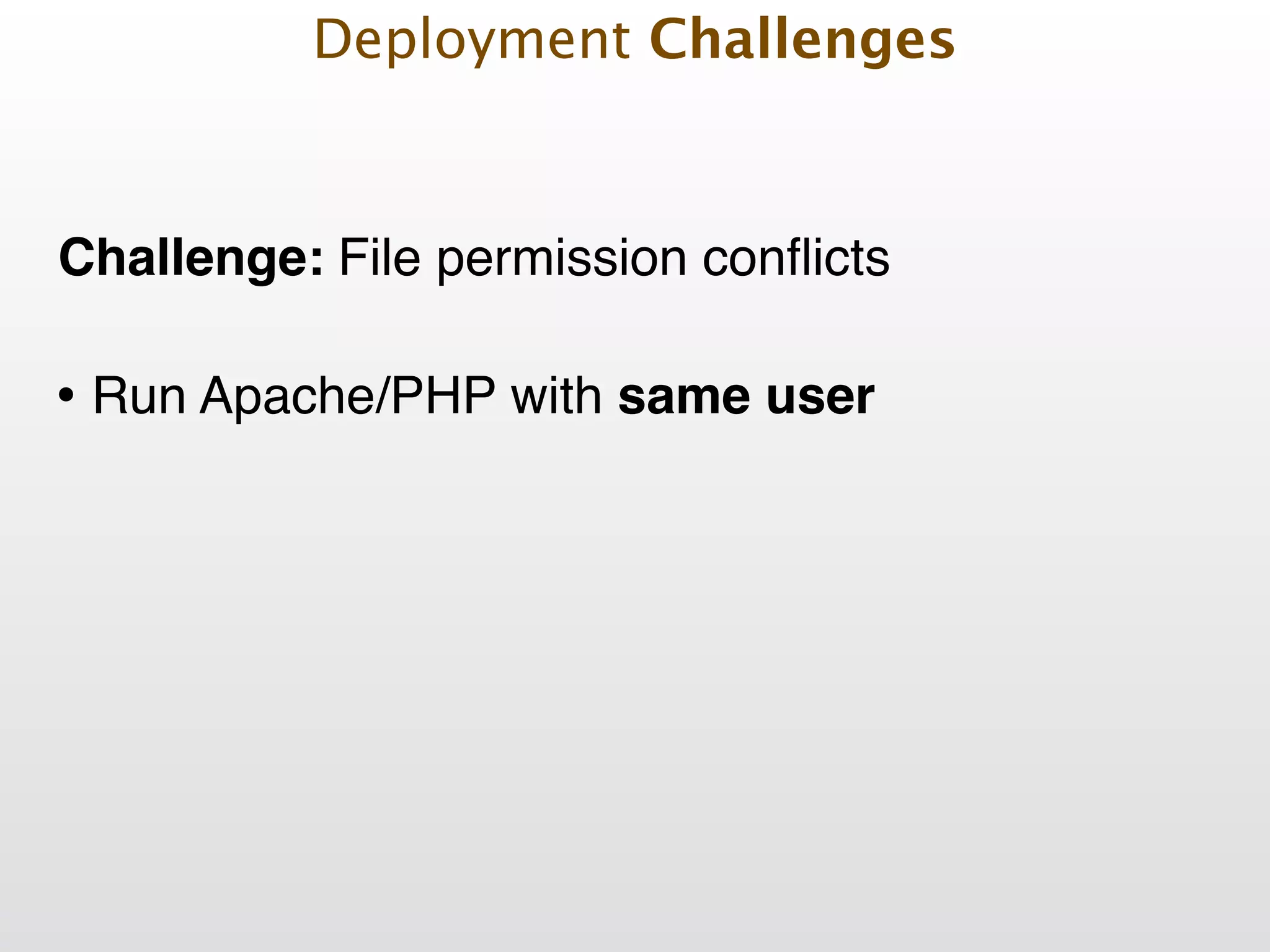
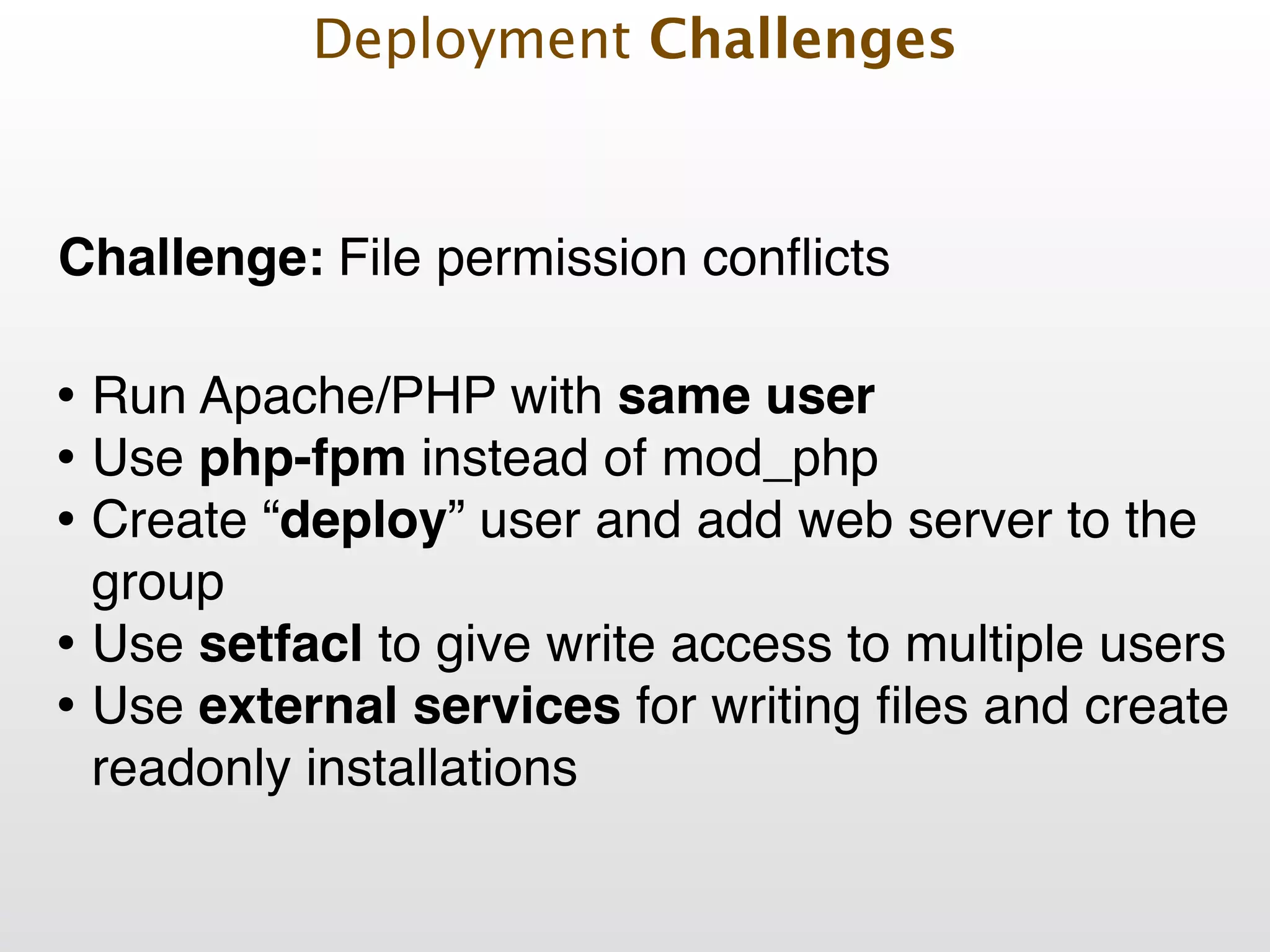
Challenge: File permission conflicts Deployment Challenges
Challenge: File permission conflicts • Run Apache/PHP with same user! Deployment Challenges
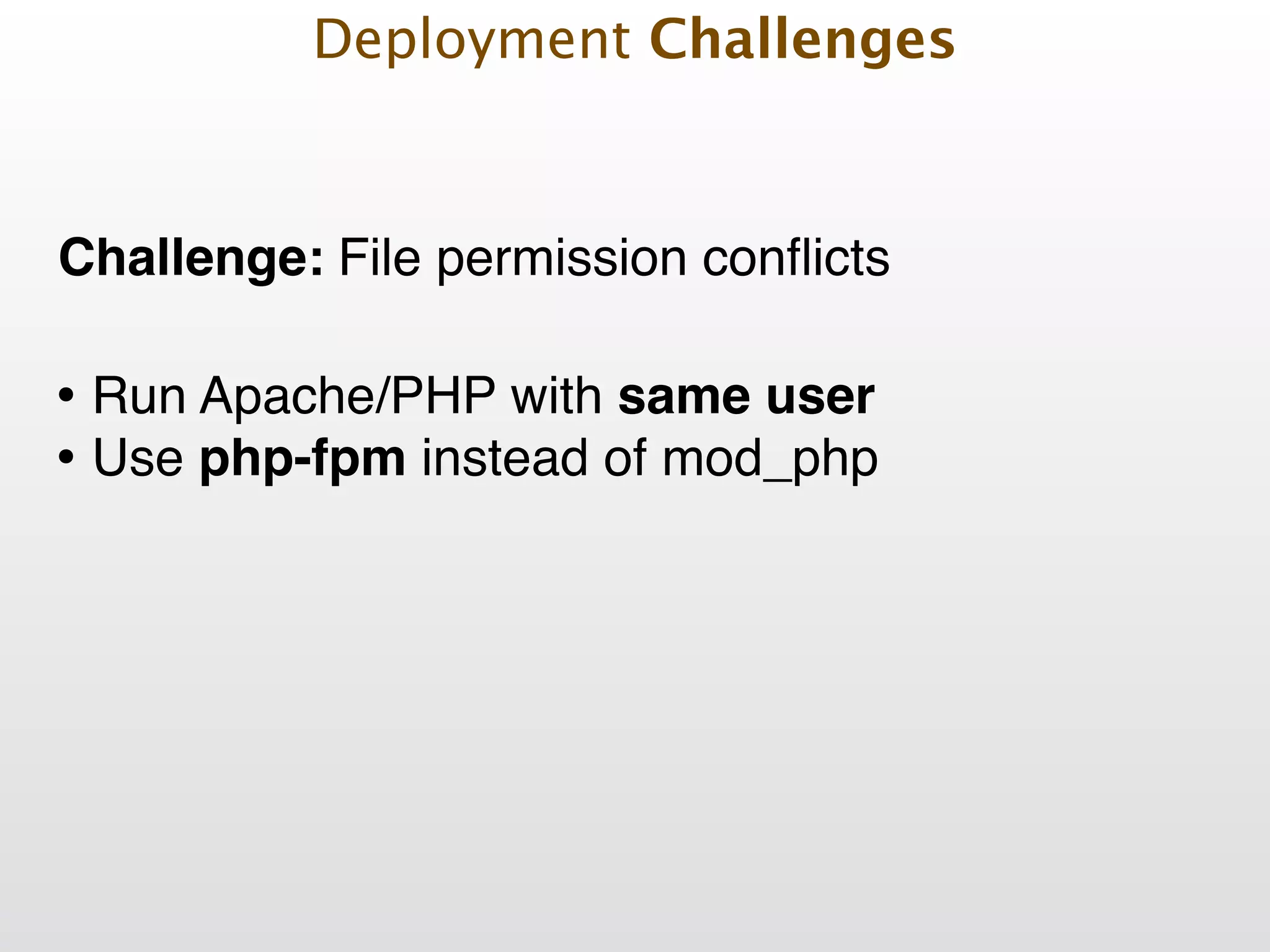
Challenge: File permission conflicts • Run Apache/PHP with same user! • Use php-fpm instead of mod_php! Deployment Challenges
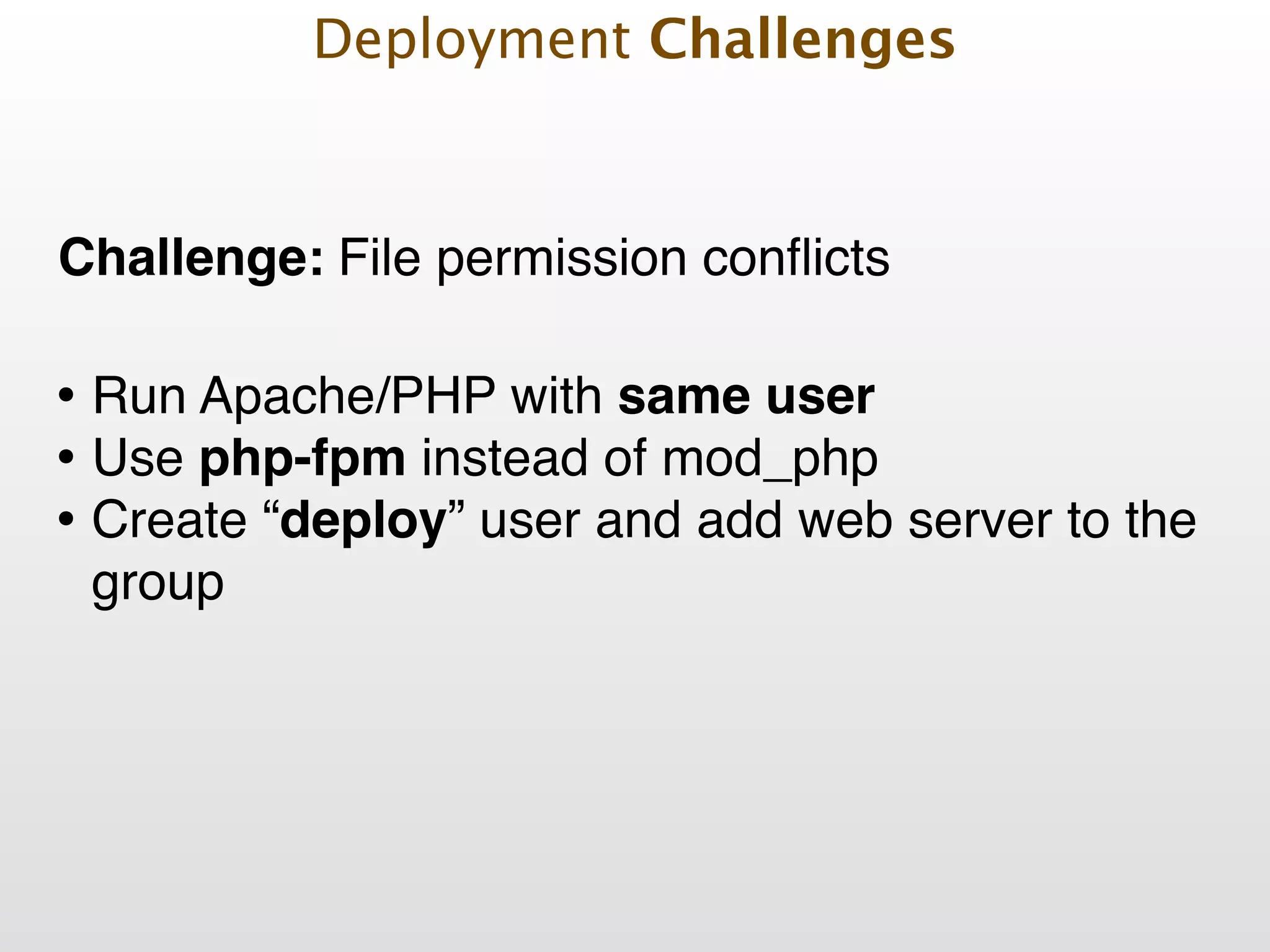
Challenge: File permission conflicts • Run Apache/PHP with same user! • Use php-fpm instead of mod_php! • Create “deploy” user and add web server to the group Deployment Challenges
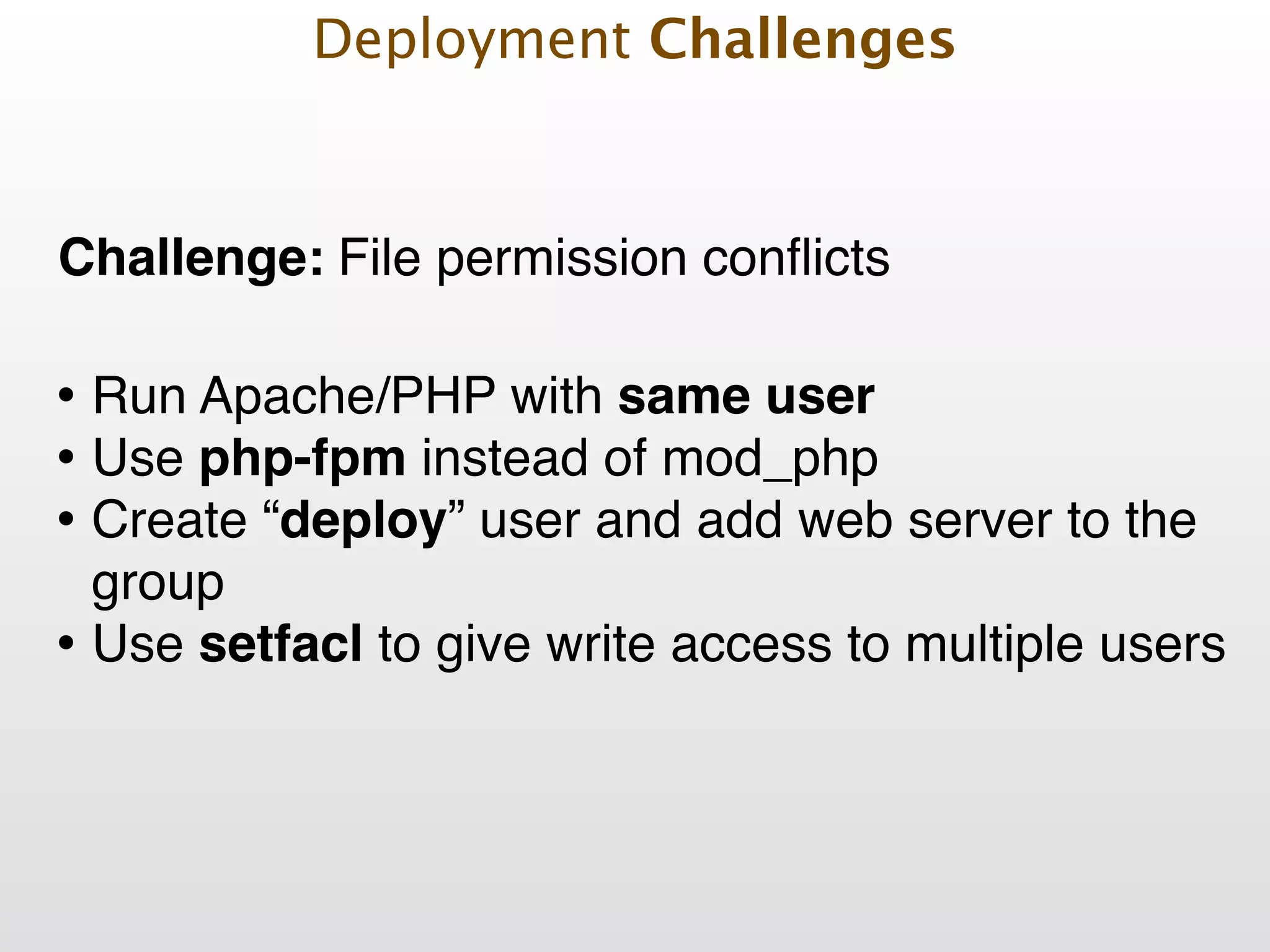
Challenge: File permission conflicts • Run Apache/PHP with same user! • Use php-fpm instead of mod_php! • Create “deploy” user and add web server to the group! • Use setfacl to give write access to multiple users! Deployment Challenges
Challenge: File permission conflicts • Run Apache/PHP with same user! • Use php-fpm instead of mod_php! • Create “deploy” user and add web server to the group! • Use setfacl to give write access to multiple users! • Use external services for writing files and create readonly installations Deployment Challenges
Common Pitfalls
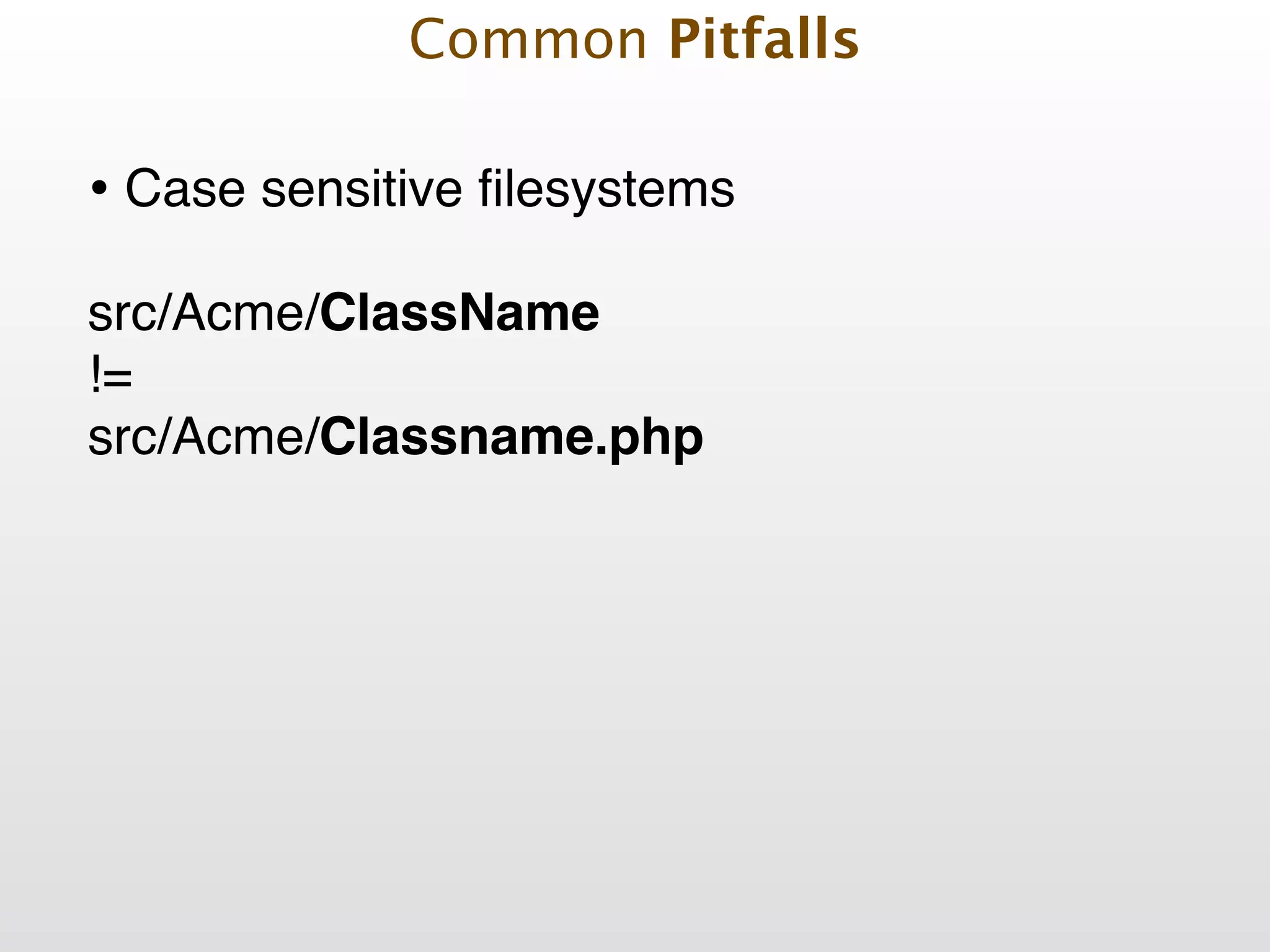
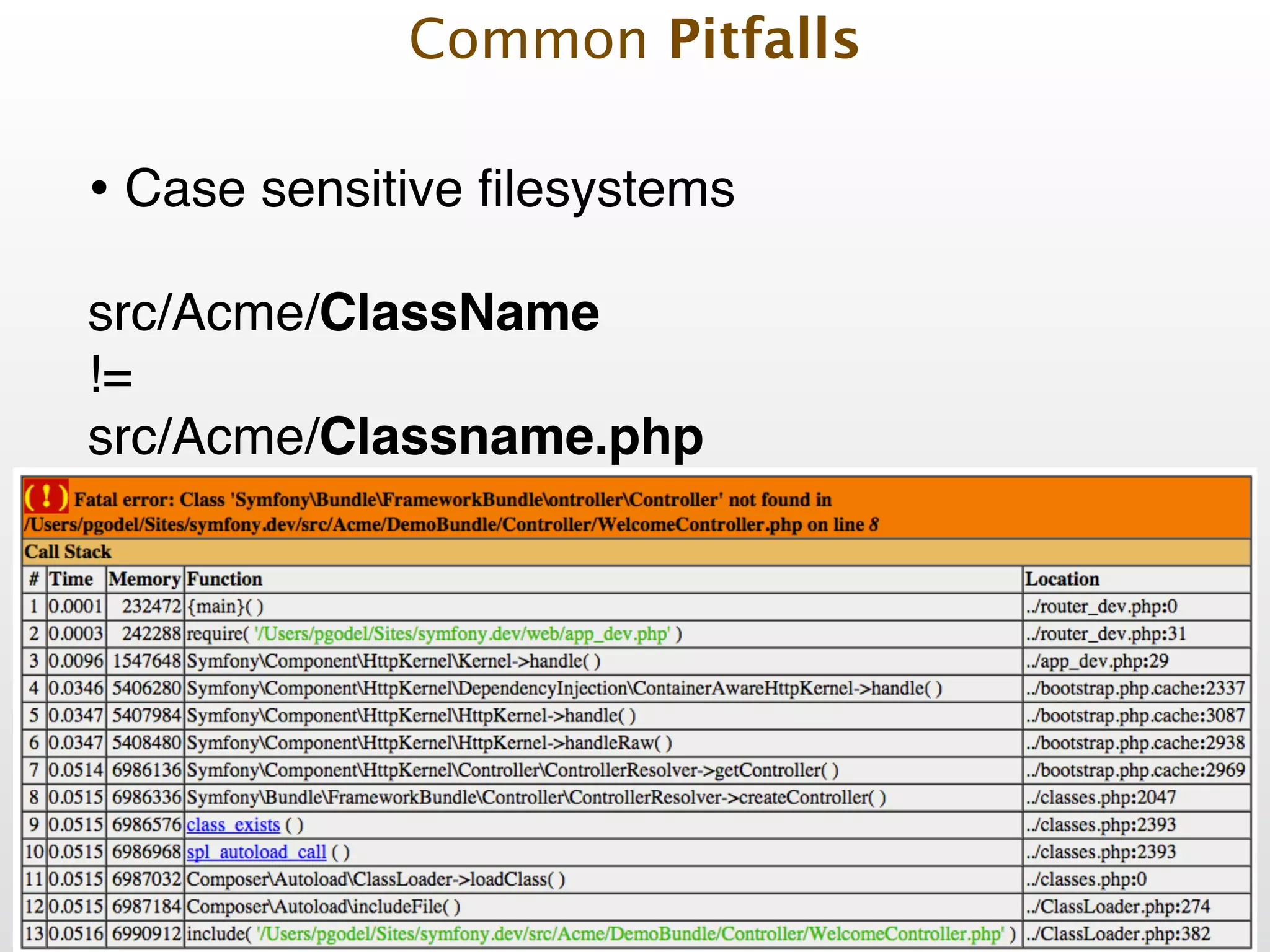
• Case sensitive filesystems! Common Pitfalls
• Case sensitive filesystems! ! src/Acme/ClassName ! != ! src/Acme/Classname.php Common Pitfalls
• Case sensitive filesystems! • Configuration differences! Common Pitfalls
• Case sensitive filesystems! • Configuration differences! • Outdated 3rd party software Common Pitfalls
• Case sensitive filesystems! • Configuration differences! • Outdated 3rd party software! • Github down Common Pitfalls
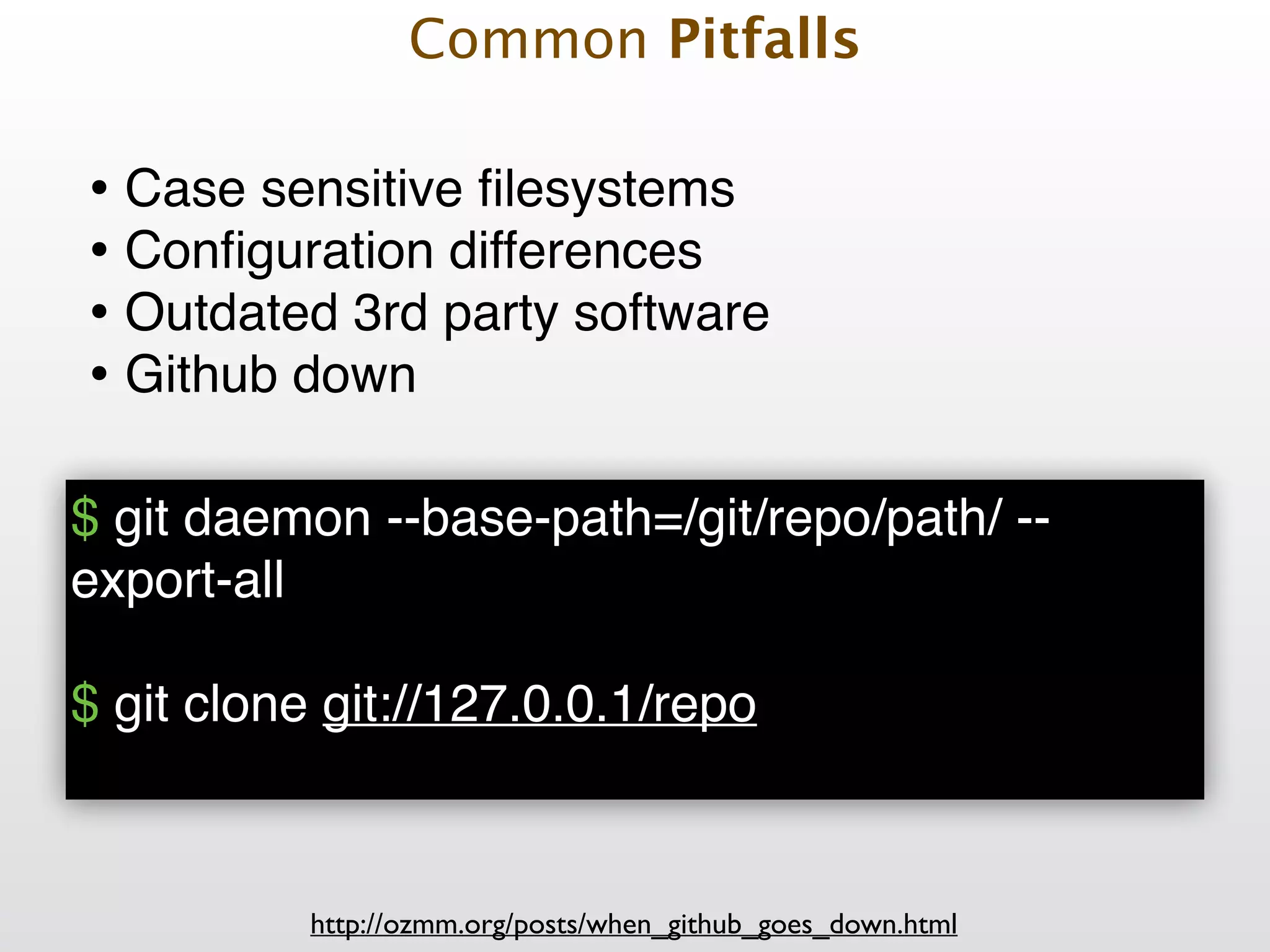
• Case sensitive filesystems! • Configuration differences! • Outdated 3rd party software! • Github down $ git daemon --base-path=/git/repo/path/ -- export-all! ! $ git clone git://127.0.0.1/repo! http://ozmm.org/posts/when_github_goes_down.html Common Pitfalls
• Case sensitive filesystems! • Configuration differences! • Outdated 3rd party software! • Github down Common Pitfalls
Deployment Examples
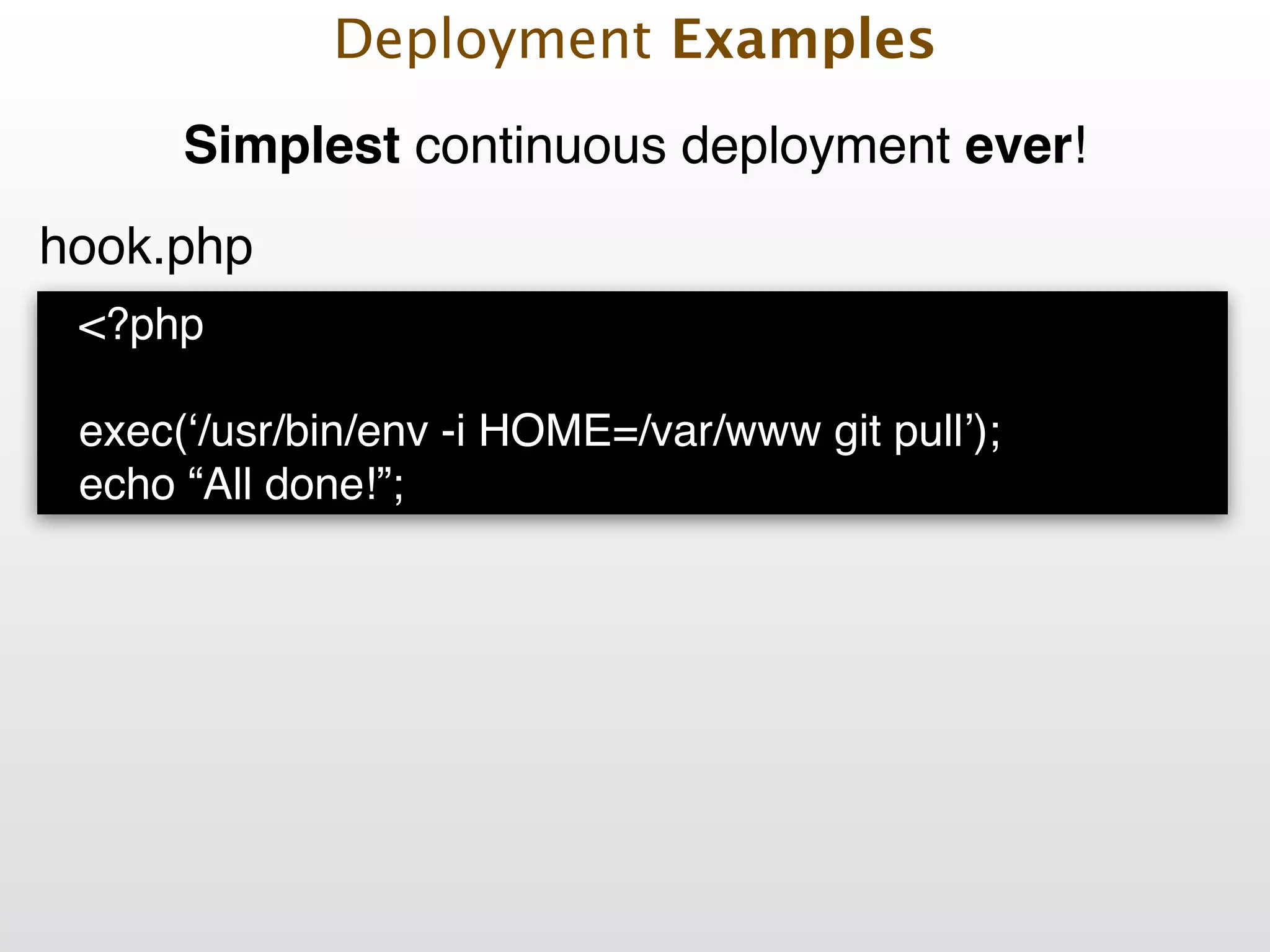
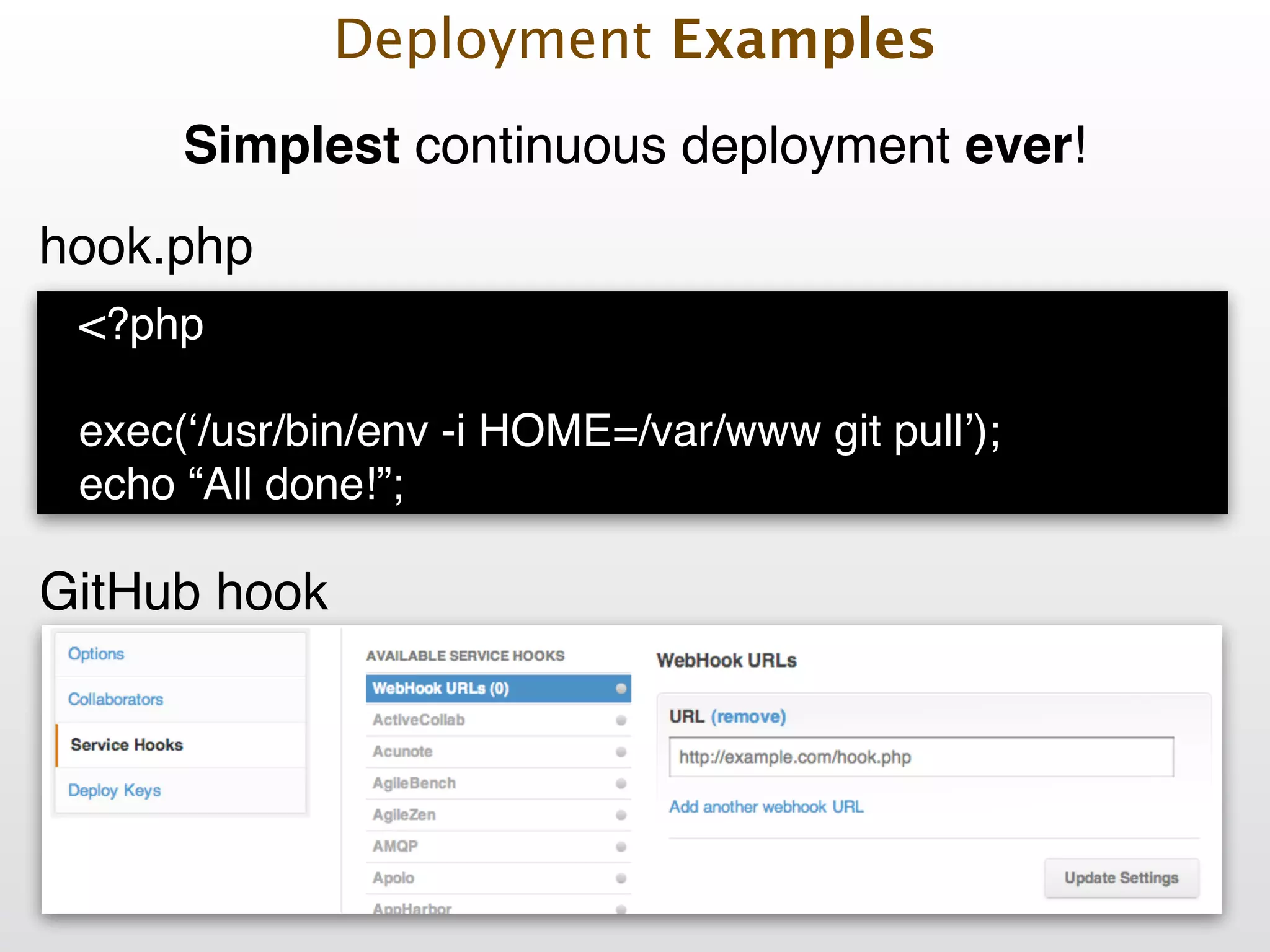
Simplest continuous deployment ever! <?php ! ! exec(‘/usr/bin/env -i HOME=/var/www git pull’);! echo “All done!”; hook.php Deployment Examples
<?php ! ! exec(‘/usr/bin/env -i HOME=/var/www git pull’);! echo “All done!”; hook.php screenshot Deployment Examples GitHub hook Simplest continuous deployment ever!
Capistrano! ! + ! ! Capifony Deployment Examples
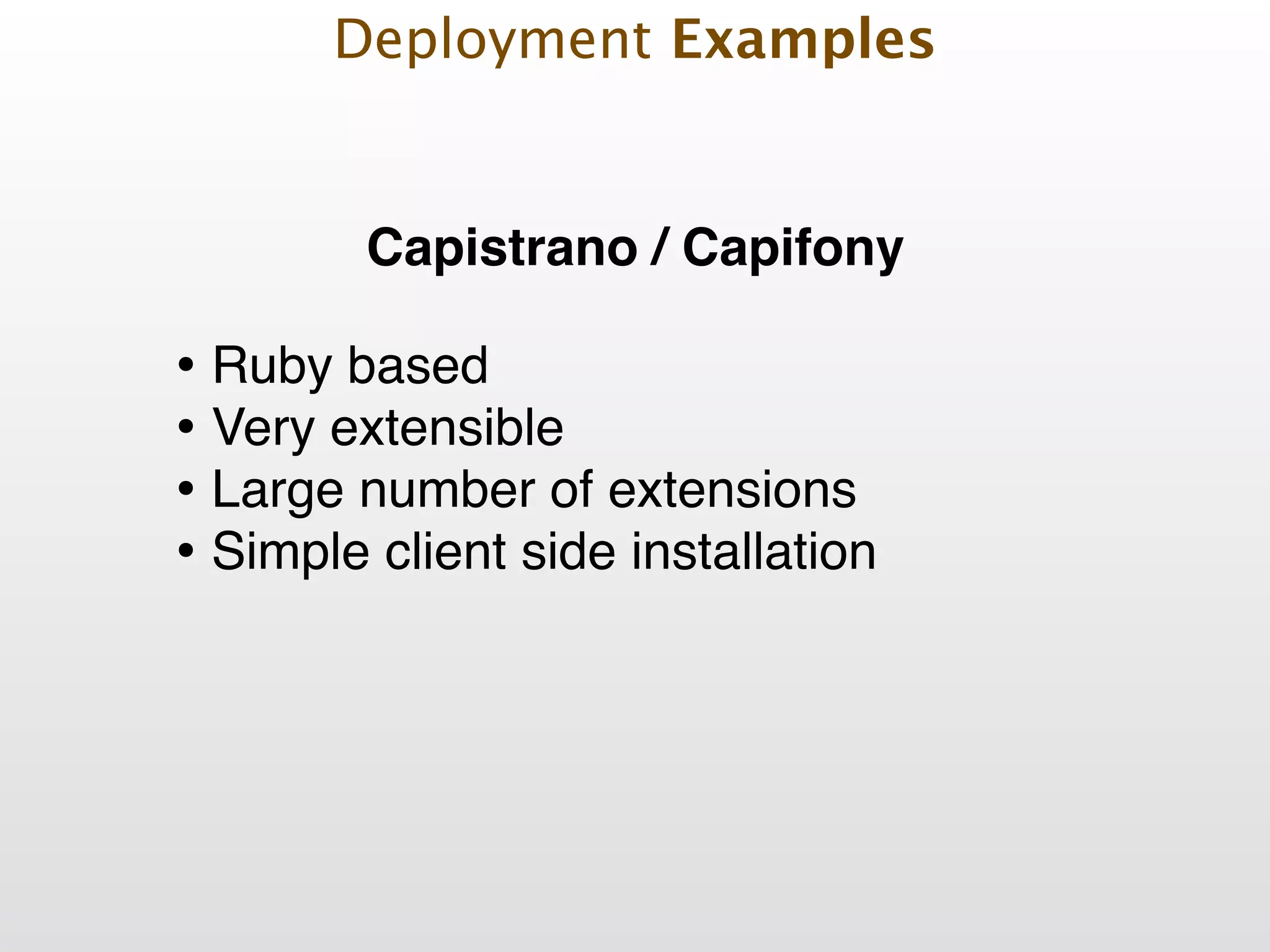
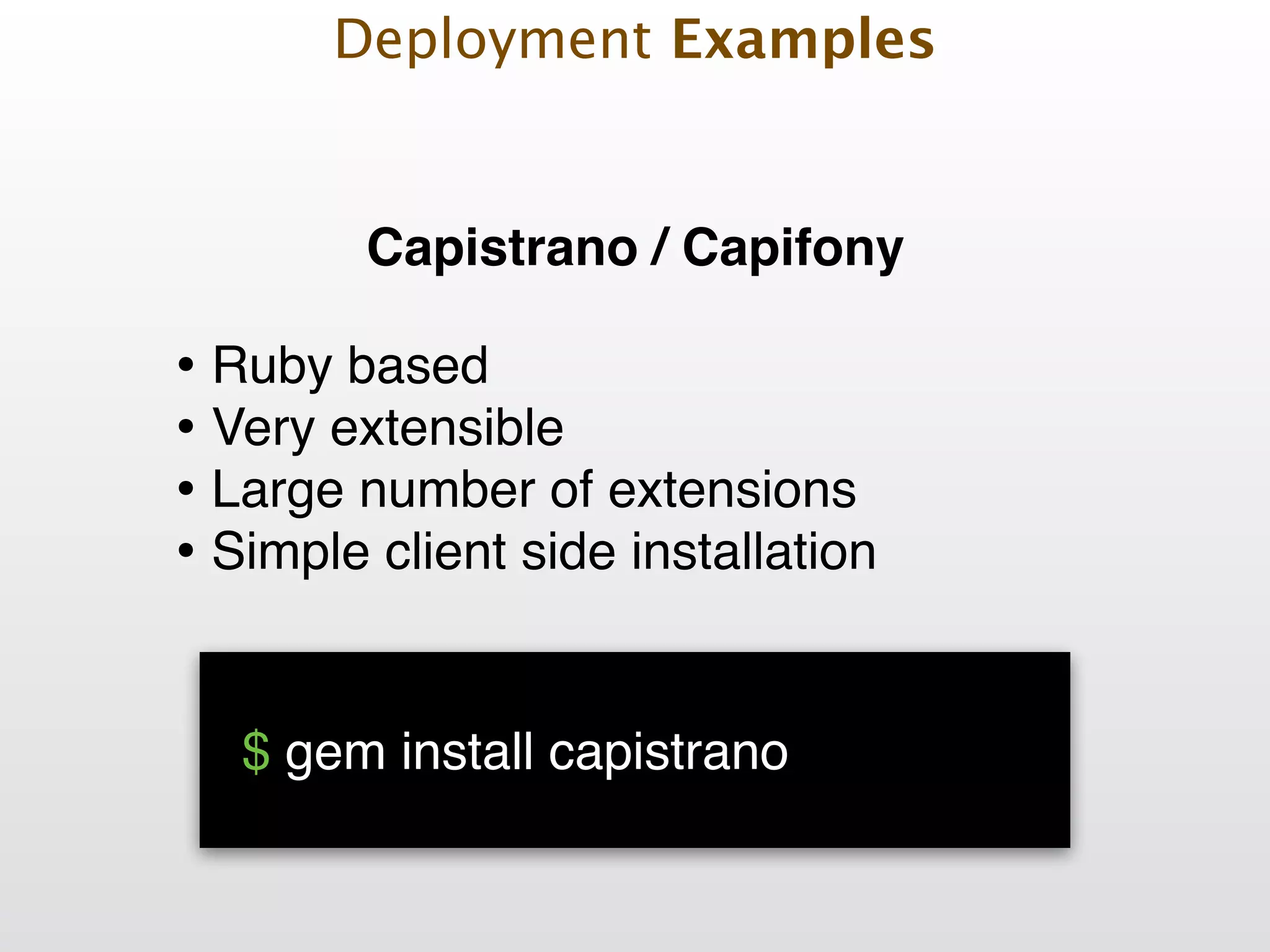
Capistrano / Capifony • Ruby based! • Very extensible! • Large number of extensions! • Simple client side installation Deployment Examples
• Ruby based! • Very extensible! • Large number of extensions! • Simple client side installation 
 $ gem install capistrano! Deployment Examples Capistrano / Capifony
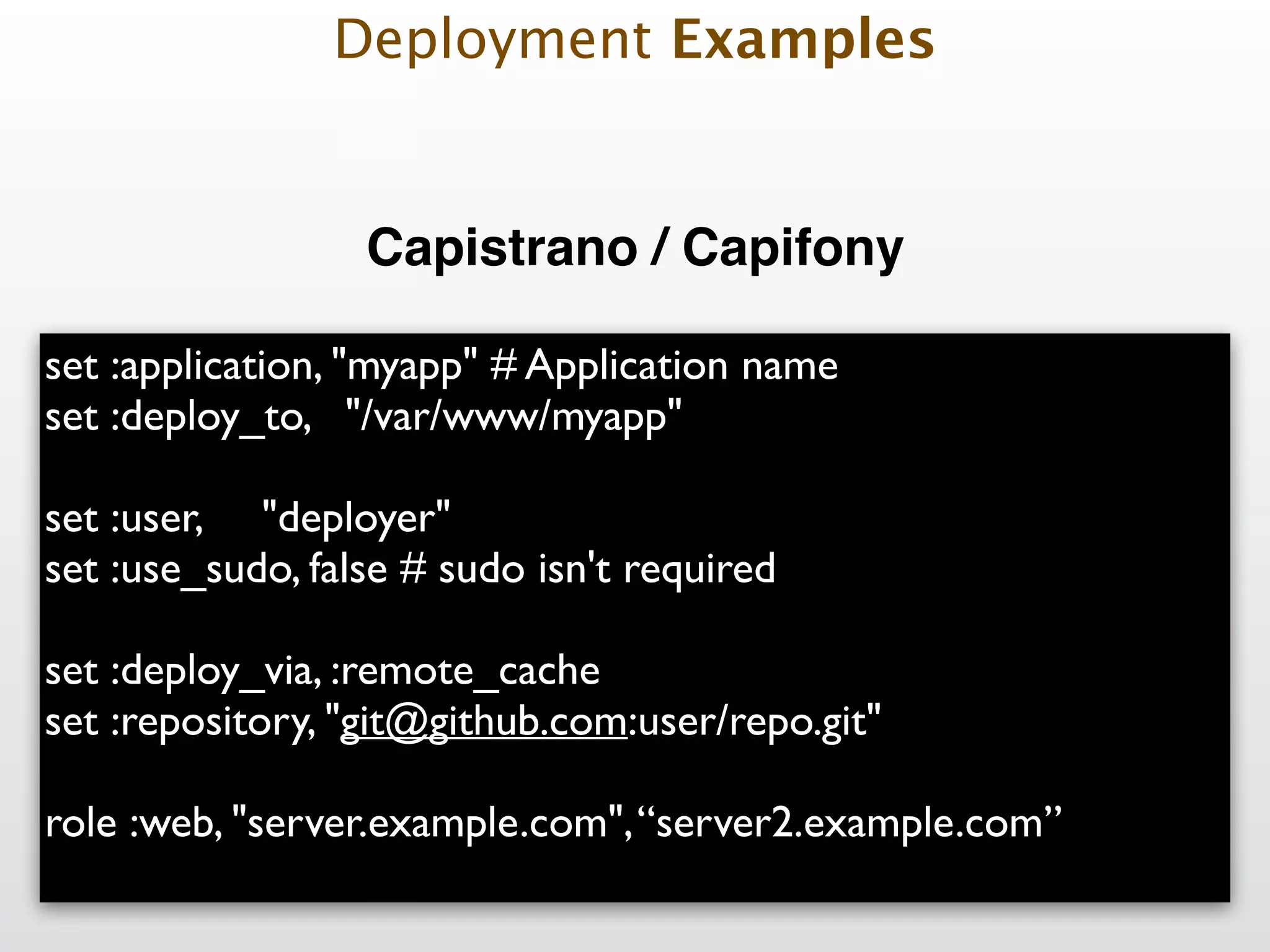
set :application, "myapp" # Application name set :deploy_to, "/var/www/myapp" ! set :user, "deployer" set :use_sudo, false # sudo isn't required ! set :deploy_via, :remote_cache set :repository, "git@github.com:user/repo.git" ! role :web, "server.example.com",“server2.example.com” Deployment Examples Capistrano / Capifony

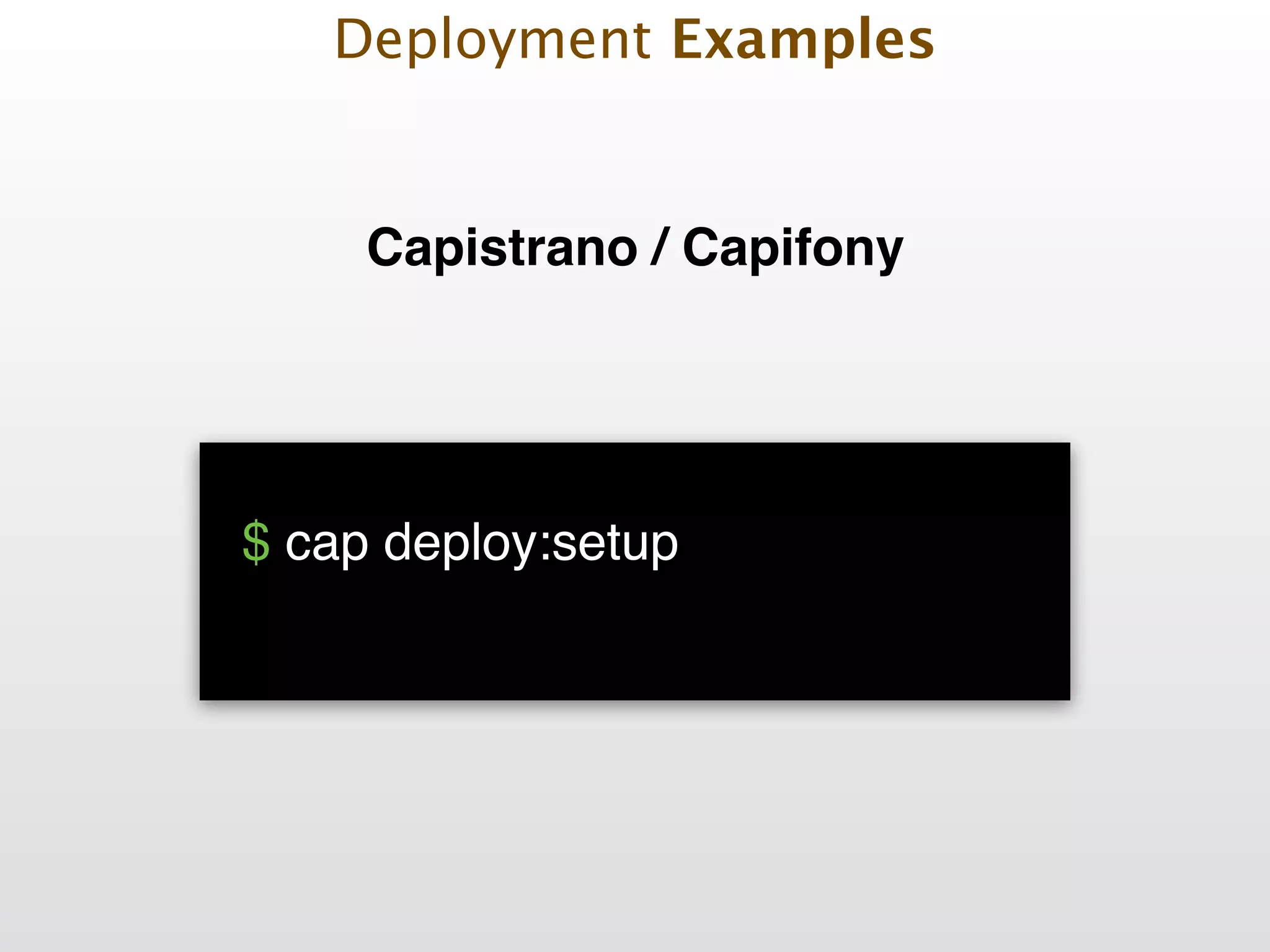
 $ cap deploy:setup
 
 Deployment Examples Capistrano / Capifony
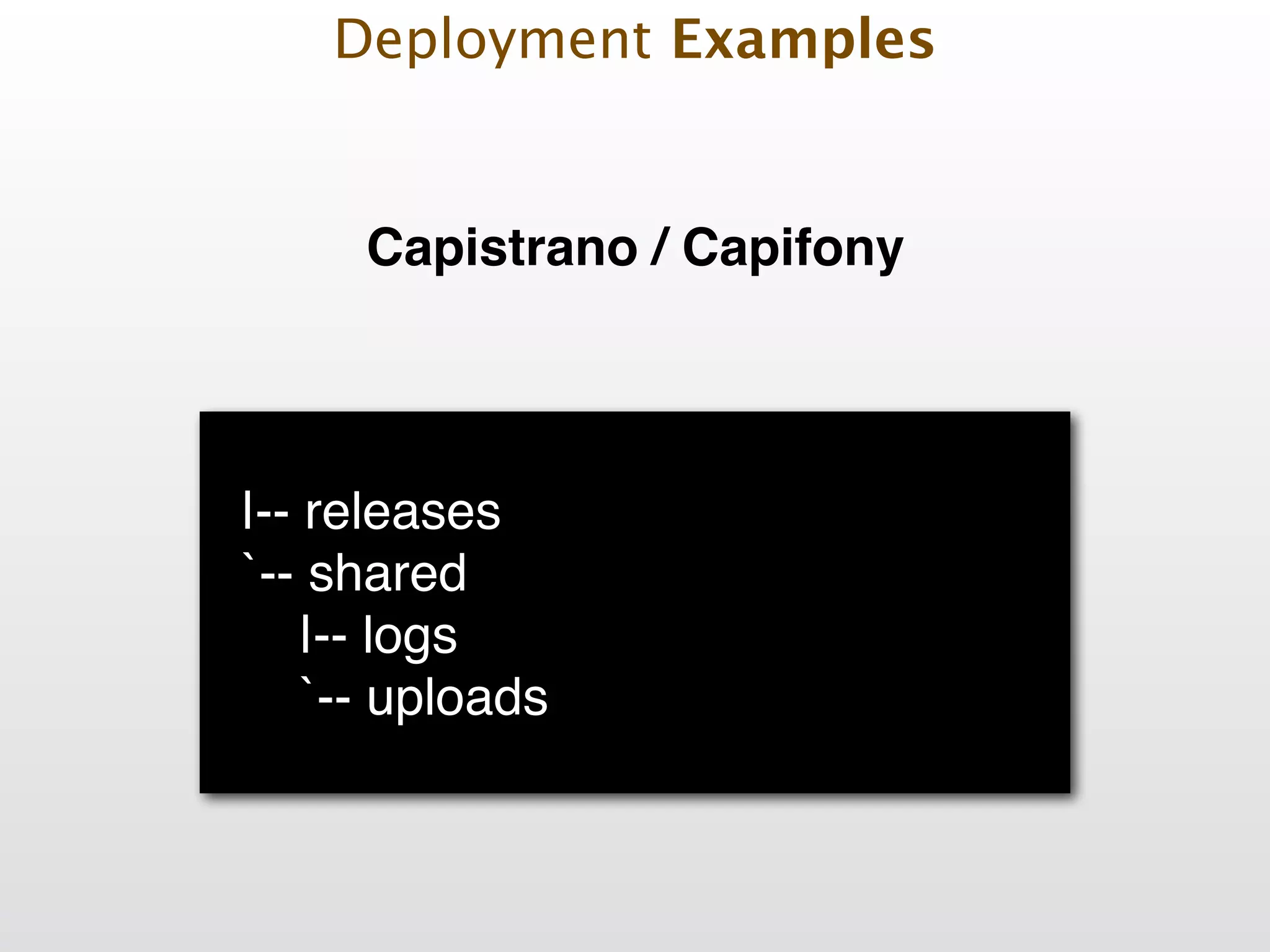
! |-- releases! `-- shared! |-- logs! `-- uploads! Deployment Examples Capistrano / Capifony

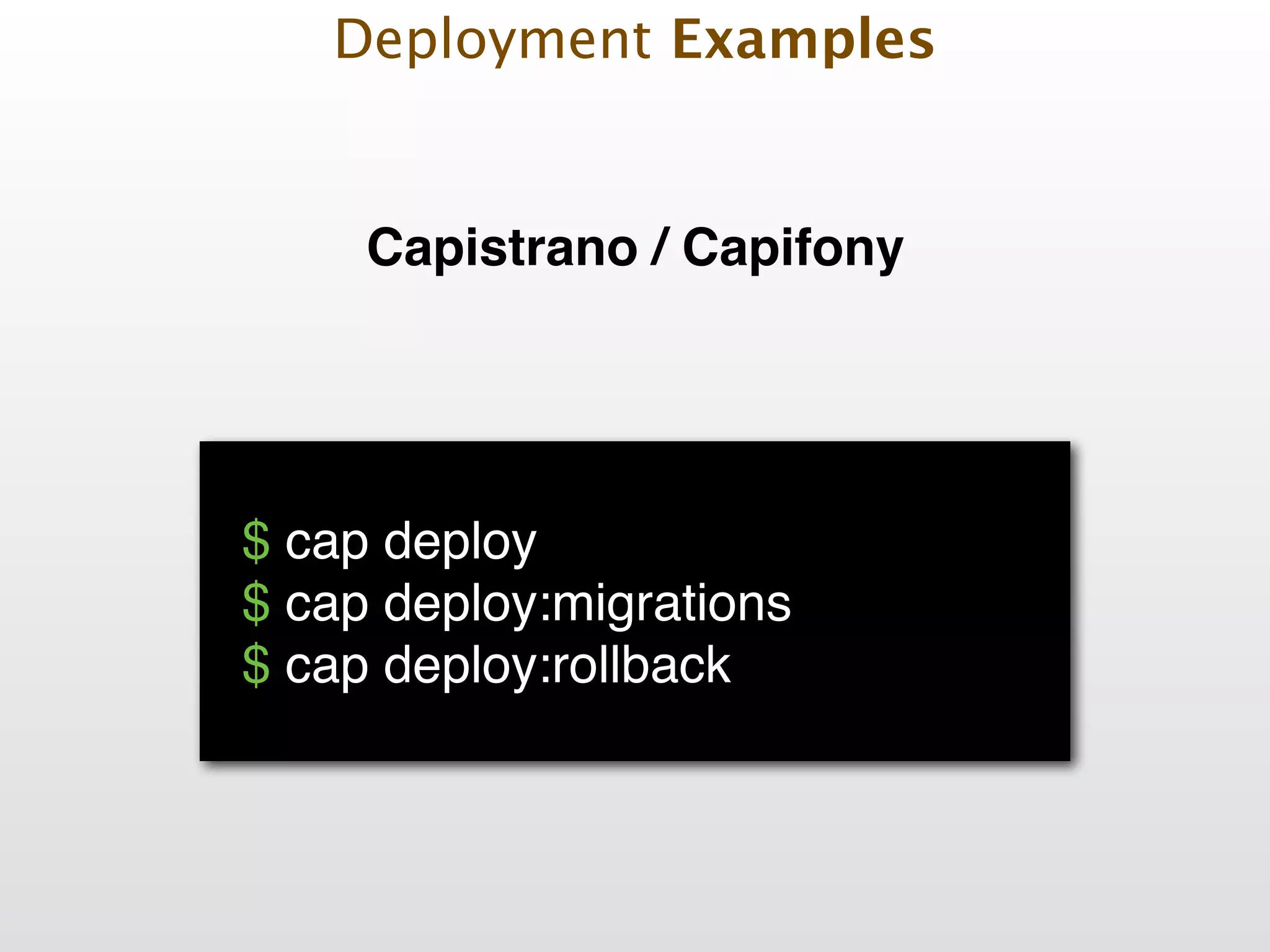
 $ cap deploy! $ cap deploy:migrations! $ cap deploy:rollback! Deployment Examples Capistrano / Capifony
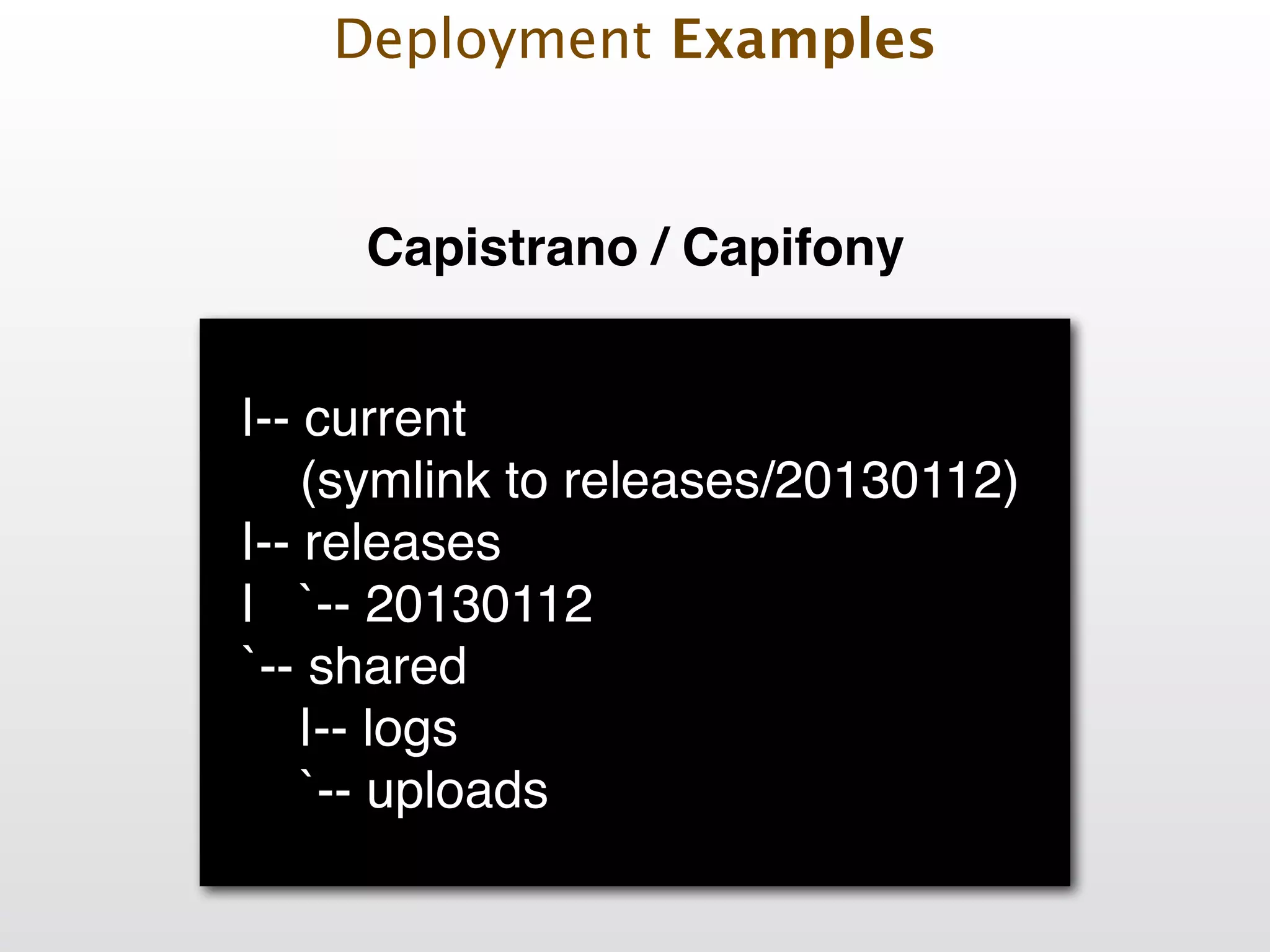
! |-- current 
 (symlink to releases/20130112)! |-- releases! | `-- 20130112! `-- shared! |-- logs! `-- uploads! Deployment Examples Capistrano / Capifony
Deployment Examples Deploying with
Deployment Examples ! ! Define hosts in inventory file [webservers] foo.example.com bar.example.com
 www[01:50].example.com ! [dbservers] one.example.com two.example.com three.example.com
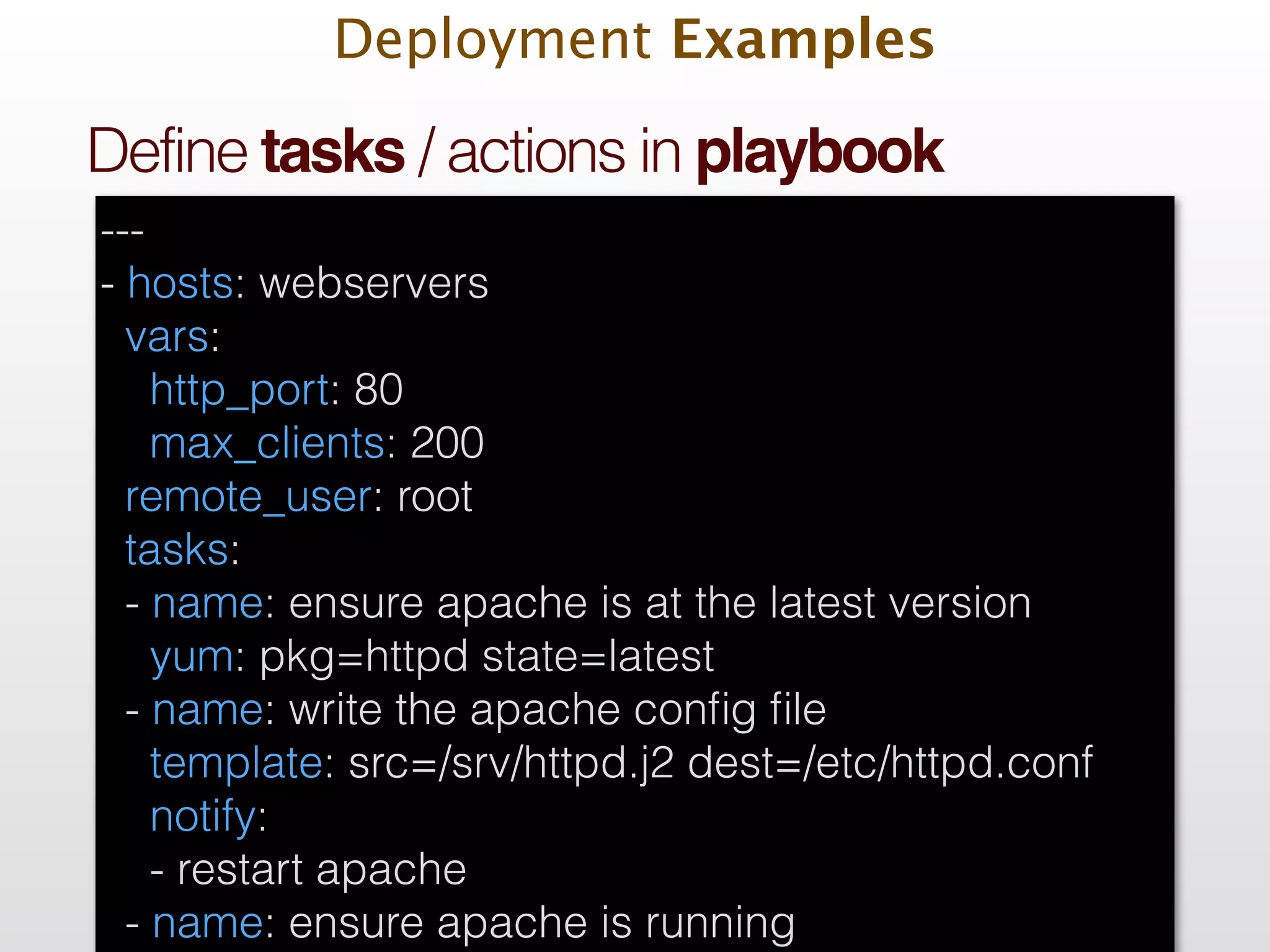
Deployment Examples ! ! Define tasks / actions in playbook --- - hosts: webservers vars: http_port: 80 max_clients: 200 remote_user: root tasks: - name: ensure apache is at the latest version yum: pkg=httpd state=latest - name: write the apache config file template: src=/srv/httpd.j2 dest=/etc/httpd.conf notify: - restart apache - name: ensure apache is running
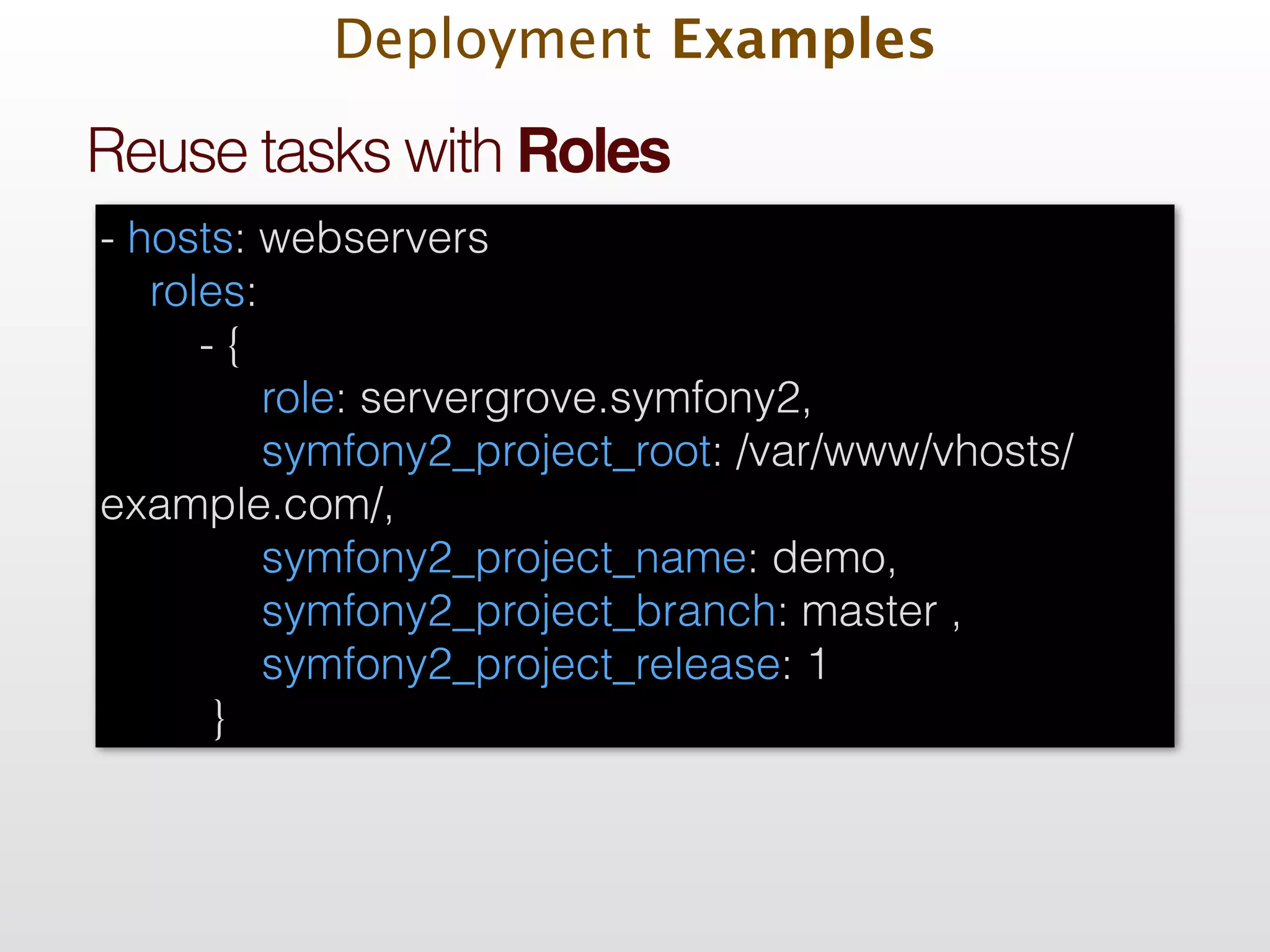
Deployment Examples ! ! Reuse tasks with Roles - hosts: webservers roles: - { role: servergrove.symfony2, symfony2_project_root: /var/www/vhosts/ example.com/, symfony2_project_name: demo, symfony2_project_branch: master , symfony2_project_release: 1 }
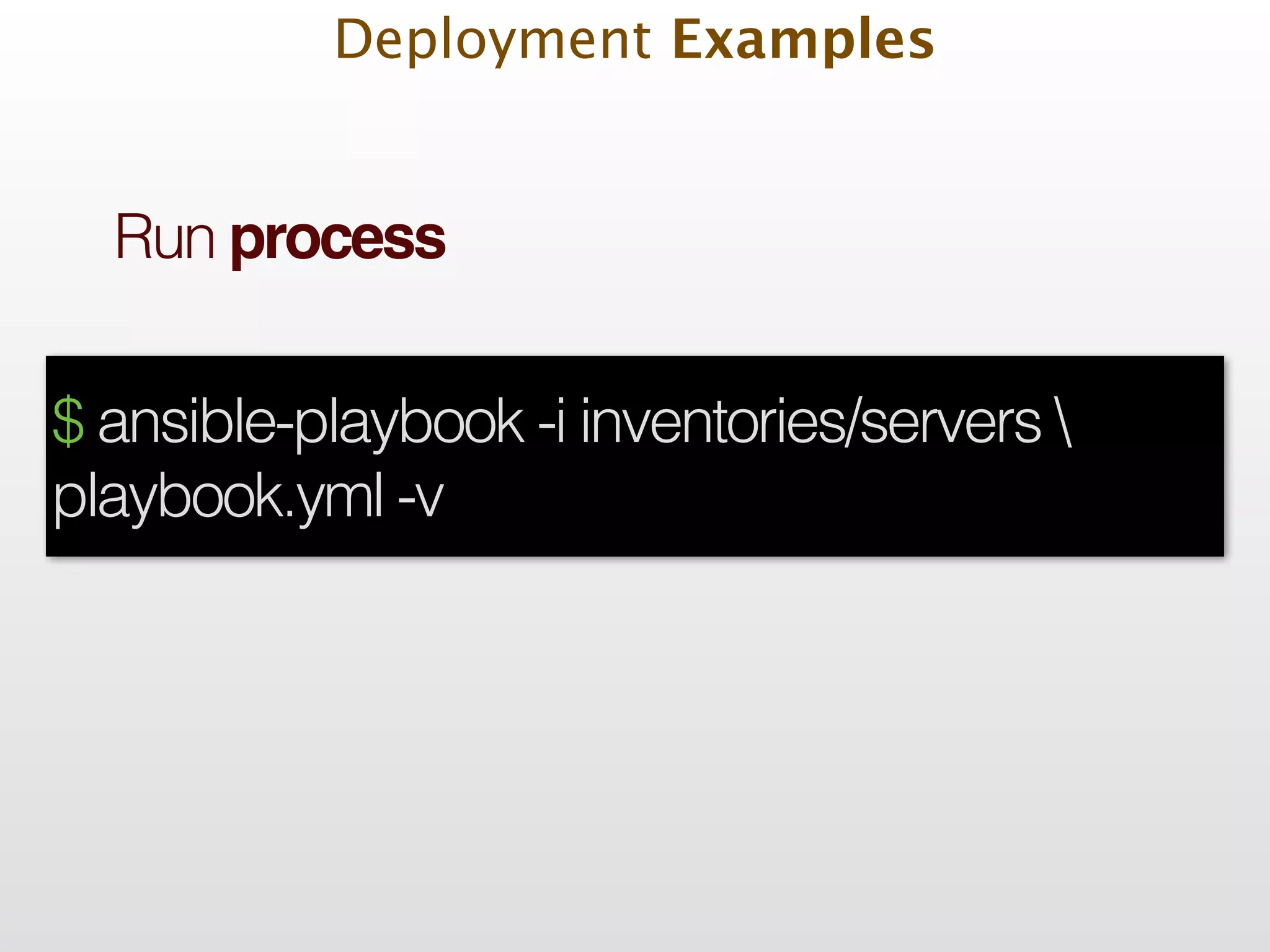
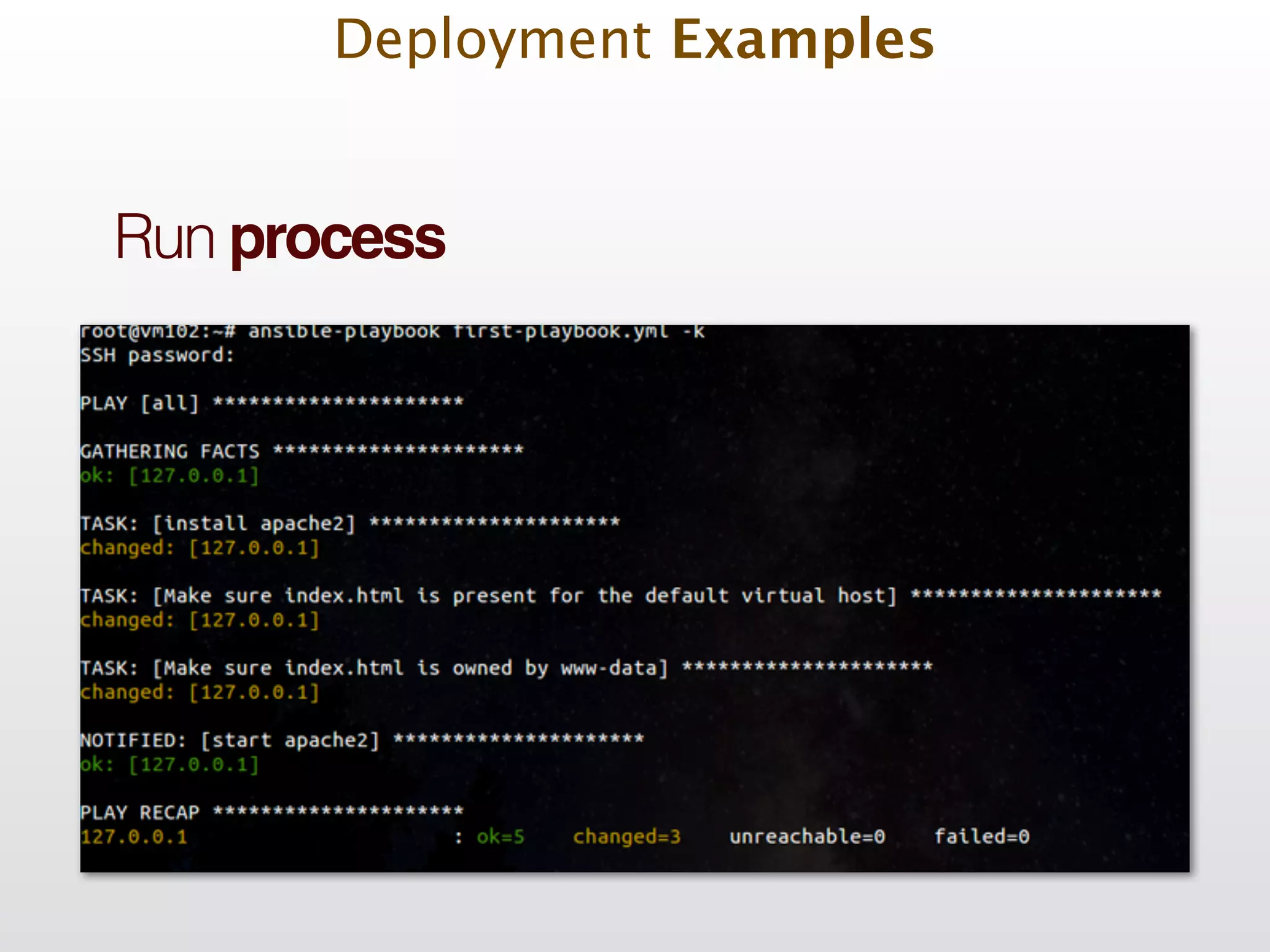
Deployment Examples ! ! Run process $ ansible-playbook -i inventories/servers playbook.yml -v
Deployment Examples ! ! Run process
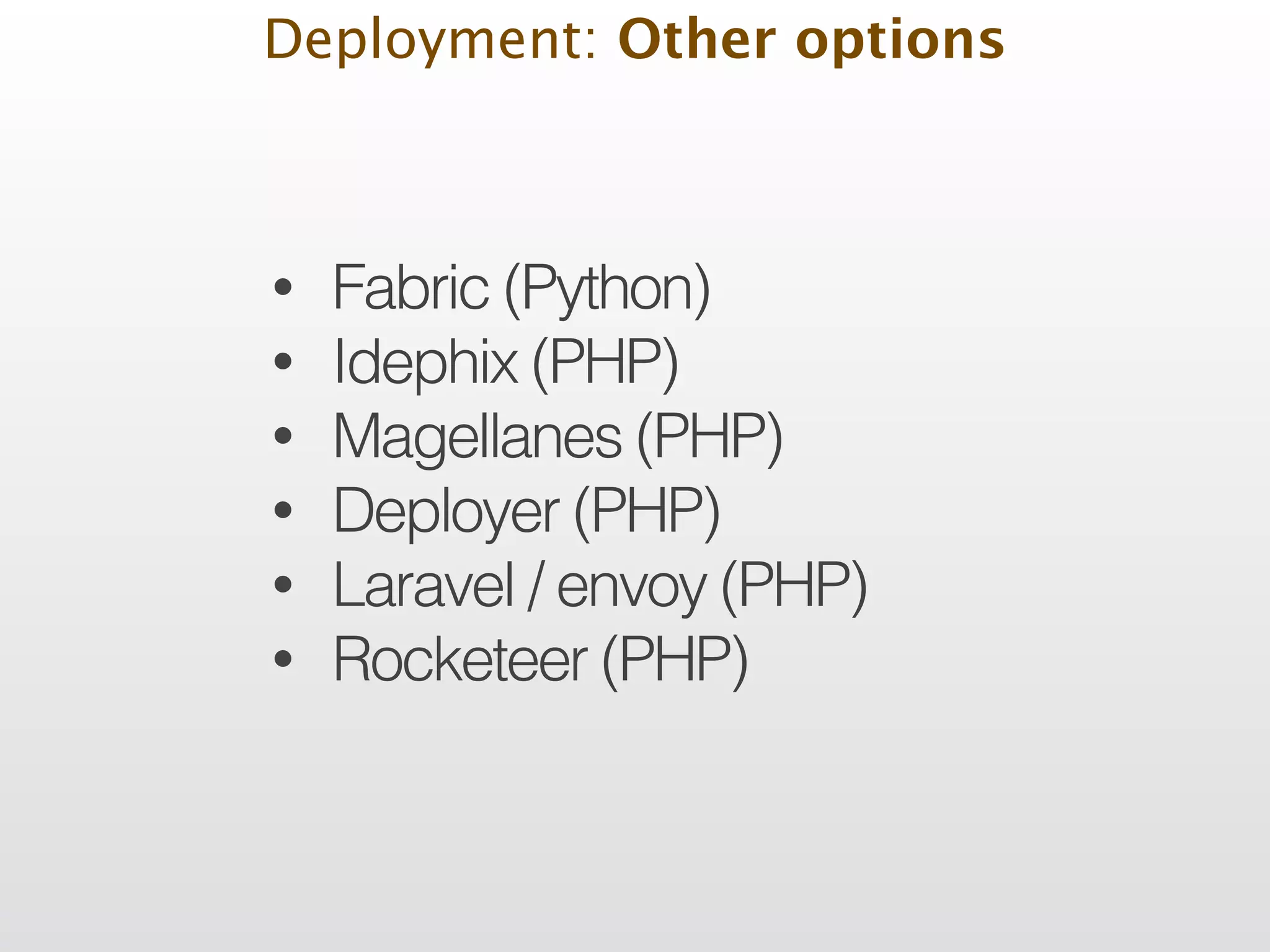
Deployment: Other options • Fabric (Python) • Idephix (PHP) • Magellanes (PHP) • Deployer (PHP) • Laravel / envoy (PHP) • Rocketeer (PHP)
Deployment Complement Tools
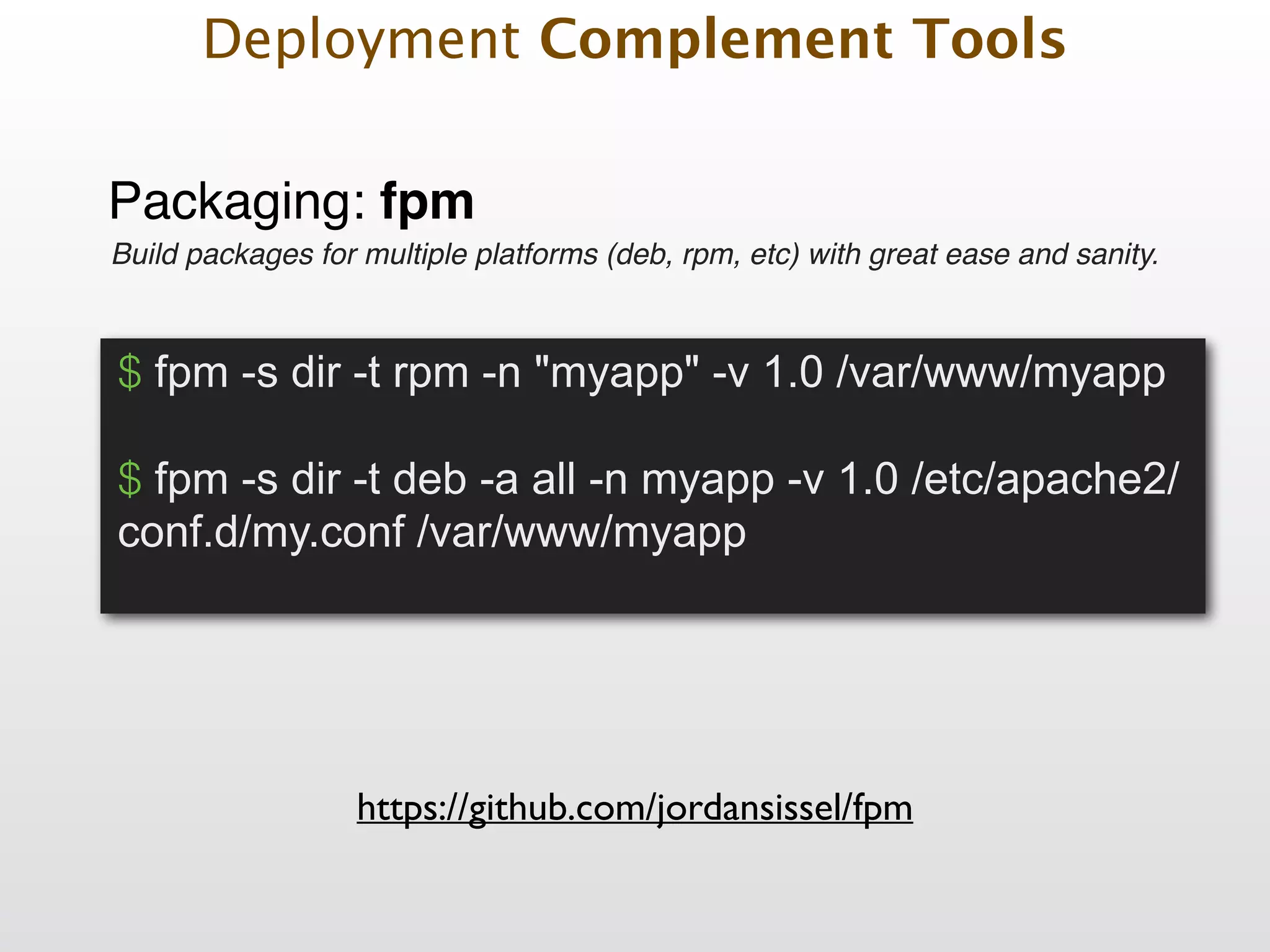
Packaging: fpm https://github.com/jordansissel/fpm Build packages for multiple platforms (deb, rpm, etc) with great ease and sanity. $ fpm -s dir -t rpm -n "myapp" -v 1.0 /var/www/myapp ! $ fpm -s dir -t deb -a all -n myapp -v 1.0 /etc/apache2/ conf.d/my.conf /var/www/myapp Deployment Complement Tools
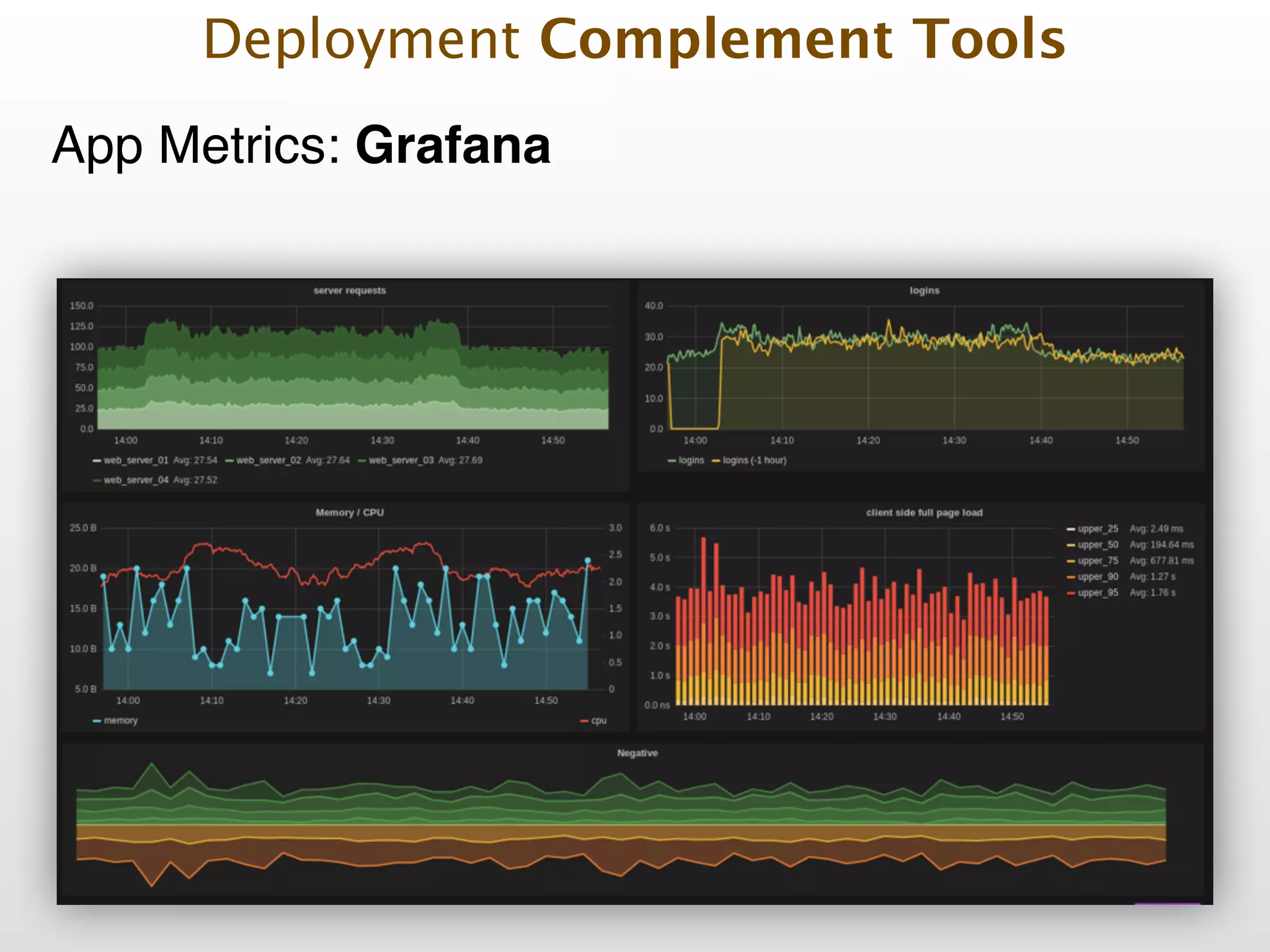
App Metrics: StatsD & Graphite Deployment Complement Tools
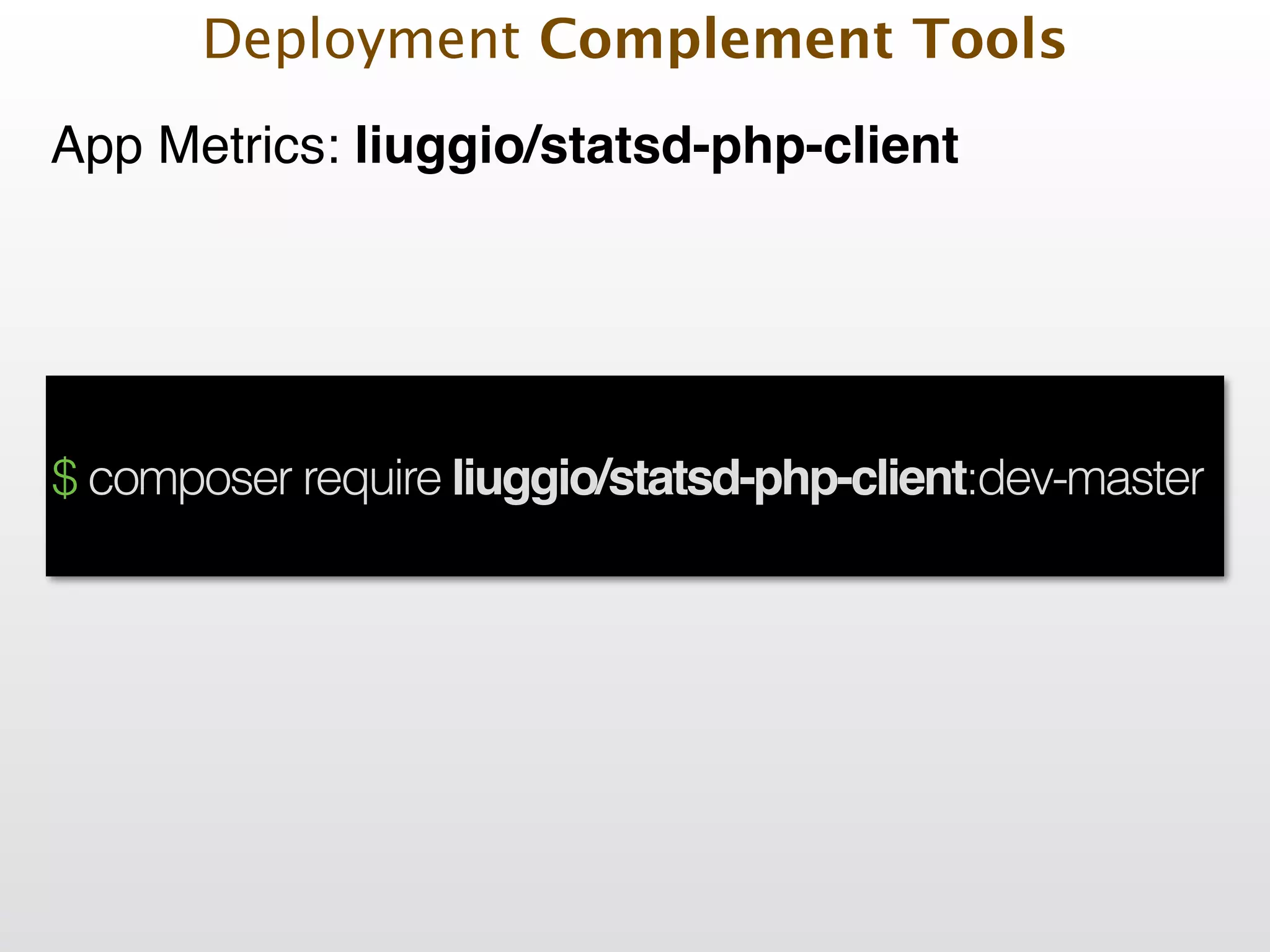
App Metrics: liuggio/statsd-php-client Deployment Complement Tools $ composer require liuggio/statsd-php-client:dev-master
App Metrics: liuggio/statsd-php-client Deployment Complement Tools $sender = new SocketSender(/*'localhost', 8126, 'udp'*/); ! $client = new StatsdClient($sender); $factory = new StatsdDataFactory('LiuggioStatsdClientEntityStatsdData'); ! // create the data with the factory $data[] = $factory->timing('usageTime', 100); $data[] = $factory->increment('visitor'); $data[] = $factory->decrement('click'); $data[] = $factory->gauge('gaugor', 333); $data[] = $factory->set('uniques', 765); ! // send the data as array or directly as object $client->send($data);
App Metrics: liuggio/statsd-php-client Deployment Complement Tools $data[] = $factory->timing('usageTime', 100);! ! // send the data as array or directly as object $client->send($data);
App Metrics: liuggio/statsd-php-client Deployment Complement Tools $data[] = $factory->increment('orders');! ! // send the data as array or directly as object $client->send($data);
App Metrics: liuggio/statsd-php-client Deployment Complement Tools $data[] = $factory->gauge('memory', 333);! ! // send the data as array or directly as object $client->send($data);
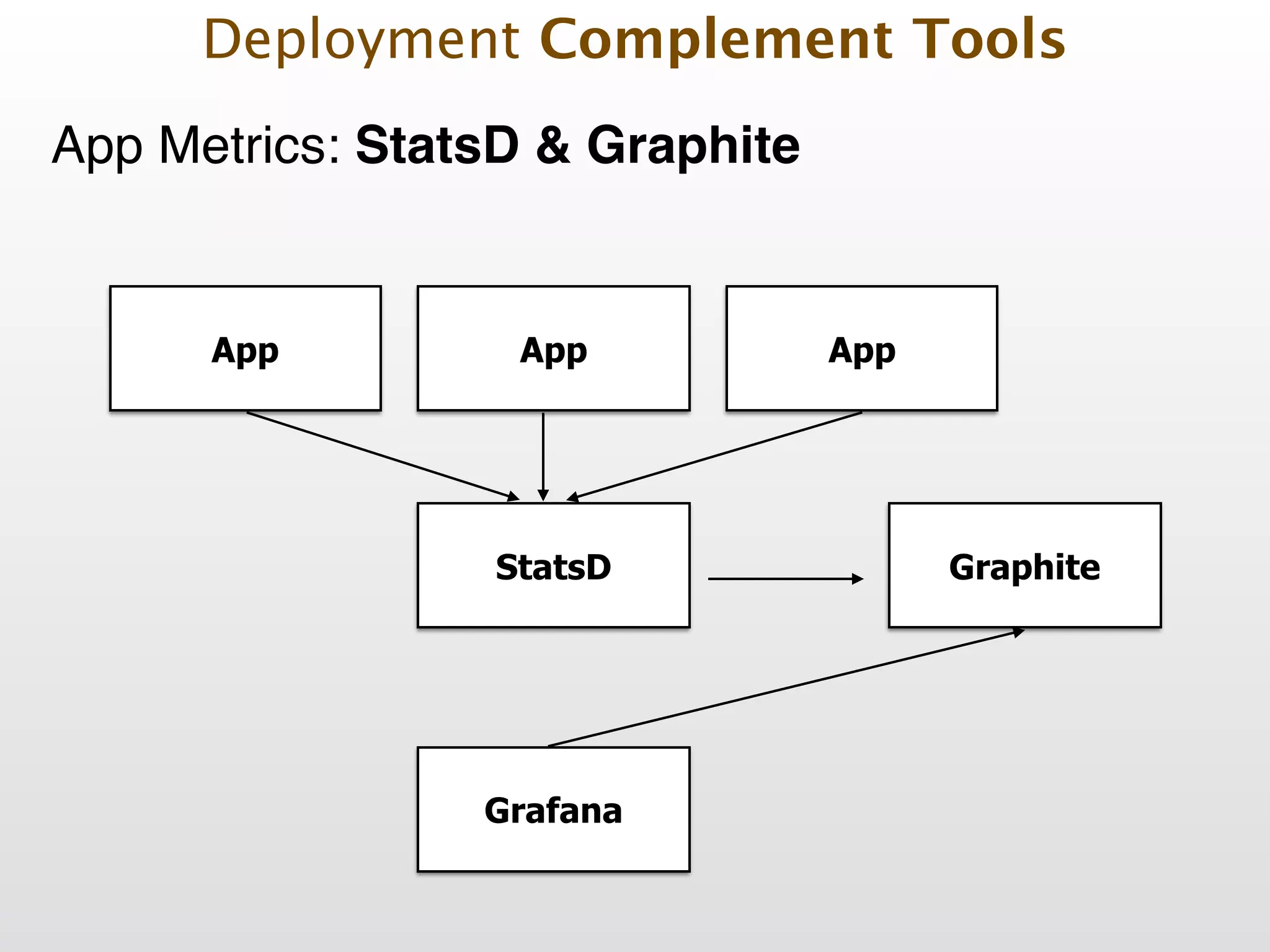
App Metrics: StatsD & Graphite Deployment Complement Tools App StatsD Graphite Grafana App App
Deployment Complement Tools App Metrics: Grafana
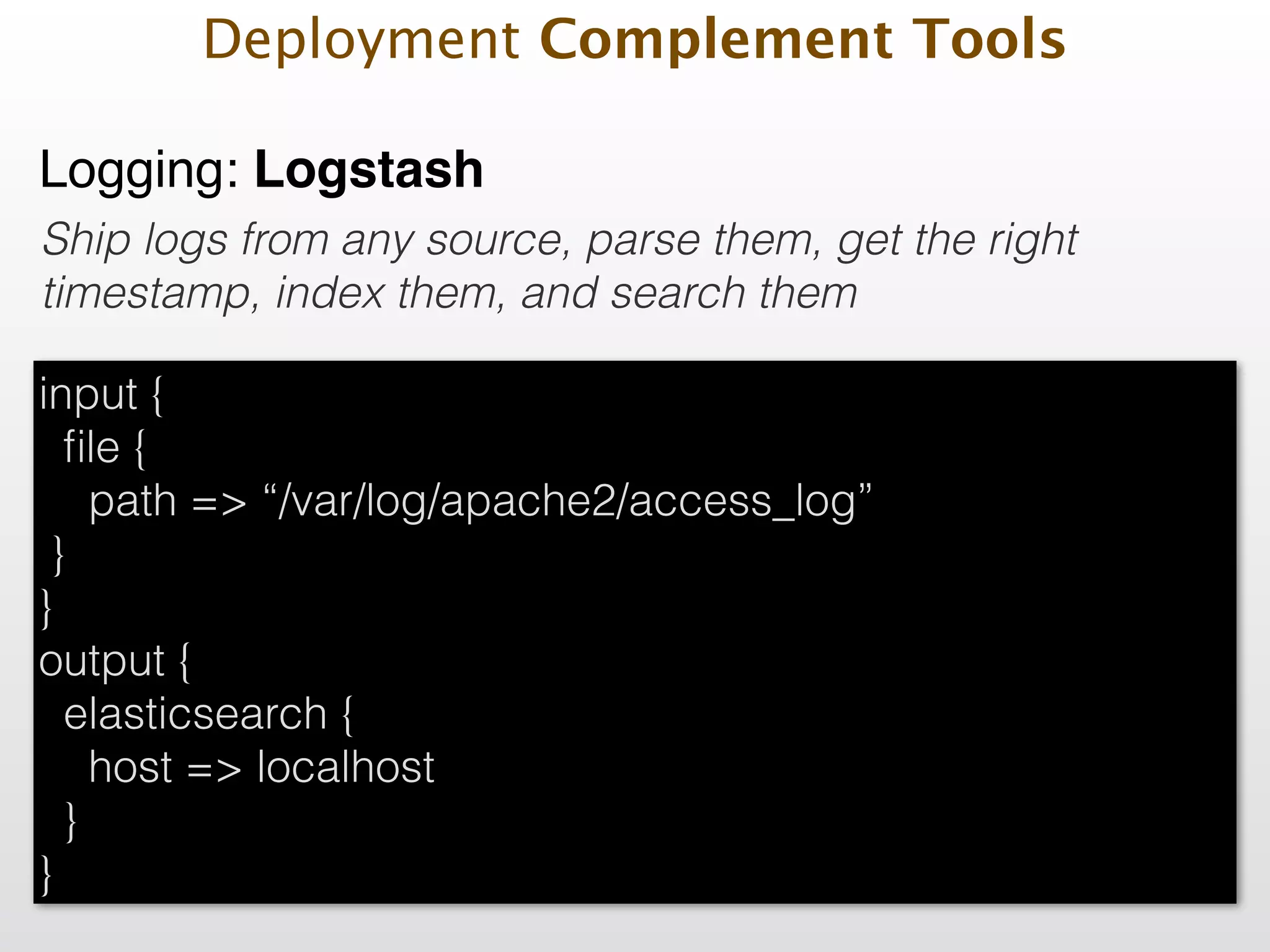
Logging: Logstash Ship logs from any source, parse them, get the right timestamp, index them, and search them Deployment Complement Tools input { file { path => “/var/log/apache2/access_log” } } output { elasticsearch { host => localhost } }
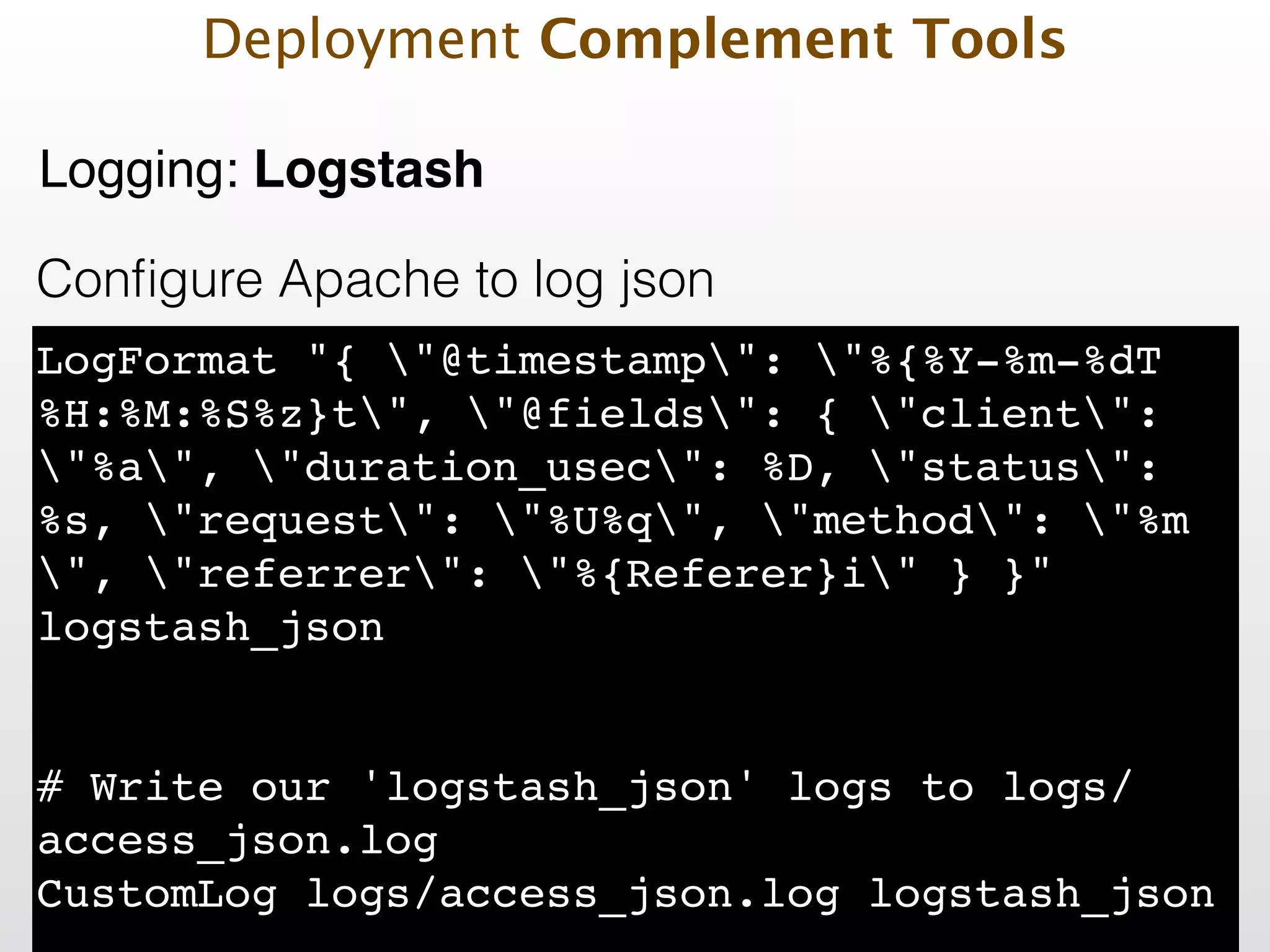
Configure Apache to log json LogFormat "{ "@timestamp": "%{%Y-%m-%dT %H:%M:%S%z}t", "@fields": { "client": "%a", "duration_usec": %D, "status": %s, "request": "%U%q", "method": "%m ", "referrer": "%{Referer}i" } }" logstash_json! ! ! # Write our 'logstash_json' logs to logs/ access_json.log! CustomLog logs/access_json.log logstash_json! Deployment Complement Tools Logging: Logstash
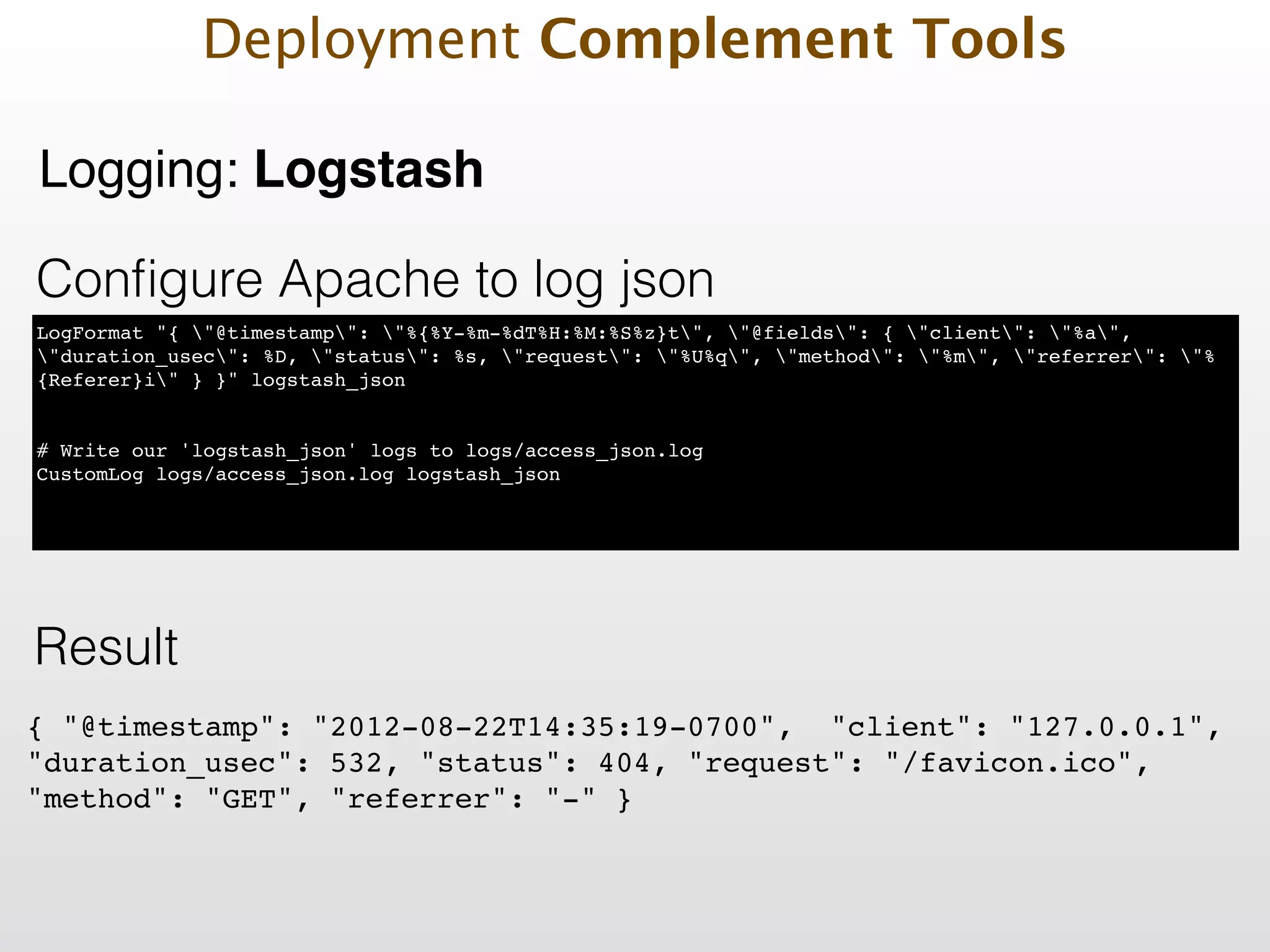
Configure Apache to log json LogFormat "{ "@timestamp": "%{%Y-%m-%dT%H:%M:%S%z}t", "@fields": { "client": "%a", "duration_usec": %D, "status": %s, "request": "%U%q", "method": "%m", "referrer": "% {Referer}i" } }" logstash_json! ! ! # Write our 'logstash_json' logs to logs/access_json.log! CustomLog logs/access_json.log logstash_json! { "@timestamp": "2012-08-22T14:35:19-0700", "client": "127.0.0.1", "duration_usec": 532, "status": 404, "request": "/favicon.ico", "method": "GET", "referrer": "-" }! Result Deployment Complement Tools Logging: Logstash
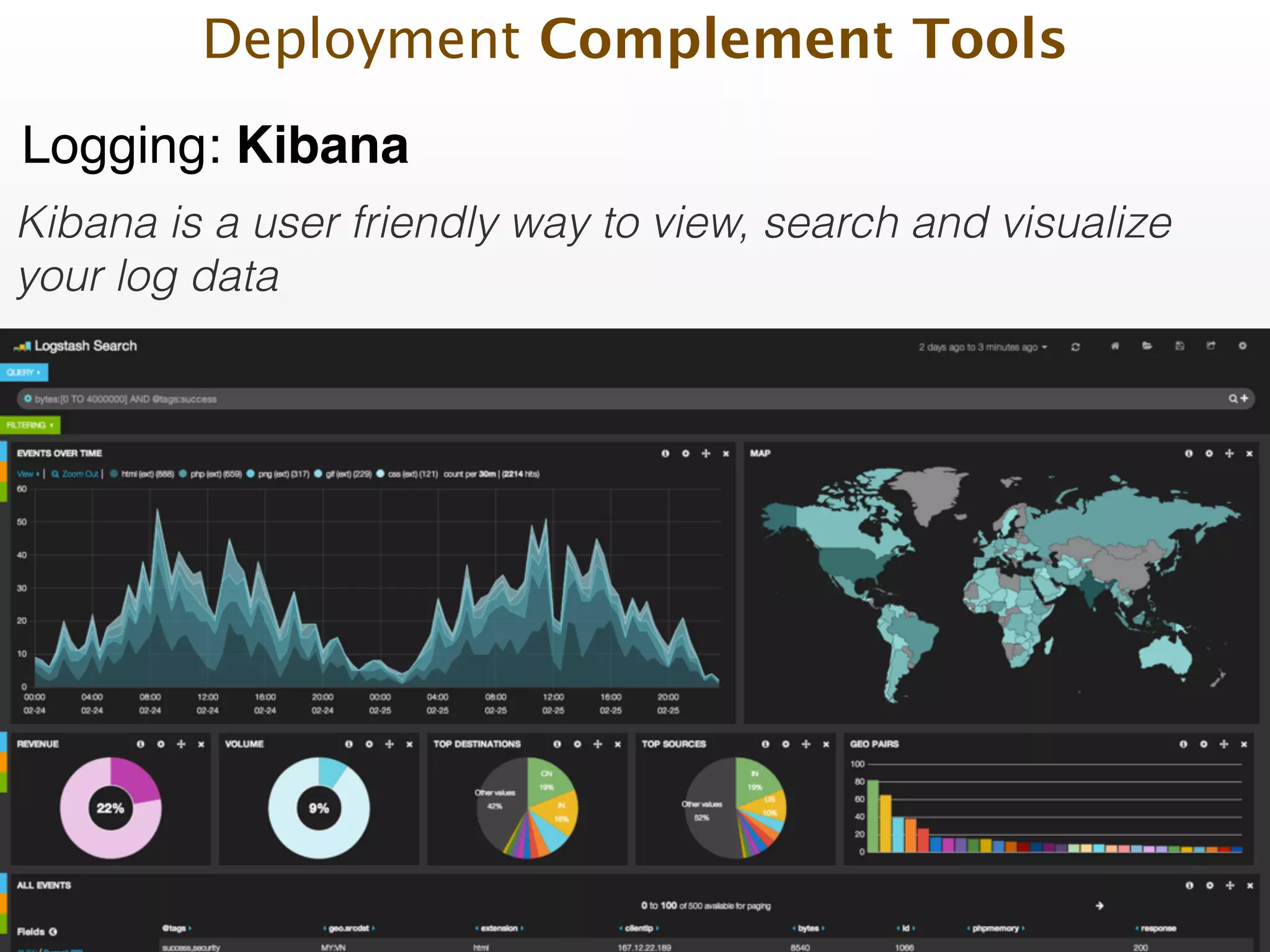
Logging: Kibana Kibana is a user friendly way to view, search and visualize your log data Deployment Complement Tools
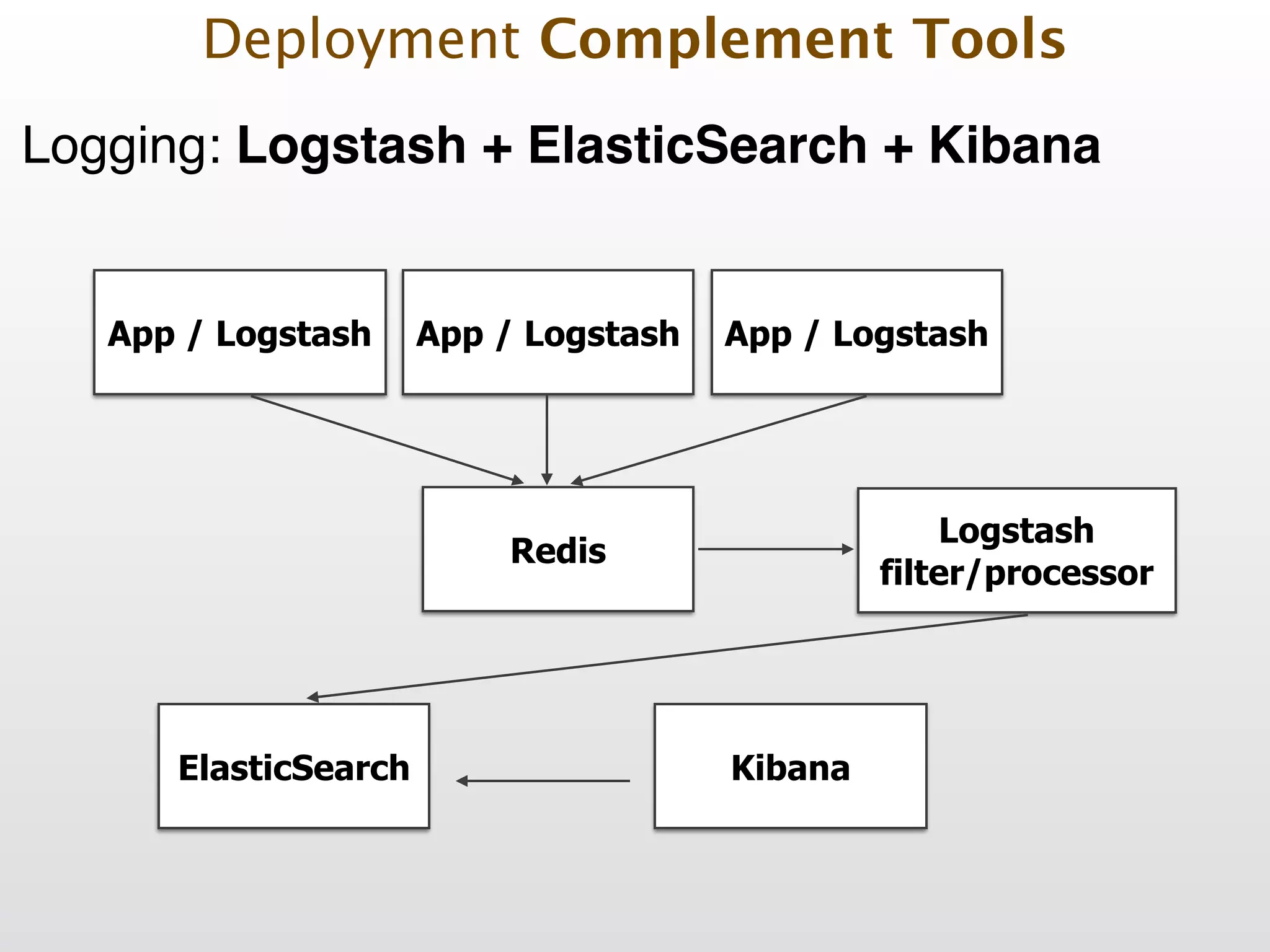
Logging: Logstash + ElasticSearch + Kibana Deployment Complement Tools App / Logstash Redis Logstash filter/processor ElasticSearch Kibana App / Logstash App / Logstash
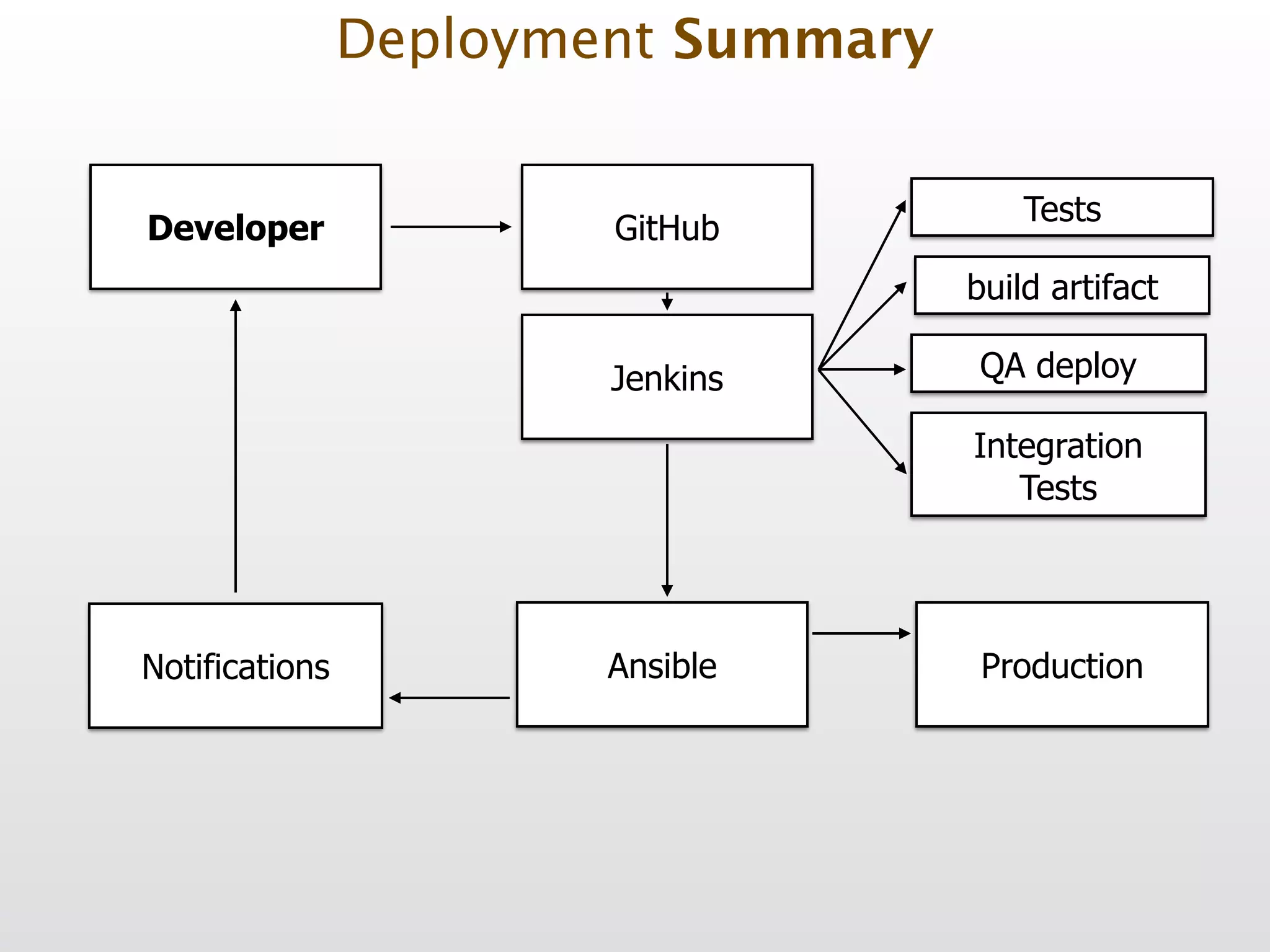
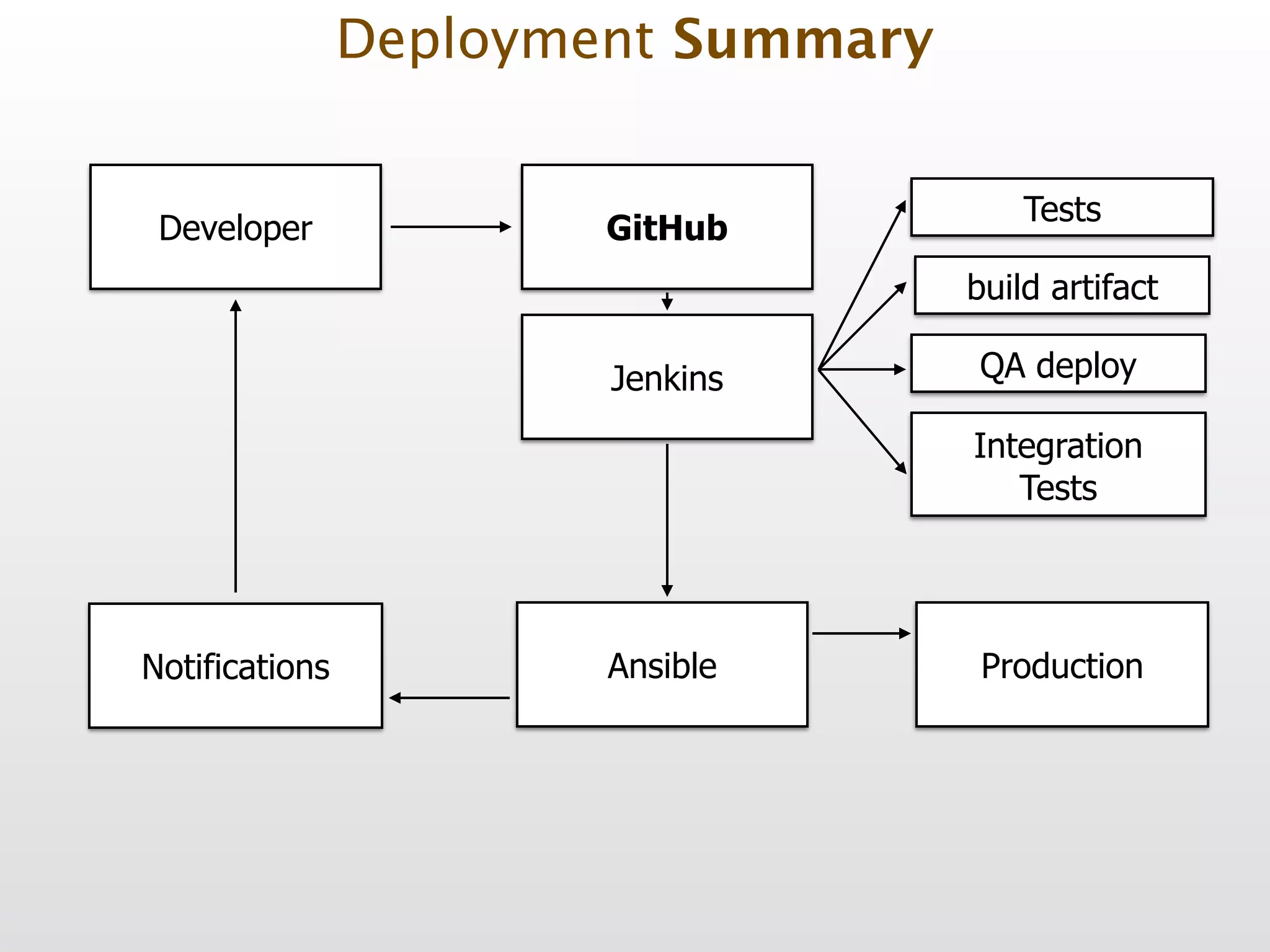
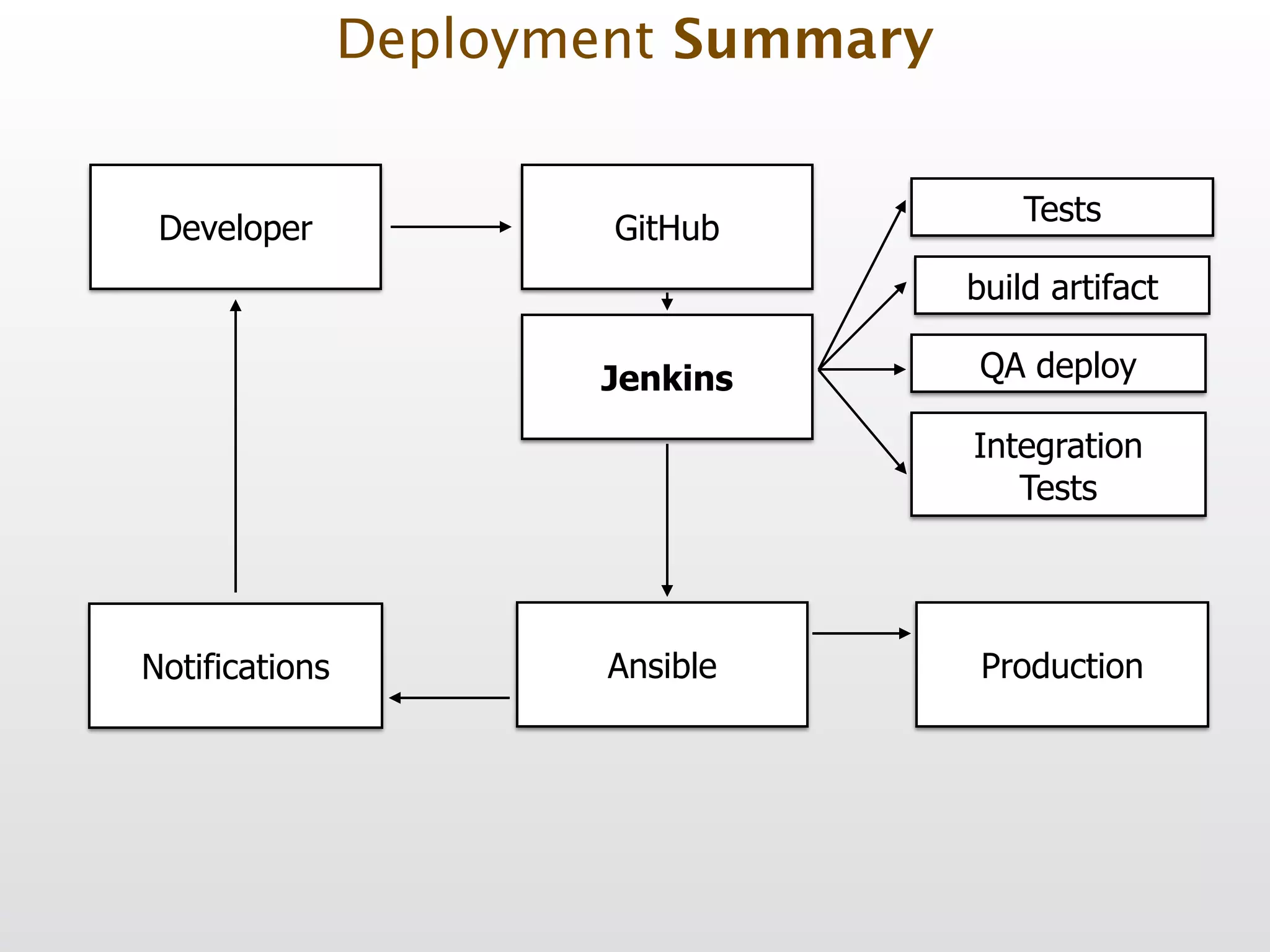
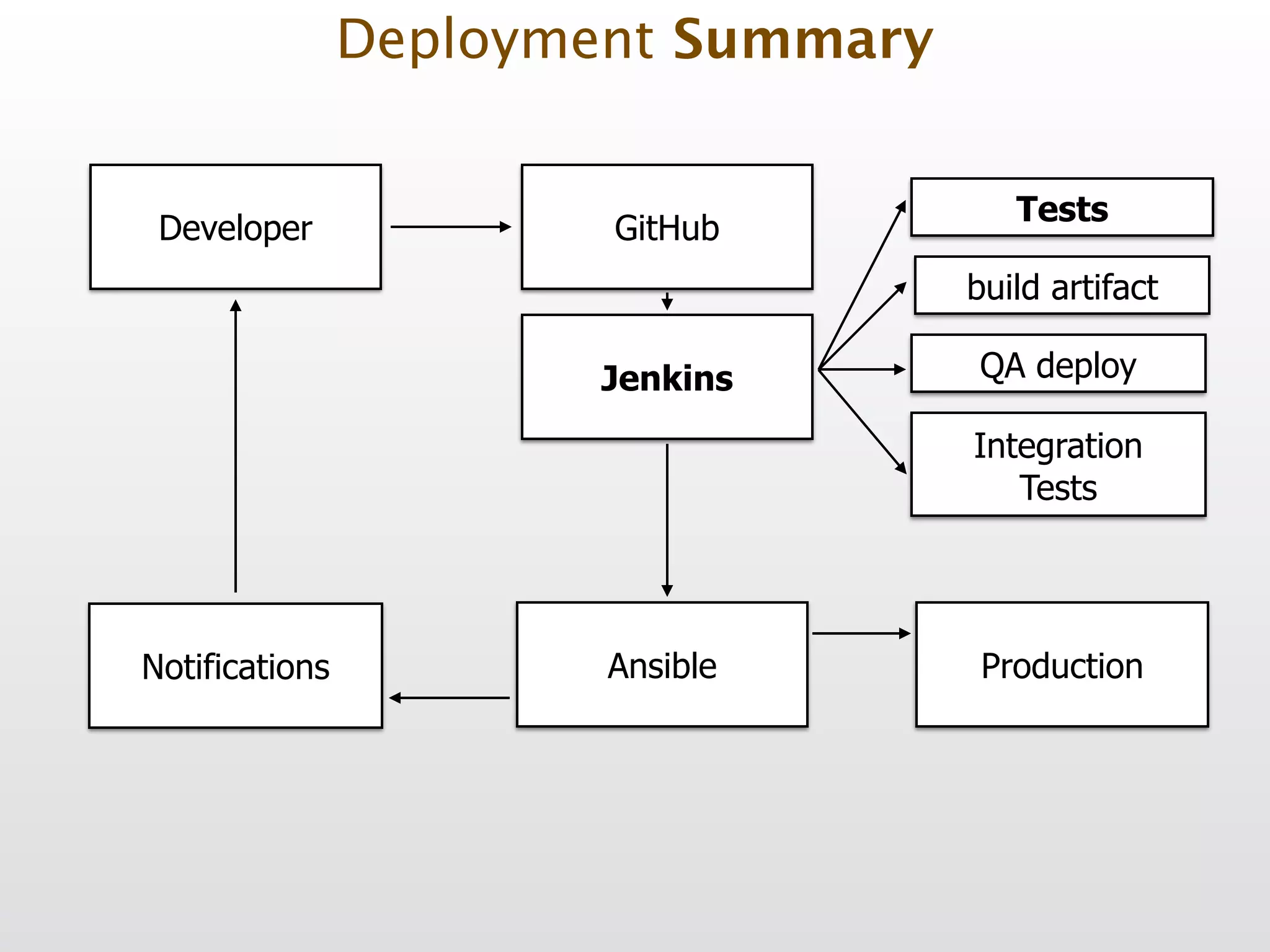
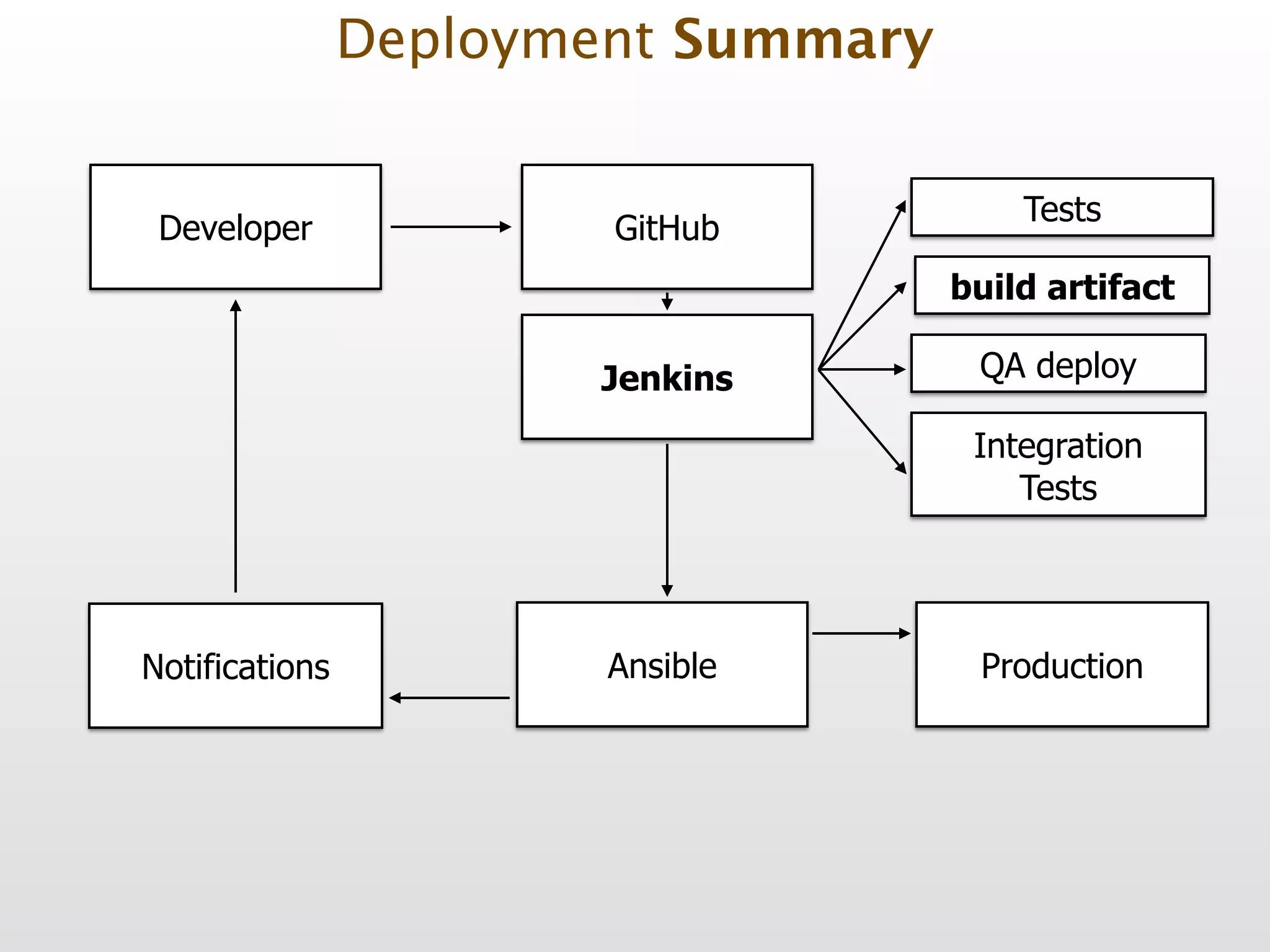
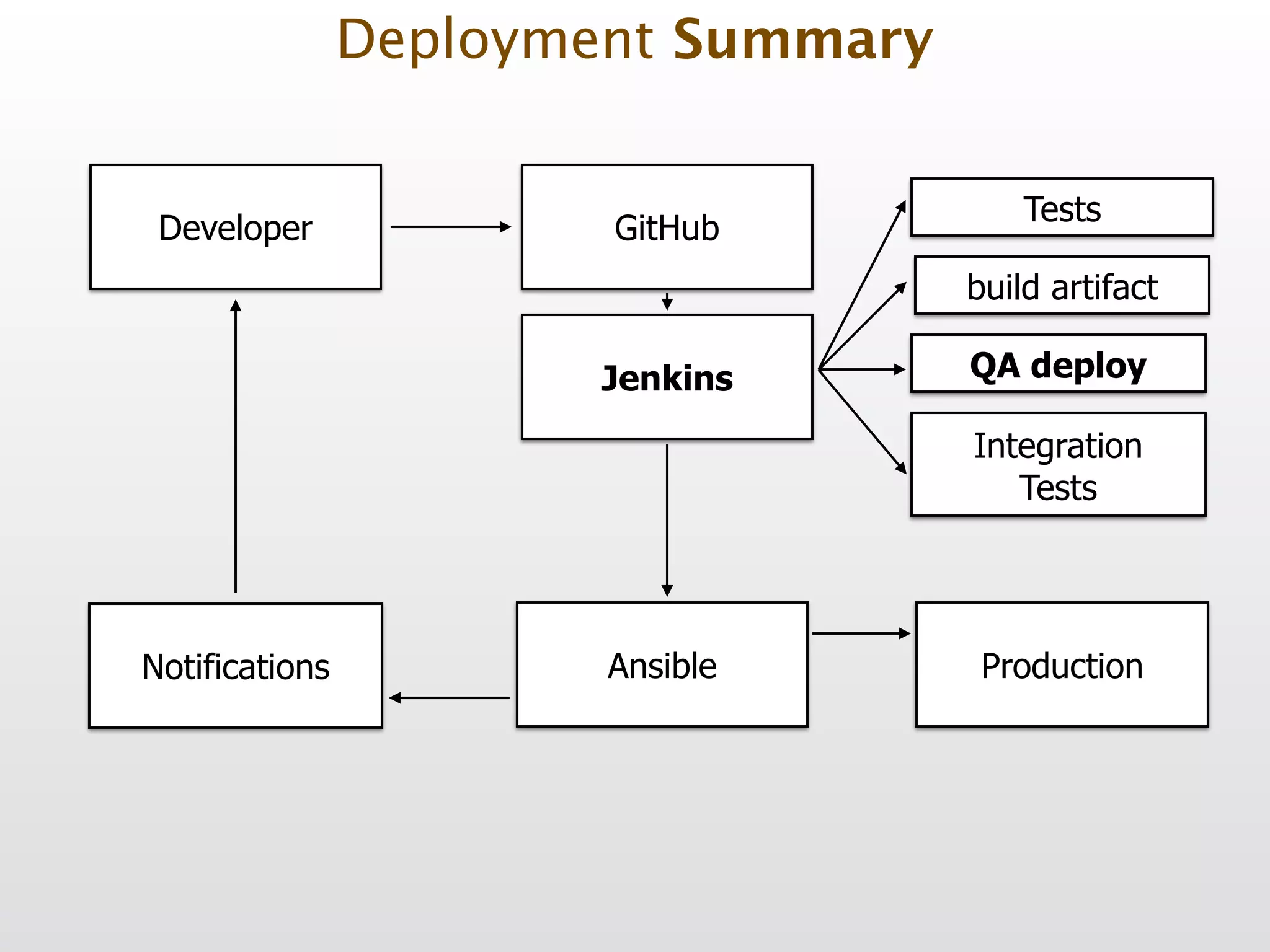
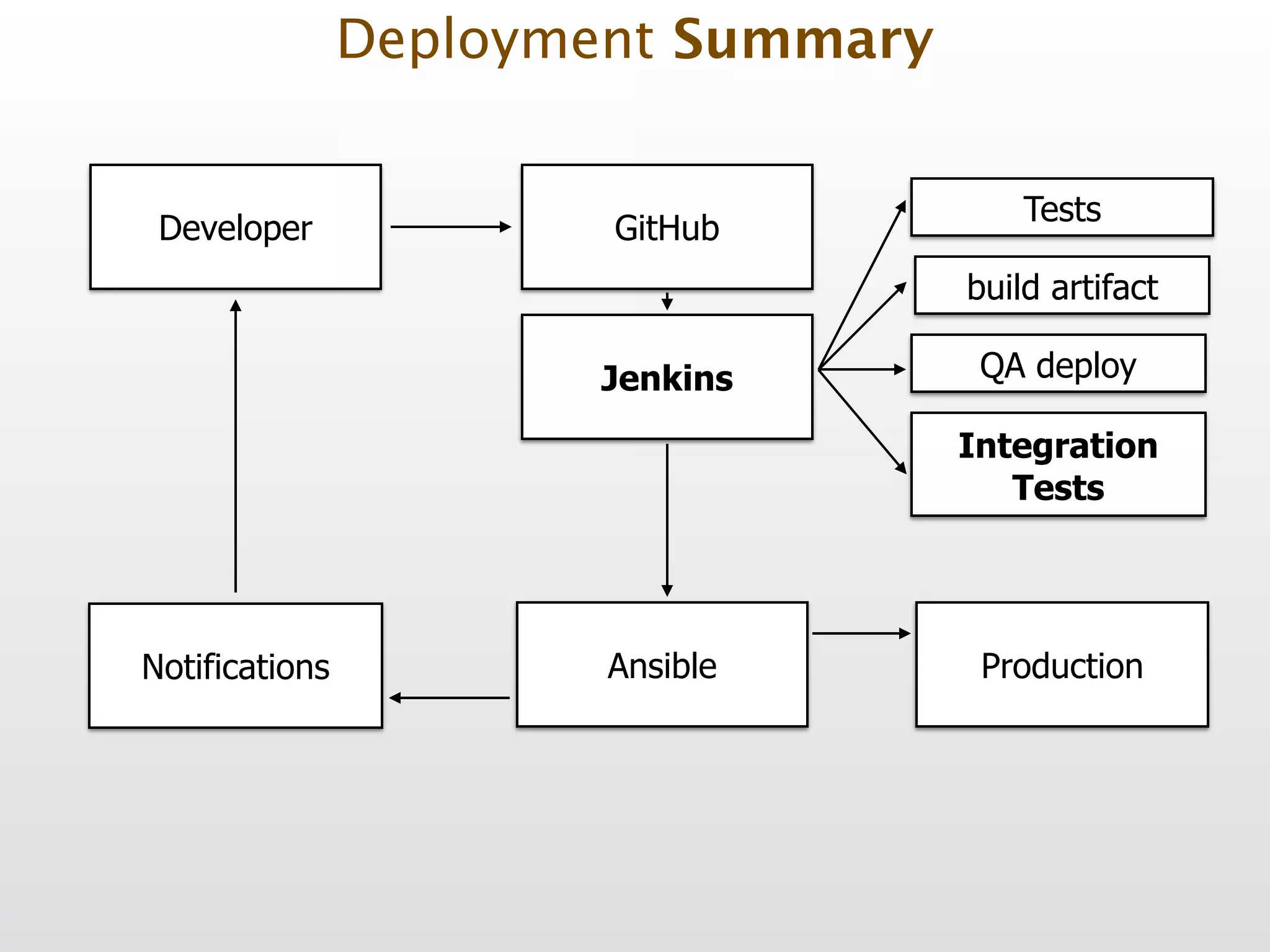
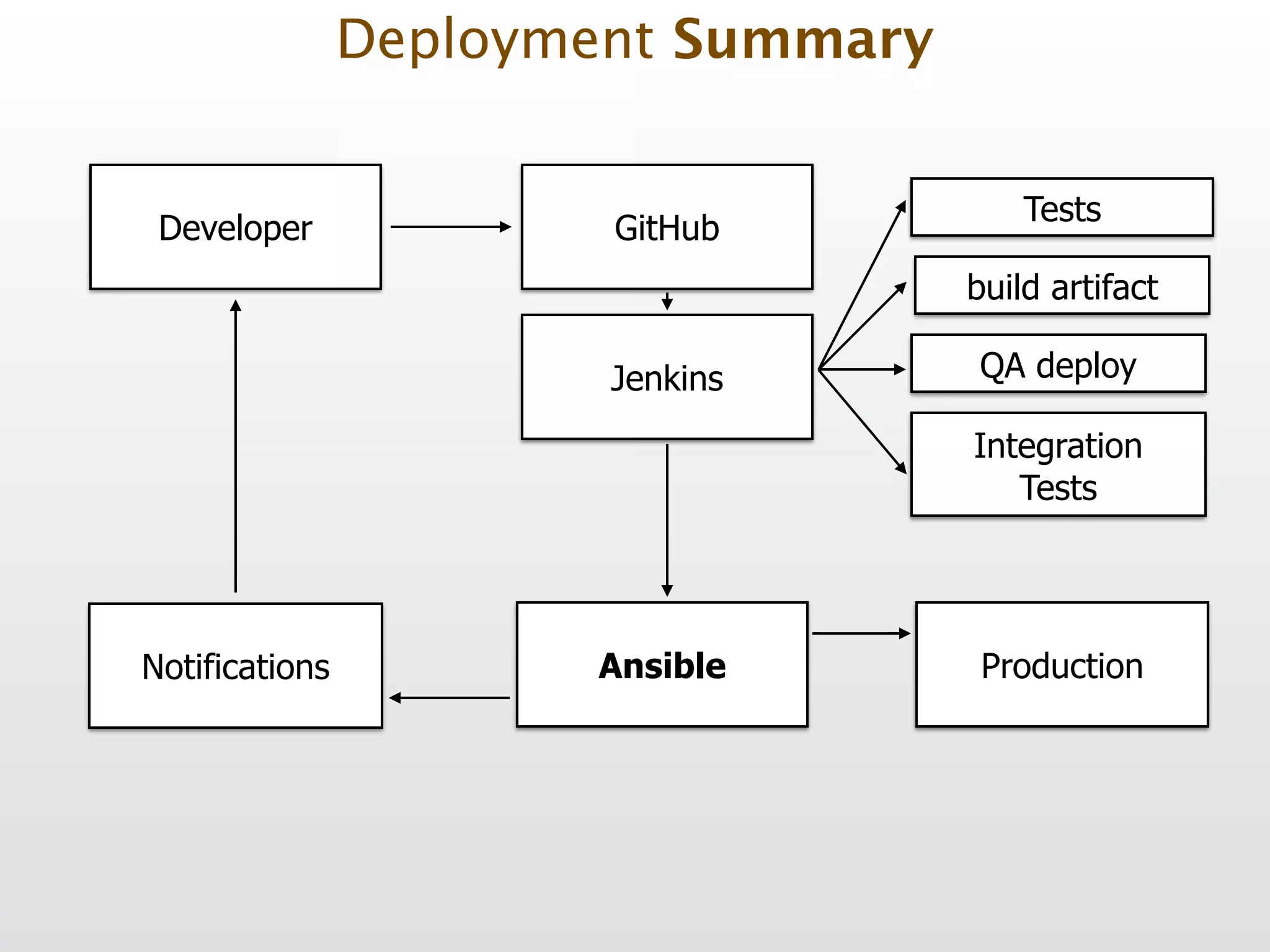
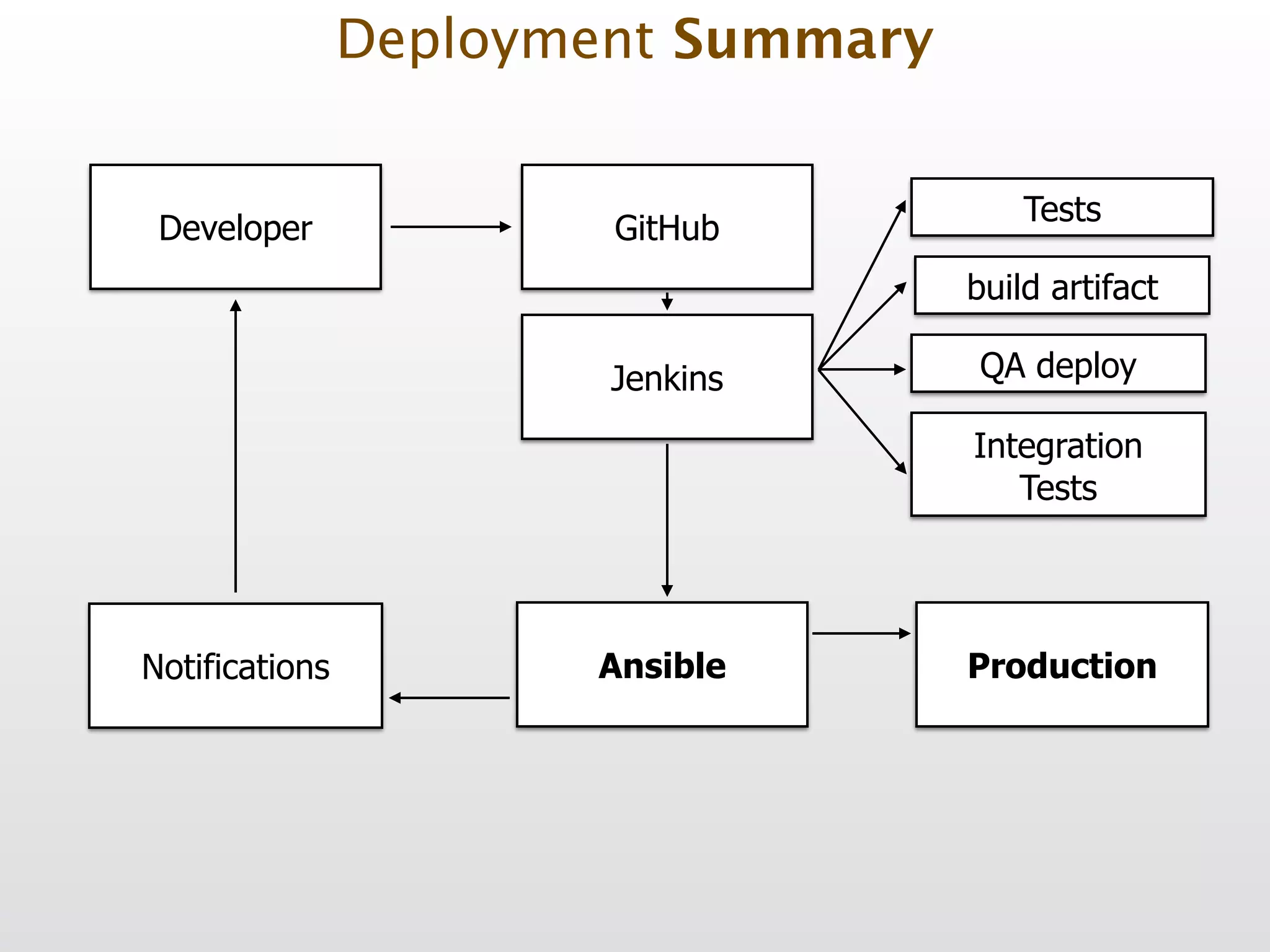
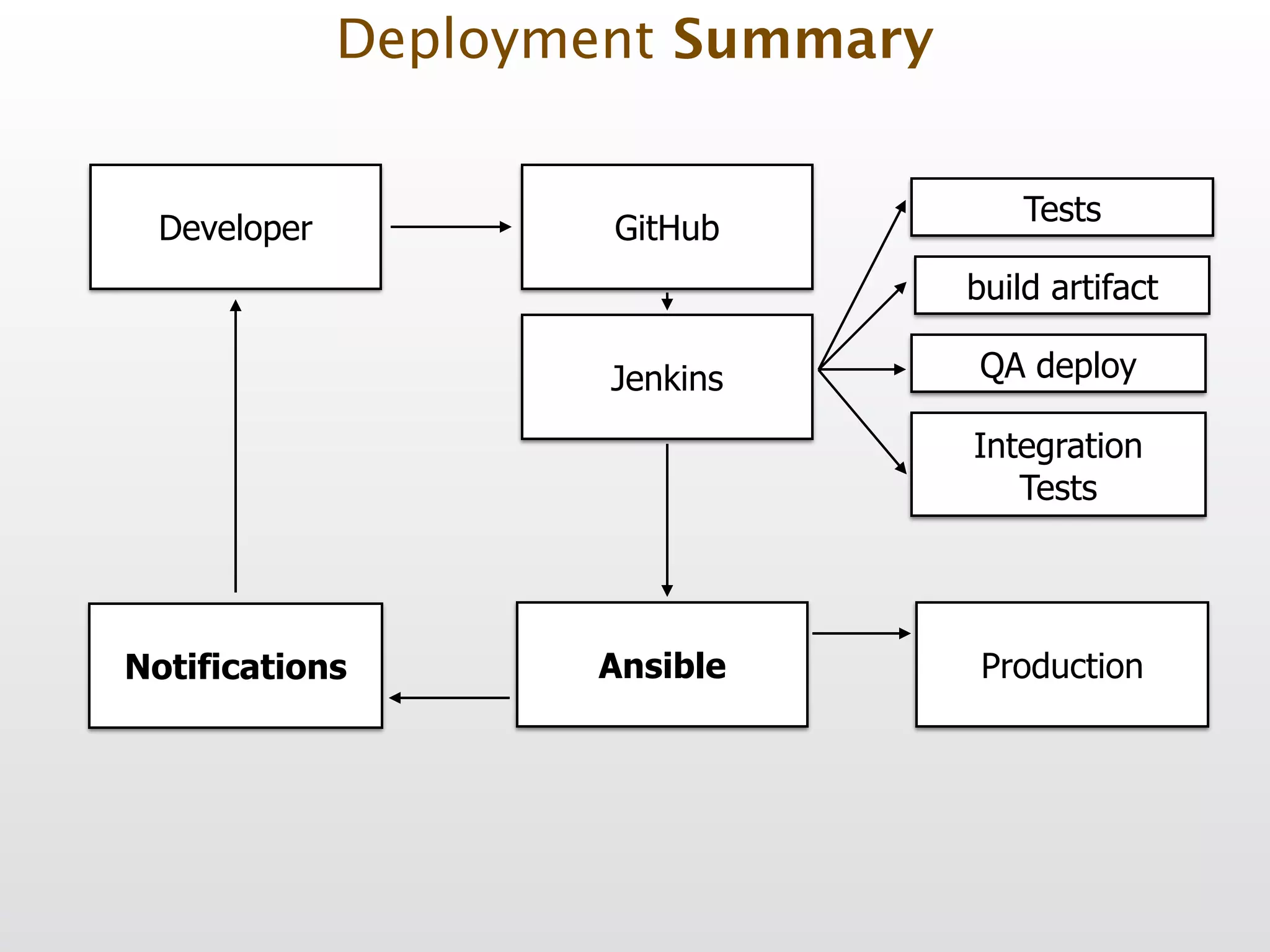
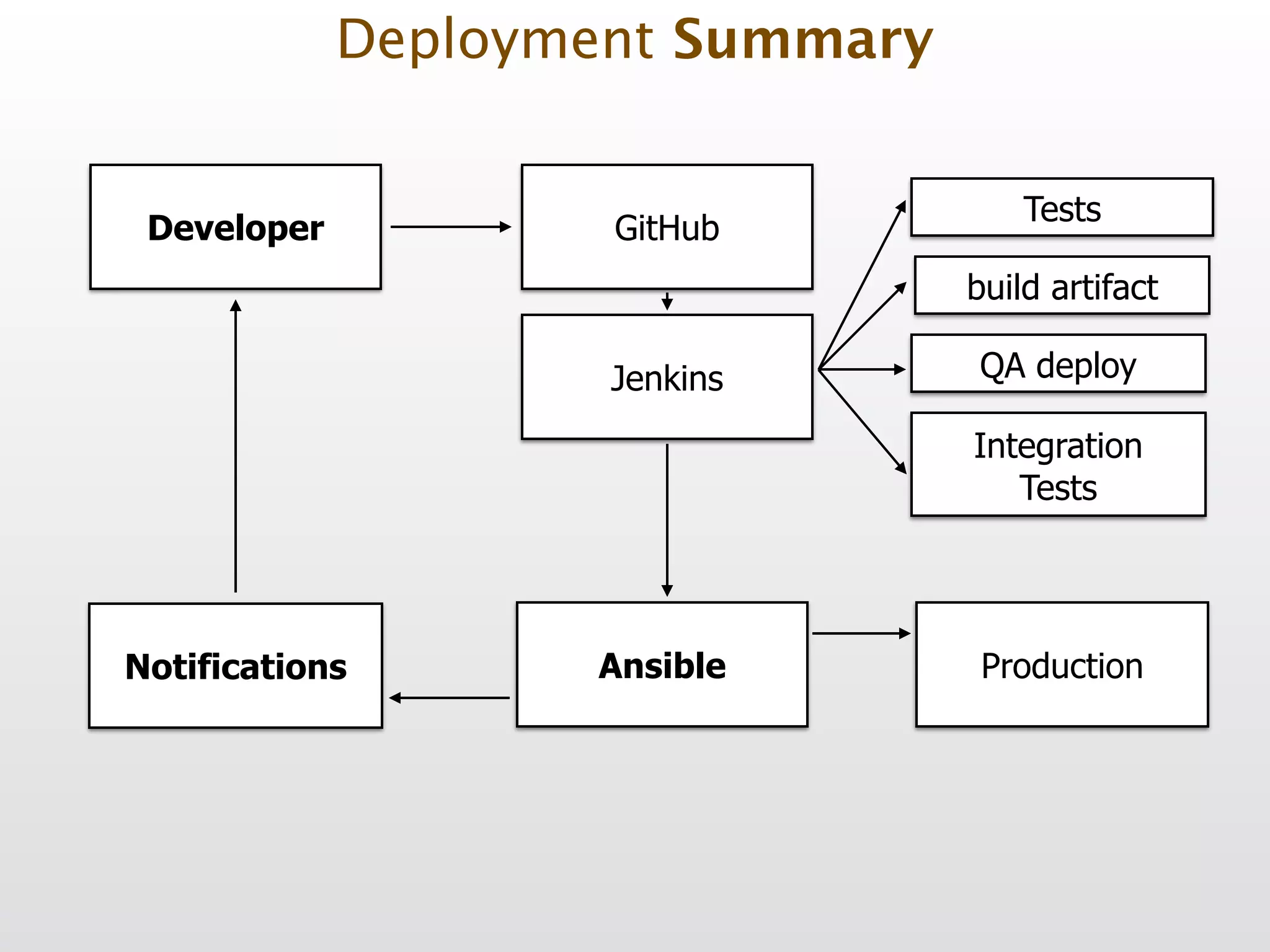
Deployment Summary
Developer Tests build artifact Ansible Production GitHub Jenkins QA deploy Integration 
 Tests Notifications Deployment Summary
Developer Tests build artifact Ansible Production GitHub Jenkins QA deploy Integration 
 Tests Notifications Deployment Summary
Developer Tests build artifact Ansible Production GitHub Jenkins QA deploy Integration 
 Tests Notifications Deployment Summary
Developer Tests build artifact Ansible Production GitHub Jenkins QA deploy Integration 
 Tests Notifications Deployment Summary
Developer Tests build artifact Ansible Production GitHub Jenkins QA deploy Integration 
 Tests Notifications Deployment Summary
Developer Tests build artifact Ansible Production GitHub Jenkins QA deploy Integration 
 Tests Notifications Deployment Summary
Developer Tests build artifact Ansible Production GitHub Jenkins QA deploy Integration 
 Tests Notifications Deployment Summary
Developer Tests build artifact Ansible Production GitHub Jenkins QA deploy Integration 
 Tests Notifications Deployment Summary
Developer Tests build artifact Ansible Production GitHub Jenkins QA deploy Integration 
 Tests Notifications Deployment Summary
Developer Tests build artifact Ansible Production GitHub Jenkins QA deploy Integration 
 Tests Notifications Deployment Summary
Developer Tests build artifact Ansible Production GitHub Jenkins QA deploy Integration 
 Tests Notifications Deployment Summary
Stop using FTP
Plan early
Practice
Monitor
AUTOMATE!
Now, we did finish! ! Questions? Slides: http://slideshare.net/pgodel Twitter: @pgodel
Thank you! Slides: http://slideshare.net/pgodel Twitter: @pgodel https://joind.in/12199 Feedback please!

Symfony Live NYC 2014 - Rock Solid Deployment of Symfony Apps